
Self-host Warpgate
v0.30.4Clientless SSH, HTTPS, RDP/VNC and database bastion with PAM
docker run --rm -it -v <data dir>:/data ghcr.io/warp-tech/warpgate setup- Stars
- 8 257
- Ports
- 8888 (HTTP / HTTPS admin & user web UI and HTTPS proxying), 2222 (SSH listener), 33306 (MySQL proxy listener), 55432 (PostgreSQL proxy listener), 8443 (Kubernetes API listener), 3389 (RDP listener), 5900 (VNC listener)
ghcr.io/warp-tech/warpgate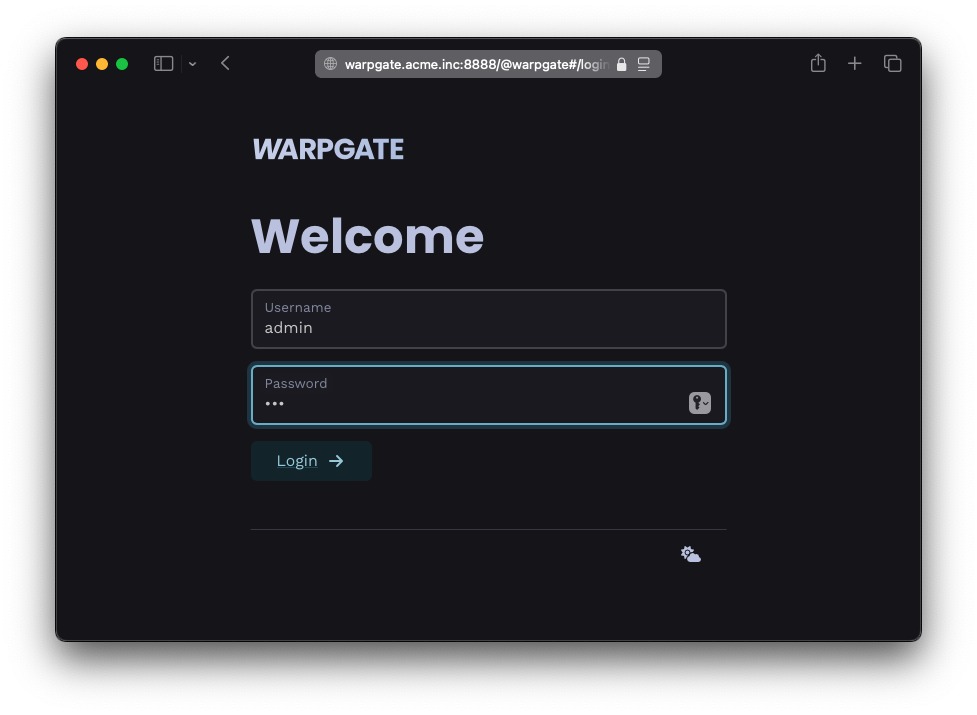
What is Warpgate?
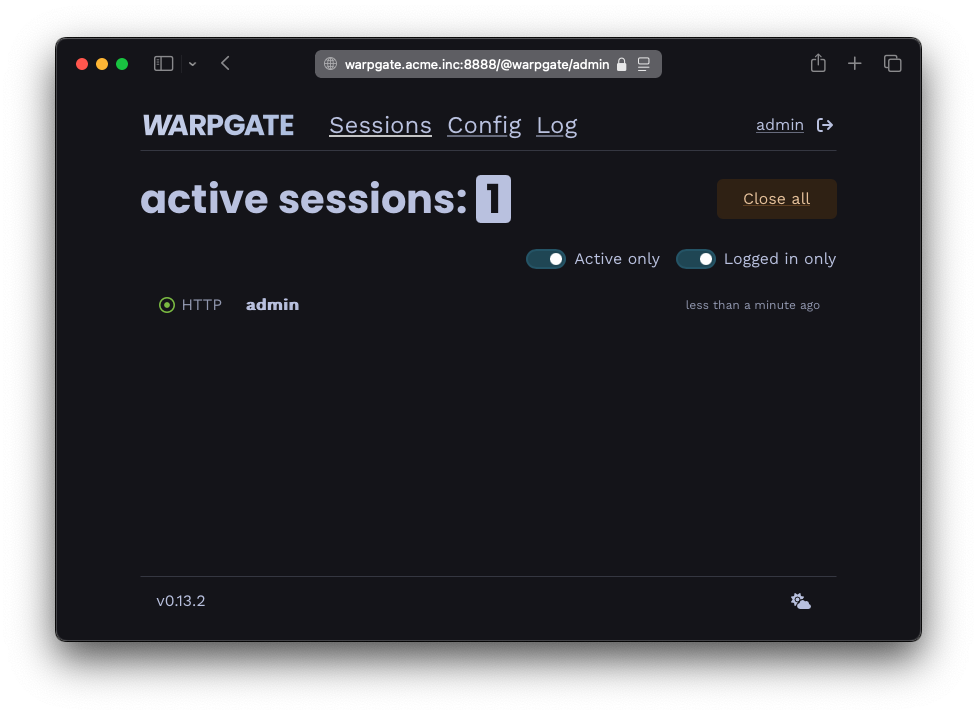
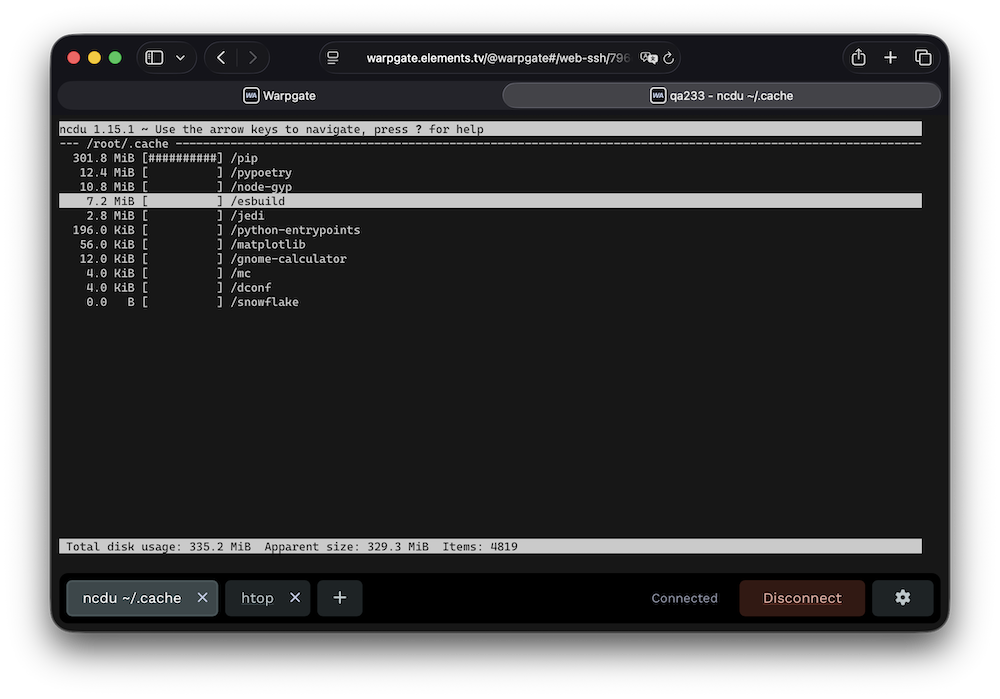
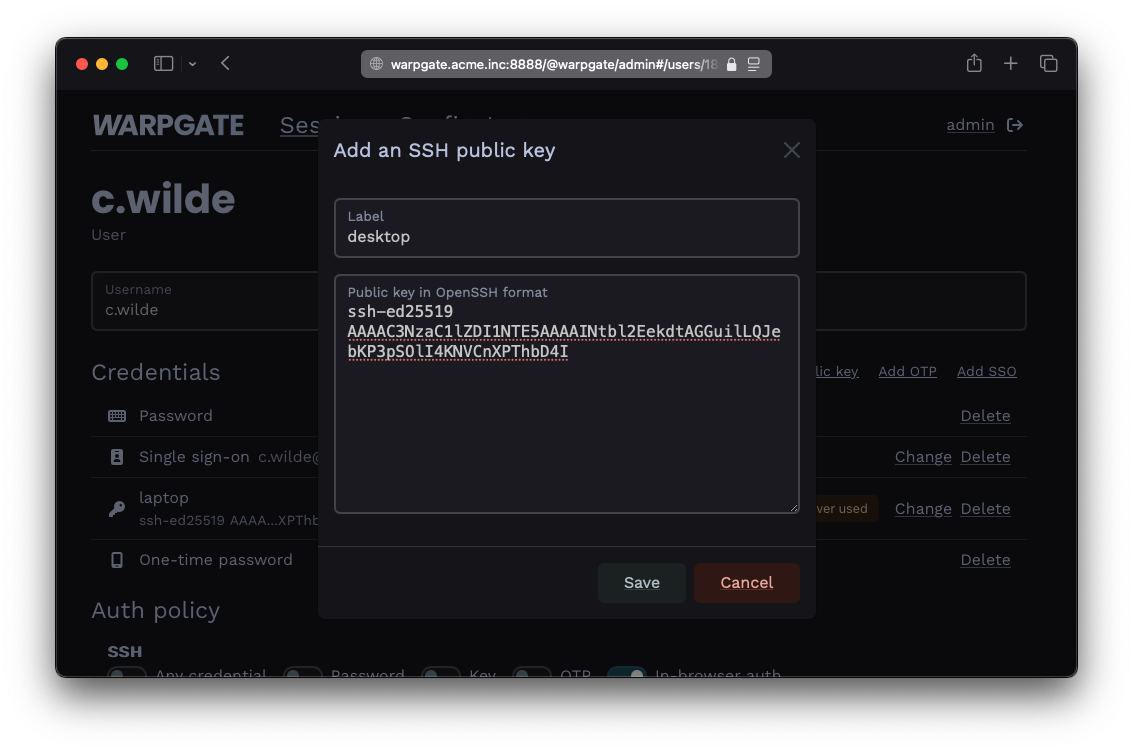
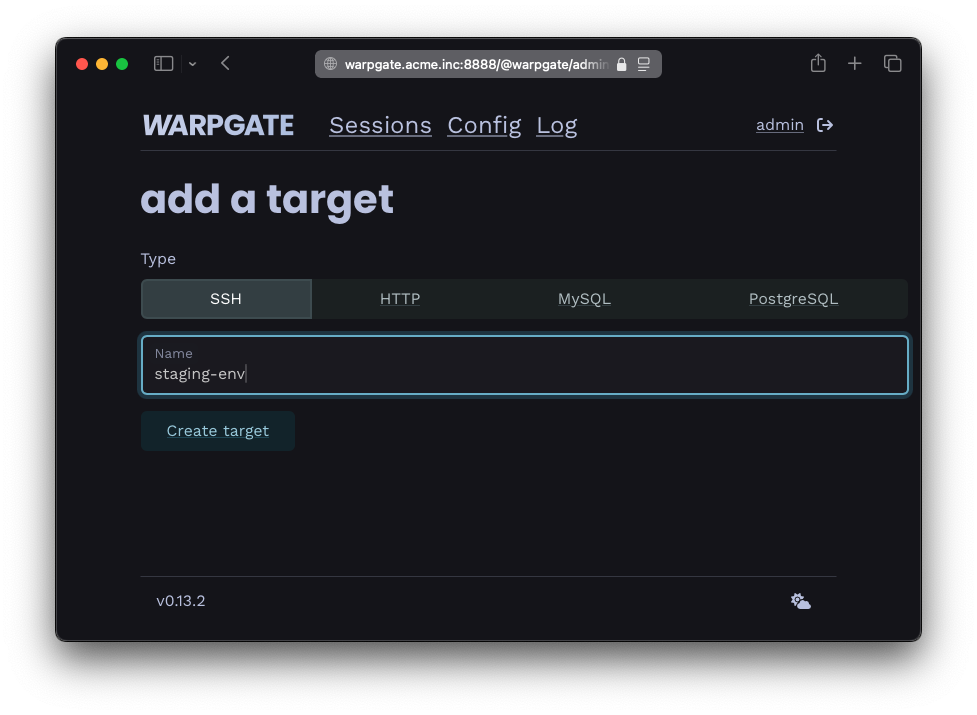
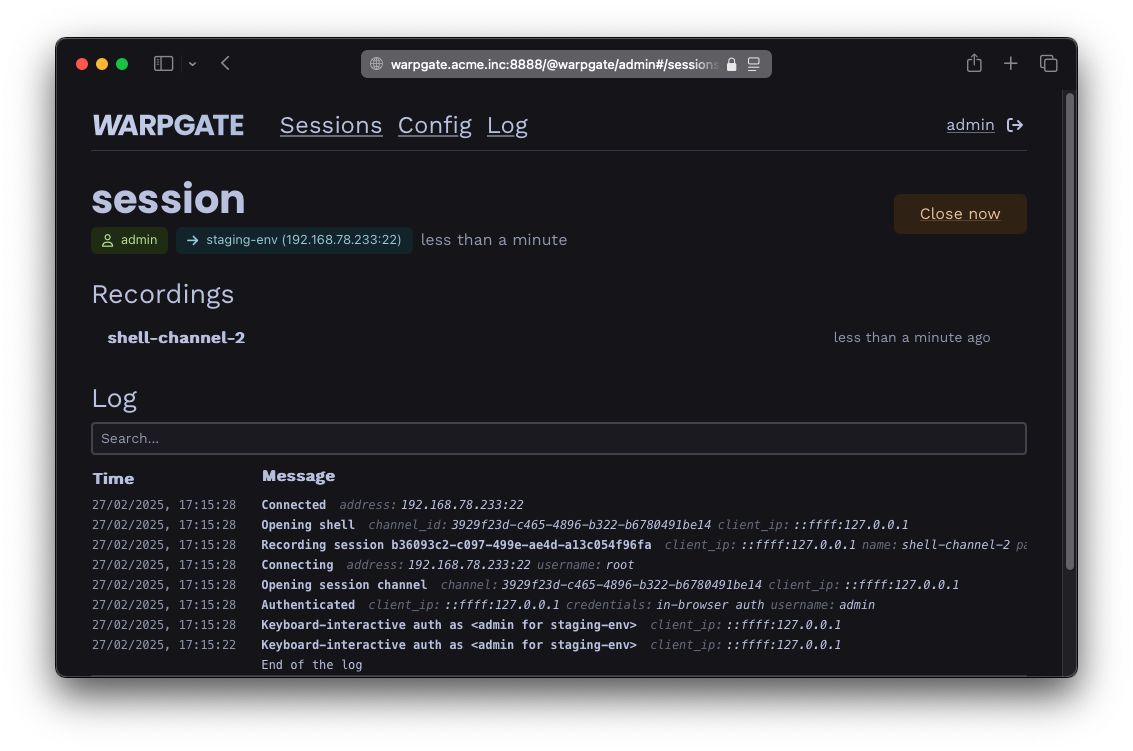
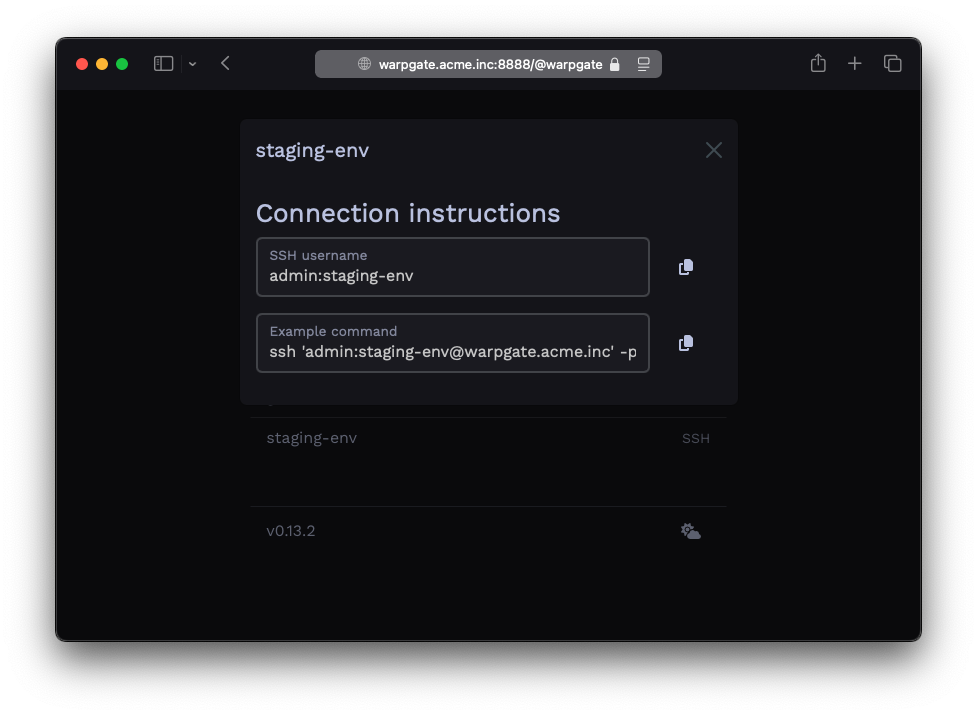
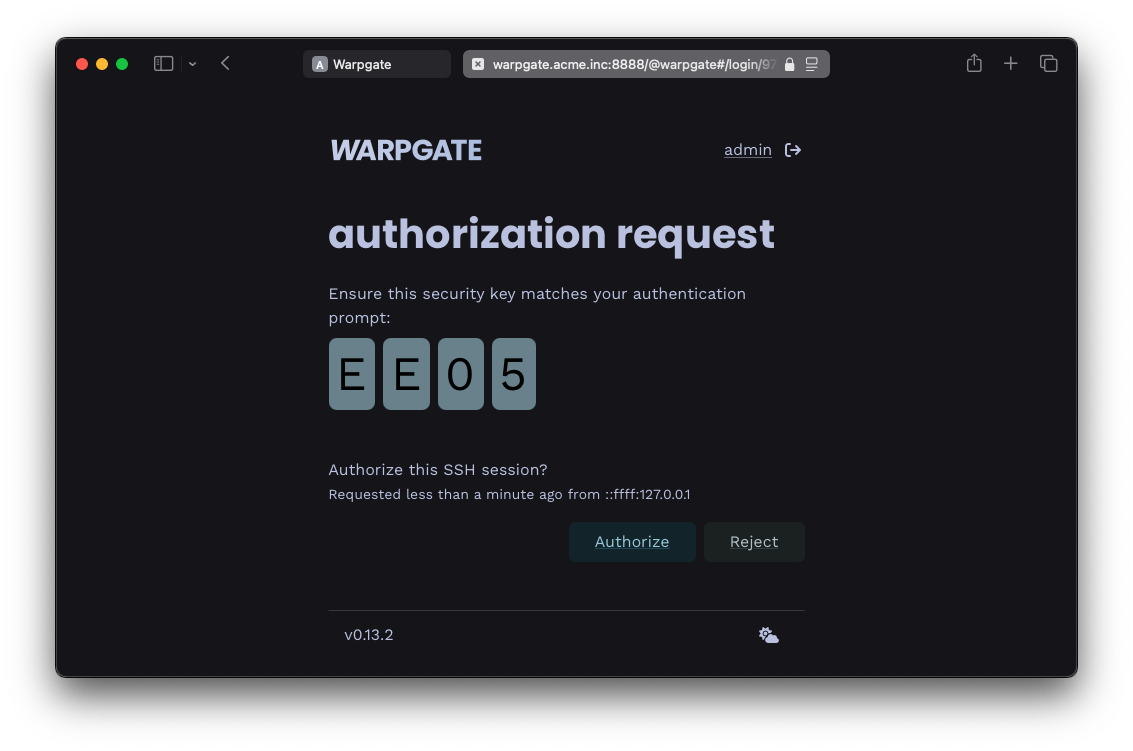
Warpgate is a bastion host and privileged-access-management proxy a team puts in its DMZ to govern who reaches which internal systems. It listens natively for SSH and HTTPS traffic, for Kubernetes API calls, for MySQL and PostgreSQL sessions, and for RDP or VNC desktops, authenticating each attempt with the user's own Warpgate credentials — passwords, public keys, authenticator-app codes, OIDC single sign-on — and then carrying the connection straight to the assigned target, so no agent or wrapper is needed on the client side. Access is mapped per resource through users and roles, with time-limited access tickets and just-in-time administrator approvals on top; a fail2ban-style mechanism blocks abusive IPs and locks accounts after repeated failures. Sessions are recorded and can be watched live or replayed from the admin UI, credentials stored for targets can be encrypted at rest or fetched from a Vault-compatible secret store at connection time, and logs, LDAP user import and an OpenAPI-documented REST API round out the auditing story. It is one 100%-safe-Rust binary with SQLite bundled: run warpgate setup to write a config, then warpgate run — Docker images, a Docker Compose file, a Helm chart and a community Kubernetes operator are also documented, and several nodes placed behind a TCP balancer rely on one shared MySQL or PostgreSQL database plus common recording storage (local disk or S3). The project is Apache-2.0, all features are free, and it is funded through support contracts; releases are still in the 0.x line with a 0.30 beta series in progress.
Warpgate alternatives
 CortenDeskSelf-hosted RustDesk console bundling ID server, relay, and browser client in one Docker image. Fixes signed-in client issues, adds fleet management, access control.CompareCortenDesk with Warpgate
 phantom-wgPhantom-WG is a self-hosted, open-source WireGuard VPN platform with multihop routing, IPv6 dual-stack, and crash recovery via SQLite, all in isolated Docker containers.Comparephantom-wg with Warpgate
 octeliumOpen-source self-hosted zero trust access platform replacing VPNs, tunnels and gateways, with WireGuard/QUIC clients, clientless access and policy-as-code.Compareoctelium with Warpgate
 PritunlSelf-hosted distributed VPN server for OpenVPN, WireGuard and IPsec with a web console, SSO and 2FA, MongoDB-backed clustering and site-to-site links.ComparePritunl with Warpgate
 AppwriteThe open-source cloud for agents & devs. Including Auth, Databases, Storage, Functions, Messaging, Hosting, Realtime, WAF and moreCompareAppwrite with Warpgate
 defguardSelf-hosted WireGuard VPN platform bundling an identity provider, per-connection MFA, LDAP/AD sync and firewall ACLs; open-source AGPL core written in Rust.Comparedefguard with Warpgate
 yantrYantr is a self-hosted homelab app store running as a rootless Podman container alongside your Linux OS — no appliance, no root daemon, ~140 MB RAM at idle.Compareyantr with Warpgate
 gravitlSelf-hosted, open-source WireGuard automation: mesh VPNs, remote access gateways and site-to-site networks managed from a web UI with ACLs and DNS.Comparegravitl with Warpgate
All self-hosted alternatives to HashiCorp Boundary → All self-hosted alternatives to StrongDM → All self-hosted alternatives to WALLIX Bastion →
Should you self-host Warpgate?
Warpgate scores 75/100 on selfhost.directory (how scoring works) and ranks #11 of 78 in Security. It has 8 257 GitHub stars, +200 in the last 30 days.
It shipped 35 stable releases in the past year. The latest, v0.30.4, came out on 3 November 2026. New versions land roughly every 3 days.
Setup is easy: most people get it running in one sitting. An official Docker image is available. It is Apache-2.0-licensed and written mostly in Rust.
Its closest alternative on selfhost.directory is jumpserver (77/100, 31 959 stars). It scores higher overall, so compare the two before you pick. See Warpgate vs jumpserver side by side.
Features
- Access tickets
- Admin web UI
- Browser-based SSH / RDP / VNC access
- Brute-force login protection
- Credential encryption at restv0.28+
- External secret backends (Vault / OpenBao)v0.30+
- Just-in-time session approvalsv0.29+
- LDAP user import and SSH key sync
- Multi-node clustering behind a load balancerv0.27+
- REST API with API tokens
- Role-based Access Control
- Session recording and replay
- Single sign-on (OpenID Connect)
- Transparent multi-protocol proxying (no client software)
- Two-factor authentication / MFA enforcement
Warpgate README


More in Security
 WazuhSelf-hosted, open-source XDR and SIEM platform: endpoint agents plus server, indexer and dashboard for log analysis, file integrity, vulnerabilities and compliance.
 web-checkOpen-source, self-hosted OSINT tool that runs 44 checks on any URL - DNS, TLS, headers, ports, CVEs, trackers - through a web UI or plain API.
 WebterminalSelf-hosted open-source bastion host unifying SSH, RDP, VNC, database and Kubernetes access via browser or native clients with fine-grained auth and full audit.
 werbotWerbot is a self-hosted bastion host providing single sign-on access to servers, databases, and apps via SSH, RDP, VNC with full session recording and audit logging.
 whisperSelf-hosted, open-source tool for securely sharing passwords via encrypted one-time links with client-side AES-256-GCM encryption and Argon2id hashing.
 who-rangSelf-hosted doorbell dashboard using AI to identify visitors, recognize faces, and provide analytics. Integrates with Home Assistant, supports 5 AI providers.
 WikiSuiteWikiSuite is the most comprehensive and integrated Open Source enterprise solution, offering a suite of tools for communication, collaboration, data management, and more.
 WildboxWildbox is a self-hosted, open-source security operations platform with threat intelligence, AWS cloud security, vulnerability management, SOAR, and LLM analysis.
 wiredoorOpen-source, self-hosted ingress exposing HTTP/TCP/UDP from private networks via WireGuard tunnels, with full control over endpoints and routing.
 WireGuard EasyThe easiest way to run WireGuard VPN + Web-based Admin UI.
 wlgblockSelf-hosted Wayland session locker that replaces password entry with a patched Pokémon Crystal game challenge, using the ext-session-lock-v1 protocol for secure locking.
 WPMgrWPMgr is a self-hosted, open-source WordPress fleet management platform for backups, updates, uptime monitoring, image optimization, and security from one dashboard.
0 comments