
Self-host unbagrnd
v0.5.6On-device AI background remover for desktop and mobile
- Stars
- 179
- Port
- 8080 (REST API server)
What is unbagrnd?
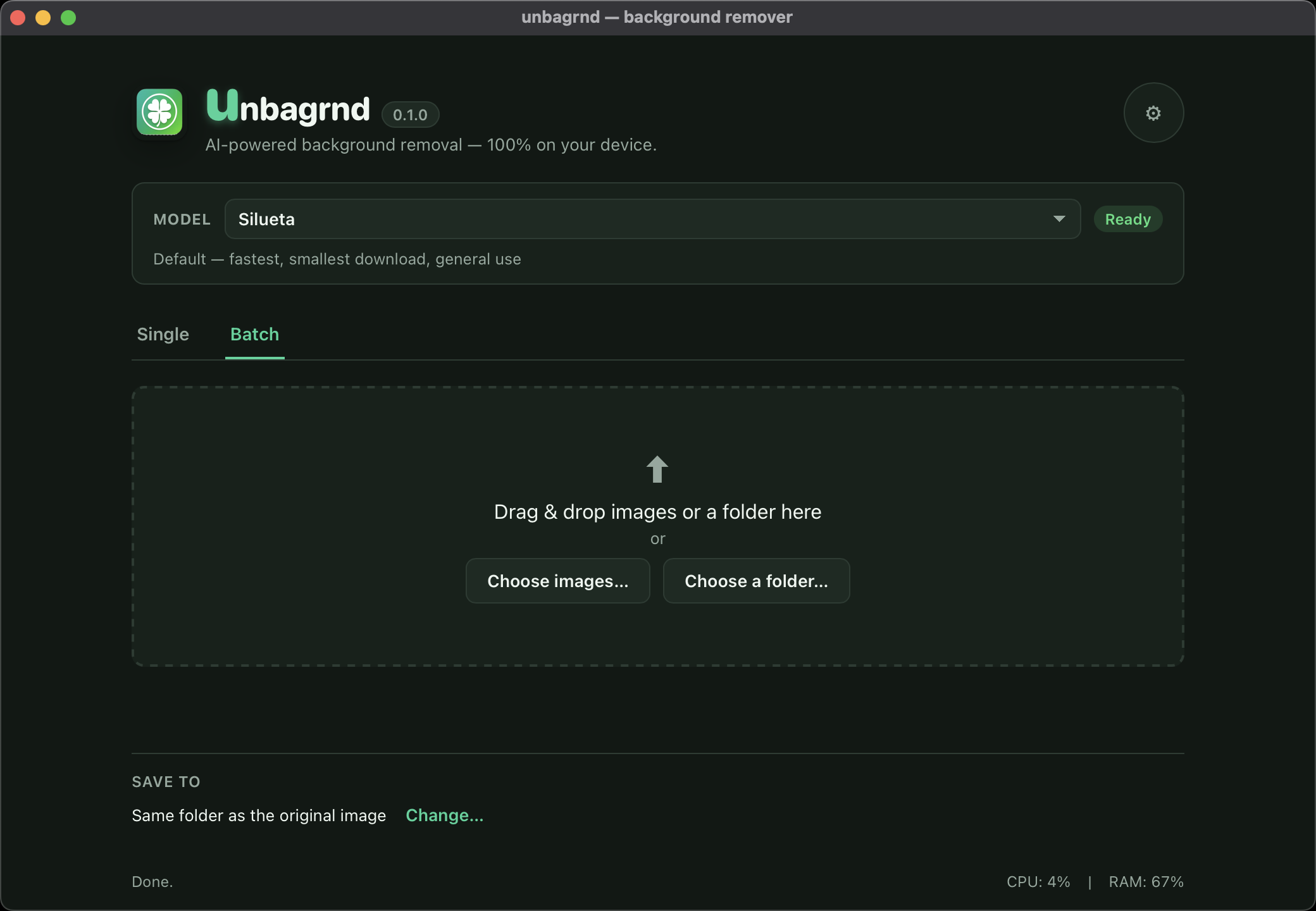
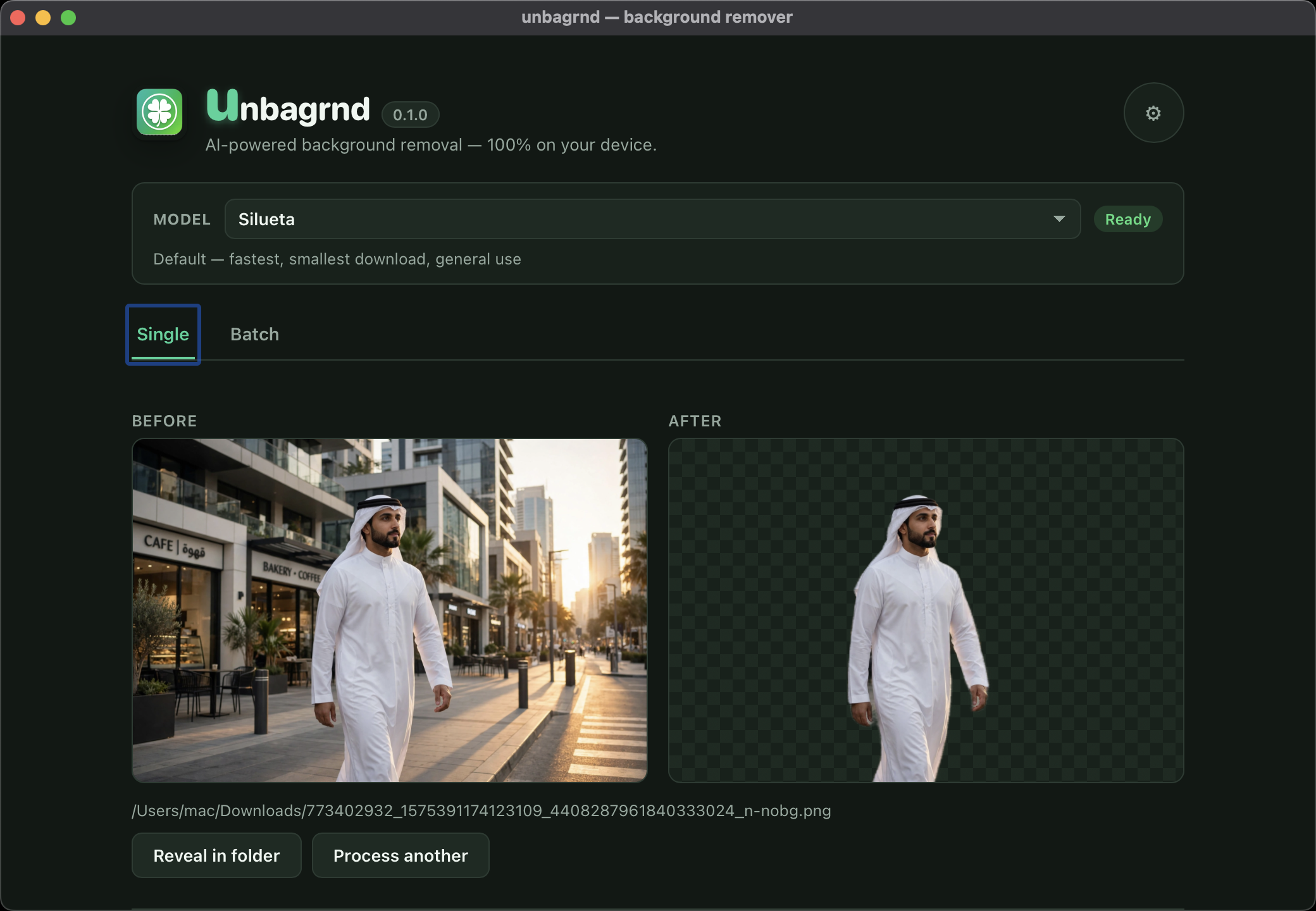
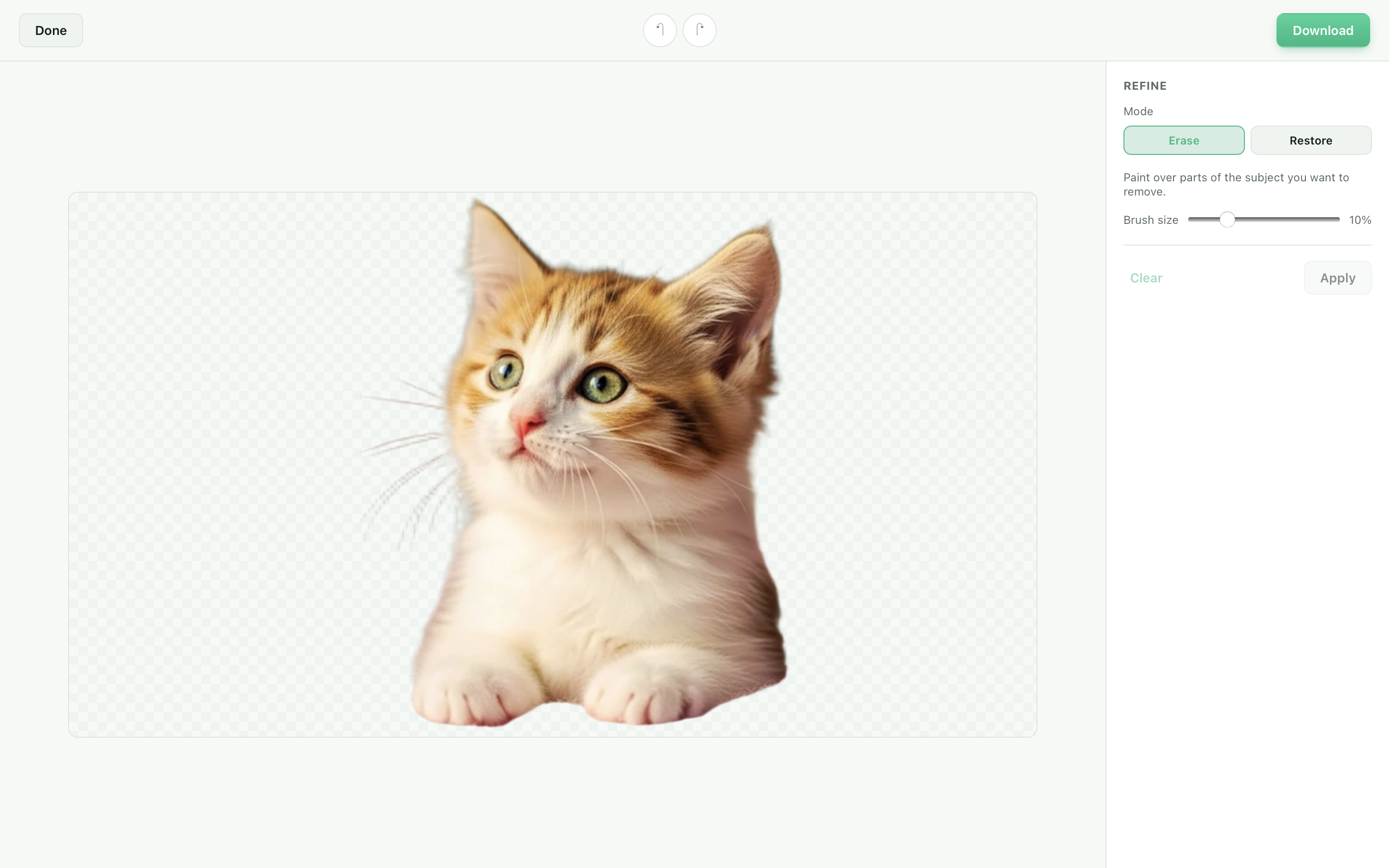
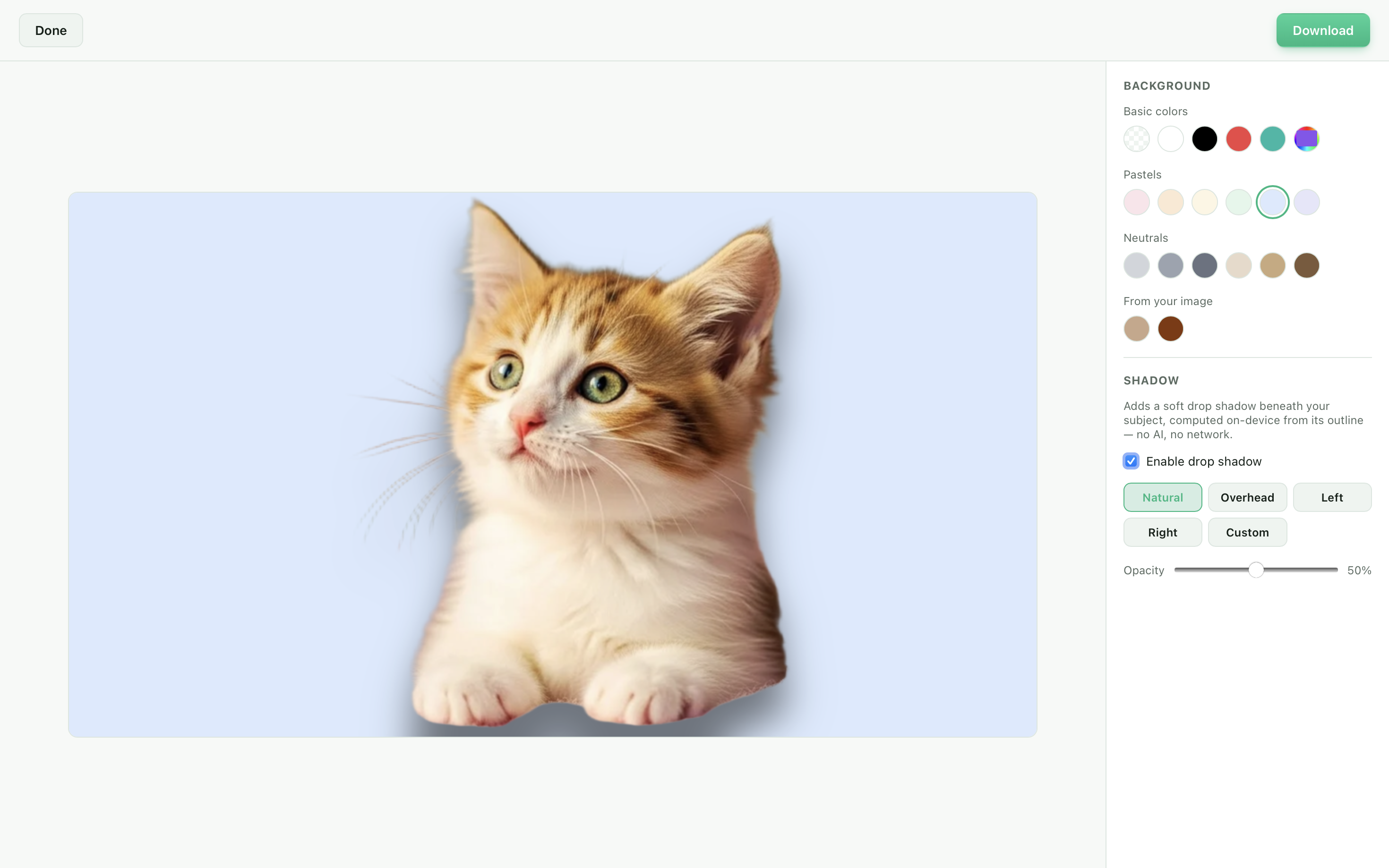
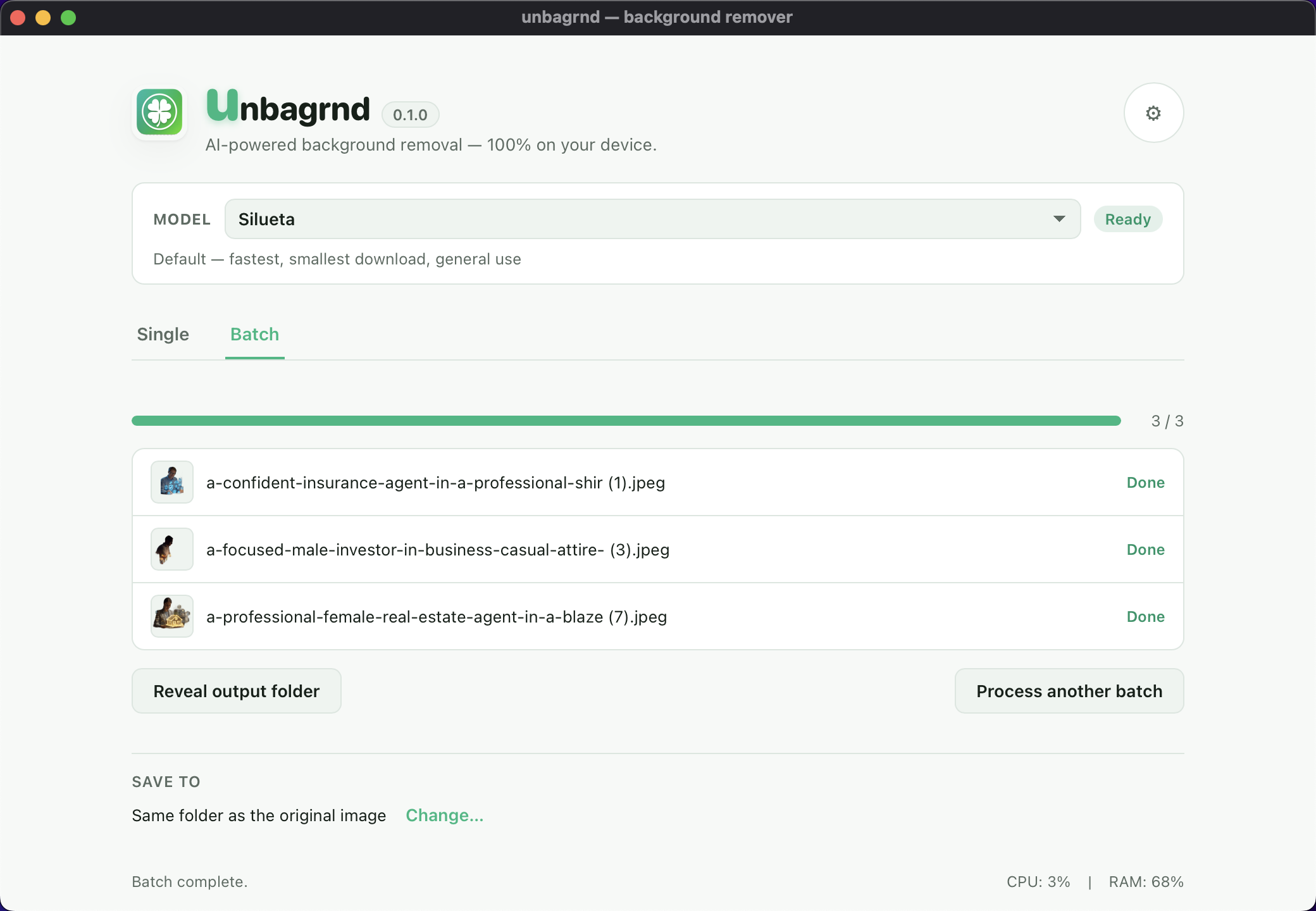
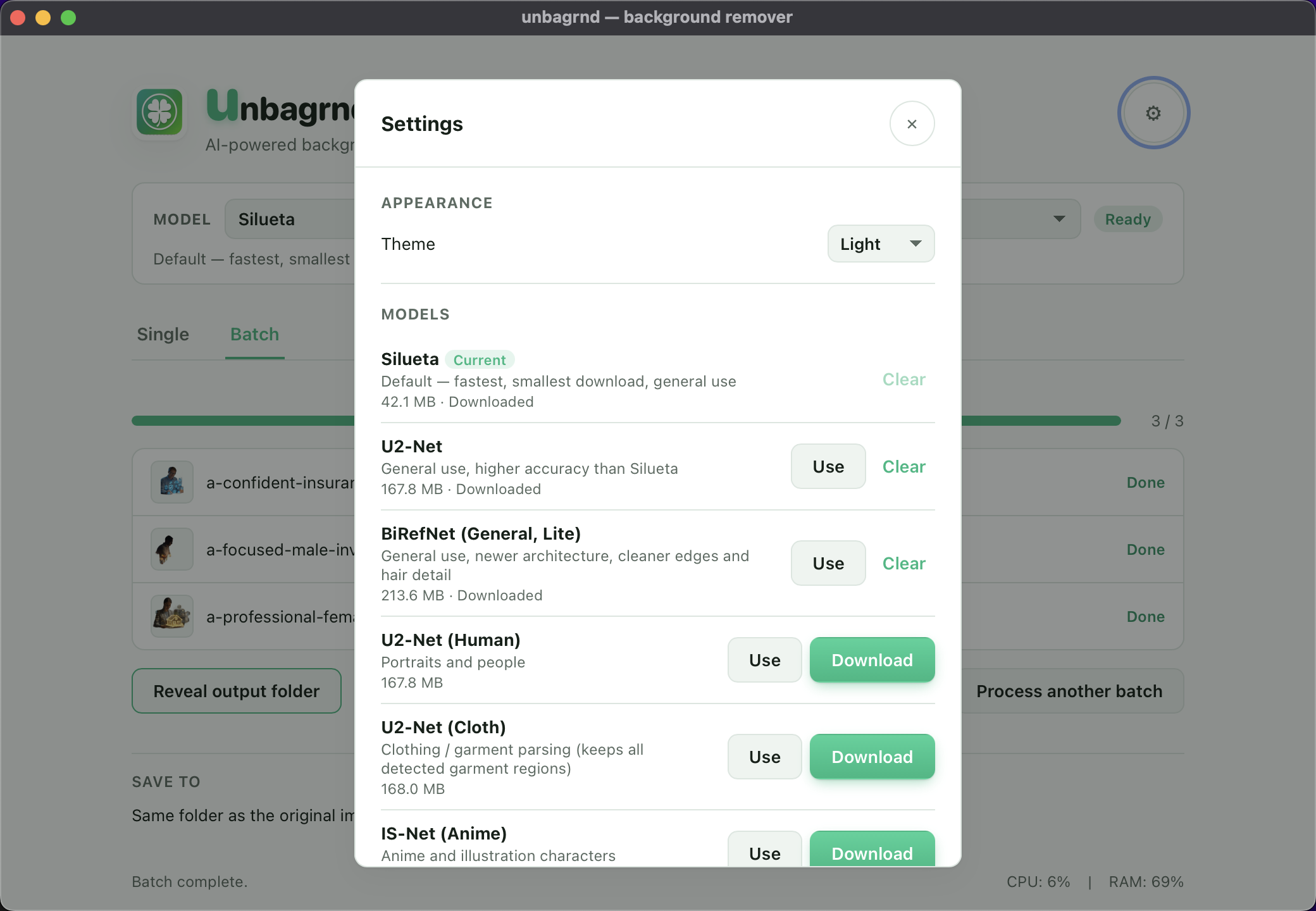
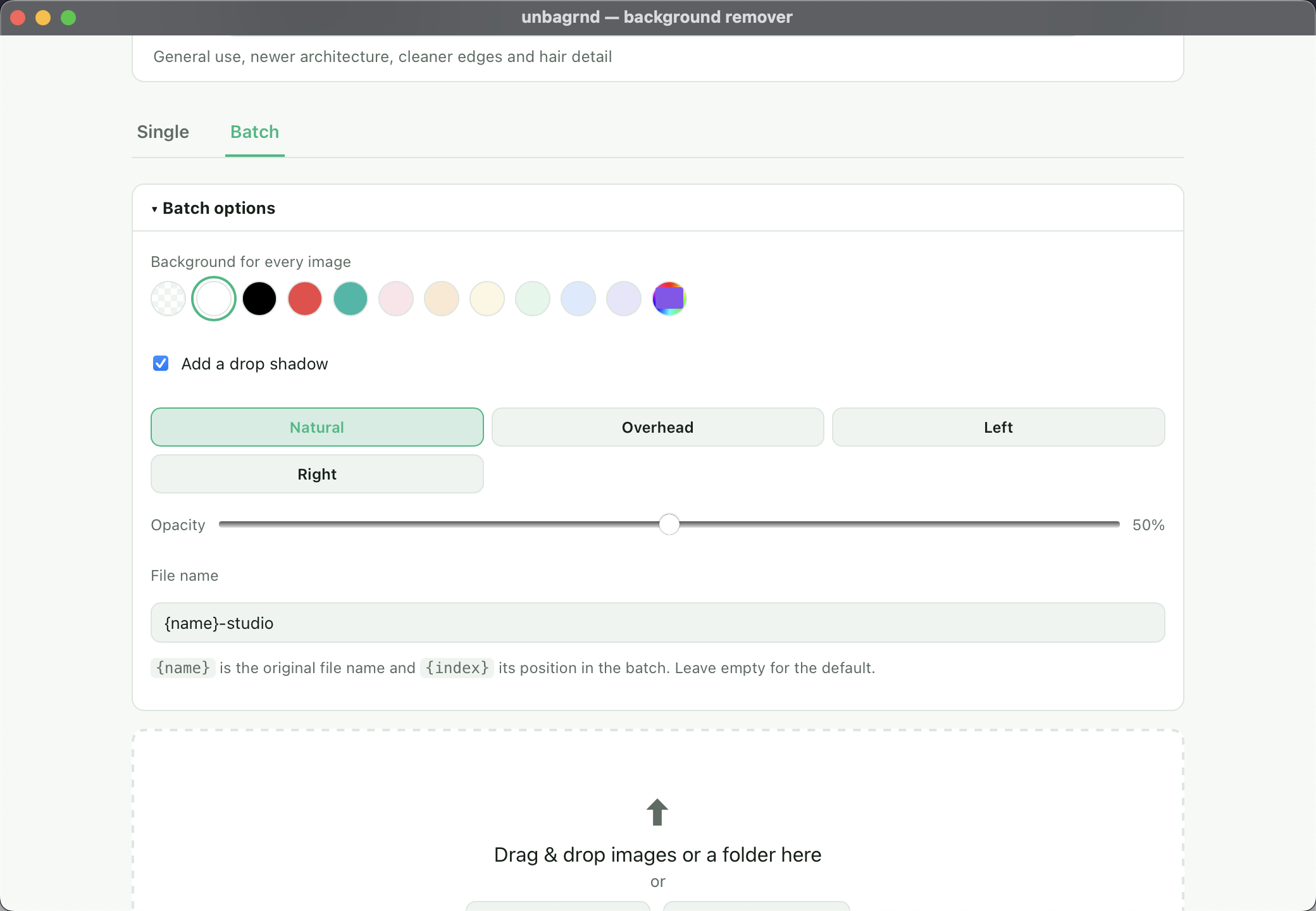
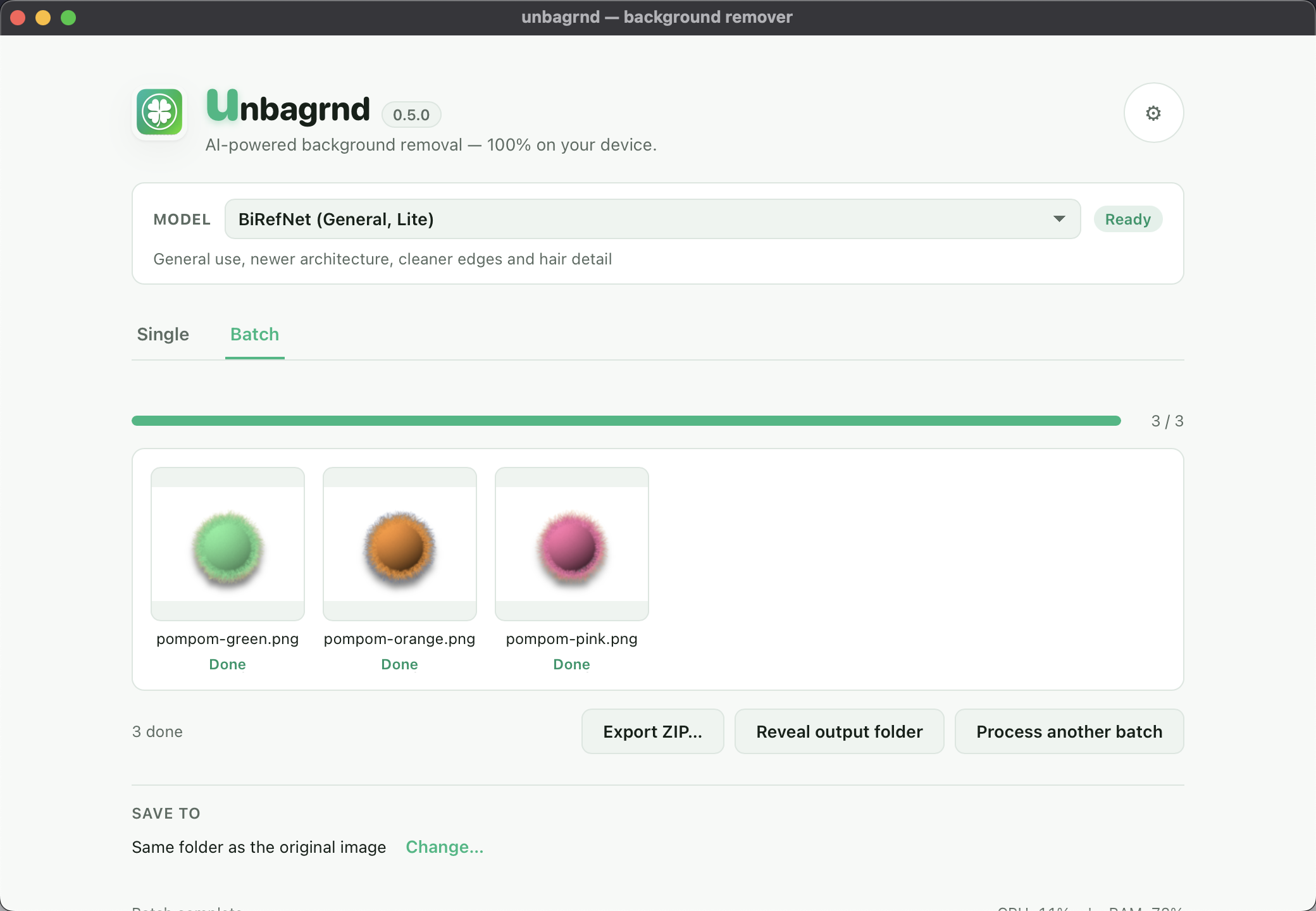
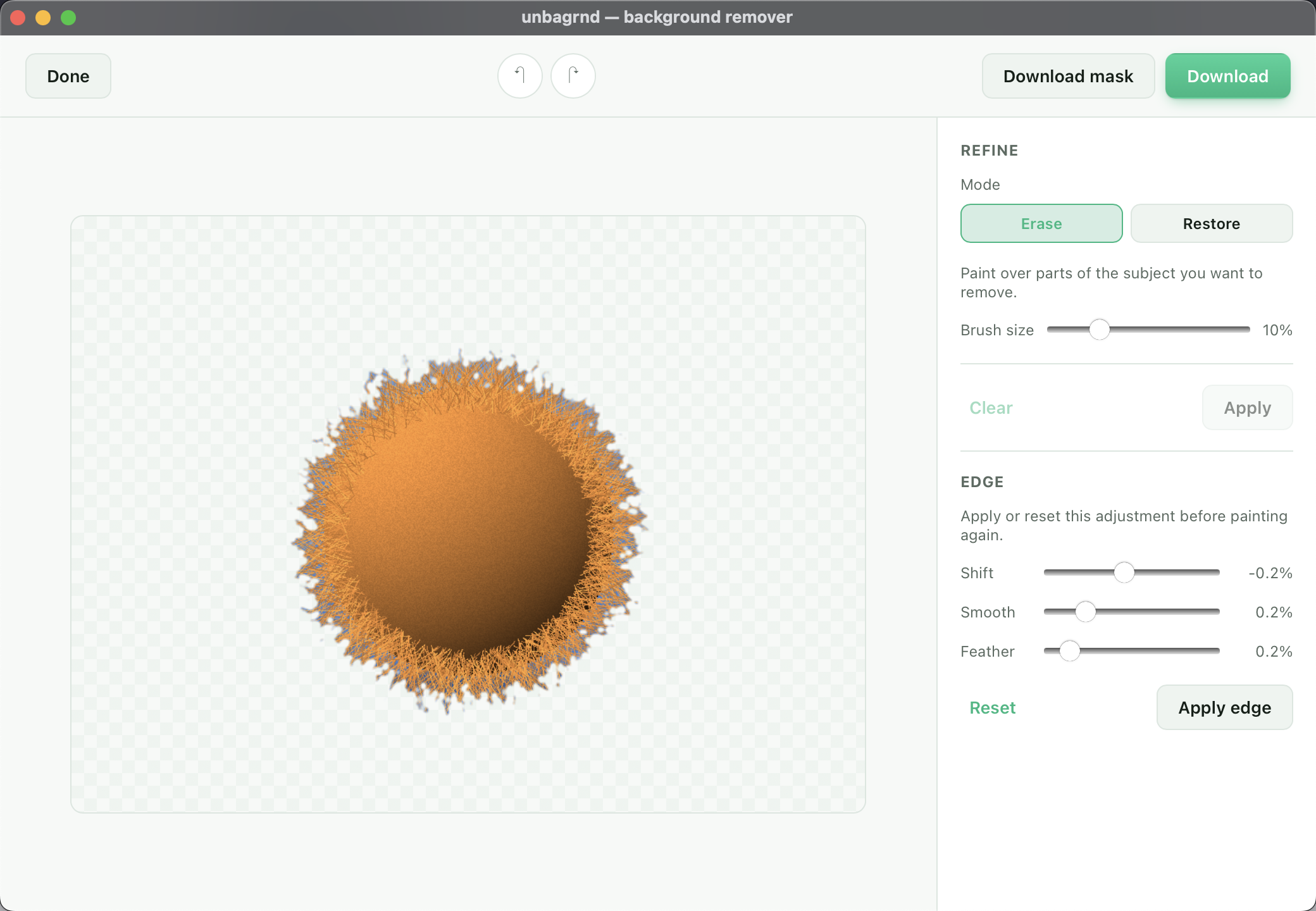
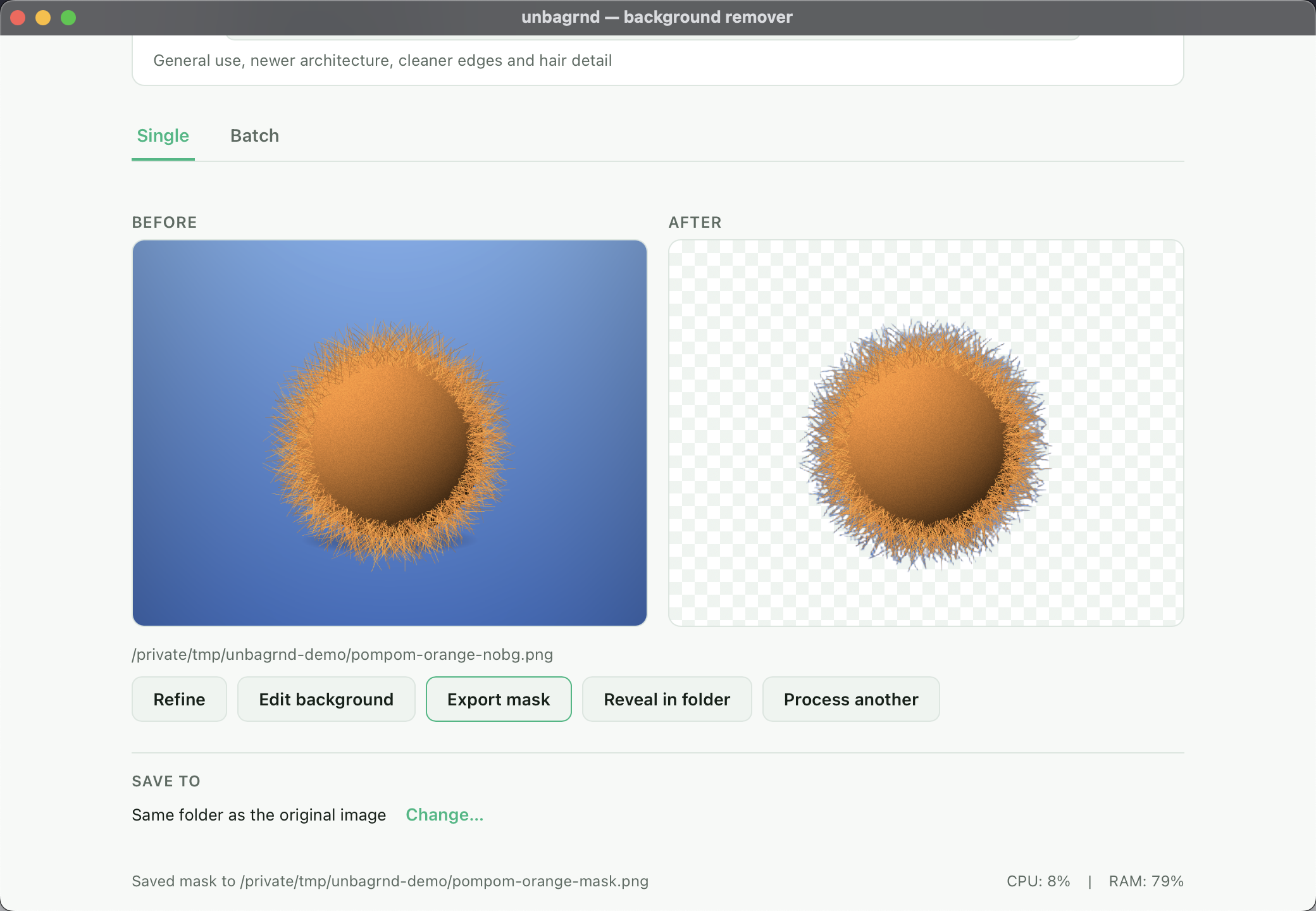
unbagrnd removes backgrounds from images using on-device AI inference via ONNX Runtime. It runs the IS-Net model locally with zero network traffic after a one-time model download. The desktop app offers single and batch processing, manual mask refinement with brush and edge controls, background color fill and drop shadow, and export to PNG, WebP, or SVG. A self-hosted REST API (unbagrnd-api) wraps the same core for server deployments with API key authentication, rate limiting, and batch endpoints. All builds are MIT-licensed, free, and work offline after initial setup.
Should you self-host unbagrnd?
unbagrnd scores 46/100 on selfhost.directory (how scoring works) and ranks #10 of 13 in Image Processing. It has 179 GitHub stars.
It shipped 8 stable releases in the past year. The latest, v0.5.6, came out on 14 October 2026. New versions land roughly every 3 days.
Setup is easy: most people get it running in one sitting. It is MIT-licensed and written mostly in Rust.
Its closest alternative on selfhost.directory is Rembg (78/100, 25 216 stars). It scores higher overall, so compare the two before you pick. See unbagrnd vs Rembg side by side.
Features
- Alpha mask export
- Background editor
- Batch Processing
- Edge refinement
- Manual mask refinement
- Multiple AI models
- Multiple Export Formats
- Offline after setup
- On-device AI background removal
- Self-hosted REST API
unbagrnd README
More in Image Processing
 url-to-pngSelf-hosted, open-source PNG screenshot service from URLs using Playwright with caching (S3/CouchDB/filesystem) and Prometheus metrics.
 withoutbgPython SDK for local and cloud background removal (pip install withoutbg)
 CompreFaceOpen-source face recognition system you can self-host. Provides REST API for detection, verification, recognition, age/gender/mask/pose analysis.
 Digicardself-hosted, open-source web app for composing simple graphics and virtual cards: text, images, shapes, Pixabay backgrounds and image export, with no account needed.
 DigifaceSelf-hosted, open-source avatar maker built on the Avataaars art: twelve customization options, random generation, PNG export at 900x960, and four interface languages.
 FlyimgSelf-hosted, open-source image optimization service: resize, crop and compress any image URL on the fly and serve AVIF, WebP or MozJPEG from one Docker container.
 FlyReq Image StudioFlyReq Image Studio is a self-hosted, open-source AI image and video generation workspace with multi-model support, infinite canvas, agent mode, and PWA.
 frigate_plate_recognizerSelf-hosted Docker service that identifies license plates from Frigate events using Plate Recognizer or CodeProject.AI and publishes results via MQTT.
 iipsrviipsrv is a self-hosted, open-source FastCGI image server that streams and zooms gigapixel-scale images via IIIF, IIP, Zoomify, and DeepZoom protocols.
 ImageFlowSelf-hosted, open-source image management and delivery platform that converts to WebP/AVIF, serves device-aware images, and offers a random-image API with tag filters.
 imagorA self-hosted, open-source HTTP image server built on libvips that resizes, crops, filters and converts on demand, speaking thumbor URL syntax as a drop-in replacement.
 imagor-studioSelf-hosted photo gallery with built-in layered editing, template system, and on-demand URL transformations. Virtual scrolling handles huge libraries.
0 comments