
Self-host telescope
v0.0.27Web-based log viewer for ClickHouse, StarRocks, Docker, K8s
- Stars
- 712
- Port
- 9898 (HTTP web interface)
ghcr.io/iamtelescope/telescope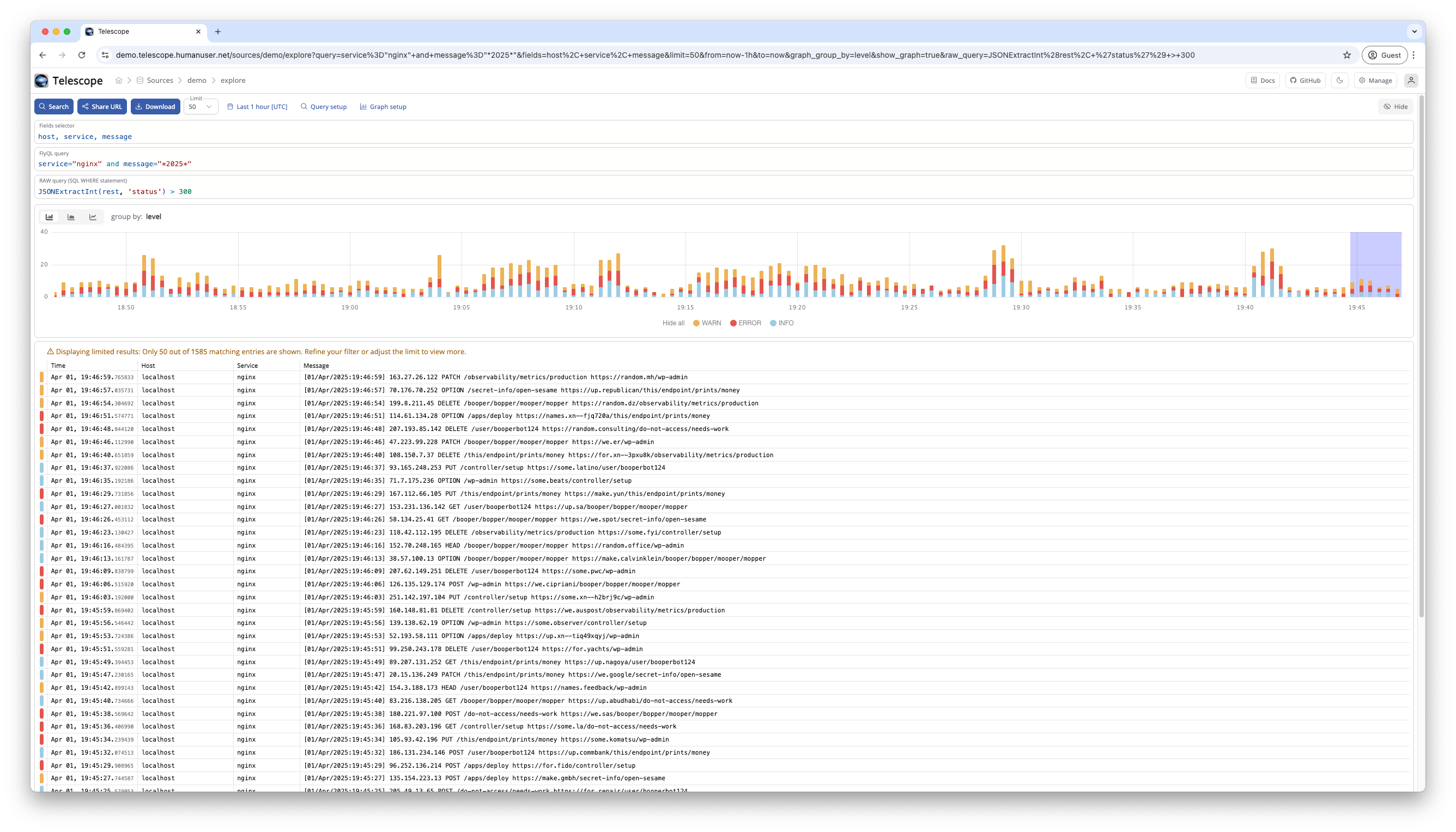
What is telescope?
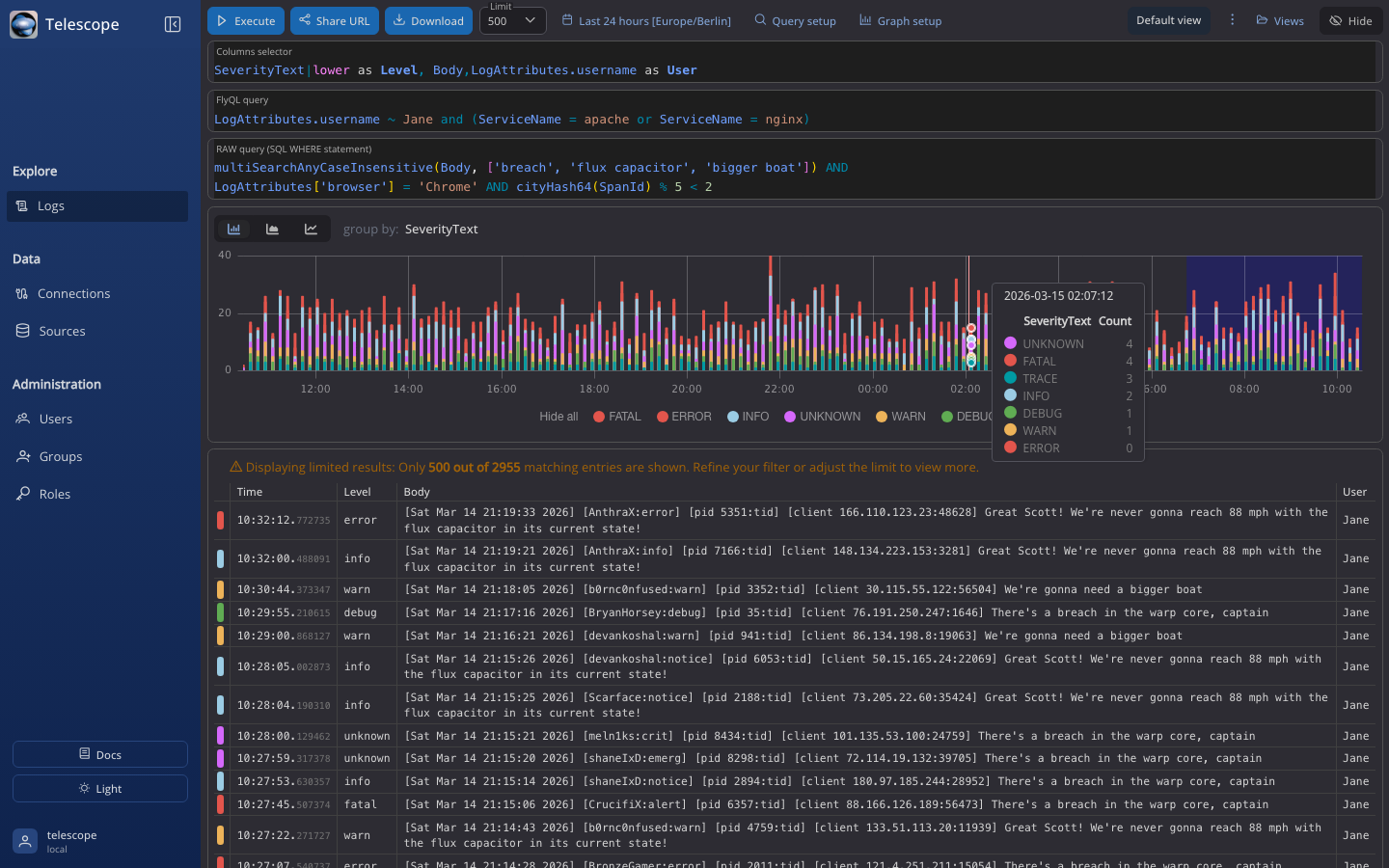
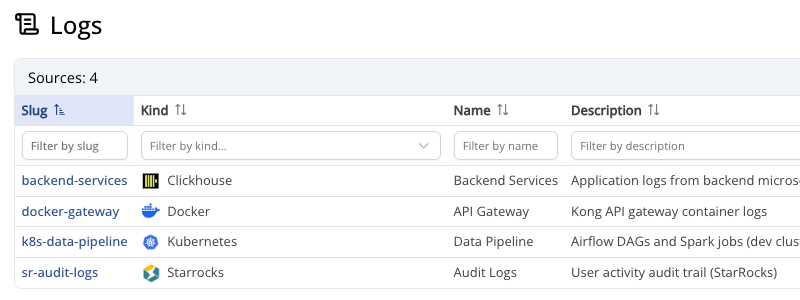
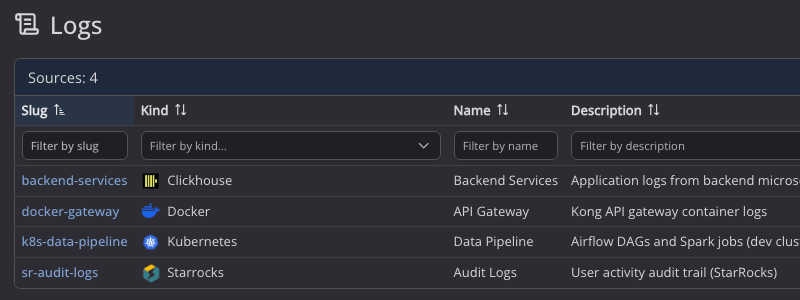
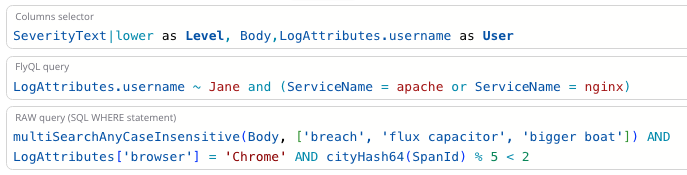
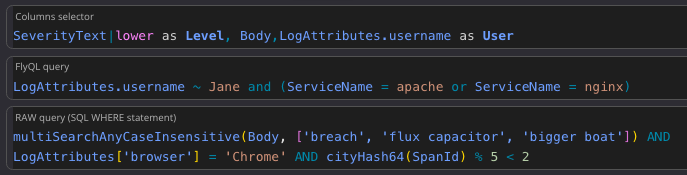
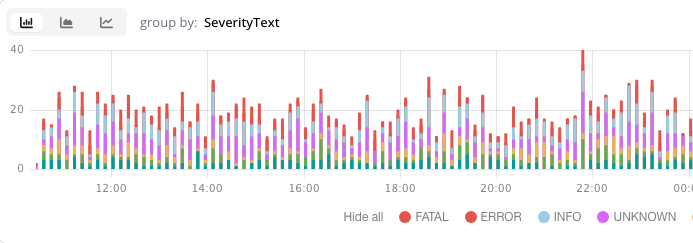
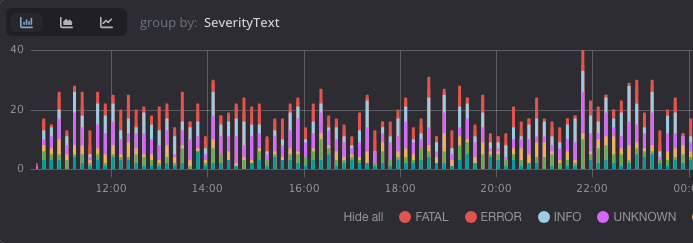
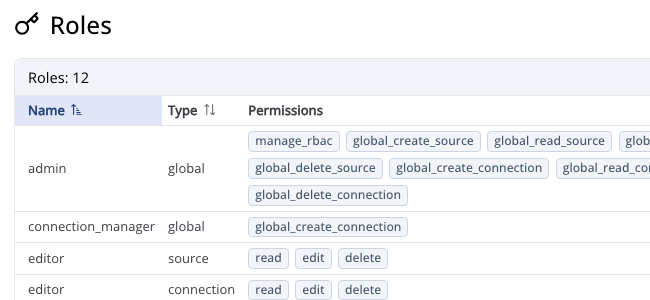
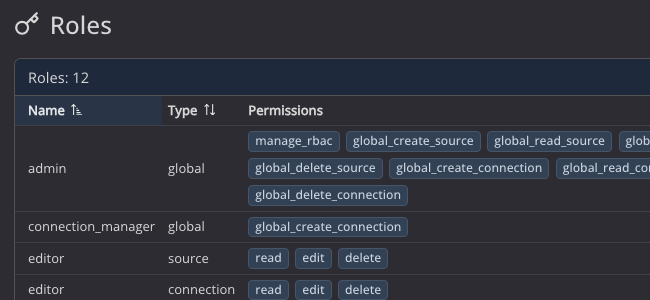
Telescope is a web-based log viewer UI that provides a unified interface for exploring log data stored in ClickHouse, StarRocks, Docker, and Kubernetes. It supports multiple data source connections with configurable field mappings, autocompletion, and role-based access control per source. Users can filter and search logs using structured filters or raw SQL WHERE clauses, visualize data with interactive charts grouped by any field including nested JSON, and save filter presets as shared views. Authentication supports local username/password, GitHub OAuth with organization restrictions, and Okta OAuth with PKCE. The application runs as a Docker container (ghcr.io/iamtelescope/telescope) on port 9898 with a SQLite database for its own metadata, while log data lives in the external sources. It is currently in beta (version 0.0.27) with breaking changes between releases requiring database migrations.
Should you self-host telescope?
telescope scores 49/100 on selfhost.directory (how scoring works) and ranks #6 of 13 in Log Management. It has 712 GitHub stars.
It shipped 5 stable releases in the past year. The latest, v0.0.27, came out on 8 May 2026. New versions land roughly every 2 weeks.
Setup is moderate: expect some configuration beyond a single command. An official Docker image is available. It is MIT-licensed and written mostly in Python.
Its closest alternative on selfhost.directory is Dozzle (77/100, 14 752 stars). It scores higher overall, so compare the two before you pick. See telescope vs Dozzle side by side.
Features
- Data Visualization
- FlyQL query language
- Focus mode
- GitHub OAuth authentication
- Multi-source log exploration
- Okta OAuth authentication
- Raw SQL querying
- Role-based Access Control
- Saved Views
- Structured log filtering
telescope README
More in Log Management
 Traefik Log DashboardSelf-hosted, open-source dashboard for analyzing Traefik logs with IP geolocation, status codes, service metrics, and 3D globe visualization. Runs via Docker Compose.
 vectorA self-hosted, open-source observability data pipeline in Rust that collects, transforms, and routes logs and metrics to whichever backend you choose.
 WazuhSelf-hosted, open-source XDR and SIEM platform: endpoint agents plus server, indexer and dashboard for log analysis, file integrity, vulnerabilities and compliance.
 AlloySelf-hosted OpenTelemetry Collector with Prometheus pipelines. Programmable pipelines, clustering, Loki/Tempo/Mimir/Pyroscope integrations.
 Apache SkyWalkingOpen-source, self-hosted APM platform for cloud-native systems: tracing, metrics, logs, profiling and alerting on pluggable storage such as BanyanDB.
 AWStatsAWStats is a self-hosted, open-source log analyzer generating advanced web, FTP, and mail statistics from Apache, IIS, and other server logs.
 DozzleA self-hosted, open-source web UI that streams Docker, Swarm, Kubernetes and Podman container logs live, with stats, alerts and multi-host agents.
 Fail2Ban-ReportSelf-hosted web dashboard aggregating Fail2Ban logs from multiple servers into searchable JSON reports with UFW blocklist sync and role-based auth.
 fluentdFluentd is a self-hosted, open-source data collector that unifies logging infrastructure with 500+ plugins for sources and destinations.
 GeoMetrikksGeoMetrikks is a self-hosted, open-source service that tails reverse proxy logs, performs GeoLite2 lookups, and displays requests on a live MapLibre map with analytics.
 gigapipeSelf-hosted open-source observability backend merging four telemetry types into ClickHouse with Loki, Prometheus, Tempo and Pyroscope protocol support.
 grafanaGrafana is a self-hosted, open-source observability platform for querying, visualizing, and alerting on telemetry data from many sources.
0 comments