
Self-host swiftwave
2.23.1-1Self-hosted lightweight PaaS for deploying apps on any VPS
sudo dnf install swiftwave -y- Stars
- 908
- CPU
- 1vCPU
- RAM
- 1GB
- Port
- 3333 (Development mode dashboard access)
- Requires
- Docker
What is swiftwave?
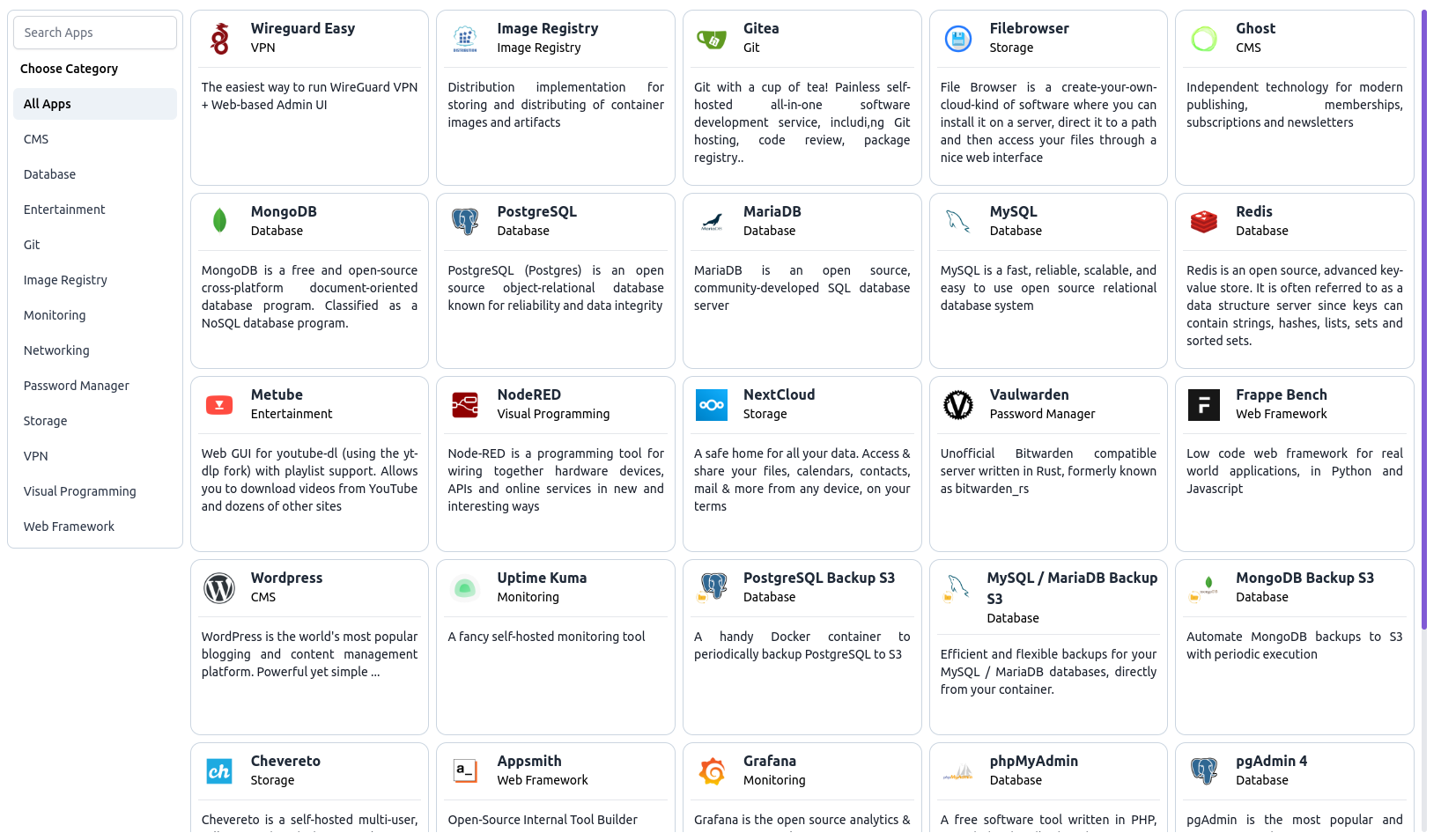
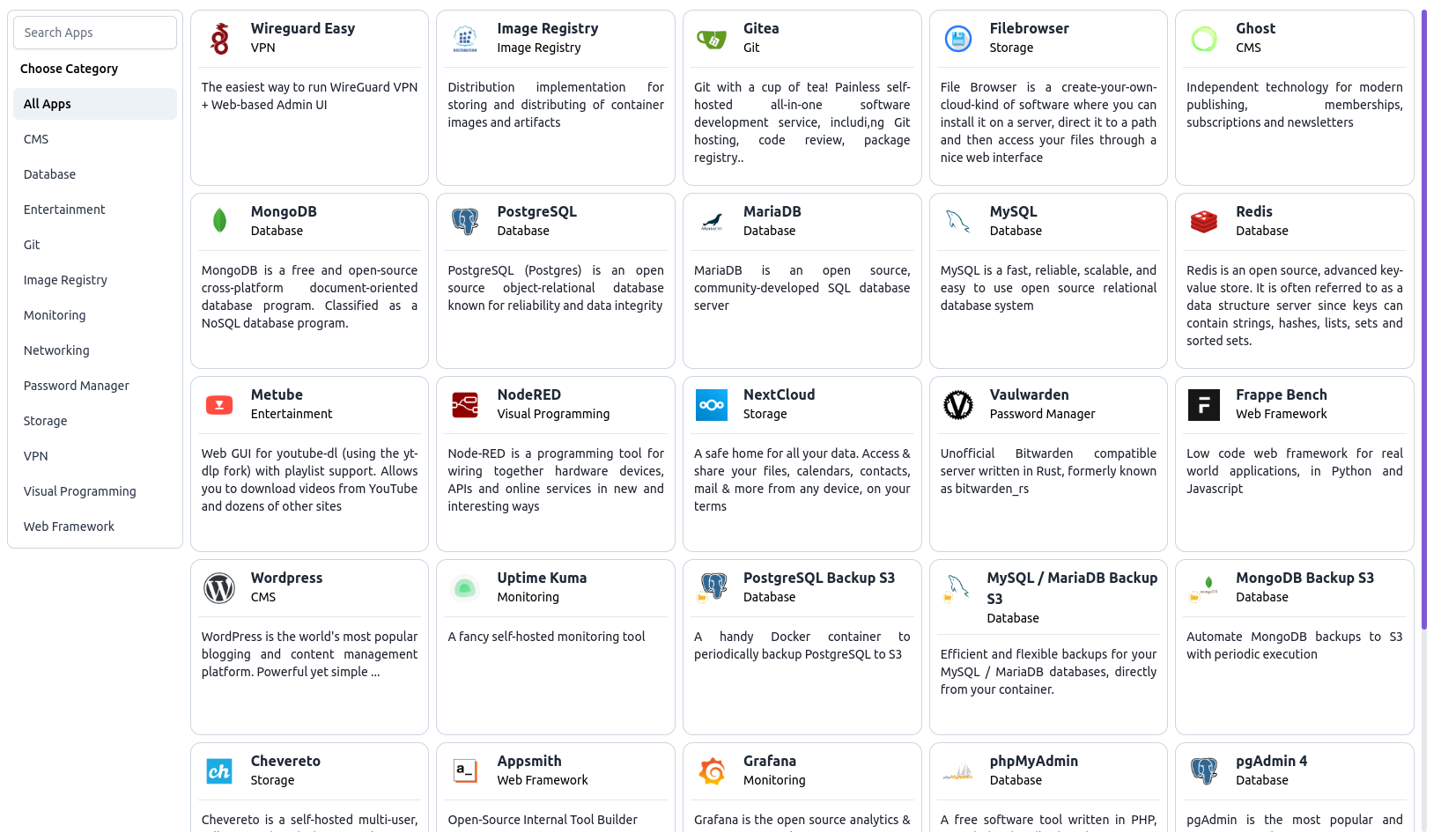
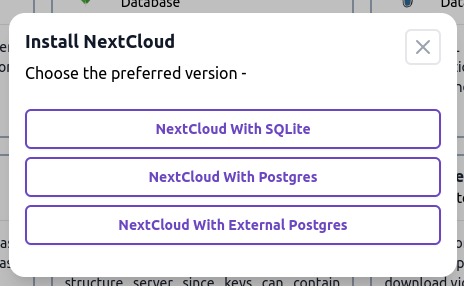
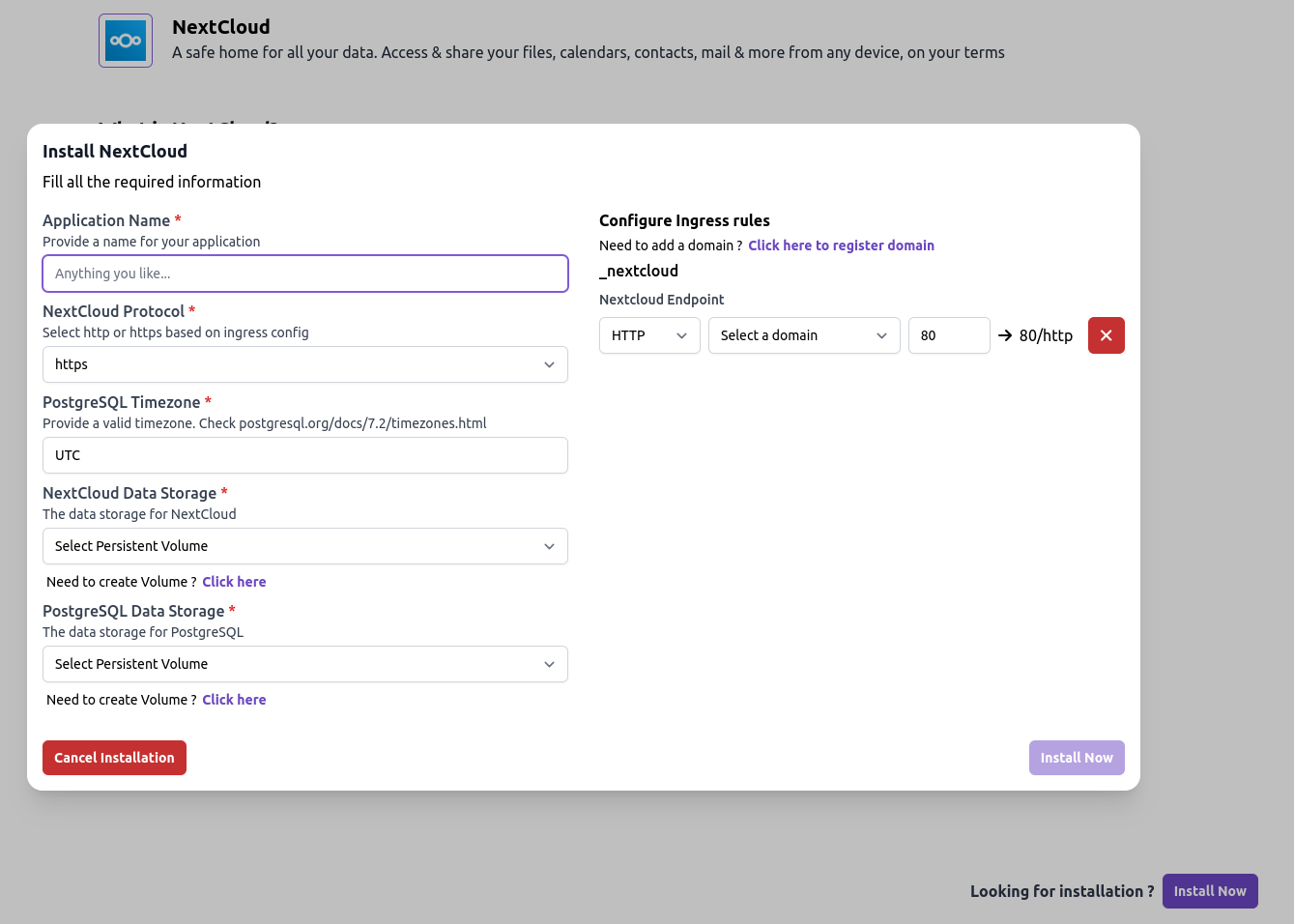
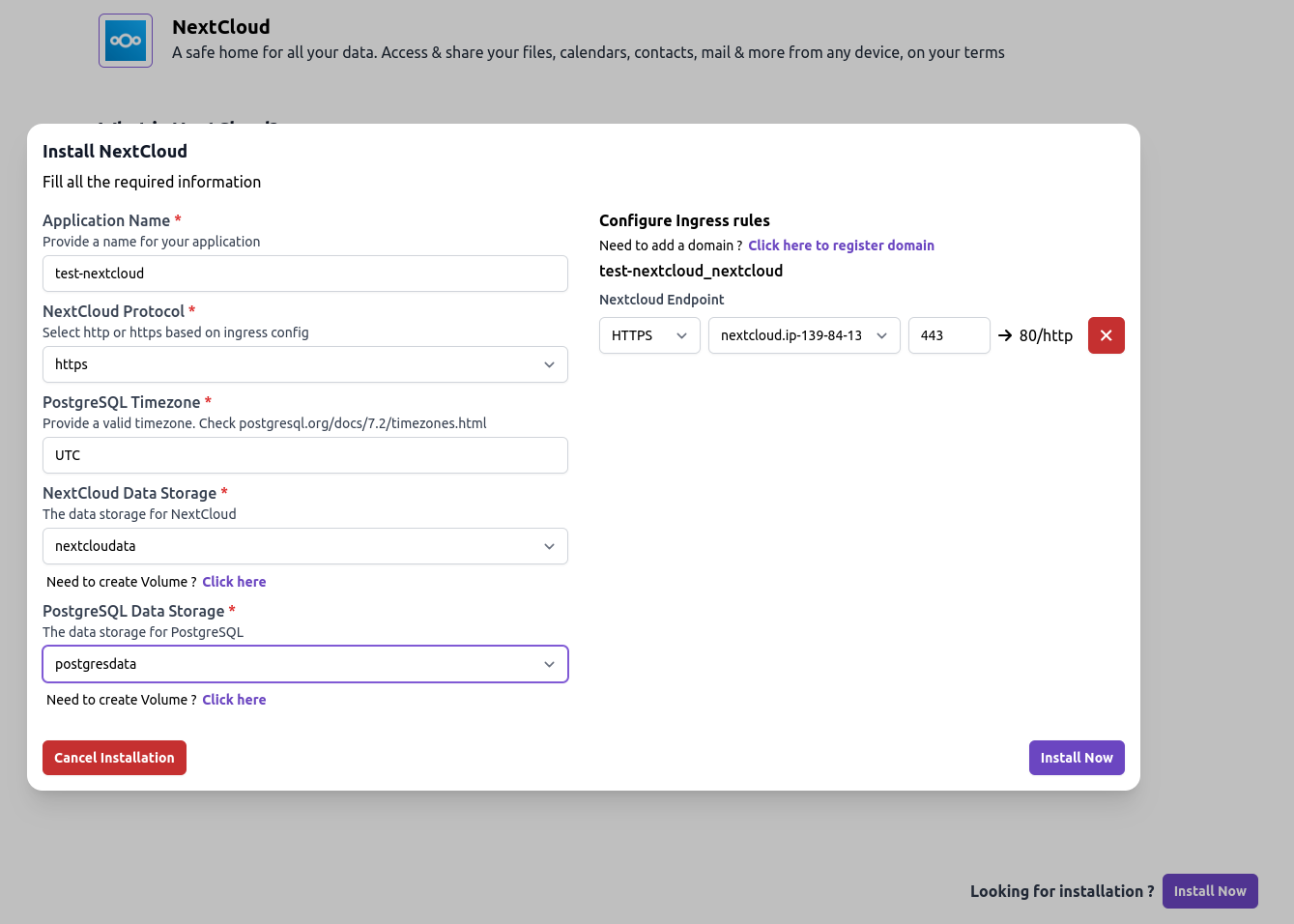
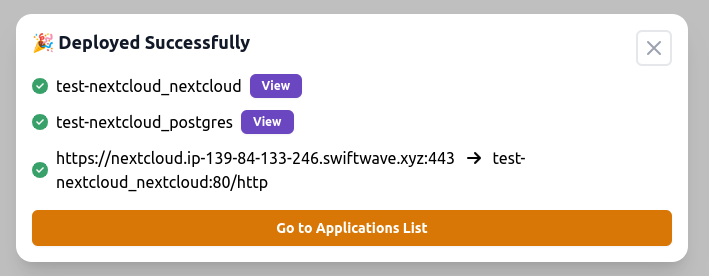
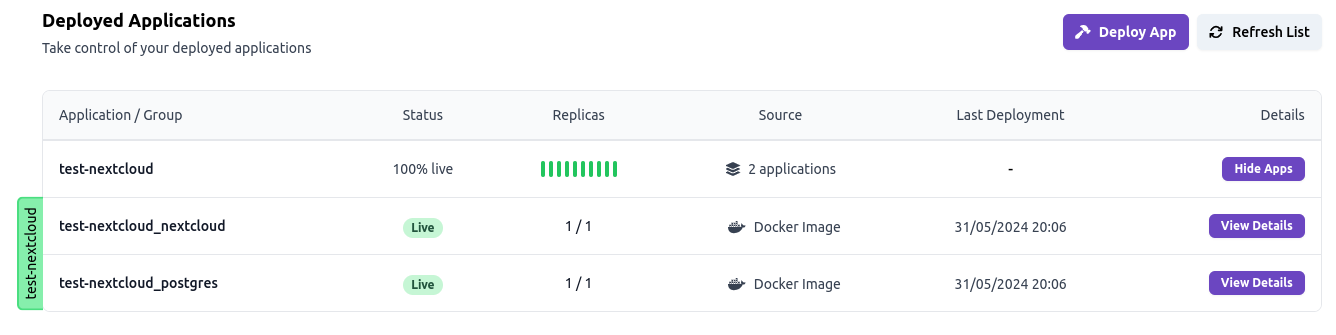
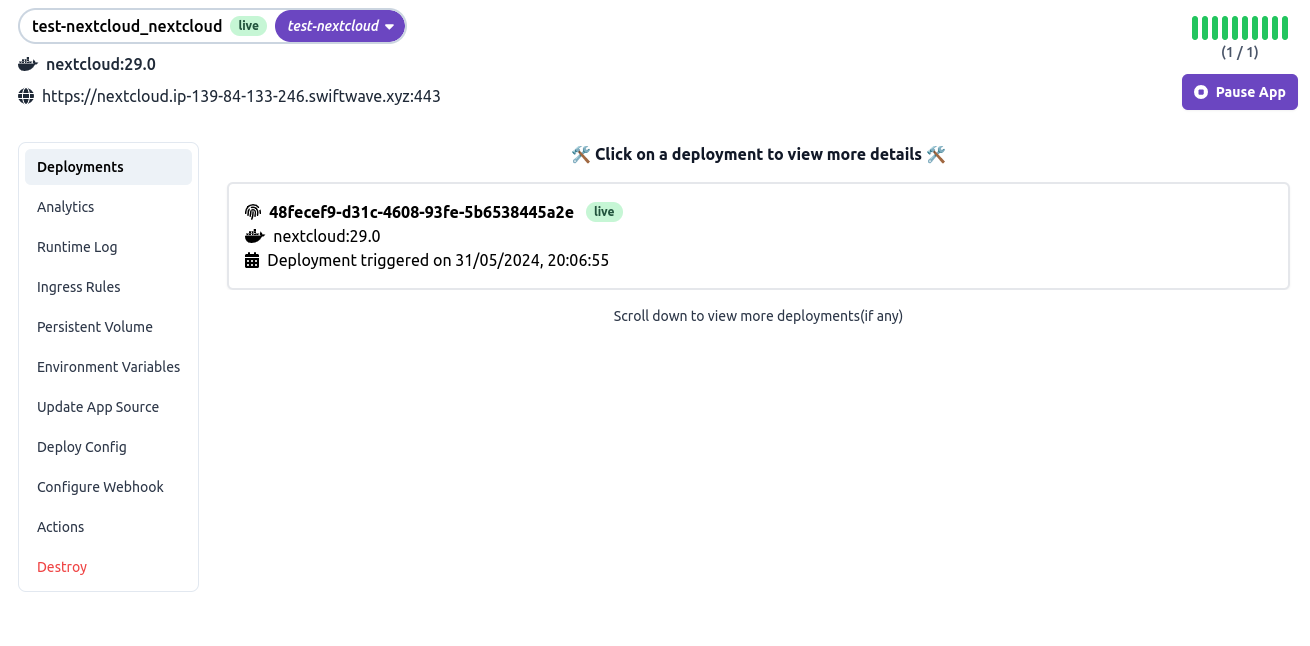
SwiftWave provides a lightweight PaaS platform for deploying applications on any server including bare metal machines, Raspberry Pi, or cloud VPS providers. It features minimal resource requirements with support for running 3-4 applications on just 1GB RAM servers, an integrated app store enabling one-click application deployment, automated Docker configuration generation, managed TCP/UDP ingress through HAProxy, automatic SSL certificate management via Let's Encrypt, persistent volume capabilities with snapshot support and S3 uploads, browser-based console access for troubleshooting, and comprehensive resource monitoring dashboards. Installation uses standard package managers with apt or dnf after adding the SwiftWave software repository.
Should you self-host swiftwave?
swiftwave scores 49/100 on selfhost.directory (how scoring works) and ranks #23 of 44 in Container Management. It has 908 GitHub stars.
It shipped 2 stable releases in the past year. The latest, 2.23.1-1, came out on 2 August 2026. New versions land roughly every 3 months.
Setup is moderate: expect some configuration beyond a single command. It is Apache-2.0-licensed and written mostly in Go.
Its closest alternative on selfhost.directory is coolify (89/100, 65 148 stars). It scores higher overall, so compare the two before you pick. See swiftwave vs coolify side by side.
Features
- App Store
- Domain + SSL Management
- Persistent Volume Snapshots
- Resource Monitoring
- Web Console
swiftwave README
More in Container Management
 Traefik-Koptraefik-kop is an open-source agent that reads Docker labels and publishes them to Redis for Traefik, enabling multi-host routing without Swarm or Kubernetes.
 tugtainerTugtainer is a self-hosted, open-source tool that automates Docker container updates across multiple hosts with a web UI, scheduled checks, and notifications.
 usulnetSelf-hosted Docker management platform with built-in OSINT recon, metadata hygiene, and infrastructure tooling — all in a single AGPL-3.0 binary.
 Websoft9Self-hosted PaaS panel in a single Docker container that one-click deploys hundreds of open-source web apps, with domains, SSL, backups and monitoring. Open-source.
 whats-up-dockerKeep your containers up-to-date!
 WolfStackA self-hosted platform for managing servers, containers, virtual machines, networking, storage, and backups with a 530+ app store, all from one Rust binary.
 YachtOpen-source self-hosted Docker container UI emphasizing templates for quick app installs. Supports Portainer-compatible templates and multi-host agent architecture.
 yantrYantr is a self-hosted homelab app store running as a rootless Podman container alongside your Linux OS — no appliance, no root daemon, ~140 MB RAM at idle.
 YolksYolks provides pre-built Docker base images for game servers, language runtimes, and installers, hosted on ghcr.io and designed for Pterodactyl's Egg system.
 1panelSelf-hosted, open-source web panel for administering Linux servers: Docker, websites, databases, SSL, WAF and cloud backups, plus AI agent management.
 AnyAppStartA self-hosted, open-source panel to manage Docker containers, systemd services, VMs, and SSH commands — configured entirely through YAML files.
 ArcaneWeb-based Docker manager for containers, images, volumes, networks, and Compose projects across local and remote hosts, with OIDC, passkeys, and native mobile apps.
0 comments