
Self-host AnyAppStart
0.1.6Control panel for Docker, systemd, VMs, and custom scripts
- Stars
- 213
- Port
- 8855 (Web GUI)
aceberg/anyappstart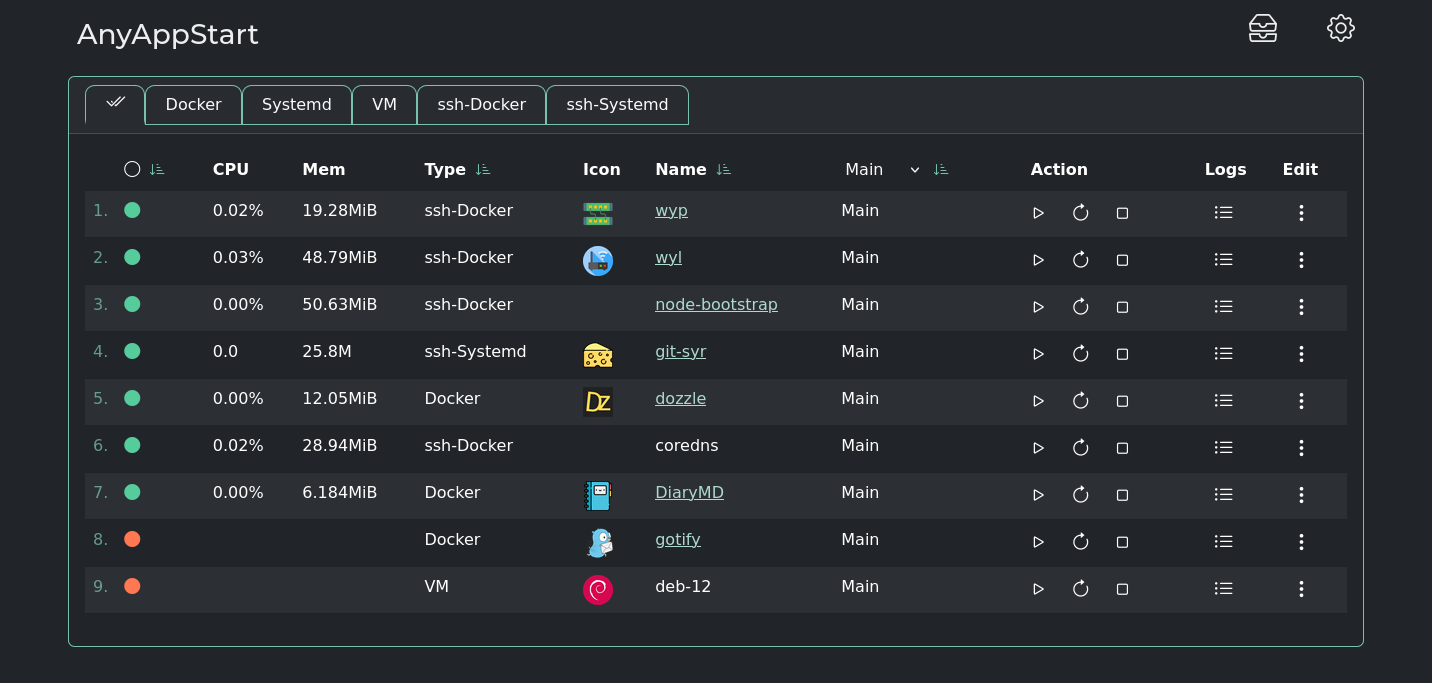
What is AnyAppStart?
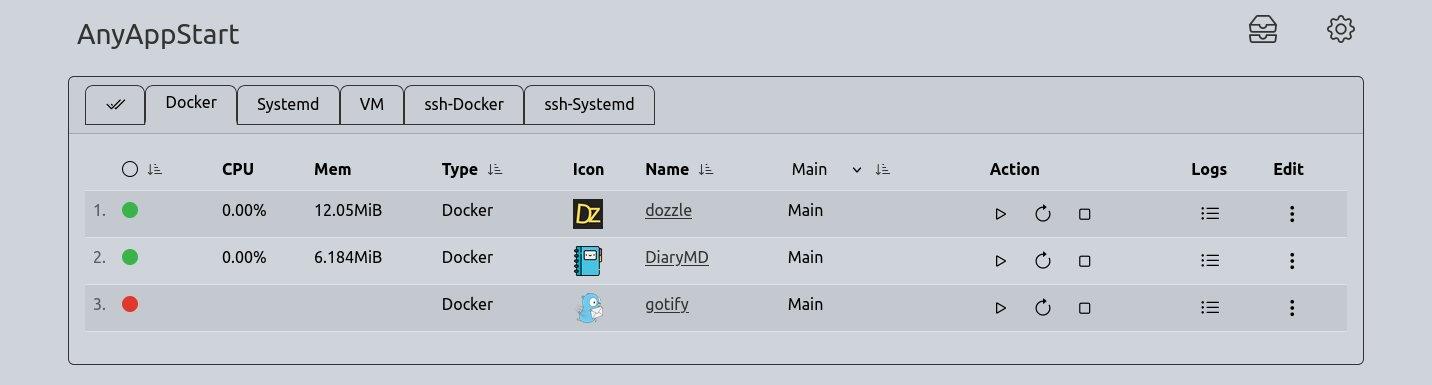
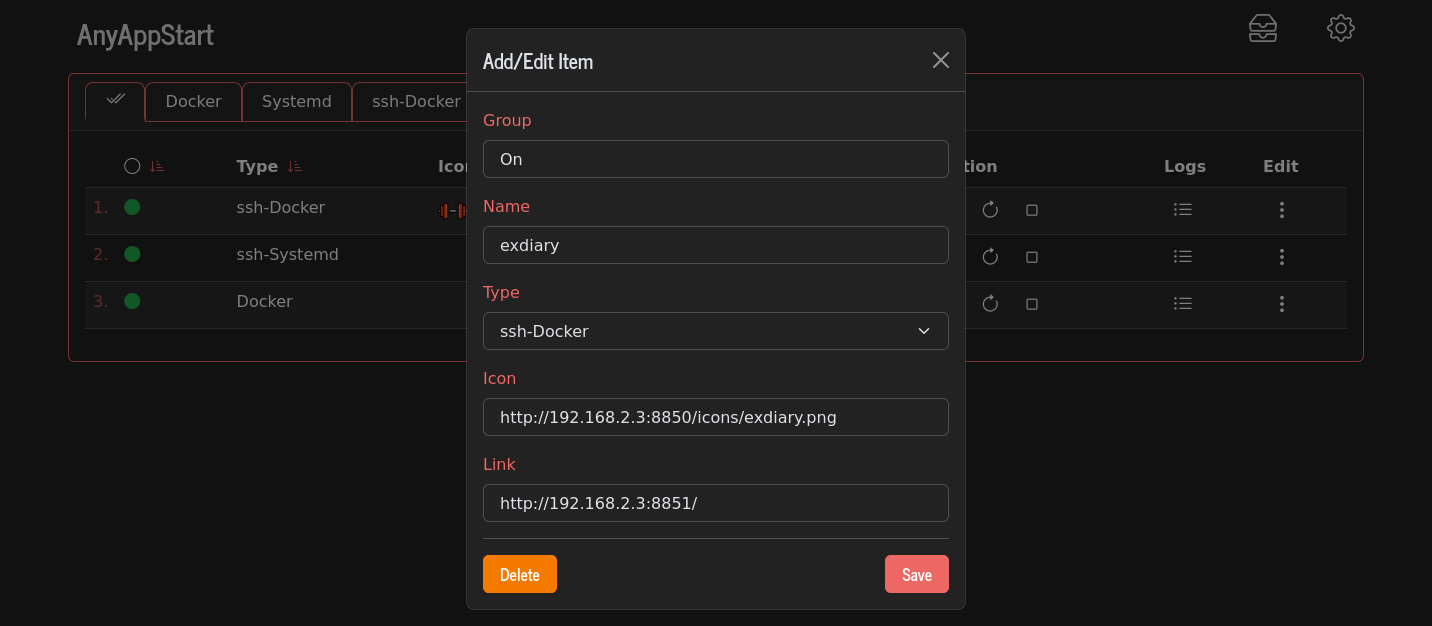
AnyAppStart is a lightweight control panel for managing services across Docker, systemd, virtual machines, and remote hosts over SSH. The backend uses Go, the frontend React with TypeScript. Services are defined in YAML files without a database. The web UI defaults to port 8855 and offers Bootswatch themes with a dark mode toggle. No built-in authentication exists; the docs recommend a firewall or SSO such as Authelia or ForAuth. A REST API enables programmatic control. You can run it via Docker, Docker Compose, pre-built binaries for many CPU architectures, or systemd units. The project is MIT-licensed and sees regular releases.
Should you self-host AnyAppStart?
AnyAppStart scores 42/100 on selfhost.directory (how scoring works) and ranks #13 of 20 in Application Management. It has 213 GitHub stars.
There was no stable release in the past 12 months, so check the repository's recent activity before you rely on it.
Setup is moderate: expect some configuration beyond a single command. An official Docker image is available. It is MIT-licensed and written mostly in Typescript.
Its closest alternative on selfhost.directory is hot-updater (62/100, 1 797 stars). It scores higher overall, so compare the two before you pick. See AnyAppStart vs hot-updater side by side.
Features
- Log Viewing
- No built-in authenticationProject explicitly states no built-in auth; recommends Authelia or ForAuth
- REST API
- Service control (start/stop/restart)
- SSH Remote Control
- YAML-based configuration
AnyAppStart README
More in Application Management
 app-distribution-serverSelf-hosted server for distributing iOS IPA and Android APK builds with upload endpoint and QR code install page for internal testing.
 AppwriteThe open-source cloud for agents & devs. Including Auth, Databases, Storage, Functions, Messaging, Hosting, Realtime, WAF and more
 arr-dashboardSelf-hosted open-source dashboard for *arr stack, Plex, Jellyfin, Emby, Seerr with global search, library cleanup, TRaSH Guides sync, automated hunting.
 Auto RuntimeAuto Runtime is a self-hosted, source-available business automation platform turning team methods into reusable playbooks with composable functions and a ledger.
 BailingHubSelf-hosted open-source control plane for AI agents to securely operate e-commerce, SaaS, CRM, or ERP backends with permissions, approvals, and audit trails.
 bexbex is a self-hosted, open-source PaaS deploying apps from Git to HTTPS on your infrastructure, with a Render-compatible workflow for developers and AI agents.
 BuildarrSelf-hosted tool automating *Arr stack configuration via YAML. Idempotent updates, TRaSH-Guides sync, scheduled daemon mode.
 clawhostSelf-hosted platform to deploy OpenClaw and Hermes AI agents on dedicated VPS with full root access, automatic SSL, DNS management, and browser-based terminal.
 clawmasterSelf-hosted OpenClaw companion with guided setup, multi-provider LLM config, 6 messaging channels, memory, observability, MCP/skill mgmt via web console or desktop app.
 cloudseederCloud Seeder is an open-source desktop app for Windows, macOS, Linux that deploys 30+ self-hosted appliances like Mastodon, Nextcloud with one click using Podman.
 CompartmentCompartment is a self-hosted, open-source Kubernetes deployment platform for teams to run internal tools and apps on their own infrastructure with SSO and RBAC.
 ConvertigoConvertigo is a self-hosted, open-source low-code and no-code platform for building enterprise web and mobile applications with AI assistance and 300+ connectors.
0 comments