
Self-host SourceWeft
v0.3.0-rc.8AI workstation with agents, skills, and MCP
- Stars
- 333
- Port
- 3001 (Internal API server)
- Requires
- PostgreSQL
ghcr.io/sourceweft/sourceweft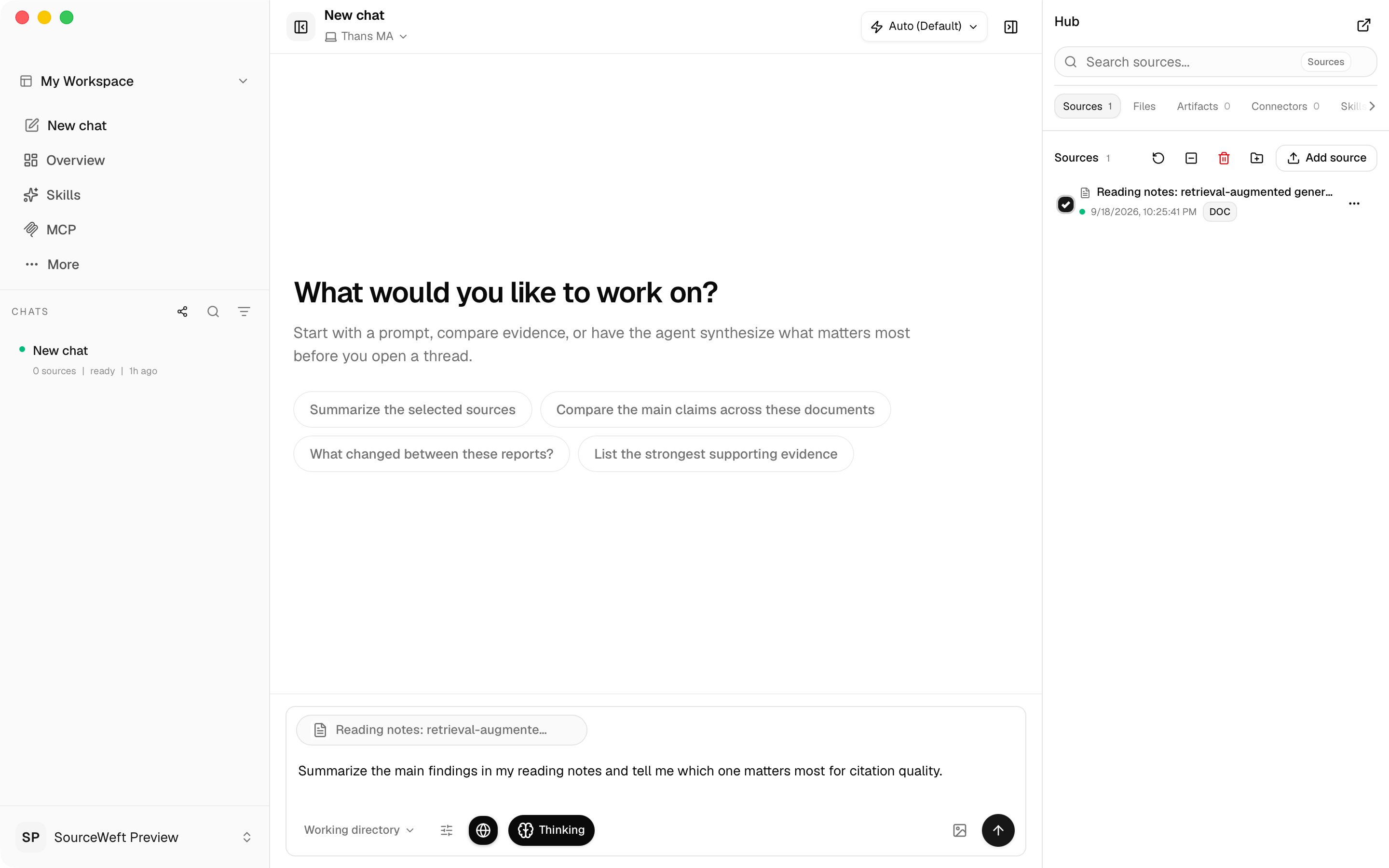
What is SourceWeft?
SourceWeft is an open-source AI workstation you can run on your own hardware. It combines multi-agent collaboration with sub-agents, a reusable skill library, Model Context Protocol (MCP) integrations for external tools, and sandboxed code execution. You bring your own models and API keys, connect knowledge sources such as documents, cloud storage, email, chat platforms, and video sites, and access everything through a web interface or native desktop apps for macOS, Windows, and Linux. The project is in early access (v0.3.0 release candidates), uses the Apache-2.0 license, and offers a free tier alongside paid Pro and Team plans for higher limits and team features.
Should you self-host SourceWeft?
SourceWeft scores 48/100 on selfhost.directory (how scoring works) and ranks #52 of 120 in AI Assistant. It has 333 GitHub stars.
There was no stable release in the past 12 months, so check the repository's recent activity before you rely on it.
Setup is moderate: expect some configuration beyond a single command. An official Docker image is available. It is Other-licensed and written mostly in Typescript.
Its closest alternative on selfhost.directory is openhands (87/100, 92 086 stars). It scores higher overall, so compare the two before you pick. See SourceWeft vs openhands side by side.
Features
- Bring Your Own Keys (BYOK)
- Cross-Platform Access
- Document creation
- Knowledge & citations
- MCP integrations
- Multi-Agent Collaboration
- Sandboxed ExecutionAlpha feature, requires configured runtime
- Skill library
- Team workspaces with RBACTeam plan feature
SourceWeft README
More in Knowledge Management
 storydenSelf-hosted open-source forum and knowledge library for communities to own their conversations and data with optional AI features.
 StruInfoStruInfo is a self-hosted, open-source personal knowledge workspace that turns documents into a traceable, searchable knowledge graph with optional AI.
 SwarmVaultBuild a personal knowledge graph and searchable wiki from your files and code. Runs locally with no cloud dependency and includes a visual graph explorer.
 SymphonySelf-hosted open-source Java community platform for forums, Q&A and social networking, with a big admin backend, themes and a Docker image.
 TagSpacesOpen-source, offline-first file manager for tagging, notes and search over local folders or S3 buckets, shipped as desktop apps and a self-hosted web app.
 TalkyardSelf-hosted open-source community platform combining forum, chat, Q&A, and blog comments — alternative to StackOverflow, Slack, Discourse, Reddit, Disqus.
 terminusdbOpen-source knowledge graph database with built-in version control for branching, merging, and time-travel queries using Datalog.
 tesseraeSelf-hosted, open-source server for e-ink wall dashboards: compose pages in a browser, render them headlessly, push frames over MQTT or REST. Home Assistant friendly.
 ThesysSelf-hosted open-source research workspace for searching papers, uploading PDFs, on-PDF highlights with citations, reader mode Q&A, paper comparison, and citation export.
 ThoughtDAGThoughtDAG is an open-source, self-hostable AI chat canvas: every exchange is a graph node, and its wires decide the context your model receives next.
 TiddlyWikiA self-contained JavaScript wiki for the browser, Node.js, AWS Lambda etc.
 TiddlyWiki5A non-linear personal web notebook that works as a single HTML file or Node.js server. Open-source under BSD-3-Clause License.
0 comments