
Self-host smart-sec-cam
0.4.3Privacy-focused multi-camera security with motion detection
- Stars
- 255
- RAM
- 2G
- Port
- 8443 (HTTPS web UI and API)
- Requires
- Docker, Redis
ghcr.io/scottbarnesg/smart-sec-cam/sec-cam-server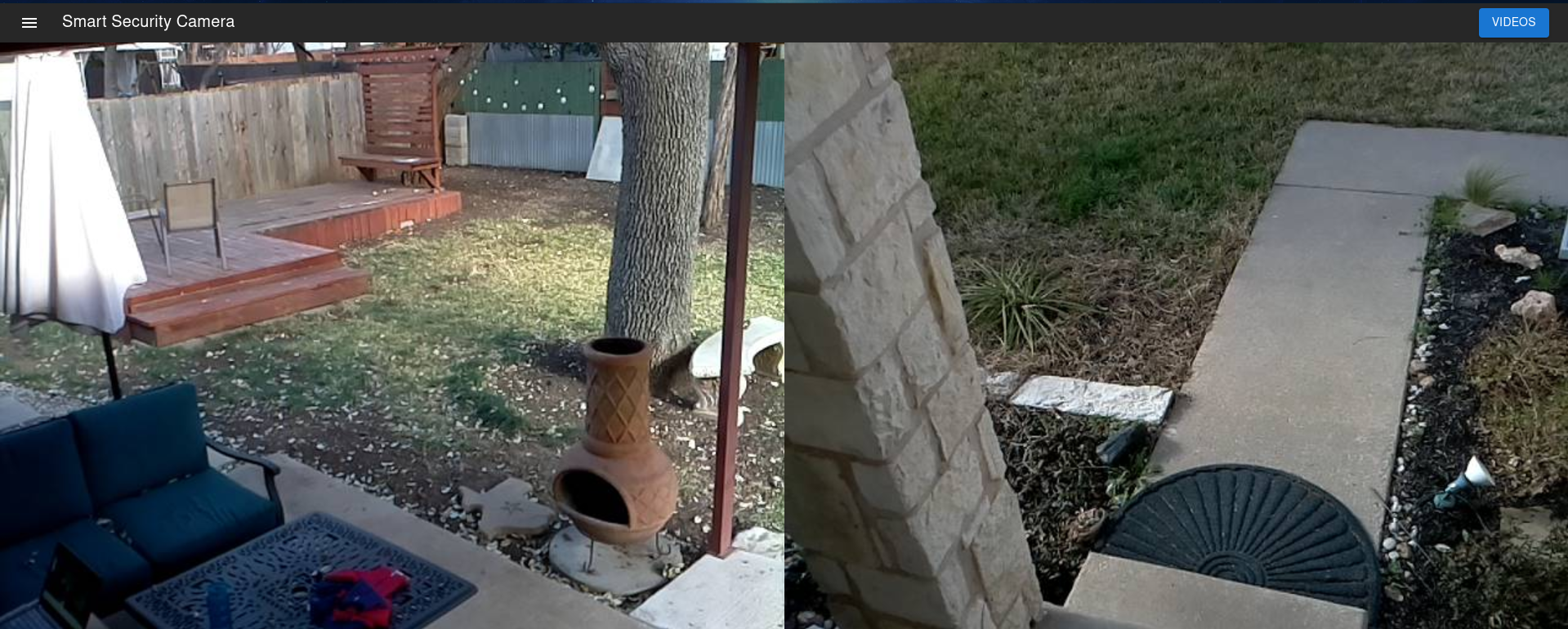
What is smart-sec-cam?
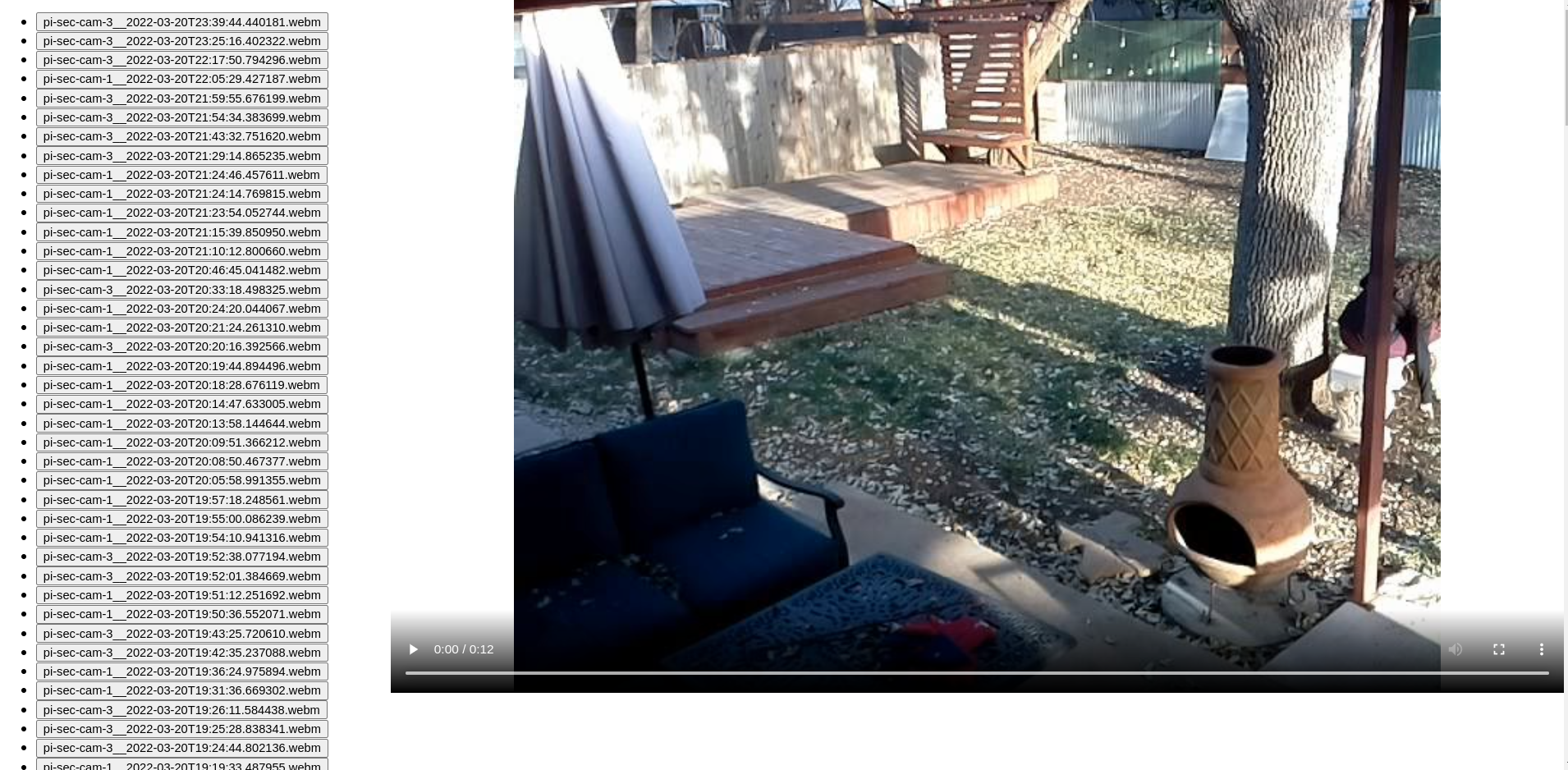
Smart Sec Cam is a self-hosted security camera platform built for privacy. It uses a Docker-based server that collects video streams from multiple camera devices — USB webcams or Raspberry Pi camera modules — and runs motion detection to record clips automatically. A web interface served over HTTPS lets users watch live feeds and review recorded footage. Communication between cameras, the server, and the browser is encrypted. User authentication is built in, with registration controlled by an environment variable. The server requires Docker; camera nodes need Python 3.7+ with OpenCV and can be managed via systemd. The code is licensed under GPL-3.0 with no commercial tiers or cloud dependencies.
Should you self-host smart-sec-cam?
smart-sec-cam scores 43/100 on selfhost.directory (how scoring works) and ranks #29 of 36 in Video Streaming. It has 255 GitHub stars.
There was no stable release in the past 12 months, so check the repository's recent activity before you rely on it.
Setup is advanced: plan for several services and some ongoing maintenance. An official Docker image is available. It is GPL-3.0-licensed and written mostly in Python.
Its closest alternative on selfhost.directory is piped (70/100, 10 294 stars). It scores higher overall, so compare the two before you pick. See smart-sec-cam vs piped side by side.
Features
- Encrypted communication
- Flexible deployment
- Integrated authentication
- Motion Detection
- Multi-camera Support
- Systemd service support
- Web UI for live view and playback
smart-sec-cam README
More in Video Streaming
 snapifySnapify is an open-source, self-hostable Loom alternative for async screen recording and video sharing with public links and auto-expiring recordings.
 socialstream.ninjaFree, open-source tool that consolidates chat from 100+ streaming platforms into one dashboard with OBS overlays, TTS, AI cohosts, and automation.
 SRSOpen-source, self-hosted C++ media server for live video over RTMP, WebRTC, HLS, HTTP-FLV, SRT, DASH and GB28181, with Docker and Kubernetes deployment.
 StreamFlowSelf-hosted web app for live streaming to YouTube, Facebook, and RTMP with video gallery, scheduling, and real-time monitoring.
 streamsphereStreamsphere is a self-hosted, open-source media library that downloads and organizes YouTube channels, playlists, and videos with a web UI for browsing and playback.
 StremioSelf-hosted browser UI for the Stremio media center: browse addon catalogs, cast to TV, sync your library and Continue Watching with your account.
 stremio-jellyfin-bridgeSelf-hosted, open-source Stremio addon bridging Jellyfin library and serving custom subtitles by IMDb ID on your LAN with zero-config HTTPS.
 StrixSelf-hosted, open-source IP camera stream finder: probes cameras, tests 100,000+ known stream URL patterns, and generates ready-to-use Frigate and go2rtc configs.
 subaticSelf-hosted video hosting platform with HLS streaming, S3-compatible storage, and transcoding pipeline. Open-source alternative to commercial video platforms.
 syncCyTube is a self-hosted, open-source platform for synchronized video playback and chat across YouTube, Twitch, Vimeo, and other providers.
 SyncTubeSyncTube is a self-hosted, open-source web service for synchronized video viewing with chat, supporting YouTube, Twitch, Vimeo, and direct media links.
 SyncWatch同步观影SyncWatch is an open-source, self-hosted watch party for synced video playback on Windows, Android, and web with chat, voice, and screen sharing.
0 comments