
Self-host SyncWatch同步观影
v2.4.4Open-source self-hosted watch party for synced video
- Stars
- 141
- CPU
- 2 cores (1-5 users), 4 cores (5-15 users), 8+ cores (15-50 users)
- RAM
- 4 GB (1-5 users), 8 GB (5-15 users), 16 GB (15-50 users)
- Storage
- 40 GB system + 100 GB SSD data (1-5 users), 200-500 GB SSD (5-15 users), 1 TB SSD (15-50 users)
- Port
- 20311 (HTTP and WebSocket server for web UI, API, and real-time sync)
- Requires
- Ffmpeg/ffprobe, Node.js
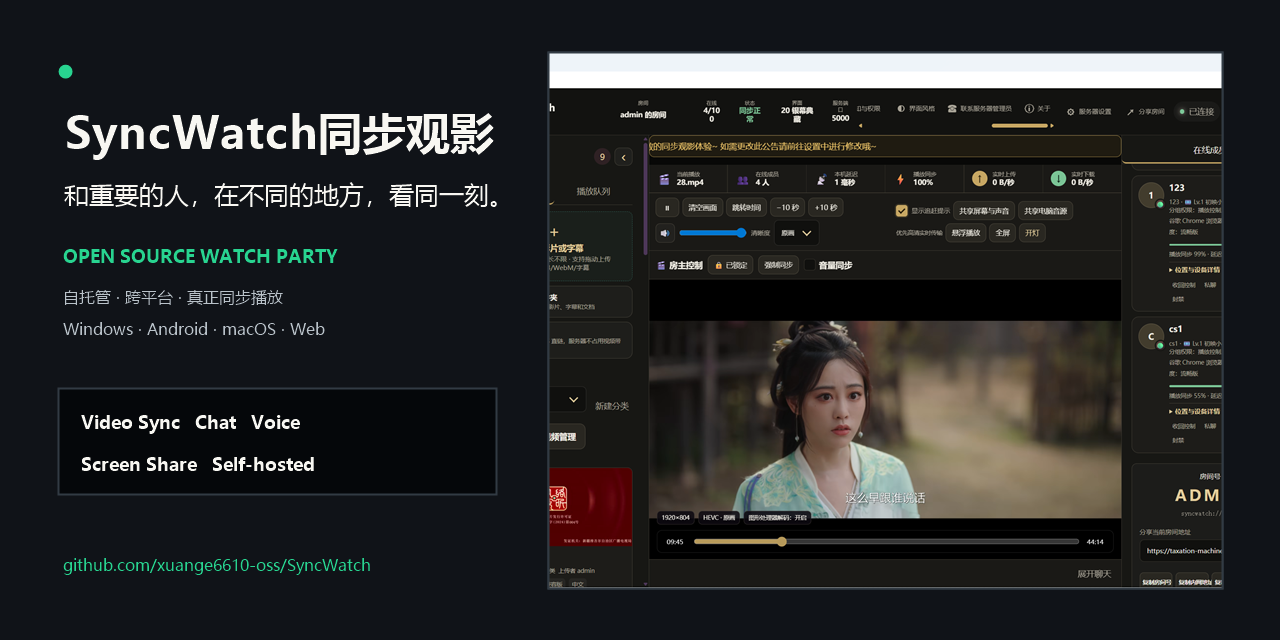
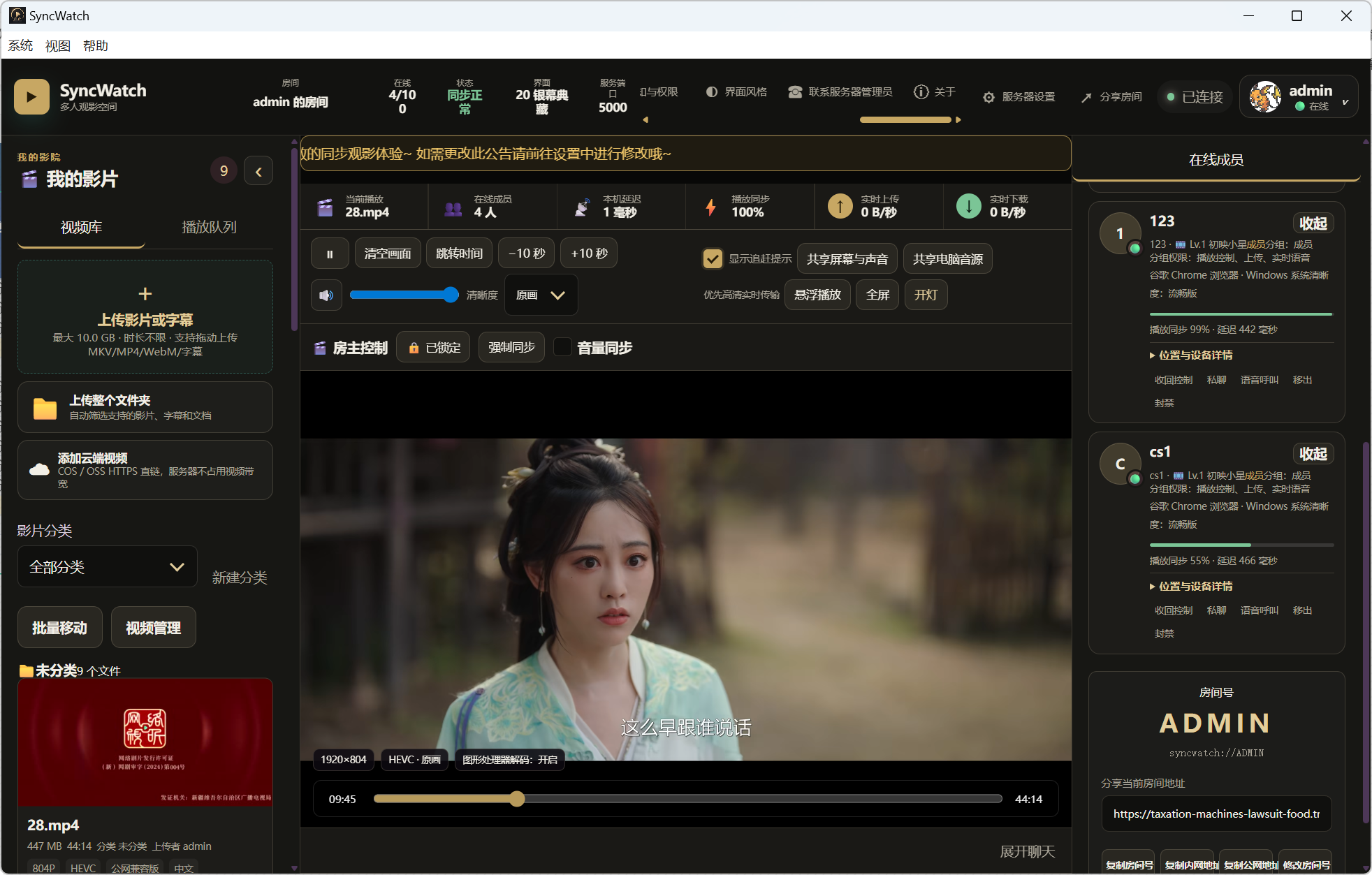

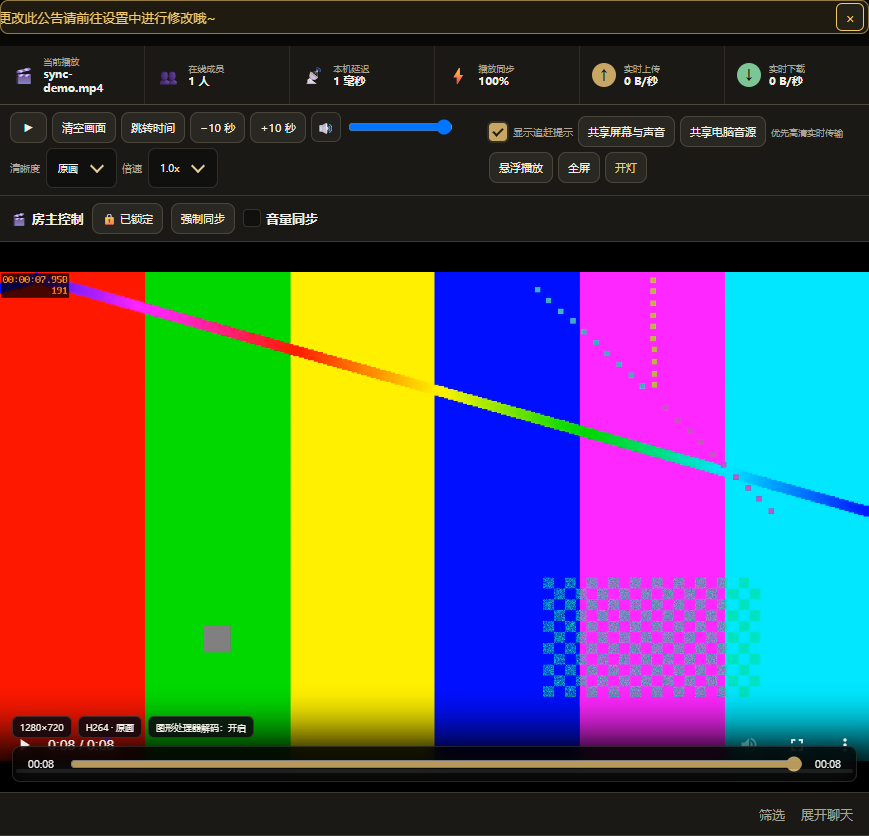

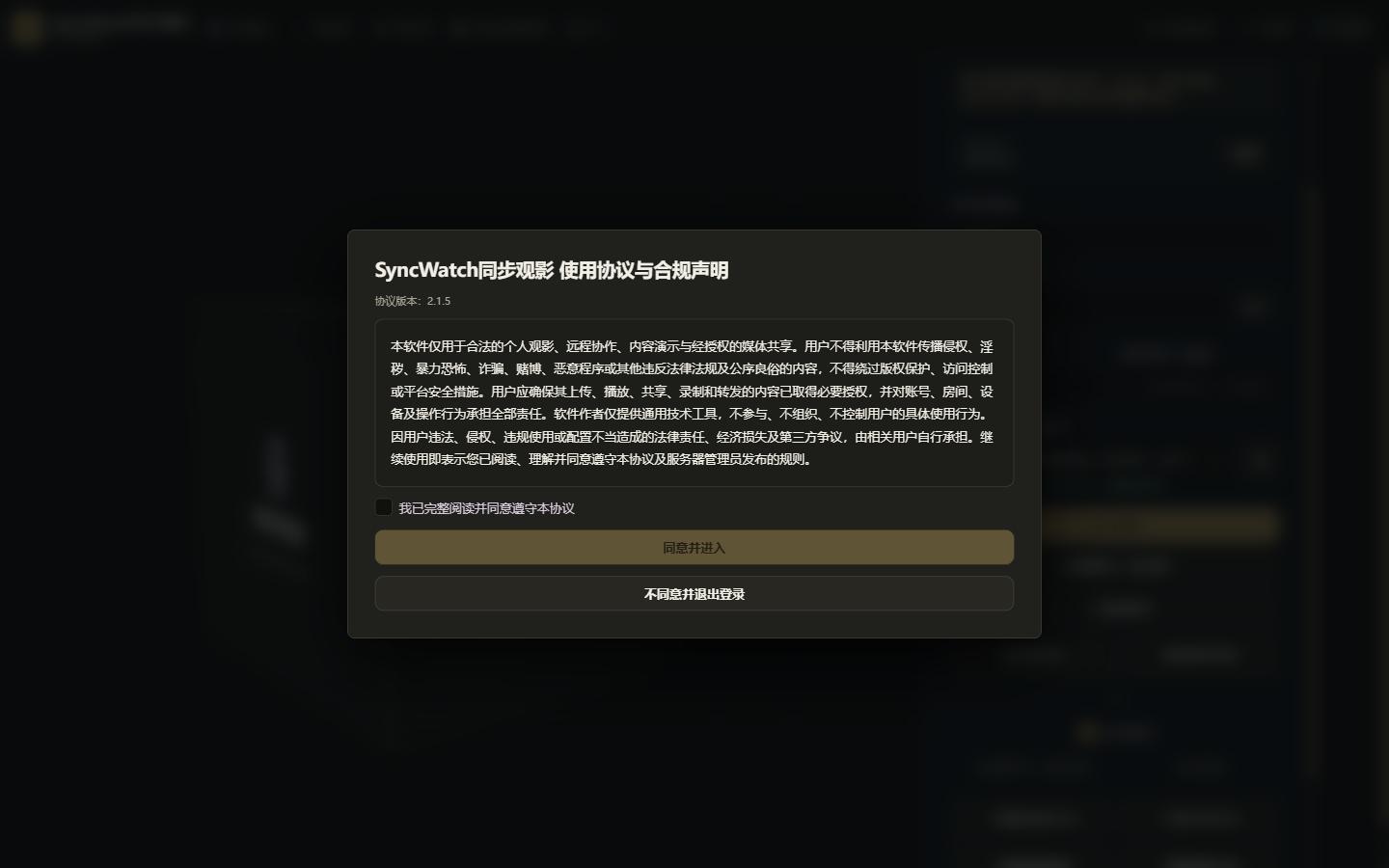
What is SyncWatch同步观影?
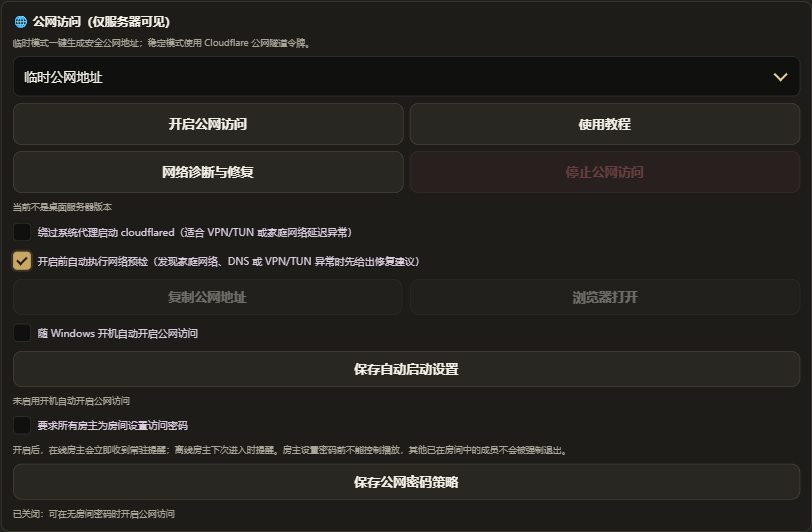
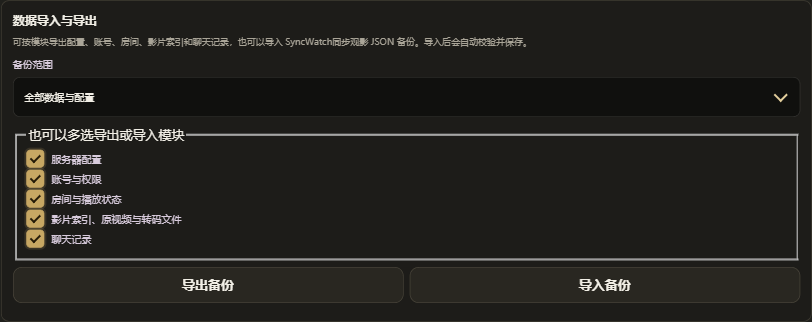
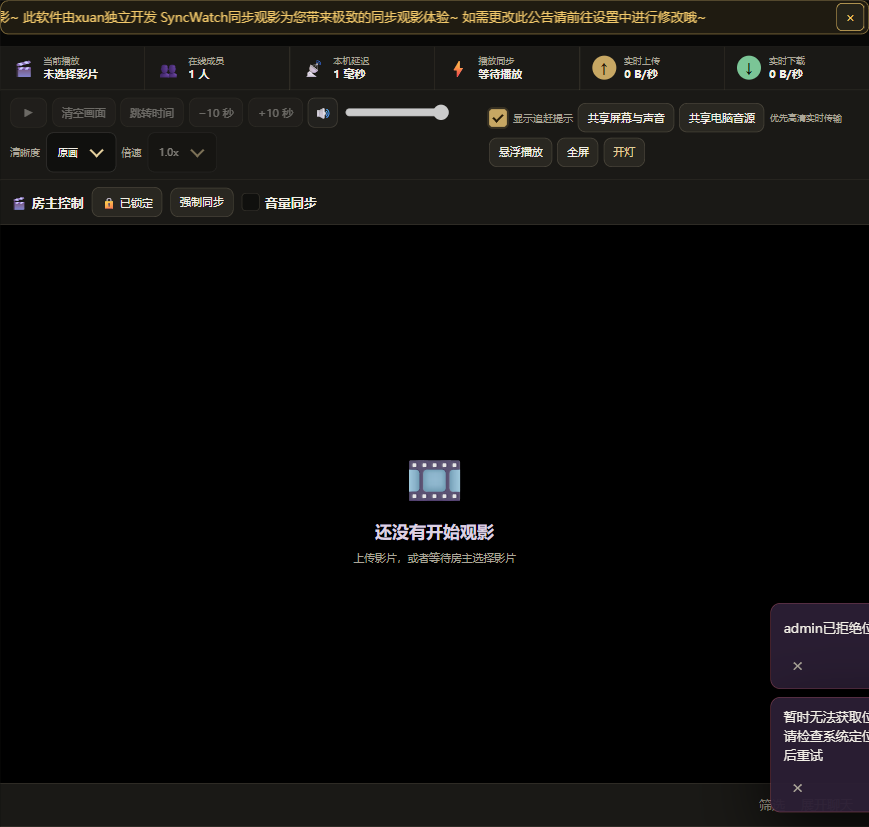
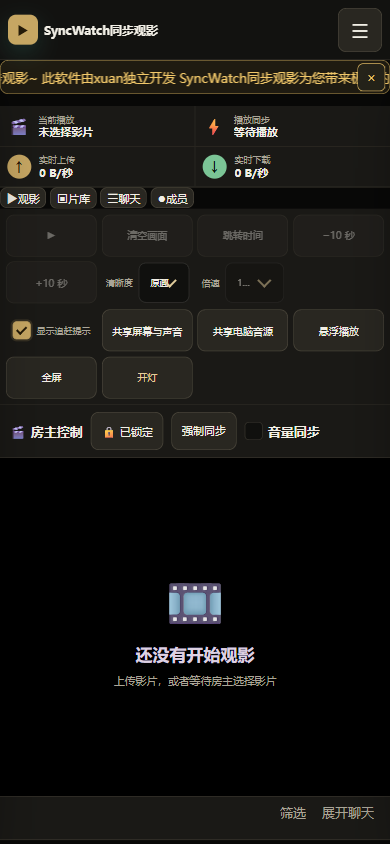
SyncWatch is a self-hosted watch party application that enables synchronized video playback for remote users. One person runs the server on their machine (Windows, Linux, or Docker), and others join via Windows, Android, or a web browser. The server handles authentication, room state, media uploads, and real-time synchronization of play, pause, seek, and playback rate via Socket.IO. Features include real-time chat with danmaku, WebRTC voice calls, screen sharing (desktop and mobile), web page sharing, media library management with automatic transcoding to browser-compatible formats, room passwords and permissions, friend system, and an admin dashboard. Data is stored locally in a SyncWatch同步观影-Data directory. Optional Cloudflare Tunnel integration provides temporary public HTTPS access. The project is licensed under Apache-2.0.
Should you self-host SyncWatch同步观影?
SyncWatch同步观影 scores 46/100 on selfhost.directory (how scoring works) and ranks #24 of 36 in Video Streaming. It has 141 GitHub stars.
It shipped 10 stable releases in the past year. The latest, v2.4.4, came out on 6 September 2026.
Setup is moderate: expect some configuration beyond a single command. It is Apache-2.0-licensed and written mostly in JavaScript.
Its closest alternative on selfhost.directory is piped (70/100, 10 293 stars). It scores higher overall, so compare the two before you pick. See SyncWatch同步观影 vs piped side by side.
Features
- Admin Dashboard
- AI relay
- Cloudflare Tunnel integrationTemporary tunnels change on restart; fixed domains need manual reverse proxy setup
- Cross-Platform Clients
- Data backup and restore
- Friend system and presence
- Media Library Management
- Passkey/WebAuthn supportMentioned in GitHub topics; implementation details not documented in sources
- Real-time chat with danmaku
- Room management with passwords and permissions
- Screen sharing
- Synchronized reading
- Synchronized video playback
- Web page sharingDRM and protected content may cause black screen
- WebRTC voice calls
SyncWatch同步观影 README
More in Video Streaming
 TorrinTorrin is a self-hosted, open-source debrid service turning magnet links, NZB files, and hoster links into instant HTTPS streams for Stremio, Kodi, WebDAV, and browsers.
 Tube ArchivistTube Archivist is a self-hosted, open-source YouTube media server for downloading, indexing, and playing videos offline with full-text search.
 tvheadendA self-hosted TV streaming server and DVR for Linux that handles DVB, ATSC, IPTV, and SAT>IP with a web interface.
 UHF ServerSelf-hosted DVR backend for UHF IPTV app on Apple devices. Runs via Docker or native binaries with web UI, commercial detection, and HLS playback.
 VDO.NinjaOpen-source browser-based WebRTC tool that pipes remote guests, phone cameras, and screen shares into OBS and other live-production software, with director control rooms.
 viewtubeSelf-hosted YouTube frontend for ad-free viewing with subscriptions, playlists, comments, SponsorBlock, and push notifications.
 WebtorSelf-hosted torrent streaming server with direct downloads, video/audio playback, ZIP archives, personal library, Stremio addon, and AI subtitles in one Docker image.
 WebVideo2NASSelf-hosted Chrome extension and NAS downloader for HLS, DASH, MP4, MOV streams with multi-worker architecture.
 xplexxplex is a self-hosted, open-source multi-streaming server for broadcasting to Twitch, YouTube, Facebook, and custom RTMP platforms simultaneously.
 YarrtubeSelf-hosted YouTube playlist/channel synchronizer that auto-downloads new videos via yt-dlp, with Plex/Jellyfin/Kodi TV show integration.
 YoutarrSelf-hosted YouTube downloader that downloads channels/playlists, syncs to Plex/Jellyfin/Emby with watch status, and plays in-browser without a media server.
 Youtube-Localyoutube-local is a self-hosted, open-source Python web app for watching YouTube anonymously via Tor, with local playlists, subscriptions, downloads, and no ads.
0 comments