
Self-host Self-Hosted Metrics (SHM)
v1.2.7Privacy-first telemetry server for self-hosted software
docker compose up -d- Stars
- 165
- CPU
- 0.1 vCPU
- RAM
- 64 MB (app) + 256 MB (PostgreSQL)
- Storage
- ~1 KB per snapshot
- Port
- 8080 (HTTP server port for dashboard and API)
- Requires
- PostgreSQL
ghcr.io/kolapsis/shm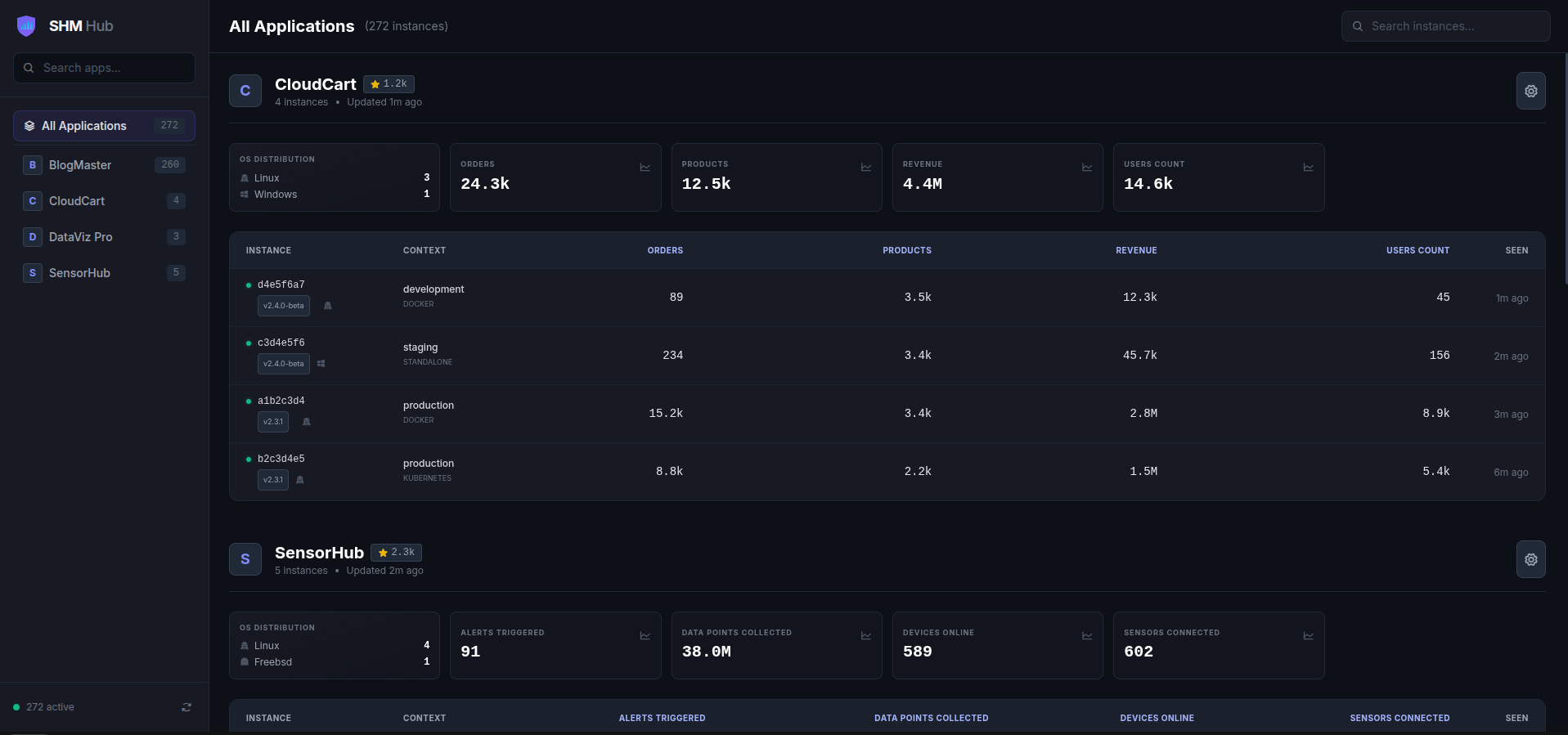
What is Self-Hosted Metrics (SHM)?
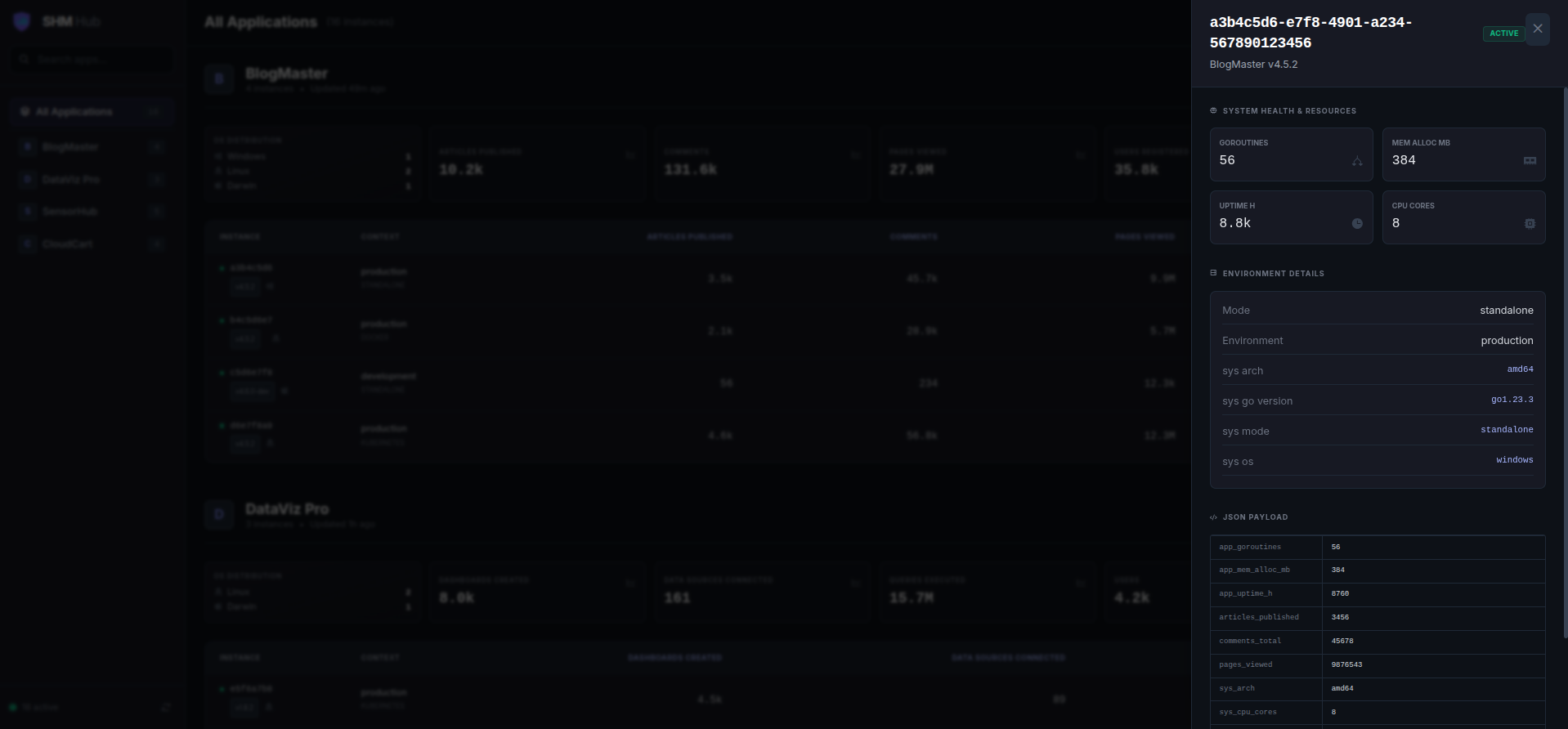
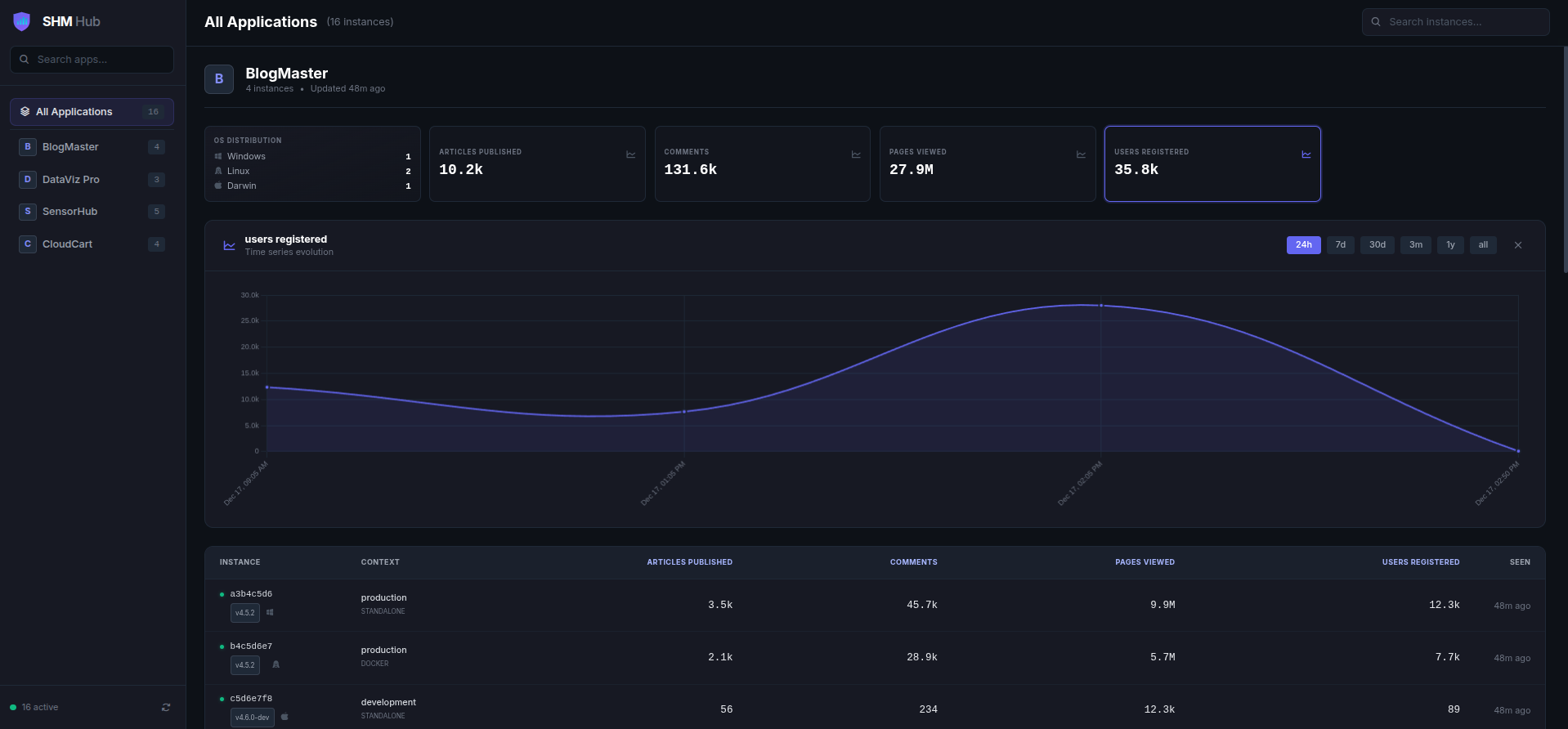
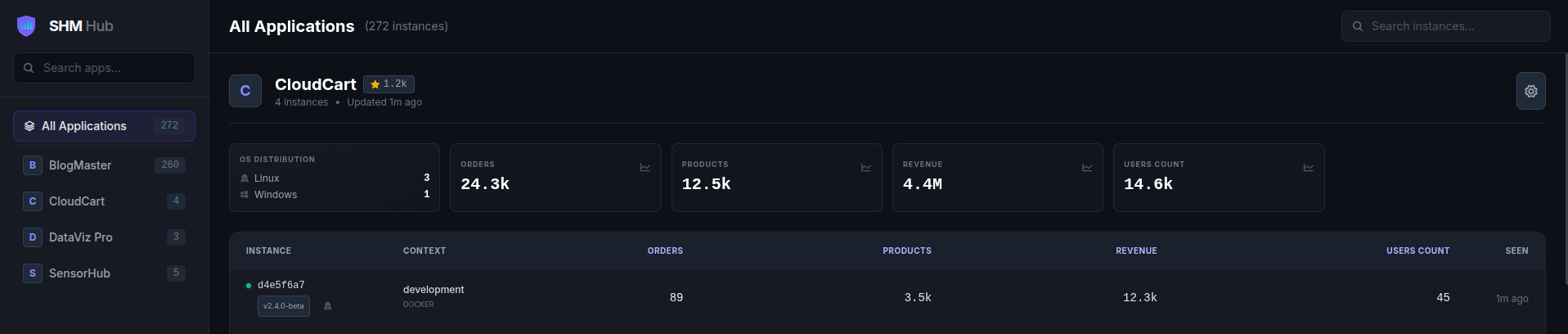
SHM (Self-Hosted Metrics) is a privacy-first telemetry server for self-hosted software developers. It allows developers to collect aggregate usage statistics from their distributed applications without spying on users. The server is a single Go binary with an embedded dashboard that automatically adapts to any JSON payload sent by clients. Clients (available as Go and Node.js SDKs) generate Ed25519 keypairs for cryptographic identity and send signed snapshots. The server stores data in PostgreSQL and provides a dark-mode dashboard with KPI cards, tables, and graphs. It also offers public badges for README embedding. Deployment is via Docker Compose with PostgreSQL.
Should you self-host Self-Hosted Metrics (SHM)?
Self-Hosted Metrics (SHM) scores 45/100 on selfhost.directory (how scoring works) and ranks #77 of 104 in Monitoring & observability. It has 165 GitHub stars.
It shipped 9 stable releases in the past year. The latest, v1.2.7, came out on 29 July 2026. New versions land roughly every 2 weeks.
Setup is moderate: expect some configuration beyond a single command. An official Docker image is available. It is AGPL-3.0-licensed and written mostly in Go.
Its closest alternative on selfhost.directory is grafana (90/100, 77 569 stars). It scores higher overall, so compare the two before you pick. See Self-Hosted Metrics (SHM) vs grafana side by side.
Features
- Cryptographic identity
- Docker-native deployment
- DO_NOT_TRACK Support
- Dynamic dashboard
- GitHub stars integration
- Go SDK
- Health check endpoint
- Multi-app support
- Node.js/TypeScript SDK
- Ops vs Business Separation
- Public Badges
- Rate Limiting
- System Metrics Collection
Self-Hosted Metrics (SHM) README
More in Monitoring & observability
 signozOpen-source observability tool you host yourself, combining APM, logs, traces, and dashboards on OpenTelemetry to replace DataDog.
 simonSimon is a self-hosted, open-source system monitor in Rust with real-time metrics, Docker monitoring, file browser, and alerting via webhooks — all in a single binary.
 smartctl_exporterSelf-hosted, open-source Prometheus exporter that collects SMART disk health data via smartctl and exposes it as metrics for monitoring storage hardware.
 StatusSelf-hosted, open-source system monitor for small Linux homeservers with web UI showing CPU, memory, storage, network, and host info. Runs on Raspberry Pi.
 tianjiSelf-hosted insight hub combining web analytics service monitoring and server status checks. Apache 2.0 licensed open-source platform for independent developers.
 tirrenoA self-hosted PHP security framework that spots account takeovers, fraud, and logic abuse inside your app using a dashboard, rule engine, and audit trails.
 tracearr-supervisedSelf-hosted, open-source monitoring dashboard for Plex, Jellyfin and Emby with real-time streams, account-sharing detection, trust scores and automations.
 TraceloopOpen-source observability for your GenAI or LLM application, based on OpenTelemetry
 World MonitorSelf-hosted open-source dashboard streaming 460 news feeds from 761 providers onto a live map with 57 layers, correlating geopolitics, markets, shipping, aviation
 ZabbixZabbix is a self-hosted, open-source observability platform for monitoring networks, servers, VMs, and cloud infrastructure with distributed monitoring.
 AlertaSelf-hosted, open-source alert monitoring console that consolidates, de-duplicates and correlates alerts from many sources via an HTTP JSON API.
 app-glancesGlances is a self-hosted, open-source system monitoring tool packaged as a Home Assistant add-on with web dashboard and InfluxDB export.
0 comments