
Self-host SandBase Harness
v0.3.8Local-first runtime for sandboxed, auditable AI agents
- Stars
- 635
- Port
- 3000 (HTTP port serving both the /v1 API and the web Console/dashboard)
ghcr.io/sandbaseai/sandbase-harness-sandbox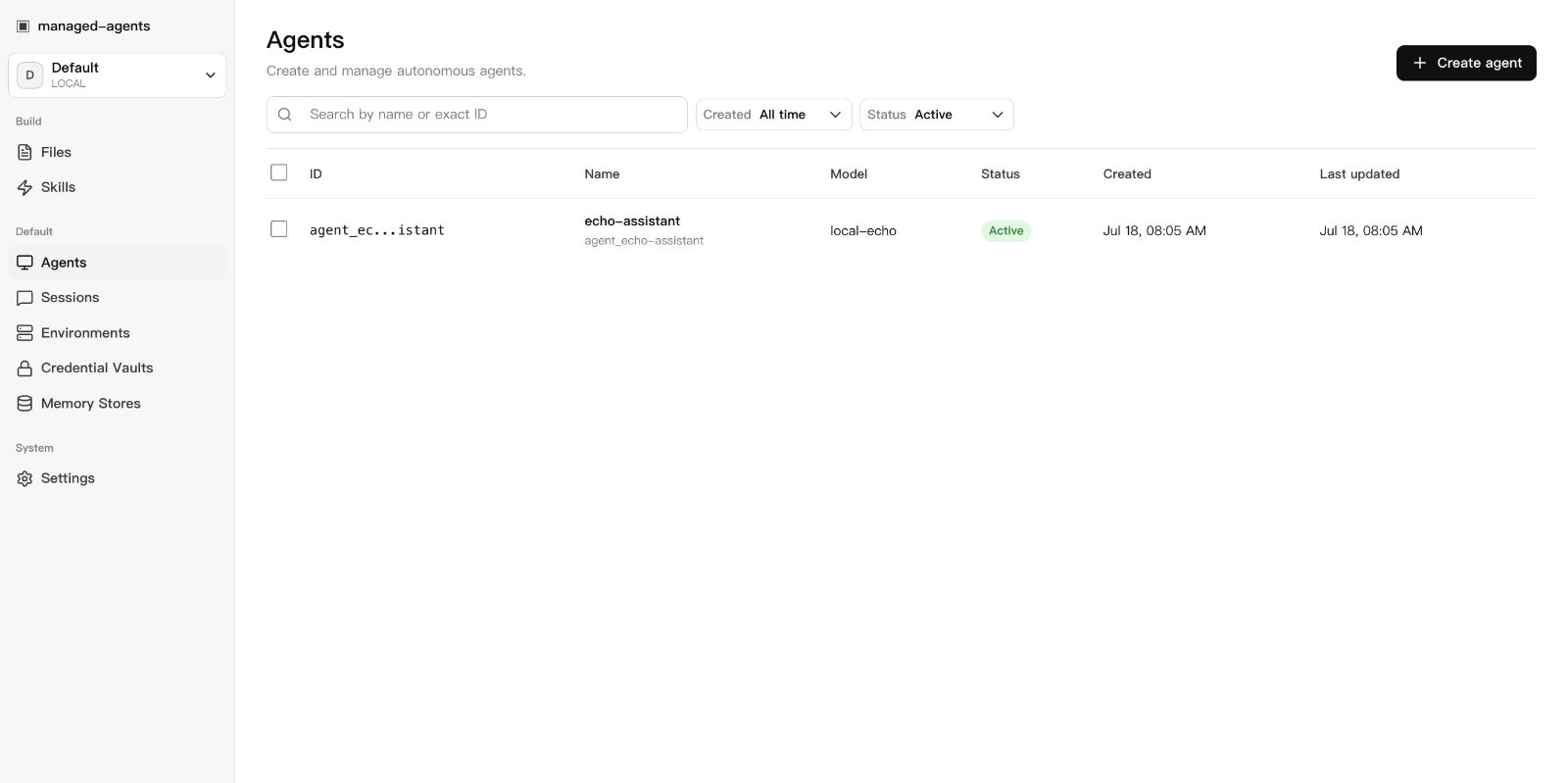
What is SandBase Harness?
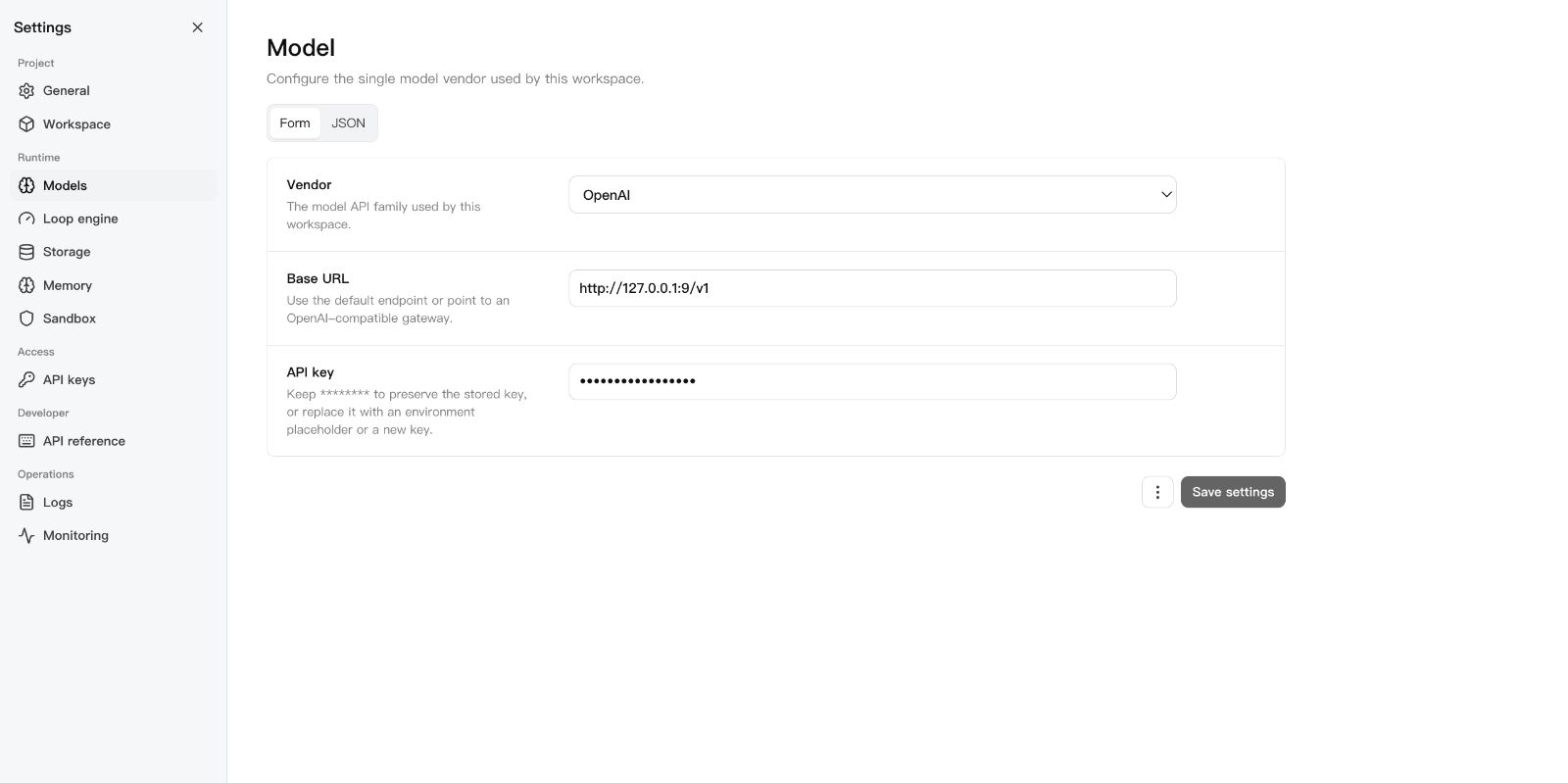
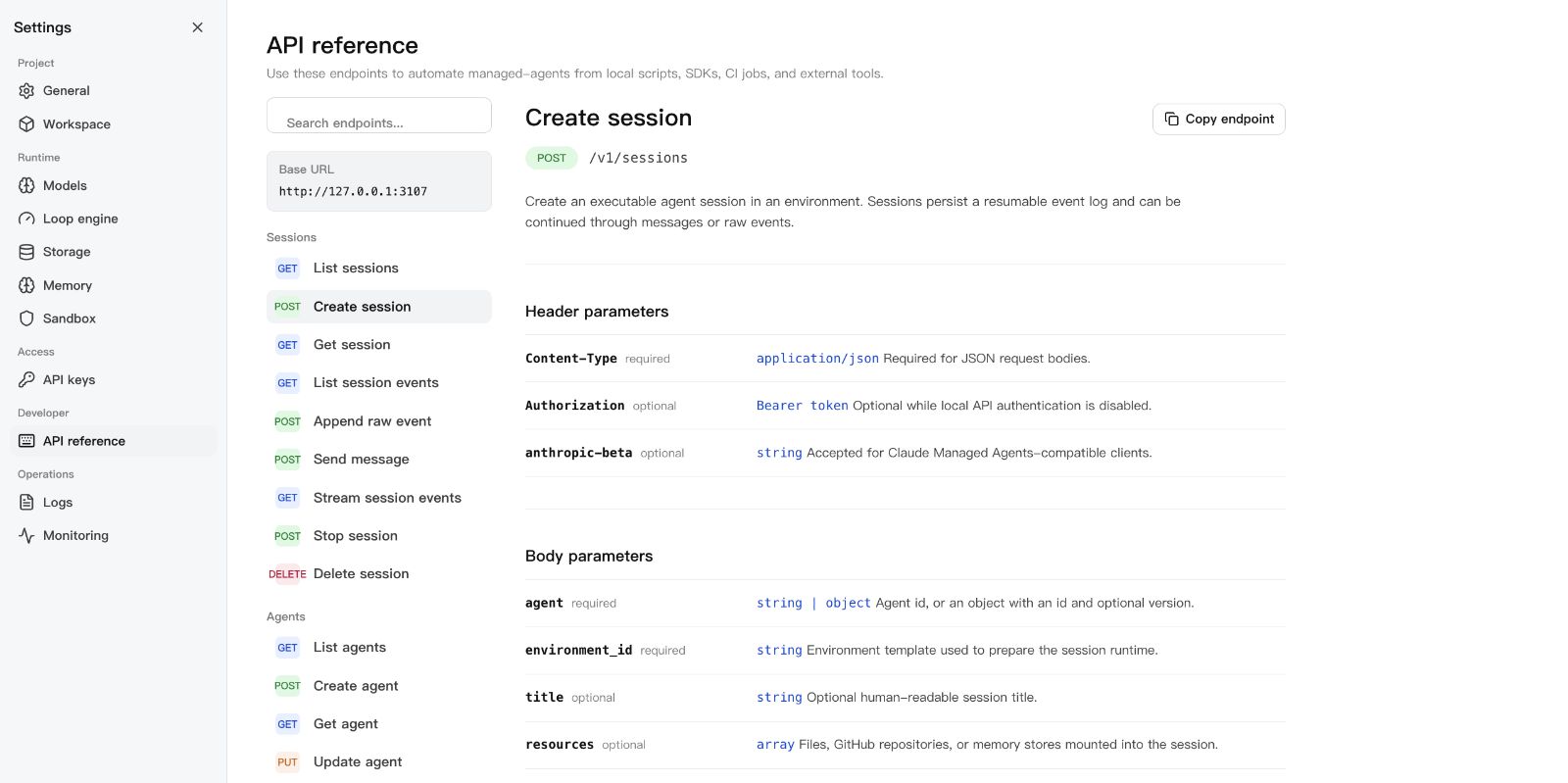
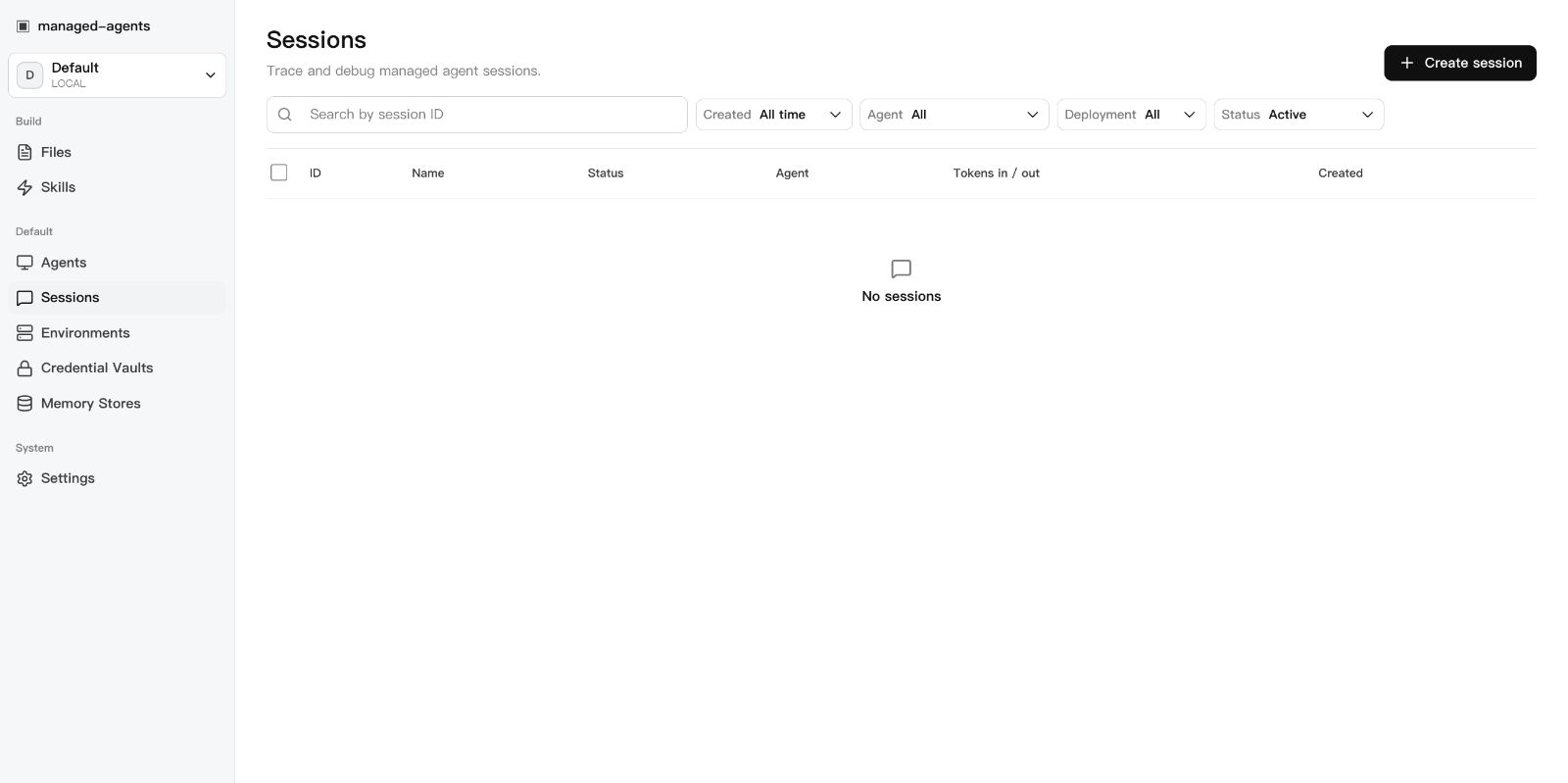
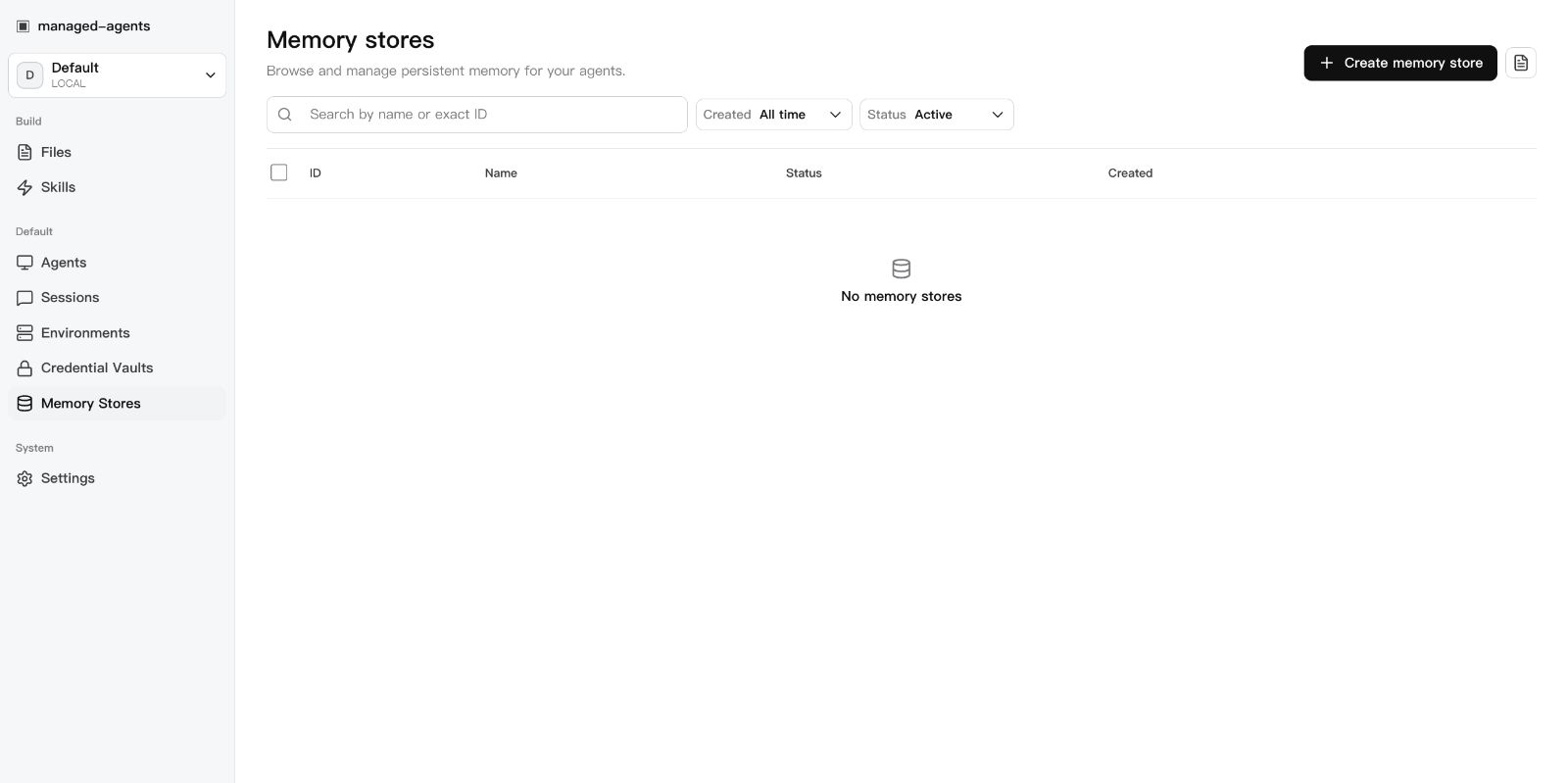
SandBase Harness (its CLI is called managed-agents) is a local-first runtime layer for production AI agents, aimed at developers who need sessions, tool governance and auditability rather than another model SDK. A single Node.js process serves both a /v1 API built around the Claude Managed Agents contract and a built-in web Console. Agents run tools in local-process, Docker, Kubernetes or self-hosted worker sandboxes, and access is controlled with MCP toolsets, permission policies, approval gates and credential vaults; long-running work stays inspectable through an append-only event log, resumable event streams and replay. Memory stores, skill packages, declarative manifests applied from the CLI, scheduled deployments and signed webhook subscriptions cover the operations side. Model access is pluggable — OpenAI, Anthropic and MiniMax are named, as are any OpenAI-compatible endpoints including DeepSeek — and configured from the Settings screen. Install it by cloning the tagged GitHub release, building with npm, then running init and start; metadata stays in a local SQLite database. No official container image exists for the runtime itself (the published ghcr.io image is only the sandbox helper) and the unscoped managed-agents npm package is explicitly not this project. Releases are pre-1.0 (v0.3.8) under the Apache-2.0 licence.
Should you self-host SandBase Harness?
SandBase Harness scores 39/100 on selfhost.directory (how scoring works) and ranks #170 of 209 in AI Agents. It has 635 GitHub stars.
It shipped 9 stable releases in the past year. The latest, v0.3.8, came out on 30 August 2026.
Setup is moderate: expect some configuration beyond a single command. An official Docker image is available. It is Apache-2.0-licensed and written mostly in Typescript.
Its closest alternative on selfhost.directory is Orca (91/100, 108 642 stars). It scores higher overall, so compare the two before you pick. See SandBase Harness vs Orca side by side.
Features
- Credential vaults
- Declarative manifests
- Egress network policyProject marks environment-network-policy Partial; kubernetes and self-hosted providers install no egress boundary.
- Event replay & audit
- MCP toolsets
- Memory stores
- Persistent Sessions
- REST API
- Sandboxed Execution
- Scheduled deployments
- Session budgets
- Tool approvals
- TypeScript SDK
- Web Console
- WebhooksDelivery behaviour deviates from the published Claude Managed Agents contract (project marks it Partial).
SandBase Harness README
More in Infrastructure
 StewardSelf-hosted open-source tool that inventories resources across major clouds, maps dependencies, and lets you review cleanup impact before deletion.
 TeleportSelf-hosted open-source platform replacing VPNs with short-lived certificates, SSO, MFA, RBAC, and session audit across SSH, Kubernetes, databases, and web apps.
 terrateamOpen-source Terraform and OpenTofu orchestration that plans every pull request and applies on merge, self-hosted with Docker Compose against PostgreSQL.
 Xen OrchestraXen Orchestra is a self-hosted, open-source web interface to manage, back up, and delegate XCP-ng and XenServer virtualization infrastructure from a single pane of glass.
 cloudflare-dns-failoverSelf-hosted Go daemon that monitors server health and updates Cloudflare DNS A records to the first responsive IP for high availability.
 collinsCollins is a self-hosted, open-source CMDB from Tumblr for tracking servers, switches, and racks with REST API, CLI, IPAM, power management, and multi-datacenter support.
 ContainariumSelf-hosted open-source agent runtime giving each AI a persistent SSH-reachable Linux box on LXC or Kubernetes with eBPF isolation and built-in MCP servers.
 cozystackCozystack is a self-hosted, open-source cloud platform turning bare metal into managed infrastructure with Kubernetes clusters, databases, VMs, and object storage.
 DebOpsDebOps - Your Debian-based data center in a box
 deployarooDeployaroo is a self-hosted, open-source web UI for deploying VMware vSphere VM templates via Ansible, with dashboard, history, user management, and Discord alerts.
 DesignateDesignate is a self-hosted, open-source DNSaaS for OpenStack with REST API, CLI, and Horizon dashboard for DNS zone management.
 emisaremisar gives AI agents declared infrastructure actions instead of shell. Policy gates actions, approvals for risky changes, tamper-evident audit trail.
0 comments