
Self-host rsspush
2024.10.01.10.04Watch RSS feeds and push updates to WeChat or messengers
- Stars
- 621
- CPU
- x86/arm64 架构的 Docker环境
- Port
- 8000 (RSSPush 管理界面(Web UI)监听端口)
easychen/rsspush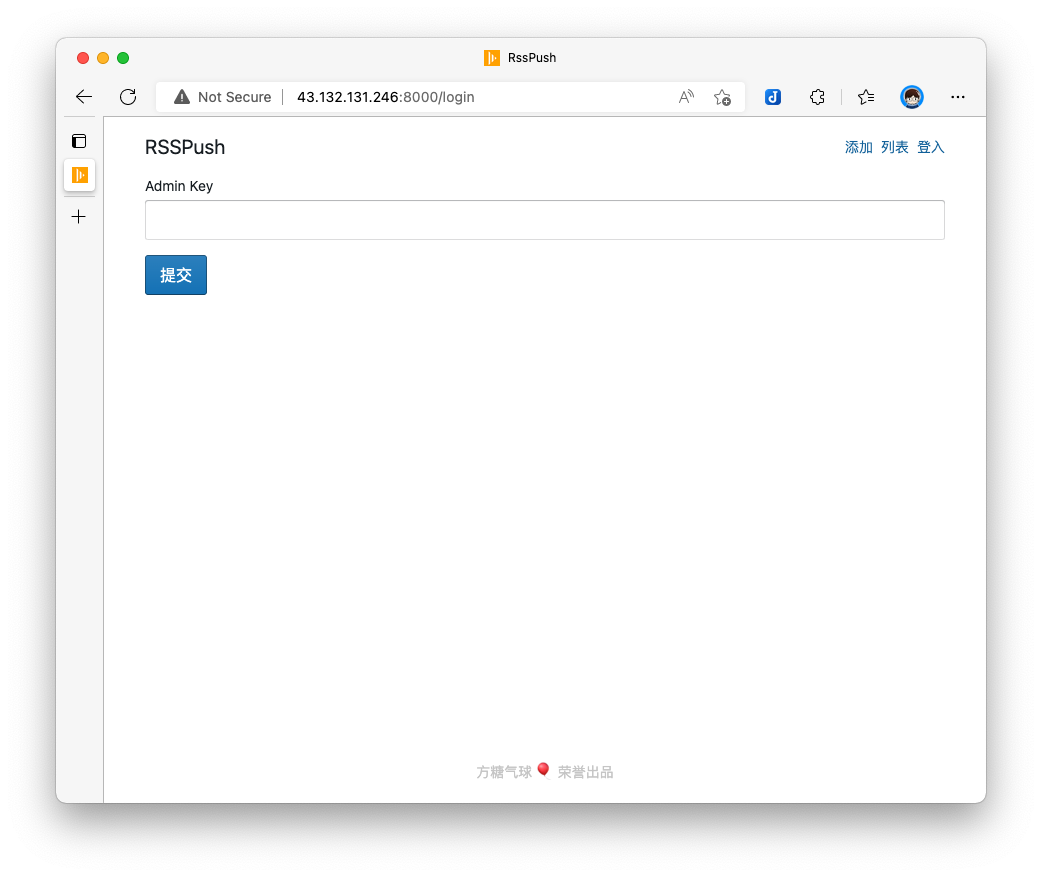
What is rsspush?
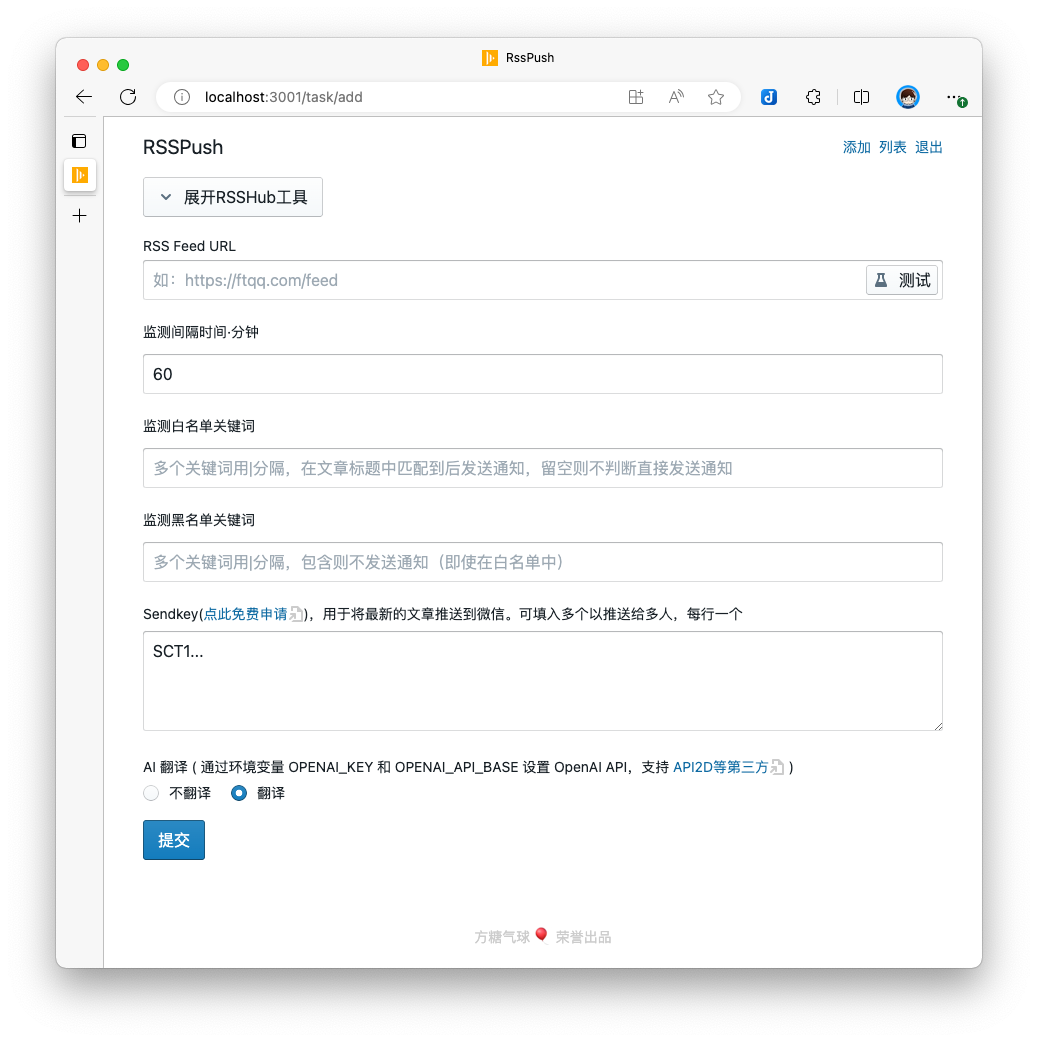
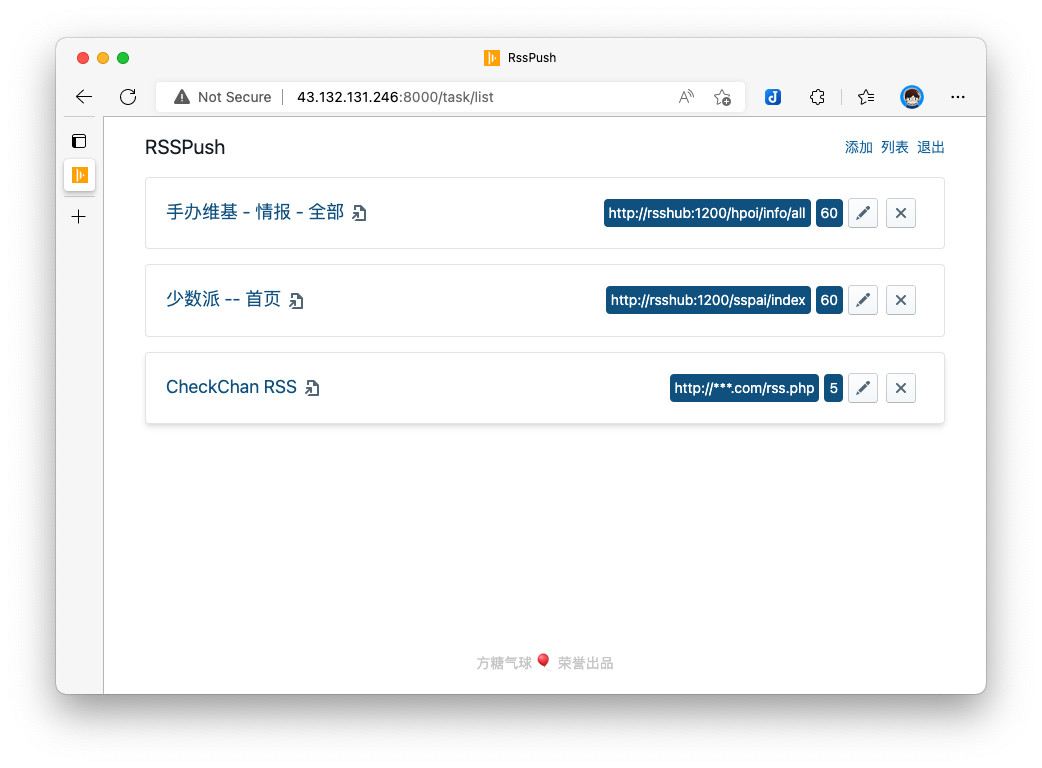
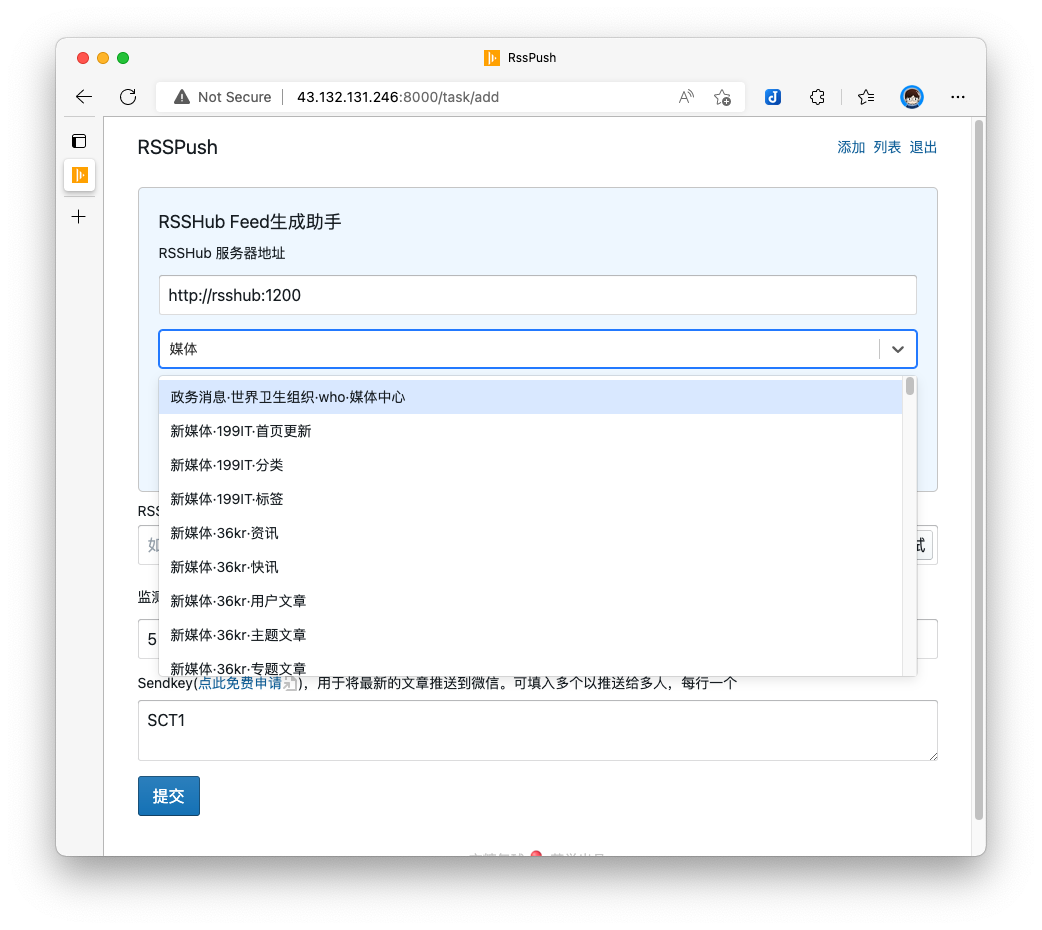
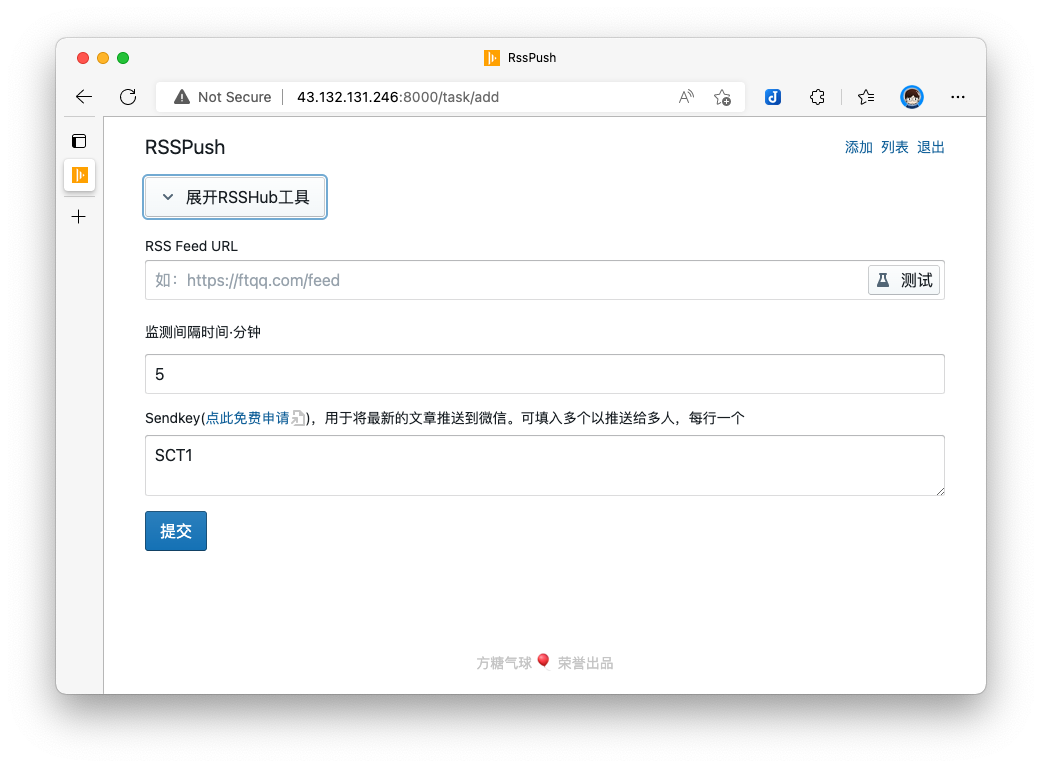
RSSPush 是一个自托管的 Web 应用,用于监测 RSS 订阅源的更新并把最新文章推送给你常用的通知渠道。它通过 Server酱 把内容发到微信,也支持把 Sendkey 写成 http 开头的地址来接收 form-encoded 的自定义 webhook,或以 apprise 前缀调用 Apprise,从而送达 Telegram、Discord、Slack 等上百个消息渠道(含 Amazon SNS 与 Gotify)。功能上支持定时监测(默认 60 分钟间隔,填 0 可每分钟检查)、Feed 连通性测试、黑白名单关键词过滤、HTTP 代理抓取,以及借助 OpenAI Key 自动把 Feed 翻译成中文;内置一个基于 RSSHub 文档的源搜索工具,可浏览两千多个订阅源并自动生成 Feed 地址。部署上以 Docker Compose 镜像 easychen/rsspush 运行,通过环境变量配置,Web 界面默认在 8000 端口并用 ADMIN_KEY 密码登录,compose 默认还会附带一个本地 RSSHub(可注释掉改用官方实例),任务数据保存在挂载的 data 目录(tasks.json、cron.txt)。仓库未声明许可证,最后更新为 2024 年 10 月。
Should you self-host rsspush?
rsspush scores 42/100 on selfhost.directory (how scoring works) and ranks #4 of 4 in RSS. It has 621 GitHub stars.
There was no stable release in the past 12 months, so check the repository's recent activity before you rely on it.
Setup is easy: most people get it running in one sitting. An official Docker image is available.
Its closest alternative on selfhost.directory is RSS-Bridge (74/100, 9 322 stars). It scores higher overall, so compare the two before you pick. See rsspush vs RSS-Bridge side by side.
Features
- Apprise notification channels
- Automatic feed translation
- Custom webhook delivery
- Feed reachability test
- HTTP proxy support
- Keyword Filtering
- Multiple Recipients
- RSS Feed Monitoring
- Task management UI
- WeChat push notifications
rsspush README
More in RSS
 RSS-to-Telegram-BotSelf-hosted, open-source Telegram bot that pushes RSS and Atom feeds to chats and channels with rich formatting, media, OPML import/export, and multi-user support.
 SpodcastSpodcast is a self-hosted, open-source tool that converts Spotify podcasts into RSS feeds for any podcast player, with local caching and a web UI.
 StringerA self-hosted, open-source RSS reader in Ruby on Rails: no social features, just feeds, keyboard shortcuts, translations and a Fever-compatible API.
 TelegramRSSTelegramRSS is a self-hosted, open-source microservice converting public Telegram channels to RSS/JSON feeds with media support and shared caching.
 Tiny Tiny RSSSelf-hosted, open-source web RSS/Atom reader and aggregator with folders, OPML, filters, plugins, themes and a JSON API; runs via Docker Compose with PostgreSQL.
 UglyFeedUglyFeed is a self-hosted, open-source RSS aggregator that uses LLMs to retrieve, deduplicate, rewrite, and serve clean feeds from multiple sources.
 Upvote RSSA self-hosted PHP app that builds RSS feeds from top posts on Reddit, Hacker News, Lemmy, Lobsters, PieFed, Mbin, and GitHub, with optional AI summaries and media embeds.
 Yarryarr is a lightweight open-source feed aggregator you can self-host as a single binary or Docker image, with SQLite or Postgres storage and a Fever API.
 AIHOTSelf-hosted, MIT-licensed news-site engine: an LLM filters, scores and clusters RSS, web and social sources into a trending feed plus daily, weekly and monthly digests.
 ColdsweatSelf-hosted RSS aggregator with Fever API for Reeder/ReadKit sync. Multi-user, OPML import, SQLite/PostgreSQL/MySQL backends.
 dashwiseAn open-source, self-hosted homelab dashboard with built-in auth and OIDC SSO, widgets, link groups with uptime monitoring, RSS news and Spotlight-style search.
 FeedCraftFeedCraft is a self-hosted, open-source RSS processor that extracts full text, translates articles, generates AI summaries, and filters feeds. Runs via Docker.
0 comments