
Self-host QGIS Web Client
v2026.0.30-ltsModular web GIS client for QGIS Server
- Stars
- 383
- Port
- 80 (Main application (API gateway))
- Requires
- Nginx, PostgreSQL/PostGIS, QGIS Server, Solr
sourcepole/qwc-map-viewer
What is QGIS Web Client?
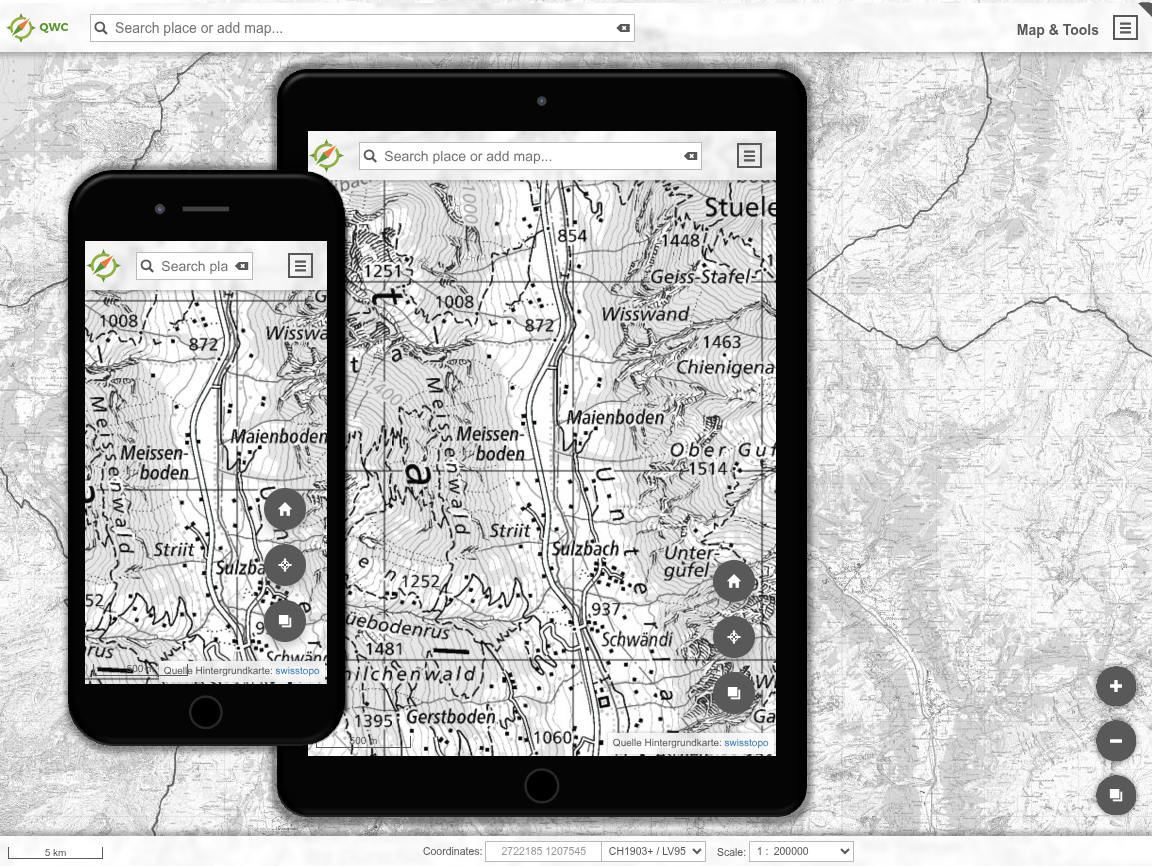
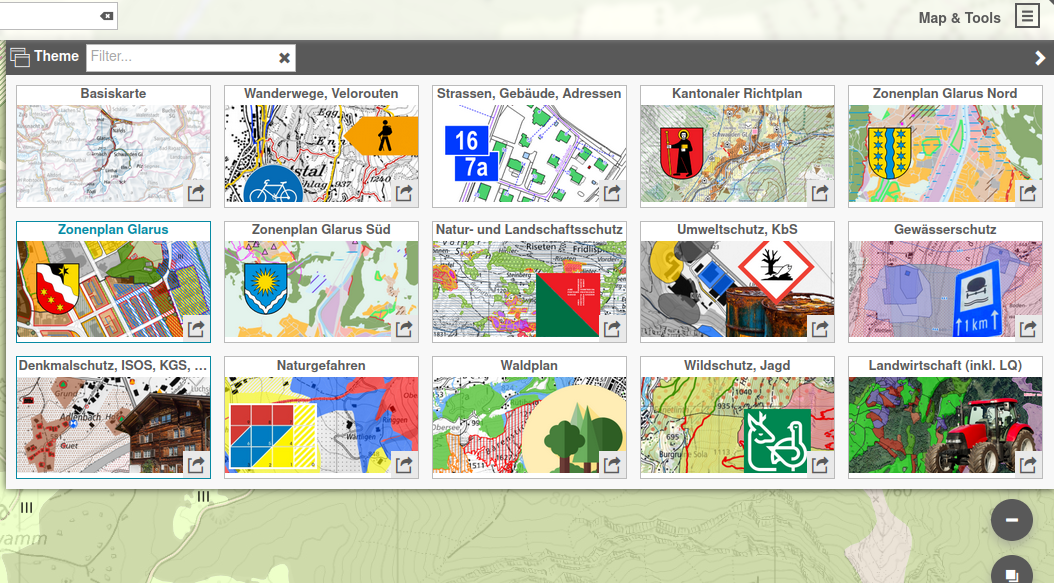
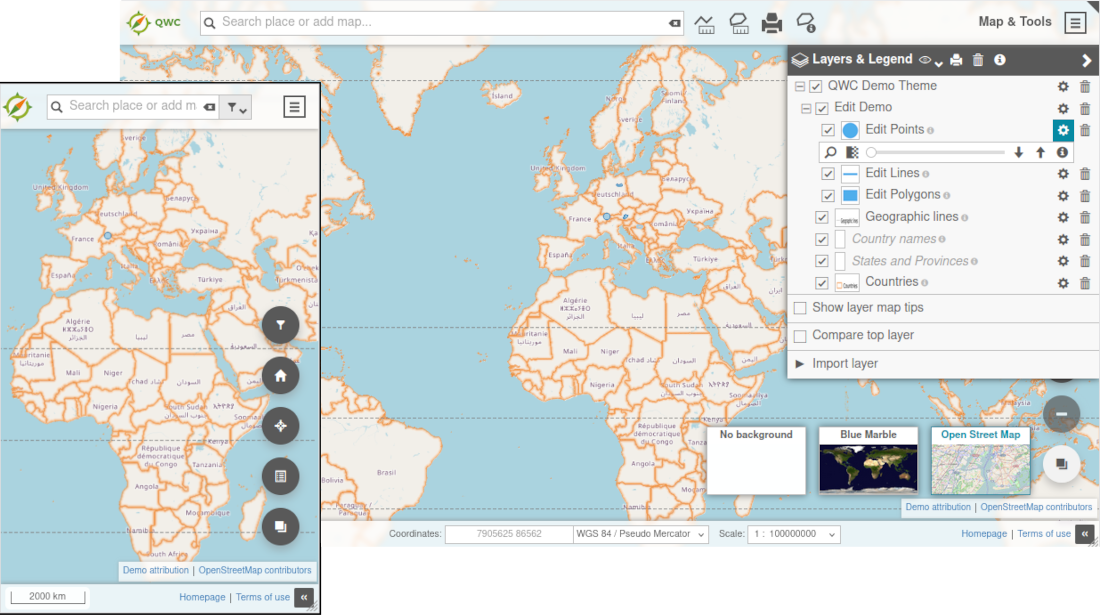
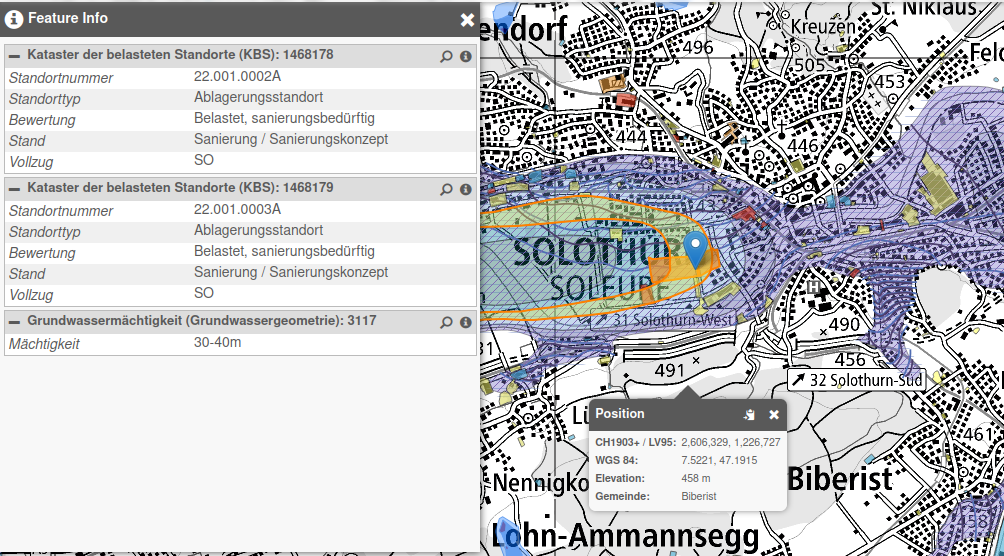
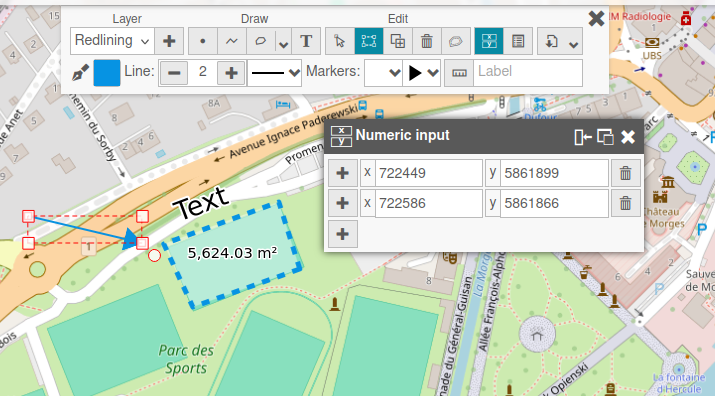
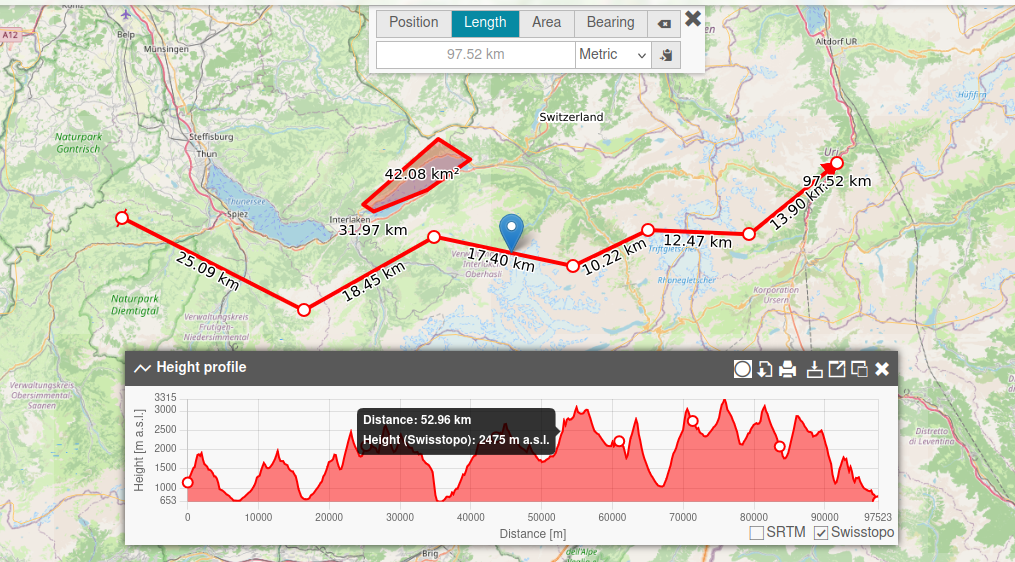
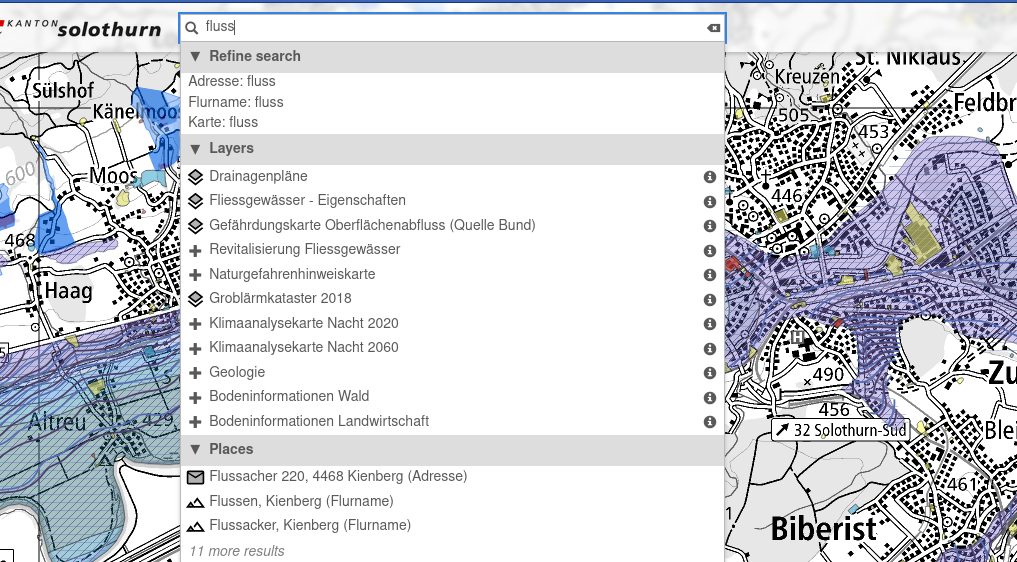
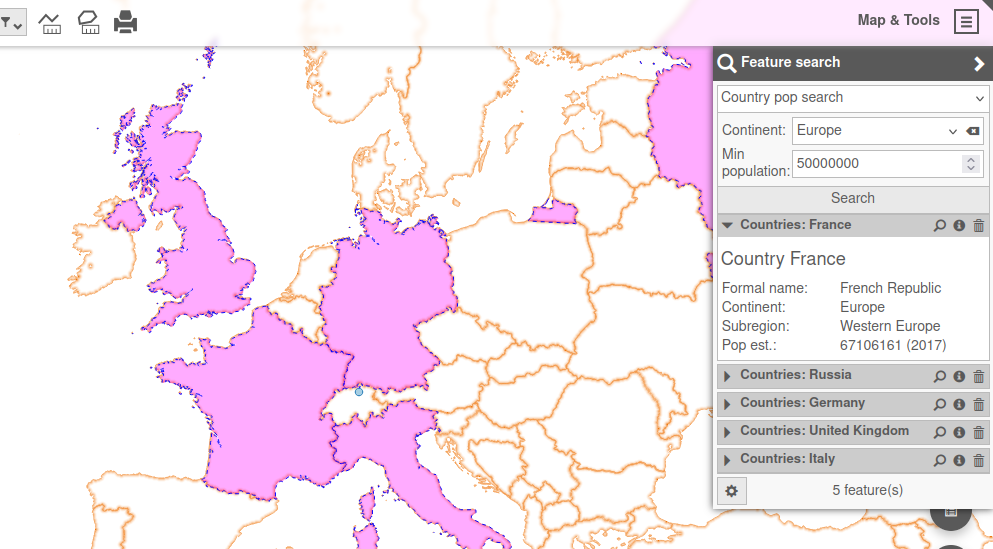
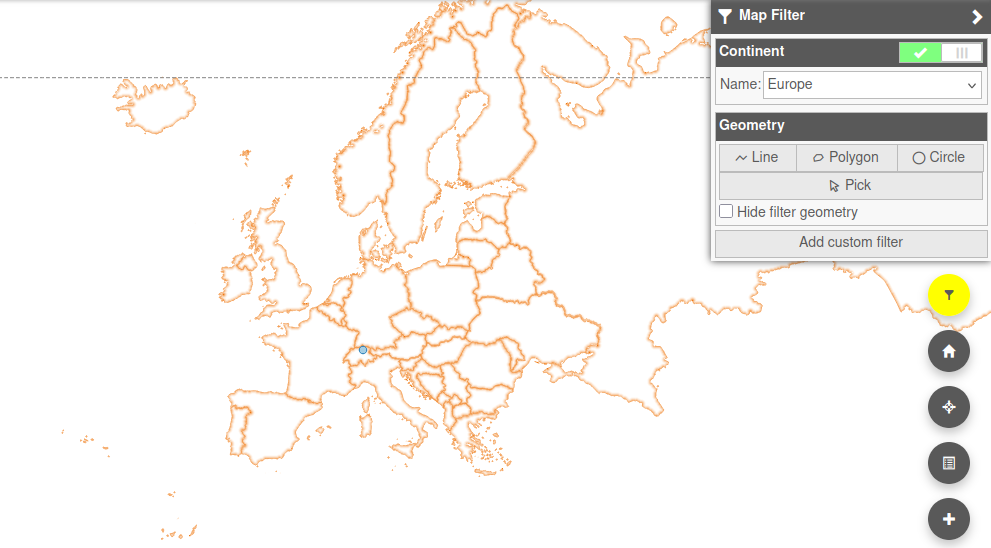
QGIS Web Client is a modular web GIS application built with React and OpenLayers that publishes QGIS projects to the web. It connects to QGIS Server and provides a responsive map interface with thematic views, layer management, feature identification, and measurement tools. Users can import external WMS, WFS, GeoJSON, KML, and Shapefile layers. Search capabilities include unified full-text search, QGIS feature search forms, and dynamic map filtering. The platform supports routing with isochrones, temporal data visualization, and sensor data from SensorThings APIs. Output features include PDF and Geo-PDF printing from QGIS layouts, atlas printing, map export in multiple formats, and templated feature reports. Editing capabilities cover PostGIS geometry and attribute editing, advanced forms based on QGIS configurations, attribute tables with bulk operations, and third-party integration via WebSocket. 3D visualization handles terrain, 3D Tiles, draped layers, urban planning tools, oblique imagery, and street-level panoramas. User management offers an admin backend with role-based access control for maps, layers, and attributes, plus OIDC and LDAP authentication. The plugin architecture enables customization of functionality, appearance, and localization with multi-tenancy support. Deployment options include a standalone static build via npm or the full qwc-services Docker stack with microservices for authentication, editing, search, and printing. The project is developed under the QGIS organization with a BSD-2-Clause license.
Should you self-host QGIS Web Client?
QGIS Web Client scores 57/100 on selfhost.directory (how scoring works) and ranks #9 of 12 in Maps. It has 383 GitHub stars.
It shipped 10 stable releases in the past year. The latest, ci-latest-master, came out on 27 October 2026.
Setup is advanced: plan for several services and some ongoing maintenance. An official Docker image is available. It is BSD-2-Clause-licensed and written mostly in JavaScript.
Its closest alternative on selfhost.directory is GeoServer (71/100, 4 484 stars). It scores higher overall, so compare the two before you pick. See QGIS Web Client vs GeoServer side by side.
Features
- Batch/atlas printing
- Drawing and measurement tools
- External layer import
- Feature identification
- Feature reports
- Layer control
- Map and data export
- Map filtering
- Map printing
- QGIS feature search
- Routing and isochrones
- Sensor data integration
- Temporal data visualization
- Thematic map views
- Unified full-text search
QGIS Web Client README
FAQ
How do I change the qwc-docker port?
Modify the api-gateway port mapping in docker-compose.yml, for example to run on port 1234 instead of the default 8088.
More in Maps
 ReittiReitti is a self-hosted, open-source personal location tracker: import GPX, Google Takeout or live OwnTracks feeds to get visit and trip detection, timelines and stats.
 roadbookRoadbookMaker is a self-hosted, open-source web app for creating travel itineraries on interactive maps with AI-assisted planning and offline-first design.
 scratch-mapSelf-hosted open-source scratch-off style map for tracking your travels across world, country, and regional maps with date and photo album links.
 smsSelf-hosted vector tile server serving OSM data from MBTiles with hiking/cycling routing, SAC ratings, and MCP for LLM agents to plan tours.
 TileServer GLOpen-source, self-hosted map tile server rendering vector and raster tiles from GL styles with MapLibre GL Native, for MapLibre GL JS, Leaflet, OpenLayers and WMTS.
 TRIPSelf-hosted, open-source (MIT) minimalist map and trip planner: keep points of interest on interactive maps, then plan multi-day itineraries together with friends.
 AdventureLogA self-hosted travel tracker where users pin locations on an interactive world map, create itineraries, track countries visited, and share travel plans.
 DawarichSelf-hosted, open-source location history tracker and Google Timeline alternative with map layers, trips, visits, stats, family sharing and import/export.
 docker-staticmapsA self-hosted, open-source REST API that renders static map images with markers and overlays. Includes basemaps, caching, rate limits, and API key auth.
 GeoServerSelf-hosted, open-source Java server that publishes and edits geospatial data through OGC standards such as WMS, WFS, WCS and WMTS, from Shapefile to PostGIS.
 Martin Tile ServerAn open-source, self-hosted vector tile server written in Rust that serves tiles from PostGIS, GeoJSON, PMTiles and MBTiles sources.
 MBCompassAn open-source, self-hosted-on-device Android compass app: GPS location, track recording, GPX export, offline Mapsforge maps, zero ads or tracking.
0 comments