
Self-host Quickstart
v0.10.16Web UI for configuring Kometa and running ImageMaid
- Stars
- 206
- Port
- 7171 (Web UI and health check endpoint)
- Requires
- Python
kometateam/quickstart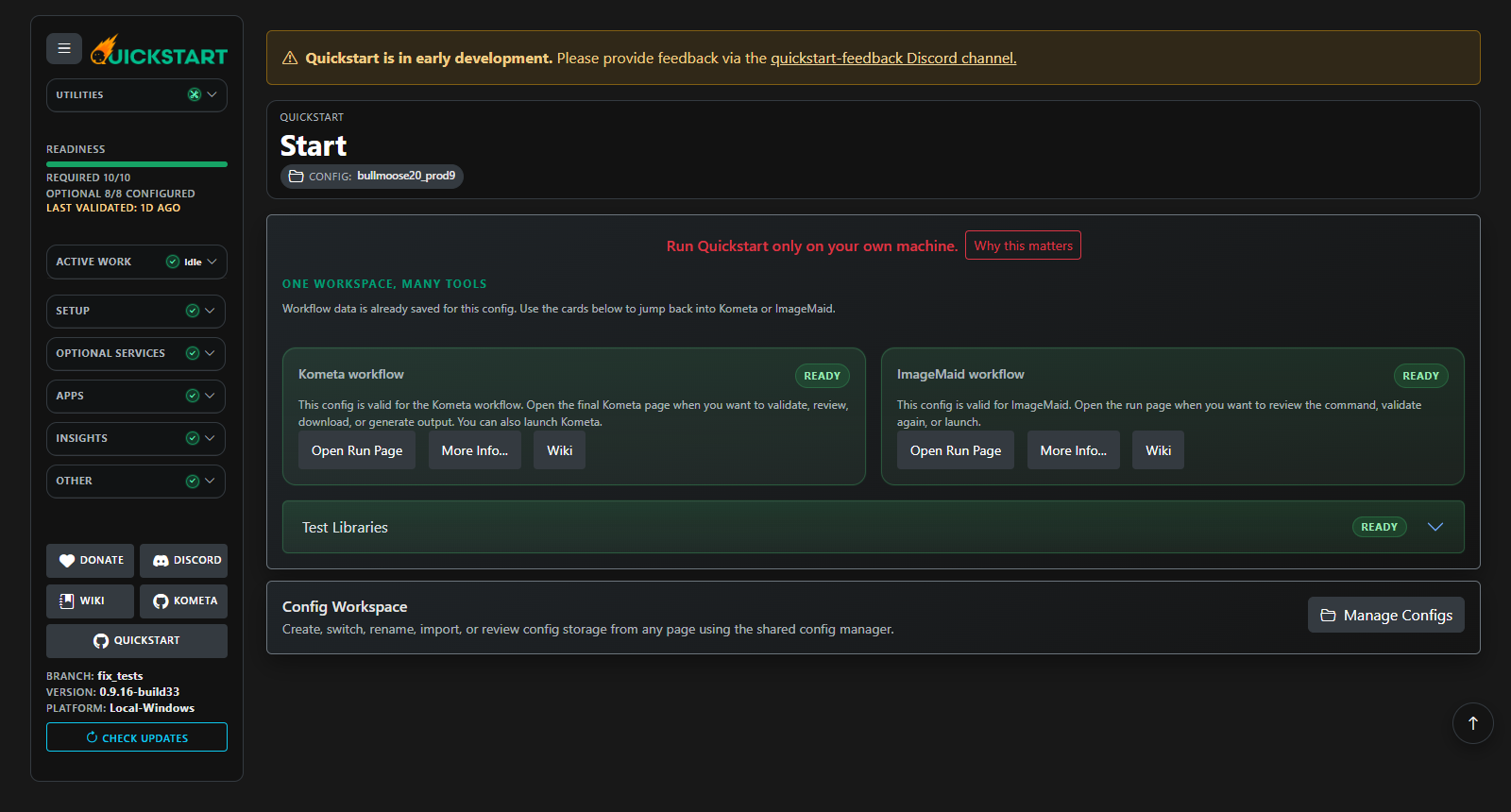

What is Quickstart?
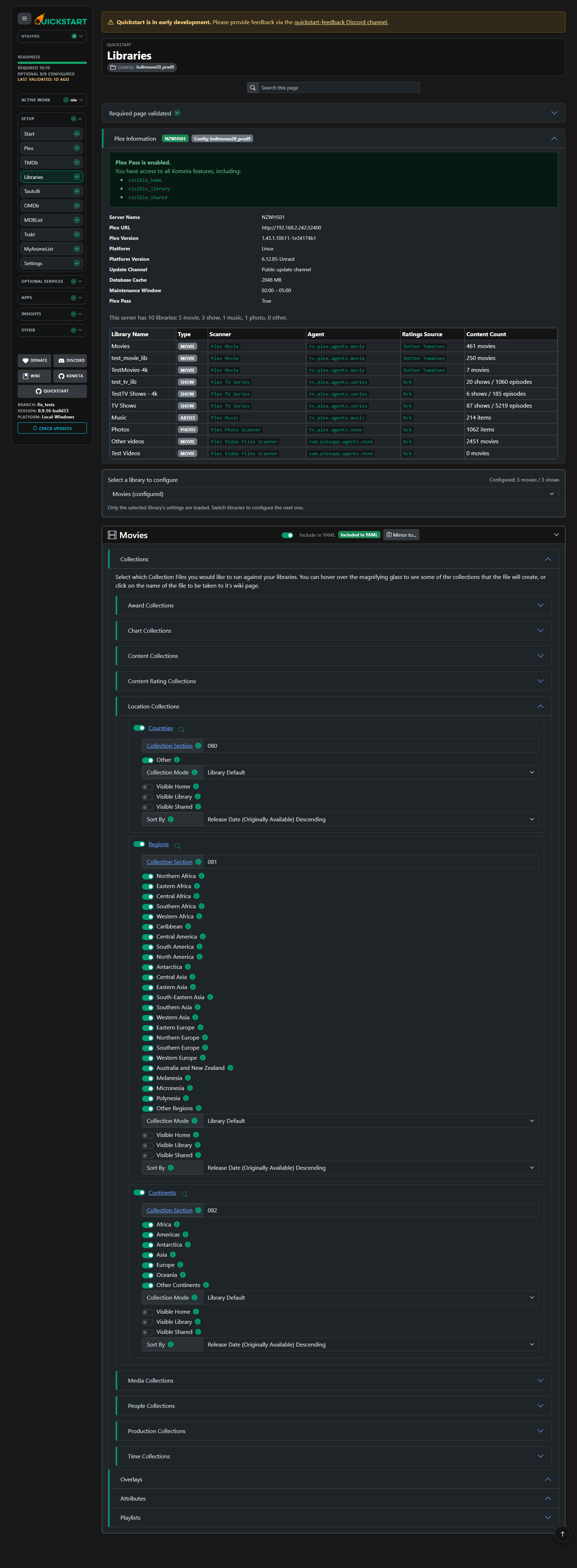
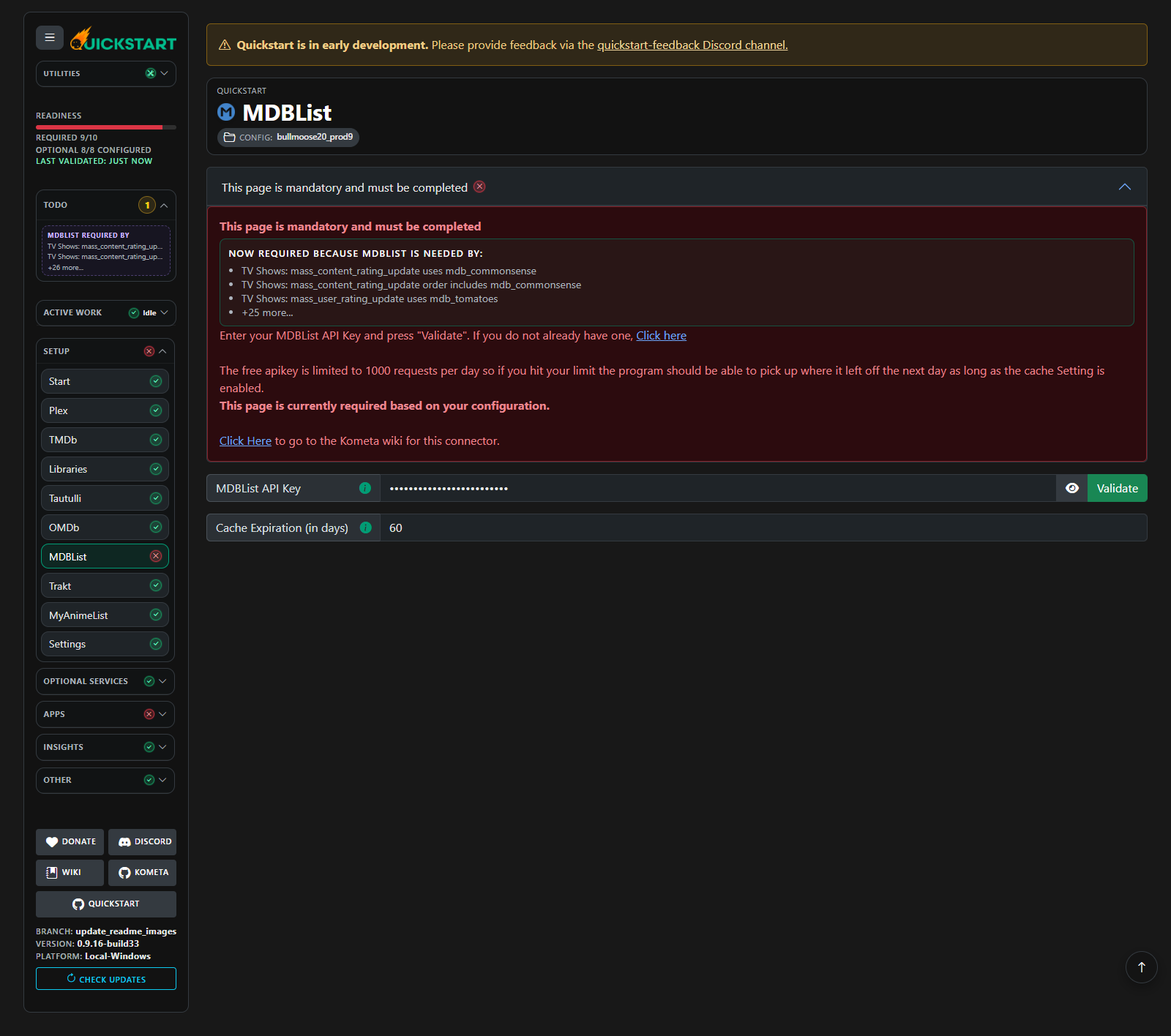
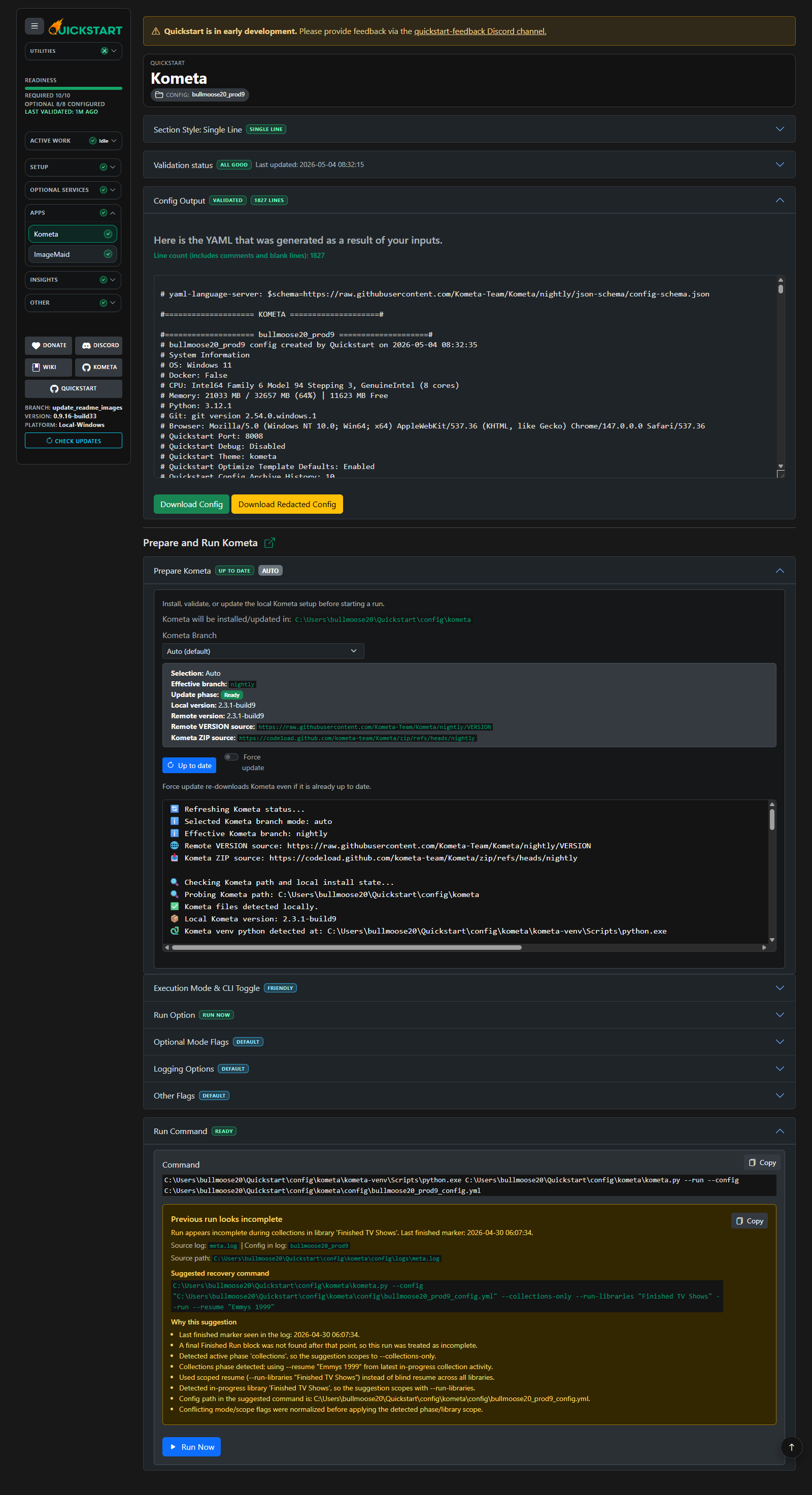
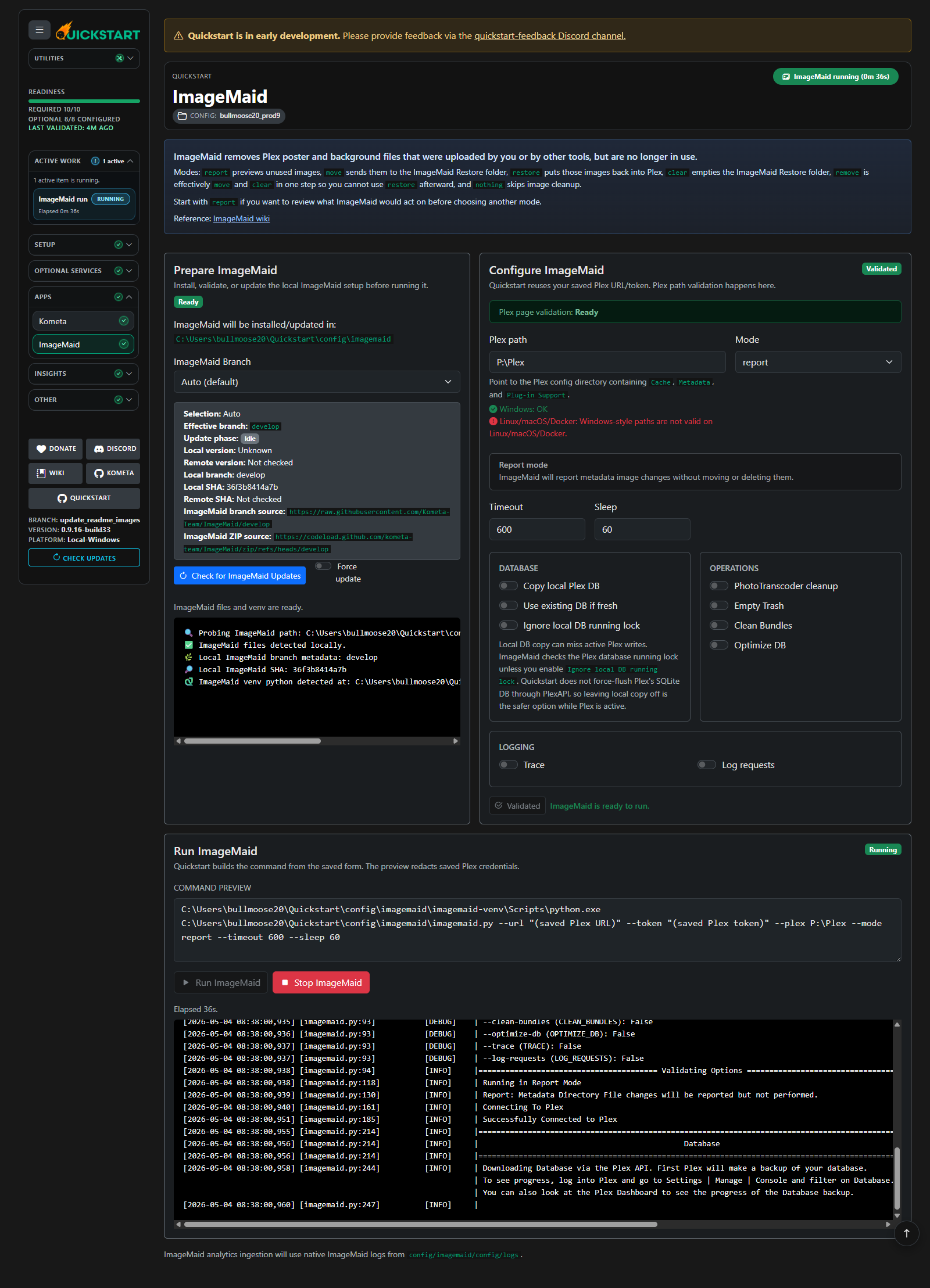
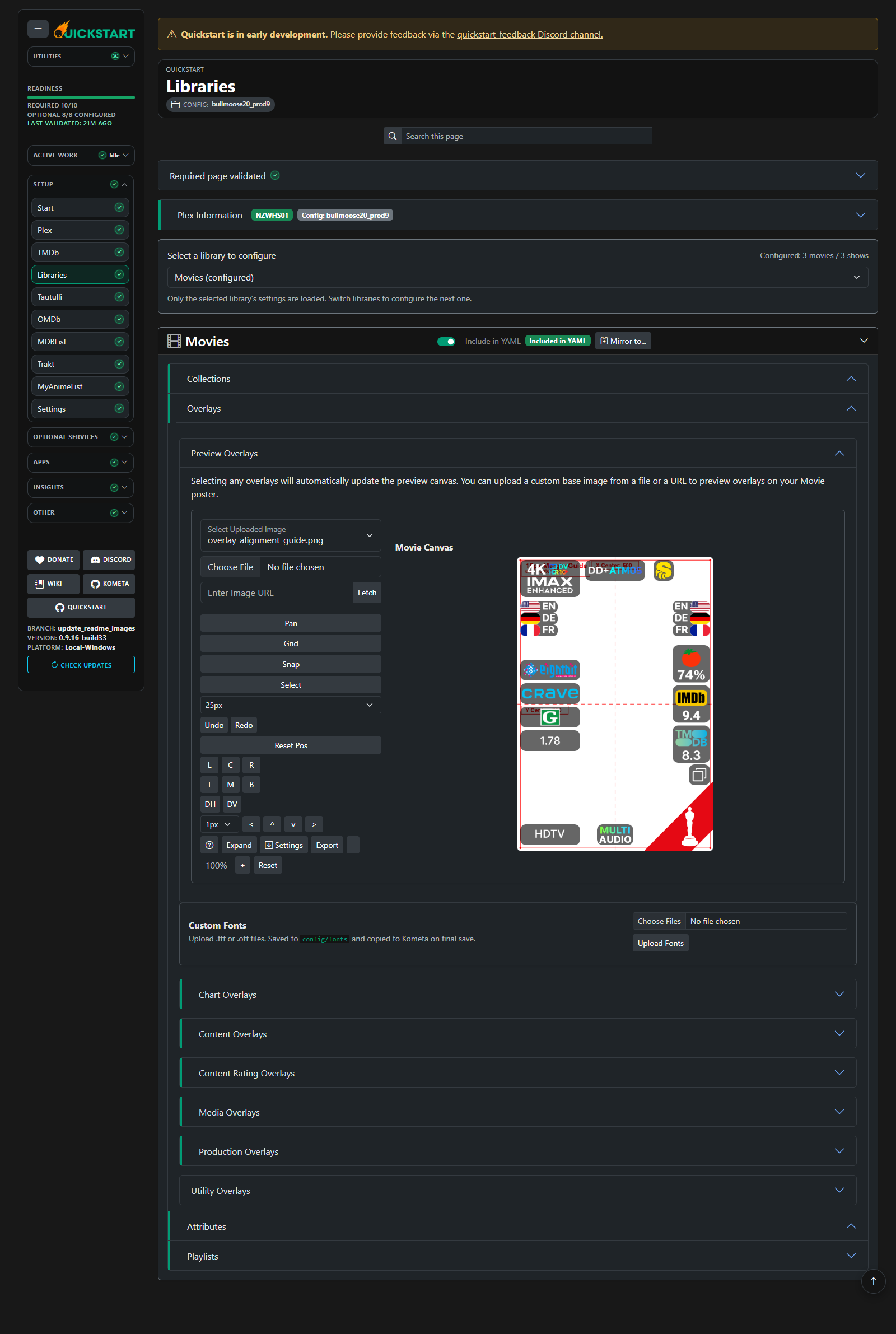
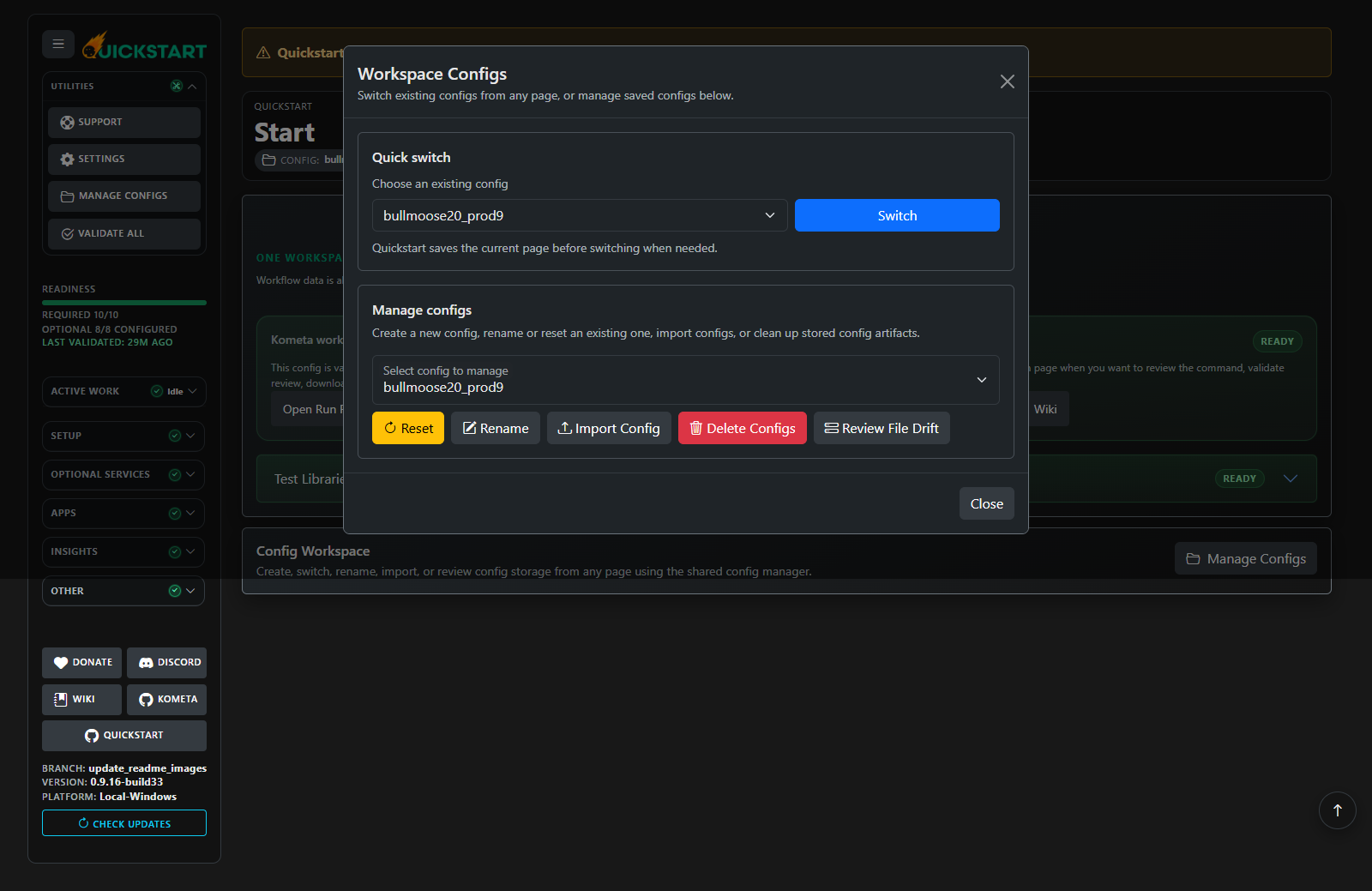
Kometa Quickstart is a guided web interface for creating and managing Kometa configurations. It runs as a self-hosted web application accessible via browser, offering multiple installation methods including Docker, standalone binaries for Windows, macOS, and Linux, and a local Python install. Quickstart provides a step-by-step validated workflow for configuring Plex libraries, collections, overlays, and metadata, with instant feedback before generating the final YAML. It includes safe playground mode with test libraries, SQLite-backed config storage with version history and bundle export/import, and built-in runners for Kometa and ImageMaid with maintenance-aware scheduling. The UI features live overlay previews, a theme picker (Kometa, Plex, Jellyfin, Emby, Seerr), cross-app analytics with log scanning, and optional integrations with services like Tautulli, OMDb, MDBList, Radarr, Sonarr, Trakt, and MyAnimeList. Quickstart manages its own Kometa runtime in managed mode or can connect to an existing direct install or external containerized config path. All credentials and configurations are kept locally in a user-controlled workspace.
Should you self-host Quickstart?
Quickstart scores 52/100 on selfhost.directory (how scoring works) and ranks #60 of 142 in Media Management. It has 206 GitHub stars.
It shipped 18 stable releases in the past year. The latest, v0.10.16, came out on 26 October 2026. New versions land roughly every 7 days.
Setup is moderate: expect some configuration beyond a single command. An official Docker image is available. It is MIT-licensed and written mostly in Python.
Its closest alternative on selfhost.directory is Sonarr (81/100, 17 472 stars). It scores higher overall, so compare the two before you pick. See Quickstart vs Sonarr side by side.
Features
- Built-in ImageMaid Runner
- Built-in Kometa Runner
- Config Bundle Export/Import
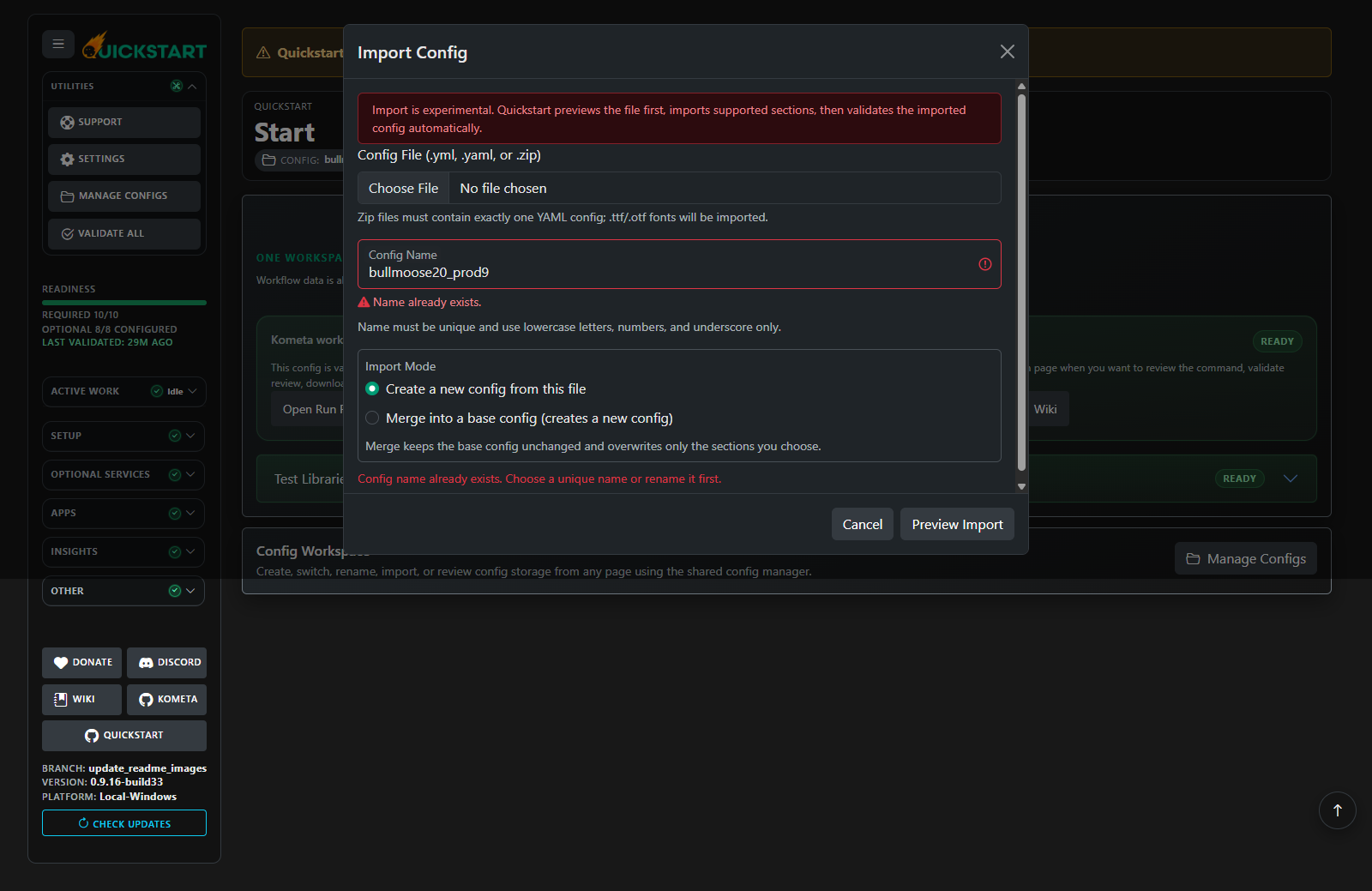
- Config Import from YAML or Bundle
- Config Versioning and History
- Cross-App Analytics
- Dependency-Aware Optional Integrations
- External YAML Editor
- Live Overlay Preview
- Logscan Integration
- Maintenance-Aware Scheduling
- Multiple installation methods
- Safe Playground Mode
- Theme Picker
- Web-based configuration UI
Quickstart README
More in Configuration Management
 rconfigFree open-source network configuration manager for automated multi-vendor backups, versioning, and API-driven automation. Deploy via Docker or Linux.
 rudderRudder is a self-hosted, open-core infrastructure security automation platform for configuration, patching, and compliance across Linux and Windows.
 Self Host BlocksSelfHostBlocks is an opinionated NixOS server management system with modular blocks for self-hosting services with unified config, LDAP/SSO, backup, and monitoring.
 Semaphore UISelf-hosted, open-source automation server: run Ansible playbooks, Terraform/OpenTofu and Bash, PowerShell or Python scripts from a web UI and REST API.
 shelveOpen-source, self-hosted secrets manager for dev teams: keep API keys and .env values in an encrypted vault with team roles, activity logging, scoped tokens and a CLI.
 zookeeperApache ZooKeeper
 adagiosAdagios is a self-hosted, open-source web UI for Nagios/Naemon/Icinga with modern status view, REST APIs, and audit trails — no database needed.
 ARAOpen-source Ansible reporting tool: ara records playbook and ad-hoc runs into SQLite, MySQL or PostgreSQL, browsable via a self-hosted web UI, REST API and CLI.
 BuildarrSelf-hosted tool automating *Arr stack configuration via YAML. Idempotent updates, TRaSH-Guides sync, scheduled daemon mode.
 CaliberOpen-source CLI that syncs CLAUDE.md, Cursor rules, AGENTS.md and MCP config across Claude Code, Cursor and Codex, running fully self-hosted on your own API keys.
 clonarrSelf-hosted web app to sync and customize TRaSH Guides profiles for Radarr and Sonarr with visual UI, auto-sync, and rollback.
 collinsCollins is a self-hosted, open-source CMDB from Tumblr for tracking servers, switches, and racks with REST API, CLI, IPAM, power management, and multi-datacenter support.
0 comments