
Self-host Prisme Analytics
v0.20.0Privacy-focused web analytics with Grafana dashboards
docker compose up -d- Stars
- 134
- Ports
- 8000 (Prisme web server (HTTP API and tracking endpoints)), 9090 (Administration server (metrics))
- Requires
- ClickHouse, Grafana
docker.io/prismelabs/analytics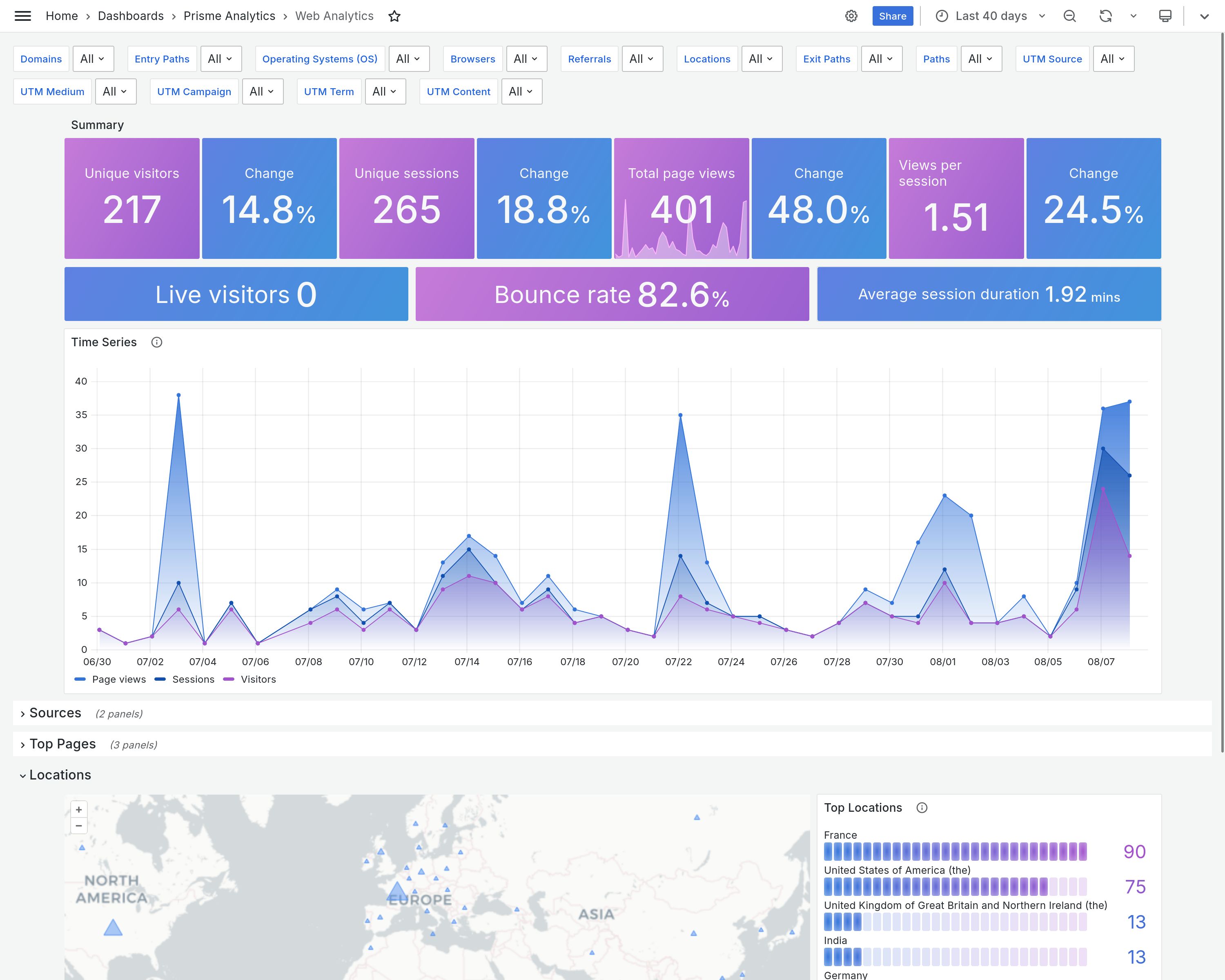
What is Prisme Analytics?
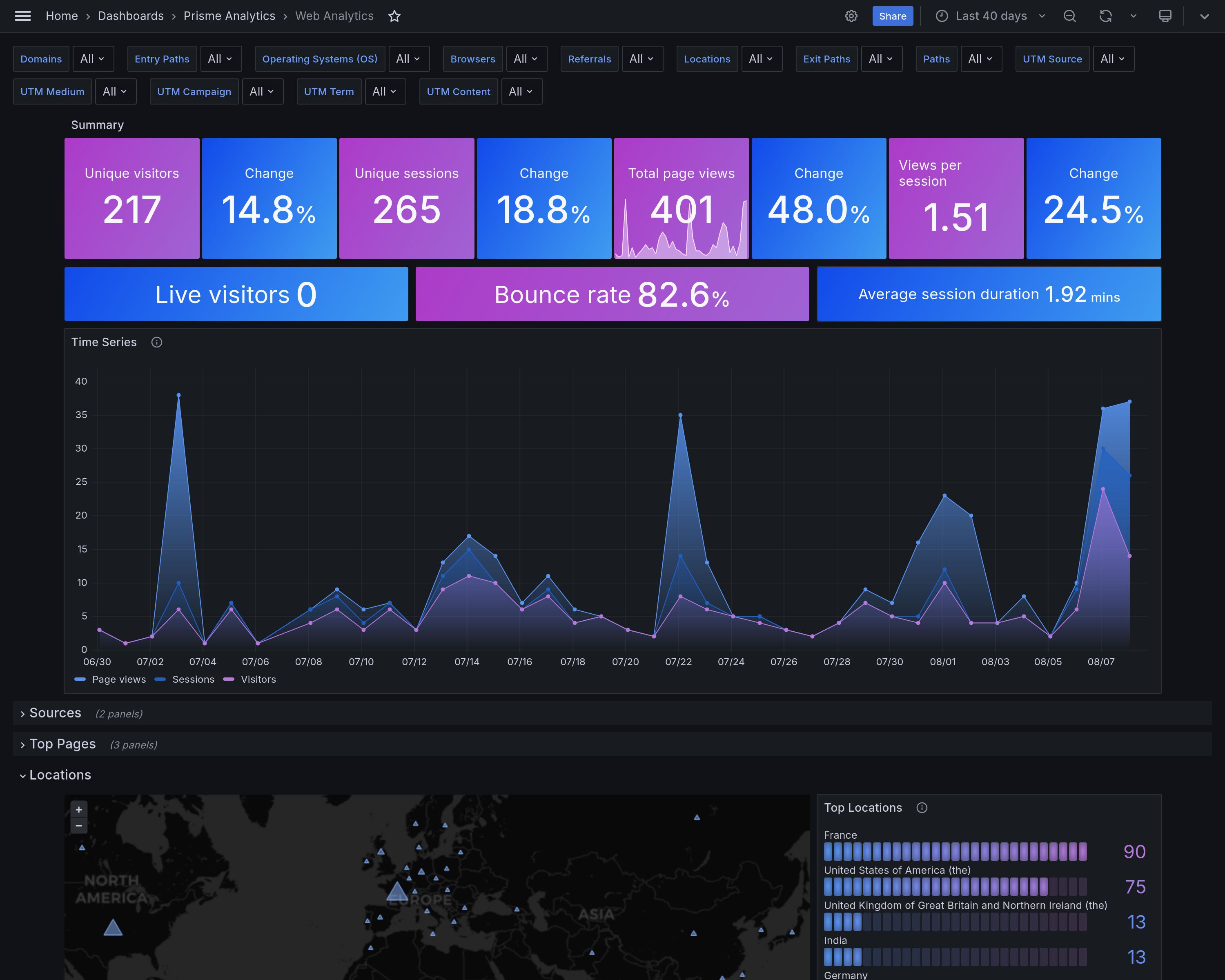
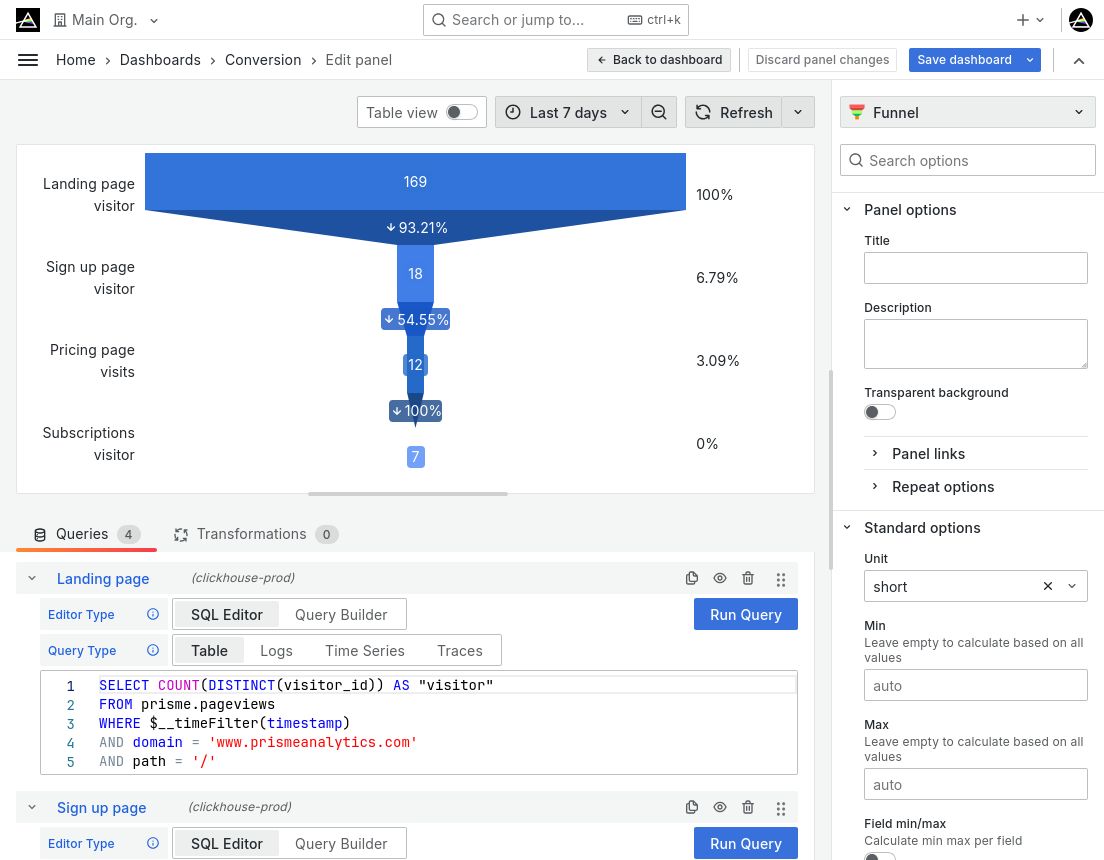
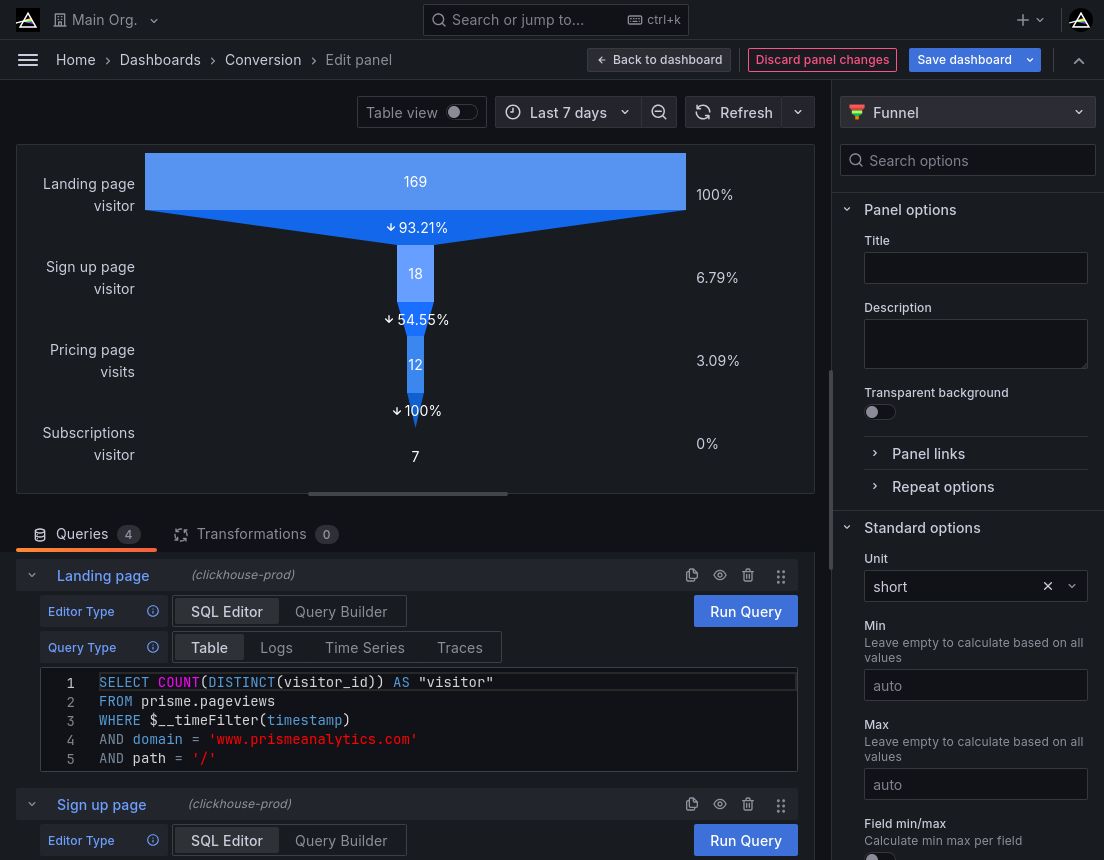
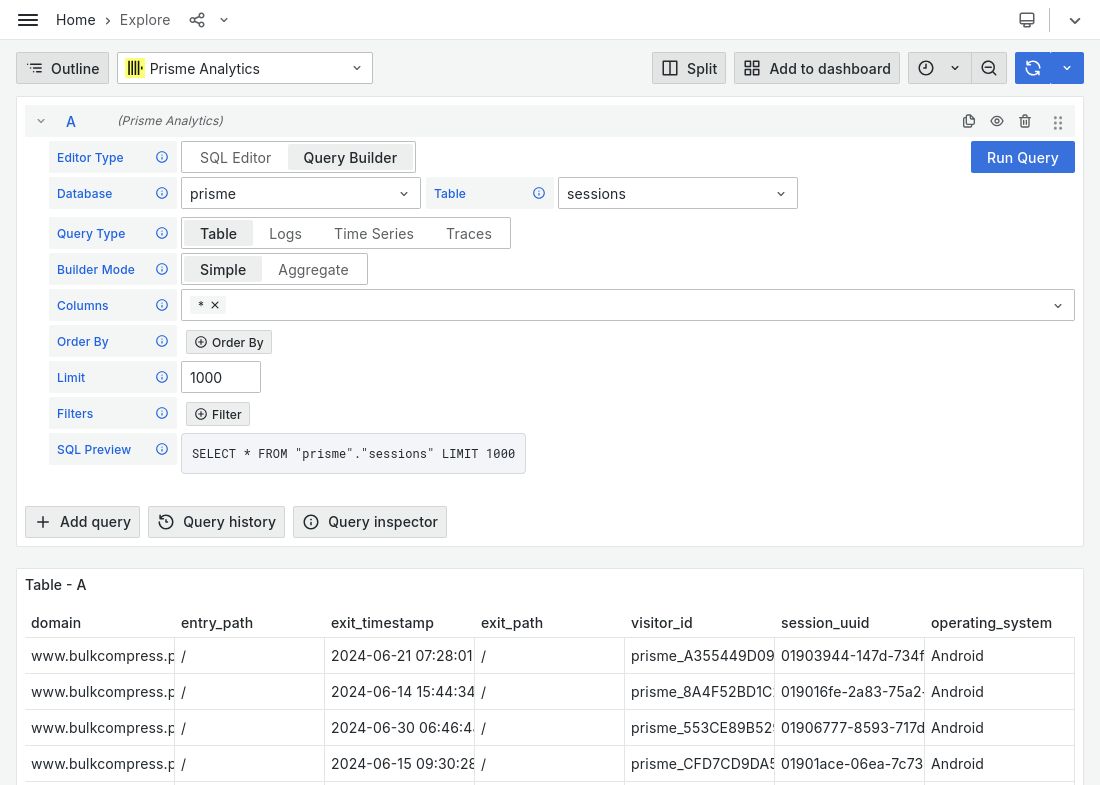
Prisme Analytics is a self-hosted web analytics platform built for privacy compliance (GDPR, PECR, CCPA) without cookie banners. It collects anonymized data through a lightweight 2KB tracking script, filters bots automatically, and supports custom events and dashboards. The system runs in two modes: default (full-featured with Grafana integration for user management, teams, permissions, and multi-organization support) and ingestion-only (lightweight event collector). Data is stored in ClickHouse for high-performance queries, and the UI is provided through Grafana dashboards. Self-hosting is done via Docker Compose with ClickHouse and Grafana as dependencies. The project offers a paid cloud version (Prisme Cloud) but all features are available in the open-source edition.
Should you self-host Prisme Analytics?
Prisme Analytics scores 44/100 on selfhost.directory (how scoring works) and ranks #20 of 27 in Analytics. It has 134 GitHub stars.
There was no stable release in the past 12 months, so check the repository's recent activity before you rely on it.
Setup is advanced: plan for several services and some ongoing maintenance. An official Docker image is available. It is AGPL-3.0-licensed and written mostly in Typescript.
Its closest alternative on selfhost.directory is Plausible Analytics (81/100, 29 704 stars). It scores higher overall, so compare the two before you pick. See Prisme Analytics vs Plausible Analytics side by side.
Features
- Bot and spam filtering
- Custom events and dashboards
- Forever data retention
- High-performance ingestion
- HTTP API for events
- Lightweight tracking script
- Multi-organization Support
- No-JavaScript tracking
- Privacy-Focused Analytics
- Real-time data processing
- SPA support
- SQL API for data exploration
- Two server modes
- Unlimited websites and events
- UTM campaign tracking
Prisme Analytics README
FAQ
Do I need a cookie banner with Prisme Analytics?
No, Prisme is GDPR, PECR and CCPA compliant, so no cookie banner is required.
Can I cancel anytime?
Yes, you can cancel your subscription at any moment and retain access to your account and data until the end of the paid period.
Is Prisme Analytics free?
No, Prisme charges a reasonable price for the software because they don't sell user data like free analytics services do.
How long does Prisme Analytics keep my data?
Forever. Prisme never deletes customer data on any plan. Data remains available as long as you are a paying customer.
What does Prisme Analytics do with my data?
Prisme makes your data easily accessible to you and does not mine, sell, or use it for retargeting. They sell software, not data.
More in Analytics
 quant-uxSelf-hosted UX prototyping tool with user testing and data-driven insights. Features visual editors, AI assistants, screen recordings, A/B testing, heatmaps.
 questdbSelf-hosted, open-source time-series database with SAMPLE BY and ASOF join SQL, QuestDB Wire Protocol ingestion, PGWire support and a web console.
 RedashOpen-source, self-hosted business intelligence tool: query over 35 database and API back ends, build dashboards, schedule refreshes, and get data alerts.
 RejourneySelf-hosted product analytics with session replay, crash reporting, and revenue tracking for web and mobile apps. Lighter alternative to PostHog and Sentry.
 RotkiSelf-hosted, open-source crypto portfolio tracker that decodes on-chain and exchange history into readable events and local profit/loss tax reports.
 rushomonRushomon is a self-hosted, open-source URL shortener on Cloudflare Workers with fast edge redirects, per-link analytics, OAuth auth, and multi-organization support.
 SearchMirrorOpen-source, self-hosted SEO rank tracker monitoring Google positions and AI assistant mentions using your own DataBlue and AI provider keys.
 Self-Hosted Metrics (SHM)Self-hosted telemetry server collecting aggregate metrics from distributed apps without user data. Features cryptographic identity, dynamic dashboards, Go/Node.js SDKs.
 SendPortalOpen-source, self-hosted email marketing app for newsletters: subscriber lists, tags, campaigns, tracking and a REST API, sending via SES, Mailgun, Postmark and more.
 SerpBearSelf-hosted, open-source Google rank tracker: unlimited keywords, email alerts, CSV export, a built-in API, plus SERP scraper and Search Console integrations.
 ShlinkSelf-hosted, open-source URL shortener for your own domains, offering visit stats, custom slugs, tags, dynamic redirects, a REST API, a CLI and a Docker image.
 shmSelf-Hosted Metrics (SHM) is an open-source telemetry server for self-hosted apps. Collects aggregate stats via cryptographic identities, stores in PostgreSQL.
0 comments