
Self-host PKVault
v2.5.0Pokemon save editor and centralized storage manager
- Stars
- 349
- Port
- 3000 (Web UI)
ghcr.io/chnapy/pkvault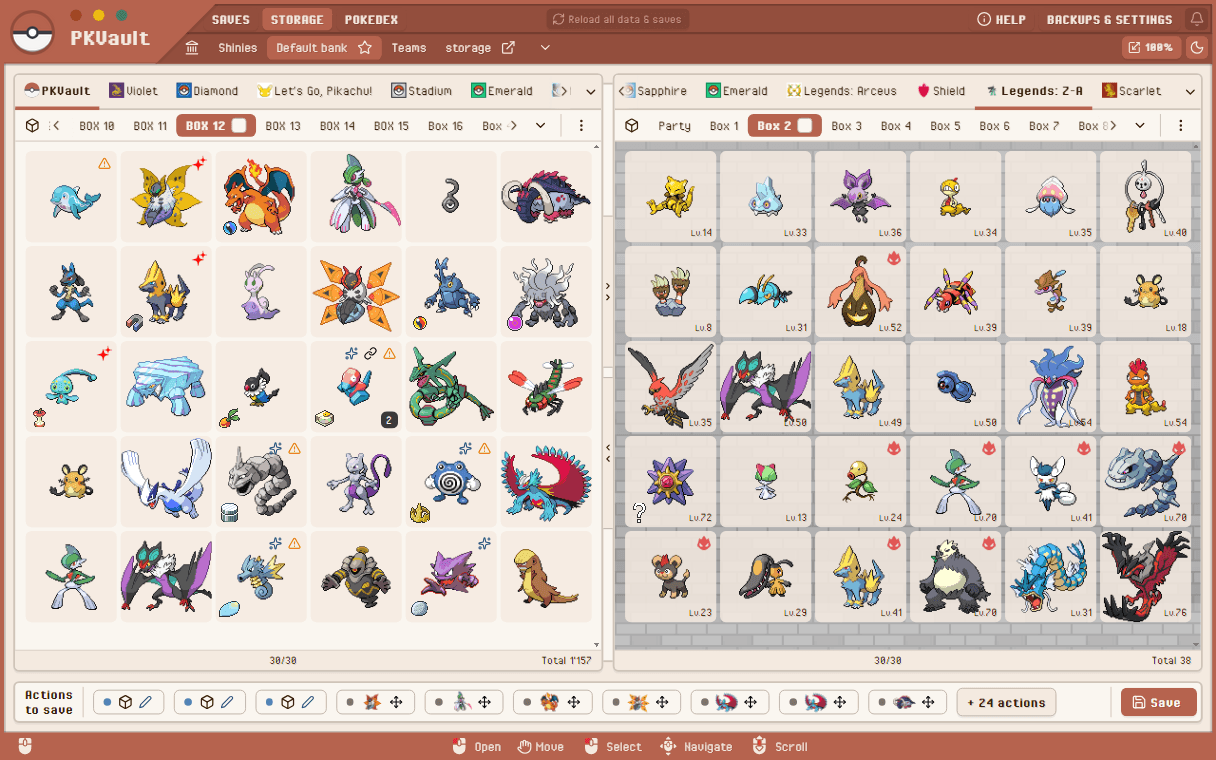
What is PKVault?
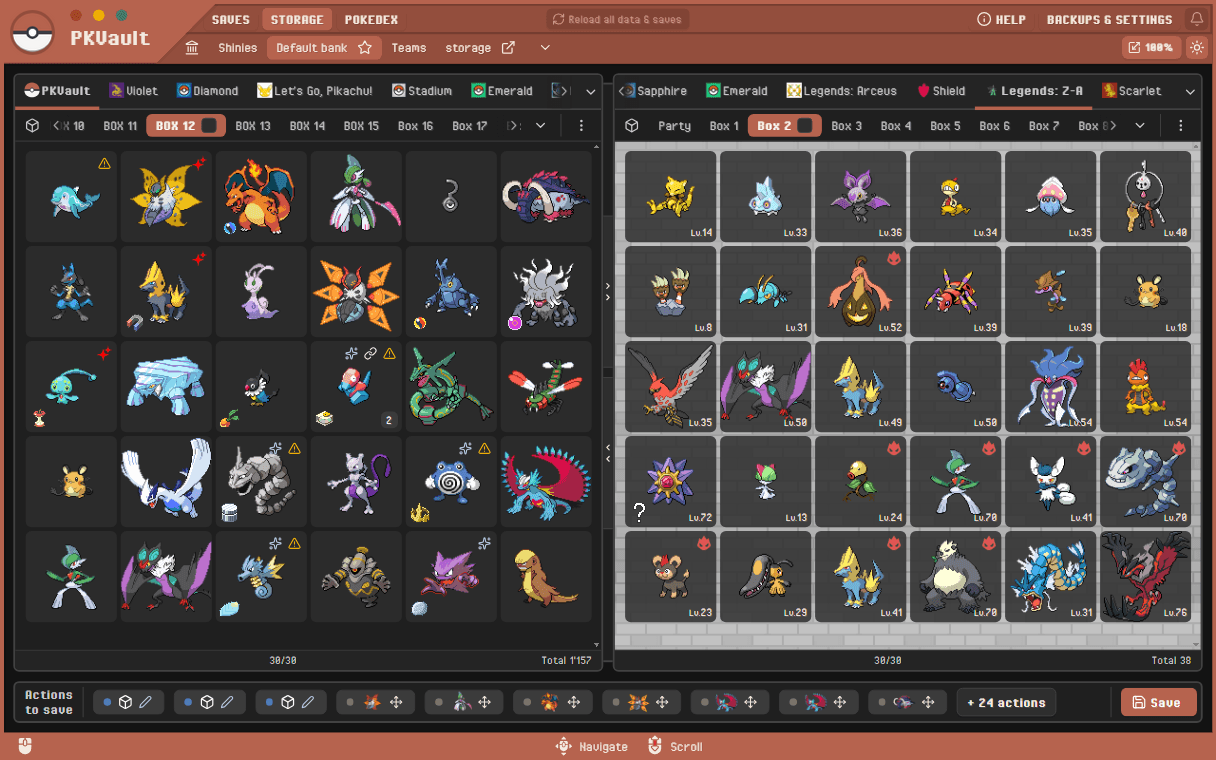
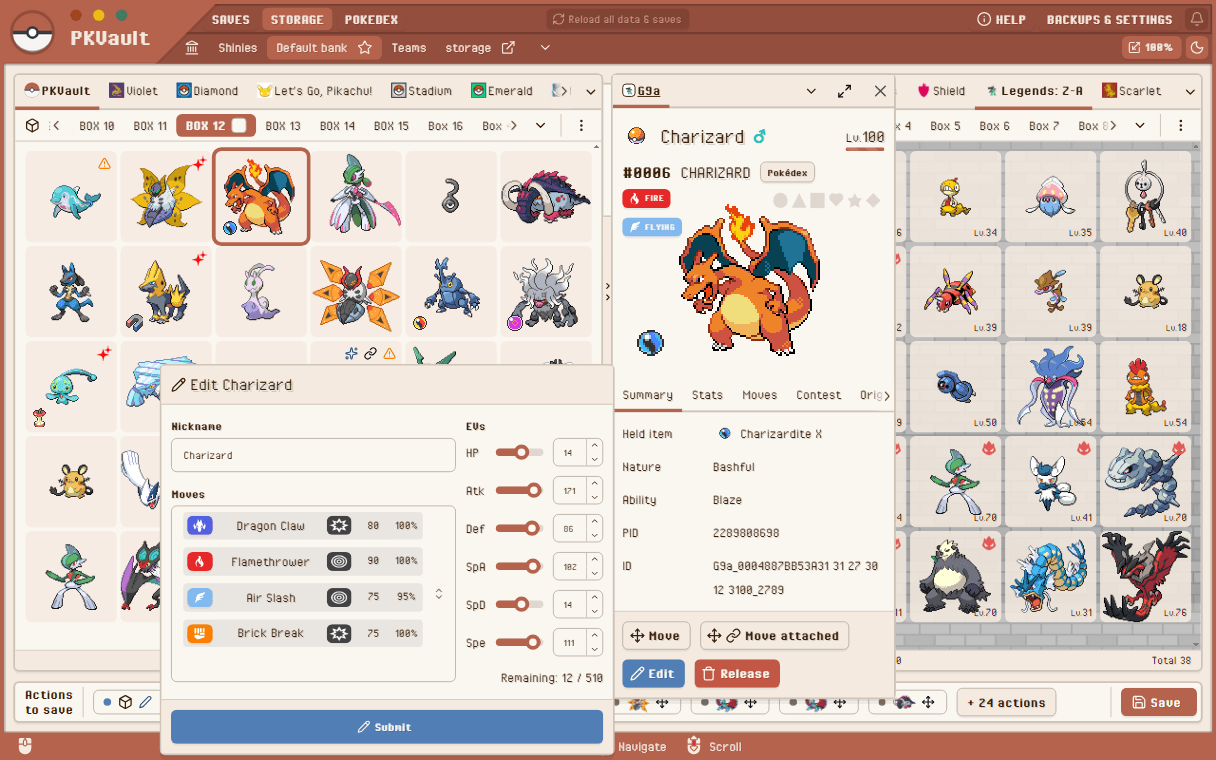
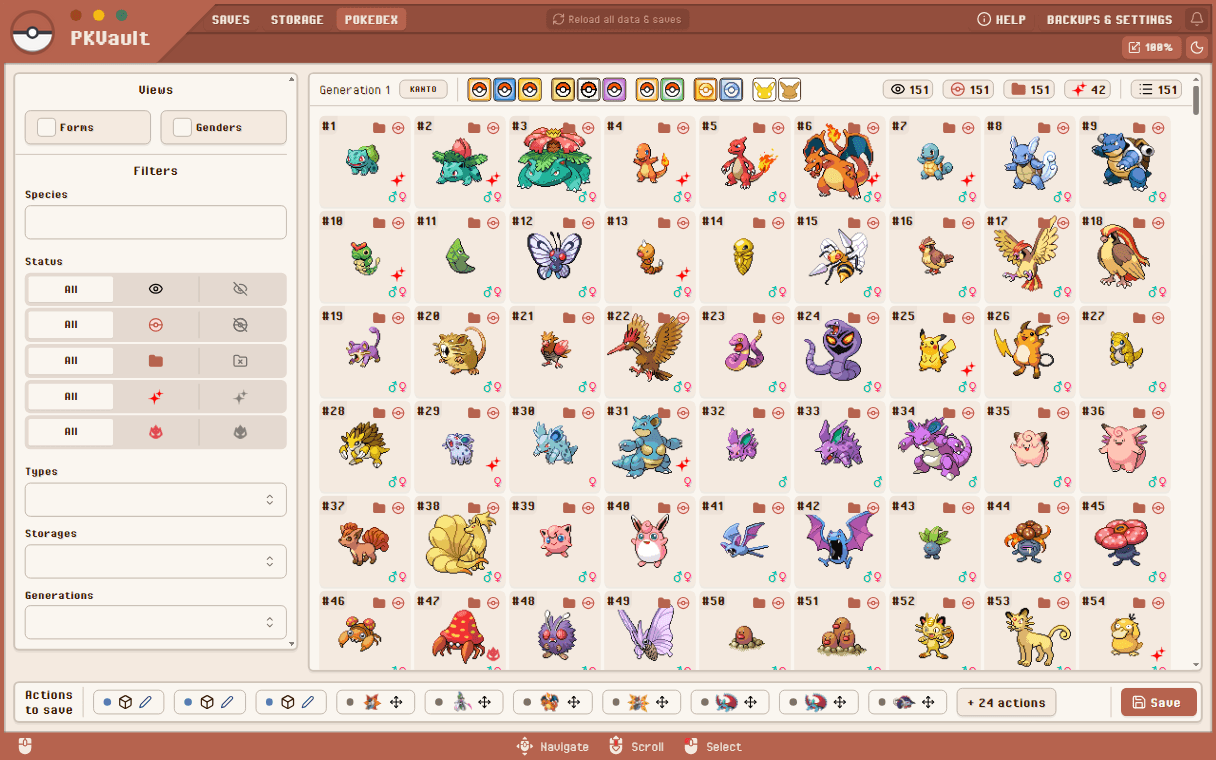
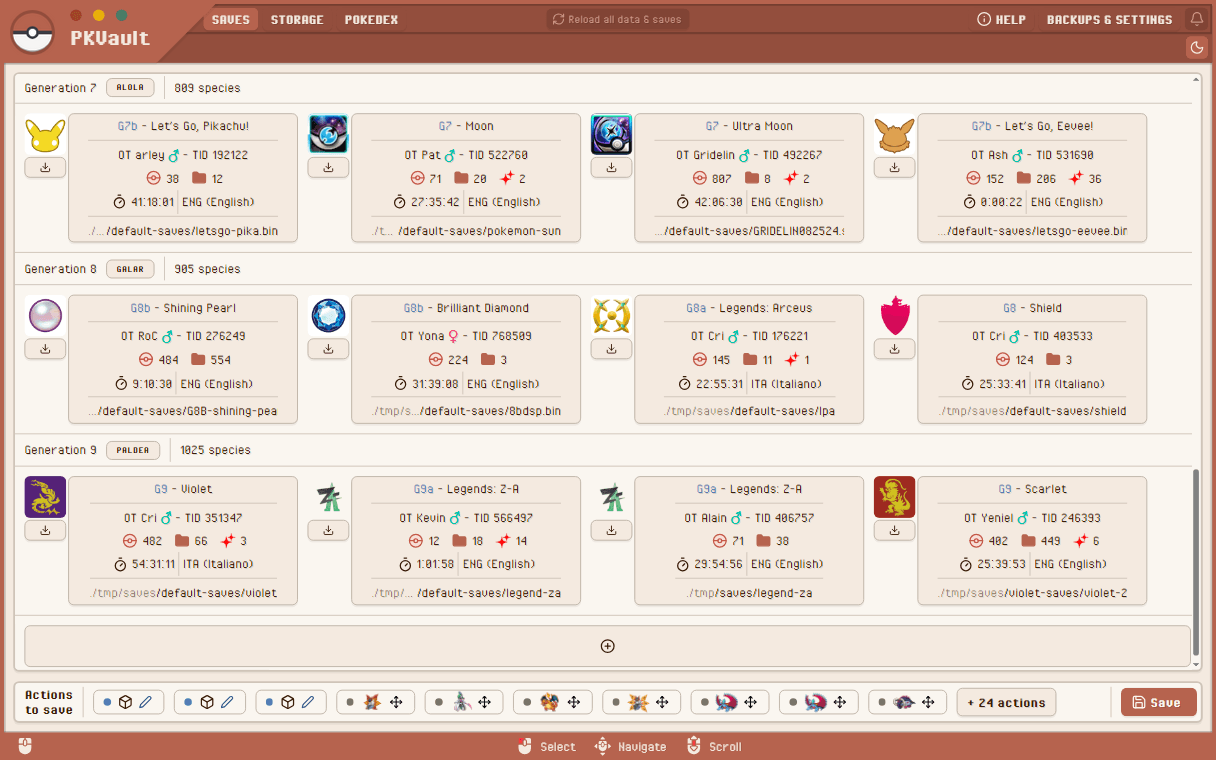
PKVault is a Pokemon storage management and Pokedex application built on top of PKHeX Core. It lets users manage Pokemon across all game generations from the first generation through Pokemon Legends: Z-A, providing centralized storage with banks and boxes, a unified Pokedex aggregated from save files, and tools to move, edit, evolve, and convert Pokemon between generations. The app supports offline use and offers Docker deployment for homelab setups, plus native binaries for Windows, Linux, macOS, Android, and Steam Deck. Key capabilities include auto-backup before save actions, dark mode, sprite sizing, gamepad/Steam Deck support, and the ability to hide cheats or skip legality checks. Data synchronization between devices is left to third-party tools like Syncthing. The project is licensed under GPLv3.
Should you self-host PKVault?
PKVault scores 50/100 on selfhost.directory (how scoring works) and ranks #12 of 23 in Gaming. It has 349 GitHub stars.
It shipped 10 stable releases in the past year. The latest, v2.5.0, came out on 23 October 2026.
Setup is moderate: expect some configuration beyond a single command. An official Docker image is available. It is Other-licensed and written mostly in Typescript.
Its closest alternative on selfhost.directory is OpenTTD (73/100, 8 433 stars). It scores higher overall, so compare the two before you pick. See PKVault vs OpenTTD side by side.
Features
- Auto-backup
- Centralized Pokemon Storage
- Cheat/Legality Options
- Cross-Generation Pokemon Conversion
- External PKM File Support
- Gamepad/Steam Deck Support
- Multi-Select Operations
- Pokedex Synchronization
- Pokemon Linking
- Save File Manipulation
- Sort Pokemon
- Sprite Sizing
- Unified Pokedex
PKVault README
More in Emulation
 redroidSelf-hosted open-source Android-in-Cloud solution running GPU-accelerated Android containers on Linux via Docker, supporting arm64 and amd64 with Android 8.1 through 16.
 retroassemblySelf-hosted web app for retro games from NES, SNES, Genesis, Game Boy, Arcade and more with cloud sync, auto box art, save states, rewind, and gamepad navigation.
 RetromOpen-source, self-hosted game library service focused on emulation, with desktop clients for Windows, macOS, Linux and a built-in web client.
 RomMRomM is a free, open-source, self-hosted ROM manager that scans your library, enriches metadata from 10+ providers, plays in-browser, and syncs saves across devices.
 daedalOSDesktop environment in the browser
 dockerify-androidSelf-hosted, open-source Dockerized Android emulator with ARM app translation, Magisk root and PICO GAPPS, streamed in the browser via scrcpy-web.
 Gaseous ServerSelf-hosted ROM manager with in-browser emulation via EmulatorJS. Fetches metadata from IGDB/Hasheous, supports 2FA and OIDC auth, runs via Docker or Windows.
0 comments