
Self-host pixelfin
v1.1.2Jellyfin artwork inspector and backup tool
- Stars
- 177
- Port
- 1280 (Web UI)
- Requires
- Jellyfin
ghcr.io/nothing2obvi/pixelfin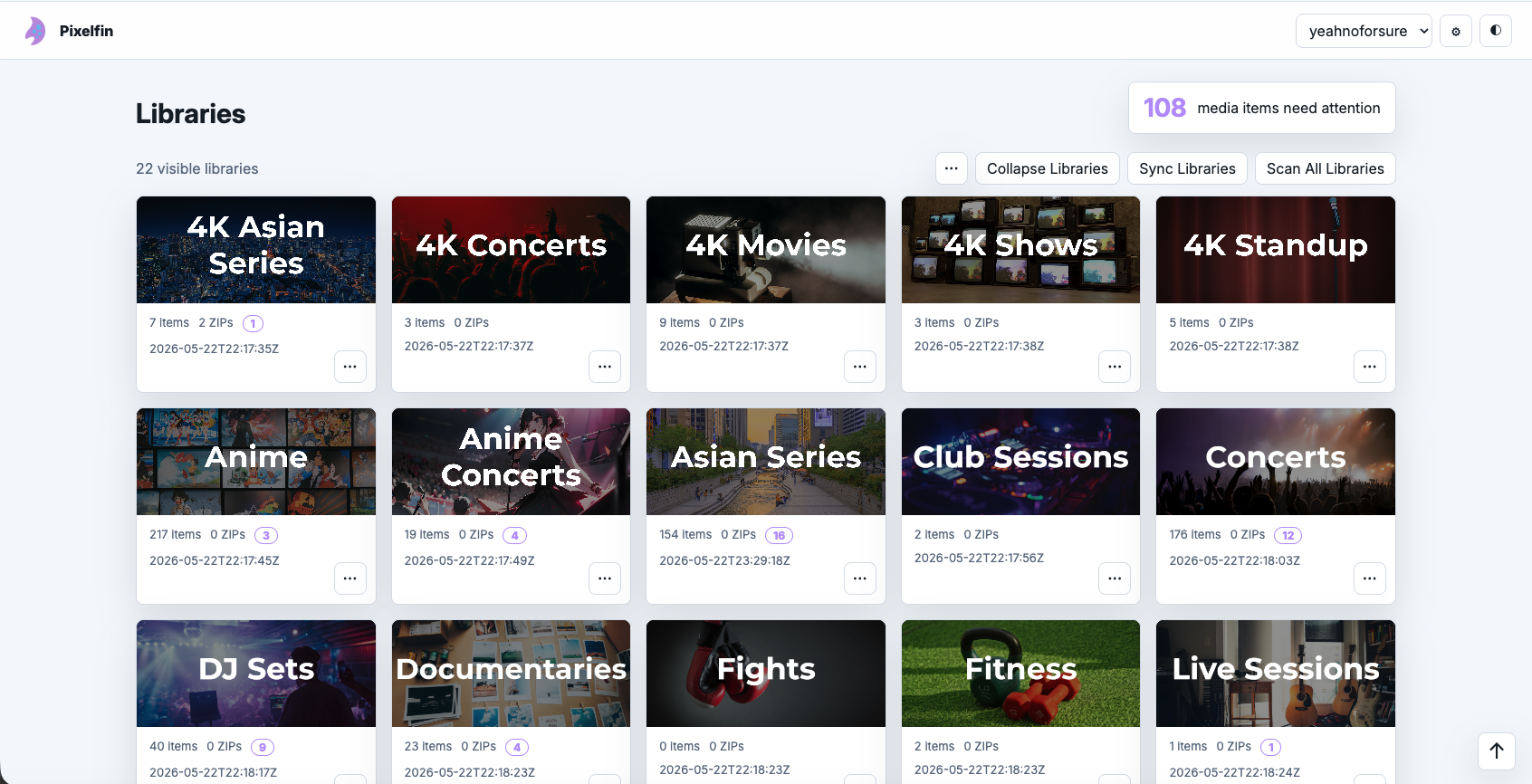




What is pixelfin?
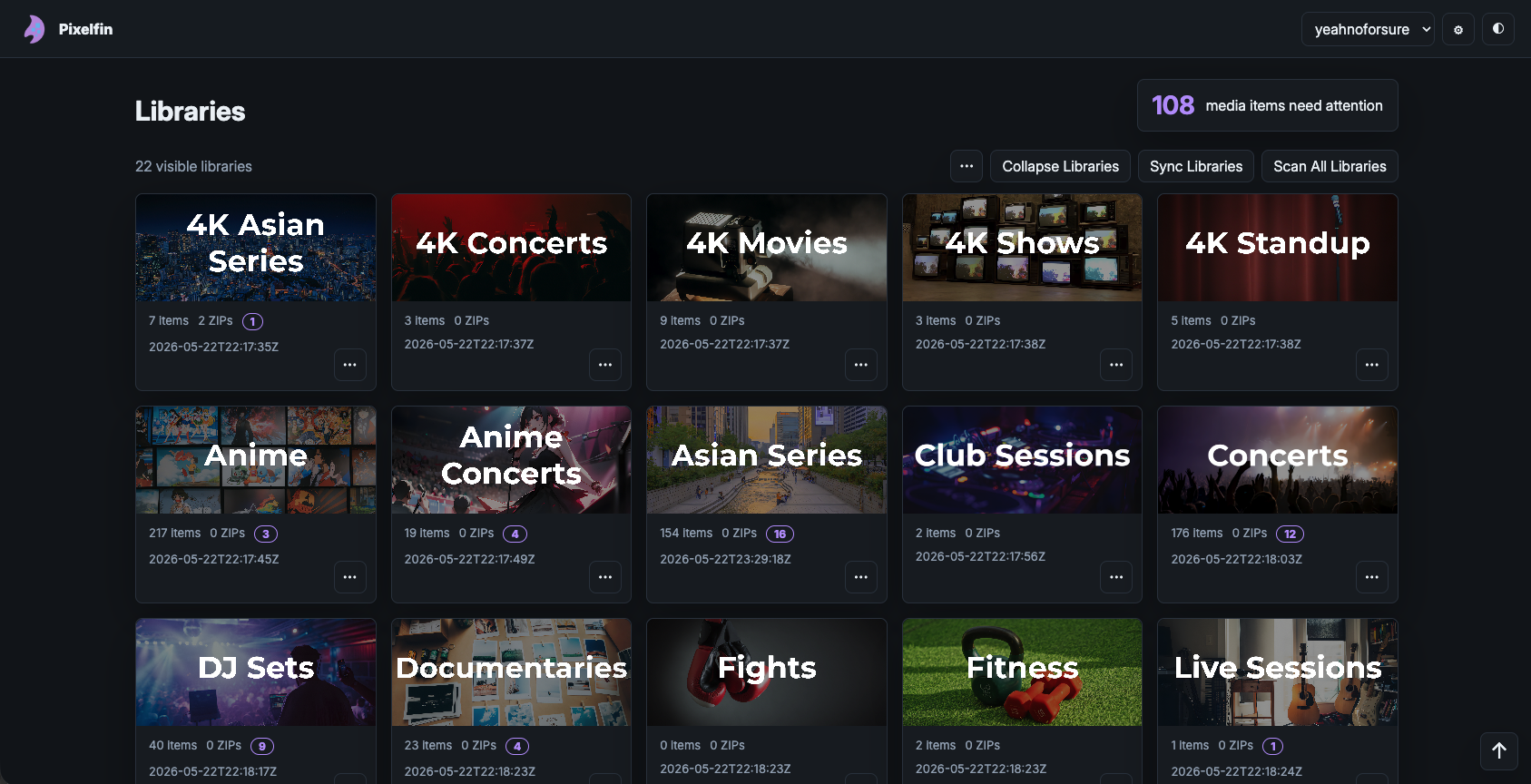
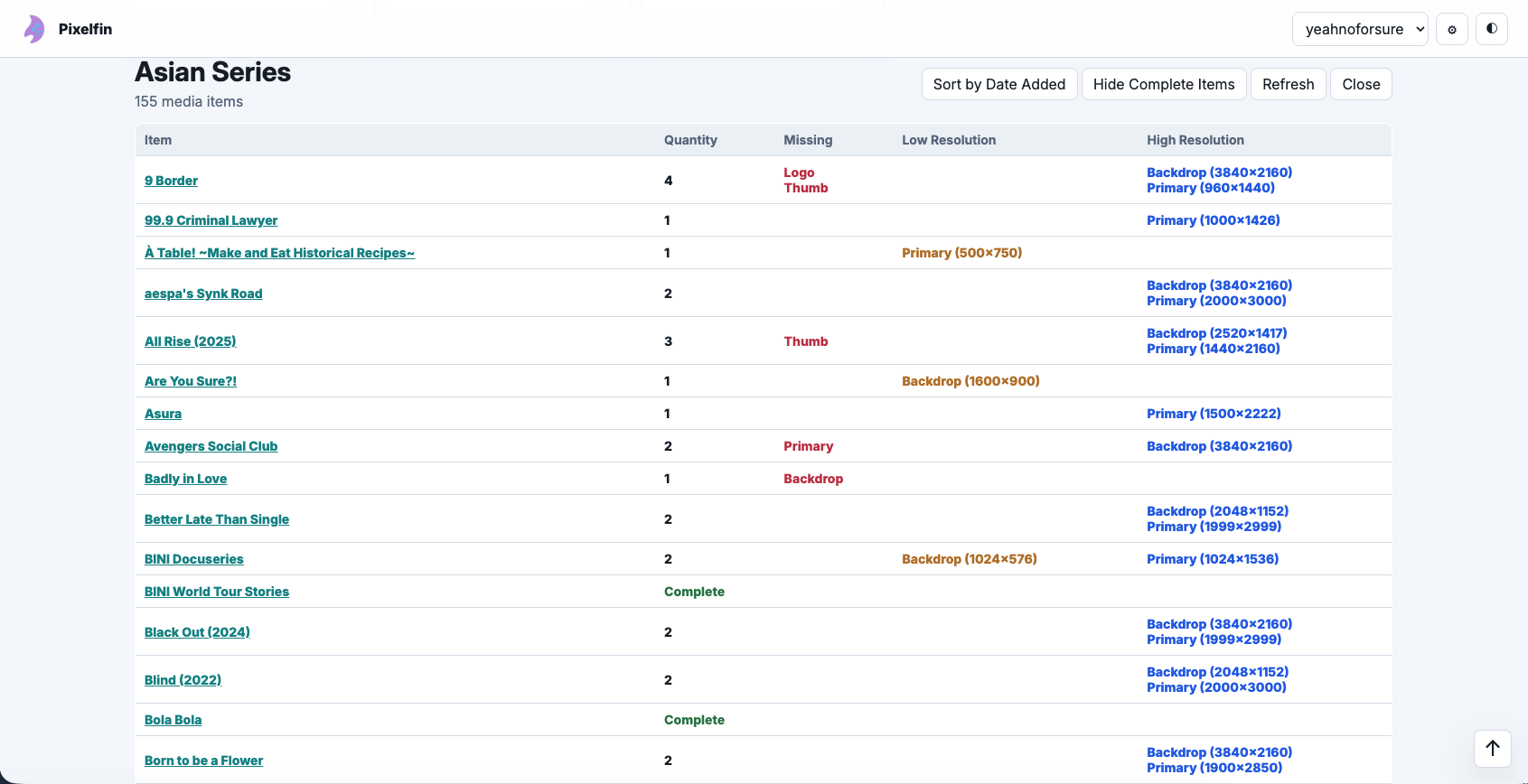
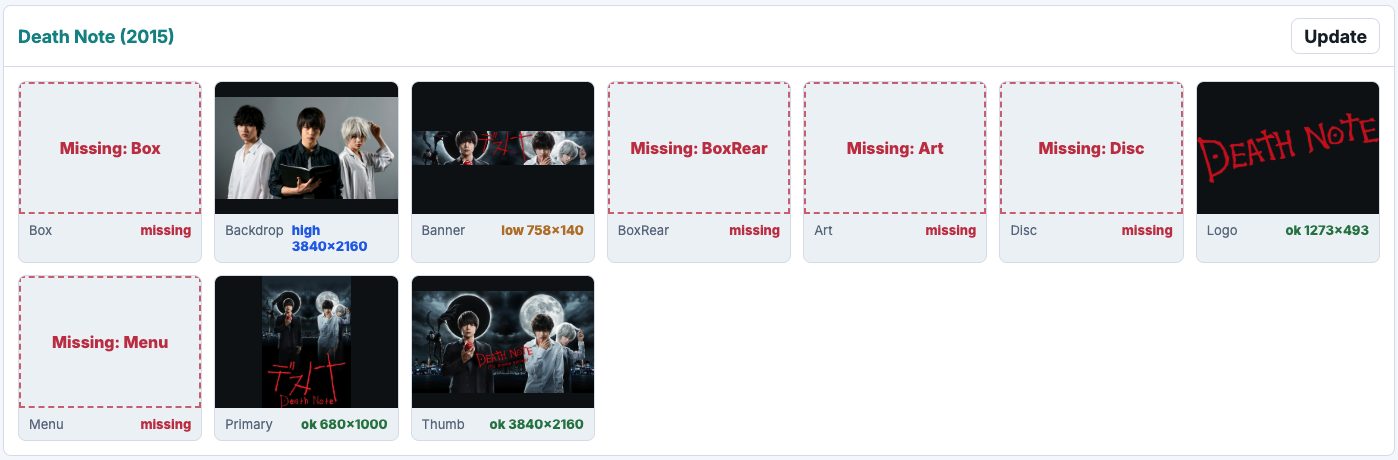
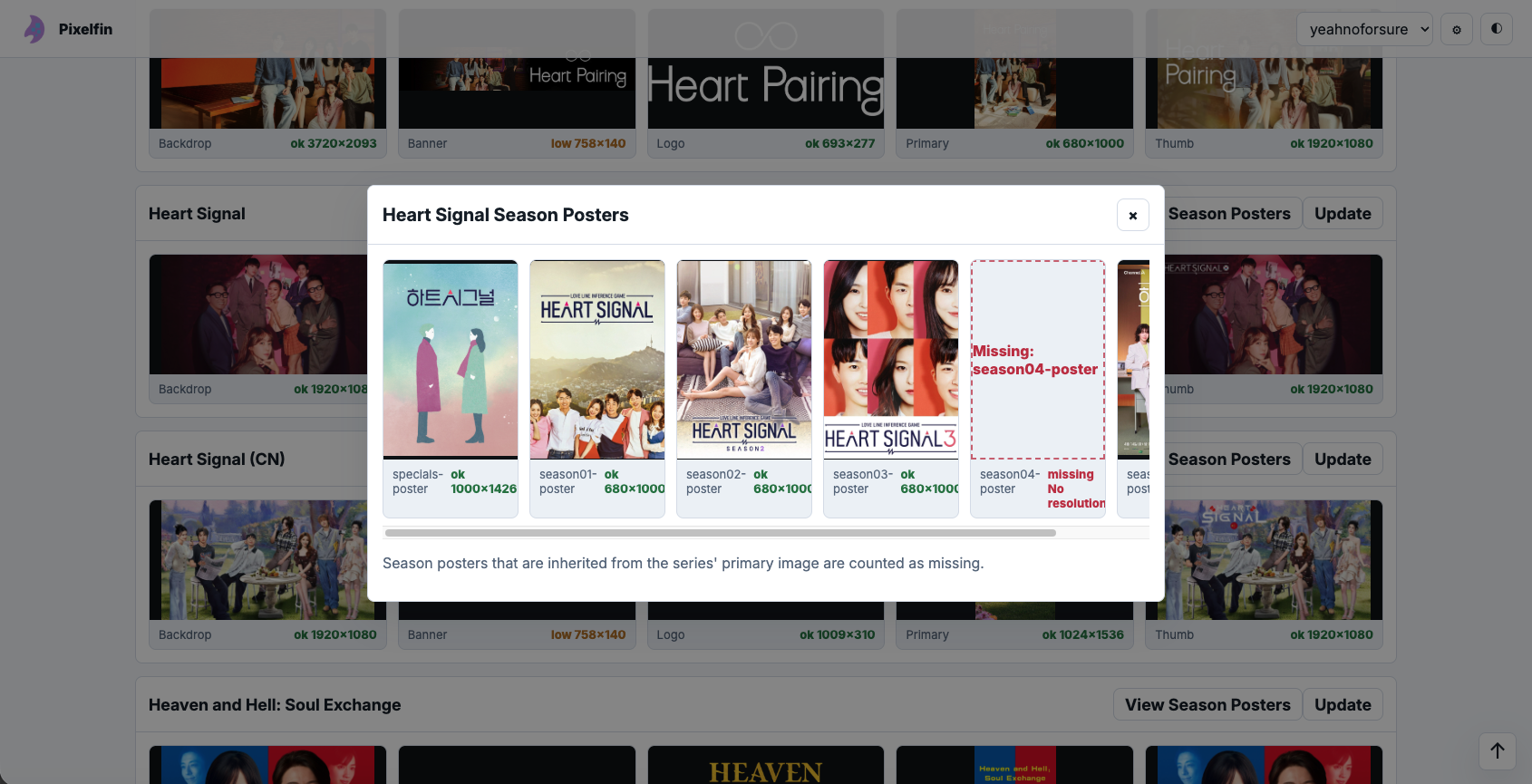
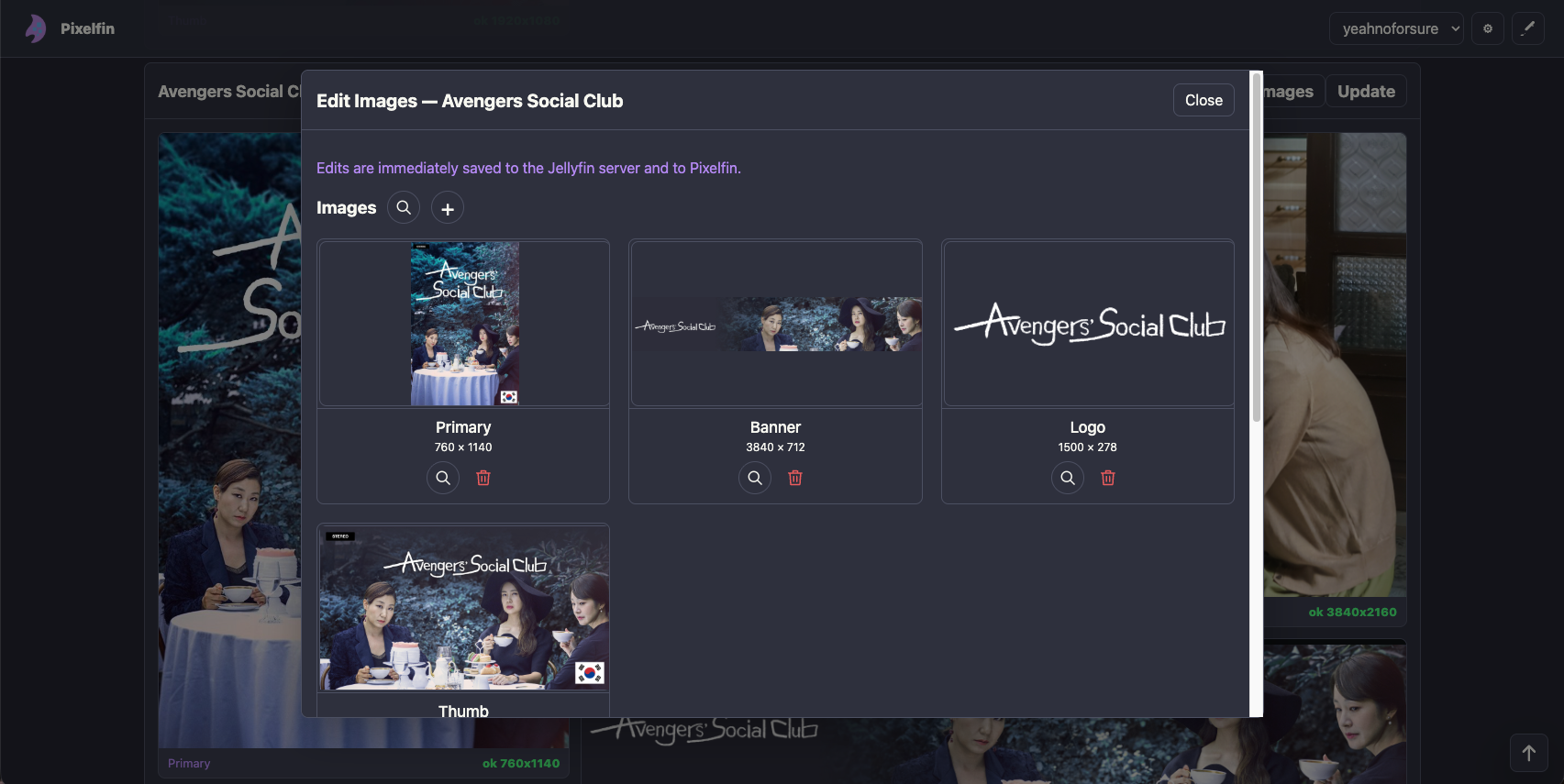
Pixelfin is a local web application that connects to your Jellyfin server to inspect and manage artwork across your media libraries. It provides visual galleries to spot missing, low-resolution, or high-resolution images for posters, backdrops, logos, and other artwork types. You can edit images directly in the app using Jellyfin's image providers, generate standalone HTML gallery reports, and export or restore artwork via ZIP files with dry-run previews. The app runs via Docker or Python, requires a Jellyfin API key, and includes multiple built-in themes including dark mode. It is designed for personal use on trusted networks only.
Should you self-host pixelfin?
pixelfin scores 48/100 on selfhost.directory (how scoring works) and ranks #79 of 142 in Media Management. It has 177 GitHub stars.
It shipped 18 stable releases in the past year. The latest, v1.1.2, came out on 11 October 2026. New versions land roughly every 2 days.
Setup is moderate: expect some configuration beyond a single command. An official Docker image is available. It is MIT-licensed and written mostly in Python.
Its closest alternative on selfhost.directory is Sonarr (81/100, 17 472 stars). It scores higher overall, so compare the two before you pick. See pixelfin vs Sonarr side by side.
Features
- Artwork inspection
- Cached scanning
- Direct image editing
- HTML Gallery Generation
- JellyTag-Plus integration
- Keyboard Shortcuts
- Per-library image rules
- ZIP backup and restore
pixelfin README
More in Media Server
 plainnasPlainNAS is a self-hosted NAS for Linux with Go backend and Vue 3 web UI, offering file browsing, media management, thumbnails, DLNA, and SMB sharing.
 PlatypushPlatypush is a self-hosted, open-source automation platform connecting hundreds of devices and services with event-driven routines, web UI, dashboards, and mobile access.
 plexannouncerSelf-hosted Discord bot that sends notifications to Discord channels when new movies, shows, episodes, or tracks are added to a Plex media server.
 Plex-Auto-LanguagesSelf-hosted, open-source tool that automatically sets audio and subtitle tracks per TV show and per user in Plex, like Netflix's language memory.
 PlexCache-DSelf-hosted, open-source tool that caches Plex OnDeck and Watchlist media to fast storage, reducing drive spin-ups for Unraid and Linux servers.
 Plex-Data-Collector-For-InfluxDBSelf-hosted Python tool that polls Plex for streams, library stats, and recent adds, writing to InfluxDB for Grafana dashboards.
 plex_discord_role_managementSelf-hosted Discord bot syncing Plex watching status to roles and sending Sonarr/Tautulli notifications via Docker or Node.js.
 plex-utillsSelf-hosted Docker tool that adds 4K/HDR/3D banners to Plex posters, hides 4K-only content, and creates Disney/Pixar collections via web UI.
 pms-dockerPackage and run Plex Media Server in a container: a self-hosted video, music and photo library you can reach from any device via Docker or Compose.
 PolarisSelf-hosted, open-source music streaming server aimed at collections of 100,000+ songs, with a web player, multi-user playlists, FLAC/MP3/Opus support and mobile apps.
 posterizarrPosterizarr automates posters, backgrounds, cards for Plex, Jellyfin, Emby. Fetches Fanart.tv, TMDB, TVDB; applies overlays; integrates Kometa, Tautulli, Sonarr, Radarr
 posterrSelf-hosted digital poster software for Plex with Sonarr, Radarr, and Readarr integration. Creates cinema-style screens showing current playback and upcoming releases.
0 comments