
Self-host picpeak
v3.135.5Self-hosted photo gallery for photographers and events
- Stars
- 345
- CPU
- 2 CPU cores
- RAM
- 4 GB
- Storage
- 20 GB minimum (plus photo storage needs)
ghcr.io/picpeak/picpeak/aio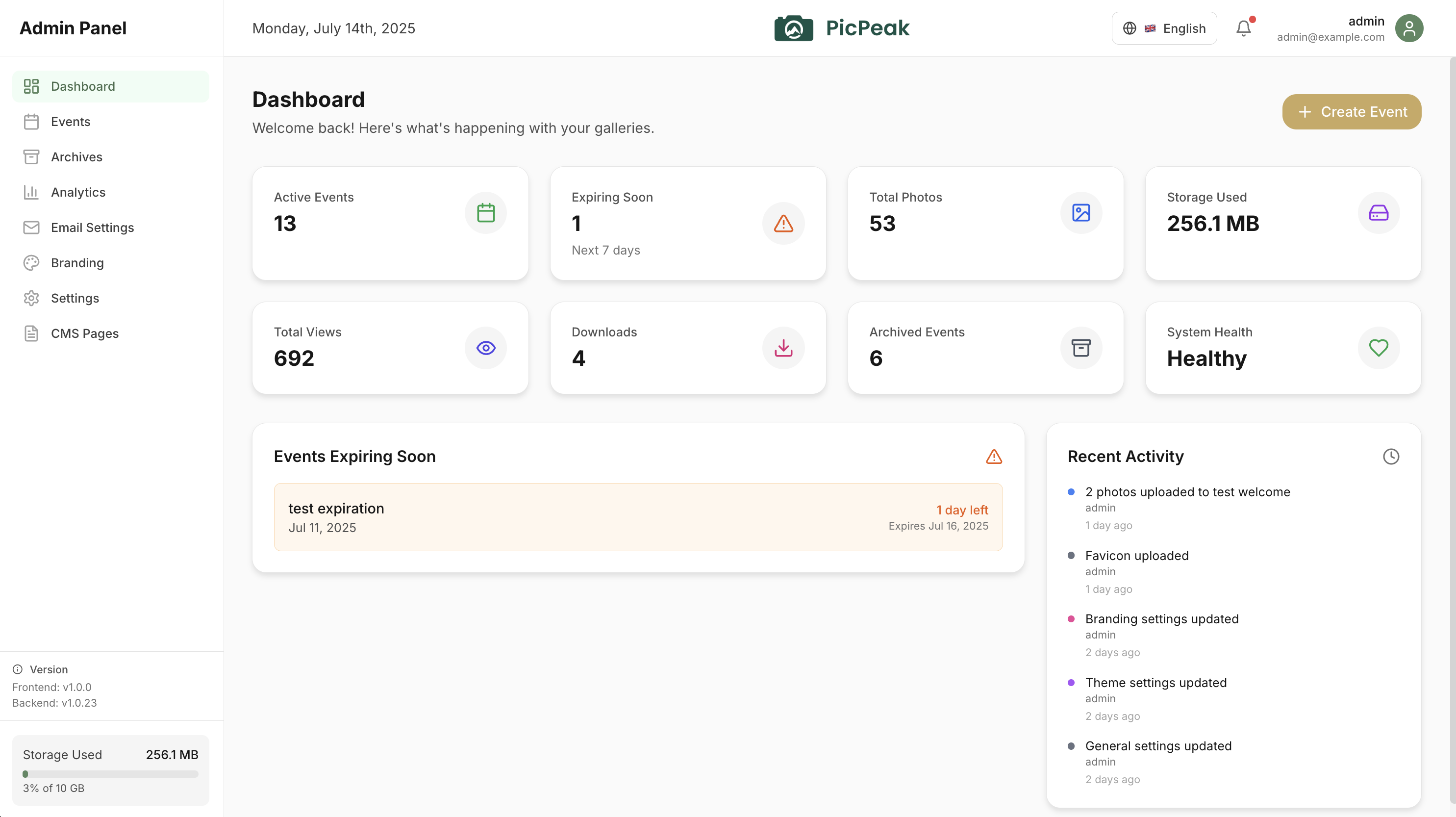
What is picpeak?
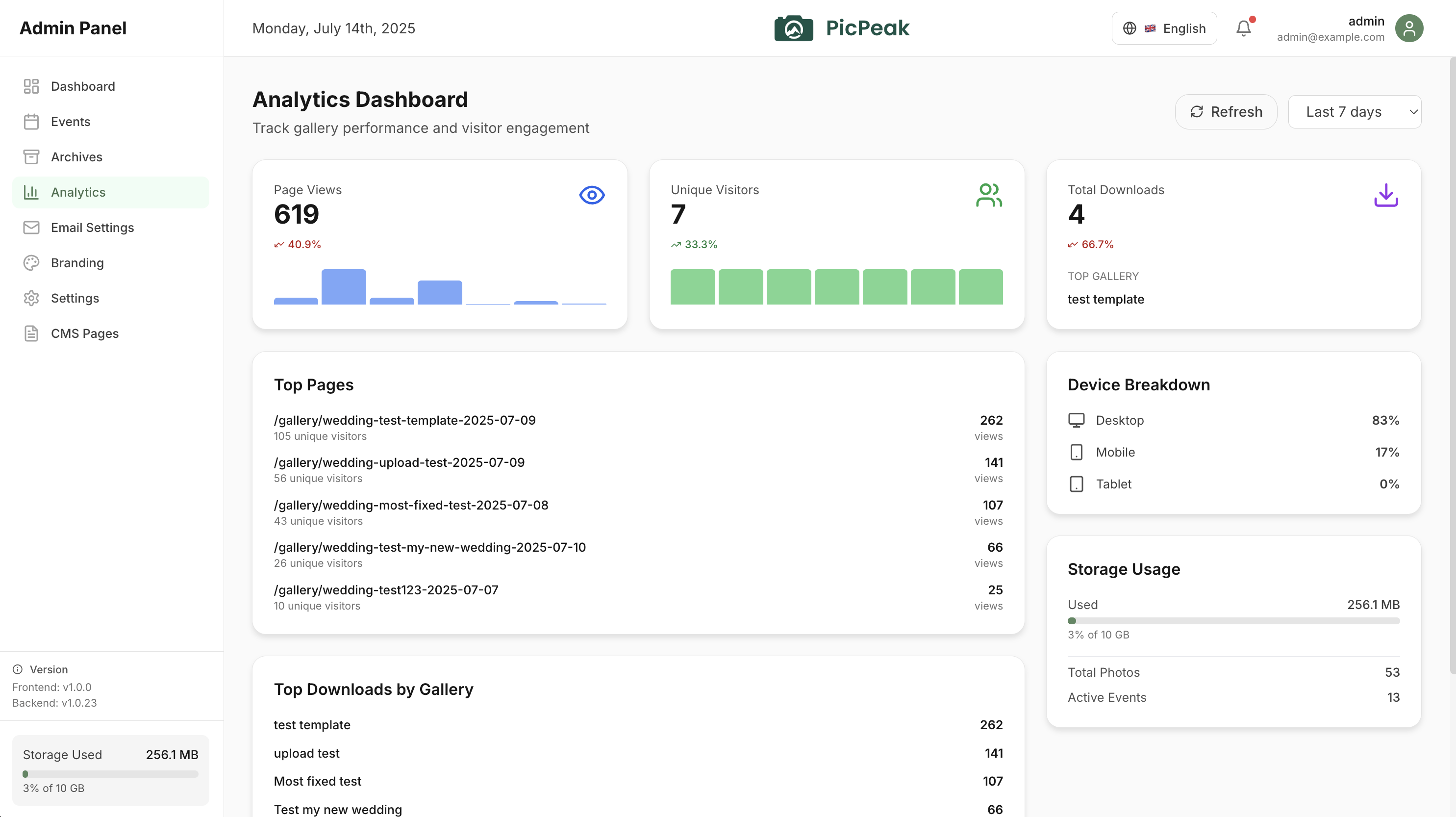
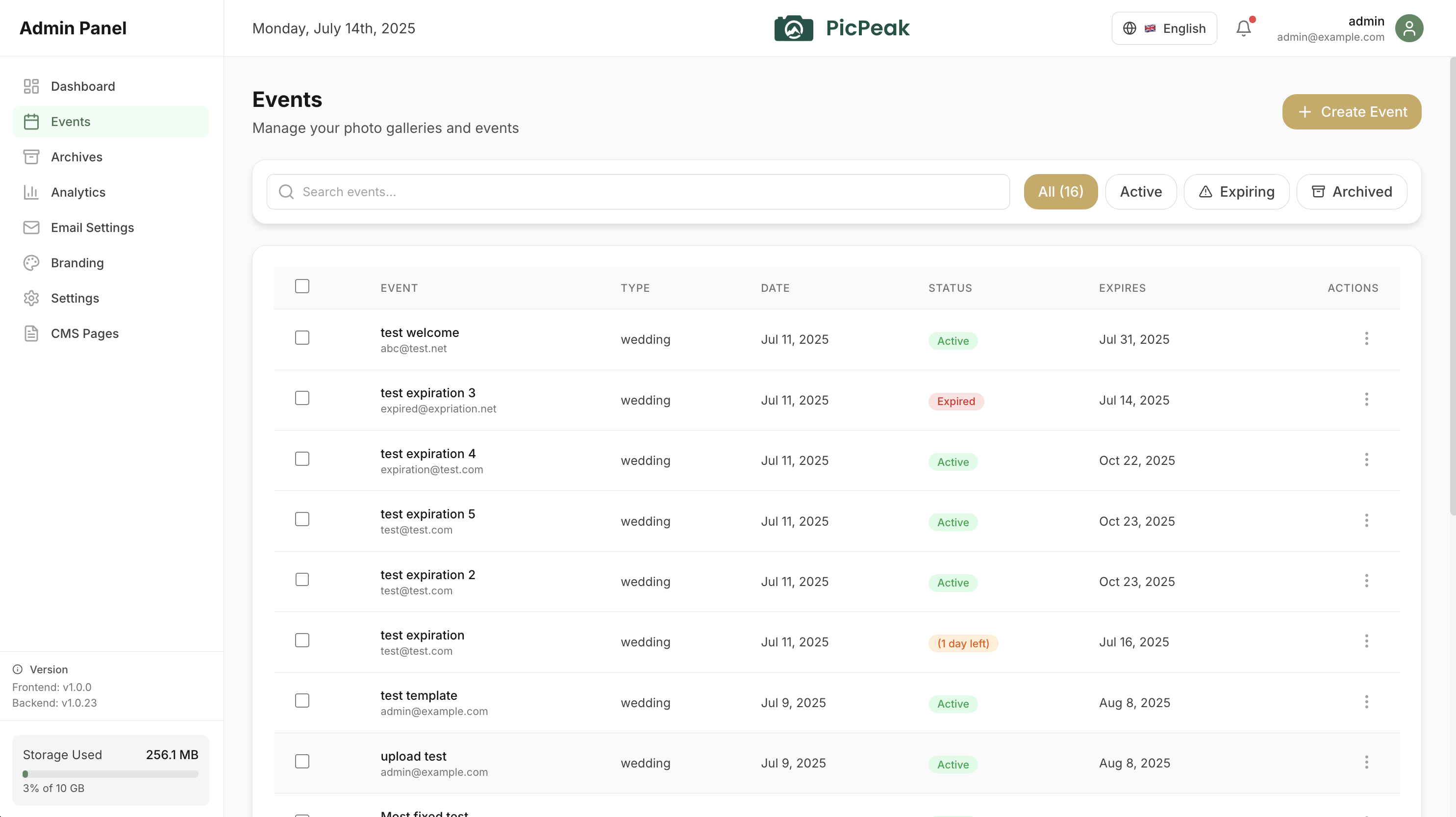
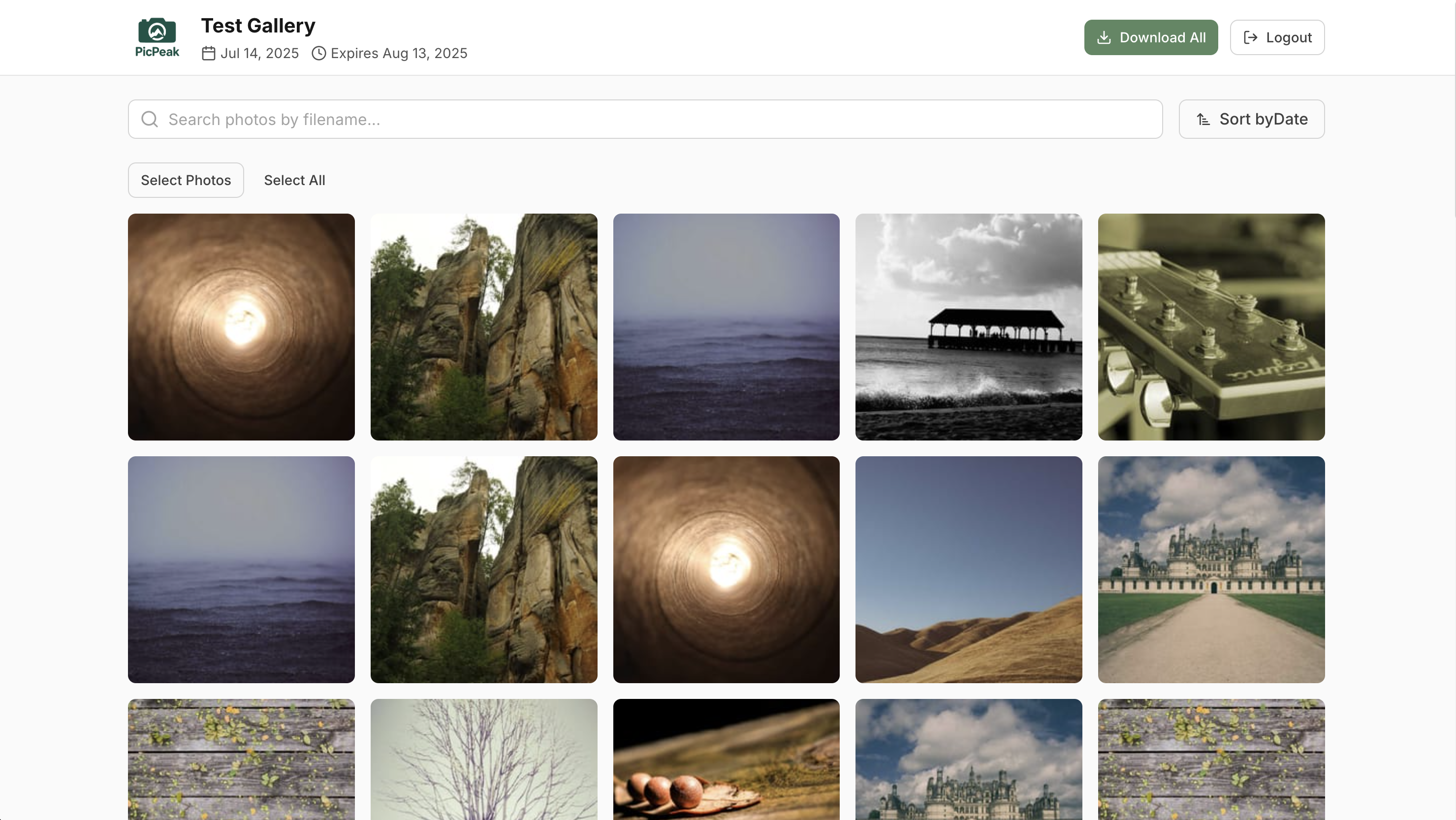
PicPeak is an open-source photo gallery platform that photographers and event organizers can host on their own servers. It creates password-protected, time-limited galleries with custom branding, client proofing workflows, guest uploads, and automated email reminders. The software runs via Docker with two deployment options: a full Docker Compose stack using PostgreSQL and Redis, or a single all-in-one container with SQLite for simpler setups. Key capabilities include drag-and-drop uploads, multiple gallery layouts, optional AI face recognition via a separate ML container, video playback with streaming, S3-compatible storage backends, webhooks for integration, and a CRM/accounting module currently in beta. All features are included at no cost — users only pay for their hosting infrastructure.
Should you self-host picpeak?
picpeak scores 53/100 on selfhost.directory (how scoring works) and ranks #6 of 19 in Photo Galleries. It has 345 GitHub stars.
It shipped 1 stable release in the past year. The latest, v3.135.5, came out on 27 October 2026.
Setup is moderate: expect some configuration beyond a single command. An official Docker image is available. It is MIT-licensed and written mostly in JavaScript.
Its closest alternative on selfhost.directory is Immich (93/100, 117 458 stars). It scores higher overall, so compare the two before you pick. See picpeak vs Immich side by side.
Features
- Automated emails
- Client proofing & feedback
- CRM & Accounting (Beta)Beta, feature-flagged off by default
- Download protection
- Expiry dates & auto-archiving
- Face RecognitionOpt-in per gallery, requires optional ML sidecar container
- Guest uploads
- Live slideshowOpt-in feature
- Multi-admin with roles
- Password-protected galleries
- REST API
- S3-compatible Storage
- Video support
- White-label branding
picpeak README
FAQ
What makes PicPeak different from Pixieset or PicDrop?
PicPeak is self-hosted (photos stay on your server), free (€0 vs $8-30/month), has unlimited storage instead of pricing tiers, is MIT-licensed open source instead of vendor lock-in, and includes all features instead of paywalls.
Can guests contribute their own photos?
Yes, per gallery: wedding guests and event attendees can upload their phone photos into the same event, making the gallery more complete without you collecting anything.
How do galleries expire?
When creating a gallery you set an expiry date. Before it, PicPeak sends automatic reminder emails; after it, the gallery becomes inaccessible and is archived (not deleted).
Can I use my own domain and branding?
Yes, point your own domain at your server and match colors, logos, and fonts to your brand. Clients see your branding everywhere with no PicPeak logo or notice.
Does PicPeak support GDPR?
Yes, self-hosting puts compliance in your hands: client photos never leave your server and no third party has access. You control storage, deletion, and processing yourself.
What does running it actually cost?
Only the hosting cost — a VPS from about $5/month is enough. It serves unlimited galleries for unlimited clients with storage limited only by your server, not by a pricing tier.
How do I install PicPeak?
Install in under 5 minutes with Docker: get a Linux server or VPS, clone the repository from GitHub, configure the .env file, and run docker compose up -d. PicPeak runs on any Linux server, VPS, or Raspberry Pi.
Is PicPeak really free?
Yes, PicPeak is open source under the MIT license with no premium tiers, feature locks, or hidden costs. All features including password protection, white-label branding, analytics, guest uploads, and expiry dates are included. You only pay for your own hosting.
More in Photo Galleries
 PicsurPicsur is a self-hosted, open-source image sharing service in the spirit of Imgur, with format conversion, image editing, expiring uploads and a ShareX endpoint.
 piksiA self-hosted PHP media gallery that displays photos, videos, and audio from folder structures with a simple UI designed for non-technical users and family sharing.
 PixelFedA self-hosted, open-source photo and video social network that federates over ActivityPub with albums, stories, direct messages and chronological feeds.
 shaarkShaark is a self-hosted, open-source platform for web links, markdown posts, passwords, and photos with tagging, search, RSS, dark mode, and PWA.
 Shimmie2Open-source, self-hosted booru-style image gallery written in PHP, with themes, an extension manager, user permissions, and SQLite, PostgreSQL or MySQL backends.
 sigalSigal is an open-source, self-hosted static gallery generator written in Python that builds browsable HTML photo galleries from local image and video directories.
 this-week-in-pastSelf-hosted open-source photo slideshow aggregating images from this week in past years. Runs via Docker or native binary.
 UrocissaAn open-source, self-hosted photo gallery using Rust and Vue to handle millions of images on modest hardware with fast search and endless scrolling.
 ZenphotoCMSSelf-hosted open-source CMS for media galleries with integrated blog, multi-user management, and multilingual support.
 AfilmorySelf-hosted, open-source photo gallery platform for photographers: syncs S3, B2, GitHub or local photos, with an HDR-aware GPU viewer, EXIF, maps and a native iOS app.
 ChronoFrameA self-hosted, open-source photo gallery with EXIF parsing, Live/Motion Photo playback, password-protected albums, and a map explorer.
 DamselflySelf-hosted, open-source photo management system for large collections with AI face/object detection, IPTC keyword tagging, and fast search.
0 comments