
Self-host OpenWorkBuddy
v0.17.7Local-first AI office agent delivering real PPTX, DOCX, XLSX
- Stars
- 363
- Port
- 3800 (HTTP server)





What is OpenWorkBuddy?
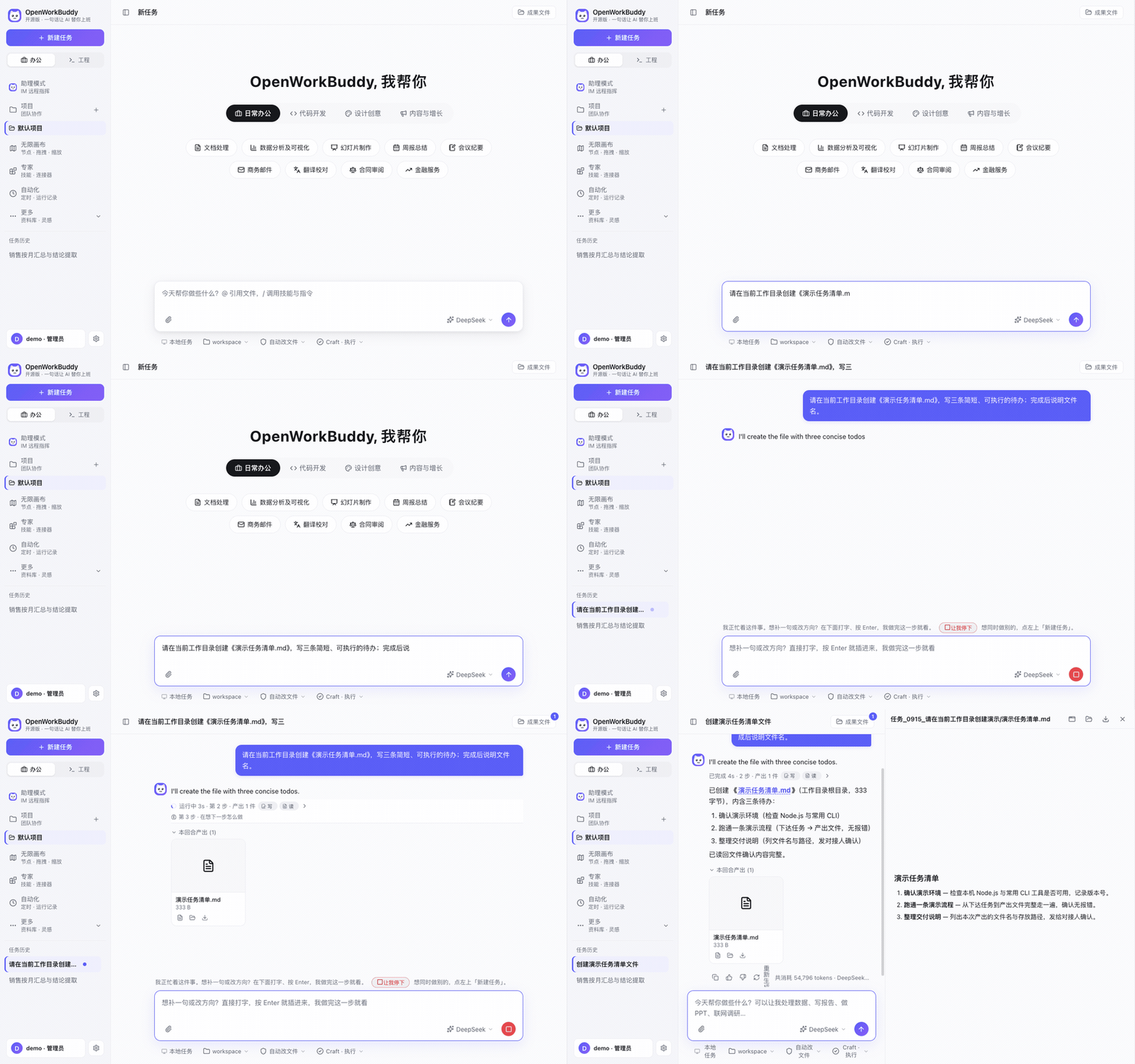
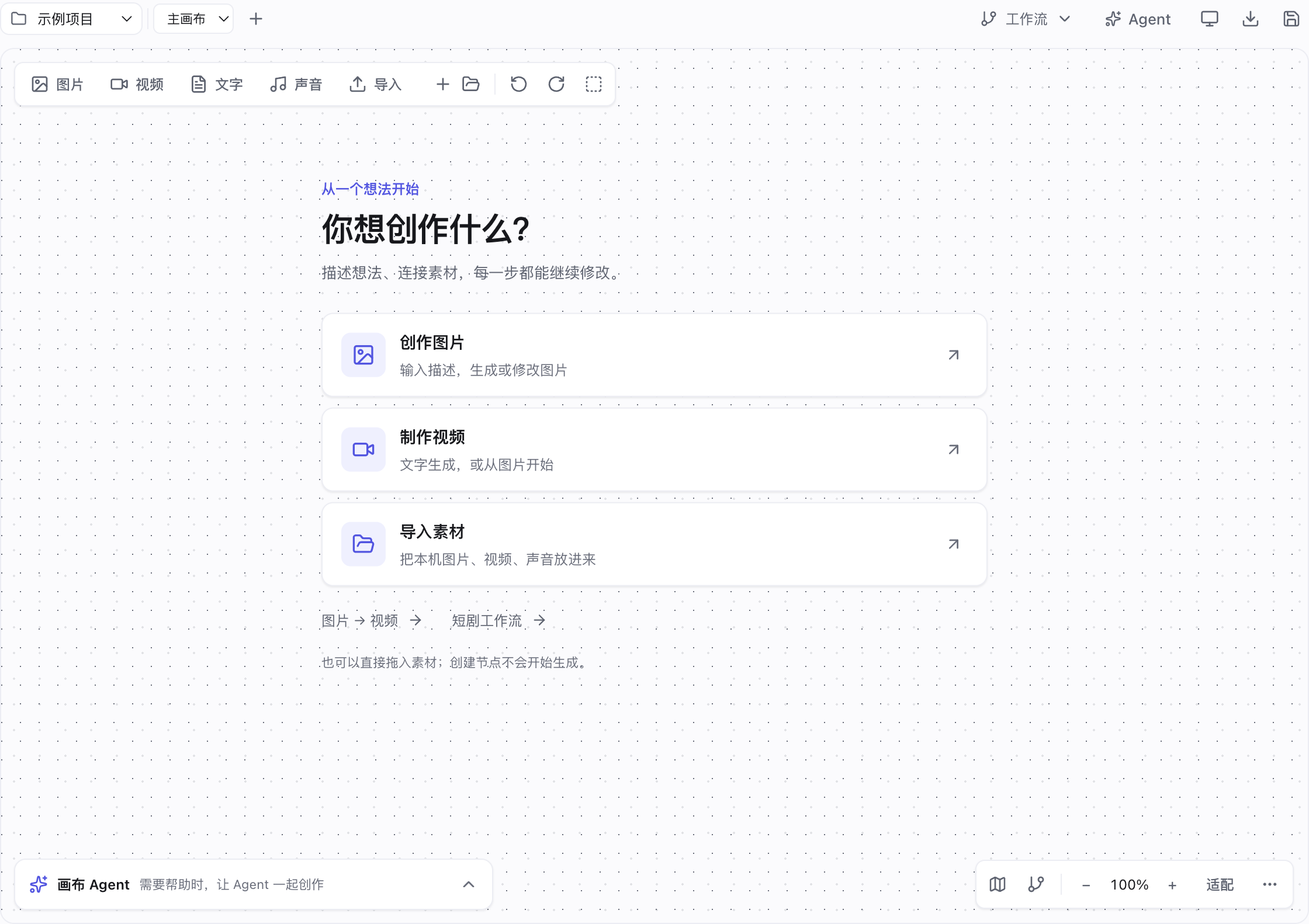
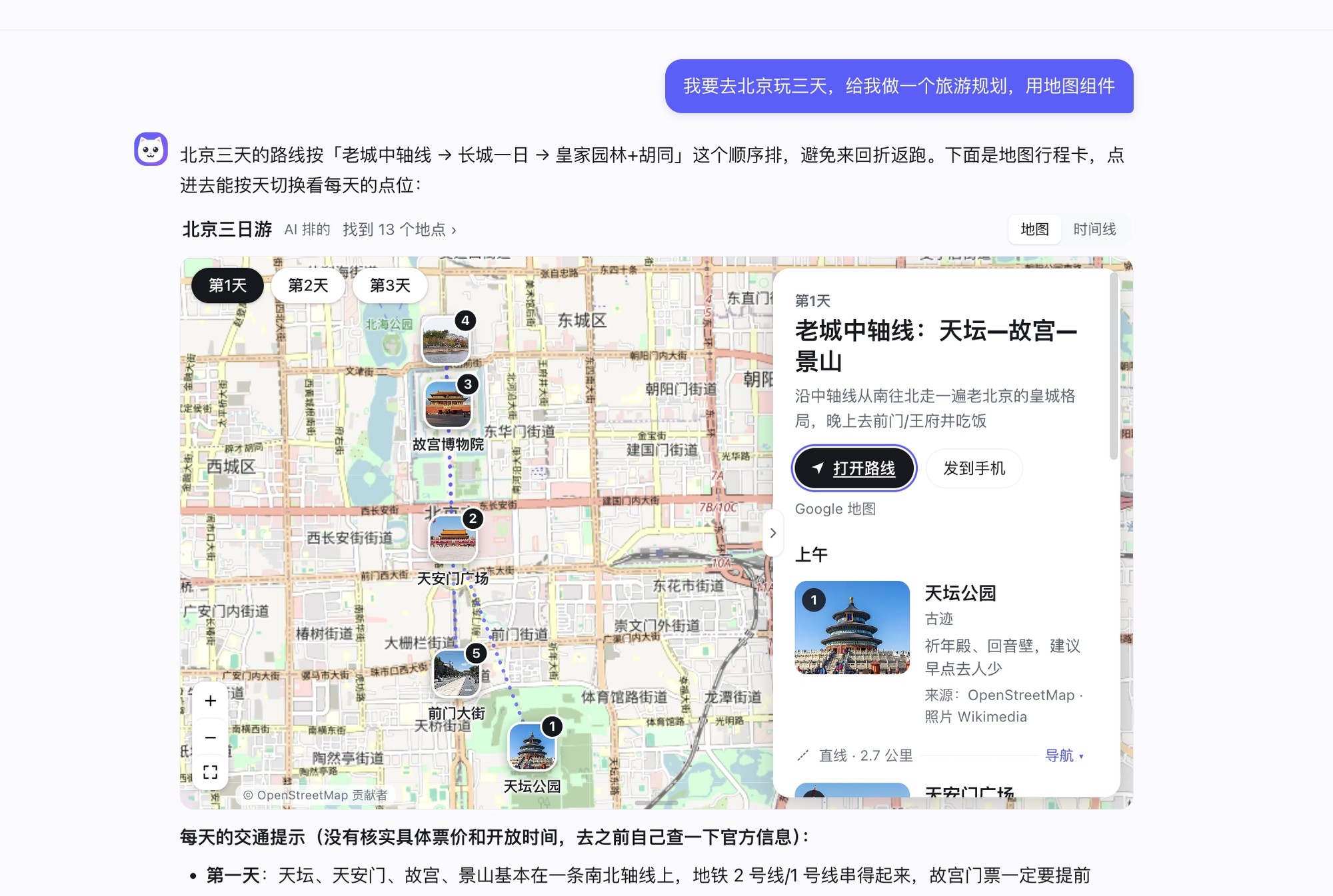
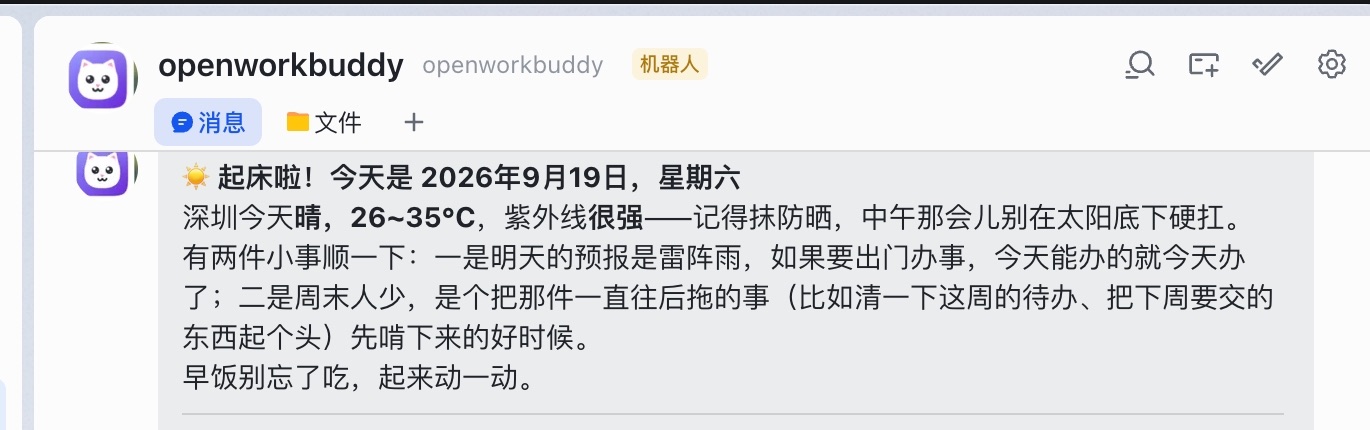
This local-first AI office agent accepts a natural language request plus your materials, then autonomously plans, executes using tools and skills, verifies the output, and hands back real editable files — PPTX presentations, DOCX documents, XLSX spreadsheets, and HTML pages — that you can open and inspect. It works with many model providers for local and cloud models, and can also use Claude Code or Codex CLI installed on your machine as the execution engine. The agent includes a visual infinite canvas for image and video creation, short-drama workflows, scheduled tasks with IM notifications (Feishu, WeChat, WeCom, DingTalk, Telegram), MCP connector support, and a Markdown-based skill system for extensibility. It runs as a desktop app (Electron) on macOS, Windows, and Linux, or can be deployed to a server via Docker for team use with multi-tenancy, RBAC, quotas, and audit logging. Personal non-commercial, academic, and non-profit use is free under the PolyForm Noncommercial 1.0.0 license; commercial use requires a paid license. No telemetry, no forced updates, and API keys stay in your local config.json.
Should you self-host OpenWorkBuddy?
OpenWorkBuddy scores 48/100 on selfhost.directory (how scoring works) and ranks #52 of 120 in AI Assistant. It has 363 GitHub stars.
It shipped 8 stable releases in the past year. The latest, v0.17.5, came out on 27 October 2026.
Setup is moderate: expect some configuration beyond a single command. It is Other-licensed and written mostly in JavaScript.
Its closest alternative on selfhost.directory is AionUi (81/100, 33 846 stars). It scores higher overall, so compare the two before you pick. See OpenWorkBuddy vs AionUi side by side.
Features
- Agent evaluation framework
- Built-in browser rendering
- Diagram generation
- Infinite canvas for image/video
- Local-first architecture
- Long-task auto-continueDisabled by default
- MCP connector support
- Multi-Model Support
- Multi-tenancy with RBAC
- Real file delivery
- Scheduled tasks with IM notifications
- Web preview with isolated storage
OpenWorkBuddy README
More in Content Management
 orbiterSelf-hosted CMS for Astro with all content in one SQLite file. Standalone admin on port 4322, desktop app, Git sync for static hosting.
 outstaticA self-hosted Git-based CMS: Outstatic adds an editing dashboard for the Markdown and MDX files in your GitHub repository, with no database and no hosted CMS backend.
 PagecordPagecord is a self-hosted, open-source blogging platform for publishing by email with a rich text editor, RSS, and Obsidian/iA Writer integrations.
 Payload CMSOpen-source, code-first headless CMS built into your Next.js app — self-hosted admin panel with REST and GraphQL APIs on MongoDB, Postgres or SQLite.
 PimcoreCore Framework for the Open Core Data & Experience Management Platform (PIM, MDM, CDP, DAM, DXP/CMS & Digital Commerce)
 PluXmlSelf-hosted flat-file CMS that stores content in XML files, requires no database, supports multi-user with permissions, themes, and plugins.
 POSSE PartySelf-hosted web app that syndicates your site's Atom feed to eight major social platforms automatically.
 processwireProcessWire is a free, open-source PHP CMS/CMF with a developer-friendly API, custom fields, multi-language support, RBAC, and 2FA.
 ProductFlowProductFlow is an open-source, self-hosted product creative workbench for solo merchants to manage assets, AI copy, and image workflows.
 PublifySelf-hosted, open-source Ruby on Rails blogware around a multi-user blogging engine, with themes, plugins, text filters, SEO options, feeds and IndieWeb syndication.
 PydioPydio Cells is a self-hosted file sharing platform with document management, 5TB transfers, WebDAV, sync, and no-code automation. Runs on your infra with MySQL/MariaDB.
 REDAXOREDAXO is a self-hosted, open-source PHP CMS since 2004 with 100% output control and modular block editing.
0 comments