
Self-host ongrid
v0.18.2AI ops agent that diagnoses and fixes infra from chat
- Stars
- 1 240
- RAM
- 4 GB minimum, 8 GB recommended
- Storage
- 20 GB free disk under /var/lib/ongrid
- Port
- 9100 (Prometheus metrics endpoint)
- Requires
- Frontier (singchia/frontier), Grafana, Loki, MySQL, OpenTelemetry Collector, Prometheus, Pyroscope, Qdrant, SearXNG, Tempo
docker.cnb.cool/ongridio/ongrid/mysql:8.0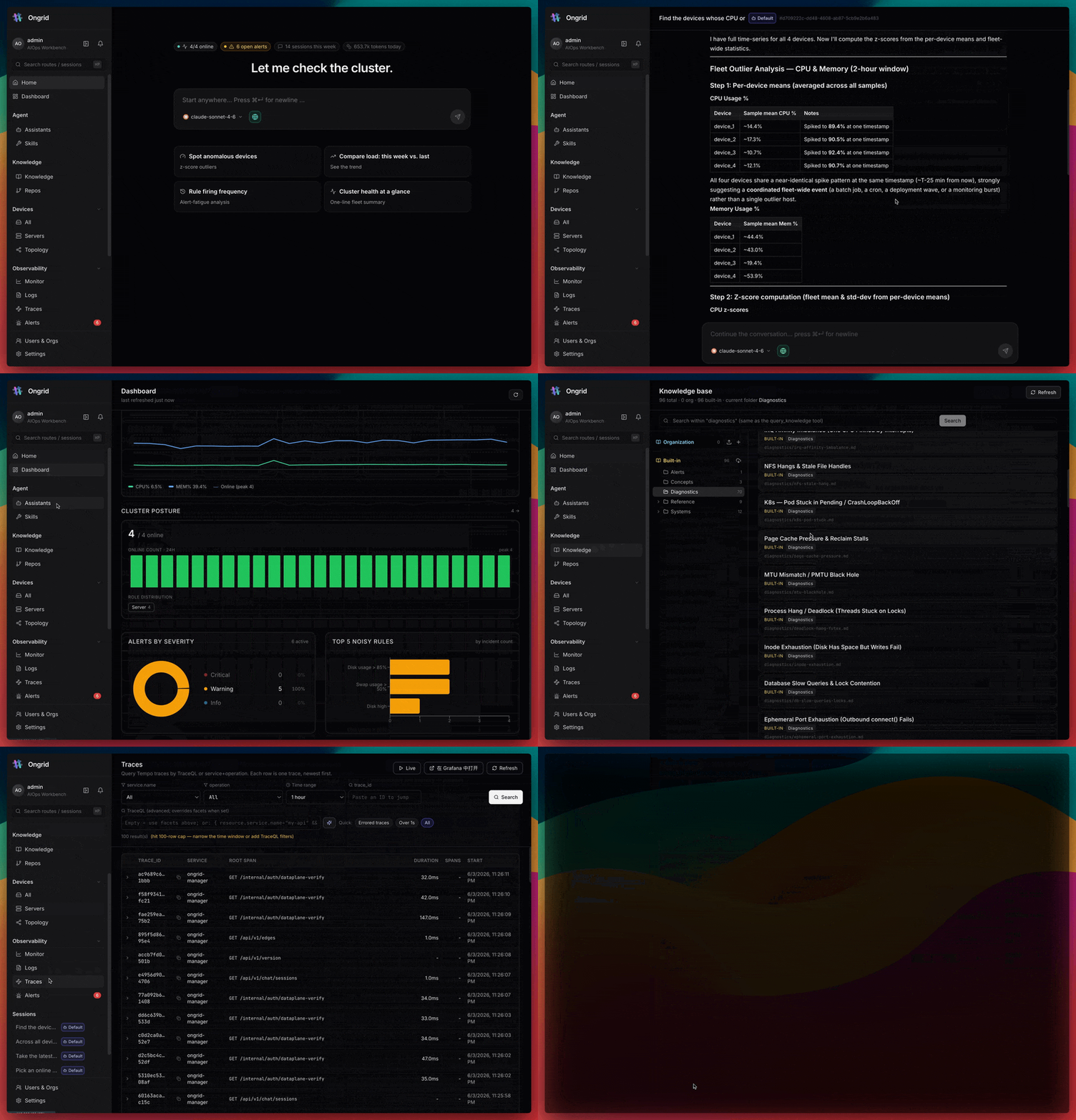
What is ongrid?
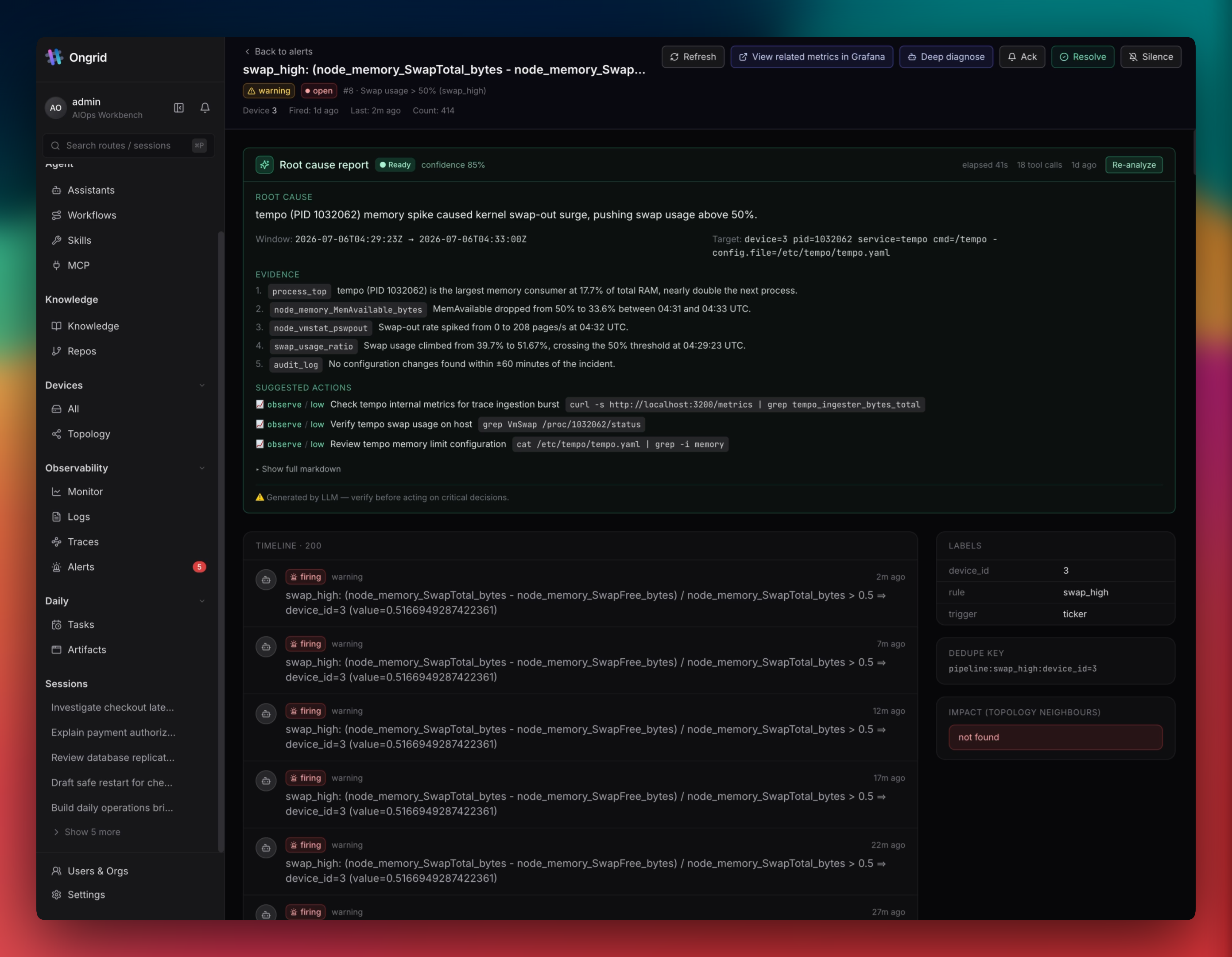
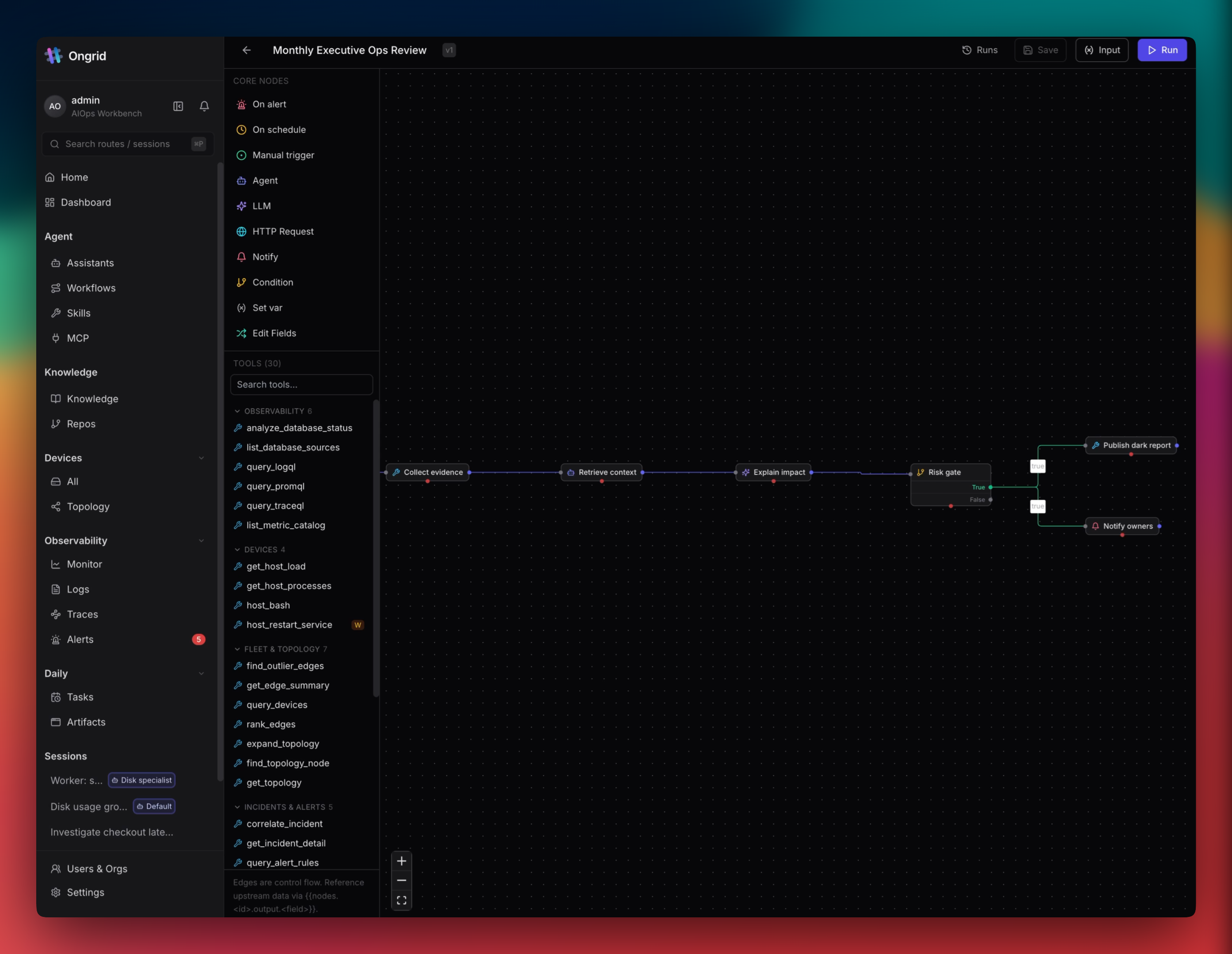
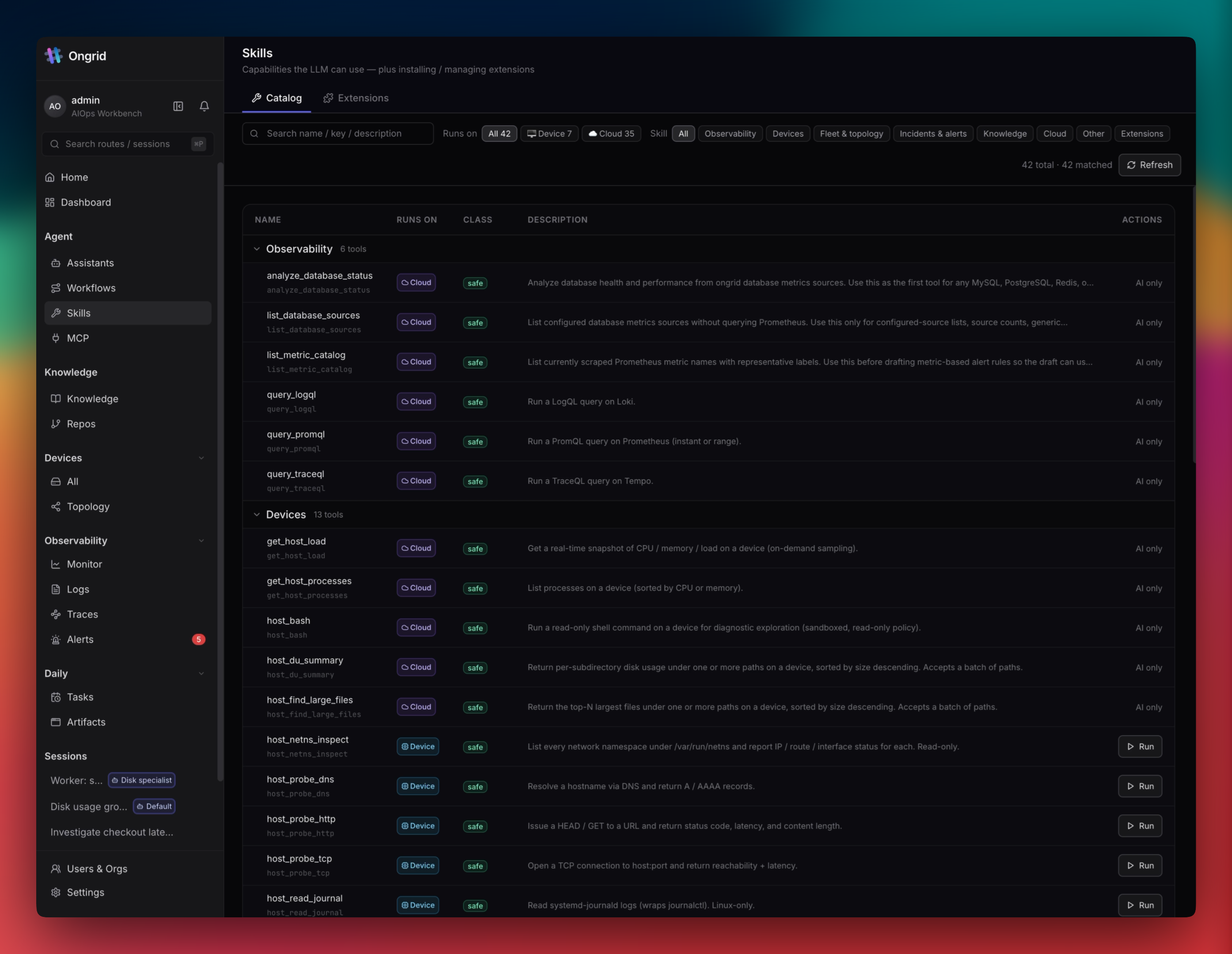
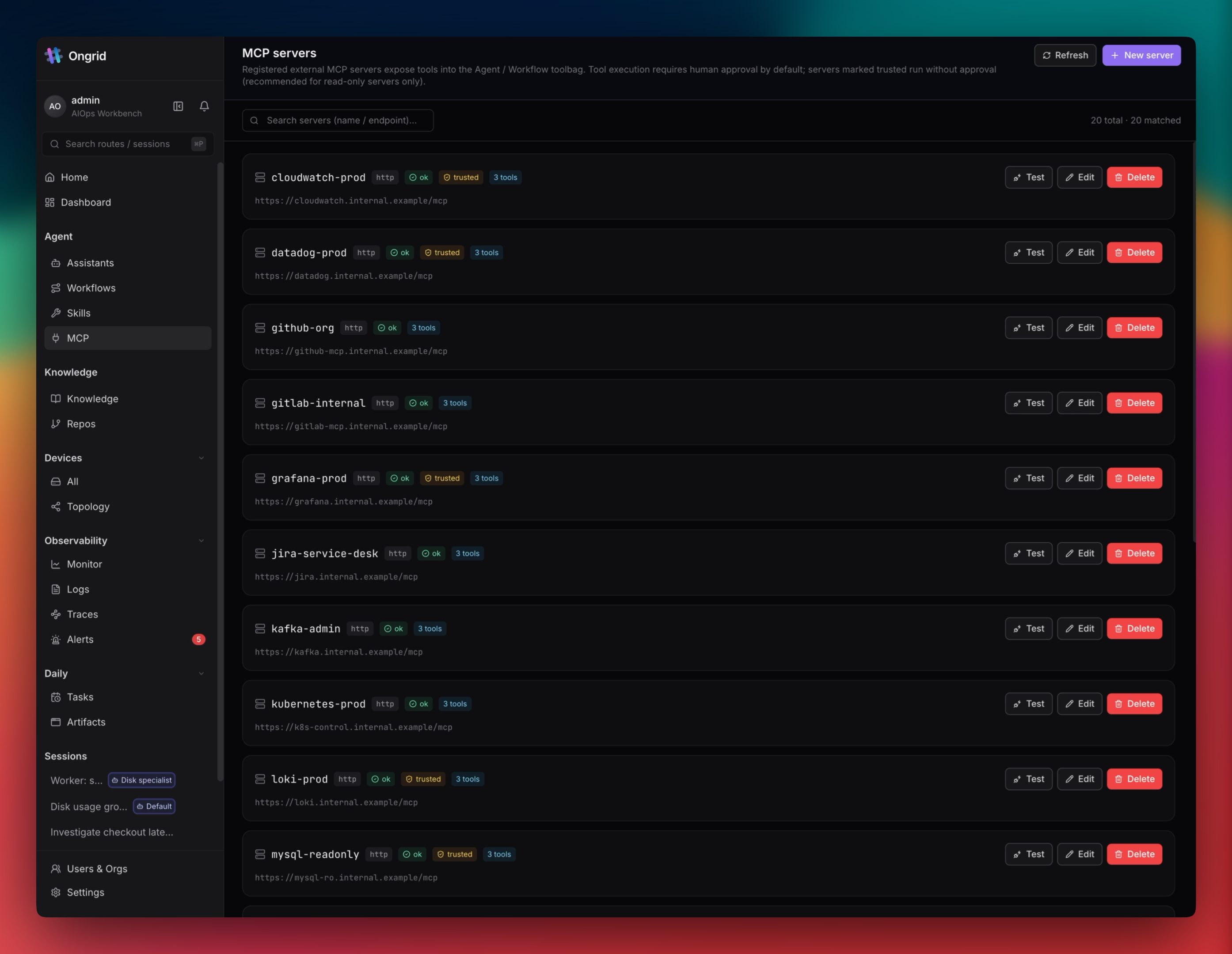
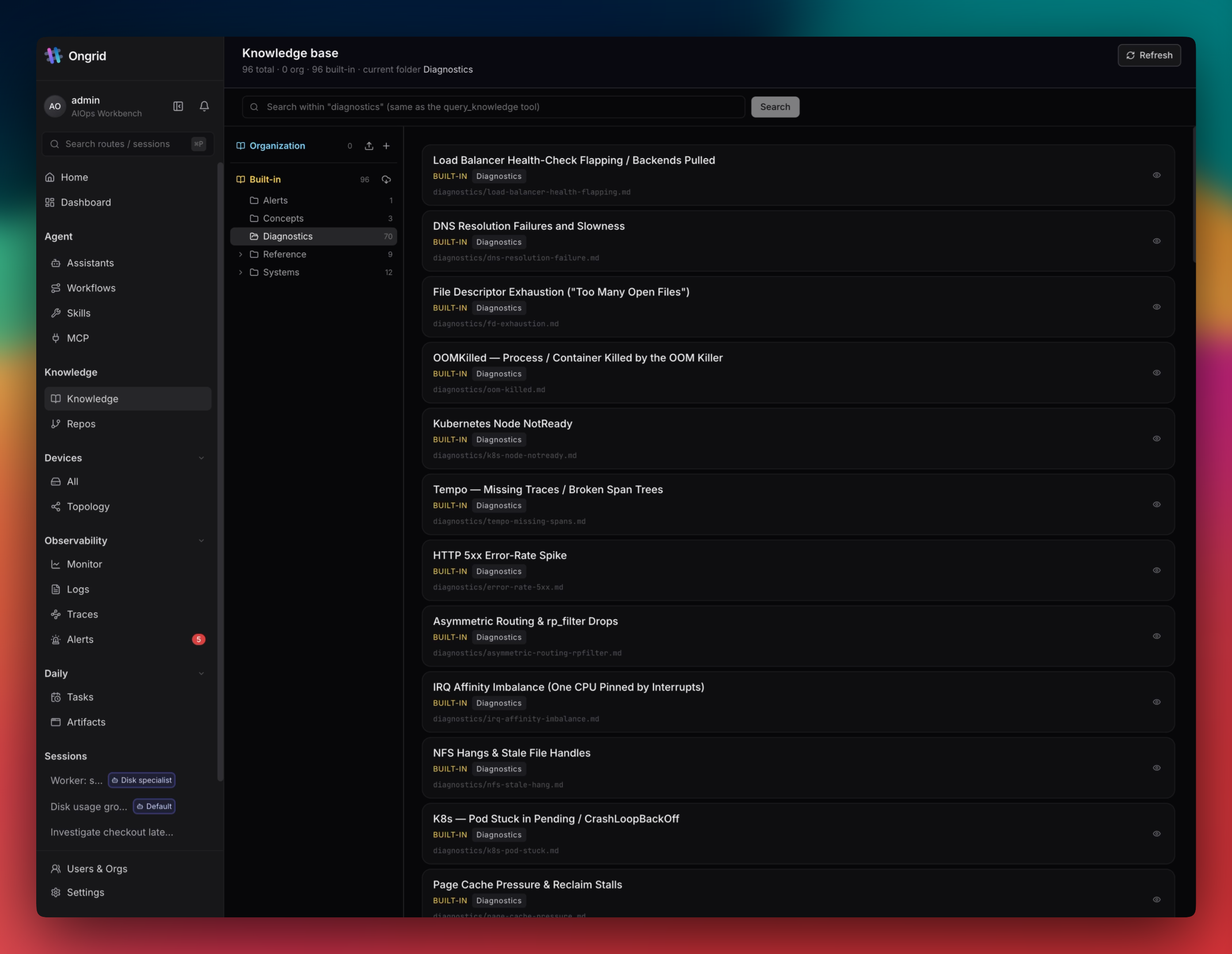
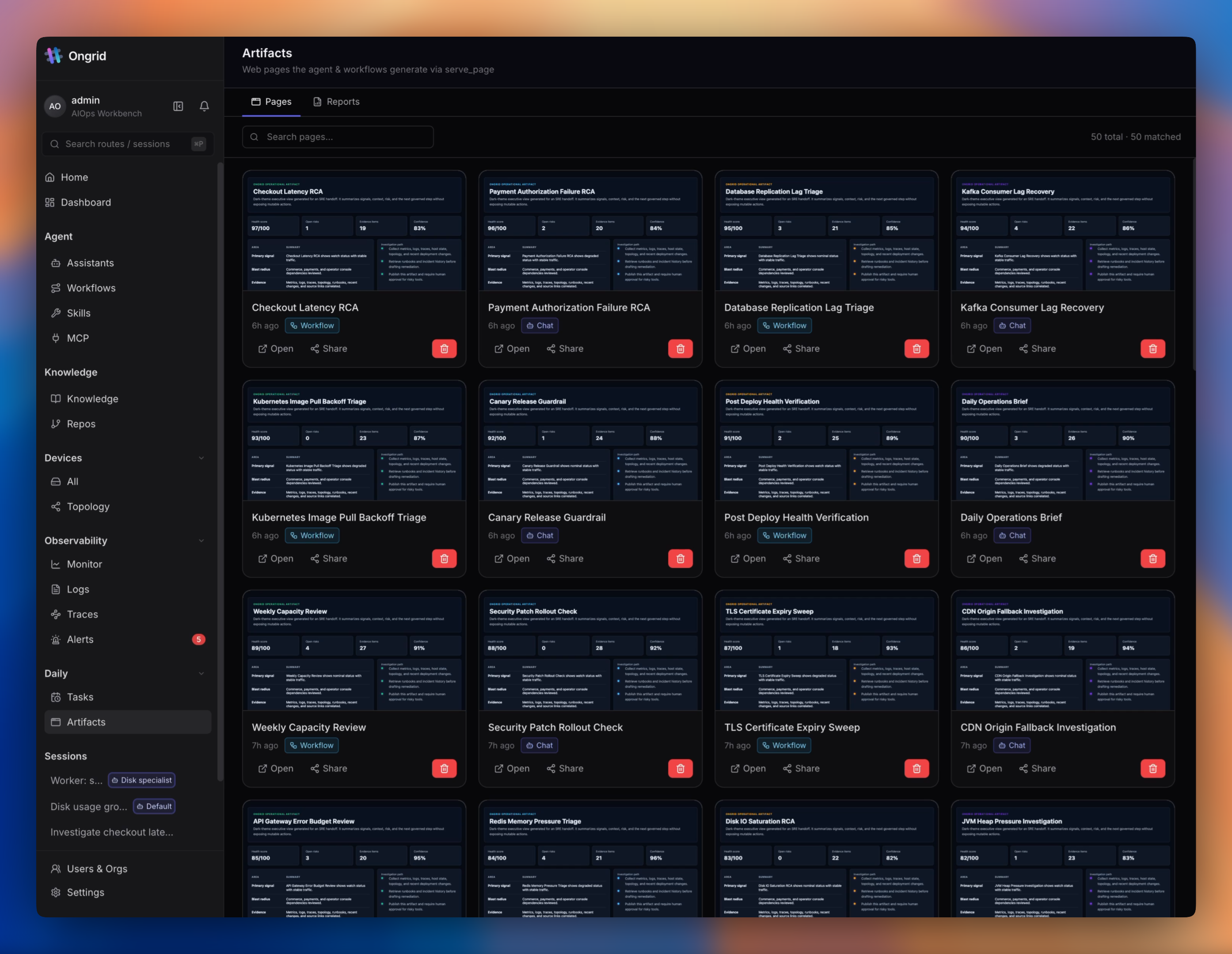
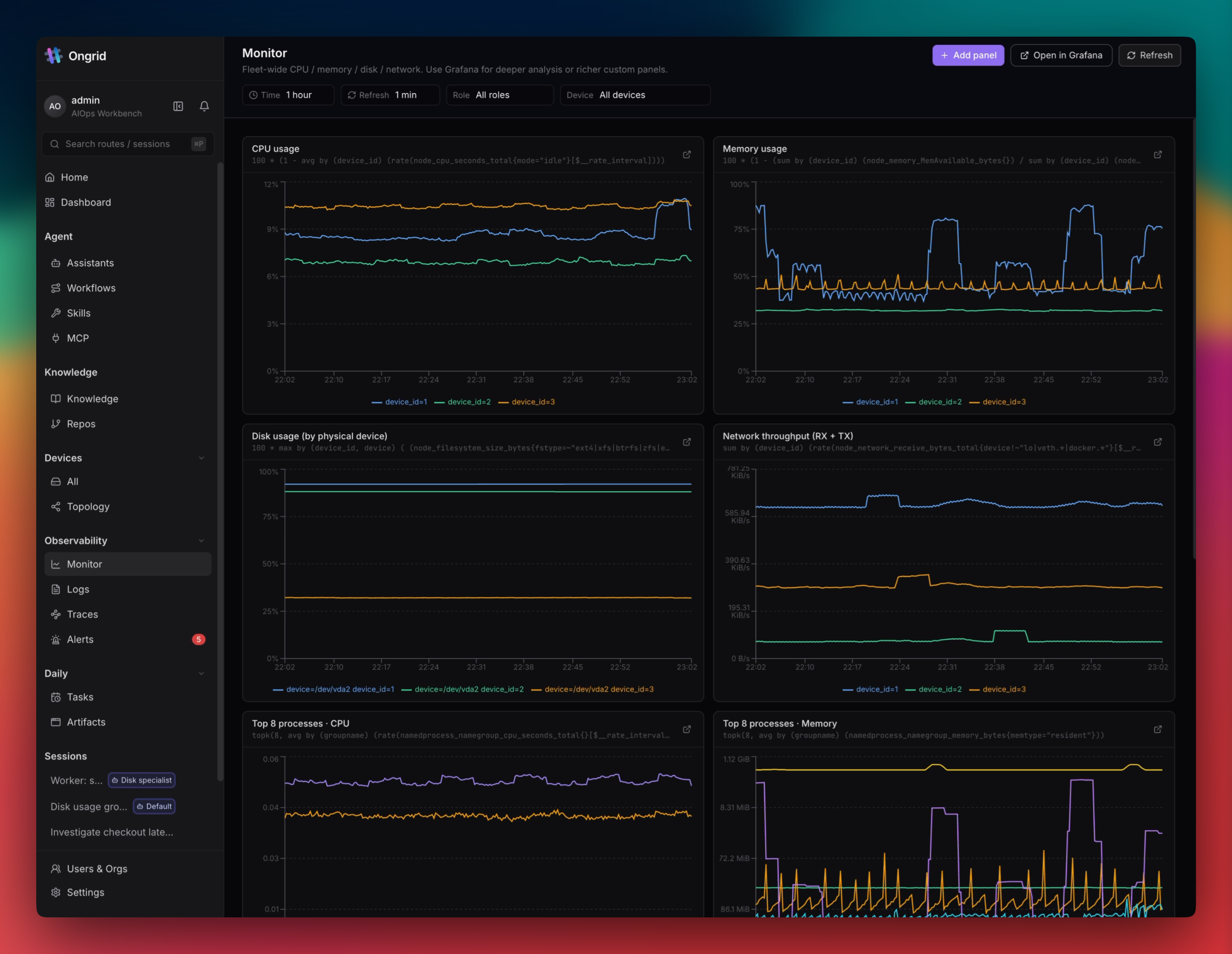
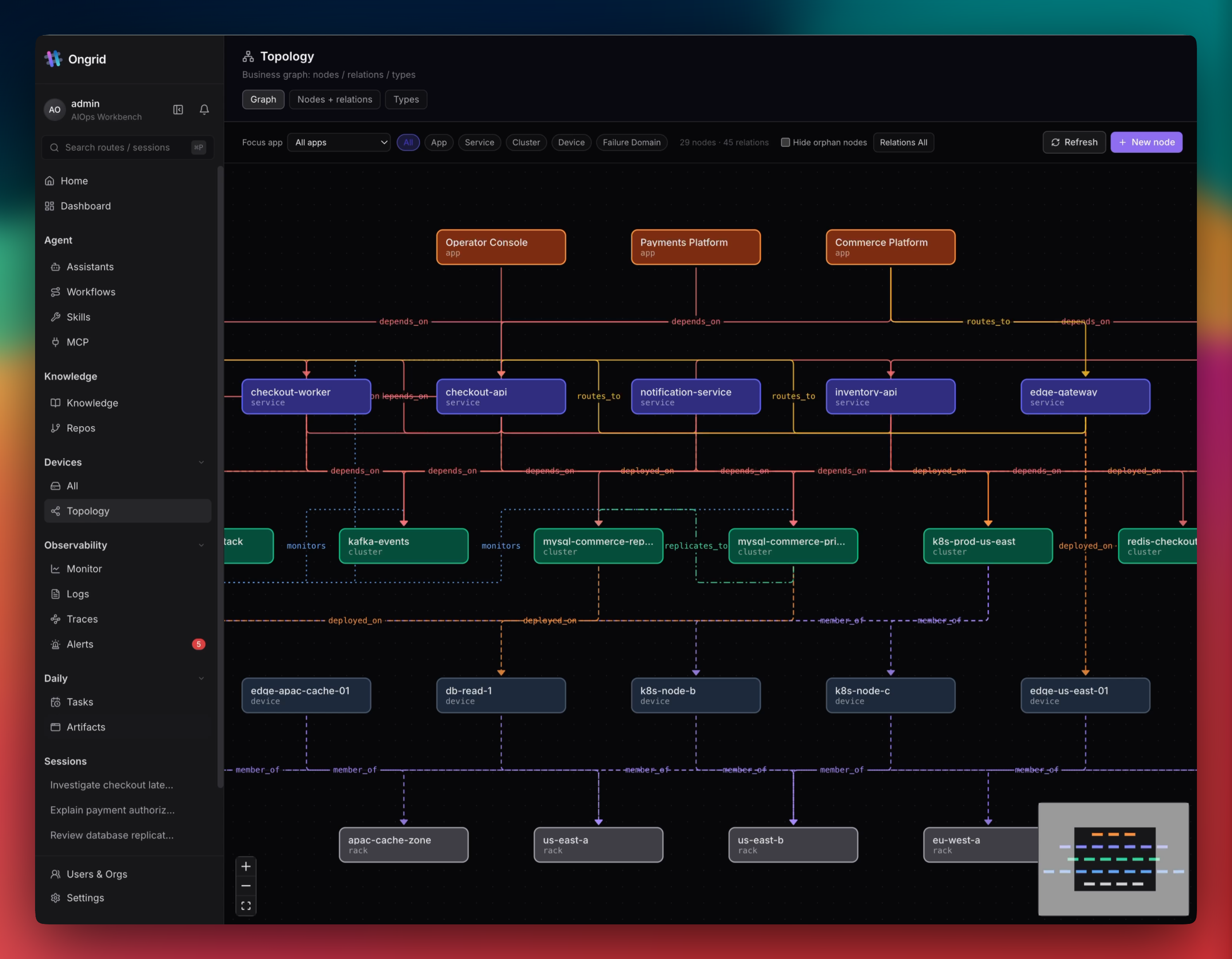
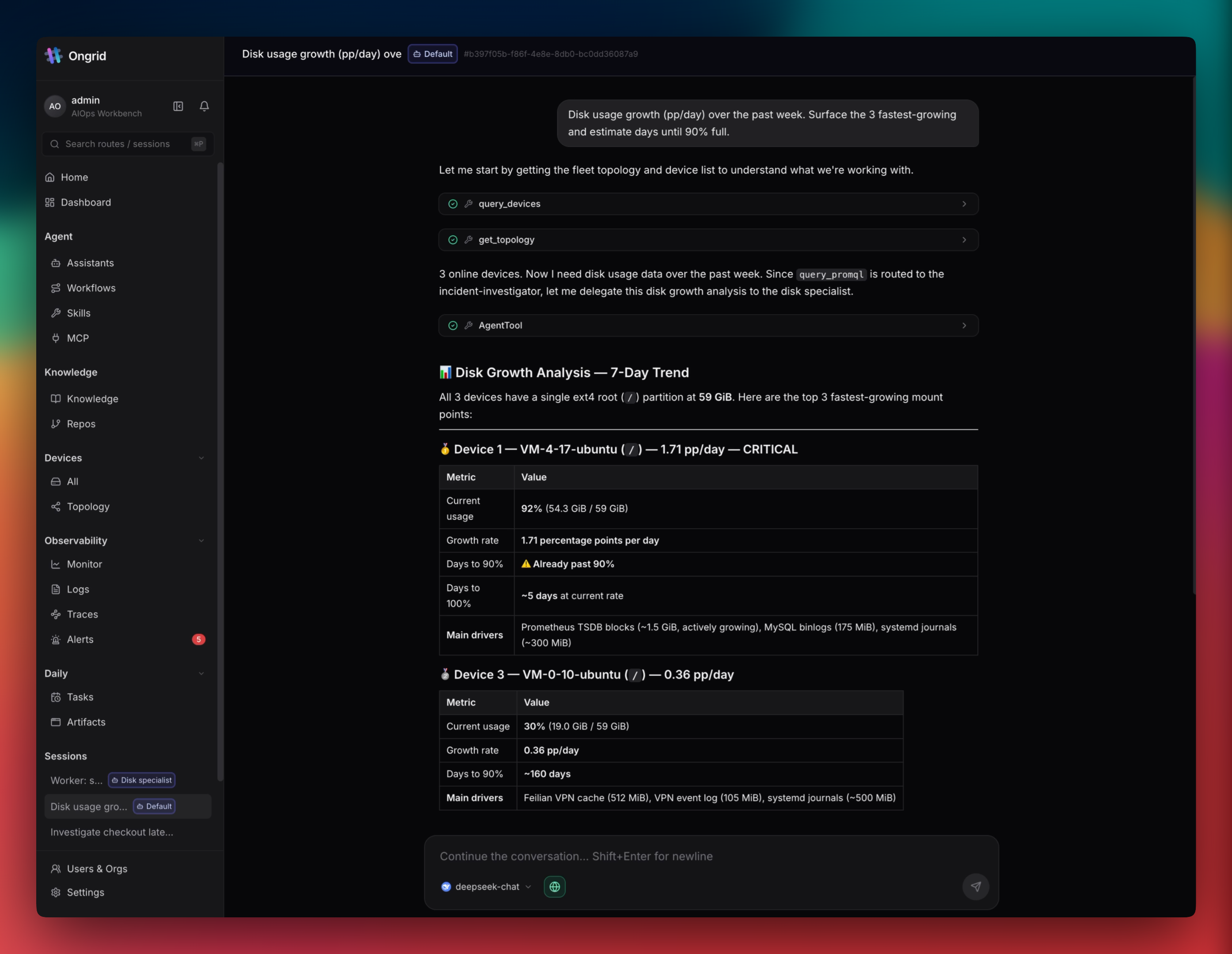
Ongrid is an AI-powered operations agent that integrates with your existing observability stack (Prometheus, Loki, Tempo, Grafana) and communication channels (Slack, Telegram, Lark, DingTalk, WeCom) to automatically investigate alerts, correlate metrics, logs, and traces across your infrastructure topology, and provide evidence-backed root-cause analysis. It runs as a self-hosted service deployed via a single install.sh script that brings up the full stack including MySQL, Prometheus, Loki, Tempo, Grafana, Qdrant, and a tunnel broker — all without requiring inbound ports on managed hosts. The agent uses specialist sub-agents for SRE, network, and database tasks, supports bring-your-own LLM (Anthropic, OpenAI, Gemini, DeepSeek, and more), and includes a browser-based SSH reverse tunnel for secure host access. It is licensed under AGPL-3.0 and currently at version v0.18.2 (pre-1.0 beta).
Should you self-host ongrid?
ongrid scores 52/100 on selfhost.directory (how scoring works) and ranks #86 of 209 in AI Agents. It has 1 240 GitHub stars.
It shipped 21 stable releases in the past year. The latest, v0.18.2, came out on 15 October 2026. New versions land roughly every 1 days.
Setup is advanced: plan for several services and some ongoing maintenance. An official Docker image is available. It is AGPL-3.0-licensed and written mostly in Go.
Its closest alternative on selfhost.directory is Orca (91/100, 108 815 stars). It scores higher overall, so compare the two before you pick. See ongrid vs Orca side by side.
Features
- AI-powered root cause analysis
- Approval and write gate
- Bring-your-own LLM
- Browser-based SSH reverse tunnel
- Built-in observability stack
- Chat-driven operations
- Knowledge vault
- Kubernetes lifecycle management
- MCP Server Integration
- Multi-agent coordinator with specialists
- Network device management
- Skills catalog
- Topology map
- Workflow Builder
- Zero inbound ports architecture
ongrid README
More in DevOps
 OpenSREOpenSRE is a self-hosted, open-source AI SRE agent that autonomously investigates incidents, learns via episodic memory, and maps service topology with Neo4j.
 OxMgrSelf-hosted Rust process manager replacing PM2 — runs any executable on Linux, macOS, Windows with health checks, resource limits, and a live terminal dashboard.
 portabaseSelf-hosted, open-source database backup tool where agents dump PostgreSQL, MySQL, MongoDB and more on a cron, with GFS retention, S3/SFTP storage and restores.
 prom-alertmanagerOpen-source Prometheus alert hub: deduplicates, groups, routes and silences alerts to Slack, PagerDuty, email or webhooks; self-hosted with a Docker image or binaries.
 ptah-serverSelf-hosted Fair Source PaaS replacing Heroku/Vercel, using Docker Swarm for apps, databases, backups, and SSL. Archived, development paused.
 PulumiOpen-source infrastructure-as-code CLI and engine for AWS, Azure, GCP and Kubernetes in TypeScript, Python or Go, with self-hosted state in S3 or PostgreSQL.
 rackOpen-source, self-hosted PaaS that runs your apps on a Kubernetes cluster inside your cloud account, adding autoscaling, instant rollbacks, and a Heroku-like CLI.
 Red Hat QuaySelf-hosted, open-source container image registry that stores OCI artifacts, scans with Clair, and runs standalone on Podman or on Kubernetes via the Quay Operator.
- RhodeCodeRhodeCode is an open-source, self-hosted platform for unified repository management, supporting Git, Mercurial, and Subversion. It provides enterprise-grade security, code review, workflow automation, and permission management for teams.
 roterote is a self-hosted, open-source CLI cron replacement that captures stdout/stderr, records exit codes and timing, and provides a live terminal dashboard.
 RundeckEnable Self-Service Operations: Give specific users access to your existing tools, services, and scripts
 scanopyNetwork diagrams that update themselves
0 comments