
Self-host o-spreadsheet
20.0.5Standalone web spreadsheet with real-time collaboration
- Stars
- 297
- Requires
- Node.js
What is o-spreadsheet?
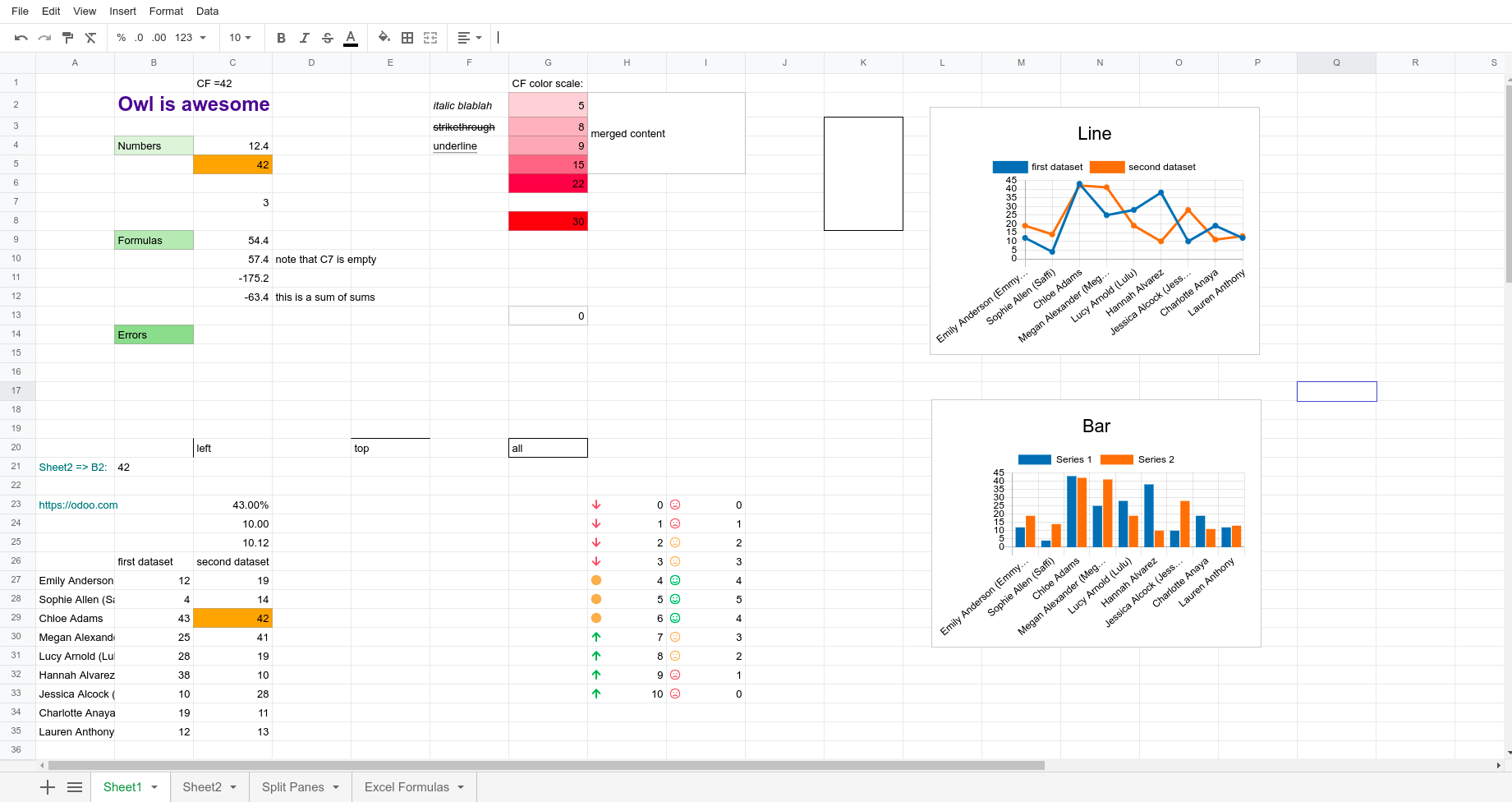
o-spreadsheet is a standalone spreadsheet component for the web built on the Owl framework. It provides all basic spreadsheet features including formulas, charts, pivot tables, conditional formatting, and data validation. The component supports real-time collaborative editing via Operational Transform with a WebSocket transport service. It can import and export Excel (.xlsx) files and is designed to be easily integrated into existing web applications as a TypeScript/JavaScript component. The project is published as an npm package (@odoo/o-spreadsheet) under LGPL-3.0-or-later license and maintained by Odoo. Users can self-host it by installing via npm, building the distribution files, and serving them with any static file server. A demo server for collaborative editing is included for development purposes.
Should you self-host o-spreadsheet?
o-spreadsheet scores 49/100 on selfhost.directory (how scoring works) and ranks #10 of 10 in Data Management. It has 297 GitHub stars.
It shipped 14 stable releases in the past year. The latest, 20.0.5, came out on 28 October 2026.
Setup is advanced: plan for several services and some ongoing maintenance. It is Other-licensed and written mostly in Typescript.
Its closest alternative on selfhost.directory is OpenBB (87/100, 74 832 stars). It scores higher overall, so compare the two before you pick. See o-spreadsheet vs OpenBB side by side.
Features
- Charts
- Conditional formatting
- Custom Functions
- Data Validation
- Excel Import/Export
- Pivot tables
- Plugin Architecture
- Real-Time Collaboration
- Spreadsheet engine
- Standalone web component
- Translation support
- TypeScript Support
o-spreadsheet README
More in Data Management
 PgStackPgStack is a self-hosted, open-source tool that creates search and audit read replicas of your Postgres database via logical replication.
 pgvectorOpen-source vector similarity search for Postgres
 ResourceSpaceResourceSpace is an open-source Digital Asset Management (DAM) system designed for teams to store, organize, search, and share digital assets with advanced metadata, AI-powered search, and granular permissions.
 SLayerSelf-hosted semantic layer letting AI agents query warehouses via structured requests with runtime formulas instead of raw SQL. Supports multiple databases.
 SupersetApache Superset is a Data Visualization and Data Exploration Platform
 tianjiSelf-hosted insight hub combining web analytics service monitoring and server status checks. Apache 2.0 licensed open-source platform for independent developers.
 timelinizeTimelinize is a self-hosted, open-source personal archival suite that imports data from many sources into a unified timeline on your computer.
 unopimSelf-hosted, open-source PIM and DAM built on Laravel to centralize and enrich product catalogs beyond 10 million products, with AI agent chat and CSV/XLSX import.
 airbyteAirbyte is a self-hosted data movement platform with hundreds of connectors for ELT pipelines and AI agents, deployable via Docker, Kubernetes, and abctl CLI.
 AnagnorisisSelf-hosted local recommendation system that learns from your ratings and searches images, music, text, and video — all processed on your hardware.
 Apache DruidApache Druid: a high performance real-time analytics database.
 Apache IoTDBApache IoTDB is a self-hosted, open-source time-series database for industrial IoT with high-throughput reads/writes, ultra-high compression, and SQL-like queries.
0 comments