
Self-host unopim
v3.1.3Open-source Laravel PIM and DAM for 10M-product catalogs
docker compose up -d- Stars
- 11 068
- RAM
- 8GB or higher
- Port
- 80 (HTTP (Apache) inside the unopim app container; published to the host as APP_PORT (default 8000))
webkul/unopim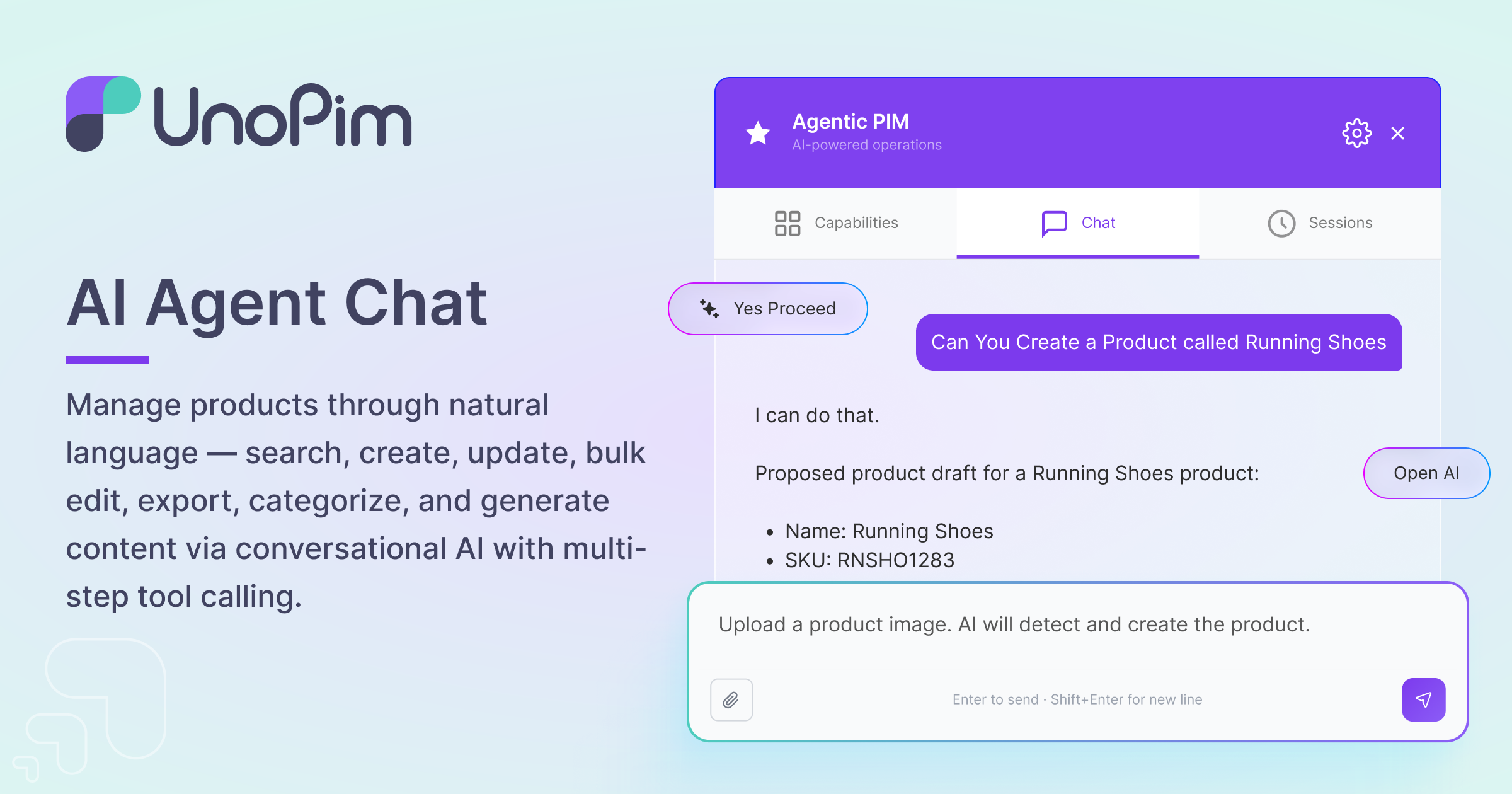

What is unopim?
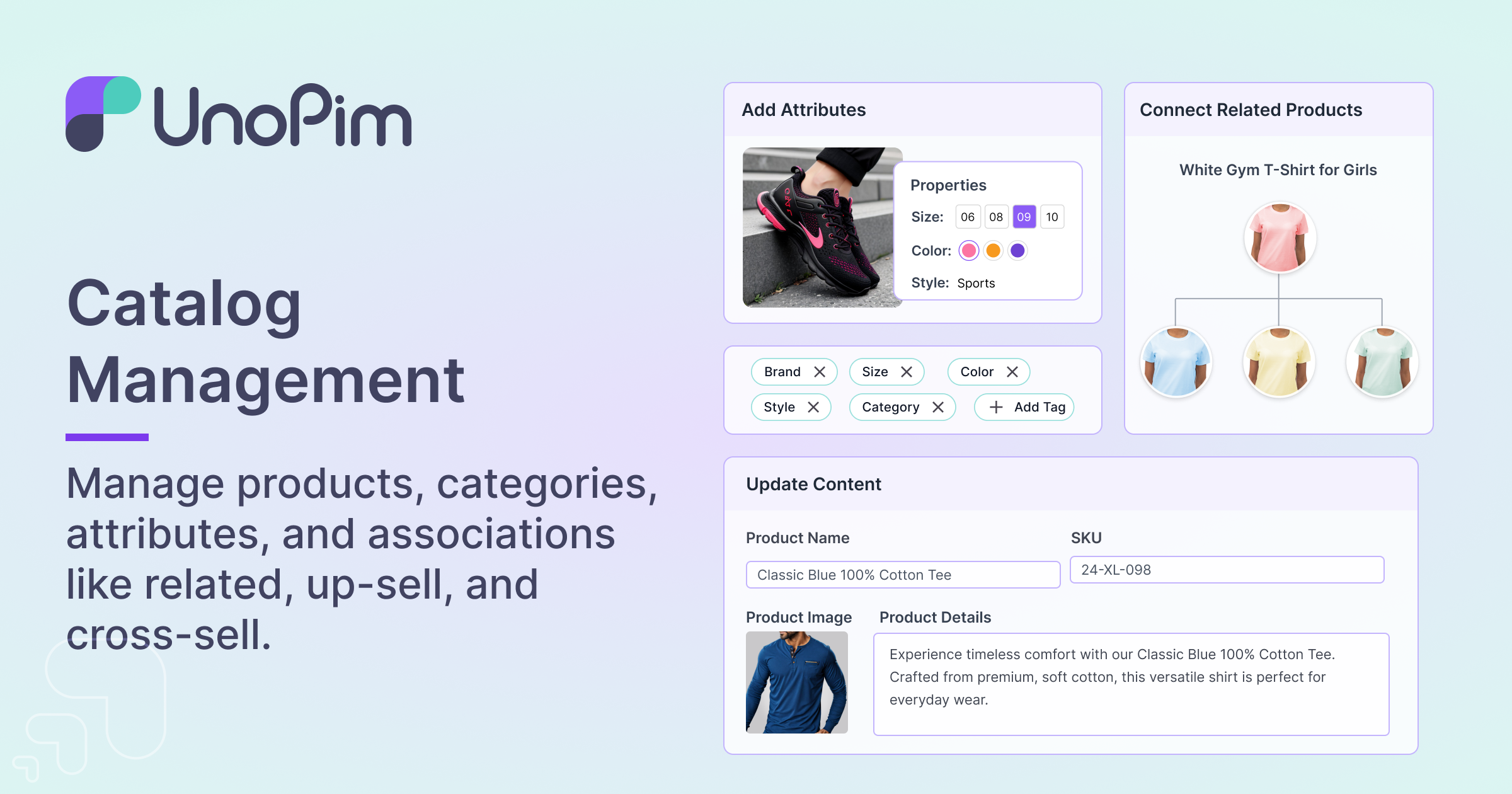
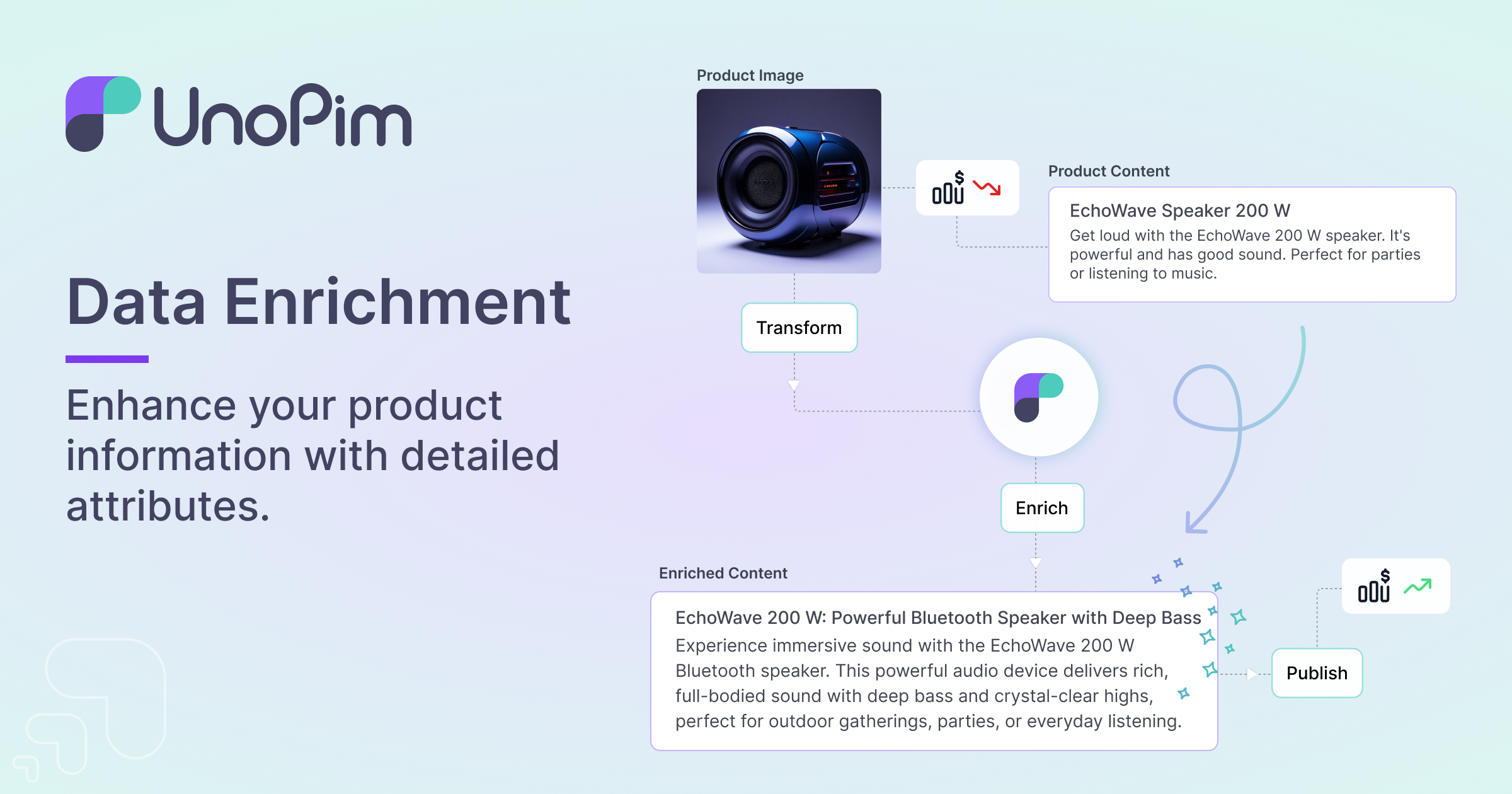
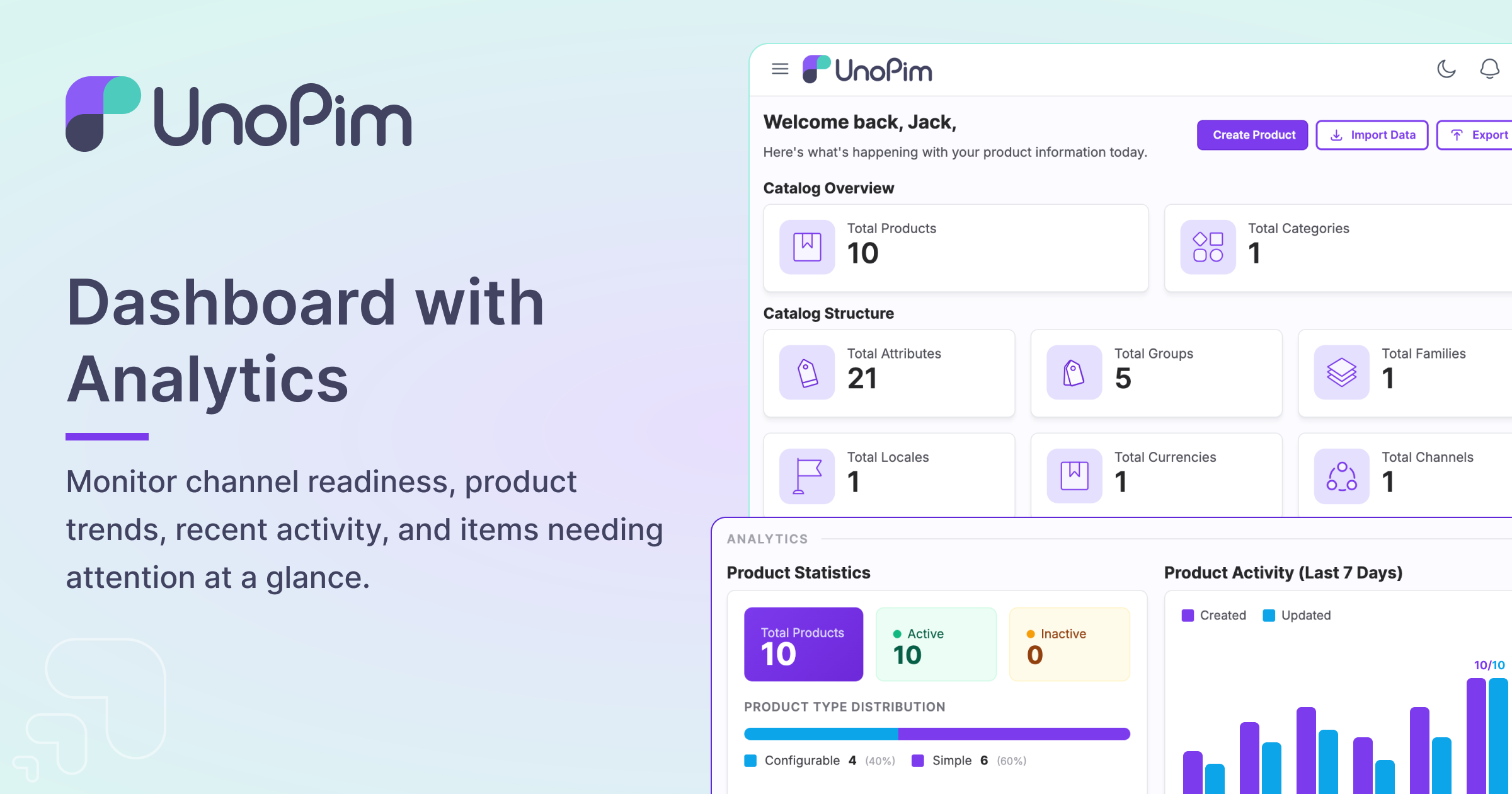
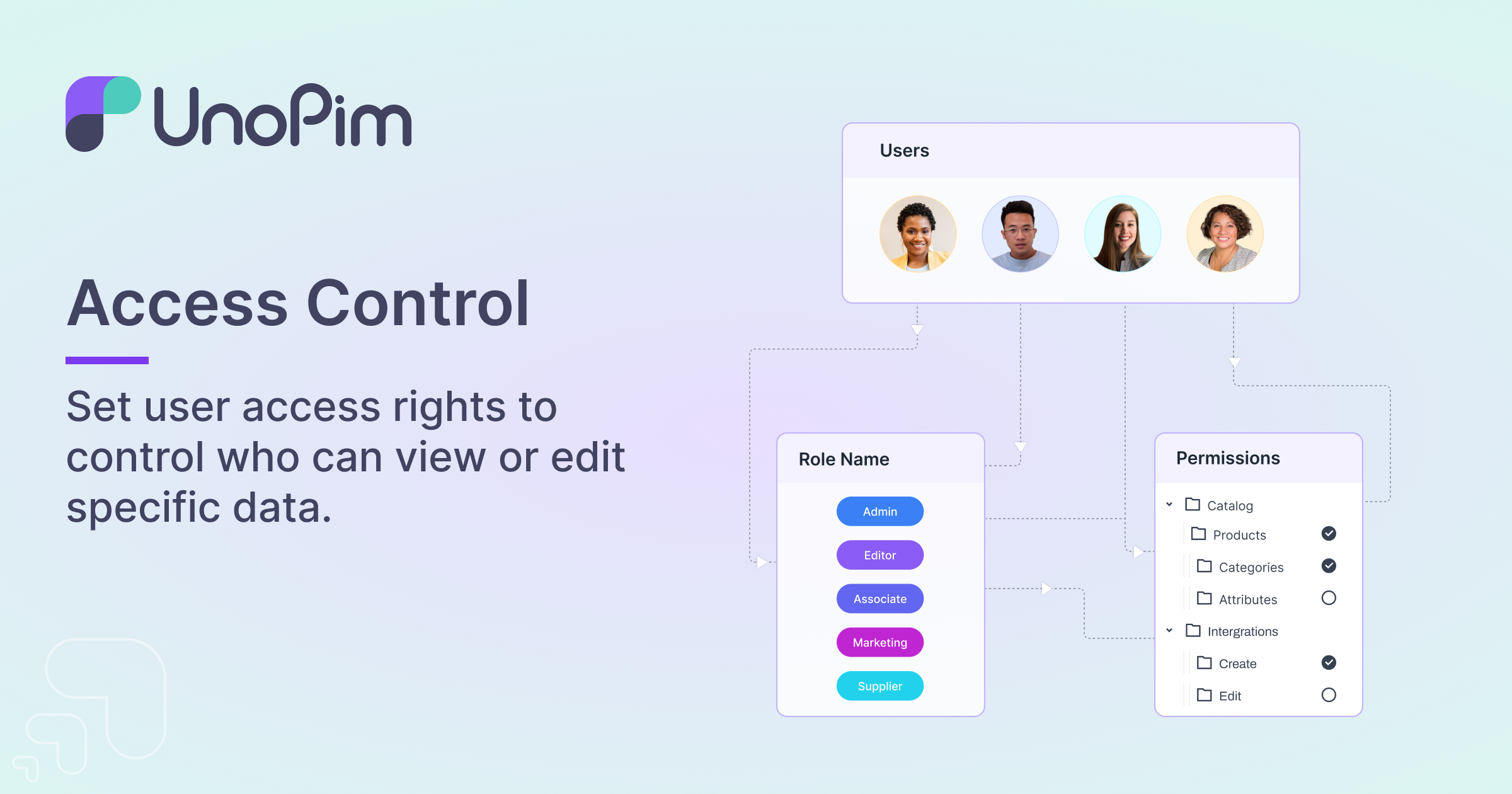
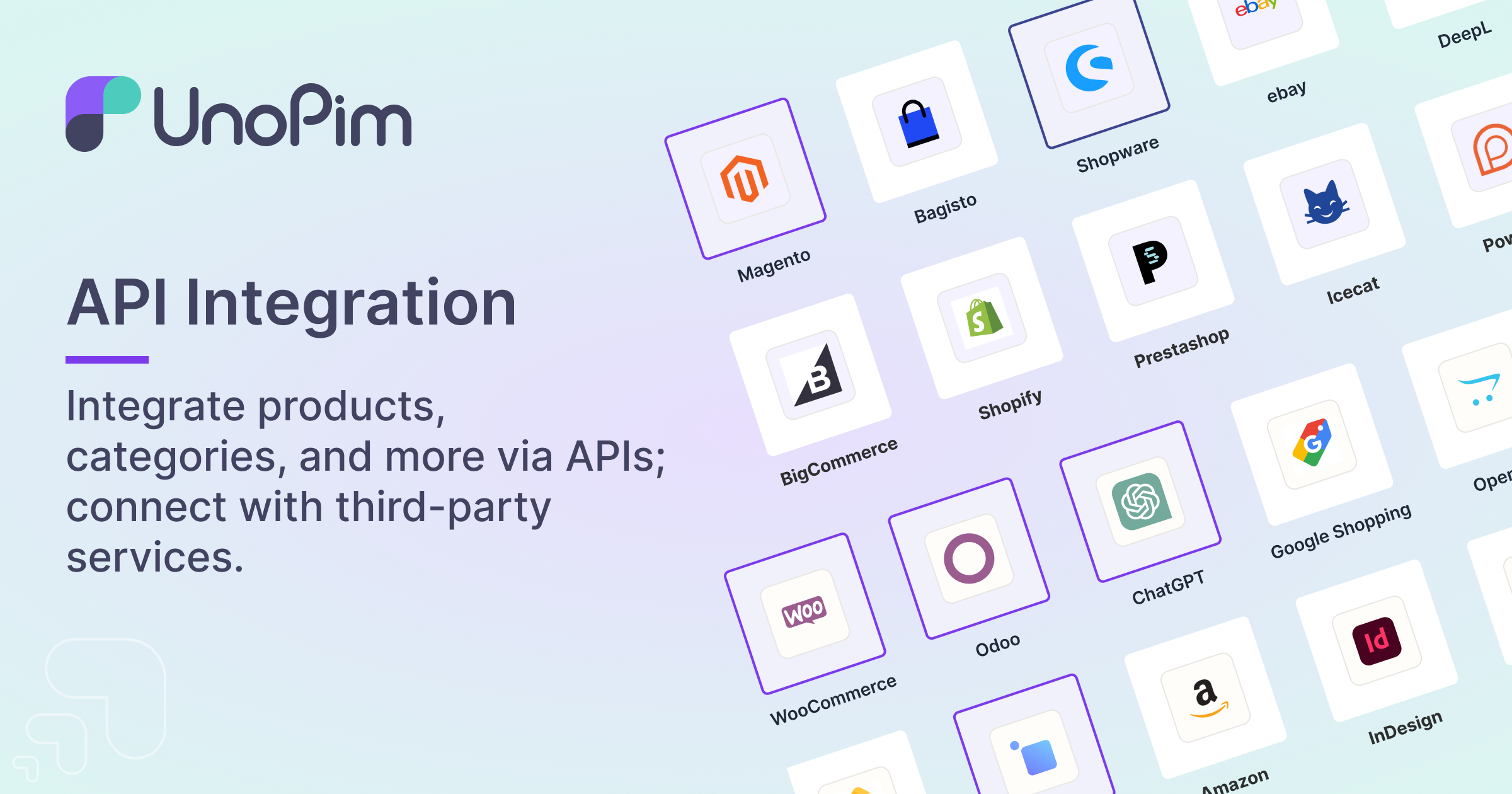
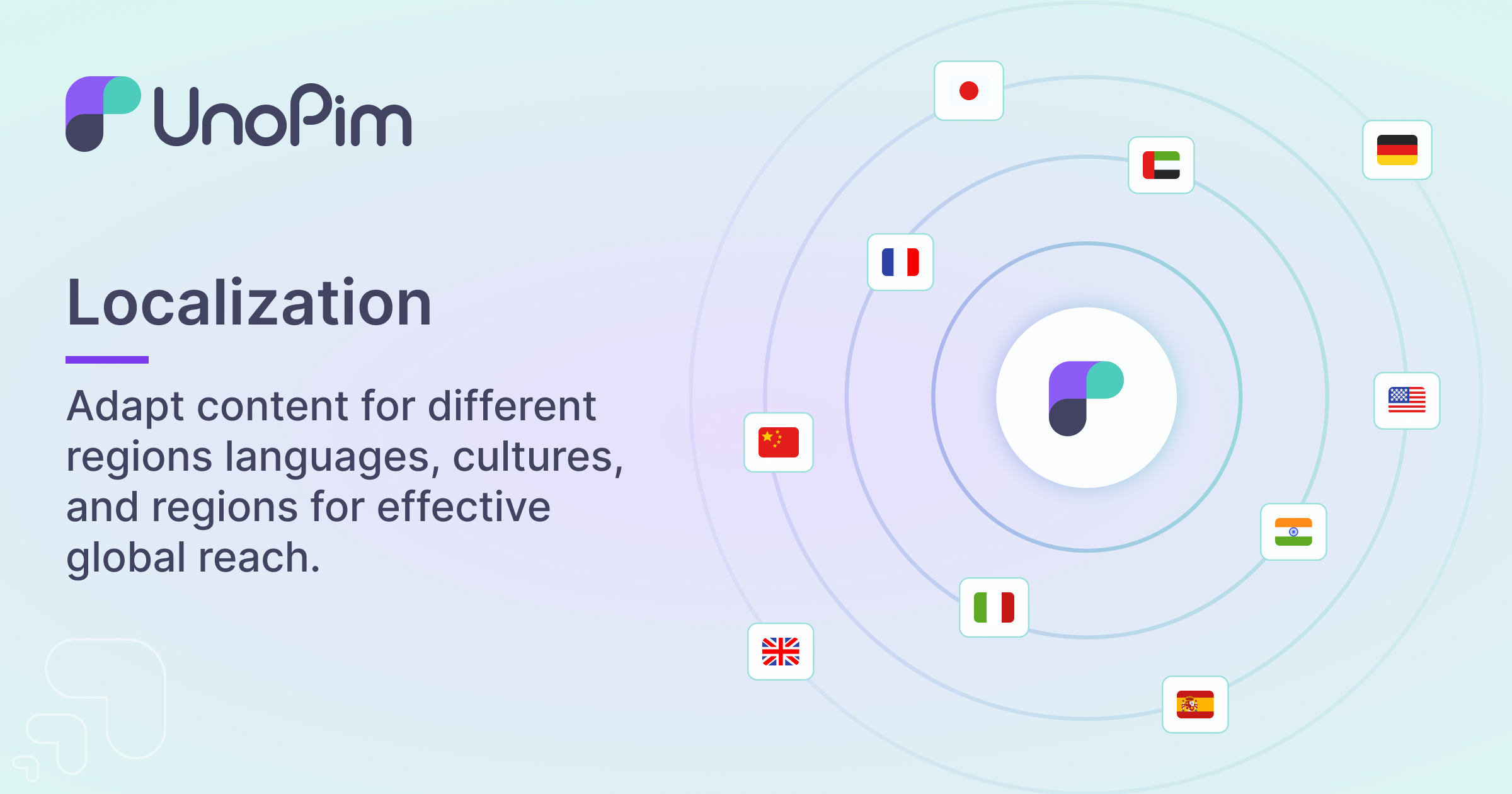
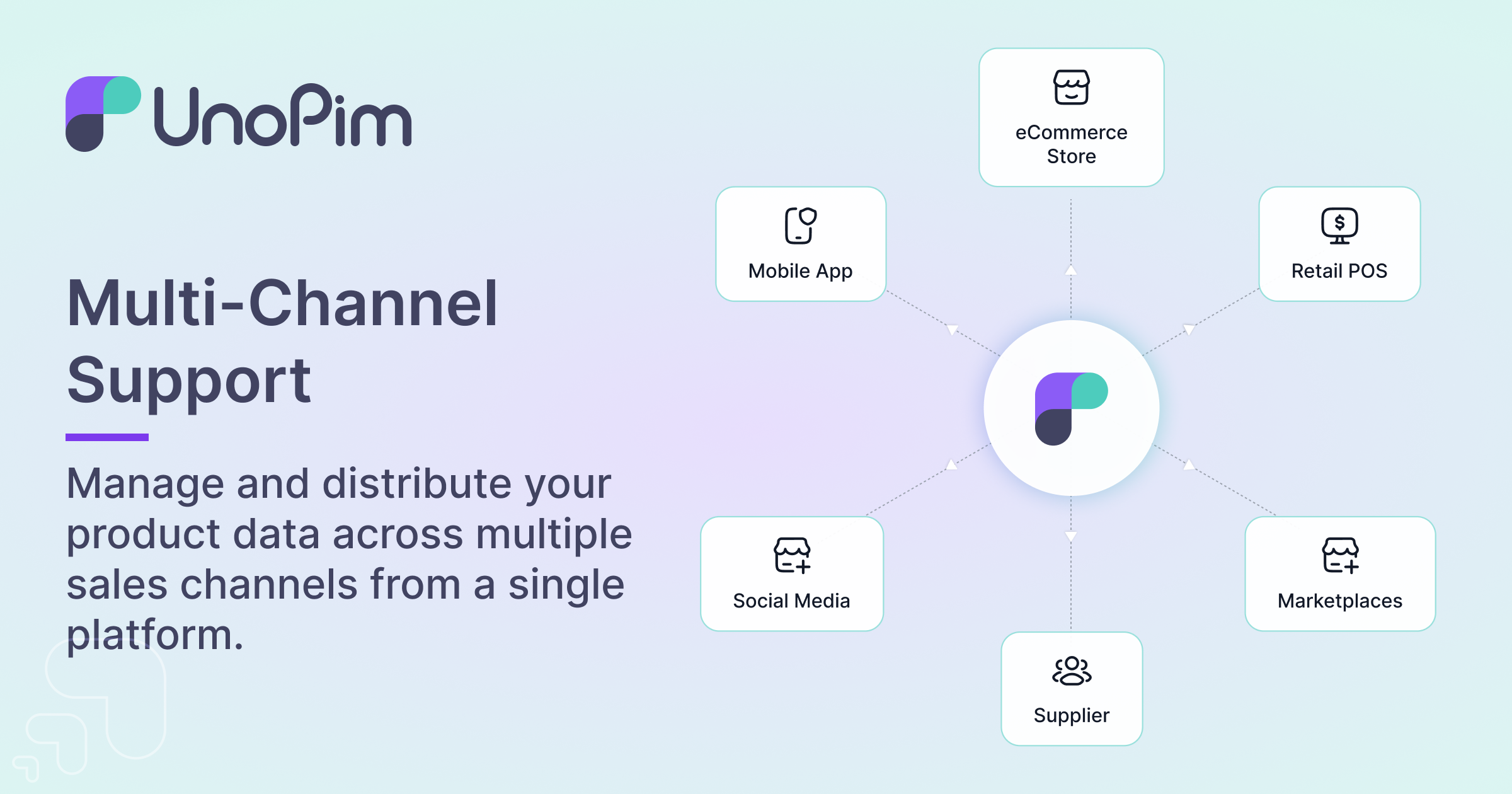
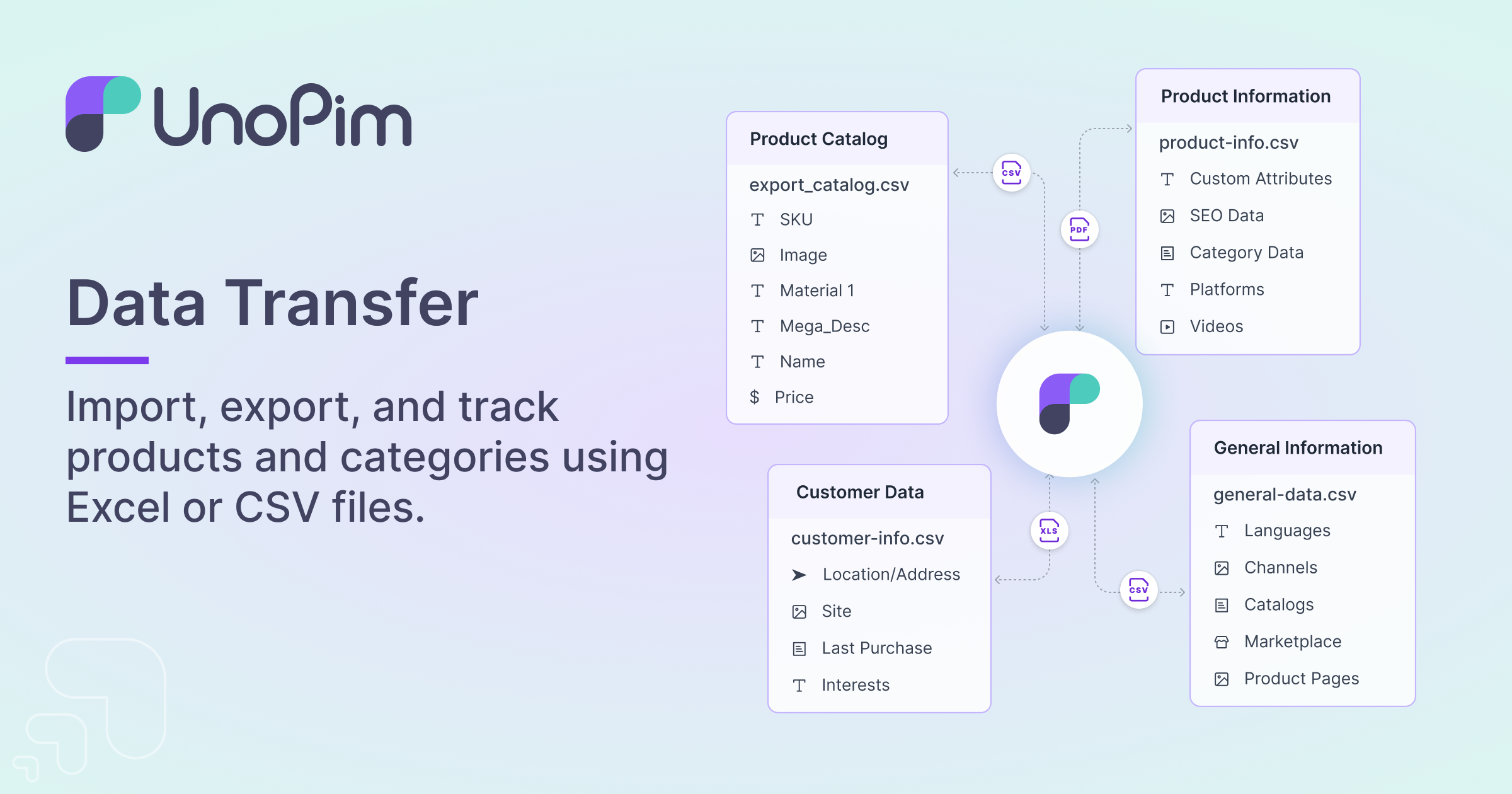
UnoPim brings product data and digital assets together in one MIT-licensed application built on the Laravel framework, and its makers point at catalogues running past ten million items as the design target. Day-to-day work covers attribute and family modeling, sales channels with multiple currencies and 33 locales, bulk transfers through CSV, XLSX or ZIP files with a live progress tracker, role-based user administration, historical tracking of edits, and an overview dashboard. An embedded AI agent answers chat commands — finding, creating, updating, bulk-editing and categorizing products — while Magic AI drafts descriptions, images and translations against more than ten configurable AI providers with encrypted credential storage. Version 3 adds Digital Product Passport publishing, downstream publication channels, completeness scoring, measurement families and configurable products, plus asynchronous webhooks so subscriber calls never block a save. Self-hosting is straightforward: pull the provided compose.yaml and run docker compose up (PostgreSQL, Redis and optionally Elasticsearch come bundled, and a MySQL overlay exists), install through Composer behind Nginx or Apache with PHP 8.4.1+, or launch a pre-configured AWS Marketplace AMI; Webkul additionally sells managed hosting and paid connectors for Magento 2, Odoo and WooCommerce.
Should you self-host unopim?
unopim scores 69/100 on selfhost.directory (how scoring works) and ranks #1 of 6 in Product Management. It has 11 068 GitHub stars, +44 in the last 30 days.
It shipped 17 stable releases in the past year. The latest, v3.1.3, came out on 29 September 2026. New versions land roughly every 6 days.
Setup is moderate: expect some configuration beyond a single command. An official Docker image is available. It is MIT-licensed and written mostly in PHP.
Its closest alternative on selfhost.directory is Fider (66/100, 4 628 stars). unopim scores higher overall. See unopim vs Fider side by side.
Features
- AI agent chat
- AI Content Generation
- Analytics Dashboard
- Centralized product management
- Digital asset managementDelivered as a separate, officially maintained extension package.
- Digital Product Passport
- Import/Export
- Localization
- Multi-channel support
- Multi-currency Support
- Publication channels
- REST API
- User management and permissions
- Version Control
- Webhooks
unopim README

More in Product Management
 ClearFlaskOpen-source feedback management tool pitched as a Canny/UserVoice alternative for ideas, roadmaps and announcements, self-hosted via Docker Compose or Helm.
 Discount BanditSelf-hosted, open-source price tracker for 30+ stores (Amazon, AliExpress, eBay, Walmart) with Ntfy/Telegram/Gotify alerts when prices drop.
 FiderSelf-hosted, open-source feedback portal where users post feature requests, discuss and vote. Runs as a Docker image with PostgreSQL, configured via env vars.
 logchimpSelf-hosted, open-source alternative to Canny and ProductBoard for tracking customer feedback with boards, roadmaps, and comments.
 Ploi RoadmapSelf-hosted open-source roadmapping software for collecting and prioritizing feature requests, with upvoting, comments, GitHub integration, and OAuth SSO.
 quackbackQuackback is a self-hosted, open-source customer feedback platform with boards, roadmap, changelog, chat, help center, and status page.
 ShipShipShipShipShipShip is an open-source, self-hosted changelog and roadmap platform for teams. Built with SvelteKit and Go, it includes a Kanban board, emoji reactions, voting.
0 comments