
Self-host Nowen Note
v1.5.3Open-source self-hosted knowledge base with AI writing
- Stars
- 586
- Port
- 3001 (HTTP web server)
cropflre/nowen-note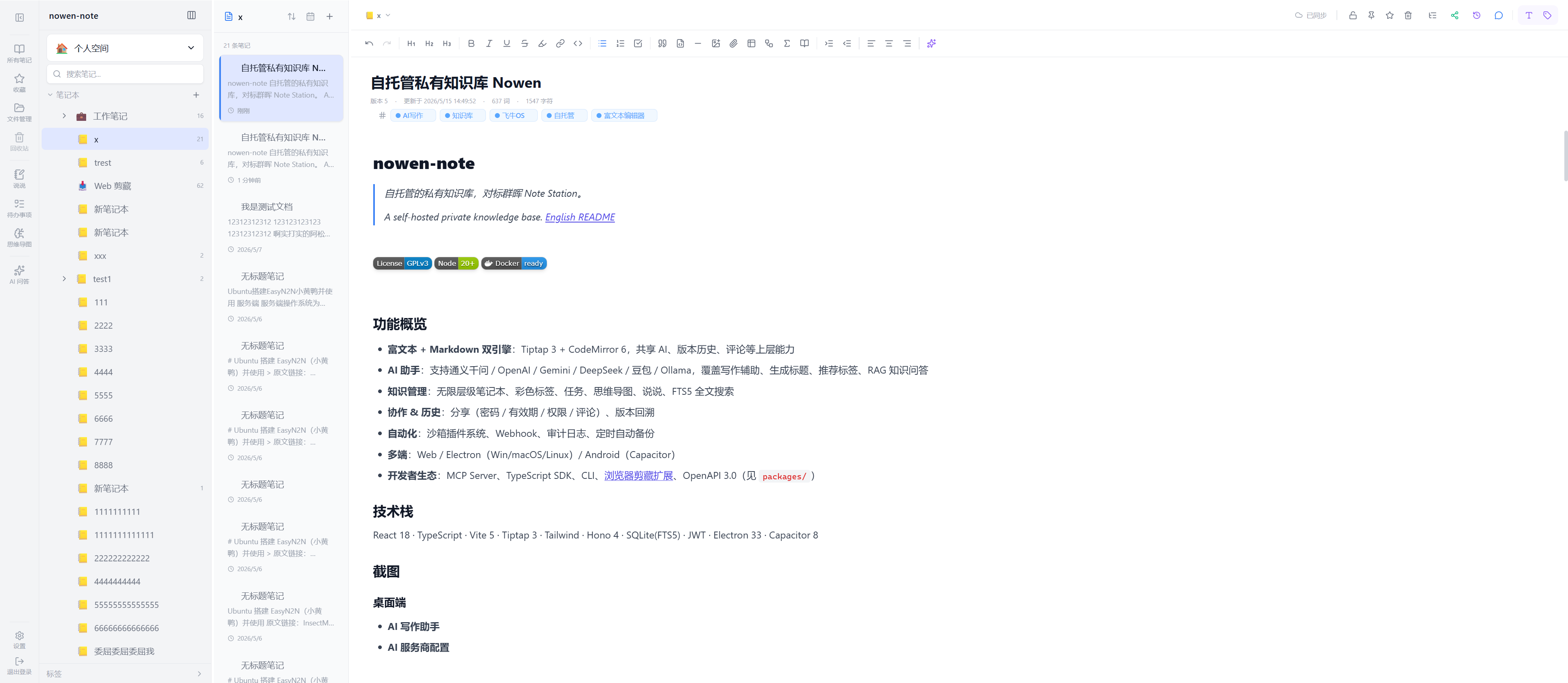
What is Nowen Note?
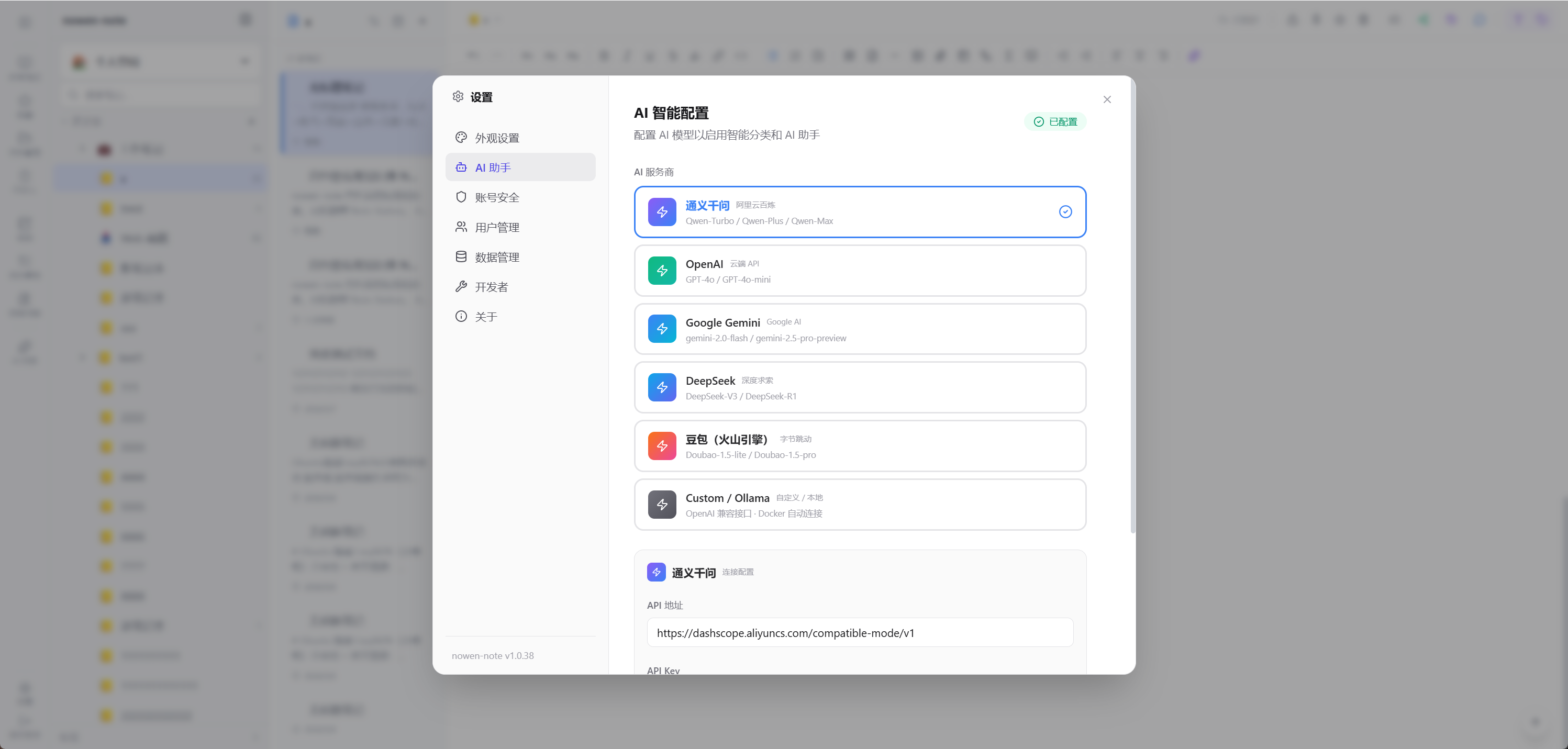
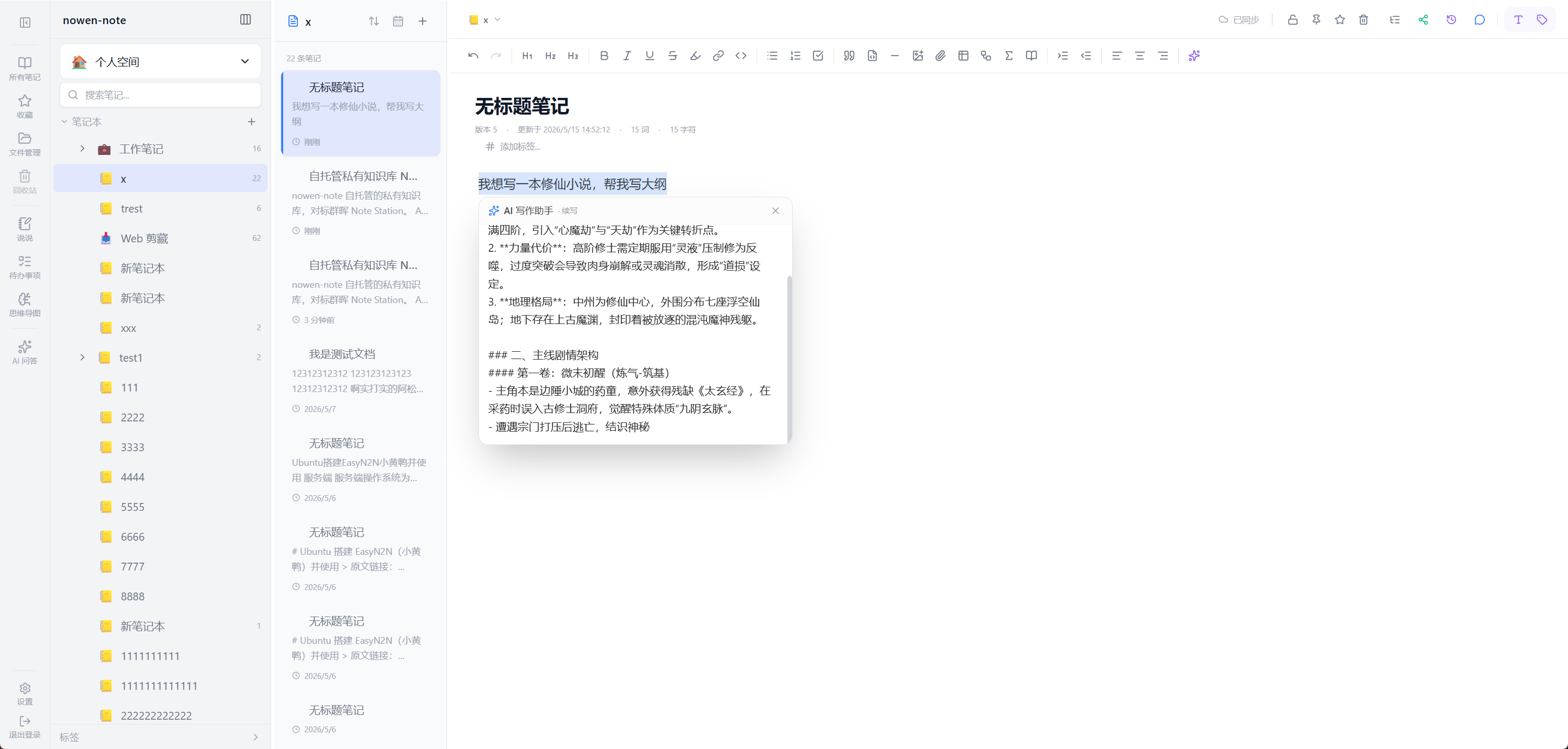
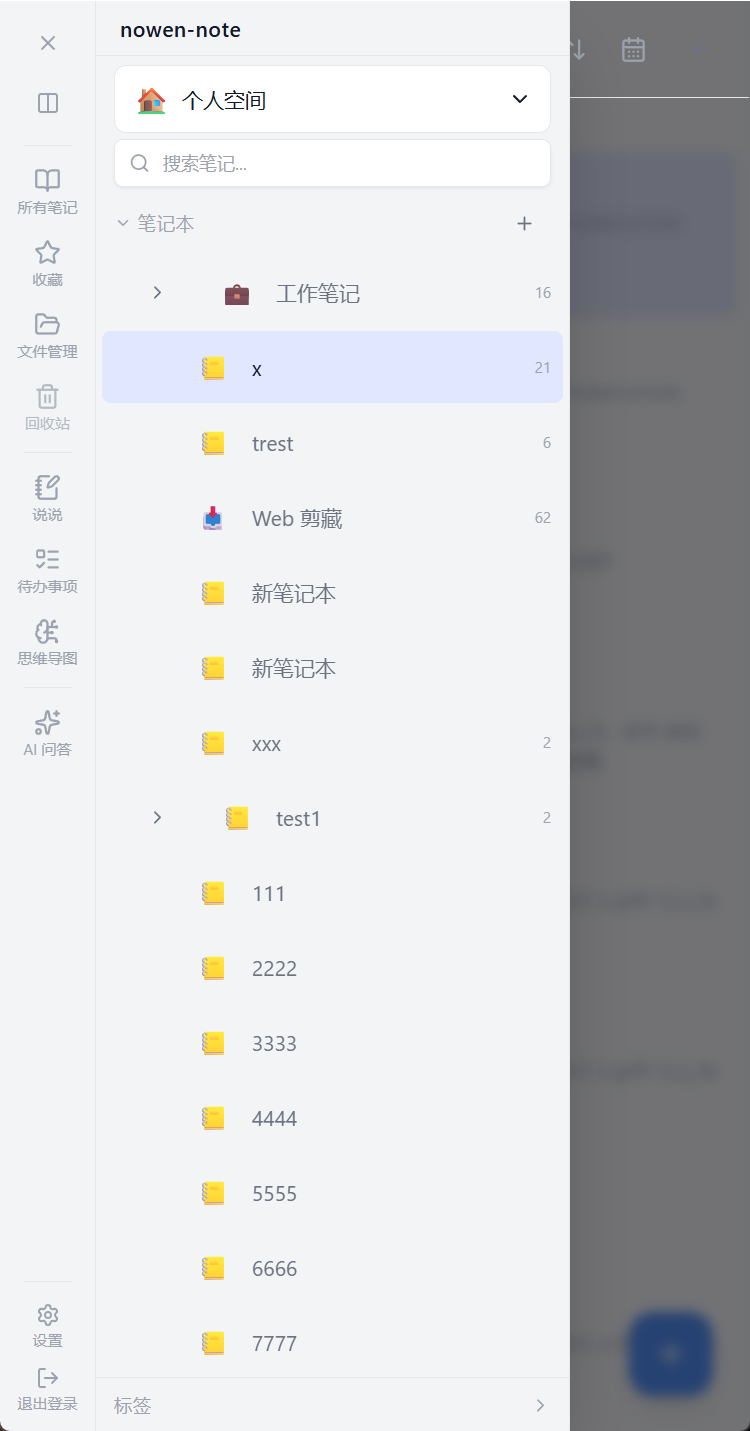
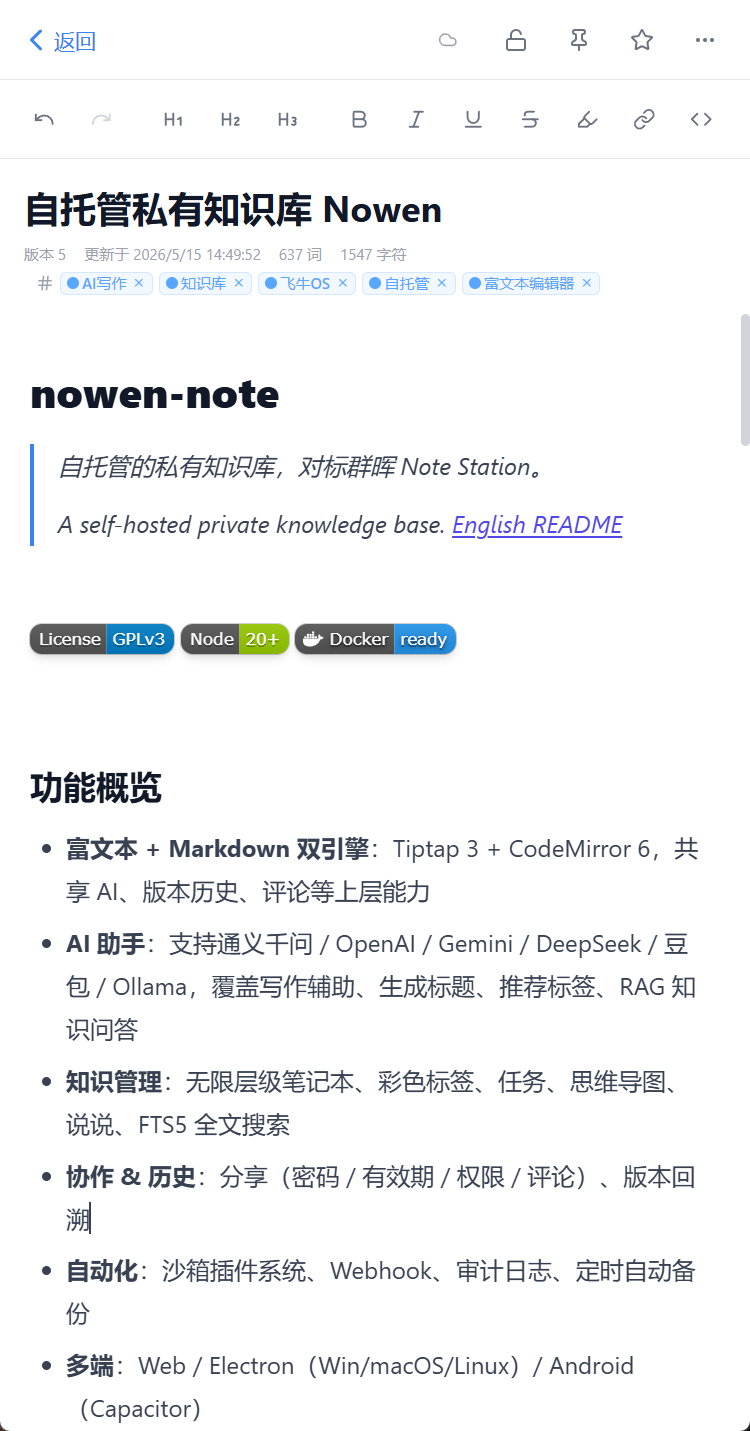
Nowen Note (弄文笔记) is an open-source, self-hosted knowledge base and note-taking platform designed for individuals and teams who want full control over their data. It combines a unified knowledge tree with both Markdown and rich-text editors (Tiptap 3, CodeMirror 6), AI writing assistance via OpenAI-compatible APIs and local models (Ollama), mind maps, a task manager with kanban/Gantt views, daily journals, and real-time collaboration with Yjs. The app works offline by caching the entire workspace to IndexedDB and syncs incrementally when back online. It supports attachments stored locally or on S3-compatible storage (R2, MinIO), automated backups to WebDAV or email, and import from Obsidian, Notion, SiYuan, and other formats. Deployment is via Docker Compose (recommended), plain Docker, or NAS app packages for UGOS, fnOS, Synology, QNAP, and others. Clients include a Web UI, Electron desktop apps (Windows/macOS/Linux), Android (Capacitor), with iOS and HarmonyOS in progress. The default database is SQLite; PostgreSQL support is in verification. Licensed under GPL-3.0.
Should you self-host Nowen Note?
Nowen Note scores 52/100 on selfhost.directory (how scoring works) and ranks #39 of 81 in Notes & Editors. It has 586 GitHub stars.
It shipped 9 stable releases in the past year. The latest, v1.5.3, came out on 23 October 2026. New versions land roughly every 3 days.
Setup is moderate: expect some configuration beyond a single command. An official Docker image is available. It is GPL-3.0-licensed and written mostly in Typescript.
Its closest alternative on selfhost.directory is Memos (86/100, 64 141 stars). It scores higher overall, so compare the two before you pick. See Nowen Note vs Memos side by side.
Features
- AI Writing Assistant
- Automated Backups
- Daily journal
- Encrypted notes
- File Management
- Full-Text Search
- Import/Export
- Markdown Editor
- MCP Server
- Mind maps
- Offline-first sync
- OpenAPI & SDK
- Real-Time Collaboration
- Rich Text Editor
- Task Management
Nowen Note README
More in Task Management
 OfeliaAn open-source cron replacement for Docker hosts: schedule jobs as container labels or INI entries and run them via exec, new containers, or Swarm.
 OfferPilotOfferPilot is a self-hosted, open-source job search workspace to track applications, manage resumes, practice interviews with AI, and compare offers.
 openclaw-control-centerSelf-hosted, open-source control center for OpenClaw: observability, usage and spend, staff status, task approvals, and a live multi-agent collaboration hall.
 OpenFamilySelf-hosted family organizer with shopping, tasks, calendar, budget, recipes, meals. Docker/Windows install, PWA offline, Mealie/Home Assistant integrations.
 OpenHabitTrackerA free, open-source habit tracker that runs everywhere and lets you sync data to your own Docker server.
 OpenMESOpenMES is a self-hosted MES for small manufacturers. Tracks production, manages work orders, connects machines via MQTT/Modbus/OPC UA — deployable via Docker.
 OverClickOverClick is a self-hosted, open-source Kanban board for hybrid human-AI teams where AI agents claim and execute tasks via MCP, reporting token usage and time per card.
 owlisticSelf-hosted open-source notetaking app with WYSIWYG editor, real-time sync, notebooks, inline todos, dark mode. Runs via Docker Compose with PostgreSQL and NATS.
 PadPad is a self-hosted, open-source project management tool for developers and AI agents. Single binary with web UI, CLI, and AI skill backed by SQLite or PostgreSQL.
 Pen2PDFSelf-hosted productivity suite with AI document extraction, timetable, todos, notes, whiteboard, and multi-model AI assistant. Runs on Node.js with MongoDB.
 Personal Management SystemOpen-source, self-hosted personal data hub: notes, contacts, encrypted passwords, payments, schedules and files, run via Docker Compose with MariaDB.
 pigaPiga is a self-hosted, open-source list editor for power users with keyboard shortcuts, hierarchical tasks, tags, and multi-document support.
0 comments