
Self-host OpenMES
v0.27.0Open-source MES for small manufacturers
- Stars
- 178
- CPU
- 2 cores
- RAM
- 2 GB
- Storage
- 10 GB free
- Port
- 8000 (Laravel backend API (internal, exposed by backend container))
- Requires
- PostgreSQL
ghcr.io/mes-open/openmes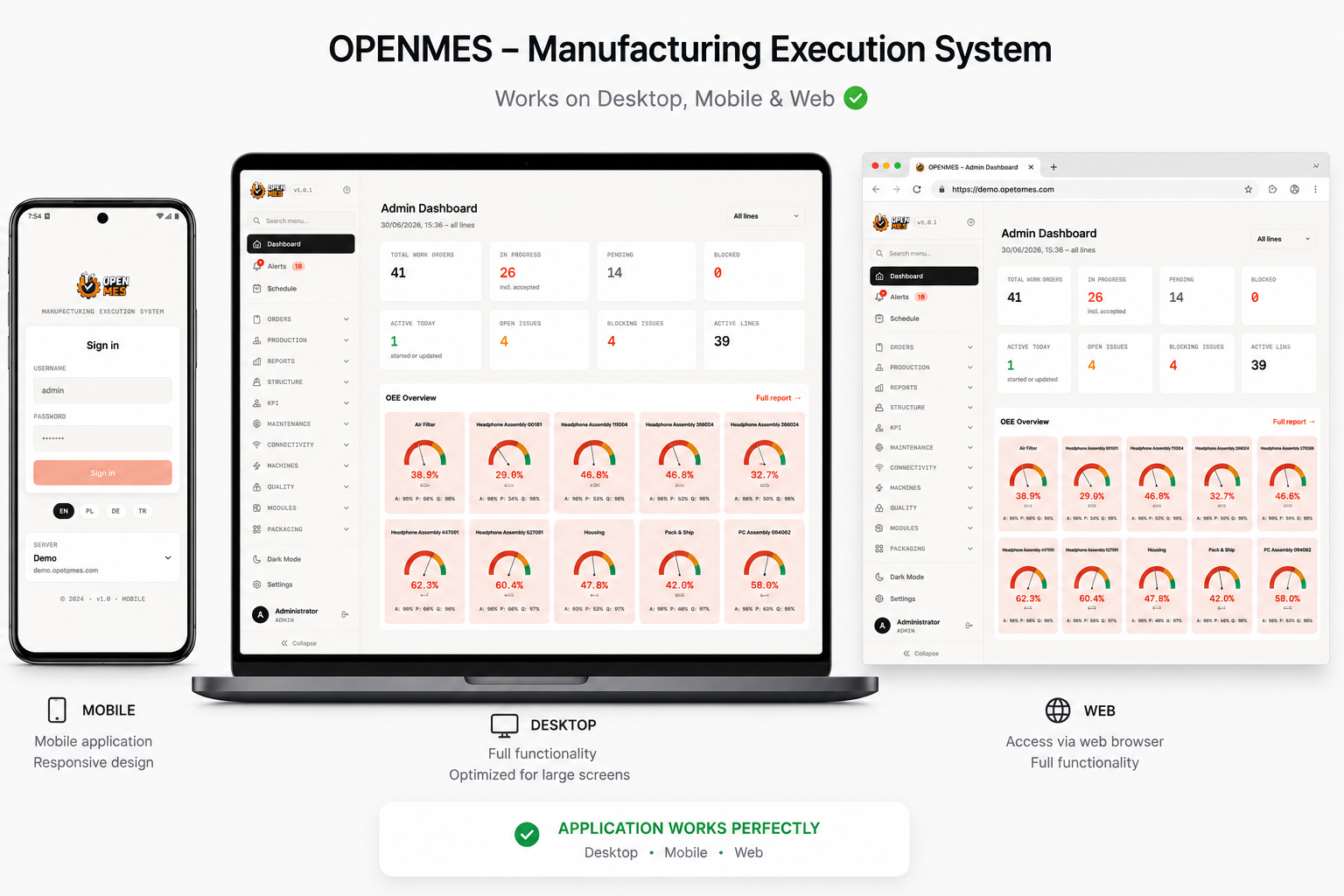
What is OpenMES?
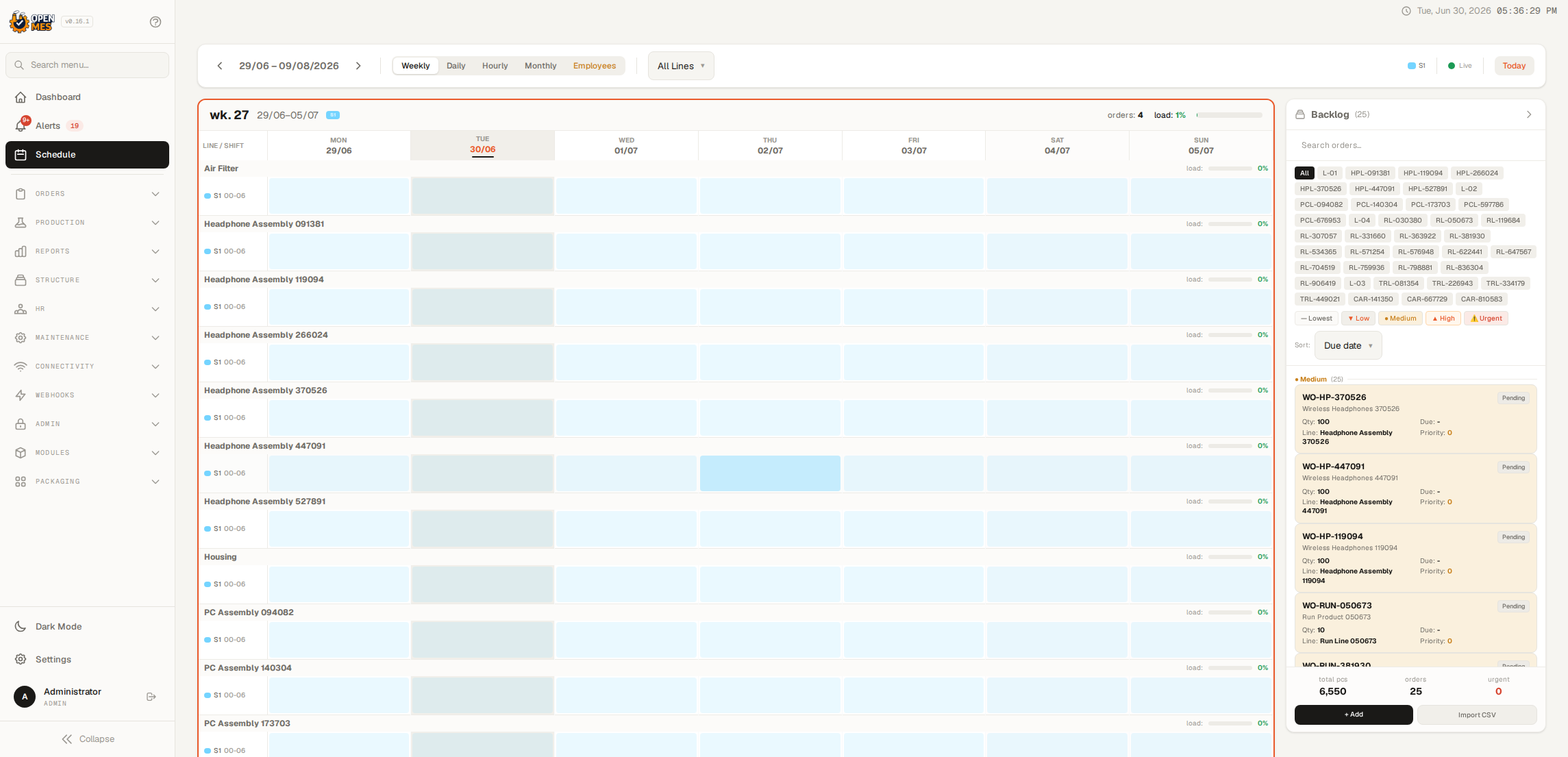
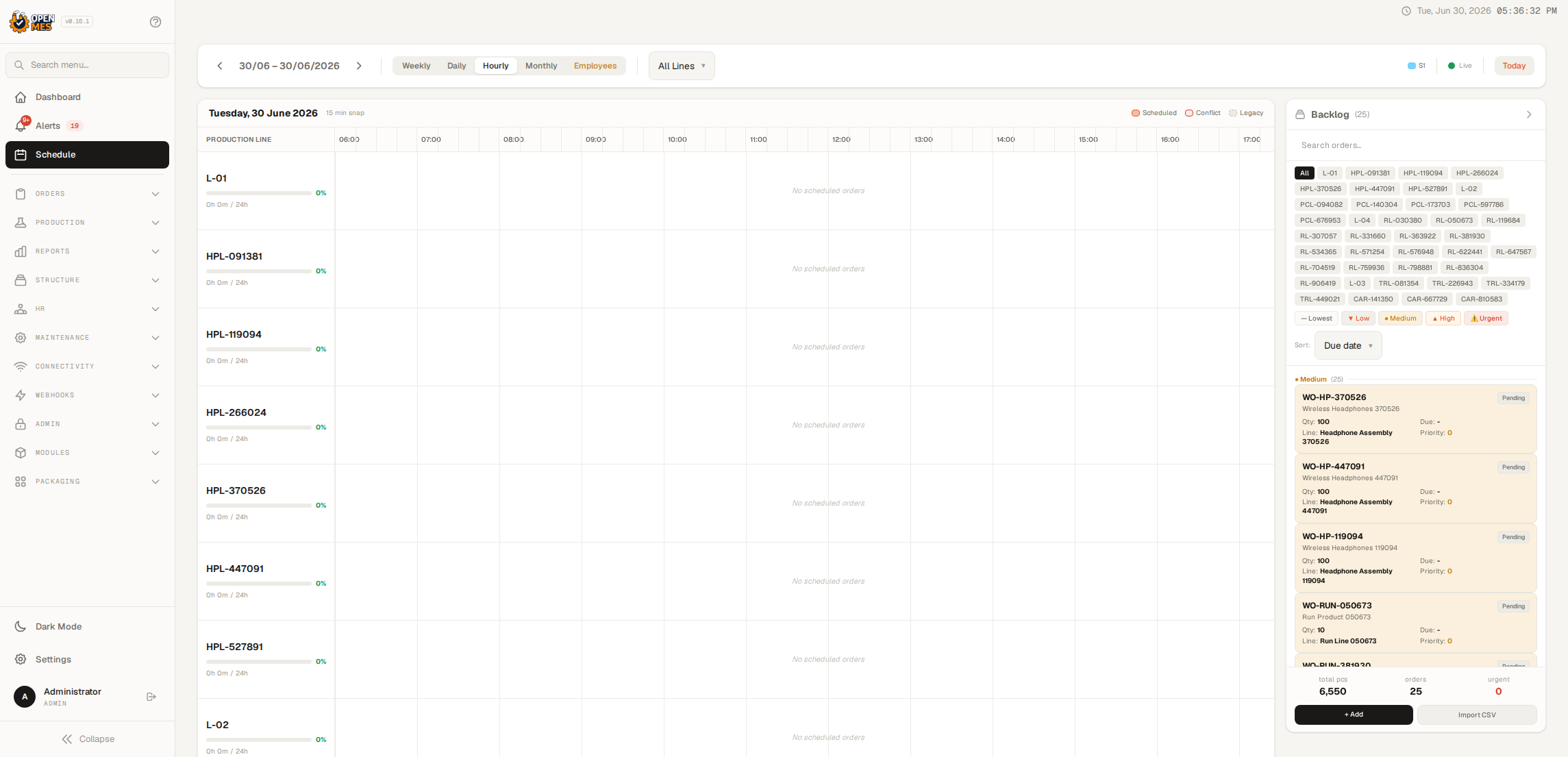
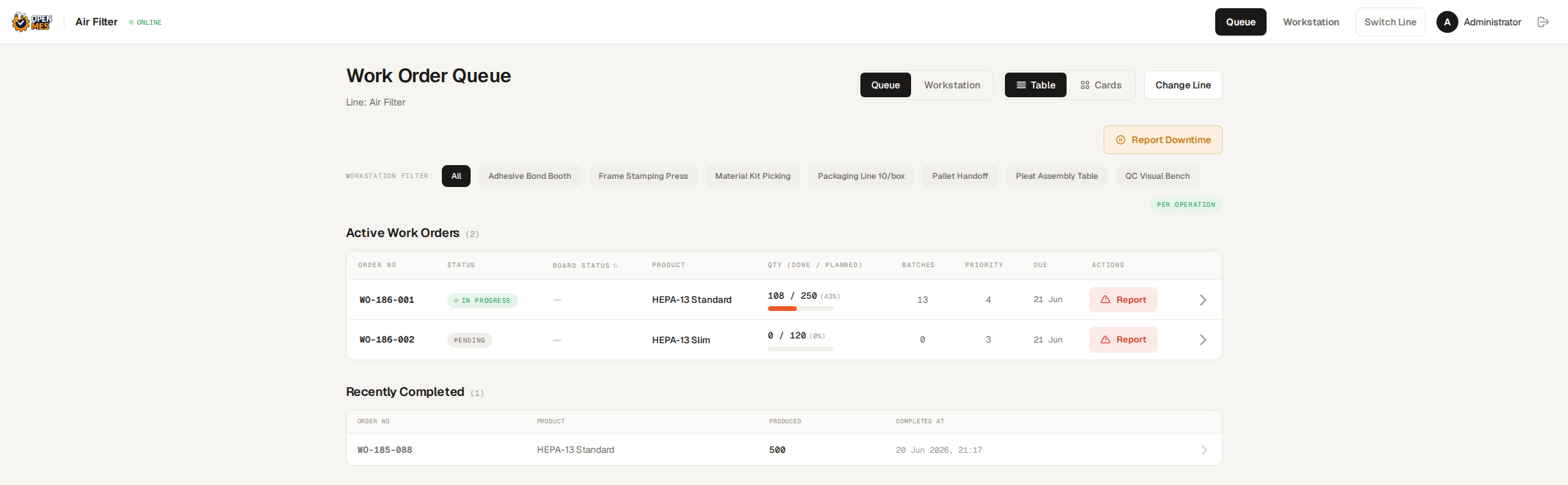
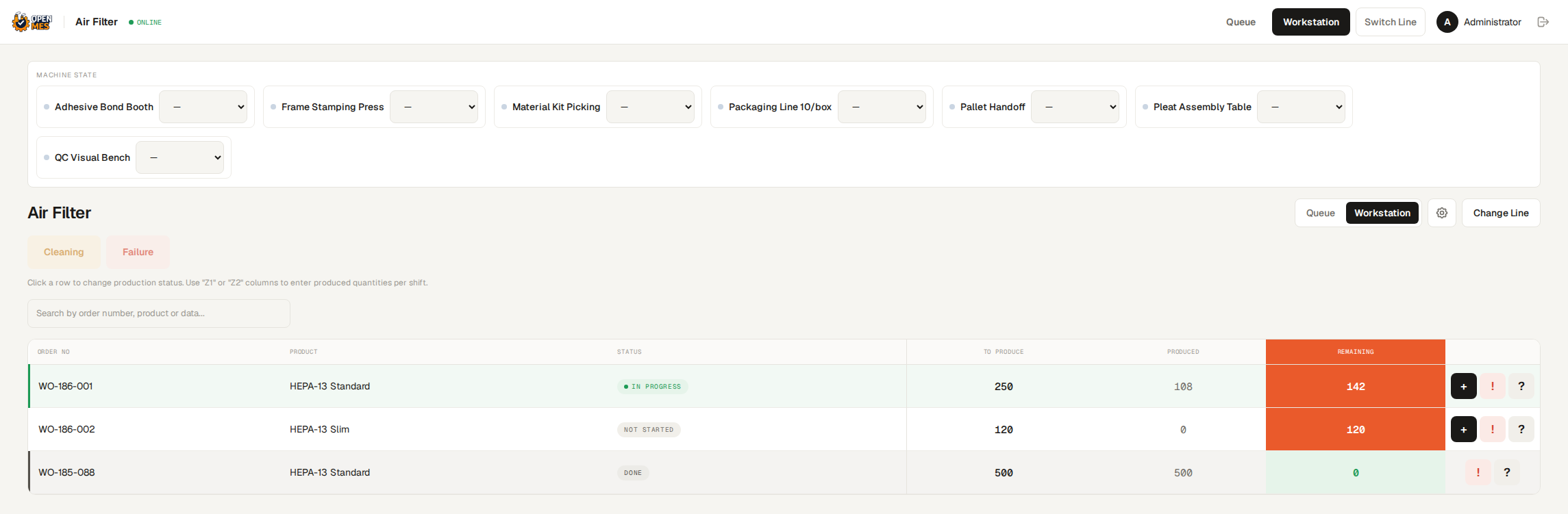
OpenMES is a free Manufacturing Execution System for small and mid-sized manufacturers. It provides real-time production visibility with work order tracking, batch production, process templates, and a drag-and-drop production planner with Gantt views. Operators use a tablet-optimized PWA interface with offline support for step-by-step guidance. The system includes an issue/Andon system, analytics with OEE reporting, and immutable audit logs for compliance. Machine connectivity is built in via MQTT, Modbus TCP/RTU, and OPC UA protocols, plus webhooks and a REST API for ERP integration. Optional modules add barcode packaging stations and ERP connectors. Deployment is a single Docker Compose stack (Laravel + PostgreSQL) with an automated installer. The core is AGPL-3.0 licensed with a dual-licensing model for commercial use.
Should you self-host OpenMES?
OpenMES scores 47/100 on selfhost.directory (how scoring works) and ranks #4 of 4 in Industrial IoT. It has 178 GitHub stars.
It shipped 10 stable releases in the past year. The latest, v0.27.0, came out on 14 October 2026. New versions land roughly every 4 days.
Setup is moderate: expect some configuration beyond a single command. An official Docker image is available. It is AGPL-3.0-licensed and written mostly in PHP.
Its closest alternative on selfhost.directory is LinuxCNC (63/100, 2 512 stars). It scores higher overall, so compare the two before you pick. See OpenMES vs LinuxCNC side by side.
Features
- Analytics & Reporting
- ERP Integration Modules
- ISA-95 Alignment
- Issue & Andon System
- Machine Connectivity
- Module/Hook System
- Operator Interface
- Packaging Module
- Production Planning
- REST API
- Security & Compliance
- Two-factor authentication
- Work Order Management
OpenMES README
More in Industrial IoT
 Scada-LTSSelf-hosted, open-source SCADA system with multi-protocol support, HMI builder, real-time data visualization, and web-based UI for industrial automation.
 simple-iotSelf-hosted IoT platform for device management, telemetry, visual rule chains, and alarms — single Spring Boot binary with built-in MQTT broker and Vue 3 console.
 ThingsboardSelf-hosted source-available IoT platform for device management, data processing, and visualization with rule engine and multi-protocol support.
 zpl-restzpl-rest is an open-source, self-hosted print server that lets any system send JSON to print ZPL labels on Zebra printers via a REST API and web UI with live preview.
 EMQXThe most scalable and reliable MQTT broker for AI, IoT, IIoT and connected vehicles
 LinuxCNCOpen-source, self-hosted CNC machine controller for Linux with realtime kernels; interprets G-code and drives mills, lathes, 3D printers and robot arms.
 mbusdA self-hosted Modbus gateway bridging TCP networks to RTU serial devices, letting multiple clients share one RS-232/485 bus on tiny hardware.
0 comments