
Self-host Marmot
v0.11.1Open-source data catalog with an MCP server for AI agents
curl -fsSL get.marmotdata.io | sh- Stars
- 627
- Ports
- 8080 (Marmot HTTP server (UI, REST API, MCP)), 9090 (Prometheus metrics server at /metrics when metrics.enabled is true)
- Requires
- PostgreSQL
ghcr.io/marmotdata/marmot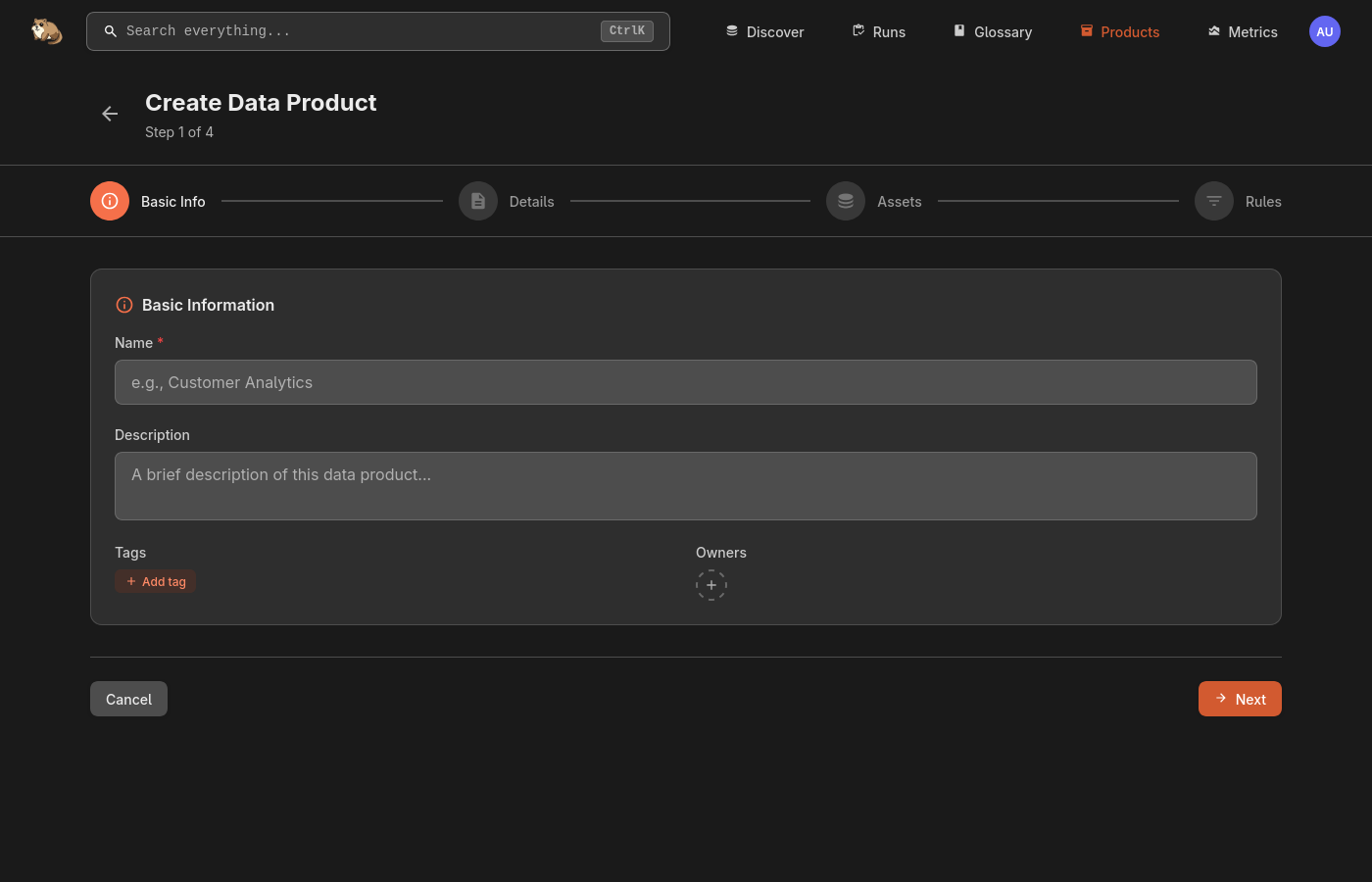
What is Marmot?
Marmot is a data catalog positioned as an open-source context layer, meant for teams that want data discovery without enterprise-grade setup. Every asset — database tables, Kafka topics, queues, APIs, dashboards — gets catalogued with rich metadata, owners, tags, custom fields and business glossary terms. Search works on free text or through a query language with field filters, boolean logic and metadata filters, and an optional Elasticsearch backend adds fuzzy matching. Interactive lineage lets you follow data from source to destination and check impact before a change; related assets can be bundled into Data Products, and asset rules apply an enrichment automatically to matching assets, including those added later. Ingestion runs through plugins plus Terraform, Pulumi, the API, the CLI or a Kubernetes operator, while people and AI agents read the same catalog through the web UI, the REST API or the built-in MCP server; typed SDKs exist for Python, Go and TypeScript. Running it yourself means one Go binary and a PostgreSQL 14+ database: Docker Compose, plain Docker, the official Helm chart or the binary, with the UI and API on port 8080 and login as admin/admin until changed. OAuth/OIDC single sign-on providers, anonymous browsing, TLS, webhooks to Slack or Discord and Prometheus metrics are all configurable. Its code is MIT-licensed and free of usage limits (a hosted Marmot Cloud service is offered too); anonymous usage telemetry is on by default and can be disabled.
Should you self-host Marmot?
Marmot scores 50/100 on selfhost.directory (how scoring works) and ranks #9 of 10 in Data Management. It has 627 GitHub stars.
It shipped 2 stable releases in the past year. The latest, v0.11.1, came out on 11 October 2026. New versions land roughly every 3 weeks.
Setup is easy: most people get it running in one sitting. An official Docker image is available. It is MIT-licensed and written mostly in Go.
Its closest alternative on selfhost.directory is OpenBB (87/100, 74 832 stars). It scores higher overall, so compare the two before you pick. See Marmot vs OpenBB side by side.
Features
- Asset rules
- Built-in MCP server for AI agents
- CLI
- Data products
- Full-text and structured search
- Infrastructure-as-code management
- Interactive data lineage
- Metadata catalog for any asset type
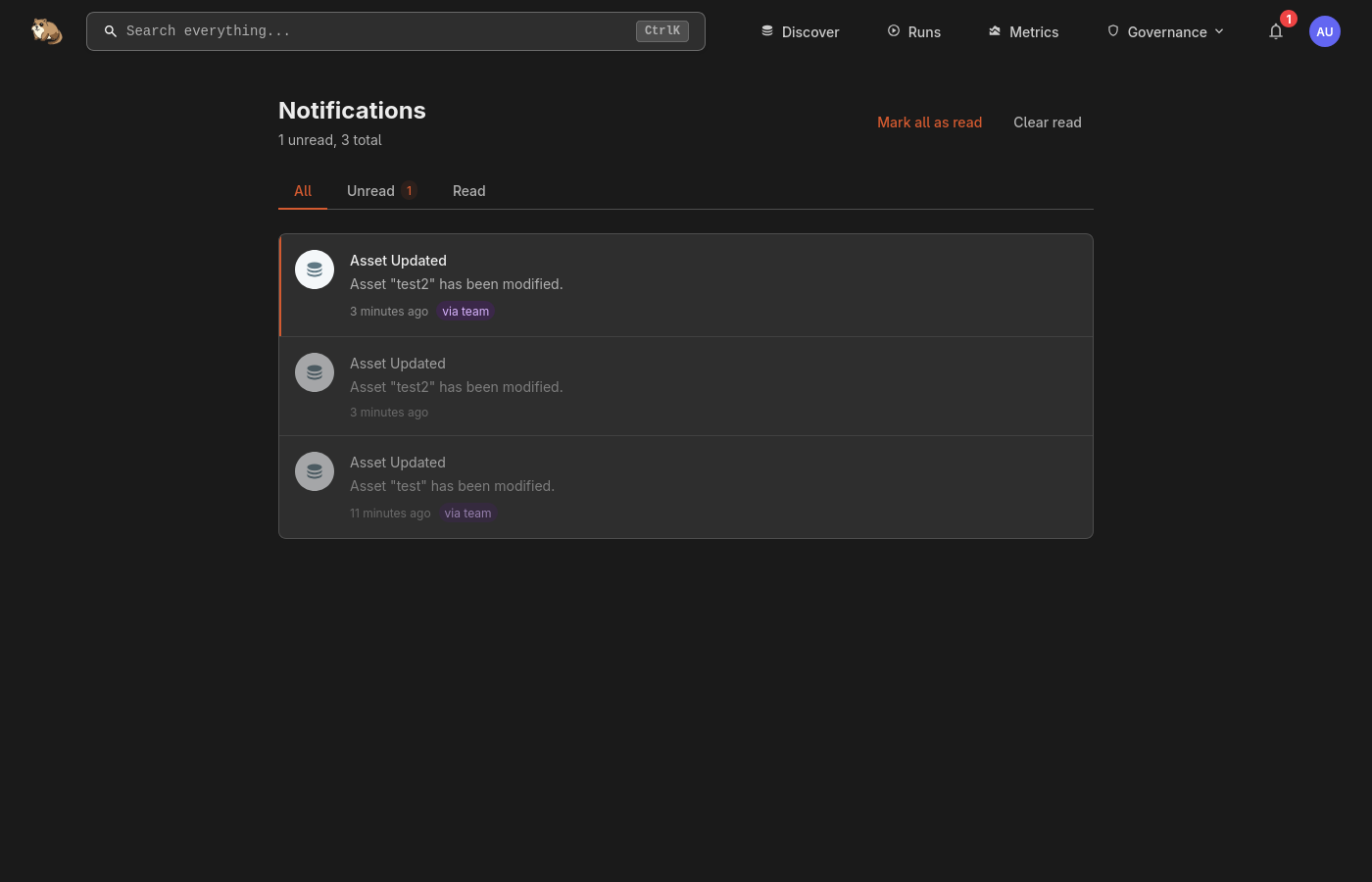
- Notifications and Webhooks
- Ownership and team collaboration
- Plugin-based metadata ingestion
- REST API
- SDKs for Python, Go and TypeScript
- SSO with multiple OAuth/OIDC providers
Marmot README
FAQ
Where Can I Get Help?
In the documentation, on the Discord community server, or through GitHub Issues.
How Can I Contribute?
By reporting bugs or suggesting features in GitHub Issues, improving documentation, or building new plugins for additional data sources.
Is Marmot Free?
Yes — it is MIT-licensed open source, and self-hosting carries no licensing cost.
What Data Sources Can I Catalog?
Many asset types via the plugin system: tables, topics, queues, APIs and dashboards.
How Does Marmot Integrate with AI Agents?
Through its built-in MCP (Model Context Protocol) server, so AI agents can query real metadata, trace lineage and base decisions on actual catalog data.
What is Marmot?
An open-source data catalog that indexes every data asset (tables, topics, queues, APIs), enriches it with context and exposes it to both people and AI tools, shipped as a single binary with a UI.
More in Data Management
 MathesarOpen-source, self-hosted spreadsheet UI for PostgreSQL: view, edit and query data, build forms and queries without SQL, using native Postgres roles.
 MultiscrapeHome Assistant custom component for scraping (html, xml or json) multiple values (from a single HTTP request) with a separate sensor/attribute for each value. Support for (login) form-submit functionality.
 nimtableNimtable is a self-hosted, open-source observability platform for Apache Iceberg lakehouses with a web UI and REST API to explore catalogs, run SQL, and manage compaction
 OpenBBOpenBB's Open Data Platform is a self-hosted, open-source financial data layer: one Python SDK, CLI, REST API, MCP server and desktop app.
 OpenELIS GlobalSelf-hosted, open-source LIS/LIMS used in 26+ countries. FHIR R4 native with analyzer integration, pathology, sample storage, and One Health surveillance.
 o-spreadsheeto-spreadsheet is a self-hosted, open-source spreadsheet component for the web with real-time collaboration, Excel import/export, and a plugin architecture.
 PgStackPgStack is a self-hosted, open-source tool that creates search and audit read replicas of your Postgres database via logical replication.
 pgvectorOpen-source vector similarity search for Postgres
 ResourceSpaceResourceSpace is an open-source Digital Asset Management (DAM) system designed for teams to store, organize, search, and share digital assets with advanced metadata, AI-powered search, and granular permissions.
 SLayerSelf-hosted semantic layer letting AI agents query warehouses via structured requests with runtime formulas instead of raw SQL. Supports multiple databases.
 SupersetApache Superset is a Data Visualization and Data Exploration Platform
 tianjiSelf-hosted insight hub combining web analytics service monitoring and server status checks. Apache 2.0 licensed open-source platform for independent developers.
0 comments