
Self-host LAN-Orangutan
v3.4.2Network discovery with persistent labels and Tailscale
- Stars
- 1 137
- Port
- 291 (Web dashboard and API)
- Requires
- Nmap
291group/lan-orangutan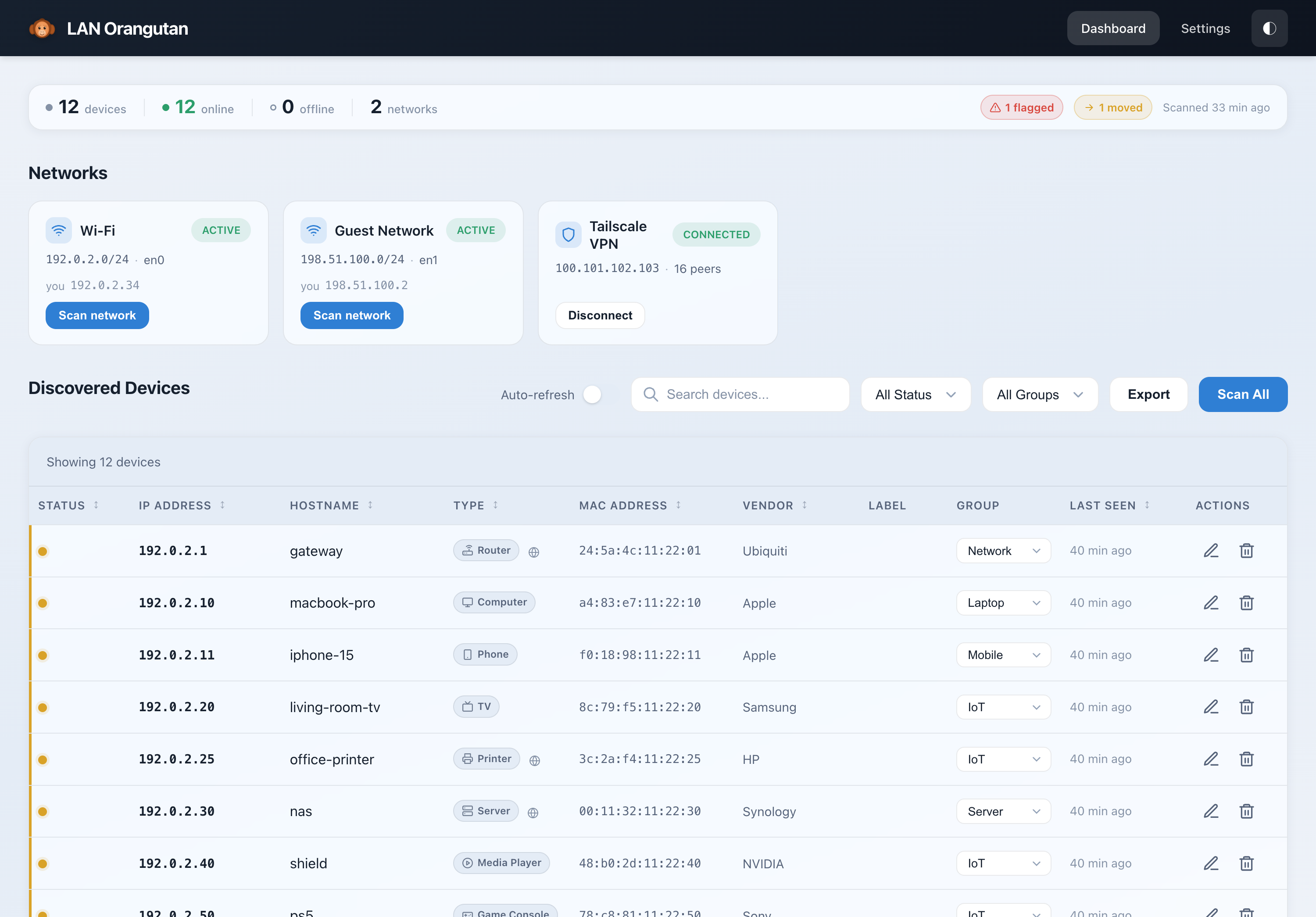
What is LAN-Orangutan?
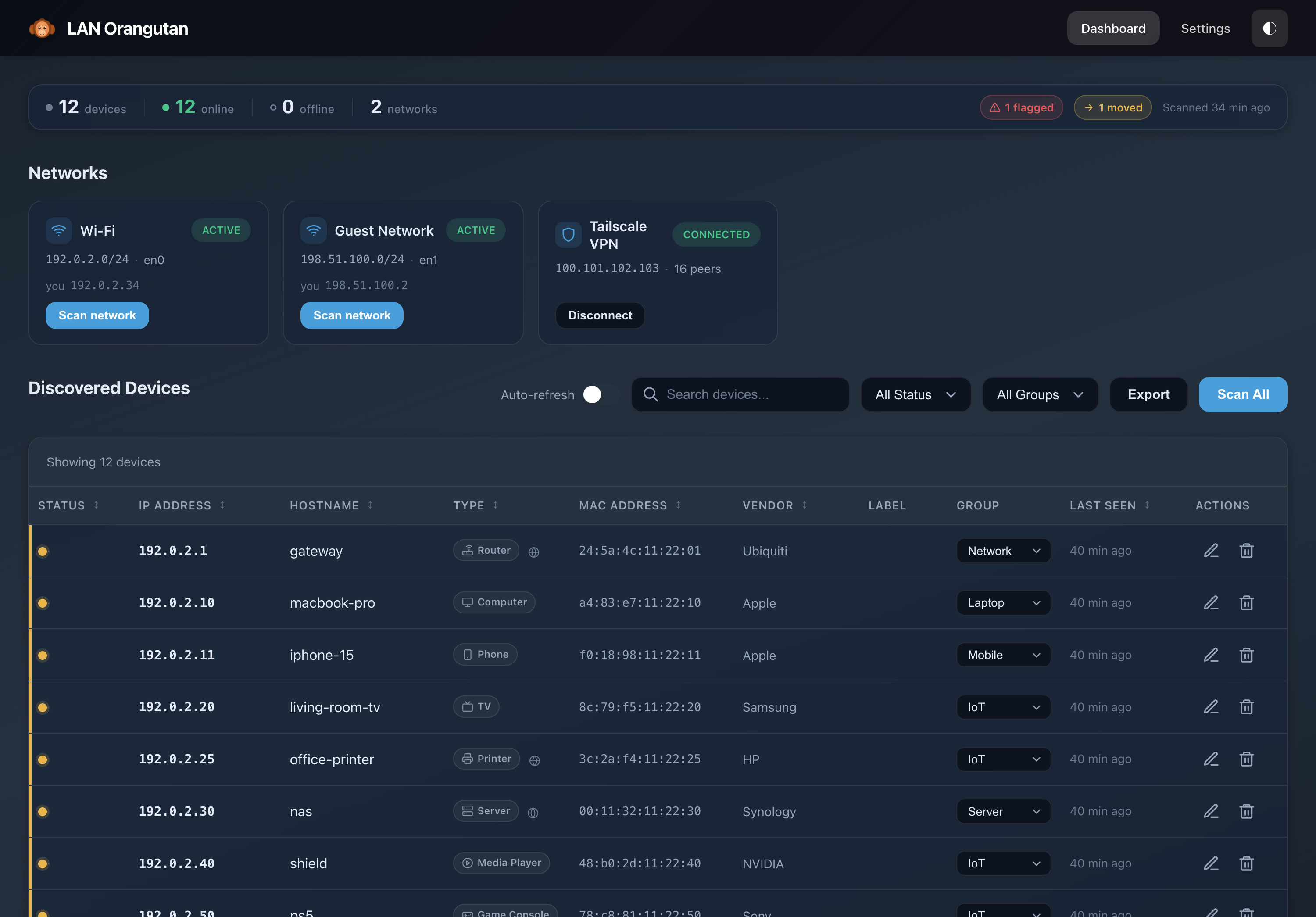
LAN Orangutan is a lightweight network discovery tool for homelabbers. It scans local networks using nmap to find every device, then lets you organize devices with custom labels and groups that persist across scans. It supports multiple networks simultaneously, integrates with Tailscale to show tailnet peers, and provides both a web dashboard with theme options and a full CLI with JSON output. The app runs as a single Go binary with no dependencies on Linux, macOS, and Windows, or via Docker on Linux with host networking. It stores data locally in files, requires nmap for MAC address and vendor lookup, and uses a simple password-protected web interface. No cloud, no telemetry, no account system.
Should you self-host LAN-Orangutan?
LAN-Orangutan scores 58/100 on selfhost.directory (how scoring works) and ranks #15 of 48 in Network Monitoring. It has 1 137 GitHub stars.
It shipped 7 stable releases in the past year. The latest, v3.4.2, came out on 18 October 2026. New versions land roughly every 2 weeks.
Setup is easy: most people get it running in one sitting. An official Docker image is available. It is MIT-licensed and written mostly in Go.
Its closest alternative on selfhost.directory is mitmproxy (86/100, 46 441 stars). It scores higher overall, so compare the two before you pick. See LAN-Orangutan vs mitmproxy side by side.
Features
- Backup and Restore
- CLI with JSON output
- Continuous scanning
- Cross-platform single binary
- CSV/JSON Export
- Device monitoring and alerts
- Multi-network support
- Network device discovery
- Network snapshots and comparison
- Password-protected web UI
- Persistent device labeling
- REST API
- Tailscale IntegrationRequires Tailscale CLI on host; not available in Docker
- Web Dashboard
LAN-Orangutan README
More in Homelab
 LazytainerLazytainer is a self-hosted, open-source tool that monitors Docker container network traffic and automatically stops or pauses idle containers to save resources.
 miner-sentinelSelf-hosted, open-source dashboard unifying Bitaxe, Avalon, NMAxe and NerdNOS miners into one fleet view with metrics, alerts, controls and solo-pool tracking.
 MuximuxOpen-source self-hosted homelab dashboard in Go whose built-in embedding proxy rewrites headers and paths so stubborn apps work inside iframes.
 NetProbe_PythonA containerized network monitor that checks connectivity, DNS response times, and bandwidth, then shows results in a dark-themed web dashboard with historical graphs.
 NutifyOpen-source, self-hosted UPS monitoring built on Network UPS Tools: live status, historical telemetry, alerts via mail, Ntfy, Telegram or webhooks, scheduled reports.
 pikvmSelf-hosted, open-source KVM over IP you flash to a Raspberry Pi: browser access down to BIOS, bootable virtual CD/DVD, ATX power control, VNC, IPMI and 2FA.
 PortallPortall is a self-hosted, open-source port manager: generate, track and organize the ports of every service running on your homelab machines, with Docker integration.
 PortNotePortNote is a self-hosted open-source port registry: log servers and VMs, record which port serves what, and generate a free port from a login-protected web UI.
 portrackerOpen-source, self-hosted port monitoring dashboard that auto-discovers services on Docker and TrueNAS hosts and unites many servers through peer instances.
 ProfilarrSelf-hosted, open-source manager for Radarr and Sonarr settings: build quality profiles, custom formats and regex, then sync, test, upgrade and rename at scale.
 proxmoxSelf-hosted Proxmox VE running in Docker with KVM acceleration, LXC containers, and the full web interface for managing VMs and containers.
 ProxmoxMCP-PlusSelf-hosted MCP interface for Proxmox VE VMs and containers with OpenAPI. Supports snapshots, backups, ISO downloads, job tracking.
0 comments