
Self-host Komari
1.6.1Lightweight self-hosted server monitoring solution
docker run -d -p 25774:25774 -v $(pwd)/data:/app/data --name komari --restart unless-stopped ghcr.io/komari-monitor/komari:latest- Stars
- 6 679
- Port
- 25774 (Web dashboard)
ghcr.io/komari-monitor/komari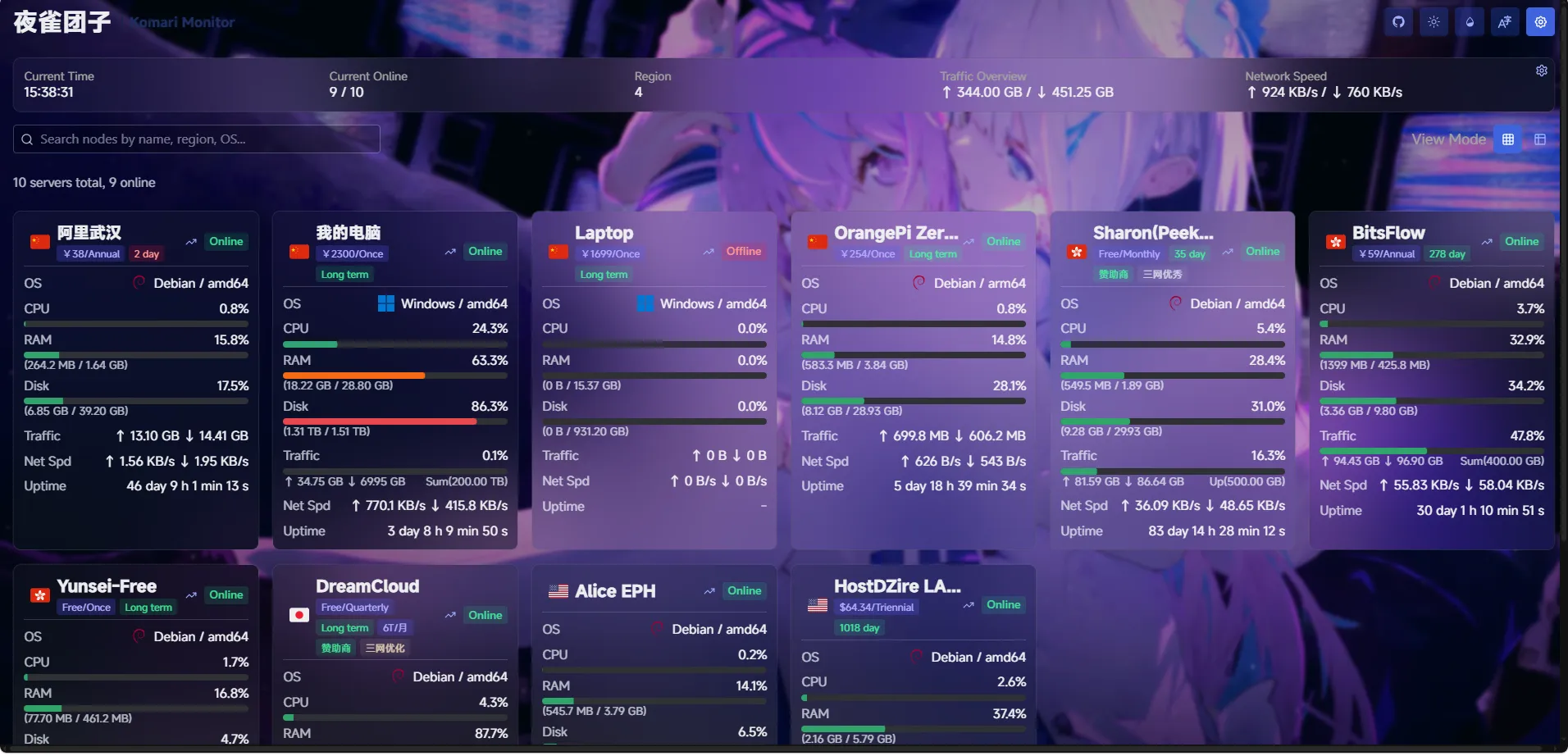
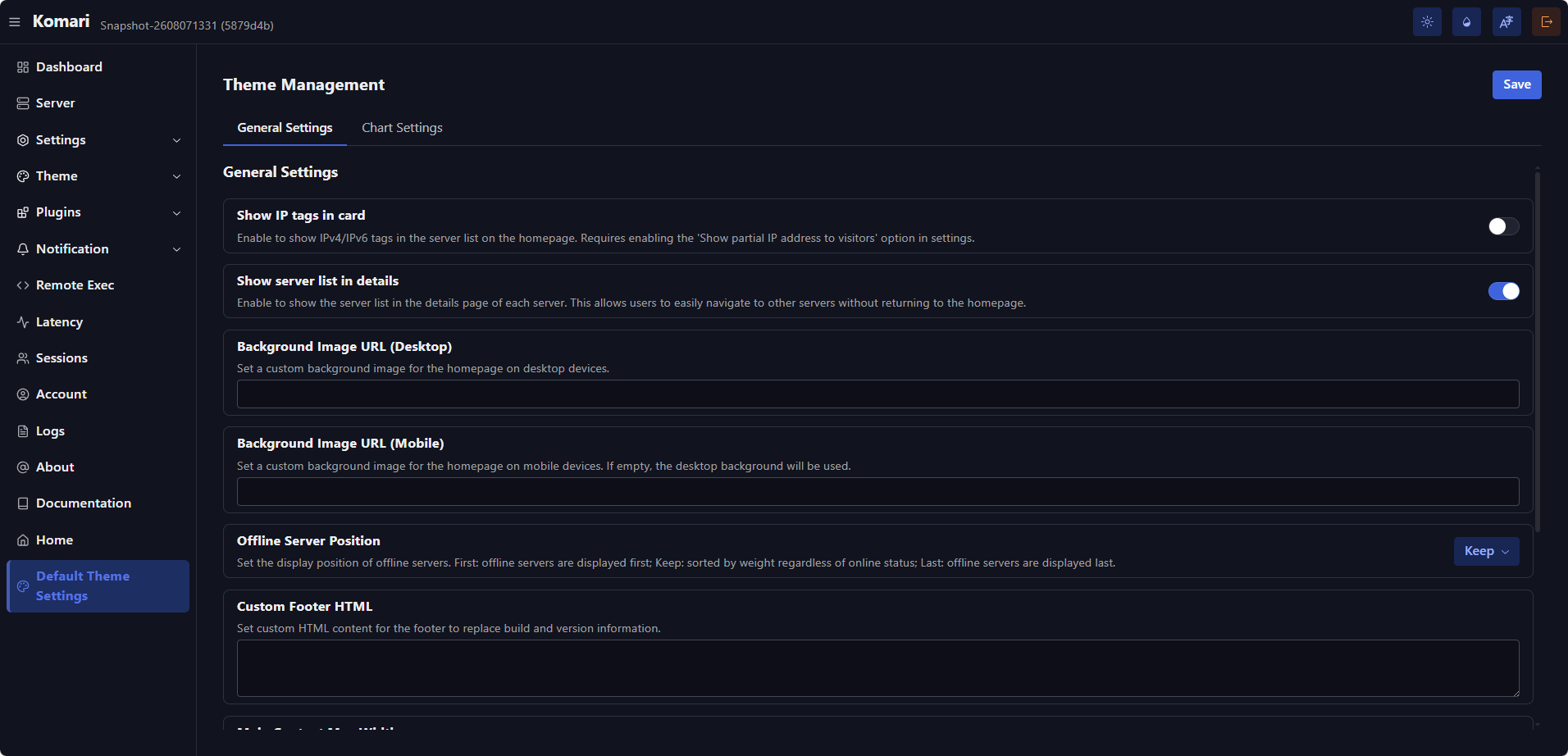
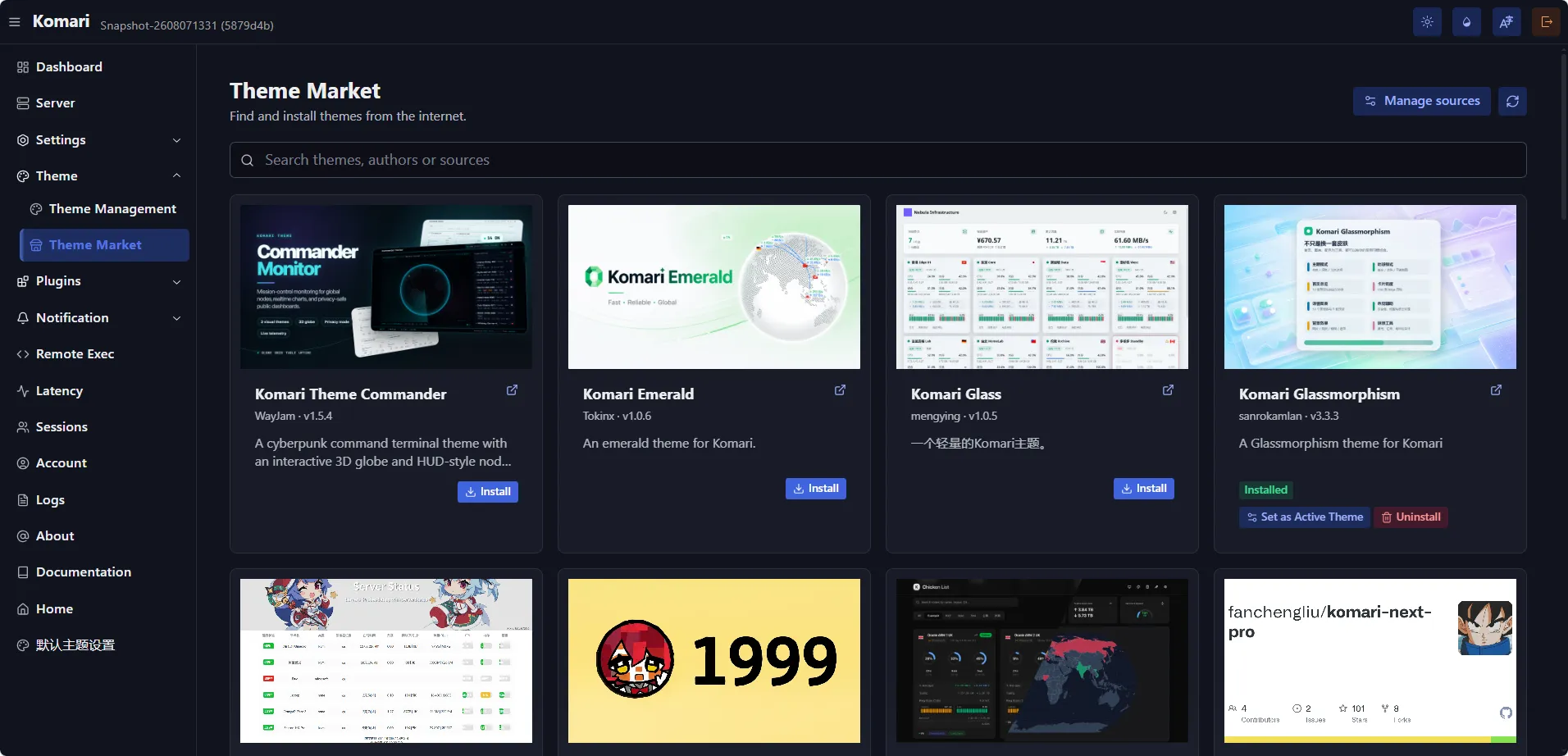
What is Komari?
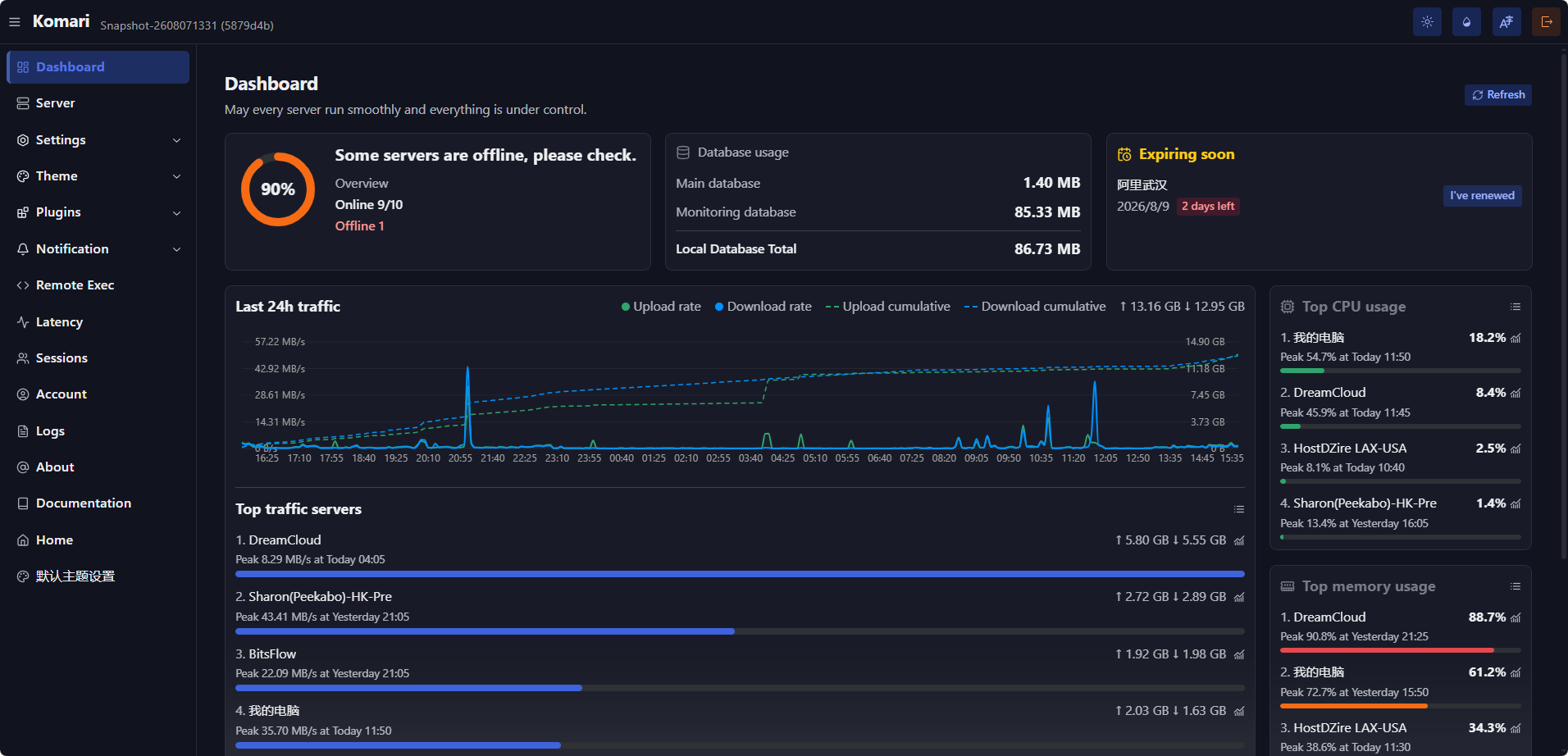
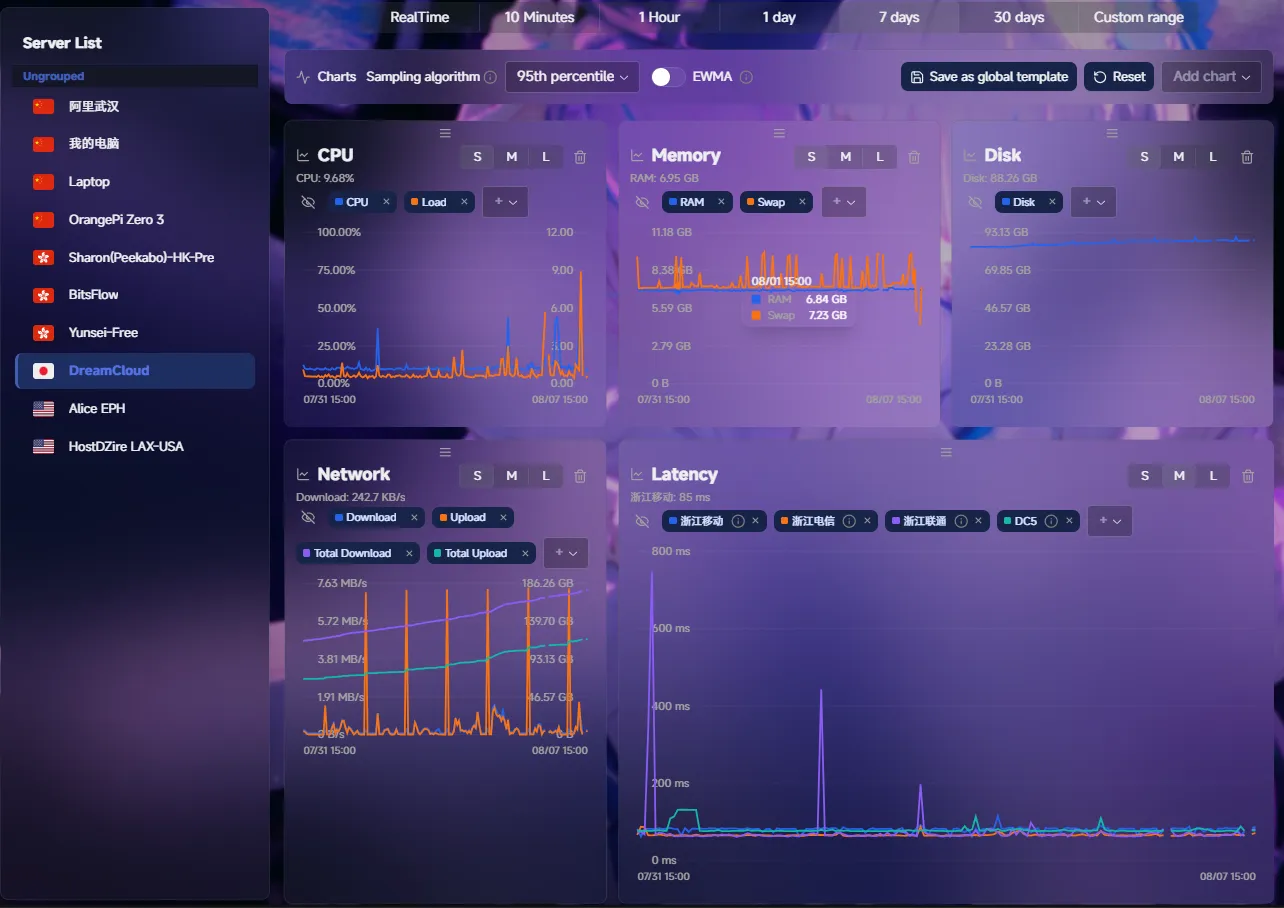
This software monitors servers by collecting system metrics through lightweight agents deployed on target machines. Data flows to a central web interface where users visualize real-time statistics including CPU load, memory usage, disk space, and network throughput. The agent component reports measurements every second, while the server stores everything in local SQLite files unless configured otherwise.
Should you self-host Komari?
Komari scores 58/100 on selfhost.directory (how scoring works) and ranks #11 of 51 in Monitoring & observability. It has 6 679 GitHub stars.
It shipped 7 stable releases in the past year. The latest, 1.6.1, came out on 26 October 2026. New versions land roughly every 10 days.
Setup is moderate: expect some configuration beyond a single command. An official Docker image is available. It is MIT-licensed and written mostly in Go.
Its closest alternative on selfhost.directory is GoAccess (75/100, 21 093 stars). It scores higher overall, so compare the two before you pick. See Komari vs GoAccess side by side.
Features
- Lightweight and efficient
- Real-time monitoring
- Remote Control
- Self-Hosted
- Web Interface
Komari README
FAQ
Why are disk statistics incorrect?
Komari filters disks using mount point and filesystem-type rules, which may exclude special mount points or file systems.
Why does memory usage differ from other tools?
Starting with Agent 1.1.40, Komari calculates memory usage the same way as htop. Cache and buffer memory are treated as available memory, which can make displayed usage differ from older versions.
More in Monitoring & observability
 KrawlKrawl is a self-hosted web honeypot with AI-generated deception pages to detect and track malicious crawlers. Features a real-time dashboard and firewall integration.
 kubetailSelf-hosted, open-source Kubernetes logging tool that tails multiple pod logs in real-time via CLI or web dashboard, using your cluster's API directly.
 KulaSelf-hosted, open-source Linux server monitor in one Go binary: real-time web dashboard plus TUI, built-in ring-buffer storage, Prometheus export, app monitoring.
 LangfuseLangfuse is a self-hosted, open-source LLM engineering platform for tracing, prompt management, evaluations, and analytics — used by 50,000+ companies.
 latitudeThe open-source AI agent observability platform that groups failing traces into signals and dispatches coding agents; self-hosted via Docker Compose or Helm.
 LibreNMSSelf-hosted, open-source network monitoring system that auto-discovers devices over SNMP and graphs, alerts and bills traffic, with Docker or LAMP-style installs.
 link-checker-serviceA self-hosted web service that checks batches of URLs for broken links with caching, rate limiting, and JWT authentication.
 LinnixLinnix is a self-hosted eBPF agent that attributes stalls to specific processes and pods, finding noisy neighbors without SaaS.
 linux-dashSelf-hosted, open-source web dashboard for watching a Linux server's system status, network, accounts and apps, with drop-in Node.js, Go, Python or PHP back ends.
 litehookSelf-hosted open-source Telegram channel scraper and webhook server with a lightweight web dashboard, supporting public channels, private channels, and DMs via self-bot.
 llm-gatewaySelf-hosted open-source API gateway routing 250+ LLM models from 40+ providers via unified OpenAI-compatible API with cost tracking, caching, and failover.
 lndgLNDg is a self-hosted, open-source web UI for Lightning Network node operators to analyze LND data and automate channel rebalancing, fee management, and peer monitoring.
0 comments