
Self-host JmalCloud
v2.16.9Private cloud drive with WebDAV, previews and online editing
docker run -d --name jmalcloud -p 8088:8088 -v /opt/jmalcloud:/jmalcloud/files --restart always jmal/jmalcloud-sql:latest- Stars
- 881
- Ports
- 8088 (JmalCloud web app (docker run mapping 8088:8088)), 7070 (Web UI address used by the README's docker compose deployment)
jmal/jmalcloud-sql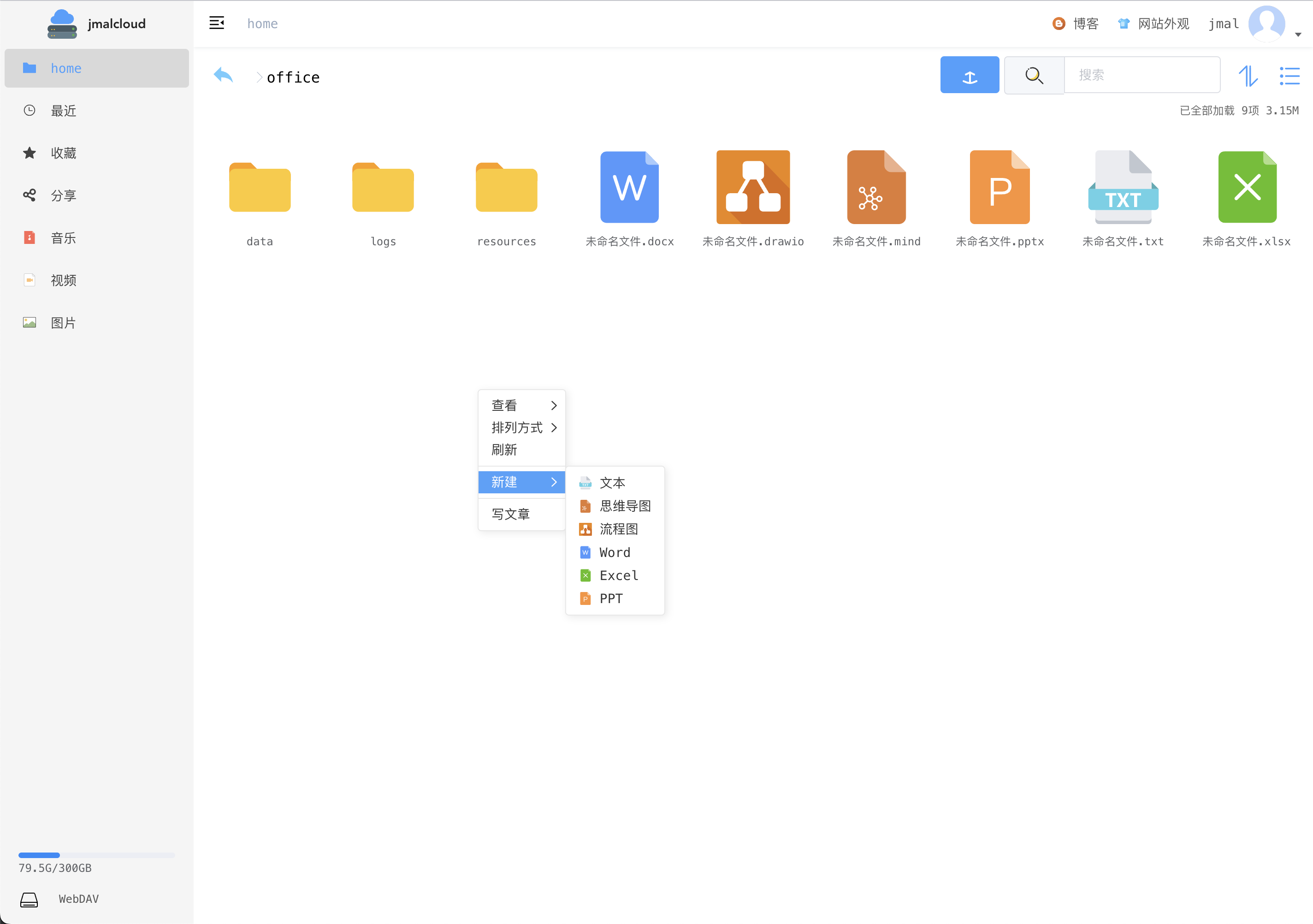
What is JmalCloud?
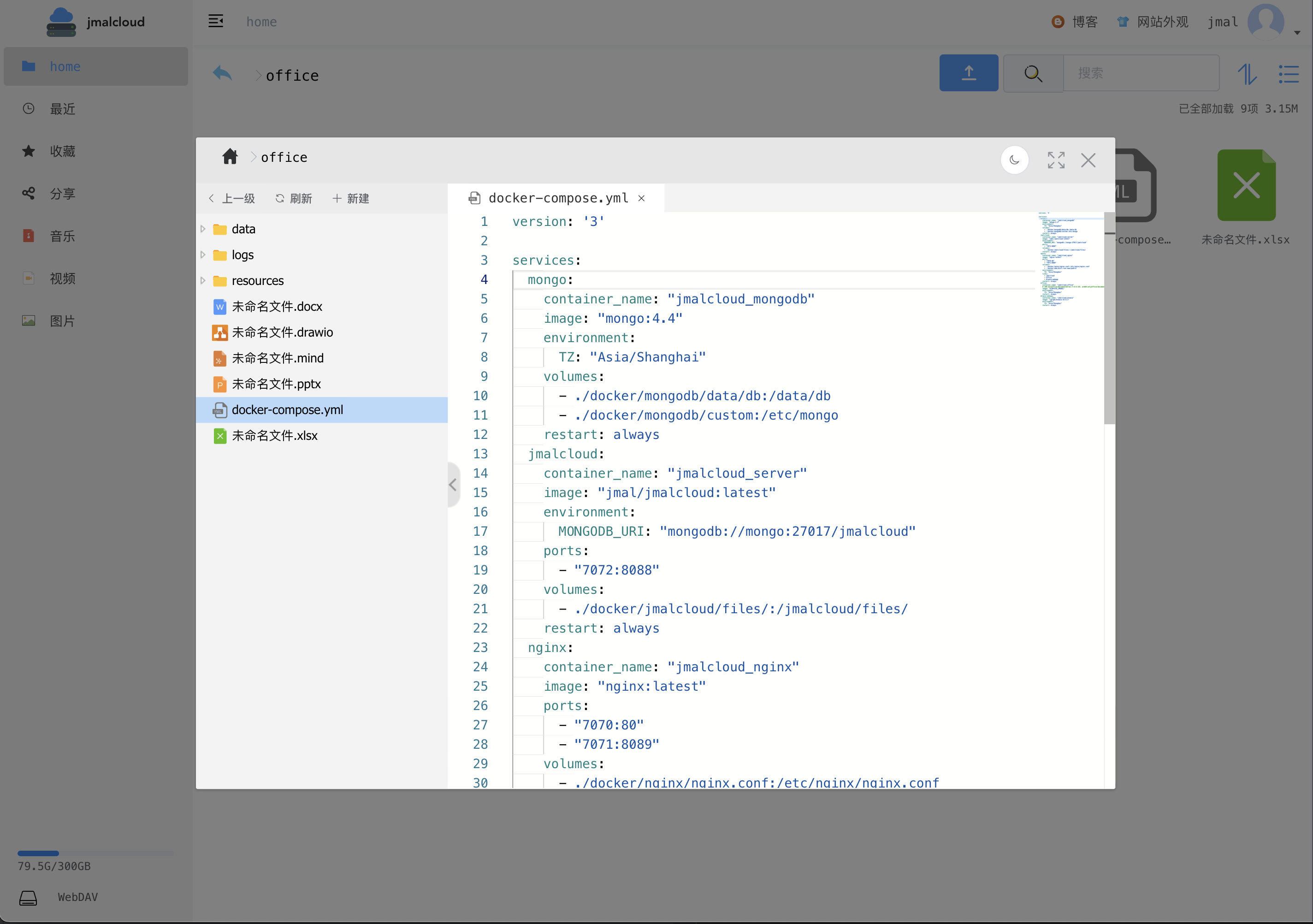
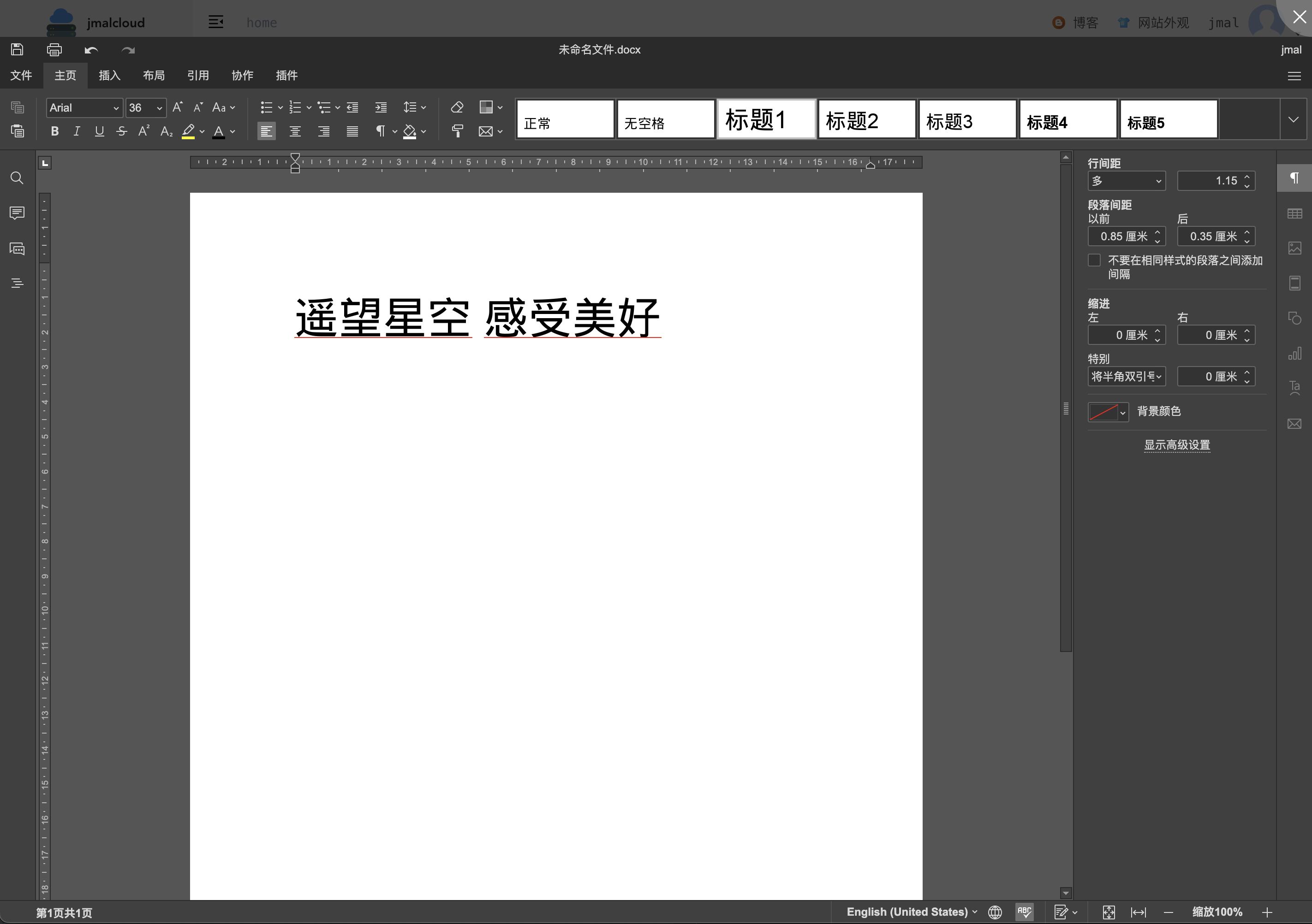
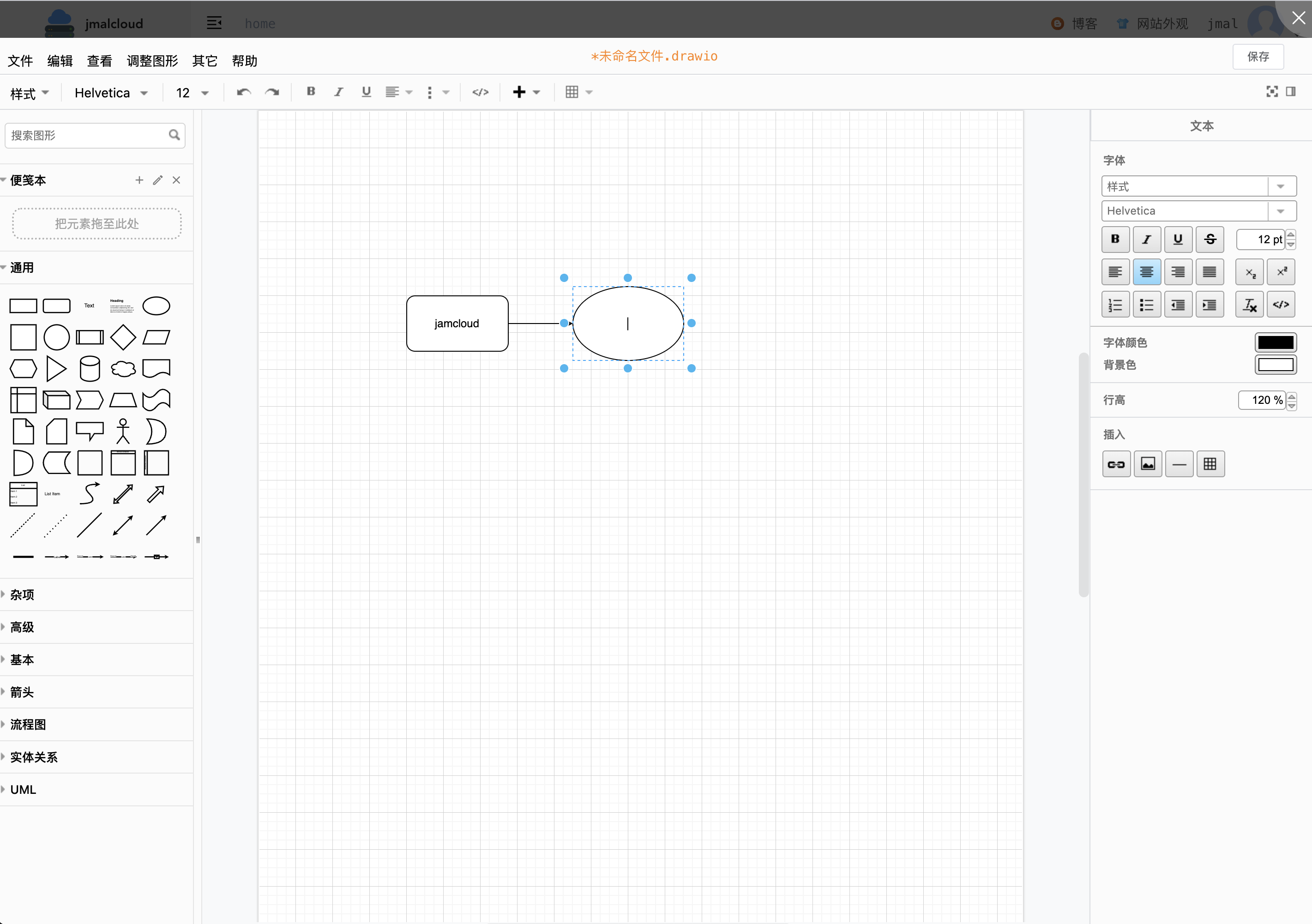
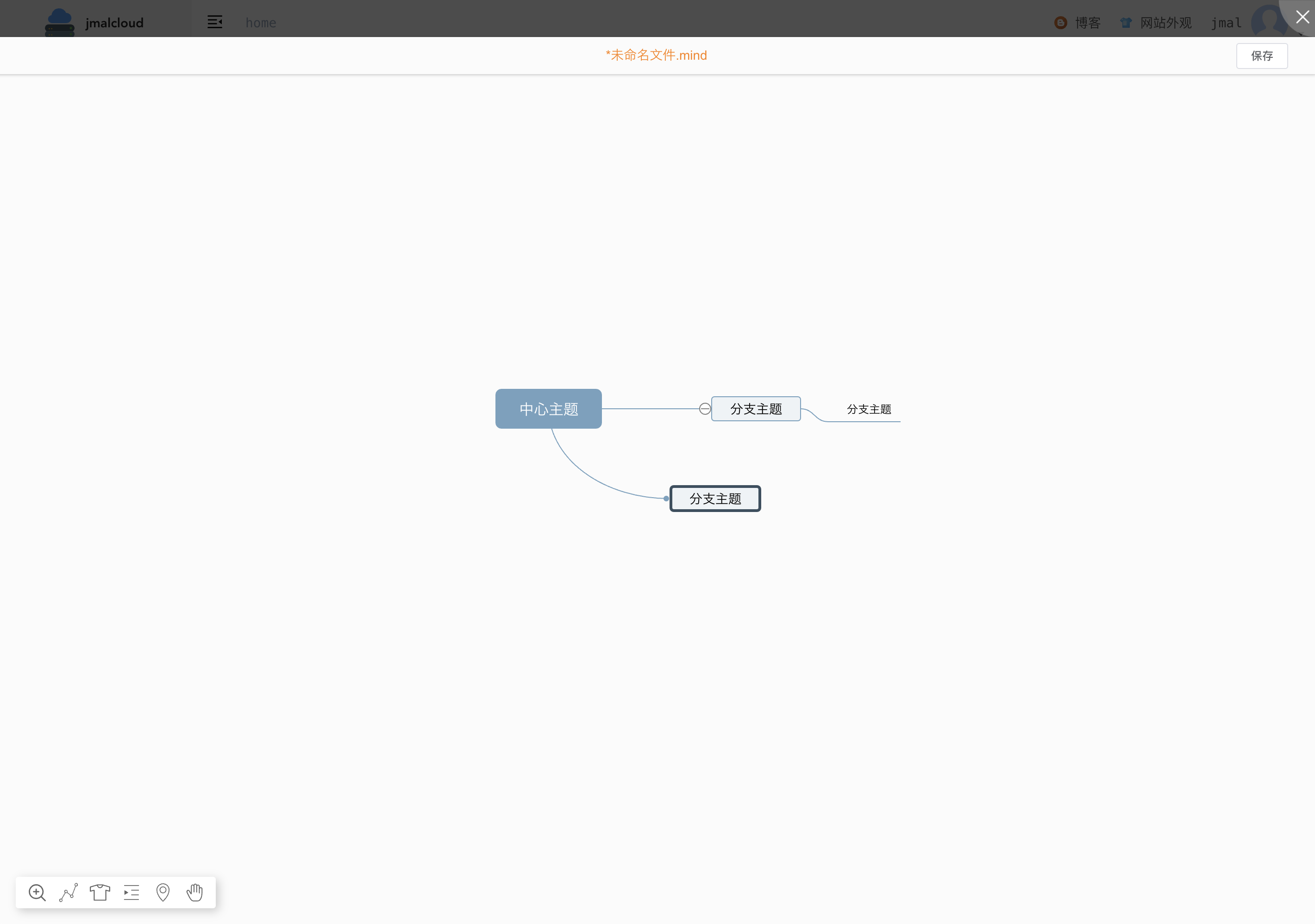
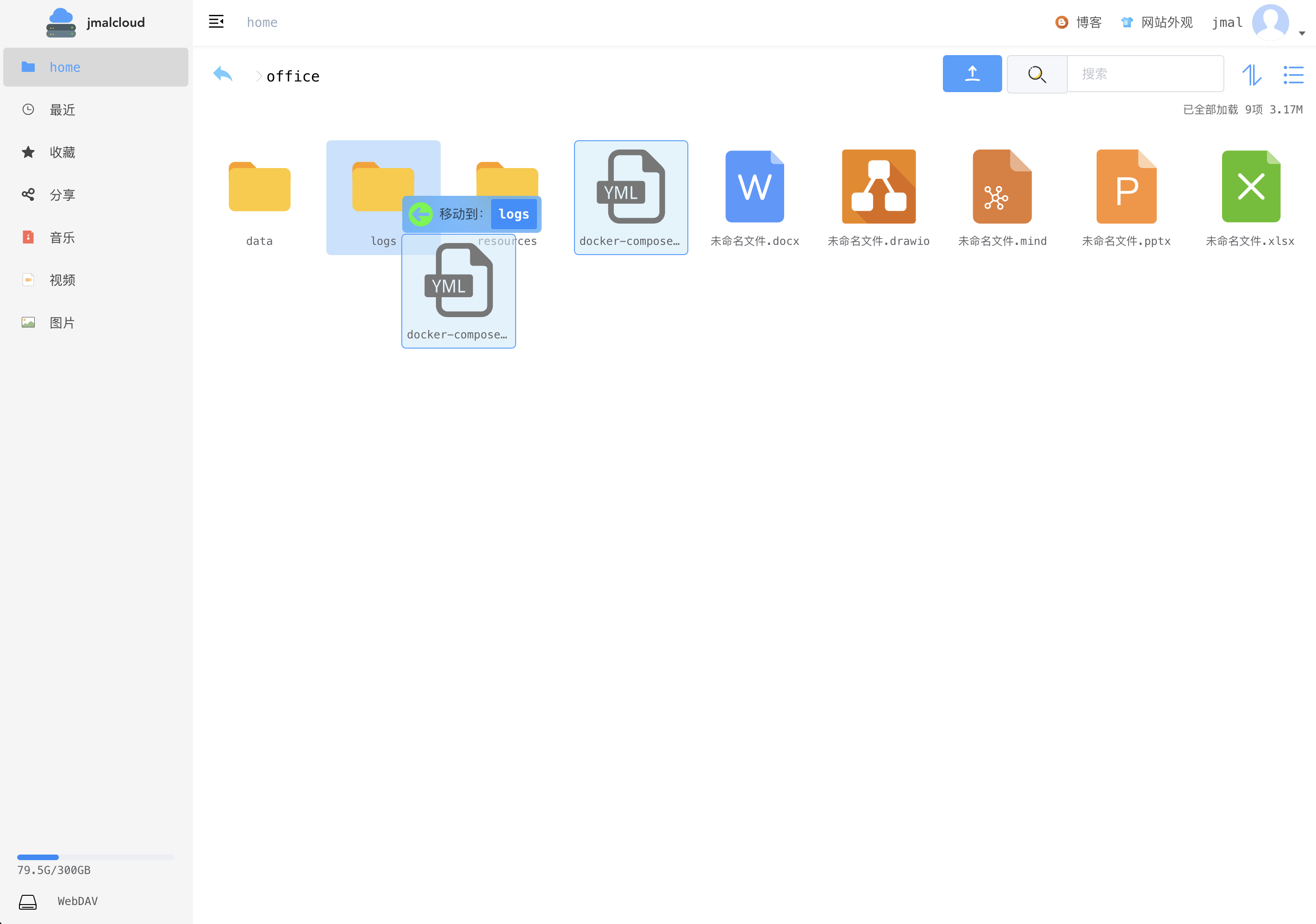
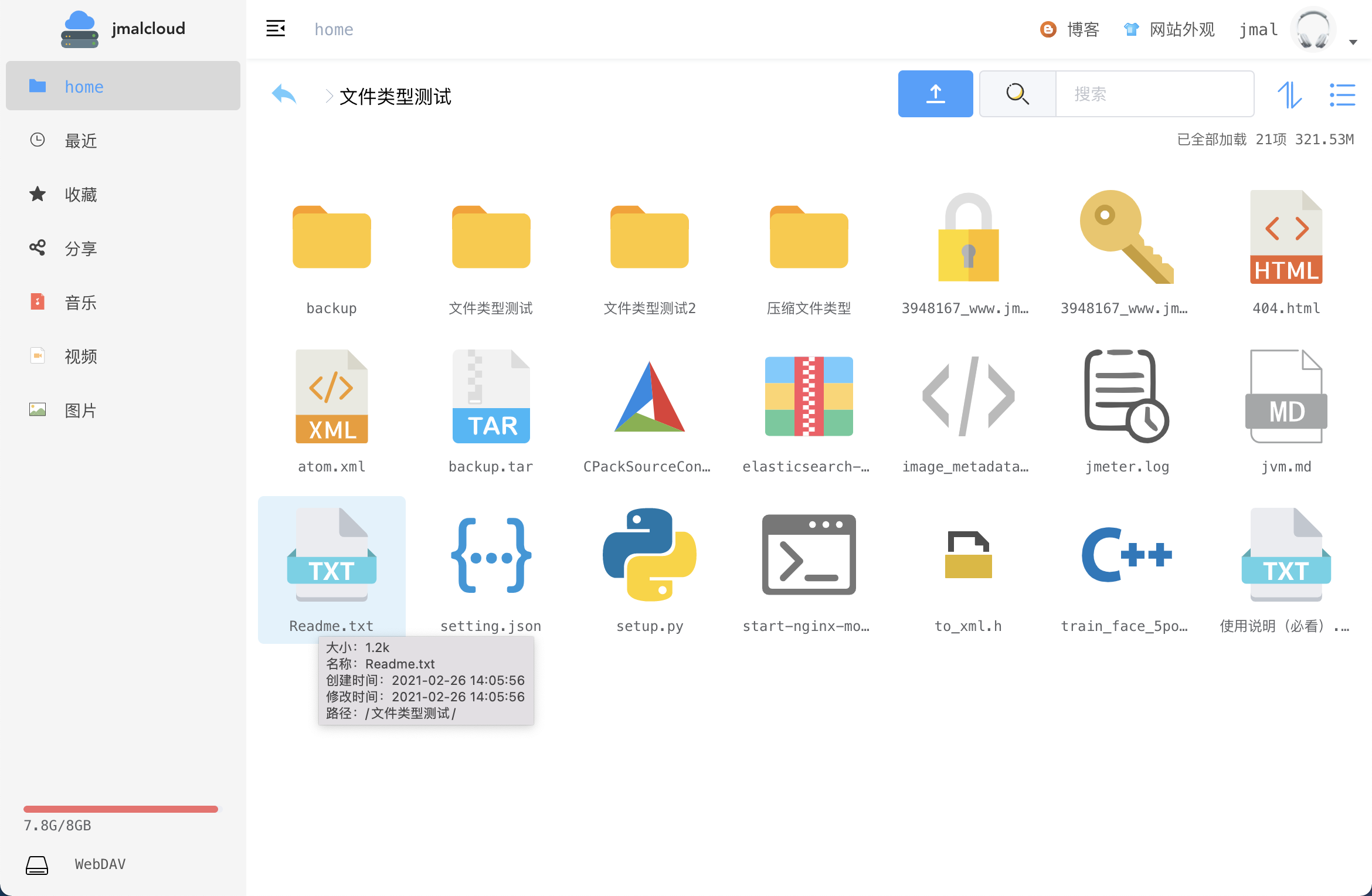
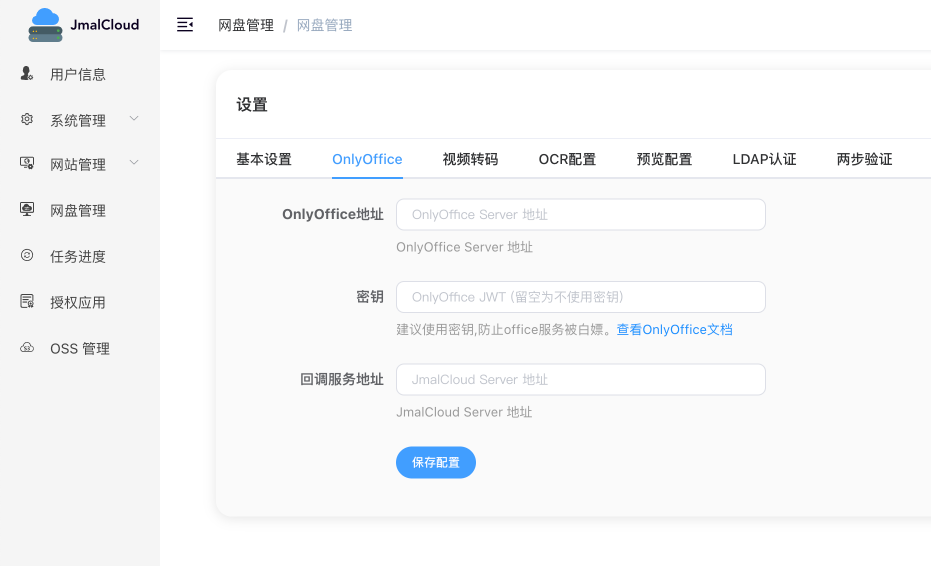
JmalCloud is a private cloud storage drive you run on your own server, aimed at people who want full control of their files. It previews images, audio, video, PDF and Office documents, opens DWG drawings, and lets you edit Word, Excel, PPT, flowchart and mind-map files in the browser alongside a built-in plain-text editor. Uploads cover very large files and can resume after an interruption, and WebDAV support lets client apps map the drive into their own filesystems. Searching covers text, PDF and Office content; an optional N-Gram mode indexes exact phrases inside files, and OCR of image text is available when a tessdata path is configured. Storage backends include MinIO plus the OSS and COS object services from Alibaba Cloud and Tencent Cloud, while application data can live in SQLite, MongoDB, MySQL or PostgreSQL (a migration switch moves Mongo data to SQL). Operators usually run the jmal/jmalcloud-sql container with Docker Compose on port 8088; OnlyOffice and Syncthing are documented companion containers, and LDAP, two-step verification and direct share links exist in the app settings. The jmal-cloud-view repository is the Vue web frontend that pairs with the Java server, releases are in the 2.16.x line under MIT, and iOS, Android and desktop clients are still on the to-do list.
Should you self-host JmalCloud?
JmalCloud scores 48/100 on selfhost.directory (how scoring works) and ranks #10 of 11 in Cloud Storage. It has 881 GitHub stars.
It shipped 9 stable releases in the past year. The latest, v2.16.9, came out on 4 August 2026. New versions land roughly every 2 weeks.
Setup is easy: most people get it running in one sitting. An official Docker image is available. It is MIT-licensed and written mostly in JavaScript.
Its closest alternative on selfhost.directory is SeaweedFS (81/100, 35 791 stars). It scores higher overall, so compare the two before you pick. See JmalCloud vs SeaweedFS side by side.
Features
- DWG file preview
- Exact content search (N-Gram index)Disabled by default (EXACT_SEARCH=false)
- File Preview
- Full-Text Search
- Iframe preview
- Local directory mount
- Multiple Database Backends
- Object storage backends
- OCR image text recognition
- Online document editing
- Resumable large file upload
- Text Editor
- WebDAV
JmalCloud README
FAQ
How do I add a local directory to the cloud disk?
Bind-mount the folder under a user's directory inside the container (for example /jmalcloud/files/admin/doc) in docker-compose.yml, restart the container, then rebuild the index.
How do I reset the administrator password?
Set the RESET_ADMIN_PASSWORD environment variable to true; on the next start the admin password becomes the default jmalcloud. Remove it or set it back to false afterwards so it is not reset again.
More in Cloud Storage
 juicefsSelf-hosted, open-source JuiceFS is a POSIX file system: blocks go to object storage, metadata to Redis, MySQL or SQLite, plus S3, WebDAV and HDFS access.
 kodboxkodbox is a self-hosted, open-source PHP file manager and private cloud drive: multi-storage mounting, fine-grained permissions, sharing, and online preview/edit.
 kopiaSelf-hosted, open-source backup tool for Windows, macOS and Linux that takes incremental, end-to-end-encrypted, deduplicated snapshots to any cloud or local storage.
 LitestreamOpen-source, self-hosted SQLite replication tool: streams database changes to S3, GCS, Azure or local files, restoring to the last replicated transaction.
 moosefsSelf-hosted, open-source MooseFS is a petabyte-scale distributed POSIX filesystem and block device with replication, erasure coding, snapshots and quotas.
 neokikoeruSelf-hosted single-binary streaming server for DLsite ASMR voice works: metadata scraping, cloud-drive and WebDAV backends, subtitles, playback history; paid license.
 nextcloud-aio-mastercontainerSelf-hosted, open-source Nextcloud stack run from one Docker mastercontainer: a web UI handles updates, BorgBackup restores, TLS and domain setup.
 NextCloudPiA self-hosted, open-source Nextcloud package delivered as SD images, VM and LXC images, or a one-line Debian installer, with a web admin panel.
 ocisSelf-hosted, open-source file sync & share server by ownCloud: bundled web UI, OIDC login, WebDAV/CS3 APIs, office-app editing, scales from Raspberry Pi to Kubernetes.
 OlaresOpen-source, self-hosted personal cloud OS: run local LLMs and AI agents on your own Linux box, add apps from Olares Market, and manage files, GPUs and backups.
 OpenAListOpenAList is a self-hosted, open-source file listing program supporting 60+ cloud storage providers, WebDAV, FTP, SFTP, and S3 access with security hardening.
 OpenListOpenList is a self-hosted, open-source file list server unifying local disks and dozens of cloud drives behind one web UI, with previews, WebDAV, S3 and offline download.
0 comments