
Self-host Memtly
1.0.7.6Event photo sharing platform for guests to upload memories
- Stars
- 300
- Port
- 5000 (HTTP web interface)
memtly/memtly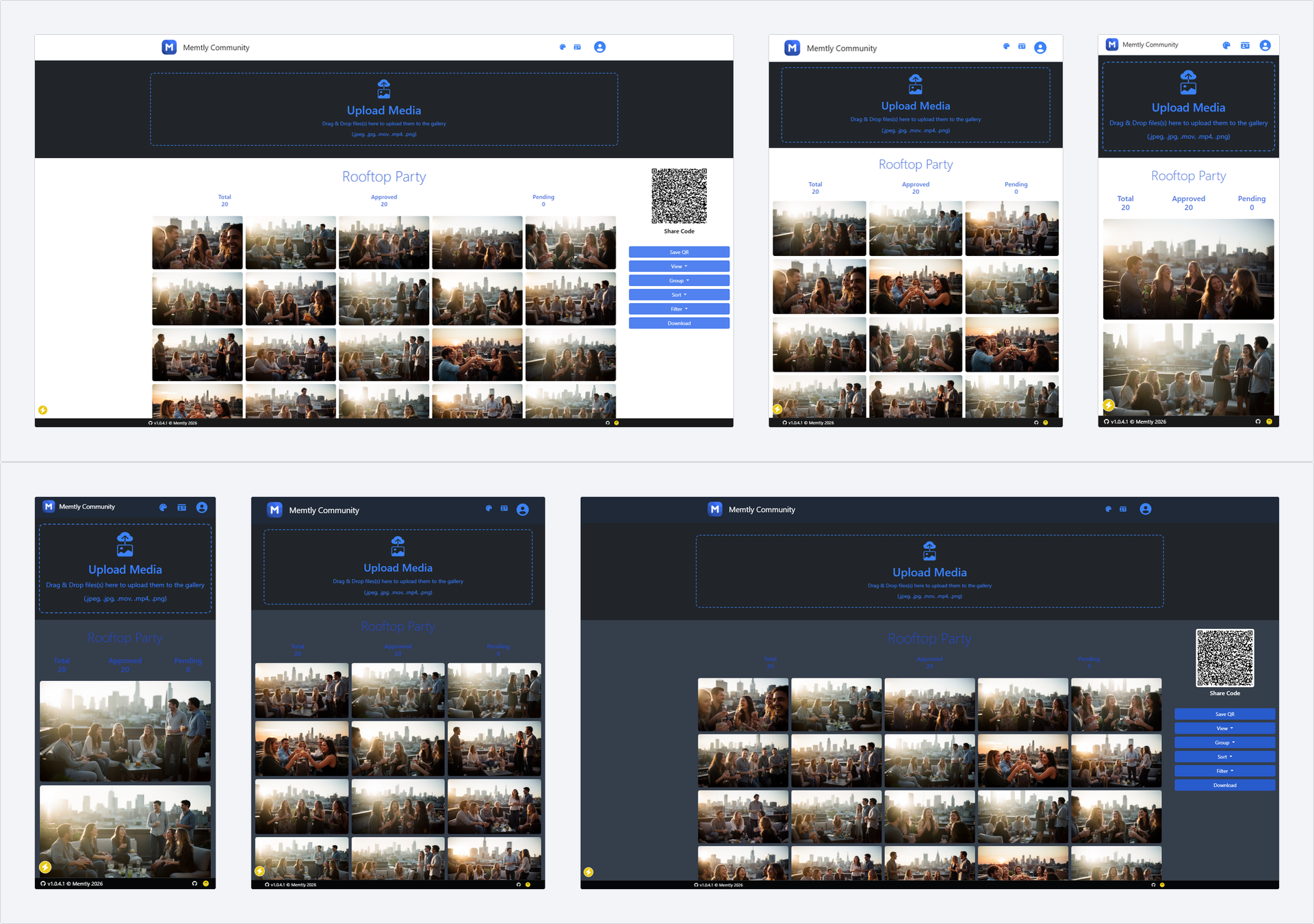
What is Memtly?
Memtly.Community (formerly WeddingShare) is a self-hosted web application for event photo sharing. Guests access galleries via QR codes or links to view existing photos and upload their own images and videos. The admin panel provides moderation tools, audit logs, and extensive configuration options. It supports multiple database backends (SQLite, MySQL, MariaDB, PostgreSQL, MSSQL), SMTP/NTFY/Gotify notifications, custom themes with dark mode support, and multi-factor authentication. Deployed via Docker, Docker Compose, or .NET Core on various platforms.
Should you self-host Memtly?
Memtly scores 48/100 on selfhost.directory (how scoring works) and ranks #11 of 19 in Photo Galleries. It has 300 GitHub stars.
It shipped 24 stable releases in the past year. The latest, 1.0.7.6, came out on 25 September 2026. New versions land roughly every 4 days.
Setup is moderate: expect some configuration beyond a single command. An official Docker image is available. It is GPL-3.0-licensed and written mostly in C.
Its closest alternative on selfhost.directory is Immich (93/100, 117 490 stars). It scores higher overall, so compare the two before you pick. See Memtly vs Immich side by side.
Features
- Account lockout protection
- Admin panel with moderation
- Audit Logs
- Configurable gallery settings
- Event photo/video sharing
- GDPR compliant cookie consent
- Guest gallery creation
- Multi-Factor Authentication
- Multiple database support
- Notification integrations
- Presentation/slideshow modes
- QR code gallery access
- Review process for uploads
- Single gallery mode
Memtly README
More in Event Management
- MobilizonMobilizon is a federated, open-source platform for creating, sharing, and discovering events and activities. It allows communities to organize events, manage groups, and federate with other instances via ActivityPub.
 ontimeOpen-source, self-hosted rundown and timer for live shows and broadcast. Plan productions, track cues, and keep teams in sync on your own hardware.
 OSEMOpen Source Event Manager. An event management tool tailored to Free and Open Source Software conferences.
 pretalxpretalx is a self-hosted, open-source conference management platform handling the full lifecycle from Call for Papers through scheduling and speaker communication.
 PretixSelf-hosted, open-source ticket shop for conferences, festivals and museums: sell tickets online with flexible products, payments, check-in lists and full API access.
 WeddingShareSelf-hosted, open-source photo and video galleries (formerly WeddingShare) that guests view and fill via share links or printed QR codes, with an admin panel.
 Alf.ioSelf-hosted open-source event attendance system for conferences with ticket sales, check-in apps, badge printing, and OpenID integration.
 AttendizeSelf-hosted event ticket selling platform. Sell tickets and manage attendees without third-party fees. Built on Laravel with Stripe and PayPal support.
 CactoideSelf-hosted, open-source event RSVP platform with federation across instances, iCal integration, and no sign-ups required — an alternative to Meetup and Eventbrite.
 certficoCertFico is a self-hosted, open-source application for generating and sending event certificates via email using SendGrid, with a Go backend and Next.js frontend.
 eventmieA self-hosted Laravel package for running your own event ticketing site with zero commissions and full data control.
 gathioA self-hosted, open-source event hosting platform where anyone can RSVP or comment without signing up, and events auto-delete after they end.
0 comments