
Self-host gosuki
v1.4.2Extension-free, real-time multi-browser bookmark manager
- Stars
- 561
- Ports
- 2025 (Web UI), 2026 (P2P sync)
What is gosuki?
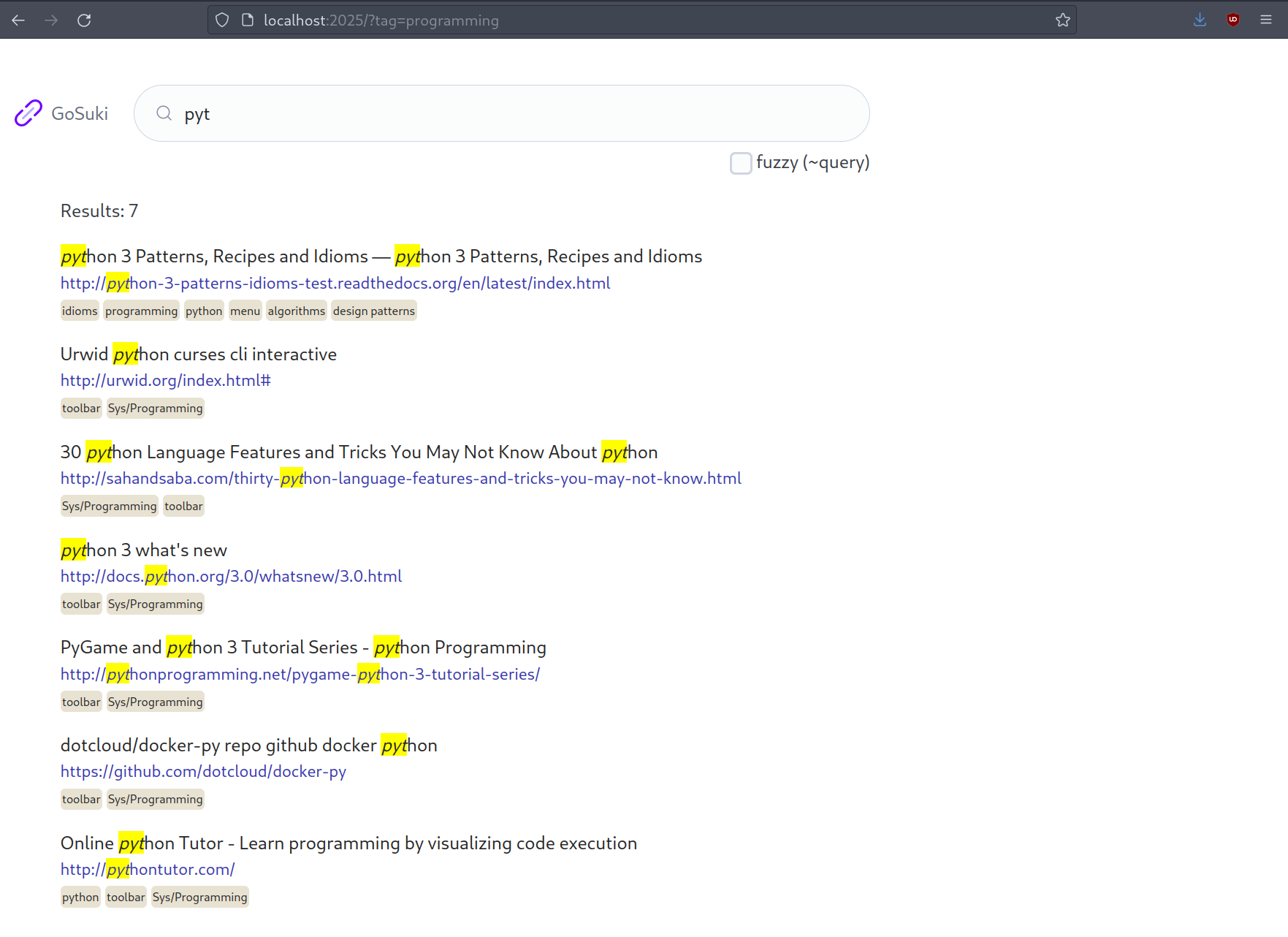
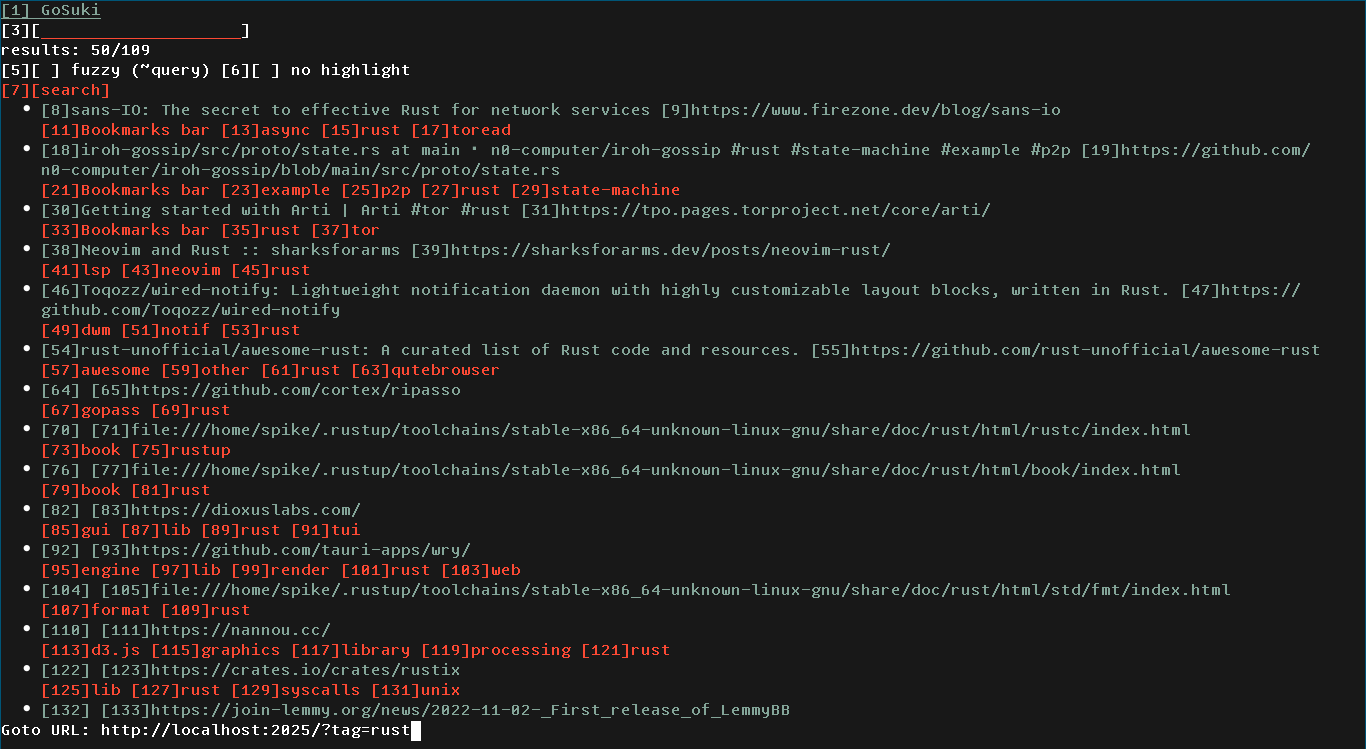
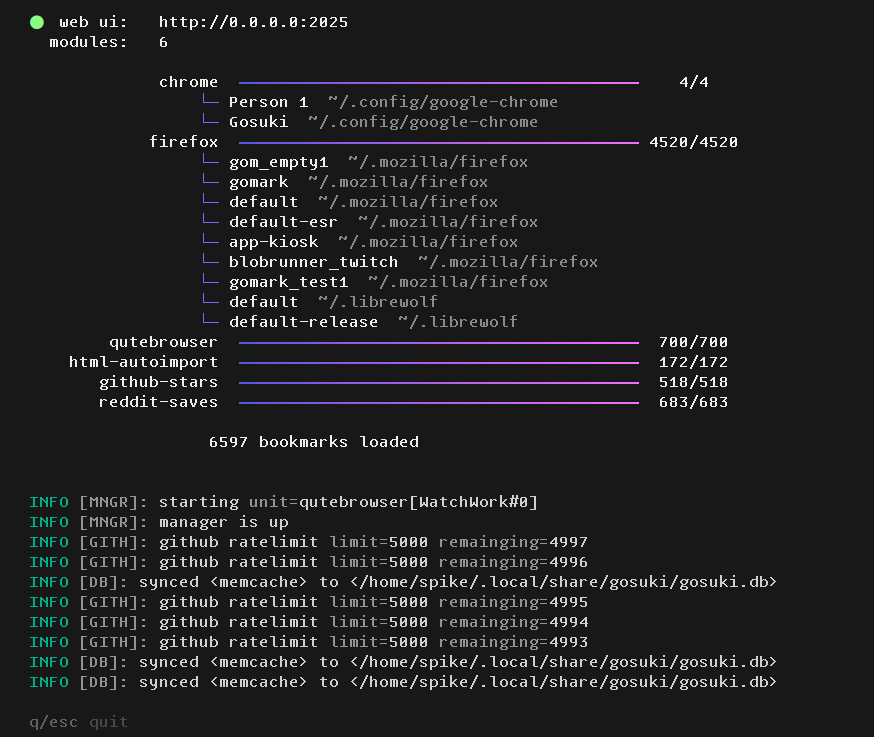
GoSuki is a bookmark manager built for people who value privacy and want to avoid cloud services or browser add-ons. It runs as a single executable that monitors browser bookmark files through OS-level file watchers, picking up changes instantly across every installed browser and profile. Bookmarks live in a portable SQLite database that works with Buku. You get three ways to interact: a minimal web UI (port 2025 by default), a terminal interface for troubleshooting, and a dmenu/rofi-friendly CLI named suki. Capabilities include hashtag tagging even on browsers that lack native tags, automatic conversion of folder hierarchies into flat tags, multi-device sync via P2P (paid tier) or Syncthing (free), ArchiveBox integration for offline archiving, and modules that pull in GitHub stars and Reddit saves. The software runs on Linux, macOS, Windows, and the BSD family, with packages for Arch, Debian/Ubuntu, and Homebrew. It's AGPL-3.0 licensed, and a paid Gosuki+ tier adds real-time P2P sync, private GitHub stars, and Reddit likes sync.
Should you self-host gosuki?
gosuki scores 51/100 on selfhost.directory (how scoring works) and ranks #21 of 46 in Bookmarks & Link Sharing. It has 561 GitHub stars.
It shipped 3 stable releases in the past year. The latest, v1.4.2, came out on 17 July 2026. New versions land roughly every 2 weeks.
Setup is moderate: expect some configuration beyond a single command. It is AGPL-3.0-licensed and written mostly in Go.
Its closest alternative on selfhost.directory is Karakeep (82/100, 30 114 stars). It scores higher overall, so compare the two before you pick. See gosuki vs Karakeep side by side.
Features
- Buku compatibility
- CLI (suki)
- Folder-to-tag flattening
- GitHub Stars import
- Hashtag tagging
- Marktab actions
- Multi-Browser Support
- Multi-device sync (P2P)Requires Gosuki+ subscription
- Multi-device sync (Syncthing)Tags not synchronized with this method
- Multi-Profile Support
- Real-time bookmark monitoring
- Reddit saves import
- Terminal UI (TUI)
- Web UI
gosuki README
FAQ
How do I change the port the WebUI listens on?
Via config file ([webui] listen = '0.0.0.0:8080') or CLI flag (gosuki start --listen 0.0.0.0:8080).
Can I synchronize with my mobile devices?
Yes, both P2P Auto Sync and Syncthing support mobile device synchronization.
Does gosuki support bookmark deletion?
No, it only supports adding/modifying bookmarks. Users can use the #deleted tag to organize deleted bookmarks within their tag hierarchy.
Where does my data go? On my HD or somewhere in the cloud?
All data is stored locally in a Buku-compatible SQLite database on your machine. Default locations: ~/.local/share/gosuki/gosuki.db (Linux/BSD), /Library/Application Support/gosuki/gosuki.db (macOS), %APPDATA%/gosuki/gosuki.db (Windows).
Which operating systems does Gosuki support?
Gosuki supports Linux (all architectures), macOS (via Homebrew), Windows (with systray), and BSD platforms (FreeBSD, OpenBSD, NetBSD).
More in Bookmarks & Link Sharing
 GrimoireOpen-source, self-hosted local-first bookmark manager: saves and extracts pages, PDFs, and YouTube, with keyword, semantic, or hybrid search and optional AI providers.
 HeimdallA self-hosted, open-source dashboard of tiles for your web apps and bookmarks, with a Google/Bing/DuckDuckGo search bar and live stats pulled from app APIs.
 Heimdall Application DashboardAn Application dashboard and launcher
 HomerA self-hosted, open-source static dashboard that lists your services from one YAML file, with fuzzy search, themes, and smart cards polling Pi-hole, Proxmox and more.
 huntlyYour Personal AI-Powered Information Hub
 jumpSelf-hosted startpage for your homelab links with real-time site status monitoring, tag navigation, fast search, weather and Docker integration.
 KarakeepOpen-source, self-hosted app for saving links, notes, images and PDFs, with LLM auto-tagging, semantic search, offline mobile reading, and page archives.
 karakeep-homedashSelf-hosted dashboard for KaraKeep bookmarks with masonry layout, real-time search, and drag-and-drop reordering. Runs in browser via SQLite WASM.
 karakeep-syncSelf-hosted tool that syncs Hacker News upvotes, Reddit saves, GitHub stars, and Pinboard bookmarks to your Karakeep instance.
 LinkAceA self-hosted, open-source bookmark manager that archives links, monitors them for breakage, and offers tags, lists, multi-user SSO and a REST API.
 linkdingA self-hosted, open-source bookmark manager with tags, multi-user sharing, automatic metadata, site archiving and a REST API.
 links-as-codeLinks as Code is a self-hosted, open-source bookmark manager storing links in a version-controlled YAML file, served as a searchable web page via Docker.
0 comments