
Self-host linkding
v1.47.0Minimal bookmark manager in a single Docker container
docker run --name linkding -p 9090:9090 -v {host-data-folder}:/etc/linkding/data -d sissbruecker/linkding:latest- Stars
- 11 418
- Port
- 9090 (Web UI served by uWSGI inside the container; mapped 1:1 as 9090:9090 by default)
sissbruecker/linkding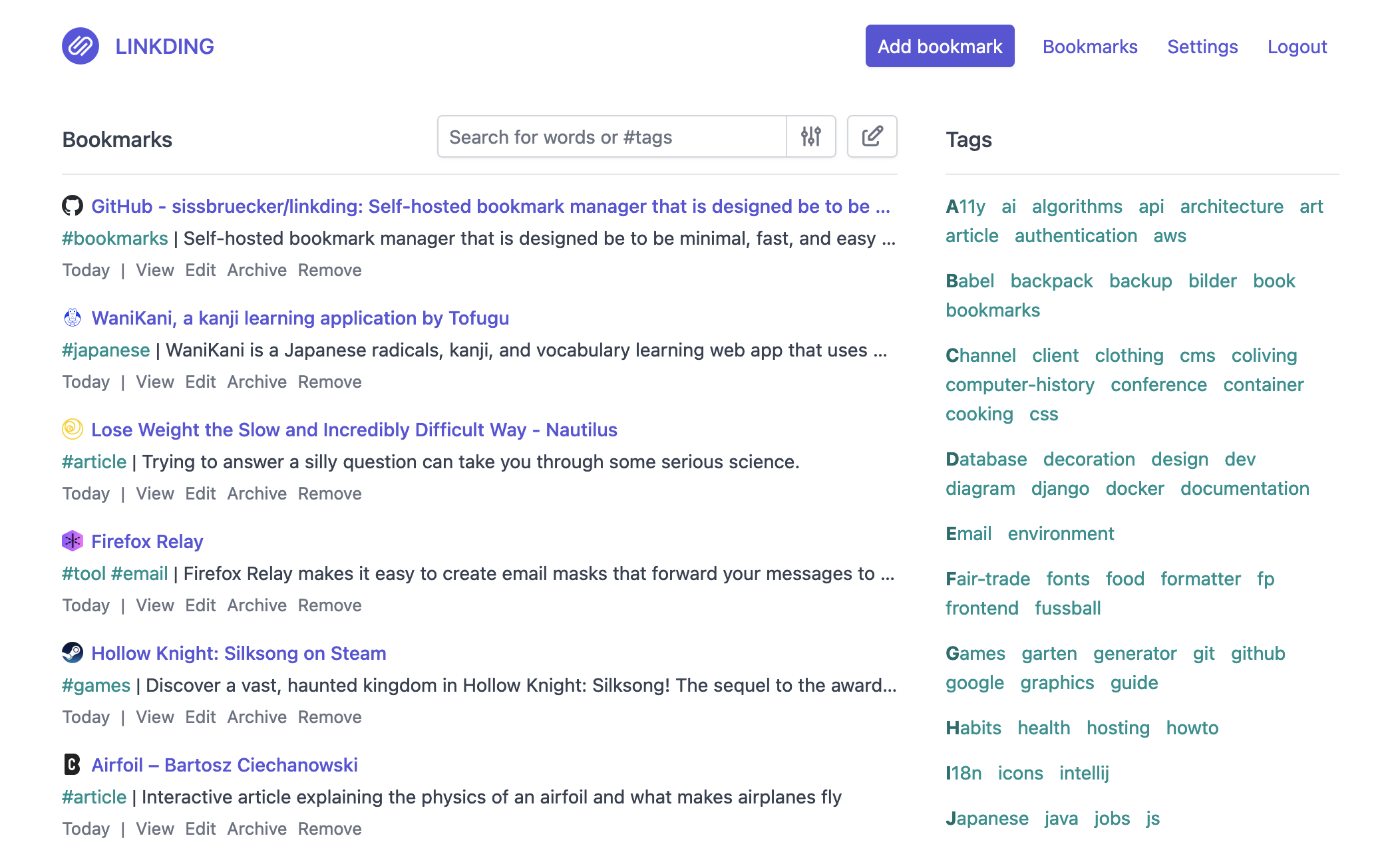
What is linkding?
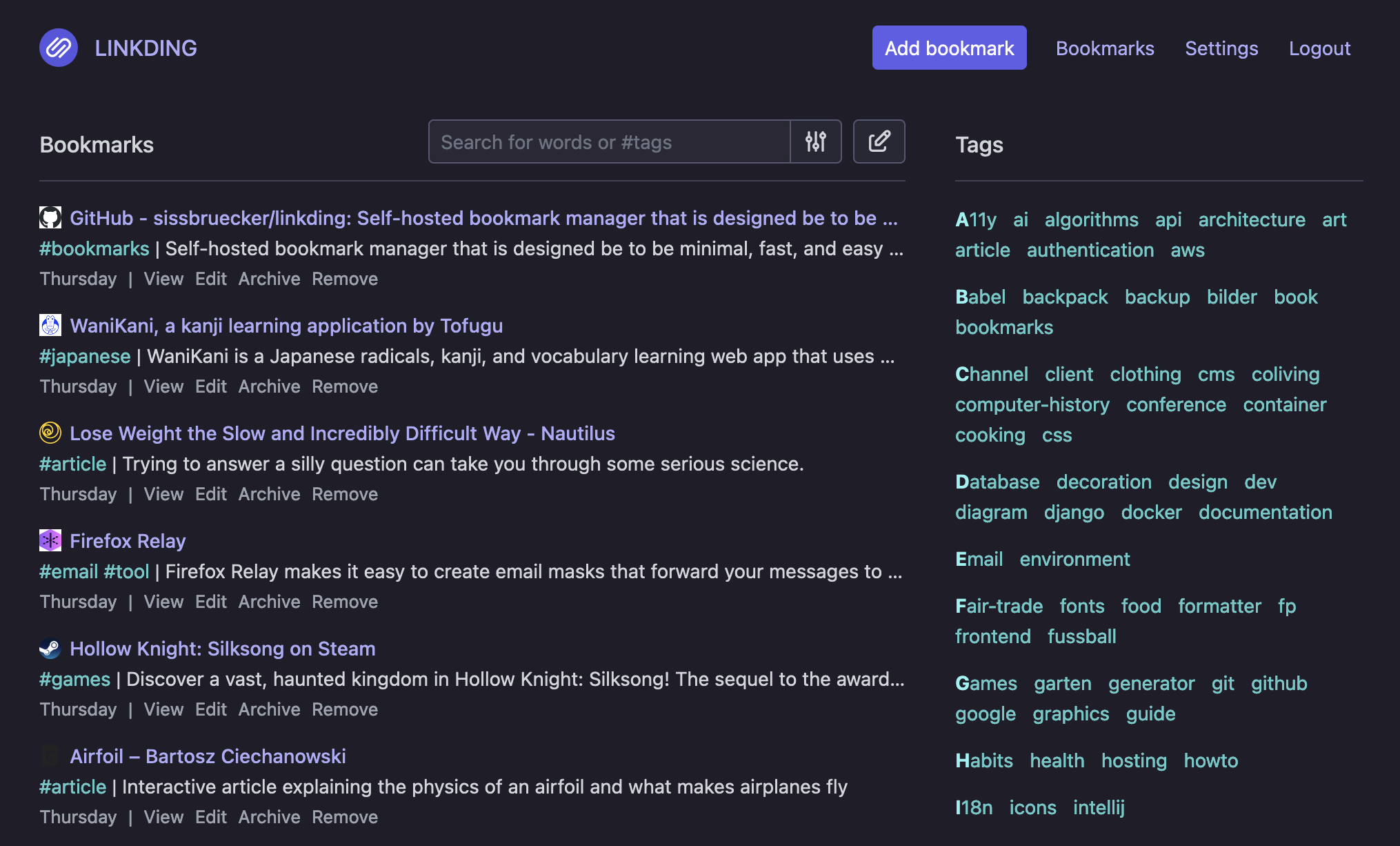
linkding is a bookmark manager you host yourself, built around a clean, readability-focused UI for quickly saving and finding links. Bookmarks are organized with tags, several accounts can live on one instance, and links can be exposed to fellow users or to guests. The app fetches page titles, descriptions and icons on its own, and it can preserve websites as local HTML snapshots (available in the larger plus Docker image) or through the Internet Archive. Collections can be moved in and out using the Netscape HTML format browsers understand, and bulk editing, Markdown notes and a read-it-later mode are built in. Sign-in works with local accounts, OIDC single sign-on, or an authenticating reverse proxy, while the admin panel covers managing users and direct access to stored data. Saving from the browser is handled by official Firefox and Chrome extensions or a bookmarklet, and a REST API lets community apps and scripts talk to your instance. linkding ships as an MIT-licensed Docker image that uses SQLite by default with PostgreSQL as an option; the image is ARM-compatible, so it also runs on a Raspberry Pi.
linkding alternatives
 NeonLinkNeonLink is a simple, open-source, self-hosted bookmark service with tags, search, auto metadata fetching, and customizable backgrounds — ideal for Raspberry Pi.CompareNeonLink with linkding
 ArchiveBoxArchiveBox is an open-source, self-hosted web archiving app that ingests bookmarks, RSS feeds and URLs, then saves durable HTML, PDF, PNG, WARC and MP4 copies.CompareArchiveBox with linkding
 EspialOpen-source, self-hosted bookmark server with multiple accounts, tagging, a browser bookmarklet, REST API and snapshot archiving via ArchiveBox or the Wayback Machine.CompareEspial with linkding
 KarakeepOpen-source, self-hosted app for saving links, notes, images and PDFs, with LLM auto-tagging, semantic search, offline mobile reading, and page archives.CompareKarakeep with linkding
 tiesties is a self-hosted, open-source federated bookmark manager for organizing, sharing, and discovering web pages via ActivityPub federation.Compareties with linkding
 links-as-codeLinks as Code is a self-hosted, open-source bookmark manager storing links in a version-controlled YAML file, served as a searchable web page via Docker.Comparelinks-as-code with linkding
 LinkStackOpen-source, self-hosted link-in-bio page: multiple user accounts, uploadable themes, link analytics, and a drag-and-drop install on a PHP web host or Docker.CompareLinkStack with linkding
 smart-bookmarkSelf-hosted, open-source bookmark manager using AI for auto-summaries, tags, and smart search without exact keywords.Comparesmart-bookmark with linkding
Should you self-host linkding?
linkding scores 75/100 on selfhost.directory (how scoring works) and ranks #3 of 46 in Bookmarks & Link Sharing. It has 11 418 GitHub stars, +131 in the last 30 days.
It shipped 6 stable releases in the past year. The latest, v1.47.0, came out on 13 September 2026. New versions land roughly every 3 weeks.
Setup is easy: most people get it running in one sitting. An official Docker image is available. It is MIT-licensed and written mostly in Python.
Its closest alternative on selfhost.directory is Karakeep (81/100, 30 497 stars). It scores higher overall, so compare the two before you pick. See linkding vs Karakeep side by side.
Features
- Admin Panel
- Automatic metadata fetching
- Auto-Tagging
- Bookmark sharing
- Browser Extensions
- Bulk editing
- Import / Export
- Keyboard Shortcuts
- Markdown Notes
- Multi-user support
- Read-it-later mode
- REST API
- Tag-based organization
- Website archivingHTML snapshots require the larger latest-plus Docker image (bundled Chromium).
linkding README

More in Bookmarks & Link Sharing
- links-as-codeLinks as Code is a self-hosted, open-source bookmark manager storing links in a version-controlled YAML file, served as a searchable web page via Docker.
 linksnapperLinkSnapper is a self-hosted, open-source bookmark manager and sticky notes app with a Catppuccin Mocha dark theme, flat-file storage, and a REST API for homelab use.
 LinkWardenOpen-source, self-hosted bookmark manager that keeps a screenshot, PDF and HTML copy of every saved page, with reader annotations and shared team collections.
 LynxSelf-hosted open-source page builder for creating link-in-bio pages, portfolios, venue menus, and event pages with visual editing, analytics, and newsletter features.
 MARKMARK is a self-hosted, open-source image bookmarking tool for personal use that saves images via bookmarklet or drag-and-drop into a file-based collection.
- NeonLinkNeonLink is a simple, open-source, self-hosted bookmark service with tags, search, auto metadata fetching, and customizable backgrounds — ideal for Raspberry Pi.
 OmnivoreSelf-hosted, open-source read-it-later app with highlights, notes, labels, RSS feeds, newsletter email import, PDF support and native iOS and Android apps.
 omnomOmnom is a self-hosted, open-source web content preservation service with full-page snapshots, RSS feeds, and ActivityPub Fediverse integration.
 osmondOsmond is a self-hosted, open-source EmailThis alternative that extracts articles from web pages and emails them as HTML or PDF via a bookmarklet.
 PostmarksPostmarks is a self-hosted, open-source bookmarking site connecting to the Fediverse via ActivityPub to interact with Mastodon and other platforms.
 ReadeckSelf-hosted, open-source bookmark and read-it-later app that keeps full article text and images offline, with labels, highlights, full-text search and EPUB/OPDS export.
 reminiscenceA self-hosted, open-source Django bookmark manager that archives web pages as HTML, PDF or full-page PNG, with auto tagging, search, annotations and multi-user sharing.
0 comments