
Self-host flare
0.6.11Fast, lightweight self-hosted bookmark navigation tool
- Stars
- 173
- Port
- 5005 (HTTP web interface)
soulteary/flare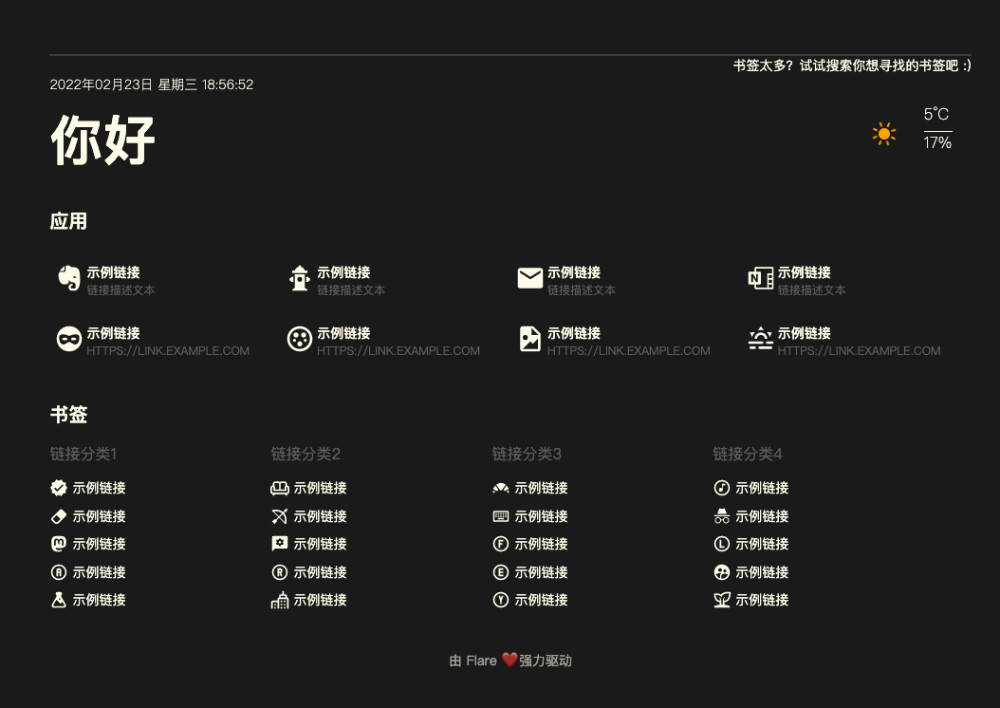

What is flare?
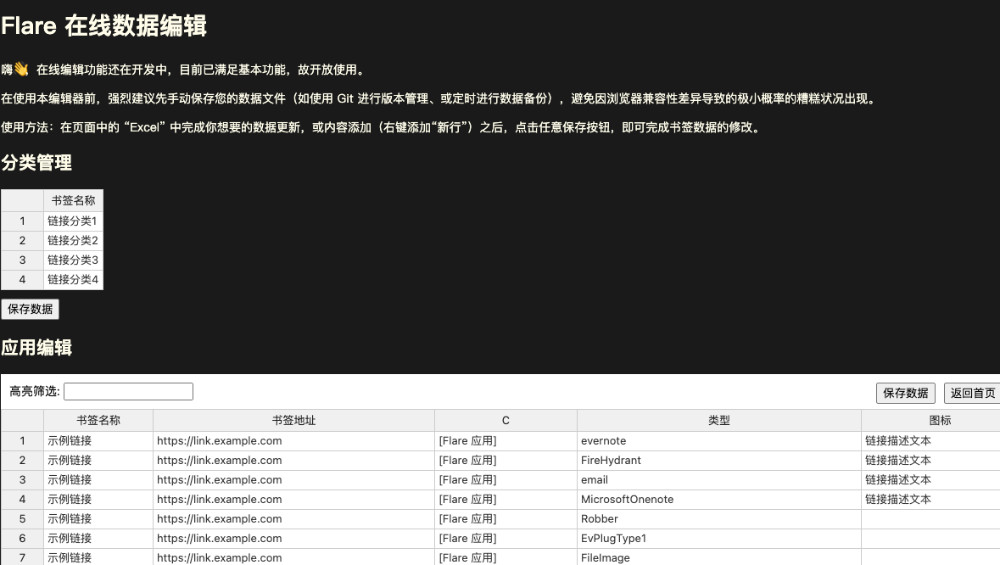
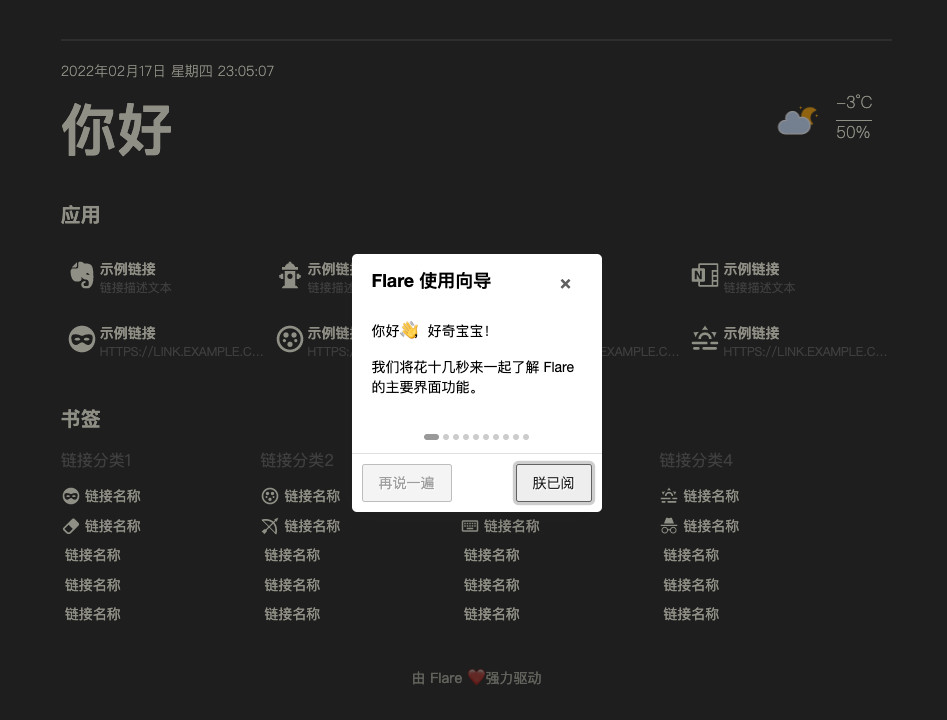
Flare is a personal bookmark navigation application designed for self-hosting. Written in Go with vanilla JavaScript, it uses the Echo HTTP framework and stores bookmarks in simple YAML text files without requiring a database. The tool emphasizes performance (sub-10MB Docker image, ~30MB memory usage, handles thousands of concurrent requests), data portability (plain text files), and privacy (offline mode available). Features include a built-in guide (/guide), online editor (/editor), Material Design Icons integration (6000+ icons), weather display using IPIP.net geolocation, and optional login authentication for public deployments. It runs as a single executable with Docker support, defaulting to port 5005. Configuration is via environment variables (FLARE_* prefix) or command-line flags.
Should you self-host flare?
flare scores 44/100 on selfhost.directory (how scoring works) and ranks #33 of 46 in Bookmarks & Link Sharing. It has 173 GitHub stars.
It shipped 10 stable releases in the past year. The latest, 0.6.11, came out on 28 October 2026.
Setup is easy: most people get it running in one sitting. An official Docker image is available. It is AGPL-3.0-licensed and written mostly in Go.
Its closest alternative on selfhost.directory is docker-flare (55/100, 2 147 stars). It scores higher overall, so compare the two before you pick. See flare vs docker-flare side by side.
Features
- Auto-fetch favicons
- Bookmark Management
- External icon URLs
- High Performance
- Material Design Icons
- Offline Mode
- Online editor
- Optional authenticationDisabled by default
- Request mergingDisabled by default
- Setup guide
- Single Binary
- Visibility Control
- Weather DisplayCan be disabled with offline mode
- YAML file storage
flare README
More in Bookmarks & Link Sharing
 FlusFlus is a self-hosted, open-source feed aggregator and social bookmarking tool combining RSS/Atom/JSON feeds, read-later lists, and link sharing with collections.
 gobookmarksgobookmarks is a self-hosted start page rendering bookmarks from a plain text file with visual editor, search, and Git-backed history.
 golinksgolinks is a self-hosted, open-source web app that turns your browser's search bar into a command line for smart bookmarks and search aliases.
 go-LinkSavergo-LinkSaver is a simple, open-source link saver you can self-host via Docker or binary. It provides a web GUI for bookmarks with Bootswatch themes.
 gosukiGoSuki is a self-hosted, open-source bookmark manager running as a single binary. It monitors browser bookmarks in real-time and provides web UI, TUI, and CLI access.
 GrimoireOpen-source, self-hosted local-first bookmark manager: saves and extracts pages, PDFs, and YouTube, with keyword, semantic, or hybrid search and optional AI providers.
 HeimdallA self-hosted, open-source dashboard of tiles for your web apps and bookmarks, with a Google/Bing/DuckDuckGo search bar and live stats pulled from app APIs.
 Heimdall Application DashboardAn Application dashboard and launcher
 HomerA self-hosted, open-source static dashboard that lists your services from one YAML file, with fuzzy search, themes, and smart cards polling Pi-hole, Proxmox and more.
 huntlyYour Personal AI-Powered Information Hub
 jumpSelf-hosted startpage for your homelab links with real-time site status monitoring, tag navigation, fast search, weather and Docker integration.
 KarakeepOpen-source, self-hosted app for saving links, notes, images and PDFs, with LLM auto-tagging, semantic search, offline mobile reading, and page archives.
0 comments