
Self-host faster-chat
v0.2.1Privacy-first AI chat interface for local and cloud LLMs
- Stars
- 175
- CPU
- 0.5-1.0 CPU cores
- RAM
- 256-512 MB
- Port
- 8787 (HTTP server (Docker production))
What is faster-chat?
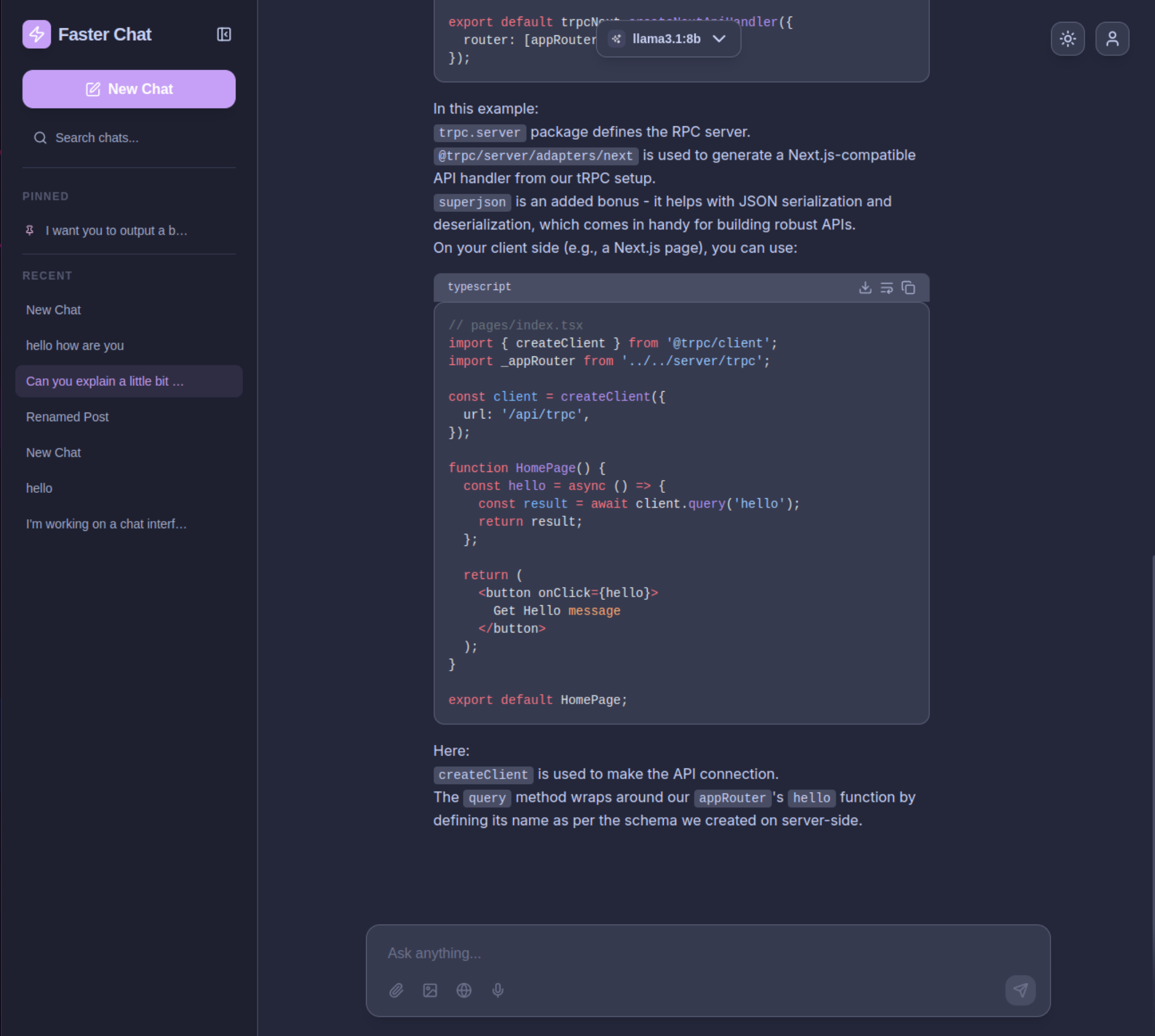
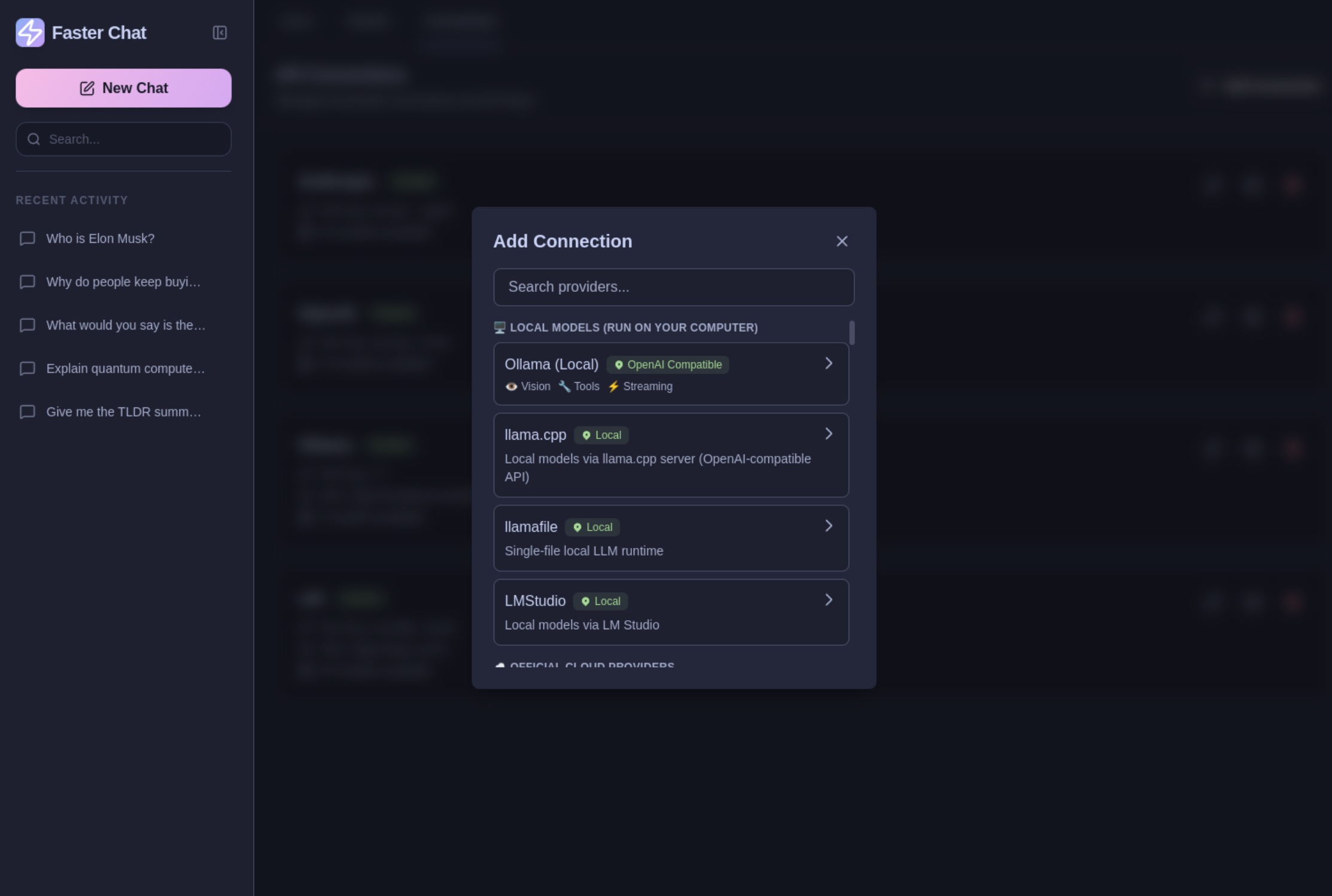
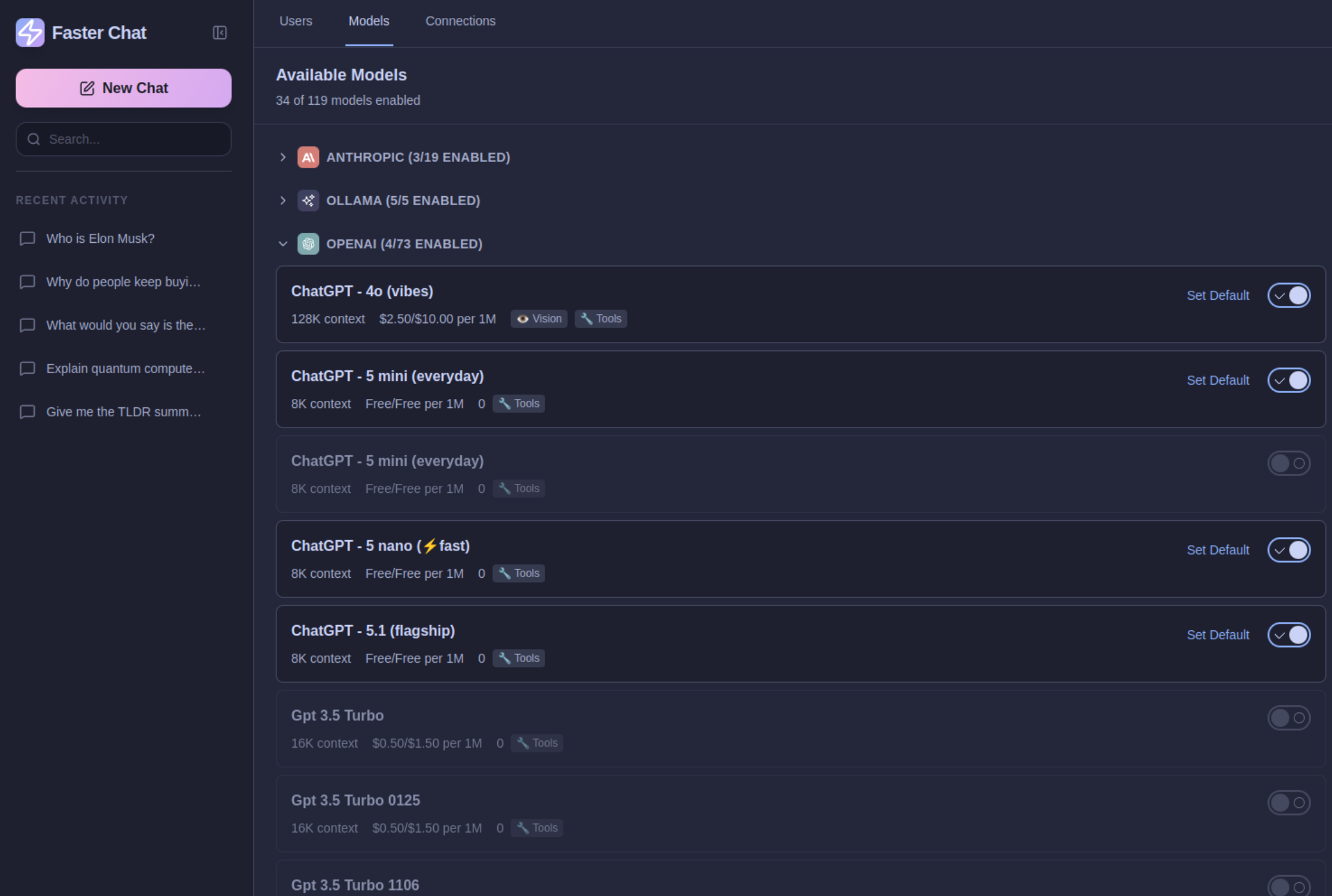
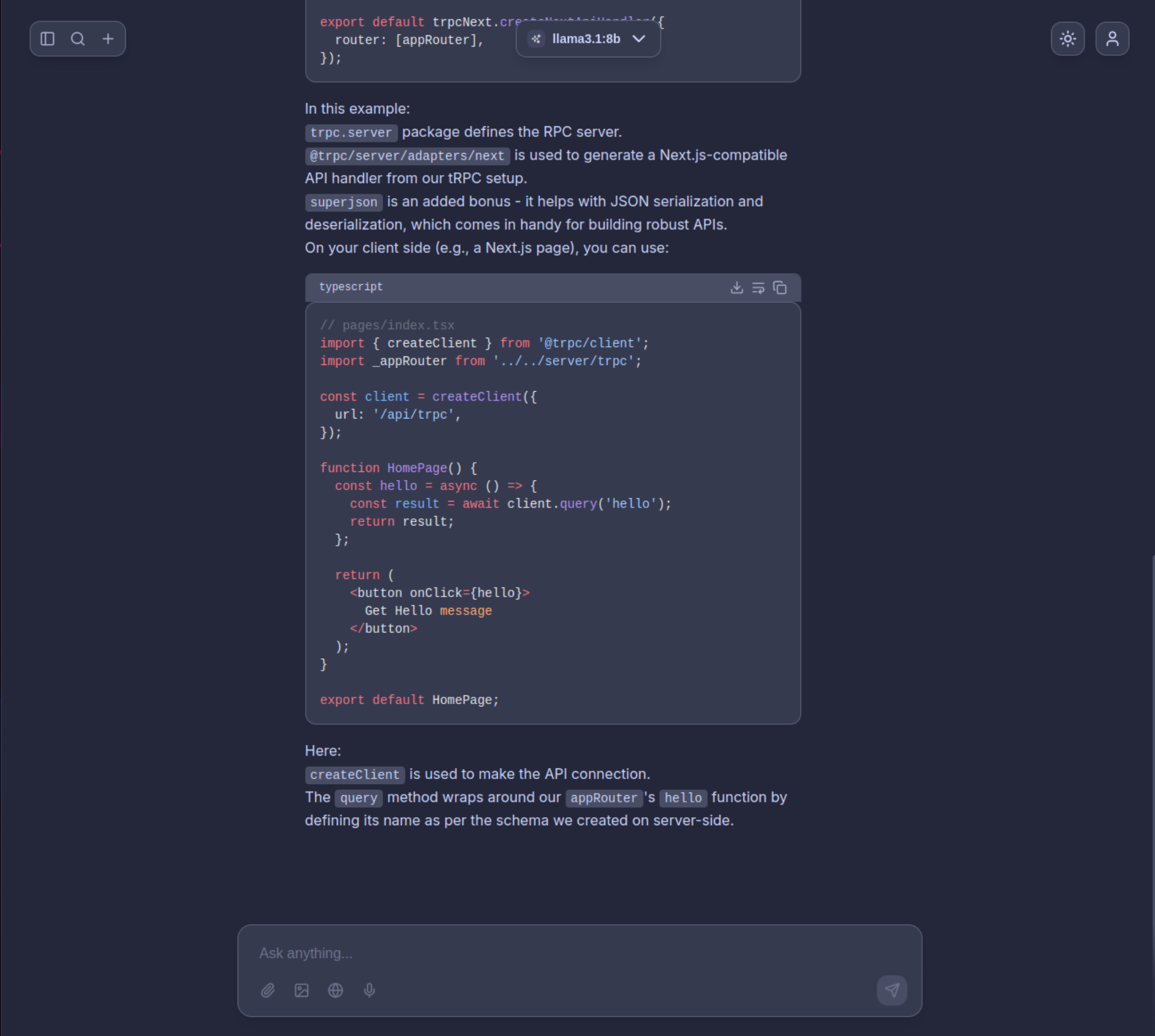
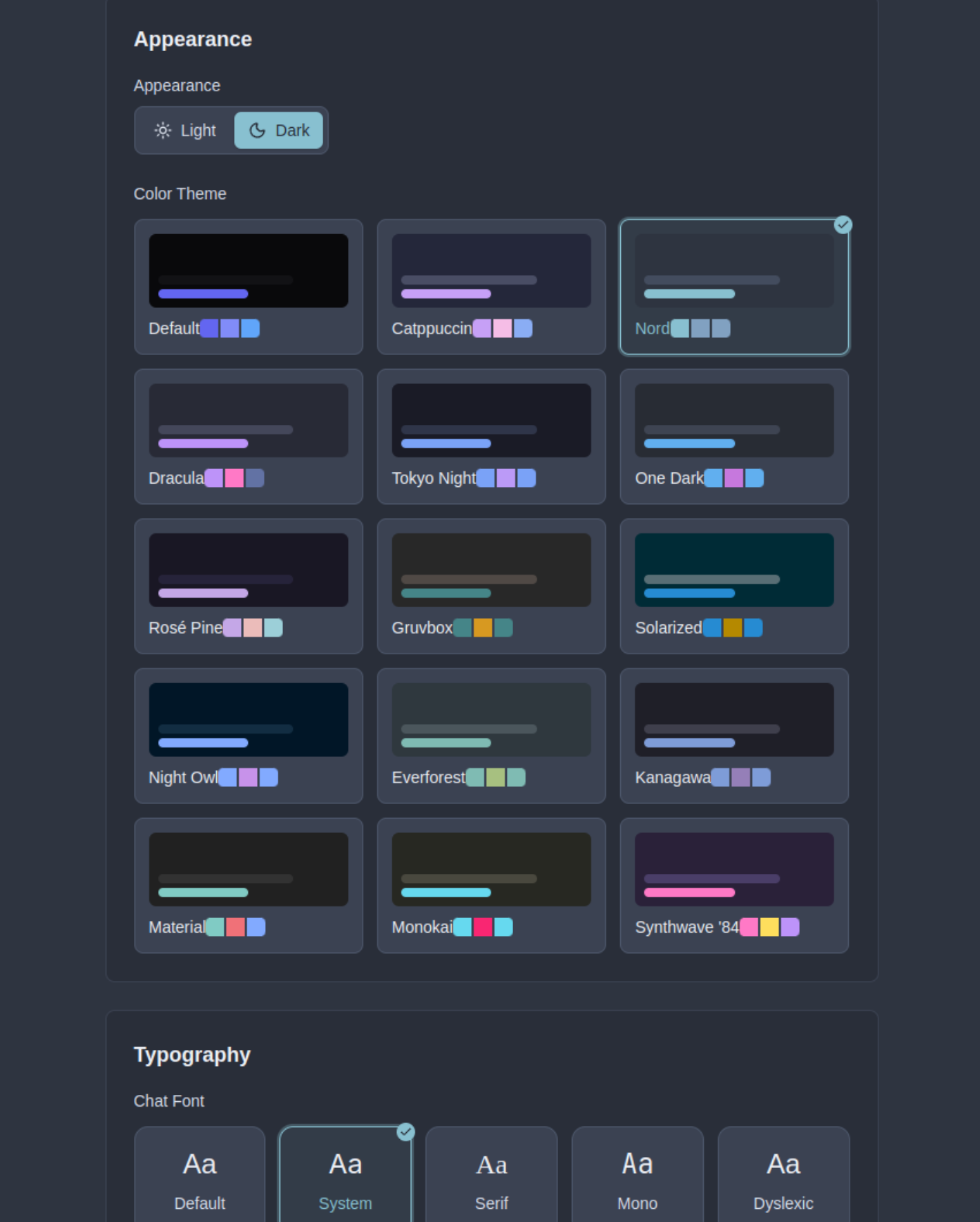
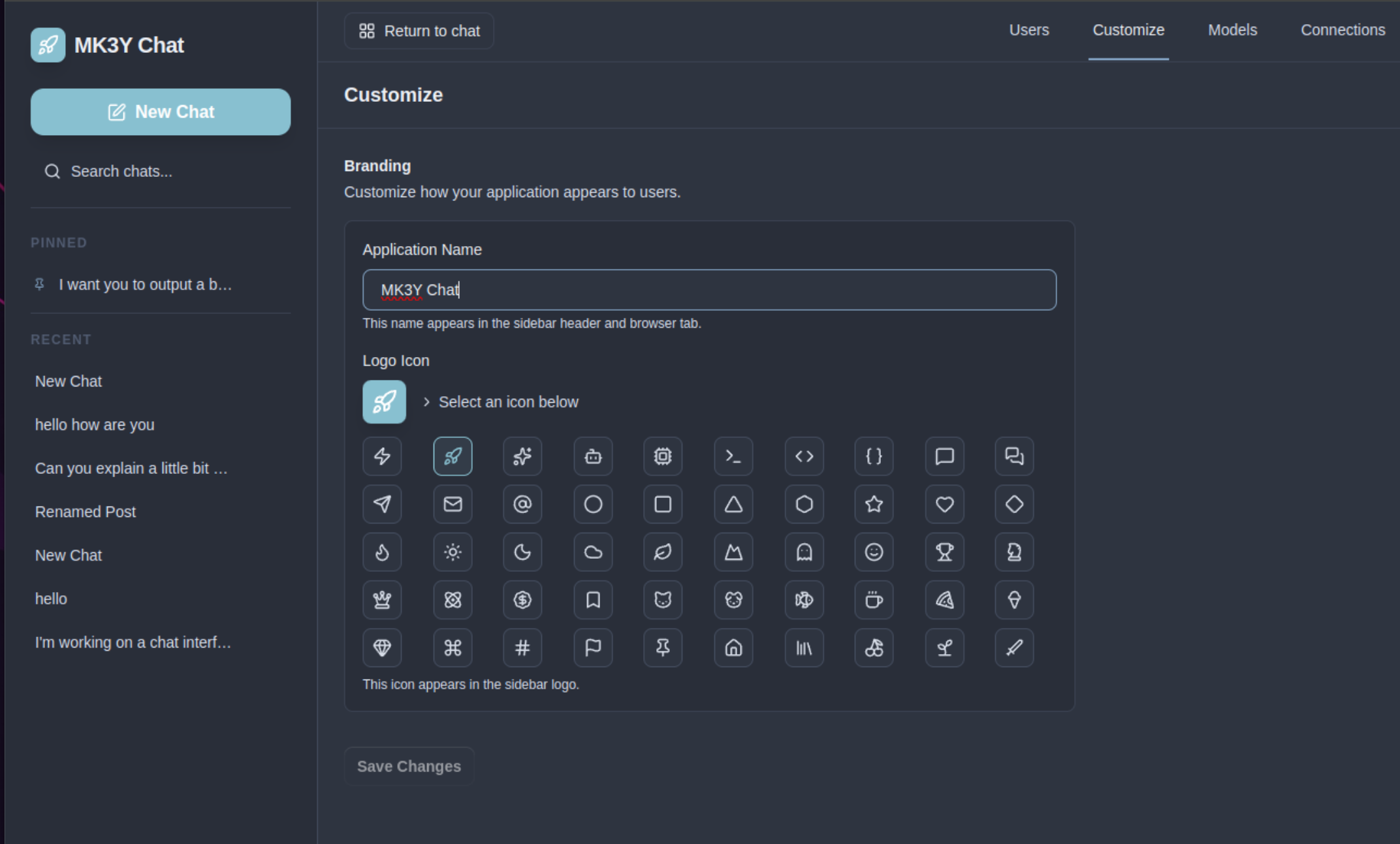
This self-hosted web application lets you chat with AI models while keeping full control over your data. It supports 17 built-in providers including OpenAI, Anthropic, Google, Groq, Mistral, and others, plus 50 more discoverable through models.dev. You can also run it entirely offline with local inference engines like Ollama or LM Studio. The tech stack centers on Preact for a tiny 3 KB runtime, Hono for the backend, TanStack Router and Query for client state, Tailwind CSS 4.1 for styling, and Bun for fast builds. Conversations are stored in a server-side SQLite database with IndexedDB caching in the browser. Core capabilities include streaming chat, cross-conversation memory that the AI builds automatically, web search via Brave Search with citations, image upload for vision models, image generation through DALL-E 3 and FLUX, ChatGPT conversation import, markdown with code highlighting and LaTeX, voice input and output, 15-plus themes with dark and light modes, keyboard shortcuts, and a responsive layout. Administration features cover multi-user authentication with three roles, encrypted API key storage, a provider hub that auto-discovers models, one-click Ollama model downloads from the UI, and white-labeling options. Deployment uses Docker Compose on port 8787 with an optional Caddy reverse proxy for automatic HTTPS. The project is in maintenance mode with no plans for RAG, plugins, PostgreSQL, or native mobile apps.
Should you self-host faster-chat?
faster-chat scores 47/100 on selfhost.directory (how scoring works) and ranks #36 of 69 in AI Chat. It has 175 GitHub stars.
It shipped 1 stable release in the past year. The latest, v0.2.1, came out on 24 April 2026.
Setup is moderate: expect some configuration beyond a single command. It is MIT-licensed and written mostly in JavaScript.
Its closest alternative on selfhost.directory is Onyx Community Edition (80/100, 33 047 stars). It scores higher overall, so compare the two before you pick. See faster-chat vs Onyx Community Edition side by side.
Features
- ChatGPT import
- Cross-conversation memory
- Encrypted API Key Storage
- File attachments
- Image Generation
- Image upload and vision
- Keyboard Shortcuts
- Markdown rendering with syntax highlighting and LaTeX
- Multi-Provider LLM Support
- Multi-user authentication with RBAC
- Offline/local model support
- Real-time streaming chat
- Themable UI with dark/light mode
- Voice Input/Output
- Web Search
faster-chat README
More in AI Chat
 Flamehaven-FilesearchSelf-hosted RAG search engine with BM25+semantic hybrid search across 34 formats, multi-LLM support (Gemini, OpenAI, Claude, Ollama) for private document search.
 FlowcatFlowcat is an open-source, self-hosted Rust runtime for real-time voice agents — single binary, no hosted control plane, native SIP/RTP/WebRTC, 80+ provider connectors.
 frank-botFrank Bot is a self-hosted, open-source RAG chatbot using ChromaDB and Anthropic Claude. Designed for Australian workplaces with 12 industry-tuned vertical personalities.
 Free-GPT4-WEB-APISelf-hosted, open-source web API for free, unlimited access to LLMs like GPT-4, Gemini, DeepSeek, and Claude via a single HTTP endpoint with optional web GUI.
 fuseaifuseai is a self-hosted, open-source web app to chat with OpenAI's ChatGPT API. Supports single-user and multi-user modes with email auth, uses SQLite, runs via Docker.
 gemini-web2api-goRun your own OpenAI-compatible endpoint for Google's free Gemini web UI — no API key, no paid tier. Single Go binary or Docker image with dashboard, cookie/proxy pools.
 ggrunggrun is a self-hosted terminal UI for discovering, downloading, and running local GGUF models with automatic multi-GPU memory placement and an OpenAI-compatible API.
 GPTPortalGPTPortal is a self-hosted, open-source Node.js web app providing a unified chat interface for multiple LLM providers and local endpoints like Ollama.
 gpt-researcherSelf-hosted, open-source deep research agent: a planner splits your question, parallel researchers scan 20+ web or local sources, and it writes a cited report.
 GuaardvarkSelf-hosted AI studio on your own GPU: chat with your files (RAG), screen and browser agents, coding swarms, LoRA training, an MCP server for Claude Code and Cursor, and local video, image, music and voice generation. No telemetry.
 hal0hal0 is a self-hosted, open-source AI inference platform turning a Linux machine into a private OpenAI-compatible appliance.
 hermesclawSelf-hosted Python proxy running Hermes Agent, OpenClaw, and OpenCode on one WeChat account via iLink polling, local proxies, and ACP bridge.
0 comments