
Self-host Free-GPT4-WEB-API
1.1.3Self-hosted API gateway for free LLM access
- Stars
- 726
- Port
- 5500 (HTTP API and Web GUI)
d0ckmg/free-gpt4-web-api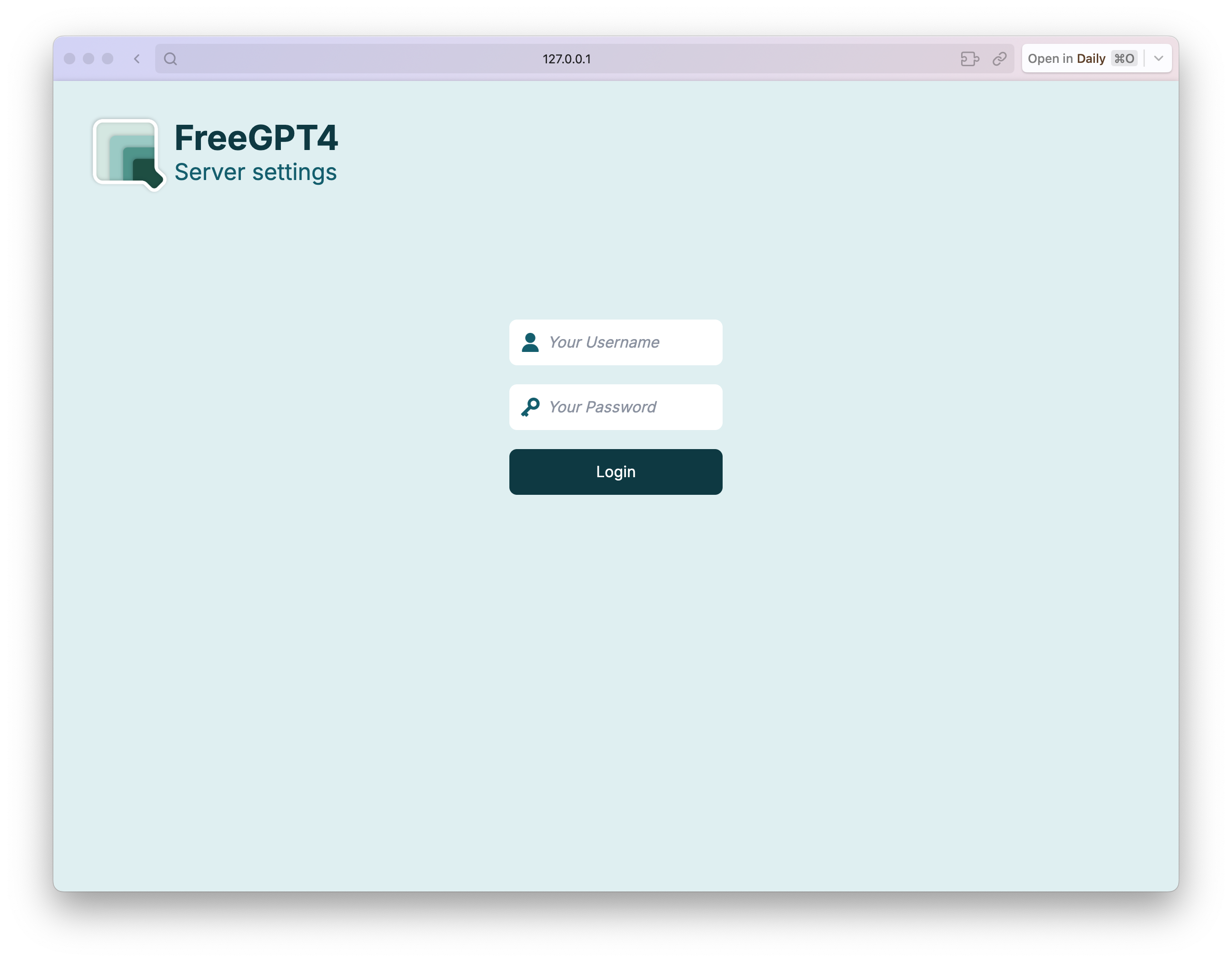
What is Free-GPT4-WEB-API?
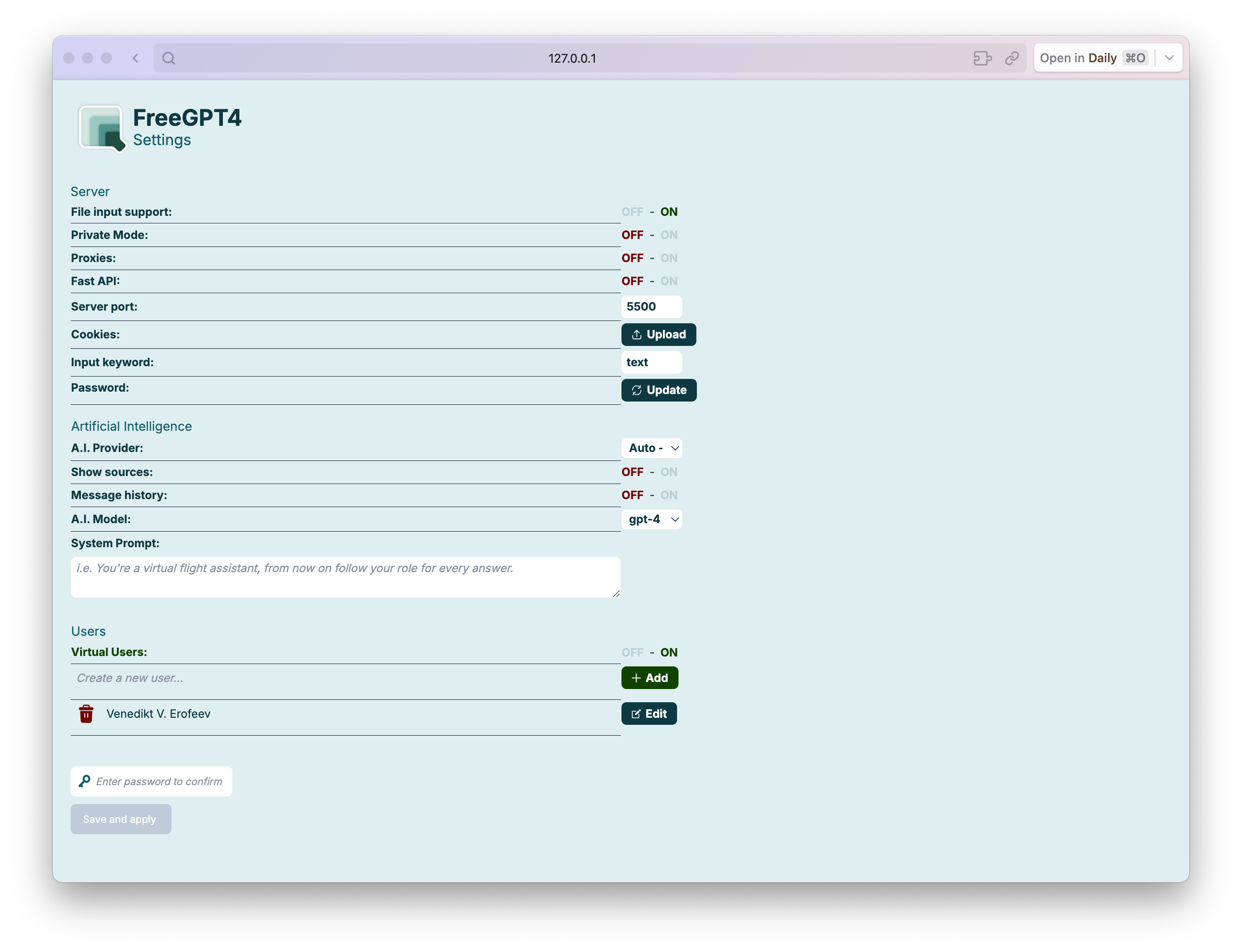
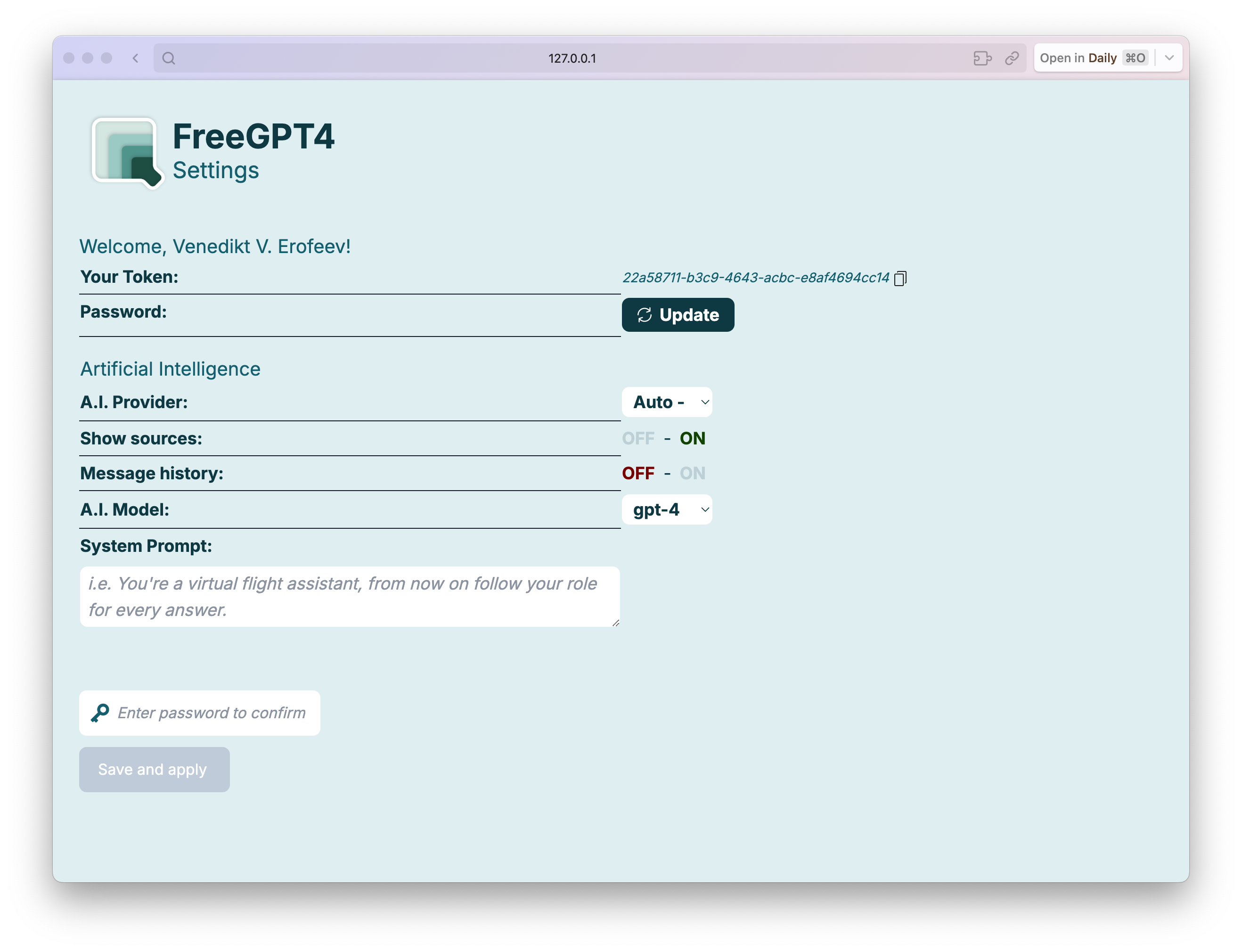
Free-GPT4-WEB-API aggregates several free LLM providers into one HTTP API that you can run yourself. It supports models such as GPT-4, GPT-4o, and DeepSeek-R1, and automatically falls back between providers when one fails. The project ships a Docker image and a docker-compose file, plus a Python installation method. An optional browser-based GUI lets you configure models, providers, cookies, and passwords. Extra features include proxy support, a private token mode, conversation history, file uploads, virtual users to spread load, and an Apple Shortcut for Siri voice queries. The server listens on port 5500 by default and requires Python 3.8 with Flask, g4f, aiohttp, and Werkzeug.
Should you self-host Free-GPT4-WEB-API?
Free-GPT4-WEB-API scores 51/100 on selfhost.directory (how scoring works) and ranks #25 of 69 in AI Chat. It has 726 GitHub stars.
It shipped 2 stable releases in the past year. The latest, 1.1.3, came out on 12 May 2026. New versions land roughly every 4 months.
Setup is moderate: expect some configuration beyond a single command. An official Docker image is available. It is GPL-3.0-licensed and written mostly in Python.
Its closest alternative on selfhost.directory is LibreChat (85/100, 46 421 stars). It scores higher overall, so compare the two before you pick. See Free-GPT4-WEB-API vs LibreChat side by side.
Features
- Configurable query keyword
- Cookie-based Authentication
- Custom system prompt
- Docker and docker-compose support
- File input support
- Message History
- Multi-provider LLM access
- Password-protected settings
- Private mode with token auth
- Provider fallback and health monitoring
- Proxy Support
- Siri Integration
- Smart timeout handling
- Virtual Users
- Web GUI for configuration
Free-GPT4-WEB-API README
More in LLM Integration
 gatewayLunarGate is a self-hosted, open-source AI gateway exposing an OpenAI-compatible endpoint with multi-provider routing, retries, fallbacks, and circuit breakers.
 gemini-web2api-goRun your own OpenAI-compatible endpoint for Google's free Gemini web UI — no API key, no paid tier. Single Go binary or Docker image with dashboard, cookie/proxy pools.
 GitingestOpen-source tool that turns a Git repository into one prompt-ready text digest for LLMs. Use the CLI, the Python package, or a self-hosted Docker web server.
 GoModelThis open-source, self-hosted AI gateway in Go unifies 34 LLM providers behind OpenAI-style and Anthropic-style APIs, adding budgets, caching, routing and audit logs.
 GPT-LoadAn open-source, self-hosted AI gateway routing one endpoint to 35 upstream channels — key credentials and subscription logins, with failover, logs and cost estimates.
 HarnessRouterSelf-hosted, open-source gateway running Codex, Claude Code and other agent harnesses behind one OpenAI Responses-compatible API with sessions, streaming and files.
 hermes-studioEkko Studio unites chat agents and 14 coding CLIs in one self-hosted web console with group chat, visual workflows, profiles, voice, and device sync.
 HindsightOpen-source agent memory server with retain, recall and reflect APIs, a web control plane and a built-in MCP endpoint; self-hosted via Docker, pip or Helm.
 homellmRun your own ChatGPT alternative with this Docker Compose stack combining Open WebUI, LiteLLM, and Traefik for multi-provider LLM access and token tracking.
 inference-gatewaySelf-hosted gateway that routes requests to 16+ LLM providers through a single OpenAI-compatible endpoint with MCP tools, A2A agents, guardrails, and observability.
 IsartorA self-hosted, open-source gateway that sits between AI coding assistants and LLM providers, using local caching and small models to eliminate most repeated cloud calls.
 kotaemonSelf-hosted open-source RAG chat UI for QA over your own documents, with hybrid retrieval, PDF citations, multi-user collections and local LLMs via Ollama.
0 comments