
Self-host Django-link-archive
Self-hosted link database and RSS reader
- Stars
- 149
- Port
- 8000 (Django web application)
- Requires
- Crawler-buddy, PostgreSQL, RabbitMQ
rozbujnik/django-link-archive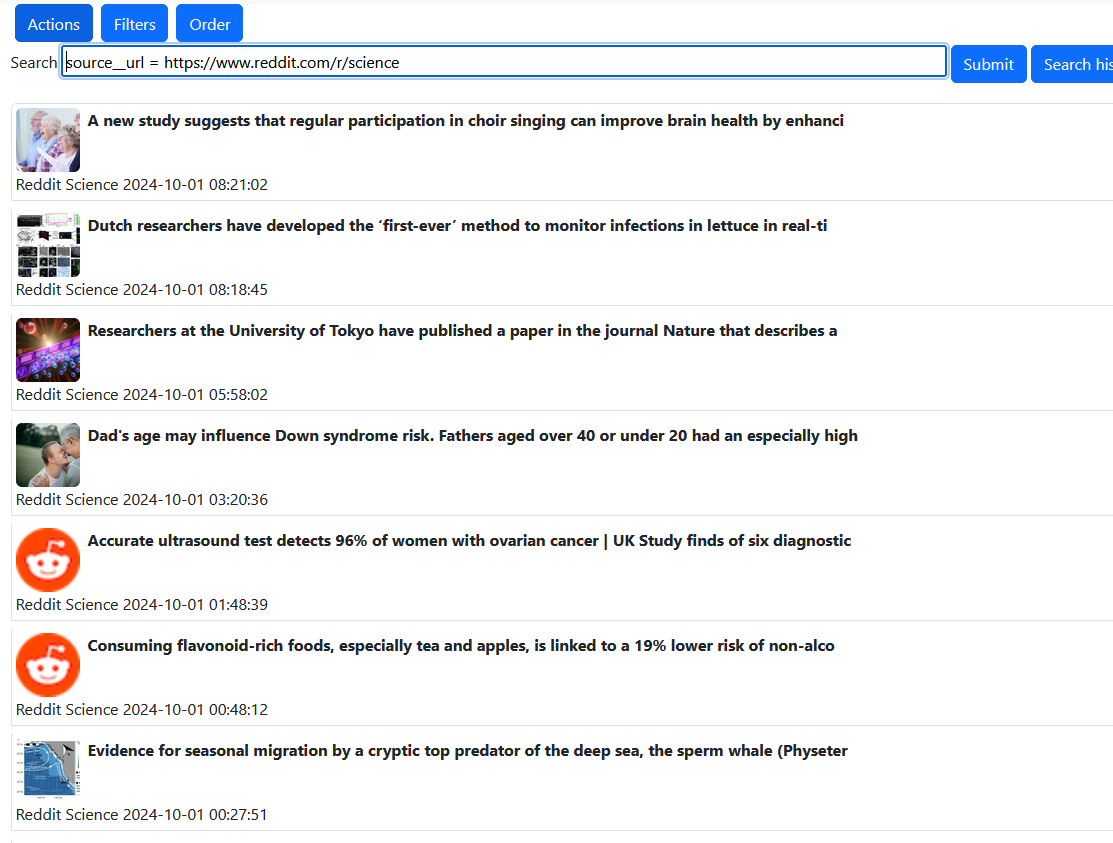


What is Django-link-archive?
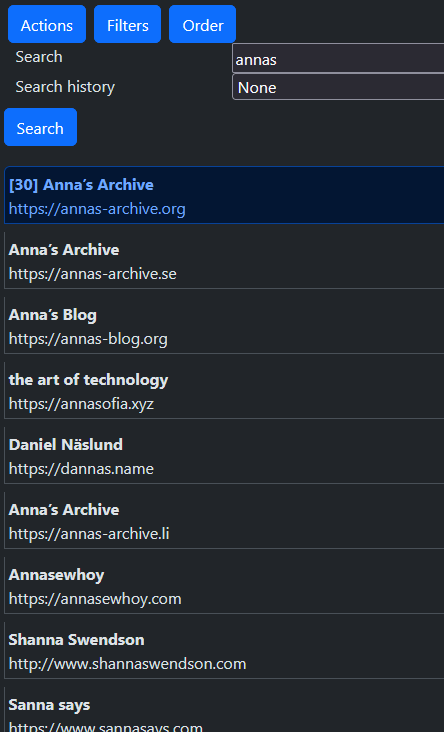
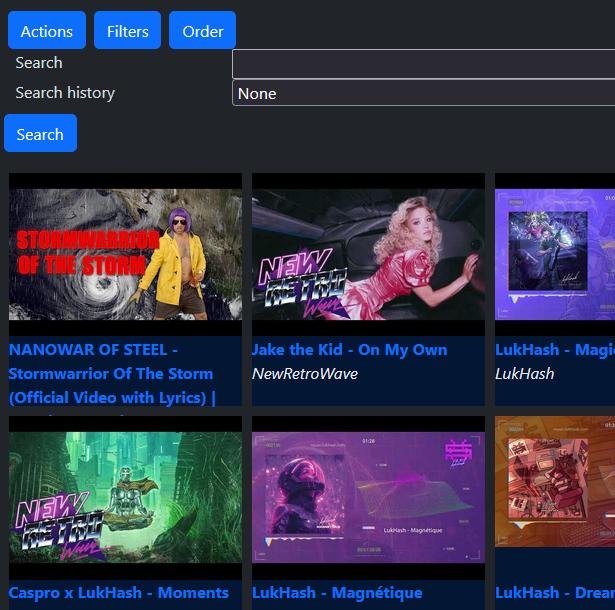
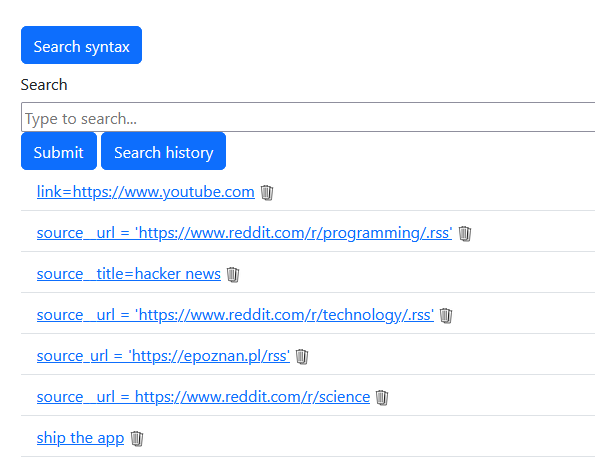
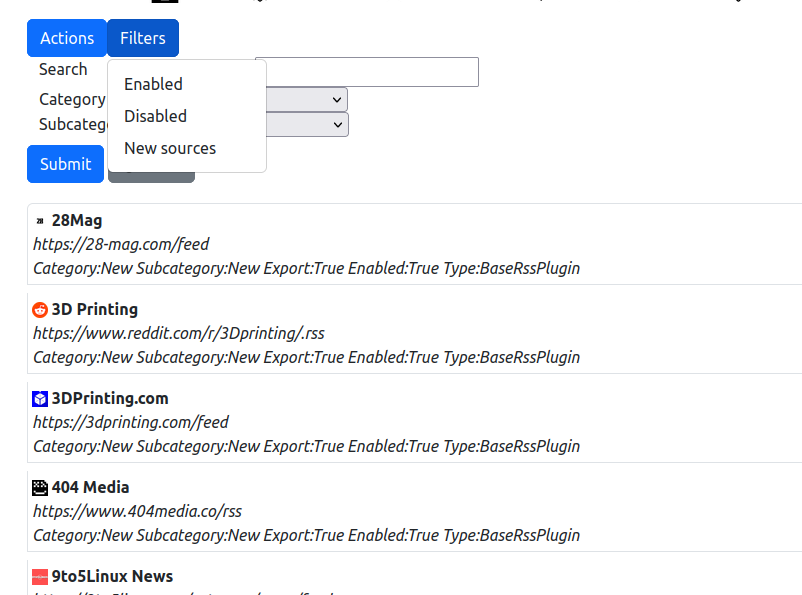
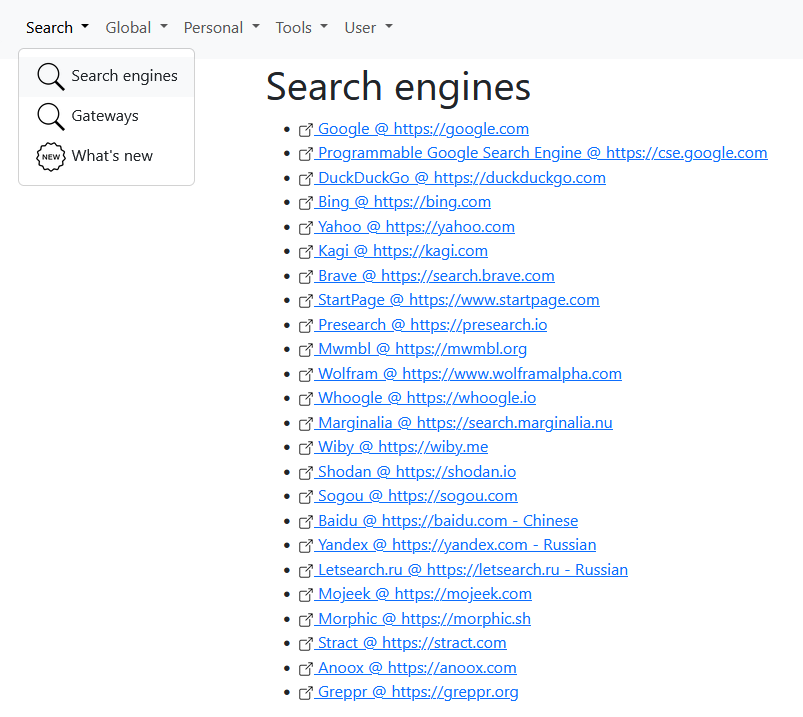
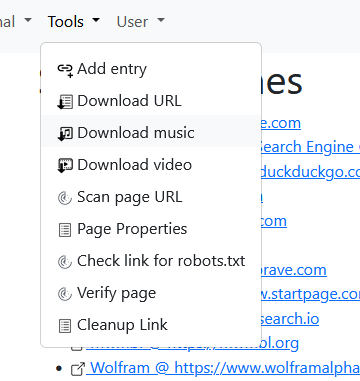
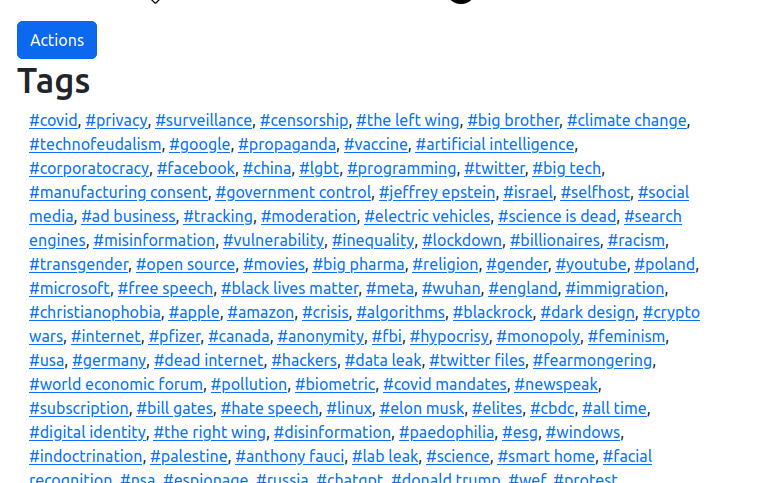
Django-link-archive is a self-hosted personal link database and RSS aggregator built with Django. It lets you collect and organize bookmarks from RSS feeds (YouTube, Reddit, Odysee, OPML), IMAP email servers, and web crawling into a searchable archive with tags, comments, and voting. The web UI offers standard list, gallery, and search-engine views with light/dark themes. It supports automatic exports to GitHub or local directories, YouTube video downloading via yt-dlp, and link rot analysis. The stack runs on PostgreSQL with RabbitMQ and Celery for background tasks, and includes a companion crawler service (crawler-buddy). Installation is via Docker Compose or manual Poetry setup, and the author reports it runs on a Raspberry Pi 5. The project is licensed under GPL-3.0.
Should you self-host Django-link-archive?
Django-link-archive scores 39/100 on selfhost.directory (how scoring works) and ranks #39 of 46 in Bookmarks & Link Sharing. It has 149 GitHub stars.
There was no stable release in the past 12 months, so check the repository's recent activity before you rely on it.
Setup is advanced: plan for several services and some ongoing maintenance. An official Docker image is available. It is GPL-3.0-licensed and written mostly in Python.
Its closest alternative on selfhost.directory is Karakeep (82/100, 30 117 stars). It scores higher overall, so compare the two before you pick. See Django-link-archive vs Karakeep side by side.
Features
- Automatic Exports
- Bookmark Management
- GitHub export
- IMAP email clientGmail not supported due to hostile IMAP implementation
- Internet Archive integration
- Kiosk Mode
- Link search
- Multi-user support
- RSS Feed Aggregation
- Spaces
- Tracking URL cleanup
- User action tracking
- Web CrawlingEthical crawling only, no proxy rotation
- YouTube Download
Django-link-archive README
More in Bookmarks & Link Sharing
 docker-flareFlare is a lightweight, open-source bookmark navigation start page that stores everything in plain YAML files with no database, runs in under 30 MB RAM.
 docker-shioriSelf-hosted Docker image for Shiori bookmark manager with SQLite, MySQL, and PostgreSQL database support.
 eselsohrSelf-hosted bookmark manager using capability-based security instead of user accounts. Written in Haskell, runs as a single binary or Docker container.
 EspialOpen-source, self-hosted bookmark server with multiple accounts, tagging, a browser bookmarklet, REST API and snapshot archiving via ArchiveBox or the Wayback Machine.
 favedFree open-source bookmark manager with nested tags, automatic metadata fetching and browser/Raindrop/Pocket import, self-hosted as one Docker container.
 flareFlare is a self-hosted Go bookmark tool with high performance (under 10MB Docker, ~30MB RAM), YAML storage, offline mode, weather, editor, and optional login.
 FlusFlus is a self-hosted, open-source feed aggregator and social bookmarking tool combining RSS/Atom/JSON feeds, read-later lists, and link sharing with collections.
 gobookmarksgobookmarks is a self-hosted start page rendering bookmarks from a plain text file with visual editor, search, and Git-backed history.
 golinksgolinks is a self-hosted, open-source web app that turns your browser's search bar into a command line for smart bookmarks and search aliases.
 go-LinkSavergo-LinkSaver is a simple, open-source link saver you can self-host via Docker or binary. It provides a web GUI for bookmarks with Bootswatch themes.
 gosukiGoSuki is a self-hosted, open-source bookmark manager running as a single binary. It monitors browser bookmarks in real-time and provides web UI, TUI, and CLI access.
 GrimoireOpen-source, self-hosted local-first bookmark manager: saves and extracts pages, PDFs, and YouTube, with keyword, semantic, or hybrid search and optional AI providers.
0 comments