
Self-host Dim0
v0.3.101Open-source AI canvas with notes, mini-apps, agents
- Stars
- 191
- Port
- 8081 (Backend API)
- Requires
- PostgreSQL, Qdrant, Redis
winlp4ever/dim0-backend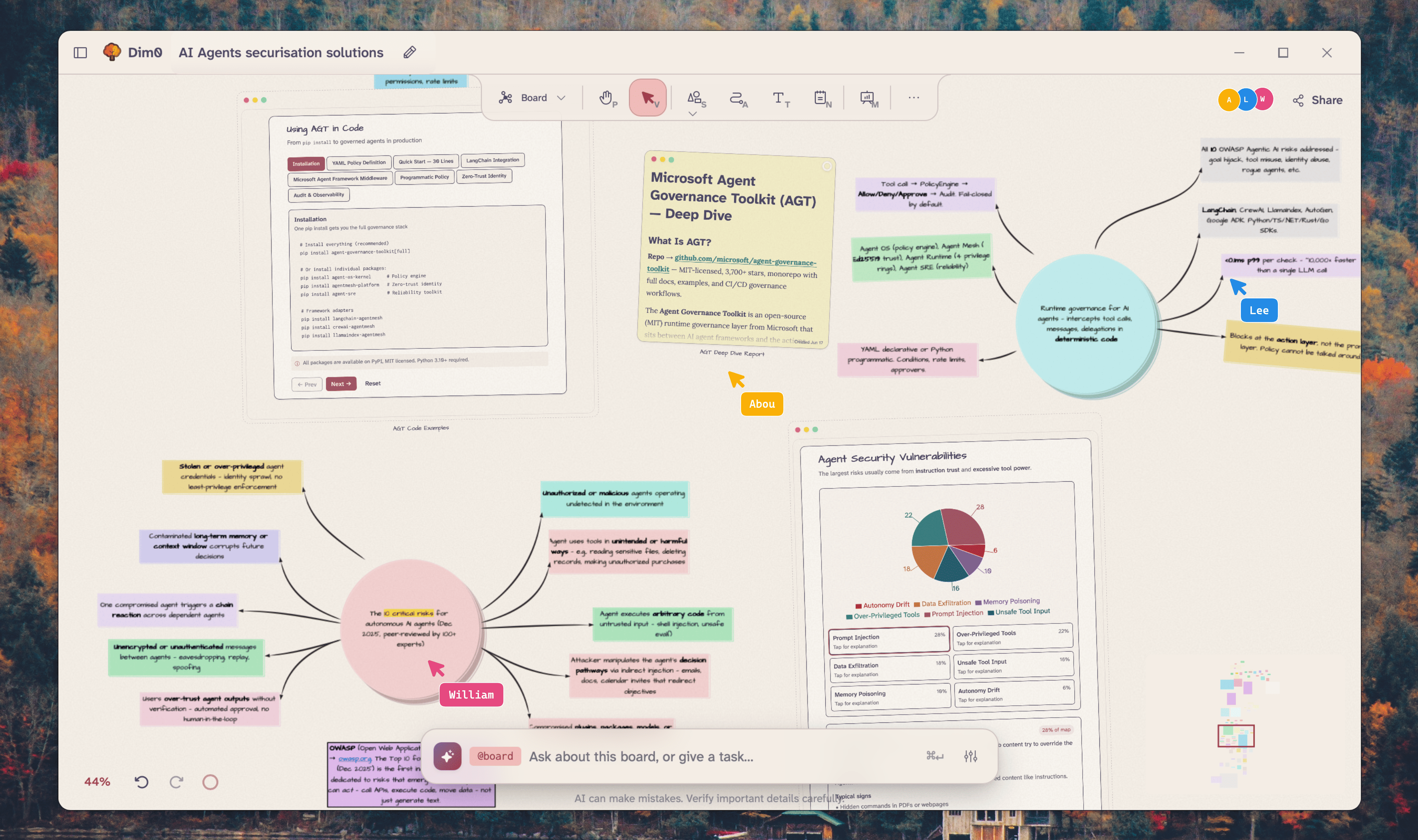
What is Dim0?
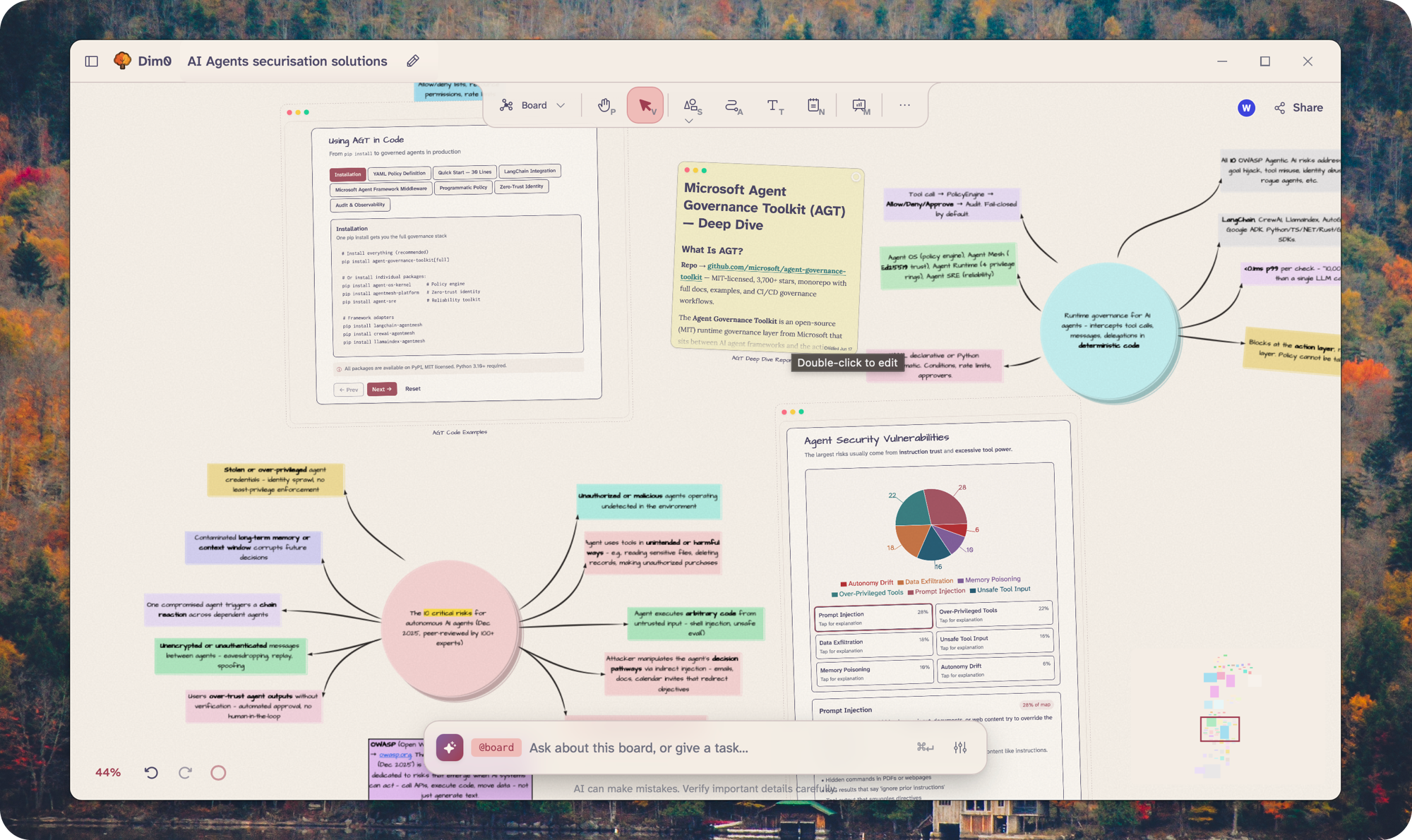
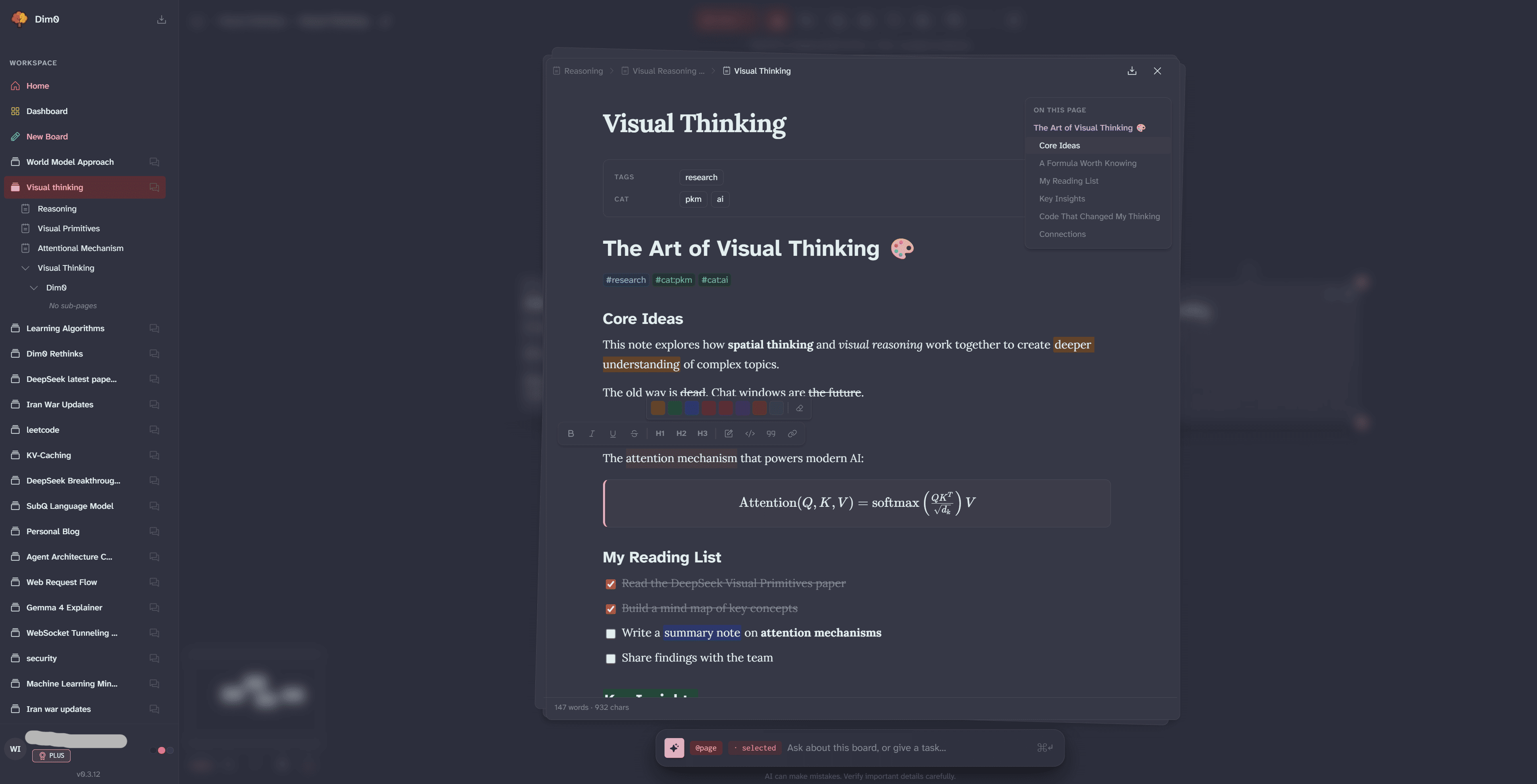
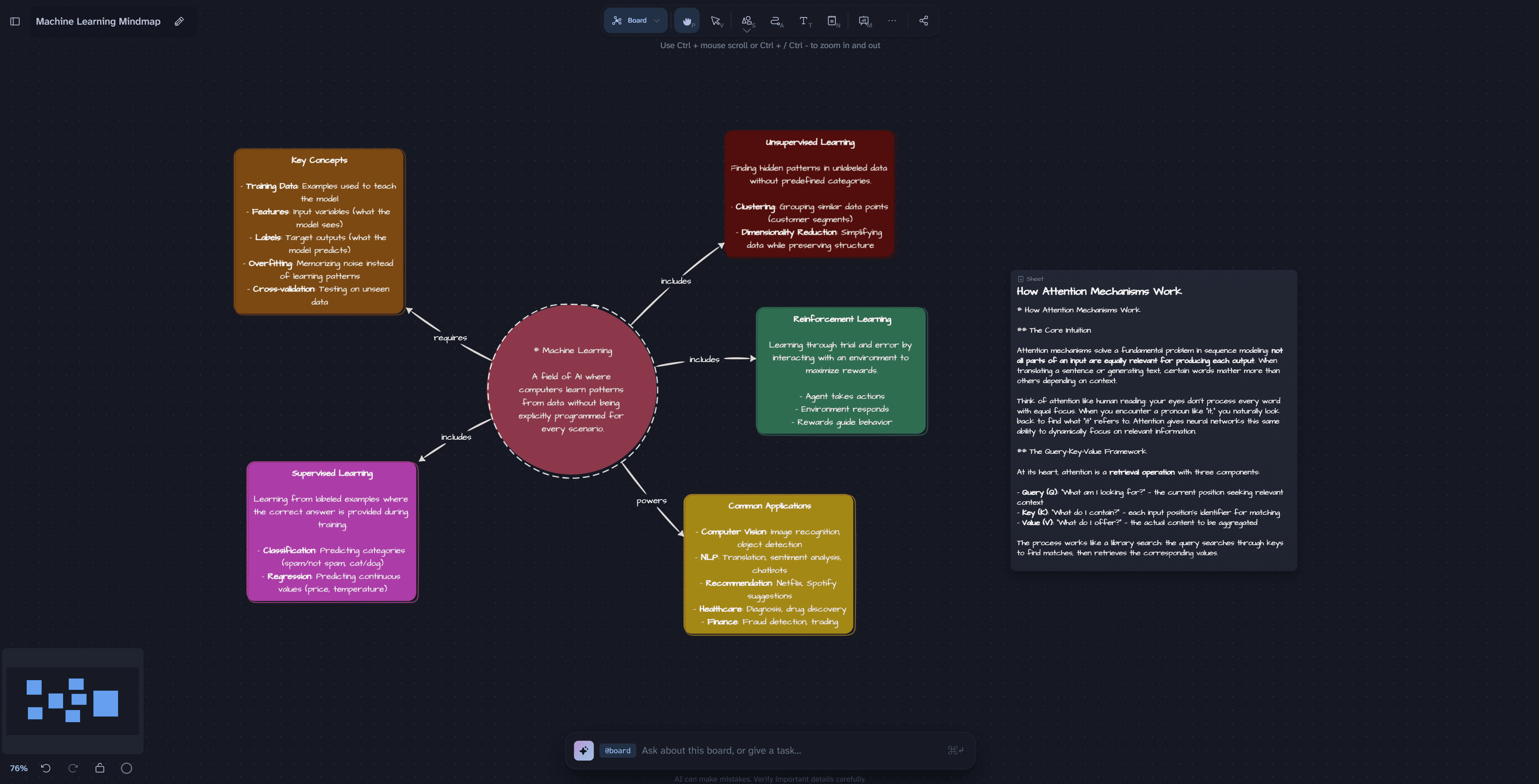
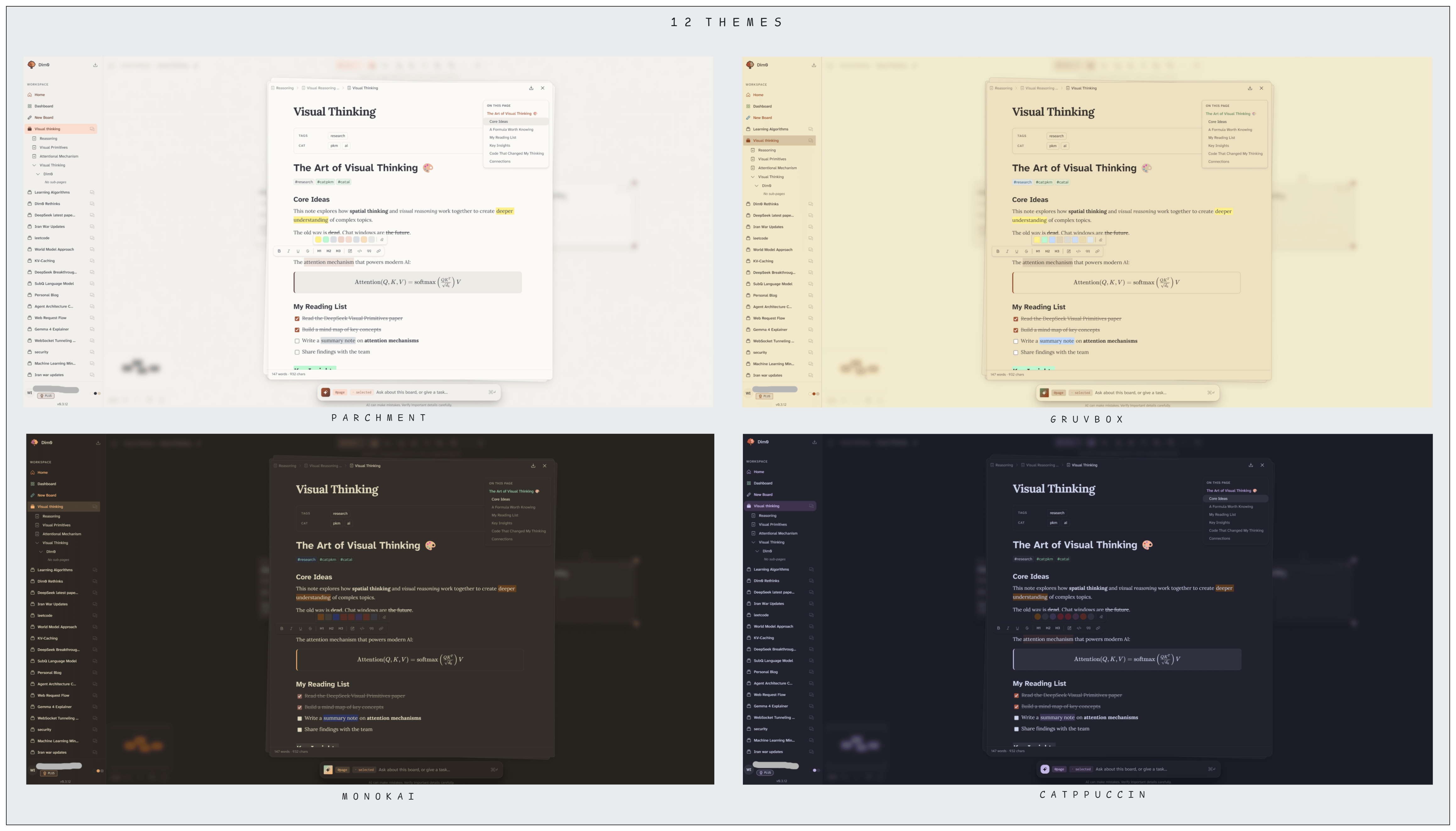
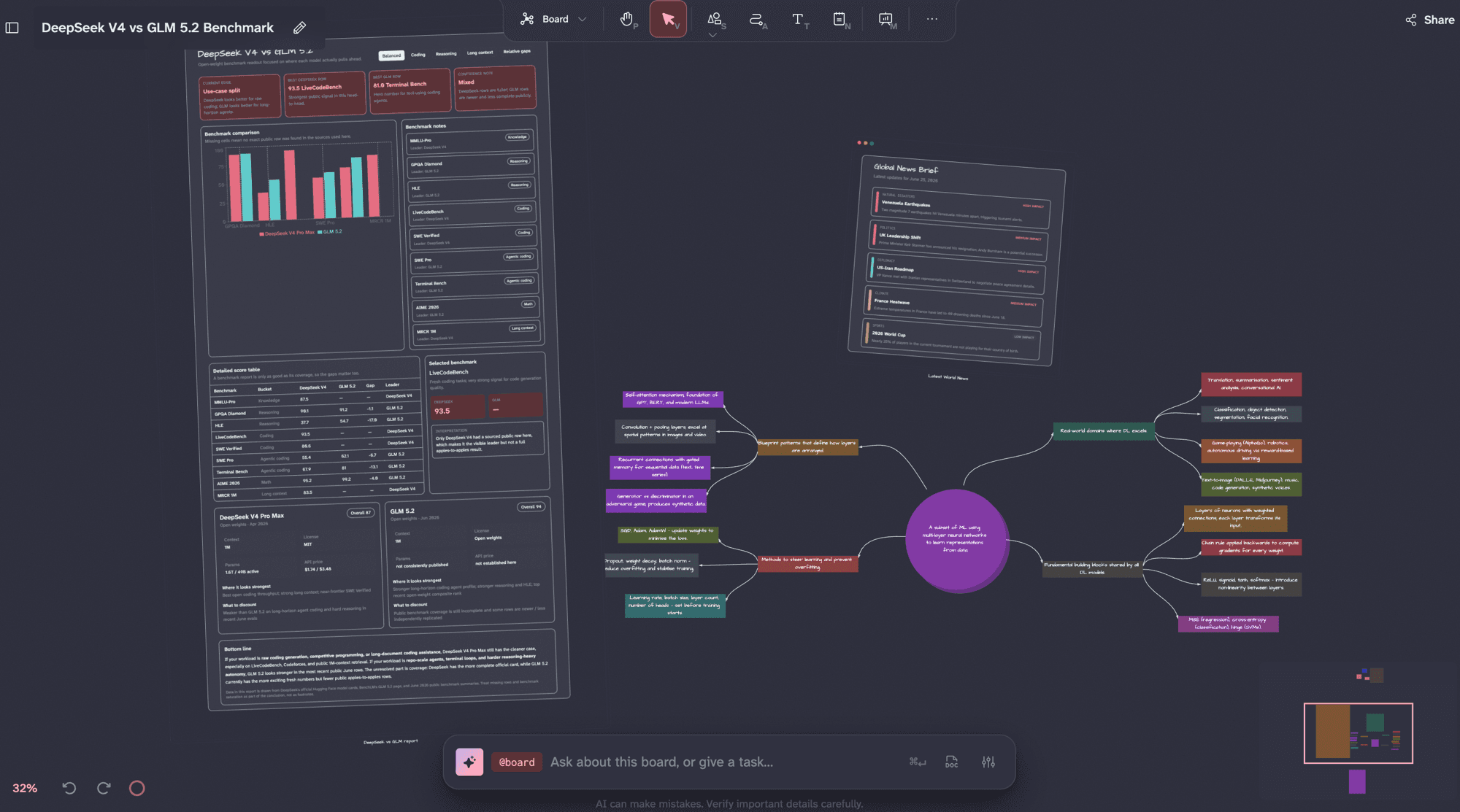
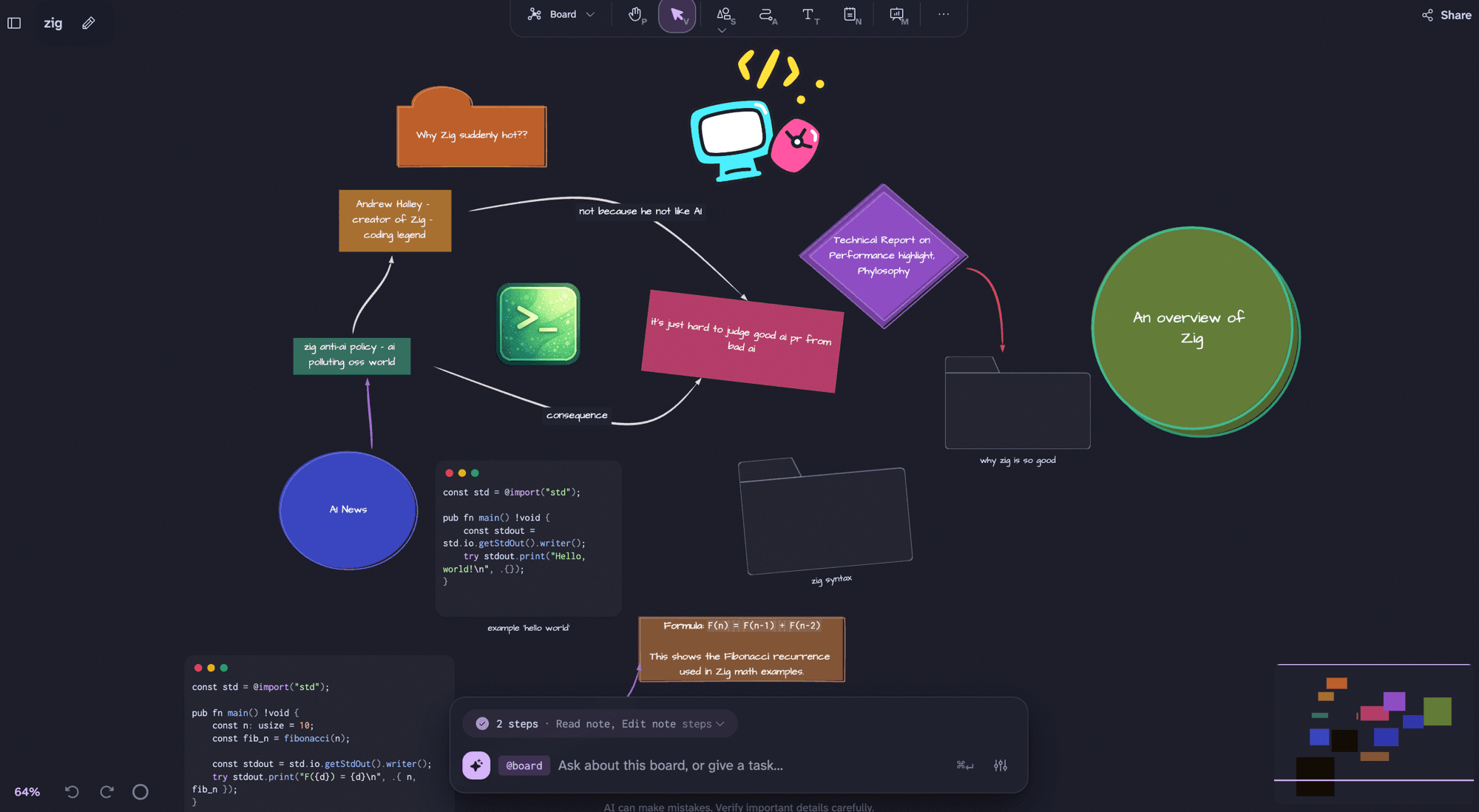
Dim0 is an open-source, real-time collaborative AI canvas that unifies notes, whiteboarding, code sandboxes, and AI agents on a single infinite board. The board holds rich text notes with math and code, hand-drawn and geometric shapes, interactive mini-apps (React apps generated by the agent), uploaded documents for retrieval, nested boards, and presentation frames. A board-aware agent can read the entire canvas, search the web, run code in sandboxes, and drop results back as editable nodes. Real-time multiplayer uses operational transforms for conflict-free sync with live cursors and shared agents. Users bring their own model keys from various providers via OpenRouter or native keys. The project is MIT-licensed and self-hostable via Docker Compose (with PostgreSQL, Qdrant, Redis), a native desktop app (Tauri, macOS/Linux/Windows), or from source. Eight themes include light and dark variants. The cloud version at app.dim0.net offers a free tier with daily/monthly AI request limits and paid plans; self-hosting has no caps.
Should you self-host Dim0?
Dim0 scores 49/100 on selfhost.directory (how scoring works) and ranks #53 of 125 in AI. It has 191 GitHub stars.
It shipped 10 stable releases in the past year. The latest, v0.3.101, came out on 13 October 2026. New versions land roughly every 3 days.
Setup is moderate: expect some configuration beyond a single command. An official Docker image is available. It is MIT-licensed and written mostly in Typescript.
Its closest alternative on selfhost.directory is openhands (87/100, 92 086 stars). It scores higher overall, so compare the two before you pick. See Dim0 vs openhands side by side.
Features
- Board-aware AI agent
- Bring your own model
- Code sandboxes
- Data Export
- Desktop App
- Document RAG
- Infinite canvas
- Mind mapping
- Mini-apps
- Nested boards
- Presentation Mode
- Real-Time Collaboration
- Rich notes
- Whiteboard shapes
Dim0 README
FAQ
What format are my notes stored in?
Pure Markdown. Download any note and paste it into any other editor: Obsidian, VS Code, plain text. Boards export cleanly too. No proprietary blocks, no vendor format you can't walk away from.
How is my data used?
On the cloud: prompts and board context sent only to the model provider you pick, under their terms. No training on your content, no data selling, no profiling, no behavioral telemetry. Self-host: everything stays on your infrastructure.
How big can boards get?
Thousands. The canvas engine (canvas-harness) handles 10k visible nodes at ~80 fps on an M1, idle at ~120 fps. Same league as Excalidraw and tldraw.
Can Dim0 generate interactive apps, like ChatGPT apps or Claude artifacts?
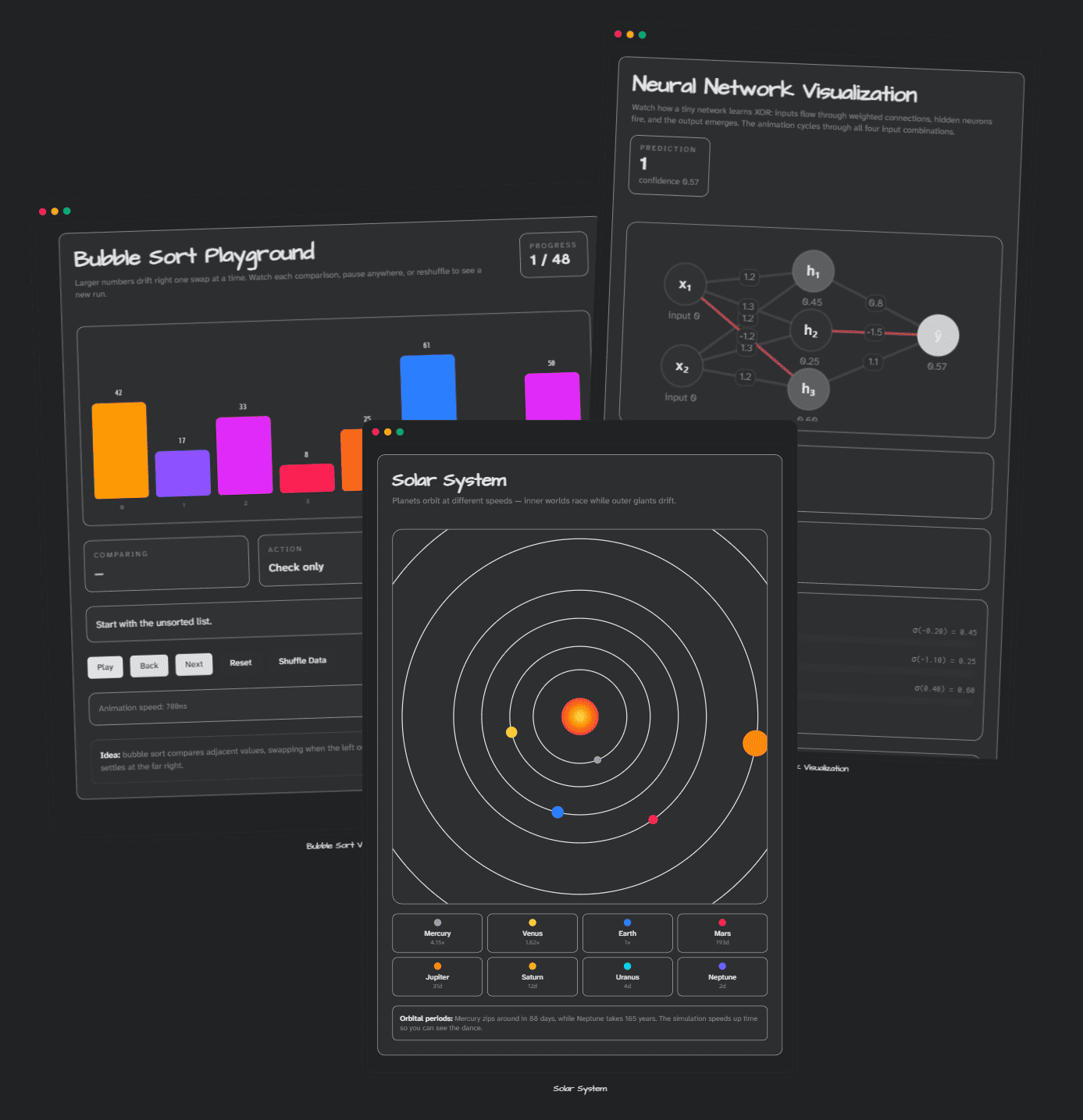
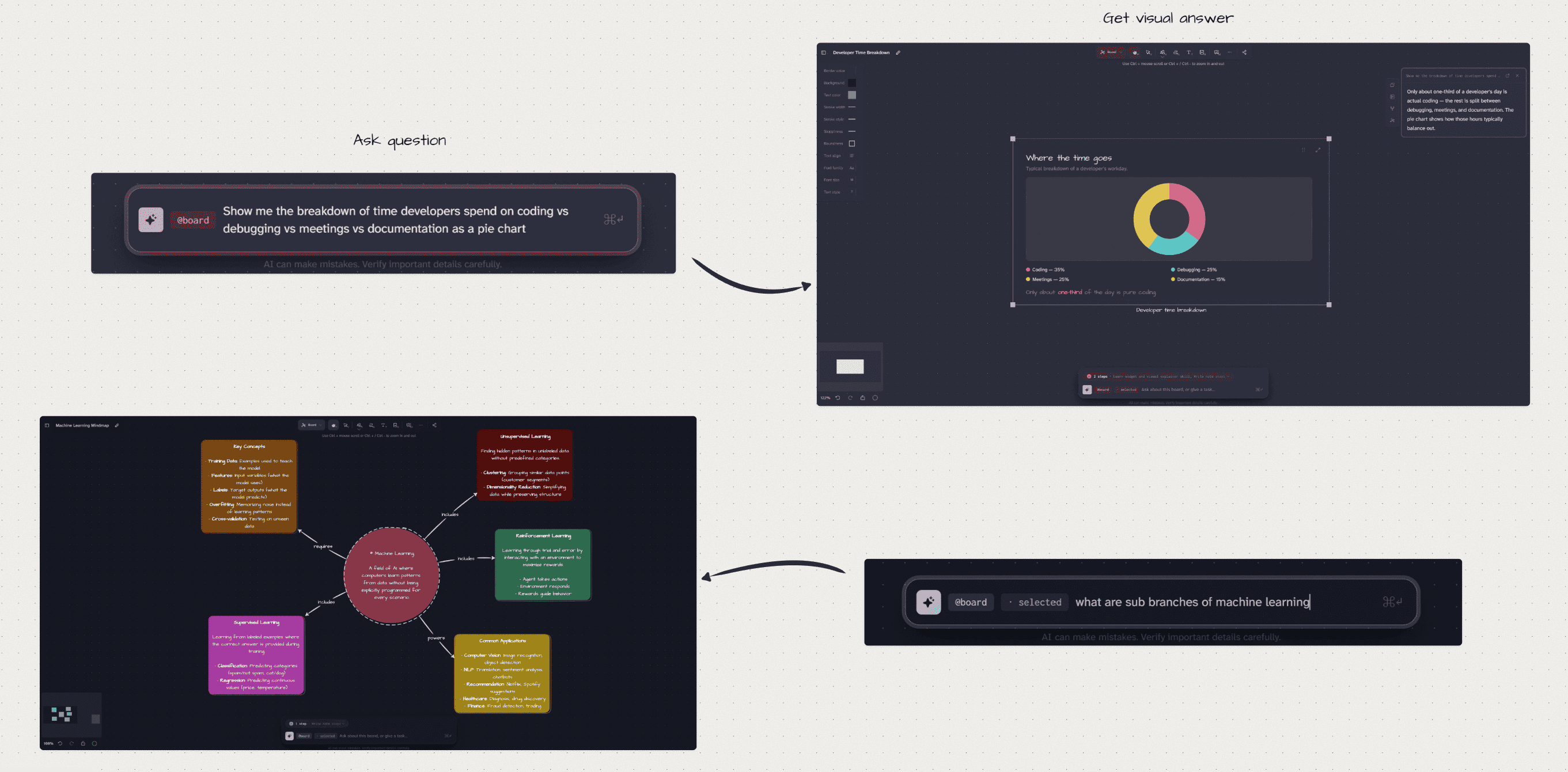
Yes, called mini-apps. Describe what you want and Dim0 generates a real, interactive React app right on your canvas. Unlike an artifact trapped in a chat thread, a mini-app is a node on your board: it persists, your team can use it live, it can read the notes and data next to it, and you can open the code, edit it, or export it.
What can the agent actually do?
Read selected context, search the web, run code, and generate nodes, widgets, charts, or summaries directly on the board.
Why canvas-first instead of chat-first?
Complex thinking is spatial. A canvas keeps structure, relationships, and partial ideas visible at once. Chat buries context.
Is there a desktop or mobile app?
Dim0 runs in the browser today. Tablets work well; phones are read-friendly. Native apps may follow.
How does real-time collaboration work under the hood?
Operational transforms with last-write-wins for conflicts, the same approach Figma and Excalidraw use, not CRDT. Every edit becomes a typed operation, transformed against concurrent edits, applied on the server, then broadcast live.
Can I collaborate with others in real time?
Yes. Real-time multi-user collaboration is live: live cursors, presence, edits that sync without merge conflicts, and shared AI agents that work on the same board.
Which AI models?
Claude, GPT, Gemini, Mistral, DeepSeek, Qwen, Kimi, GLM. Pick what you trust; switch anytime.
Is it open source?
Yes. Inspect it, fork it, self-host it. It's all on GitHub.
Is it free?
Yes, free to use during early access at app.dim0.net. The product is also open source: fork it, self-host it, bring your own model keys.
Is Dim0 a Notion or Excalidraw alternative?
Yes. Dim0 is a Notion alternative and an Excalidraw alternative on one canvas, with a board-aware AI agent on top.
What is Dim0, exactly?
A thinking canvas where notes, docs, code, widgets, and AI agents live on one board together. Rich notes like Notion, freehand shapes like Excalidraw, agents that act on the board, all on the same surface.
More in Collaboration
 dobaseOpen-source, self-hosted workspace combining eight tools — mail, kanban, docs, chat, tasks, files, calendar, video — into one tiling interface on your server.
 docmostSelf-hosted, open-source collaborative wiki with real-time editing, diagrams, AI features, and enterprise SSO as a Confluence/Notion alternative.
 DocsOpen-source collaborative text editor with live cursors, comments and version history — a self-hosted alternative to Notion or Google Docs, built on Django and React.
 DokuwikiDokuWiki is a self-hosted, open-source wiki engine written in PHP that keeps pages, media and users in plain files and offers access control lists and plugins.
 DonetickSelf-hosted, open-source task and chore app for households, with rotating assignments, adaptive recurring schedules and OIDC sign-in.
 DrawpileOpen-source collaborative drawing program with desktop, Android and browser clients, plus a self-hosted drawpile-srv session server you can run with Docker.
 Dungeon ChurchSelf-hosted Docker Compose stack for D&D campaigns: FoundryVTT, Ghost blog, Outline wiki, 5eTools, Red Discord Bot, Node-RED automation. Open-source, deployable anywhere.
 EGroupwareEGroupware is a self-hosted open-source collaboration suite from Germany with email, calendar, contacts, tasks, projects, CRM, chat, and documents. Free CE or paid EPL.
 Element-CallElement Call is a self-hosted, open-source video conferencing app built on Matrix with end-to-end encryption and LiveKit SFU for scalable meetings.
 etherpadAn open-source, self-hosted real-time collaborative document editor that attributes every keystroke to its author and keeps full revision history.
 Euro-Office Document ServerA self-hosted, open-source office document server forked from ONLYOFFICE, with real-time collaborative web editors, WOPI support and first-class Nextcloud integration.
 evc-team-relaySelf-hosted open-source server that brings real-time collaborative editing and web publishing to Obsidian, with SSO auth and Docker Compose setup.
0 comments