Self-host docmost
v0.97.0Open-source collaborative wiki with real-time editing
- Stars
- 22 293
- Port
- 3000 (HTTP application server)
- Requires
- PostgreSQL, Redis
docmost/docmost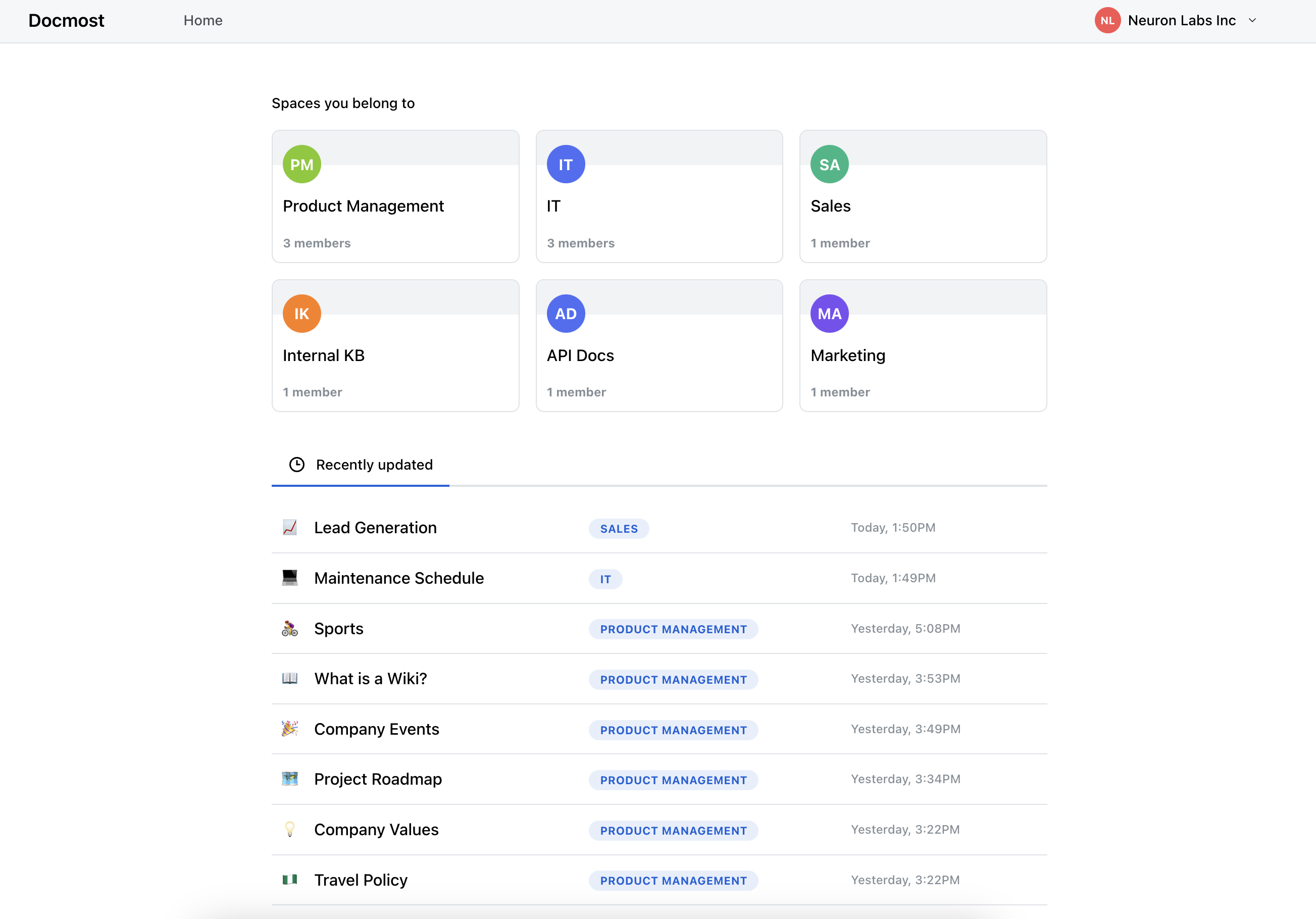


What is docmost?
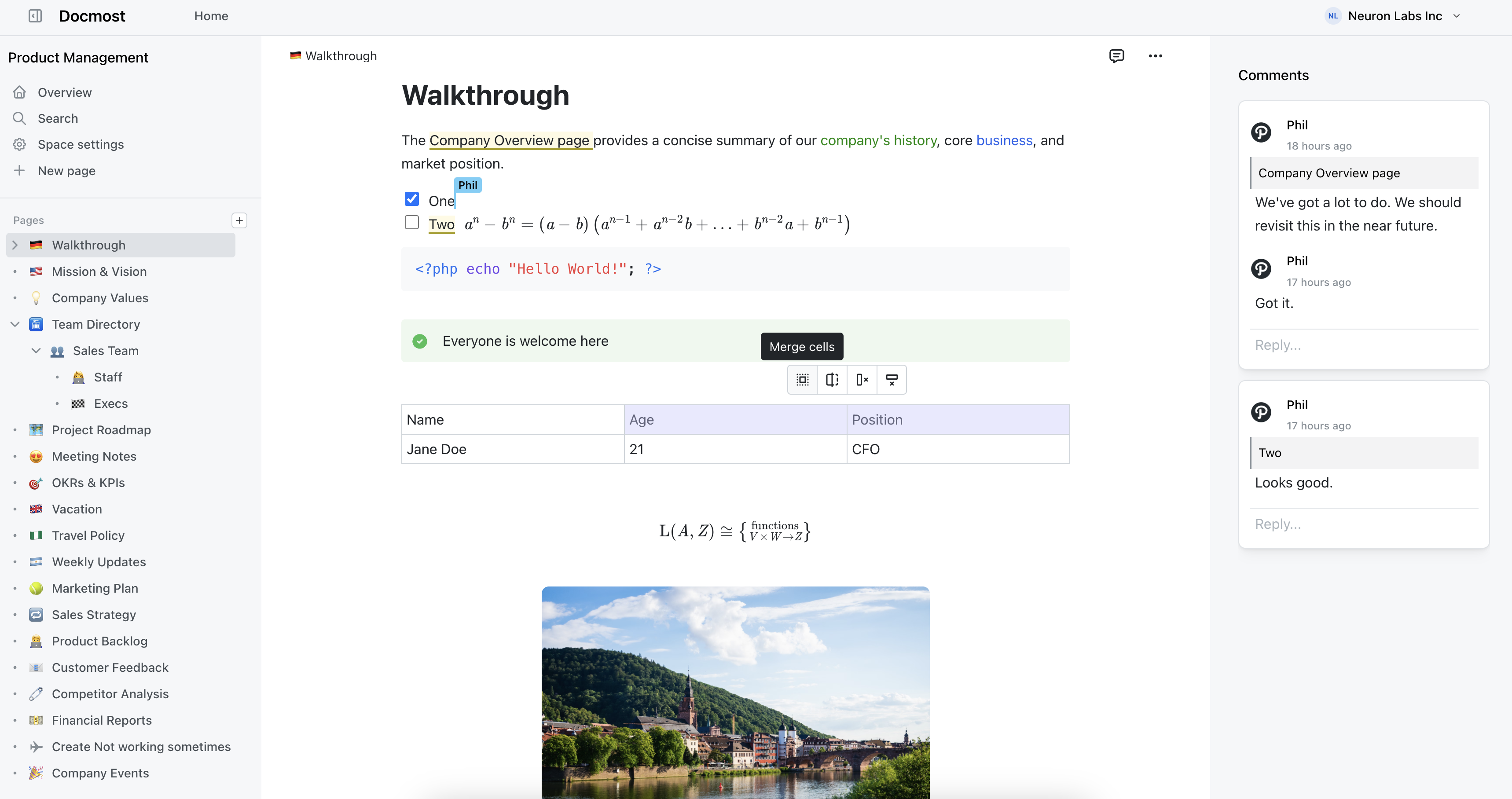
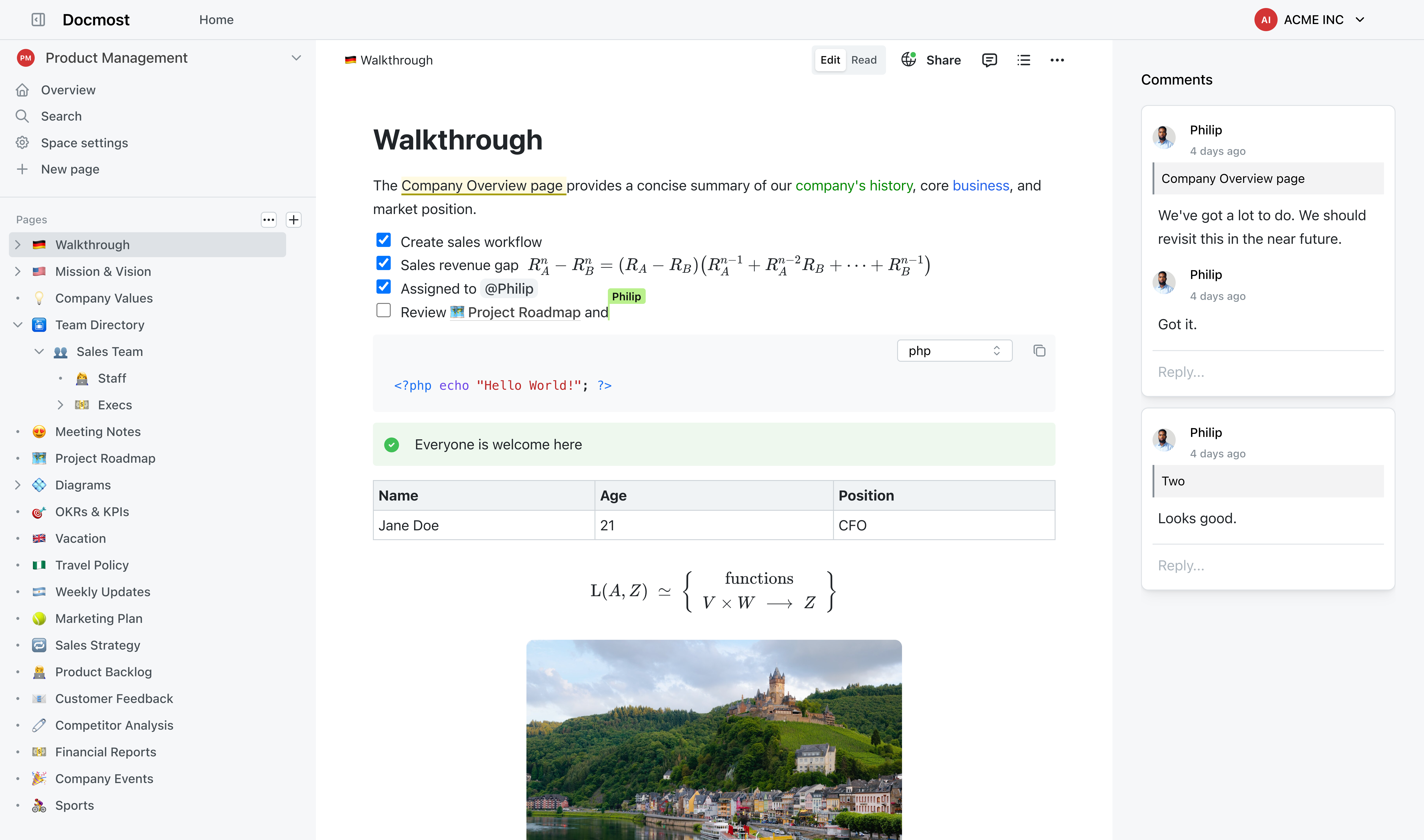
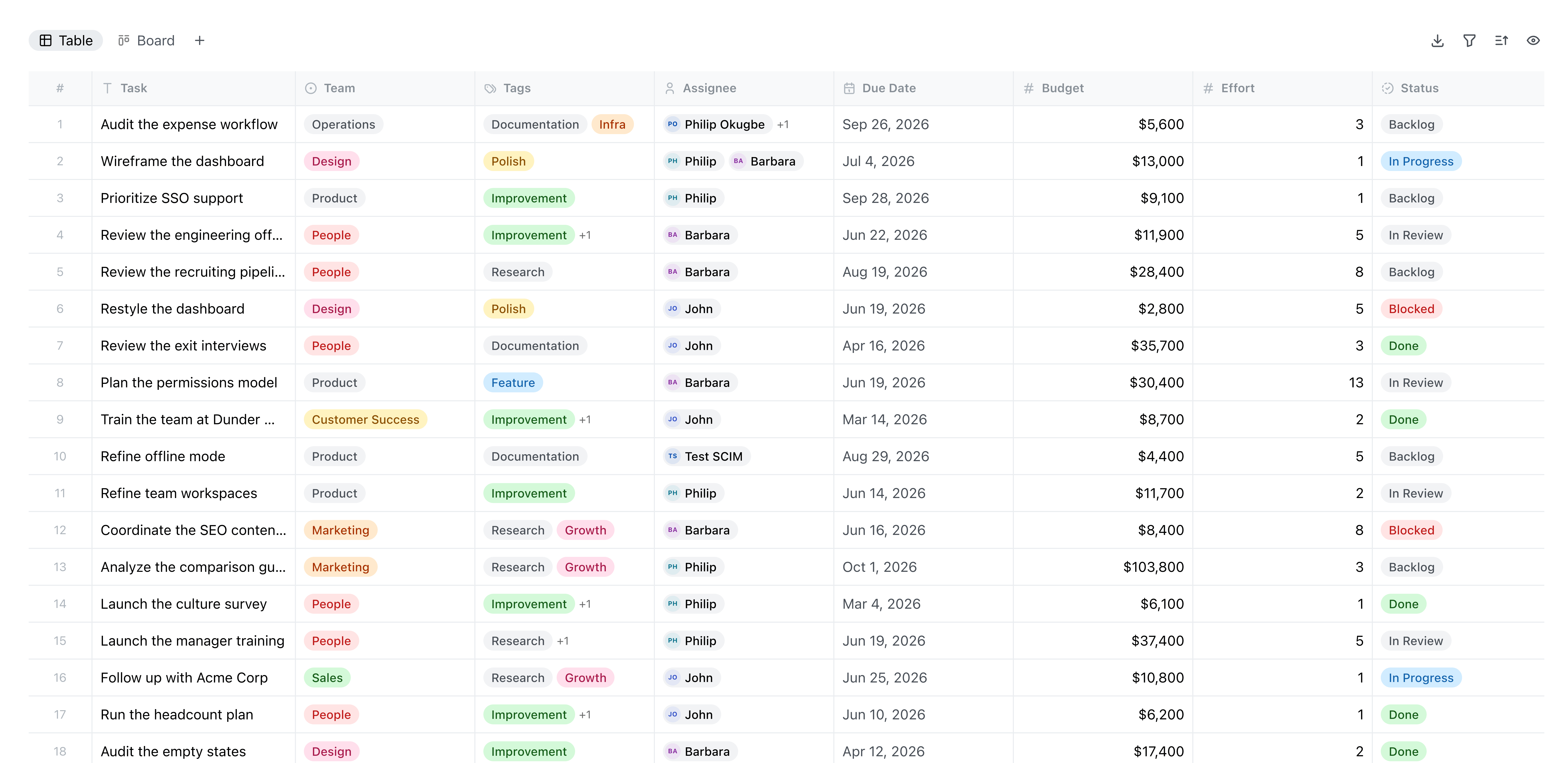
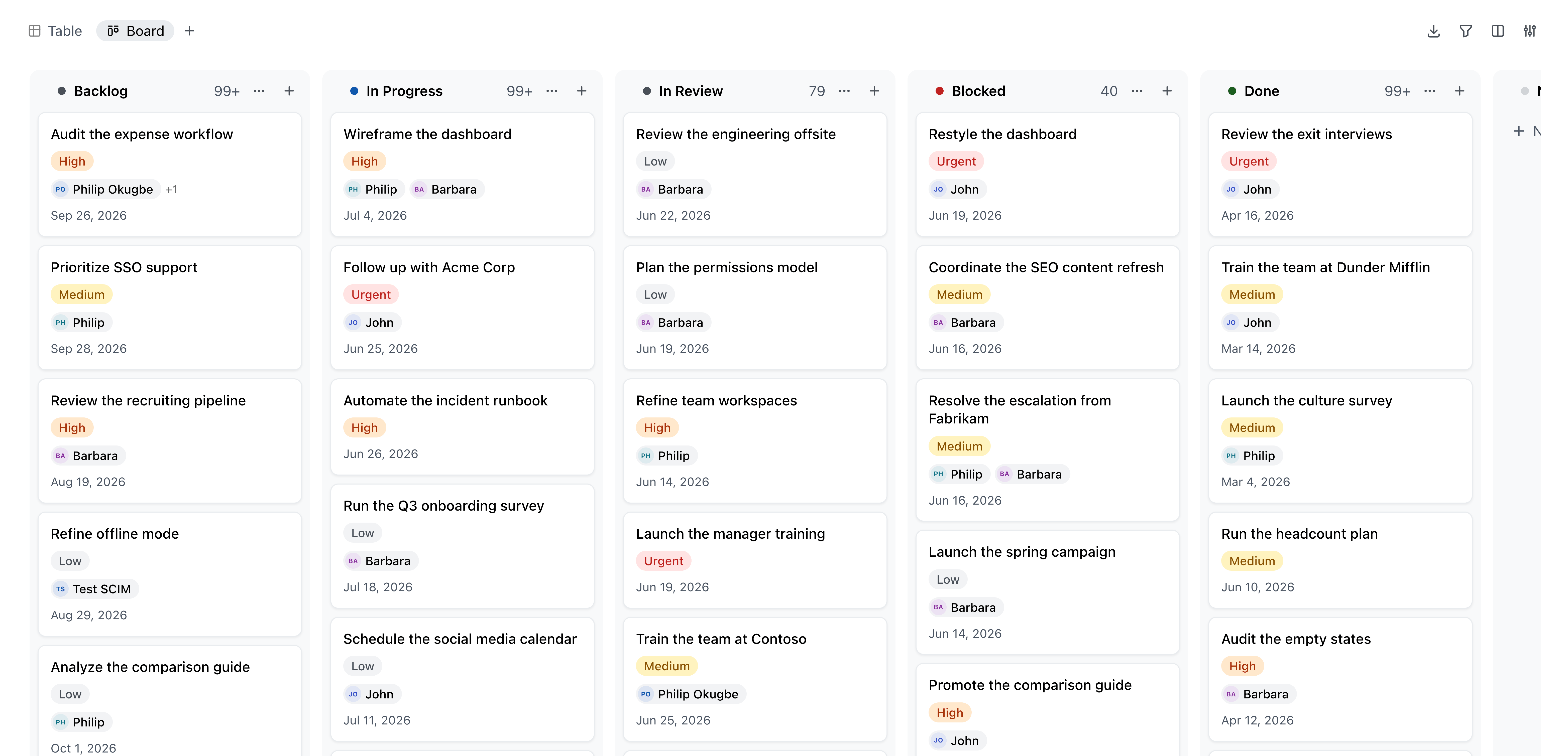
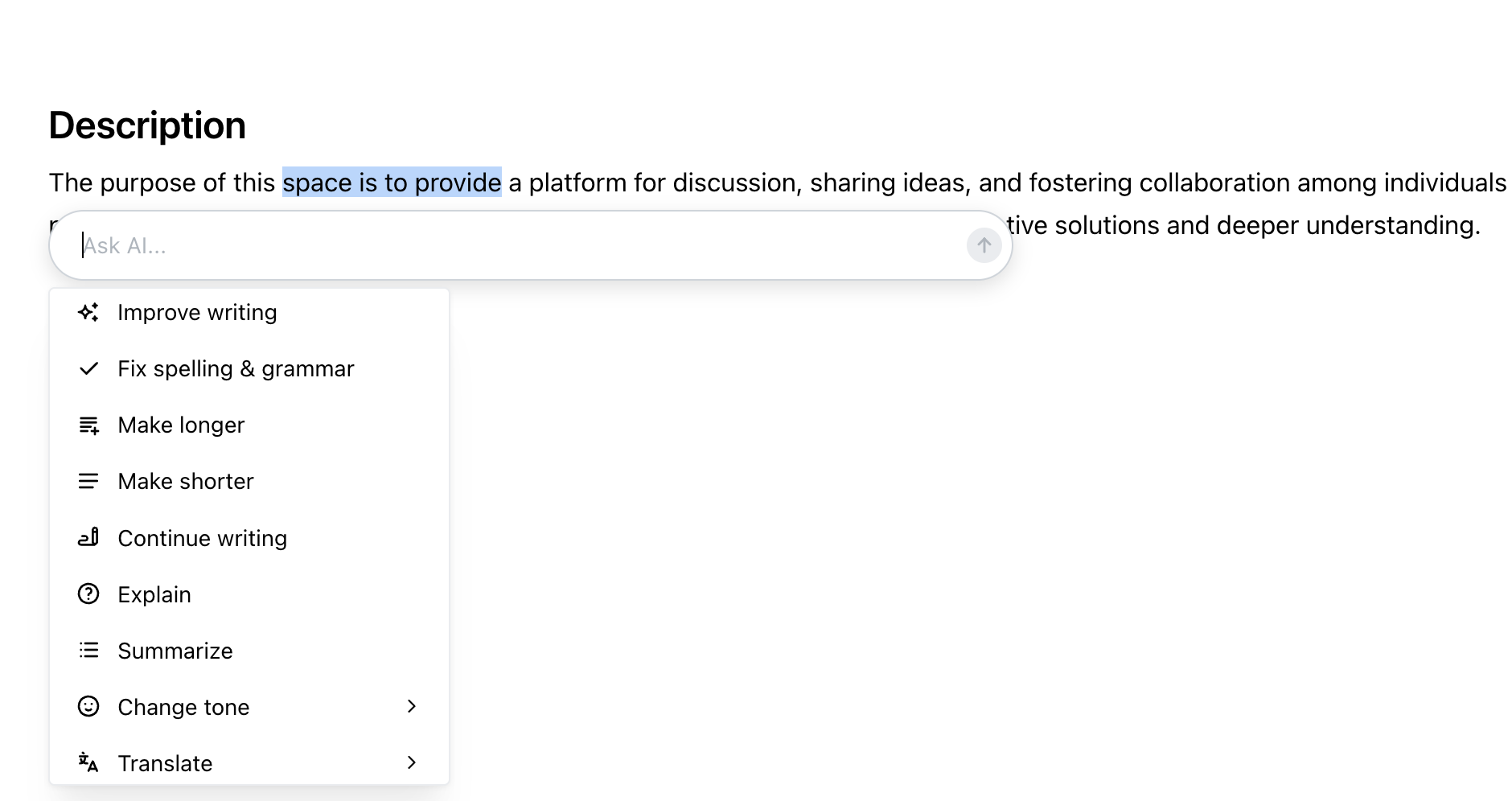
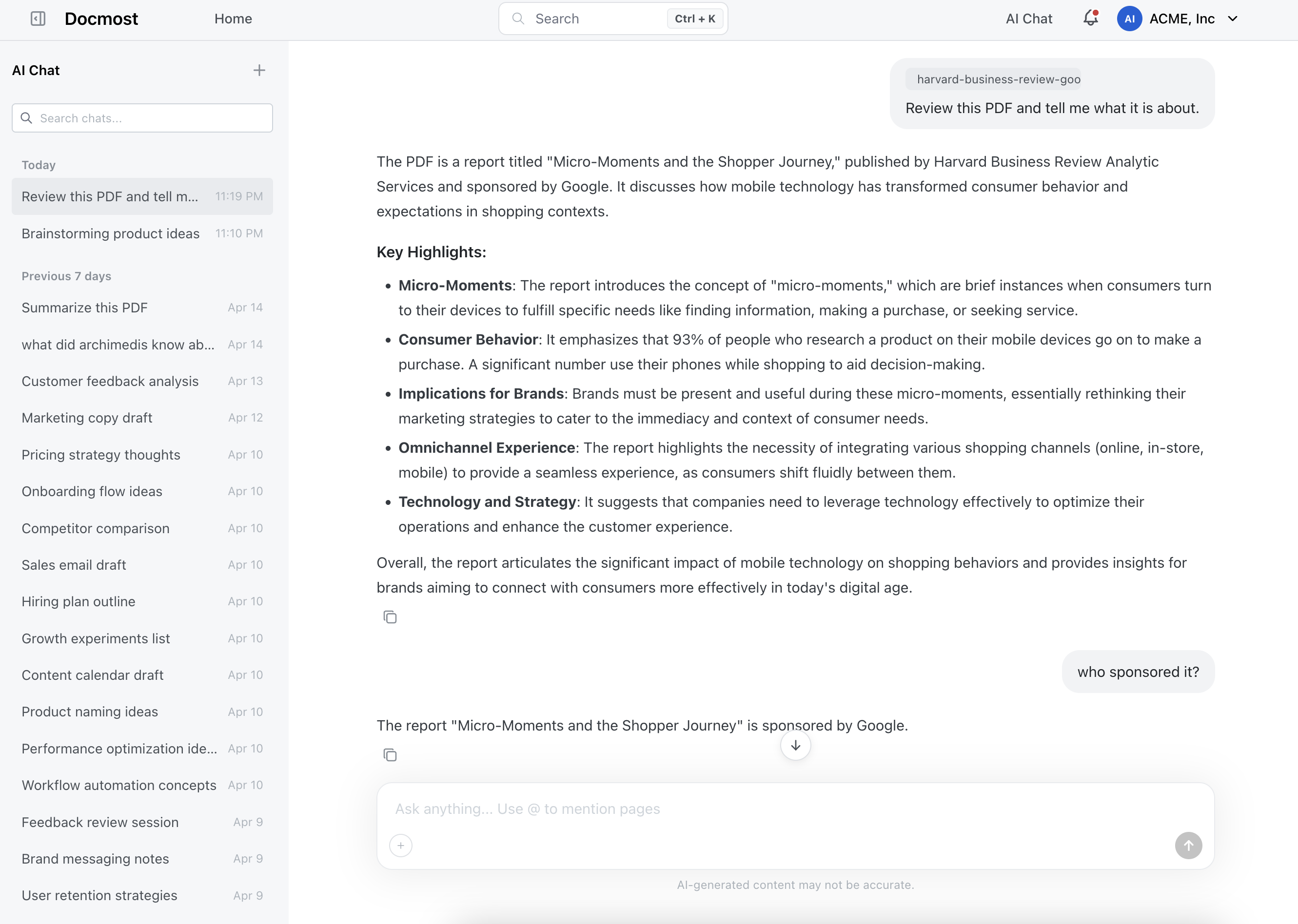
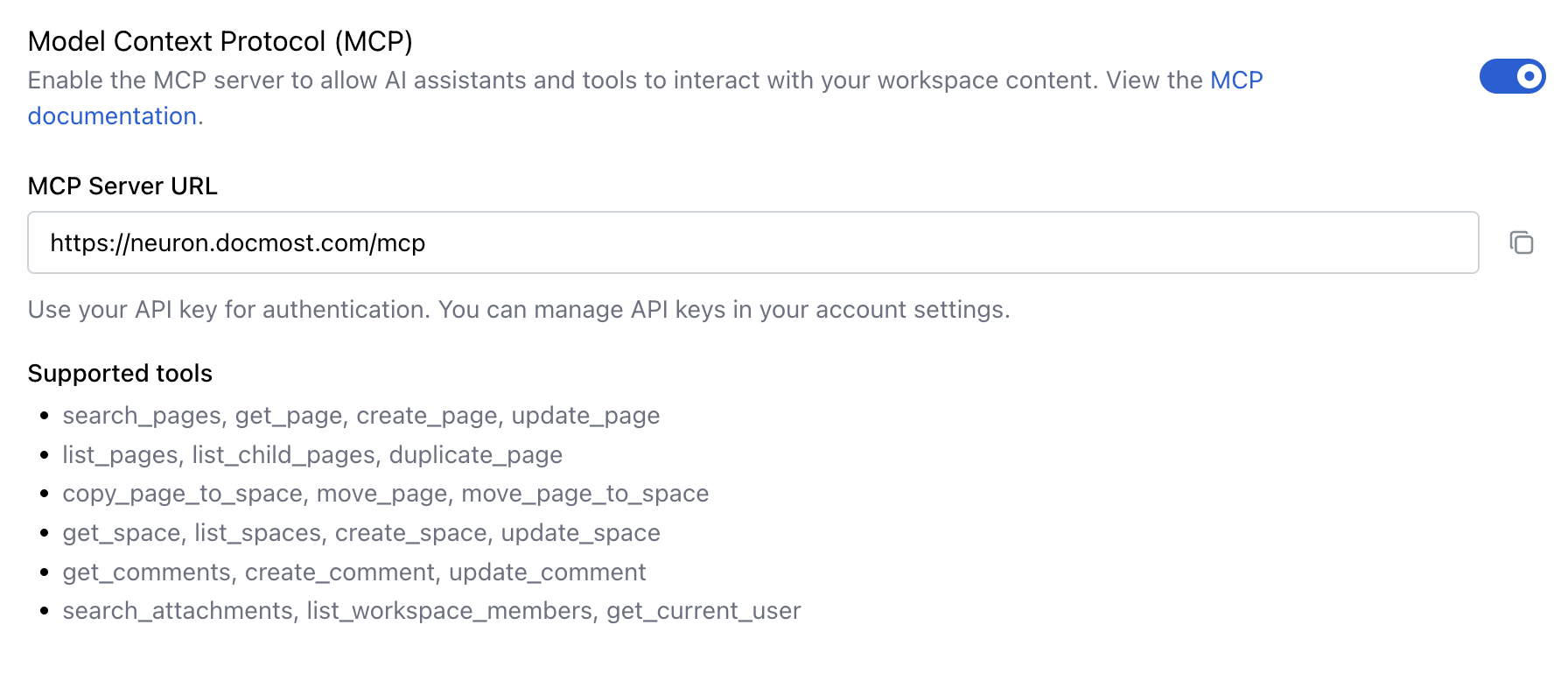
A collaborative wiki and documentation platform for teams to create, organize, and share knowledge. It features a real-time editor with live cursors, built-in diagramming tools (Draw.io, Excalidraw, Mermaid), spaces with granular permissions, page history, comments, and file attachments. The platform supports AI-powered chat and search using self-hosted or cloud LLMs (Ollama, OpenAI, Gemini, Azure OpenAI), and exposes knowledge via Model Context Protocol (MCP). Enterprise editions add SSO (SAML/OIDC/LDAP), SCIM provisioning, audit logs, page verification workflows, and advanced permissions. It runs via Docker Compose with PostgreSQL and Redis, supports S3-compatible and Azure Blob storage, and can operate in air-gapped environments. The core is AGPL-3.0 licensed with paid Business and Enterprise editions for additional features.
Should you self-host docmost?
docmost scores 76/100 on selfhost.directory (how scoring works) and ranks #3 of 31 in Wikis. It has 22 293 GitHub stars, +406 in the last 30 days.
It shipped 13 stable releases in the past year. The latest, v0.97.0, came out on 25 October 2026. New versions land roughly every 2 weeks.
Setup is moderate: expect some configuration beyond a single command. An official Docker image is available. It is AGPL-3.0-licensed and written mostly in Typescript.
Its closest alternative on selfhost.directory is Memos (85/100, 64 385 stars). It scores higher overall, so compare the two before you pick. See docmost vs Memos side by side.
Features
- AI ChatRequires Business or Enterprise license
- AI SearchRequires Business or Enterprise license and PostgreSQL with pgvector
- Comments
- Diagrams (Draw.io, Excalidraw, Mermaid)
- Embeds
- File attachments
- Groups
- MCP (Model Context Protocol)Requires Business or Enterprise license
- Page history
- Permissions management
- RBAC (Role-Based Access Control)Page-level granular permissions require Business or Enterprise license
- Real-Time Collaboration
- Search
- Spaces
- Translations
docmost README
Open-source collaborative wiki and documentation software.
Website |
Documentation |
Twitter / X
To get started with Docmost, please refer to our documentation or try our cloud version .


FAQ
Do you have an enterprise version?
Yes, Business and Enterprise trial license keys are available at https://customers.docmost.com.
What license does Docmost use?
Docmost core is licensed under the open-source AGPL 3.0 license. Commercial features are available under Business or Enterprise licenses.
Do you have a cloud version if I don't want to host it myself?
Yes, a cloud version is available at https://app.docmost.com.
More in Wikis
 DocsOpen-source collaborative text editor with live cursors, comments and version history — a self-hosted alternative to Notion or Google Docs, built on Django and React.
 DokuwikiDokuWiki is a self-hosted, open-source wiki engine written in PHP that keeps pages, media and users in plain files and offers access control lists and plugins.
 epocheEpoche is a self-hosted, open-source wiki engine with Node.js and SQLite, supporting Markdown and math rendering for personal use and small teams.
- Feather WikiA self-hosted, open-source wiki that fits in a single browser-run HTML file, with Markdown or WYSIWYG editing and optional save-back to your own web server.
 flatnotesSelf-hosted, open-source note app storing every note as a plain markdown file — no database. Full-text search, tags, wikilinks, dark theme, REST API.
- FossilFossil SCM is a simple, high-reliability, distributed version control system with built-in wiki, bug tracking, forum, chat, and project management. It is a single self-contained executable, easy to install and self-host.
 GititGitit is a self-hosted, open-source wiki in Haskell storing pages in Git/Darcs/Mercurial with Pandoc markup, TeX math, and syntax highlighting.
 GollumSelf-hosted, open-source wiki that keeps pages as Markdown and other markup files in a Git repo, with a built-in web editor and full revision history.
 HubzillaHubzilla is a powerful, privacy-respecting, all-in-one platform for decentralized social networking, collaboration, and content publishing. It supports federated identity, groups, forums, cloud storage, blogging, wikis, and more, all within a unified privacy framework.
 IbisIbis is a self-hosted, open-source federated encyclopedia using ActivityPub for decentralized wiki hosting with article editing and cross-instance federation.
 kiwifsKiwiFS is a self-hosted markdown filesystem turning .md files into a knowledge server with git versioning, search, a web UI, and 78 MCP tools for AI agents.
 LeafWikiLeafWiki is a self-hosted, open-source wiki storing content as plain Markdown files with SQLite — no external database needed. Runs as a single Go binary.
0 comments