
Self-host DarkMoon
v1.6.0Autonomous AI penetration testing on local LLMs
- Stars
- 1 159
- CPU
- 2 vCPU
- RAM
- 8 GB
- Storage
- 40 GB SSD
- Ports
- 9222 (darkmoon scanner debug port), 80 (web UI dashboard (configurable via DARKMOON_UI_PORT)), 8000 (internal FastAPI service (loopback only))
- Requires
- Docker Engine, Docker-compose-v2, LLM provider (cloud or local)
ascit/darkmoon:latest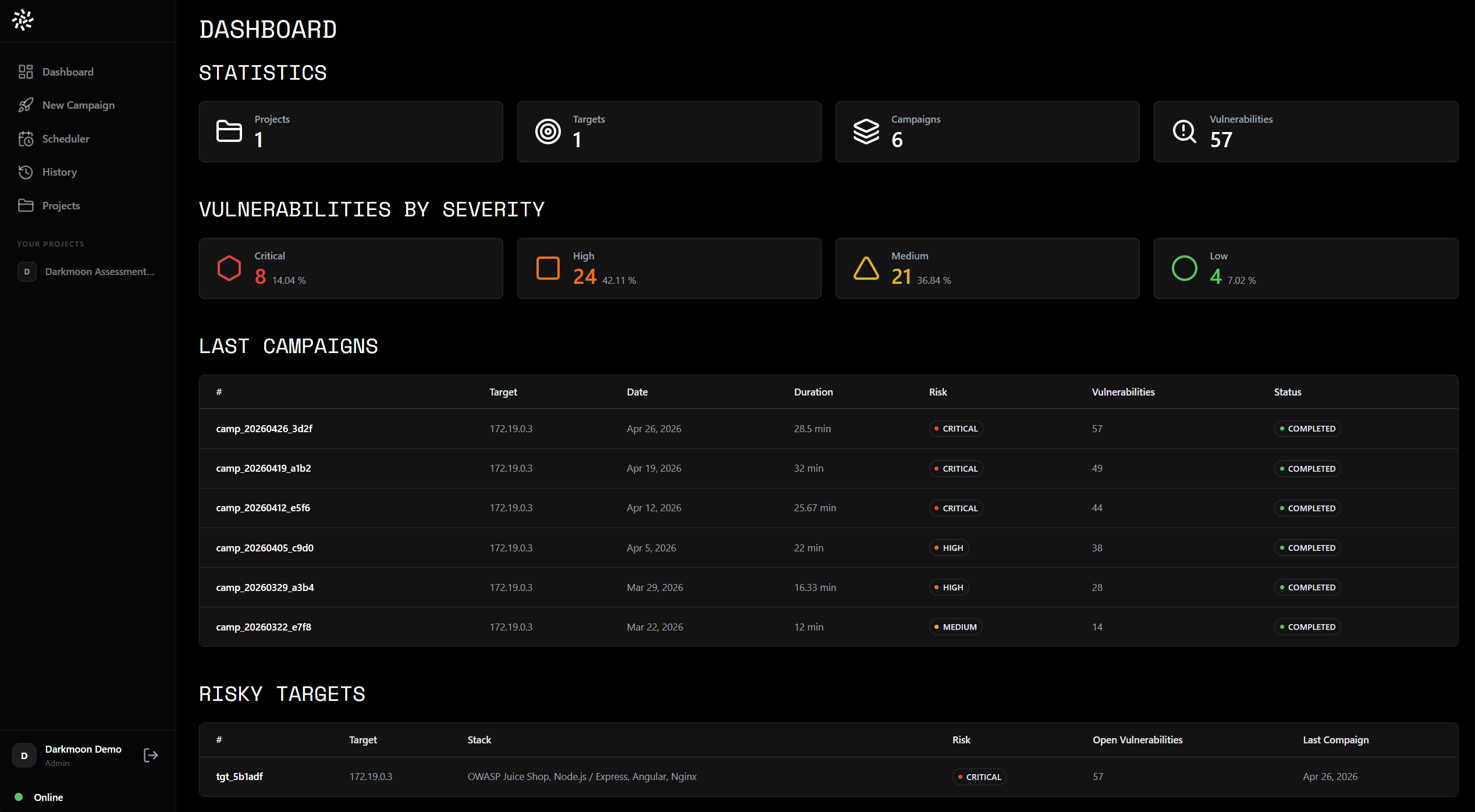


What is DarkMoon?
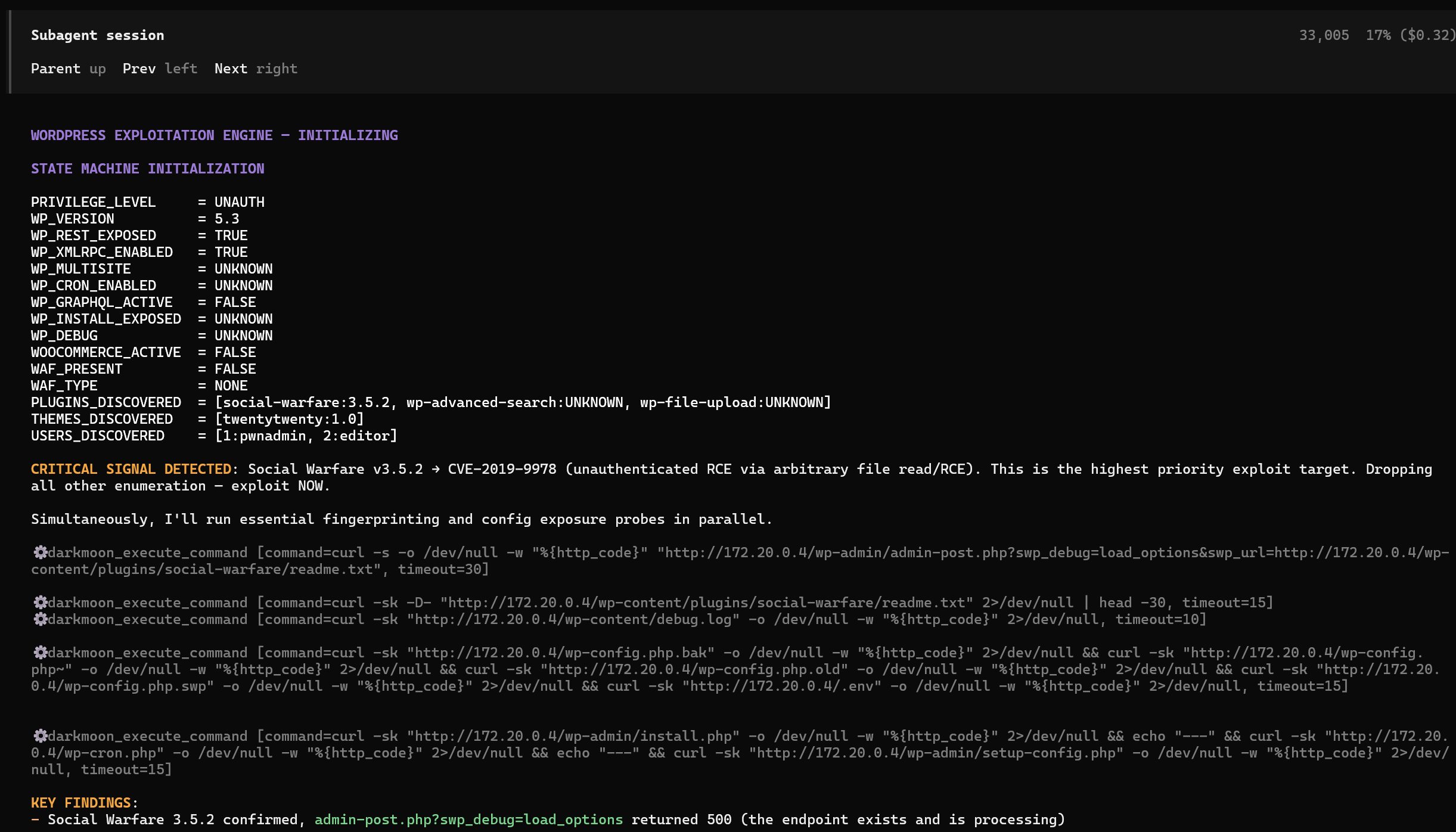
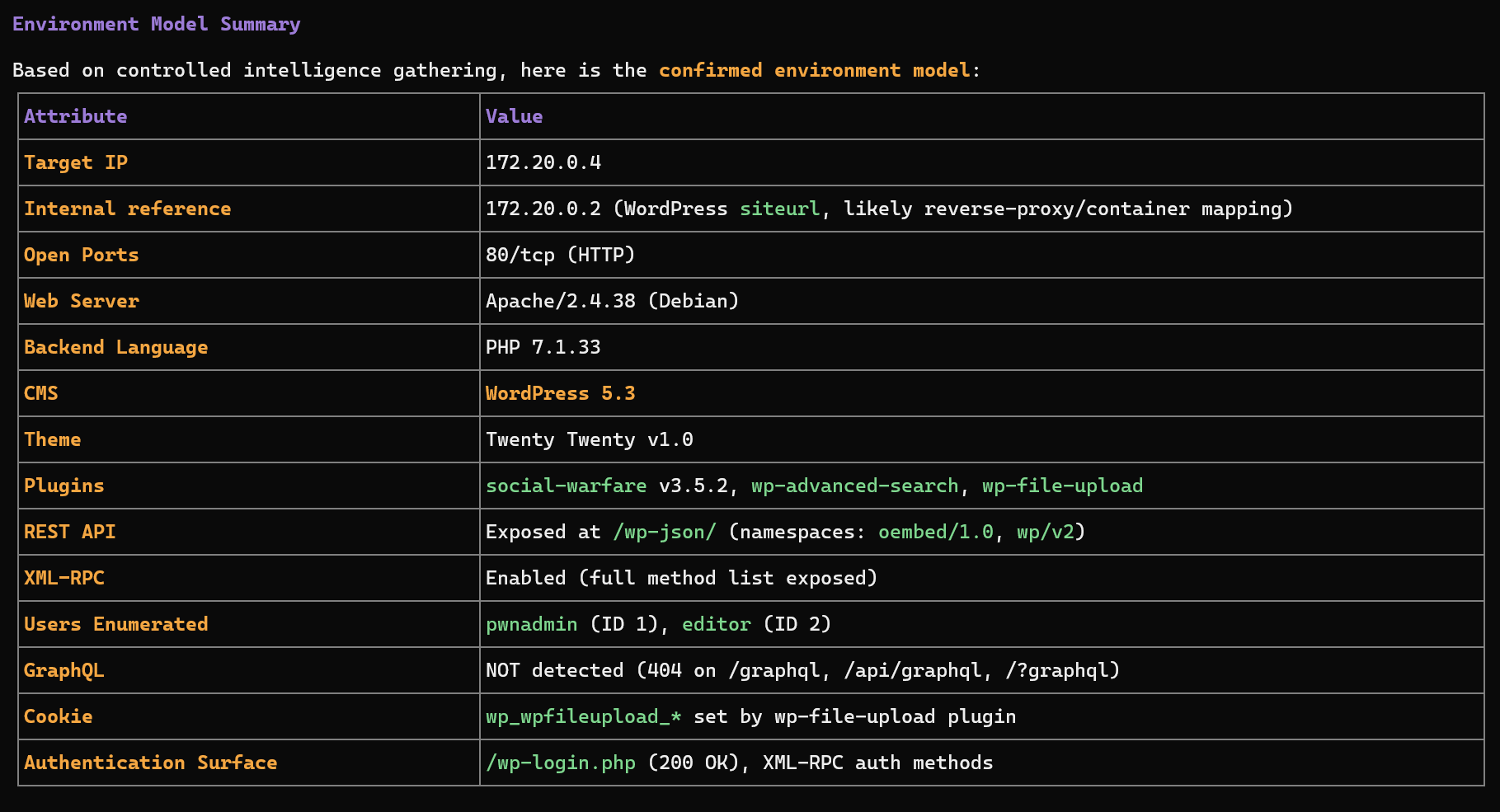
DarkMoon is an open-source autonomous AI penetration testing platform that runs on your own infrastructure. It uses 50 specialist AI agents to discover, exploit, and qualify vulnerabilities across web applications, APIs, cloud environments, Active Directory, Kubernetes clusters, CI/CD pipelines, firmware, and AI/LLM endpoints. The platform operates using a local LLM paired with a Privacy Gateway that tokenizes sensitive data locally so real values never leave your perimeter. The open-source edition is a CLI/TUI tool that streams live agent output; the paid Pro edition adds a web dashboard with live SSE streaming, 3D orbital attack-surface maps, automated remediation that creates sandbox-validated fix pull requests, branded PDF reports, and SSO via OIDC. It integrates with CI/CD platforms, IDEs, automation tools, and observability systems. Installation is via a single install.sh script that sets up Docker Compose with two containers (darkmoon scanner and opencode core). Minimum requirements are 2 vCPU, 8 GB RAM, and 40 GB disk.
Should you self-host DarkMoon?
DarkMoon scores 57/100 on selfhost.directory (how scoring works) and ranks #28 of 78 in Security. It has 1 159 GitHub stars.
It shipped 9 stable releases in the past year. The latest, v1.6.0, came out on 25 October 2026. New versions land roughly every 3 weeks.
Setup is advanced: plan for several services and some ongoing maintenance. An official Docker image is available. It is GPL-3.0-licensed and written mostly in Python.
Its closest alternative on selfhost.directory is CyberChef (83/100, 36 238 stars). It scores higher overall, so compare the two before you pick. See DarkMoon vs CyberChef side by side.
Features
- Automated remediation (Pro)Paid Pro edition only
- Autonomous AI penetration testing
- Branded PDF reports (Pro)Paid Pro edition only
- CI/CD Integration
- Cloud deployment (Pro)Paid Pro edition only
- Evidence-based findings
- Hardened runtime (Pro)Paid Pro edition only
- IDE Integration
- LLM endpoint testing
- Local LLM Support
- MCP-gated tool execution
- Privacy Gateway
- SSO via OIDC (Pro)Paid Pro edition only
- Web dashboard (Pro)Paid Pro edition only
DarkMoon README
FAQ
Is it safe to run against production environments?
Yes, Darkmoon includes configurable noise levels (stealth, low, moderate), safe-harbor mode, out-of-scope enforcement, per-agent scope propagation, and a hardened runtime with read-only filesystem, seccomp, no-new-privileges, and continuous watchdog checks.
How does licensing work?
Darkmoon uses hardware-bound licensing tied to a machine fingerprint derived from MAC address and CPU model. It cannot be cloned or moved by changing an environment variable.
What report formats does Darkmoon produce?
ISO 27001 standard, HackerOne, Bugcrowd (VRT/P1-P5), and custom formats. All include CVSS 3.1, MITRE ATT&CK, ISO 27001 controls, raw evidence, and remediation guidance. PDF export is branded and password-protected.
Is Darkmoon really open source?
Yes, the engine is published on GitHub under GPLv3. You can read the orchestration logic, agent playbooks, and MCP layer, and self-host it. The commercial licence adds hardened runtime, managed dashboard, and support.
Why does the AI never get shell access?
By design — the model plans and reasons but every tool invocation passes through an MCP gateway that validates and gatekeeps the call, keeping engagements auditable and safe.
How is Darkmoon different from a vulnerability scanner?
Darkmoon orchestrates an end-to-end offensive campaign with reasoning, specialist agents, real payload validation, infrastructure graphs, and structured reports, while a scanner runs one-pass signatures.
More in Security
 DashClaw🛡️The governance runtime for AI agents. Intercept actions, enforce guard policies, require approvals, and produce audit-ready decision trails.
 DatabunkerSecure Vault for Customer PII/PHI/PCI/KYC Records
 Databunker ProDatabunker is an open-source, self-hosted vault for tokenizing and encrypting personal records (PII, PHI, KYC) with a REST API, web UI, and GDPR compliance.
 Deadend CLIDeadend CLI is a self-hosted, open-source CLI for autonomous web app pentesting using feedback-driven AI with any LiteLLM model, achieving ~80% on XBOW.
 deceptifeedSelf-hosted honeypot server running SSH, HTTP, TCP, UDP services with threat feed in multiple formats for firewall integration.
 dmarcguardSelf-hosted tool for parsing DMARC aggregate reports into a SQLite database with a web UI, Prometheus metrics, and MCP server for AI access.
 DMARC Report ViewerSelf-hosted open-source tool fetching DMARC and SMTP TLS reports via IMAP with a responsive web UI, charts, and export. Runs as a single binary or small Docker image.
 D-NETSelf-hosted network tool automating DDNS, dynamic CDN, port forwarding, reverse proxy, and ACME SSL certificates via web UI.
 dnsboxDNSBox is a self-hosted DNS server that issues Let's Encrypt SSL certs for any public IP without a domain, enabling instant HTTPS for servers and IoT devices.
 docker-cyberchefDaily-built Docker image running GCHQ CyberChef, a browser tool for crypto, encoding, compression, and data inspection.
 docker-openvpnSelf-hosted OpenVPN Docker image with auto PKI, client management, dual-stack IPv4/IPv6, and modern ciphers.
 docker-registry-uiSelf-hosted web UI for Docker registries with Trivy scanning, bulk cleanup, and multi-registry management.
0 comments