
Self-host clu-comics
v7.0Self-hosted comic library manager with CBR to CBZ conversion
- Stars
- 292
- Port
- 5577 (Web interface)
allaboutduncan/comic-utils-web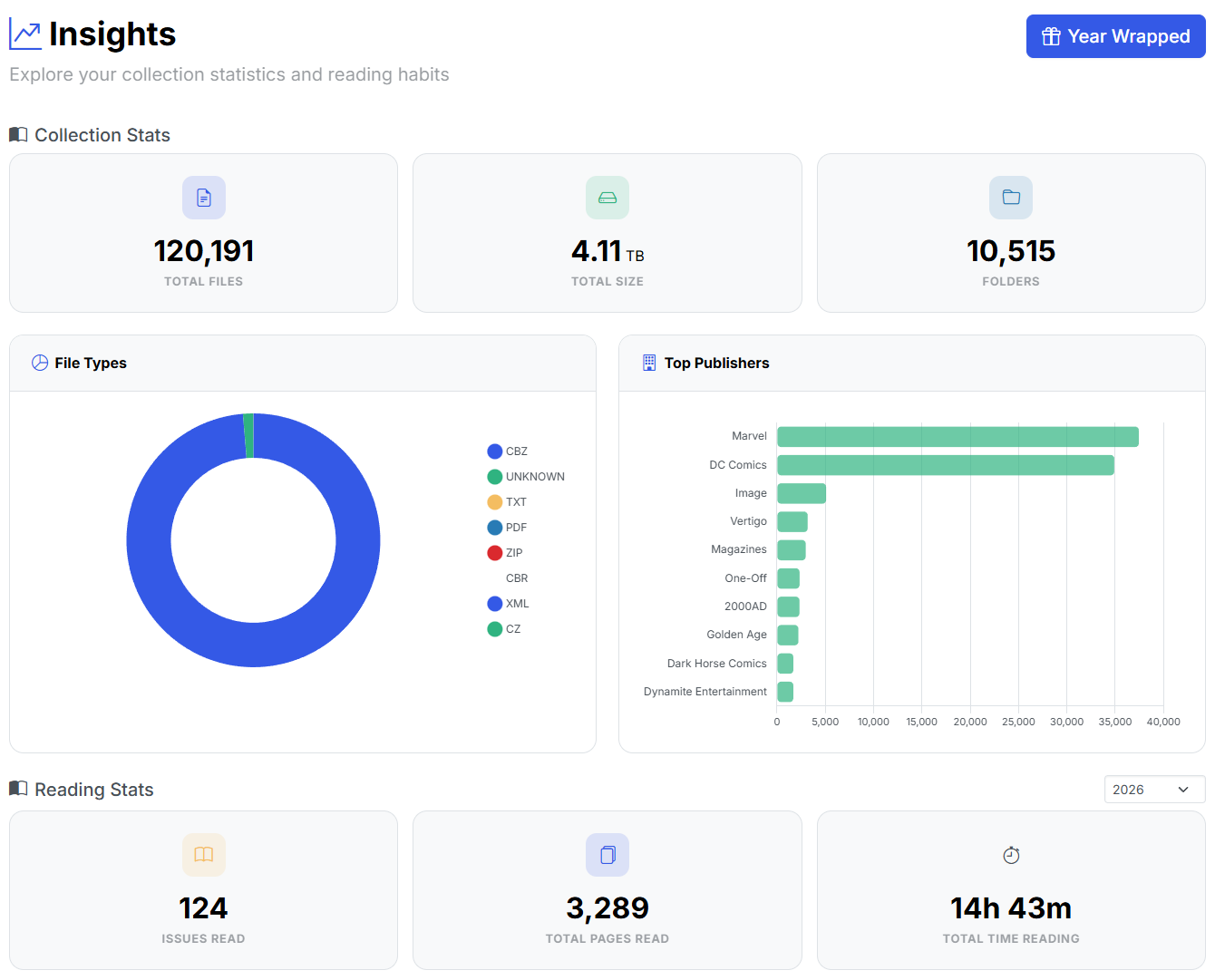
What is clu-comics?
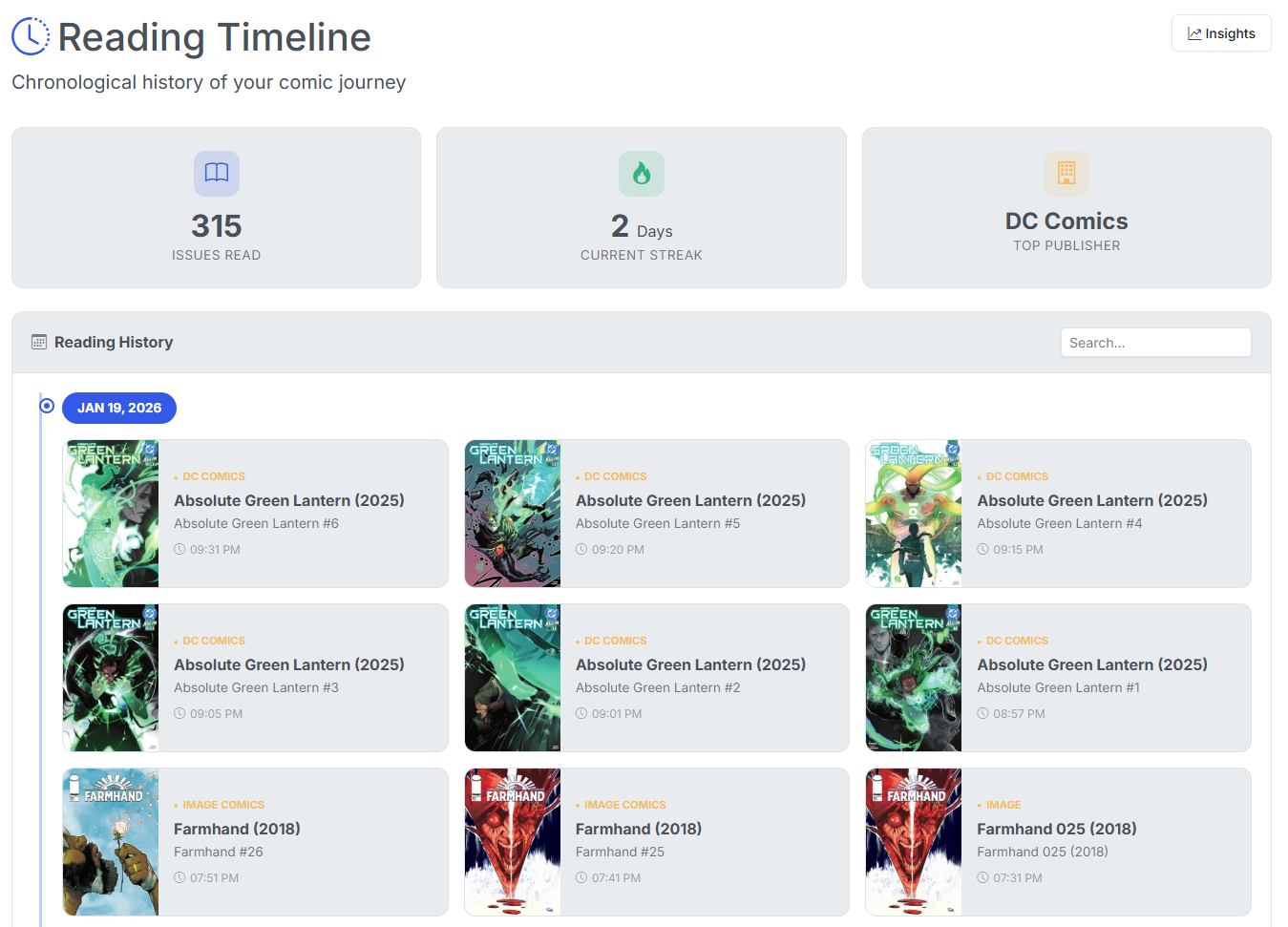
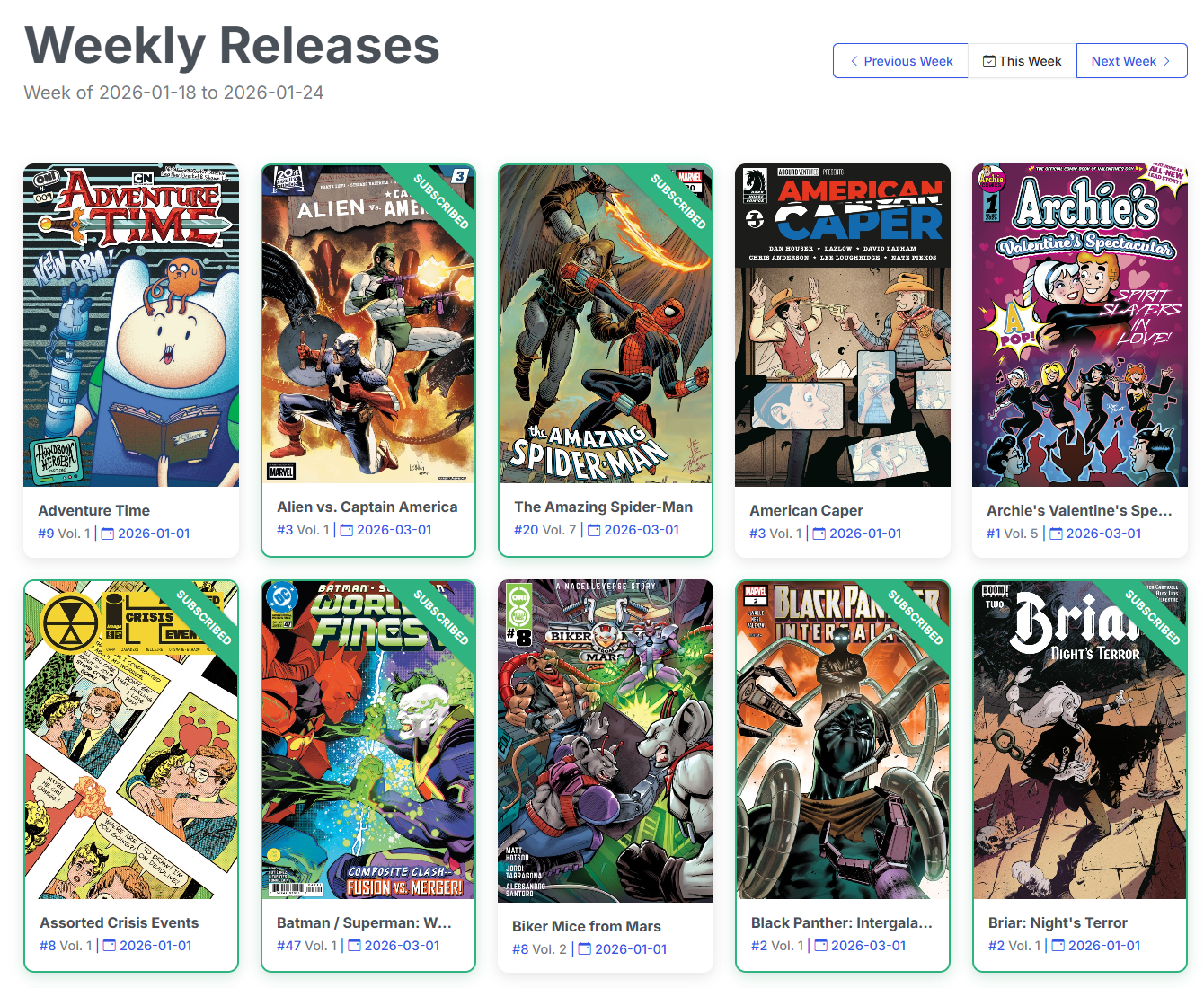
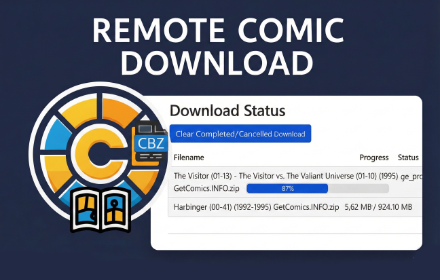
CLU is a Docker-based web app for managing digital comic libraries. It works directly with your existing comic folders and provides bulk conversion of CBR and PDF files to CBZ format, a full in-browser CBZ editor for reordering pages and cropping covers, and metadata writing to ComicInfo.xml from sources like Metron, ComicVine, GCD, AniList, and MangaDex. It tracks weekly releases with a pull list, includes a built-in web reader that remembers your position, supports reading lists with CBL import, and monitors folders to automatically process new downloads. Download automation covers GetComics, Usenet via SABnzbd or NZBGet with Newznab indexers, and DC++ through AirDC++. Multi-user setups get role-based permissions (Reader, Clerk, Store Owner) with per-folder access control. A token-authenticated REST API and OPDS feeds let companion apps and comic readers connect, and it can sync reading history from Komga. Licensed under GPL-3.0 with active development.
Should you self-host clu-comics?
clu-comics scores 52/100 on selfhost.directory (how scoring works) and ranks #60 of 142 in Media Management. It has 292 GitHub stars.
It shipped 23 stable releases in the past year. The latest, v7.0, came out on 27 October 2026. New versions land roughly every 5 days.
Setup is moderate: expect some configuration beyond a single command. An official Docker image is available. It is GPL-3.0-licensed and written mostly in Python.
Its closest alternative on selfhost.directory is Codex (54/100, 327 stars). It scores higher overall, so compare the two before you pick. See clu-comics vs Codex side by side.
Features
- Built-in web reader
- Bulk file rename and cleanup
- CBR to CBZ bulk conversion
- CBZ editor
- ComicInfo.xml metadata editing
- Download automation
- Folder Monitoring
- Insights, Timeline and CLU Wrapped
- Komga reading sync
- Multi-user with per-folder permissions
- PDF to CBZ conversion
- Pull list and weekly releases
- Reading lists
- REST API and OPDS feeds
- Source Wall metadata spreadsheet
clu-comics README
FAQ
I lost my only owner password, what do I do?
There is no in-app password recovery. Recovering means resetting the password directly in the CLU database. Ask on Discord before you start.
Can I use a Metron API token instead of my username and password?
Yes, as of v6.4. Generate a token on your metron.cloud account page, then pick API Token in the auth method picker on the Metron card in Settings → Metadata Providers.
Can CLU notify me when a download finishes?
Yes, as of v6.4. Settings → Notifications takes one or more Apprise URLs (discord://, tgram://, ntfy://, mailto:// and 100+ others) and pushes when a download completes, fails, or wanted issues land in your library.
Should my database be on a NAS share?
No. SQLite relies on file locking that CIFS/SMB, NFS and sshfs do not implement reliably, and a database on one of those will corrupt eventually. Map /config to a named Docker volume or a local path.
Can I use a local model (Ollama, LM Studio) for recommendations?
Yes, as of v6.6. In Settings → Recommendation Service choose Local / OpenAI-compatible, enter your server's Base URL and a Model.
How do I find damaged comics?
The Problem Files page collects every file an operation could not read with the cause in plain English and the action most likely to help.
Can CLU catch a wrong metadata match?
Optionally, yes. The metadata date check compares the matched issue's date against the year in the filename and flags a match that disagrees wildly.
Can I convert PDF to CBZ?
Yes, CLU converts PDF comics to CBZ and lets you choose JPEG or WebP for the extracted pages.
How do I convert CBR to CBZ in bulk?
Point CLU at a directory and run Convert Directory, or run Convert Entire Library to CBZ to process everything at once. Conversion uses unar which handles RAR-based CBR files.
More in Media Management
 cobaltA self-hosted, open-source media downloader that saves video, audio, gifs and photos from YouTube, TikTok, Instagram, Reddit and more, with no ads or trackers.
 ComiGoSelf-hosted, open-source comic/manga reader supporting CBZ, CBR, EPUB, PDF with web UI, PWA offline reading, progress sync, and Docker deployment.
 ConreqConreq is a self-hosted, open-source content requesting platform for Sonarr and Radarr with user authentication and Organizr integration.
 CrossWatchCrossWatch is a self-hosted, open-source app that syncs watchlists, ratings, history, and playback progress across media servers and trackers. Runs via Docker.
 DakosysSelf-hosted tool for Plex users that automates Trakt lists and Kometa overlays for anime episode types, TV show status, and file sizes with a web dashboard.
 DamselflySelf-hosted, open-source photo management system for large collections with AI face/object detection, IPTC keyword tagging, and fast search.
 DecluttarrOpen-source, self-hosted cleaner for the *arr suite download queues: it removes stalled, failed, orphaned or slow downloads and re-triggers searches for wanted items.
 deleterrDeleterr is a self-hosted, open-source tool that automatically cleans up Plex libraries by deleting unwatched or old content with smart exclusions and a grace period.
- DelugeDeluge is a lightweight, free, cross-platform BitTorrent client with a daemon/client model, multiple user interfaces (GTK, Web, Console), and a plugin system.
 DiagnoStickoeurSelf-hosted, open-source web app for printing images, labels, QR codes, and AI art on Brother QL thermal printers via Streamlit.
 digarrDigarr is a self-hosted, open-source music discovery tool that scans listening history to recommend artists and albums, then sends picks to Lidarr, slskd, or playlists.
 DigirecordDigirecord is a simple, self-hosted web app for recording and sharing audio files. It supports direct recording via the browser, file uploads, and optional S3 storage.
0 comments