
Self-host BoxBox
v0.3.1Modern self-hosted file manager for homelab
- Stars
- 346
- RAM
- 128M reservation, 512M limit
- Port
- 8080 (HTTP server)
ghcr.io/jr4dh3y/boxbox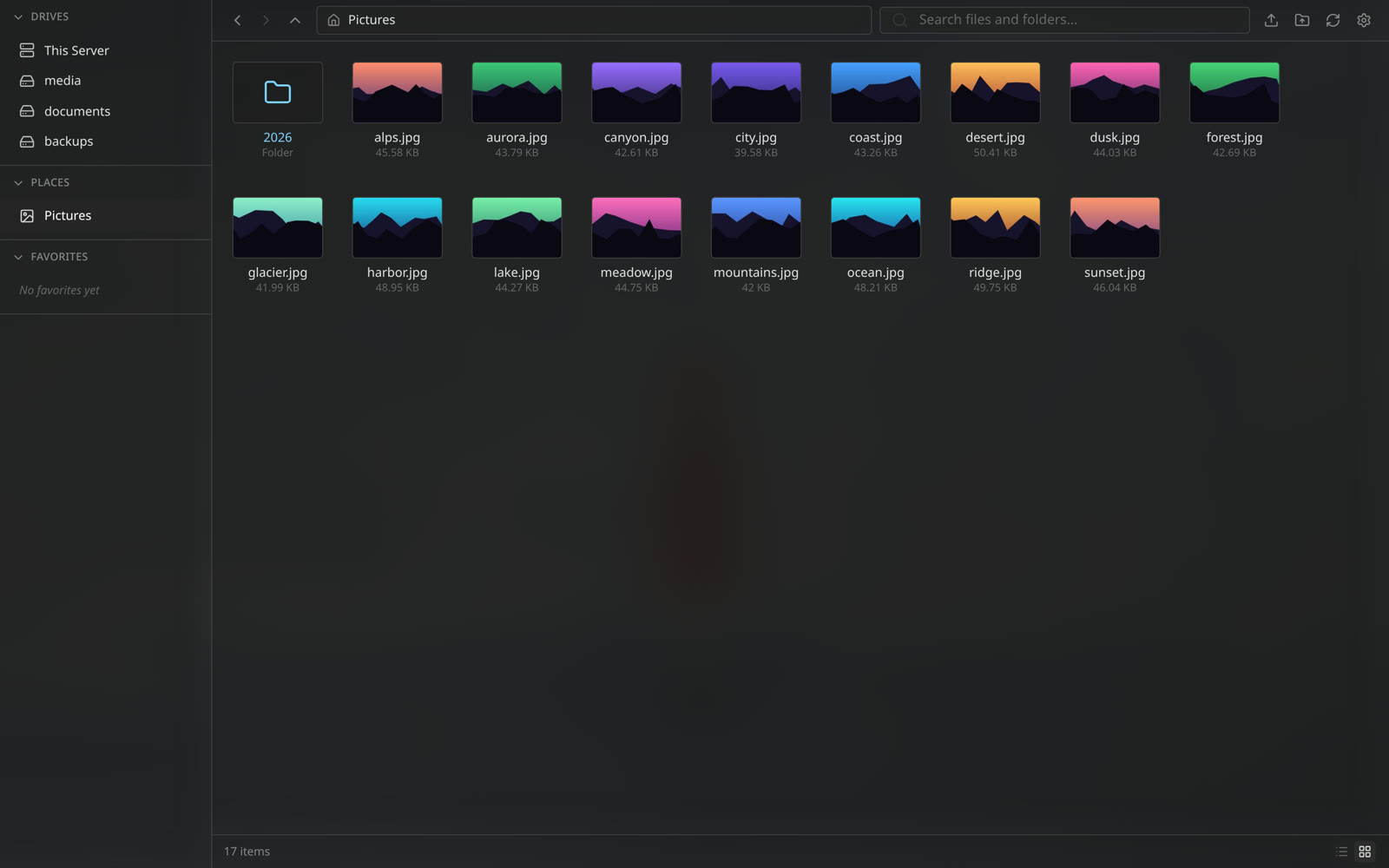
What is BoxBox?
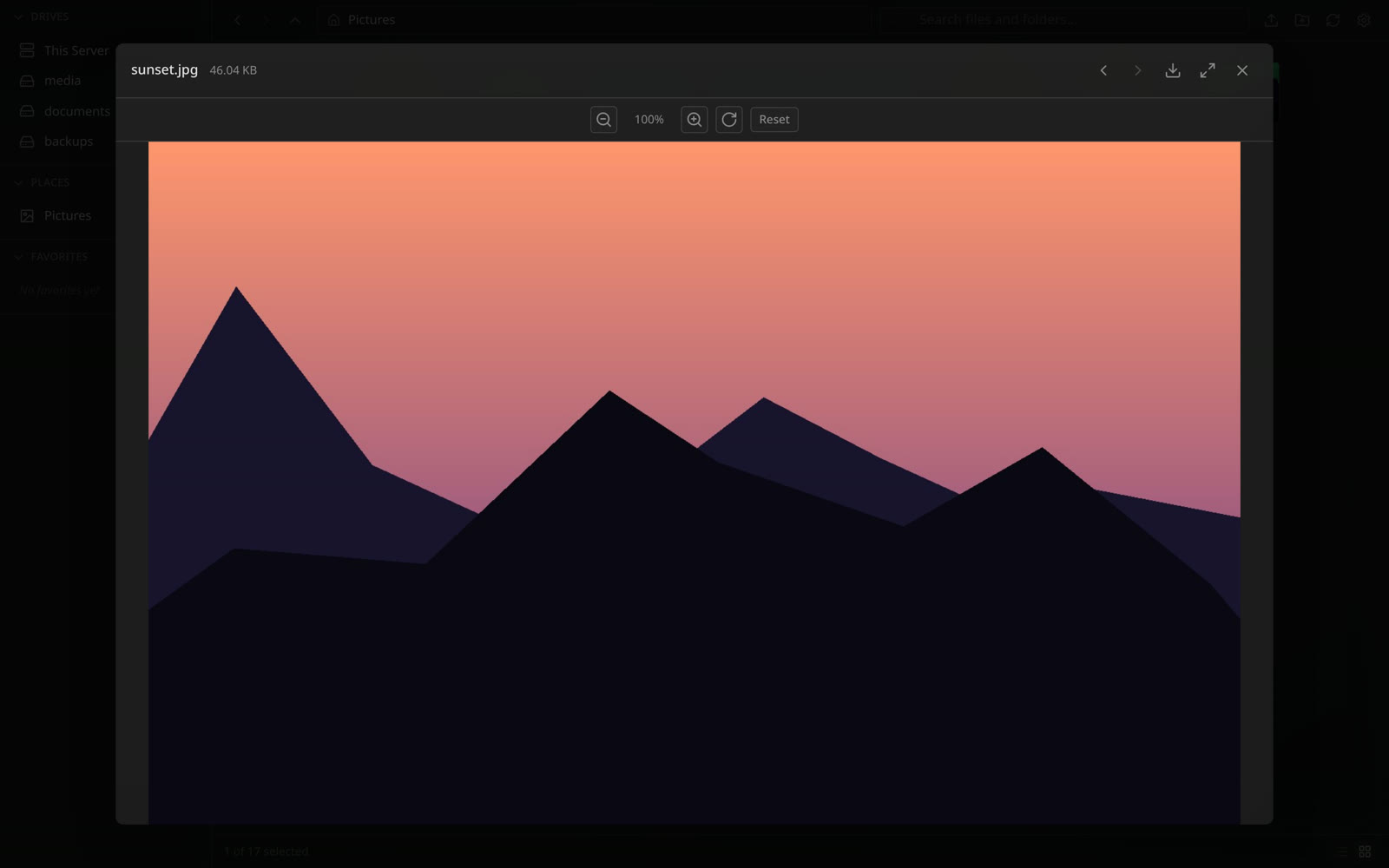
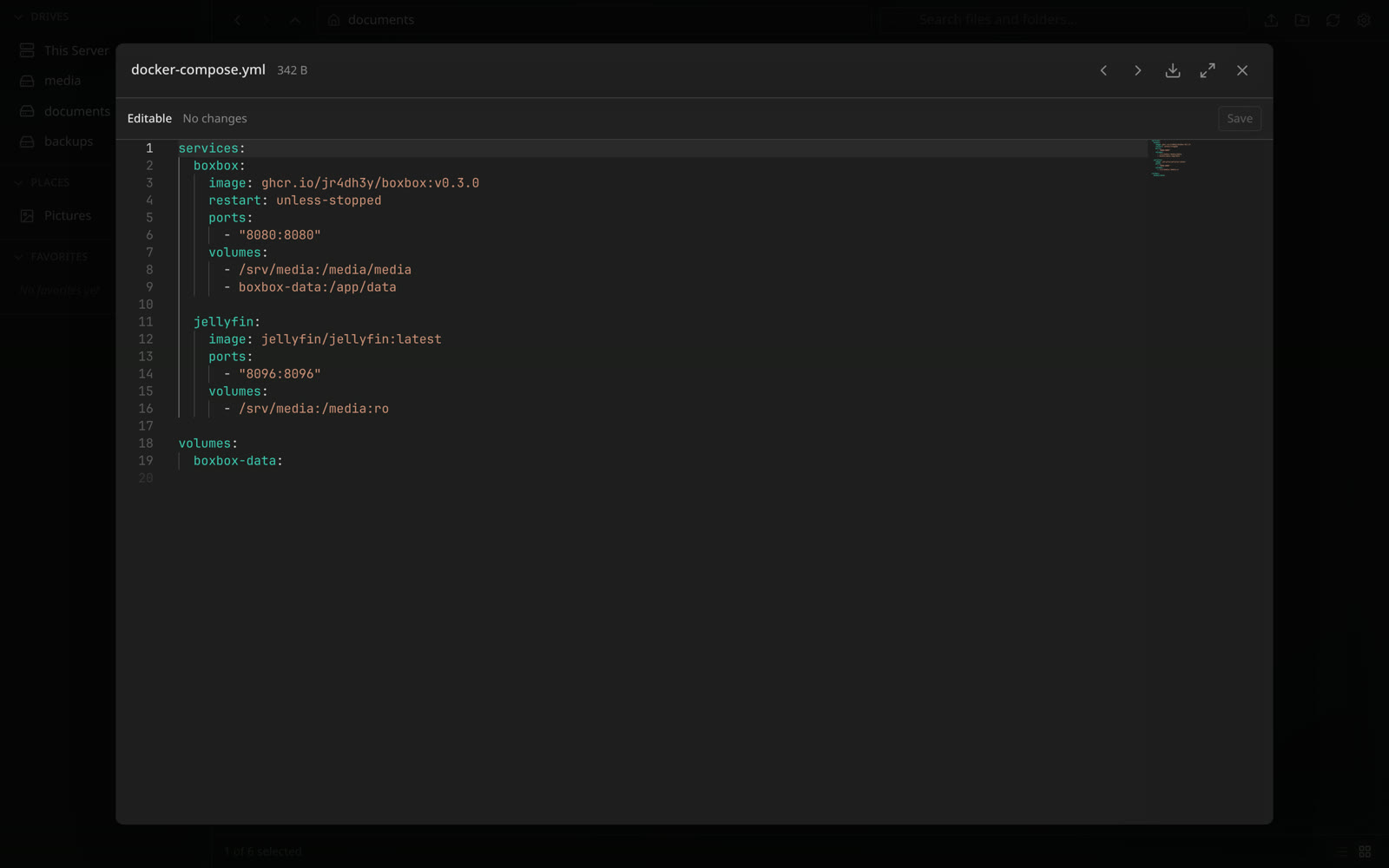
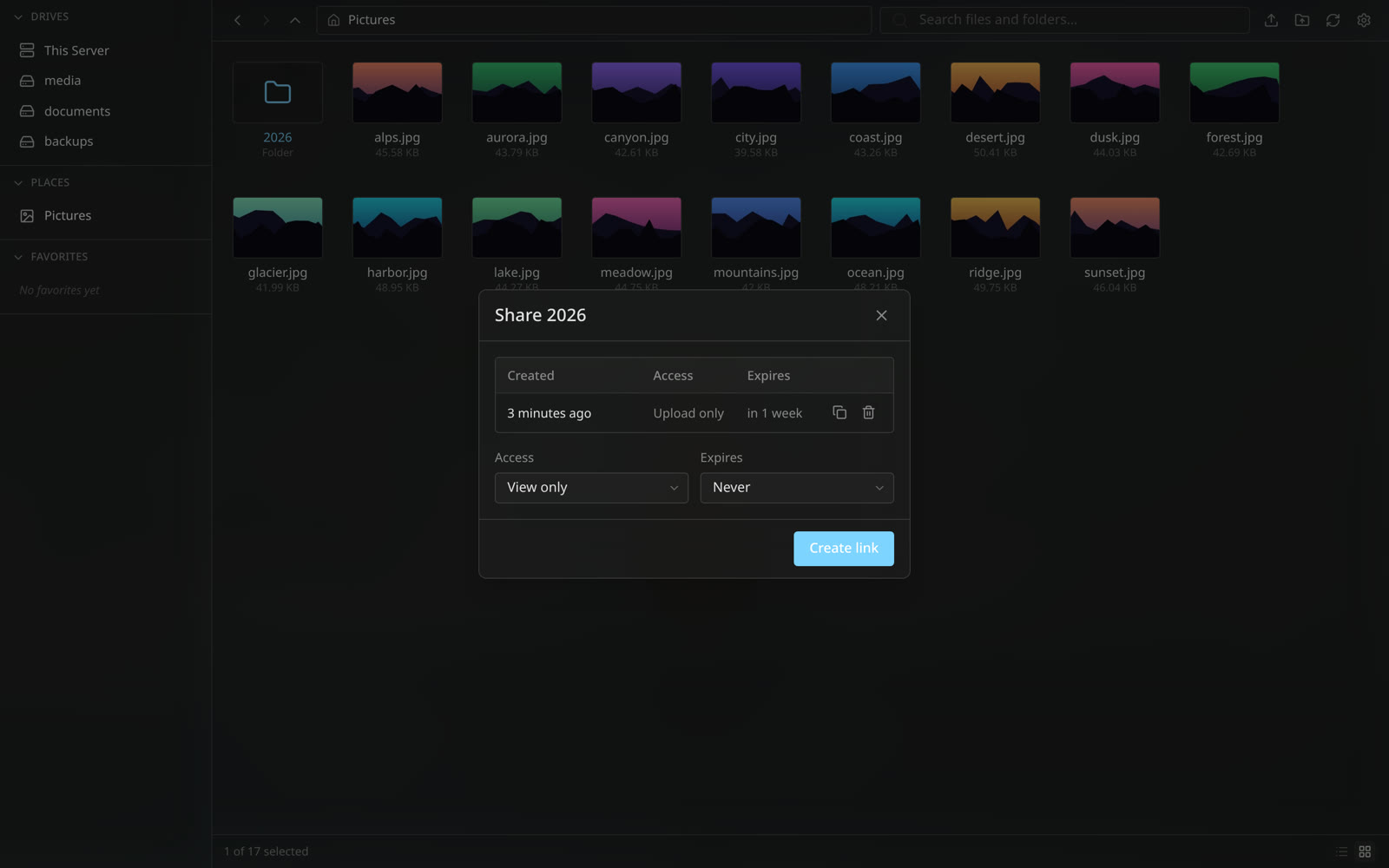
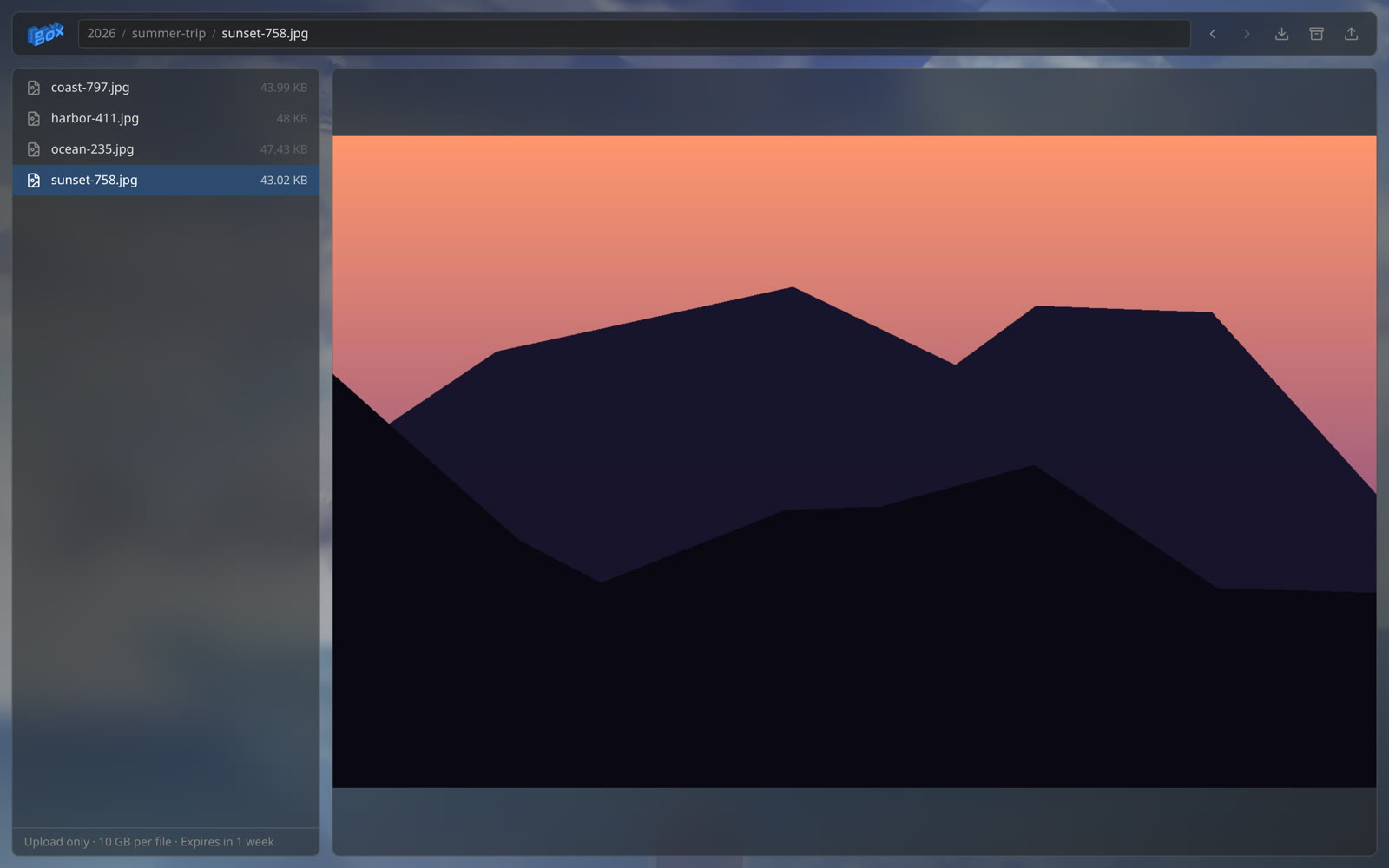
BoxBox runs as a single Go binary with an embedded SvelteKit frontend, deployed via Docker Compose from a published GHCR image. It serves a browser UI for configured Linux mount points, supporting chunked resumable uploads that preserve folder structure, previews for images, audio, video, PDFs, and documents, and a Monaco-based code editor. Users can create expiring share links with four access levels, download folders as ZIP archives, and run copy, move, or delete operations as background jobs with live progress updates over WebSocket. The UI separates storage roots (Drives) from folder shortcuts (Places) and can auto-discover mounted drives. Configuration covers read-only mounts, user accounts with bcrypt passwords, rate limits, and WebSocket origin allow-lists. No external database or cache is required; persistent data lives in a container volume.
Should you self-host BoxBox?
BoxBox scores 48/100 on selfhost.directory (how scoring works) and ranks #21 of 34 in File Management. It has 346 GitHub stars.
It shipped 14 stable releases in the past year. The latest, v0.3.1, came out on 12 October 2026. New versions land roughly every 3 days.
Setup is moderate: expect some configuration beyond a single command. An official Docker image is available. It is MIT-licensed and written mostly in Go.
Its closest alternative on selfhost.directory is AList (83/100, 50 365 stars). It scores higher overall, so compare the two before you pick. See BoxBox vs AList side by side.
Features
- Auto-discovery of drives
- Background file operations
- Chunked resumable uploads
- Code Editor
- Drive and Places navigation
- File and folder sharing
- File Previews
- Media streaming
- Multi-mount browsing
- Read-only mounts
- REST API
- Search
- Wallpaper customization
- Zip Downloads
BoxBox README
More in File Management
 Calibrecalibre is a free, open-source e-book manager for organizing, converting, and reading e-books. Supports all major formats with a built-in Content server for web access.
 chatvaultSelf-hosted, open-source WhatsApp backup tool with directory import, automated email backup, and a chat-like frontend for browsing messages and attachments.
 checkrrSelf-hosted, open-source tool that scans media libraries for corrupt files and automatically requests replacements via Sonarr, Radarr, or Lidarr.
 ClipSyncA self-hosted tool that keeps your copied content in sync across all your devices using a Supabase backend.
 Cloud CommanderSelf-hosted, open-source web file manager with twin panels, a browser console and terminal, built-in editors, archives and Dropbox support.
 ClovaLinkClovaLink is a self-hosted, open-source multi-tenant file platform with HIPAA/SOX/GDPR modes, RBAC, and S3 storage as a Box/Dropbox alternative.
 copypartySelf-hosted file server with accelerated resumable uploads, deduplication, WebDAV, SFTP, FTP, TFTP, SMB, media indexing, thumbnails — all in one Python file.
 DBackupSelf-hosted open-source backup for 10 databases and files. Supports S3, Google Drive, SFTP with AES-256-GCM encryption, incremental backups, GFS retention, OIDC SSO, 2FA.
 Directory ListerSelf-hosted, open-source PHP web directory lister for public folders, with file search, zip downloads, README rendering, file hashes and light/dark themes.
 diskoverDiskover Community Edition is a self-hosted, open-source file indexer using Elasticsearch to catalog metadata, enabling search, analytics, and cost optimization.
 drivebaseDrivebase is a self-hosted, open-source file manager unifying Google Drive, S3, Dropbox, and local files into a desktop-like web UI with real-time transfers.
 DumbDropDumbDrop is a self-hosted, open-source file upload app with drag-and-drop UI, optional PIN protection, dark mode, and Apprise notifications. Run via Docker or Node.js.
0 comments