
Self-host Bootimus
v0.1.80PXE/HTTP boot server with built-in proxyDHCP and web admin
- Stars
- 406
- Ports
- 67 (proxyDHCP (UDP)), 69 (TFTP (UDP)), 8080 (HTTP boot (TCP)), 8081 (Admin web UI (TCP)), 445 (SMB for Windows unattended install (TCP, optional))
garybowers/bootimus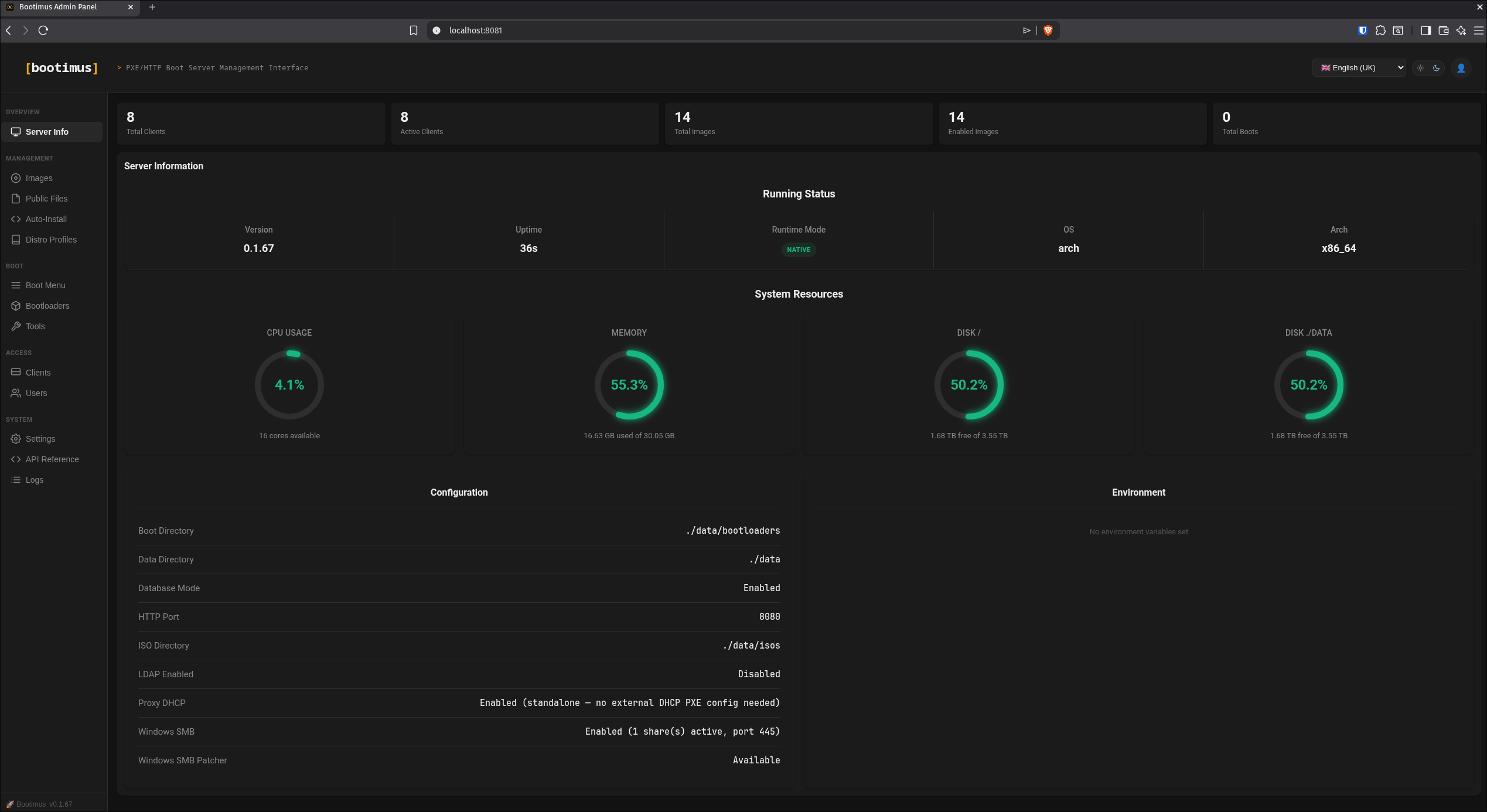
What is Bootimus?
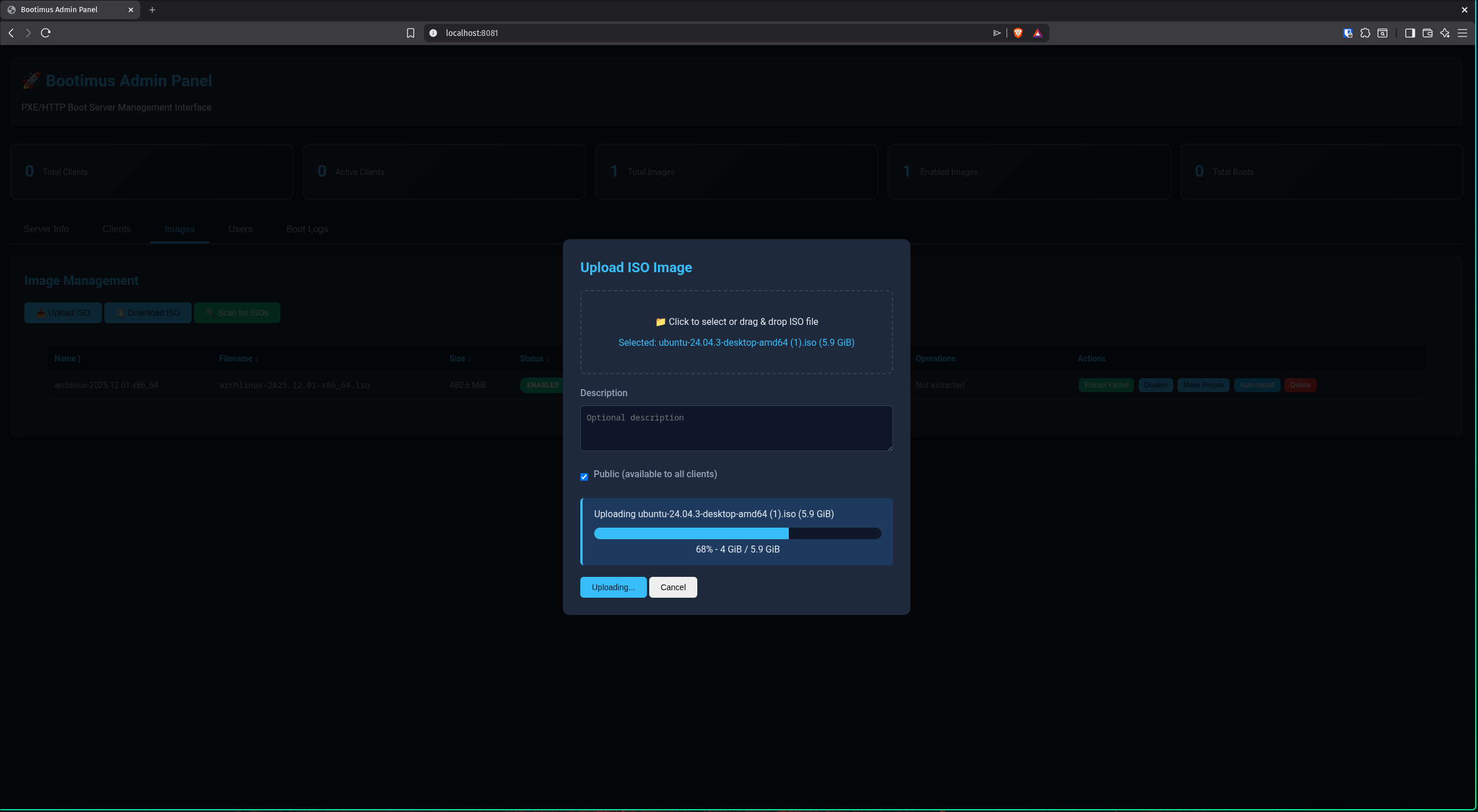
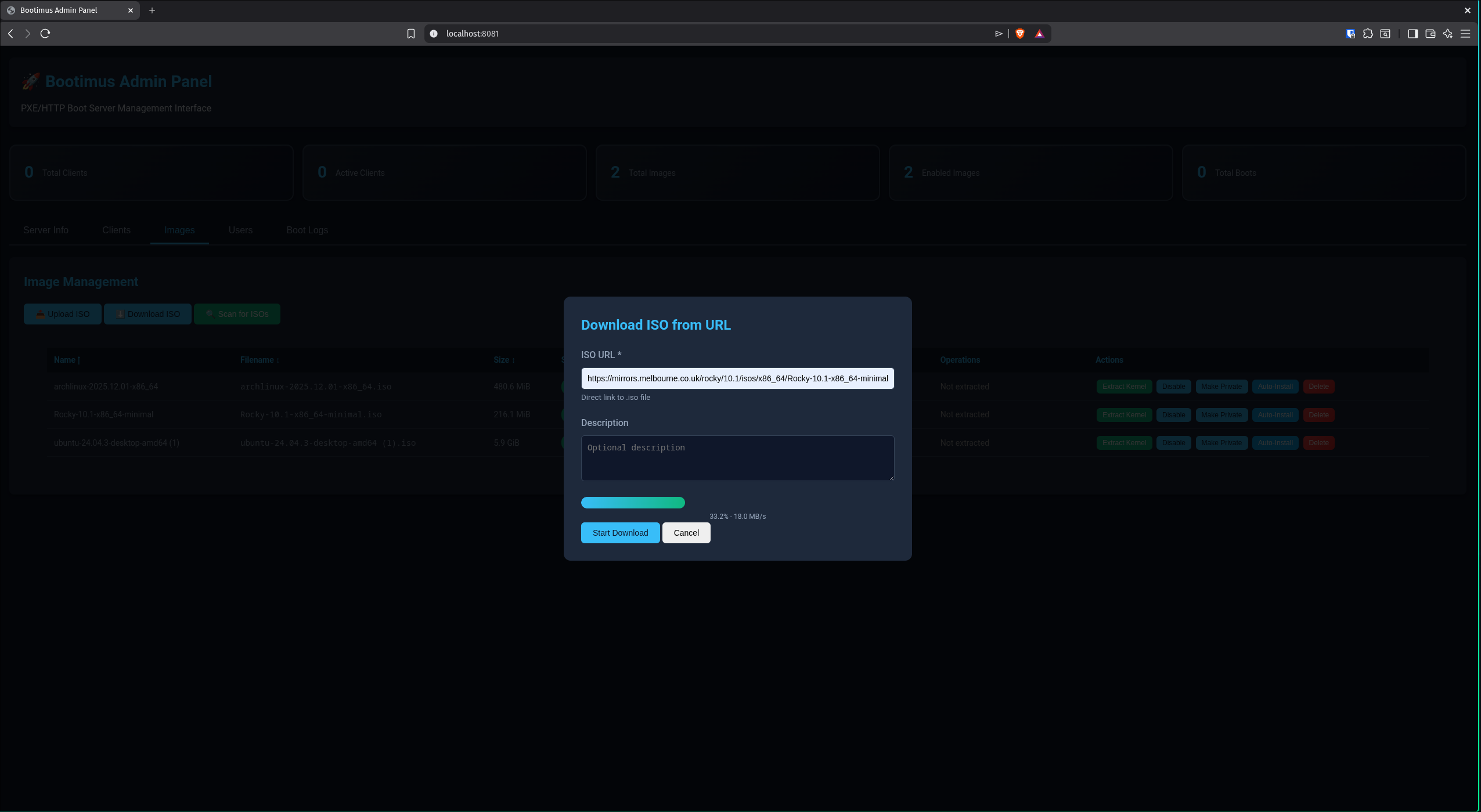
Bootimus is a modern PXE and HTTP boot server that simplifies network booting. Written in Go, it bundles everything into a single static binary or multi-arch Docker image with embedded iPXE bootloaders, a SQLite or PostgreSQL database, and a web admin interface. It supports over 50 Linux distributions plus Windows 10/11 unattended installation via SMB. Key capabilities include a built-in proxyDHCP responder that works without modifying the existing DHCP server, MAC-based access control with auto-discovery, built-in diagnostic utilities (partition editor, disk cloner, memory tester, rescue toolkit, secure wiper, and netboot.xyz), disk imaging with Clonezilla capture and deploy, iSCSI and AoE boot, BMC power control via Redfish or Intel AMT, remote console access (AMT SOL and IPMI), JWT authentication with optional TOTP 2FA, support for directory services and OpenID Connect providers, admin TLS with self-signed certificates, audit logging, multi-site read-only replicas, and swappable bootloader sets. It runs on bare metal, Docker, or as a flashable Alpine-based USB appliance. The project is licensed under Apache 2.0.
Bootimus alternatives
 docker-netbootxyzA Docker container running a PXE boot environment with web menu editor, TFTP server, and local OS image mirroring for faster network booting.Comparedocker-netbootxyz with Bootimus
 dhcp-netboot.xyzA self-hosted Docker container that runs a ProxyDHCP server to PXE boot installers and utilities from netboot.xyz on your local network.Comparedhcp-netboot.xyz with Bootimus
 yantrYantr is a self-hosted homelab app store running as a rootless Podman container alongside your Linux OS — no appliance, no root daemon, ~140 MB RAM at idle.Compareyantr with Bootimus
 folderhostA self-hosted, open-source cloud platform offering file sharing, real-time collaboration, and user management in a ~19MB binary as a lightweight Nextcloud alternativeComparefolderhost with Bootimus
 vitoOpen-source, self-hosted server management panel: provision VPS clouds, deploy PHP/Laravel or Node.js apps, and manage databases, SSL, firewall, cron and monitoring.Comparevito with Bootimus
 cloudboxioA lightweight Go-based file server you host yourself, offering JWT login, shareable links, a themed web interface, and embedded SQLite storage.Comparecloudboxio with Bootimus
 iVentoySelf-hosted PXE/HTTPBoot server for network OS installation across 110+ systems with BIOS/UEFI/Secure Boot support.CompareiVentoy with Bootimus
 pingvin-share-xOpen-source self-hosted file sharing platform and WeTransfer alternative with link sharing, expiration, passwords, ClamAV scanning, S3 support, and OIDC/LDAP auth.Comparepingvin-share-x with Bootimus
Should you self-host Bootimus?
Bootimus scores 49/100 on selfhost.directory (how scoring works) and ranks #18 of 31 in Networking. It has 406 GitHub stars.
It shipped 18 stable releases in the past year. The latest, v0.1.80, came out on 29 October 2026. New versions land roughly every 2 days.
Setup is moderate: expect some configuration beyond a single command. An official Docker image is available. It is Apache-2.0-licensed and written mostly in Go.
Its closest alternative on selfhost.directory is headscale (82/100, 45 185 stars). It scores higher overall, so compare the two before you pick. See Bootimus vs headscale side by side.
Features
- 50+ Distribution Support
- Admin TLS
- BMC Power Control
- Built-in proxyDHCP
- Diagnostic Tools
- Disk Imaging
- iSCSI/AoE Boot
- MAC-based Access Control
- Multi-site Replication
- OIDC Single Sign-On
- PXE/HTTP Boot Server
- Remote console
- Windows Unattended InstallRequires Samba on host (bundled in Docker image)
Bootimus README

More in Networking
 boreA minimal open-source, self-hosted TCP tunnel in Rust: expose a local port through a remote server you run yourself with a single `bore server` command.
 boringproxyOpen-source tunneling reverse proxy that exposes self-hosted services via public HTTPS URLs, managed through a simple web UI with automatic Let's Encrypt certificates.
 CalabiSelf-hosted tunneling tool giving local services HTTPS URLs for webhooks and previews, plus a private WireGuard mesh network with stable addresses.
 chiselSelf-hosted, open-source TCP/UDP tunnel over HTTP with SSH encryption; a single Go binary running as both server and client, with SOCKS5 and reverse port forwarding.
 cloudflare-dns-failoverSelf-hosted Go daemon that monitors server health and updates Cloudflare DNS A records to the first responsive IP for high availability.
 Cloudflared-webA self-hosted, open-source Docker image bundling the cloudflared CLI with a simple Web UI to set the tunnel token and start or stop a Cloudflare tunnel.
 cloudflare-tunnel-ingress-controllerOpen-source, self-hosted Kubernetes Ingress Controller that exposes Services through Cloudflare Tunnel, automating tunnels, DNS records and cloudflared connectors.
 consulSelf-hosted Consul is a service networking tool for service discovery, service mesh with mTLS, API gateway and health checks across multi-datacenter infrastructure.
 corednsSelf-hosted, open-source DNS server and forwarder built from chained plugins: DoT/DoH/DoQ, DNSSEC, caching, and Kubernetes or etcd service discovery.
 CoturnOpen-source TURN and STUN server relaying WebRTC and VoIP media through NAT; self-hosted via apt or Docker, with Prometheus metrics and SQL/Redis user databases.
 ddns-updaterOpen-source self-hosted DDNS client that keeps A and AAAA records current for many DNS providers, with a web UI, Shoutrrr notifications and a 12MB Docker image.
 D-NETSelf-hosted network tool automating DDNS, dynamic CDN, port forwarding, reverse proxy, and ACME SSL certificates via web UI.
0 comments