
Self-host Cloudflared-web
2026.10.3Cloudflare tunnel on/off switch with a web UI
- Stars
- 474
- Ports
- 14333 (Web UI for setting the token and starting/stopping the tunnel), 60123 (Tunnel metrics server, only when METRICS_ENABLE is true)
wisdomsky/cloudflared-web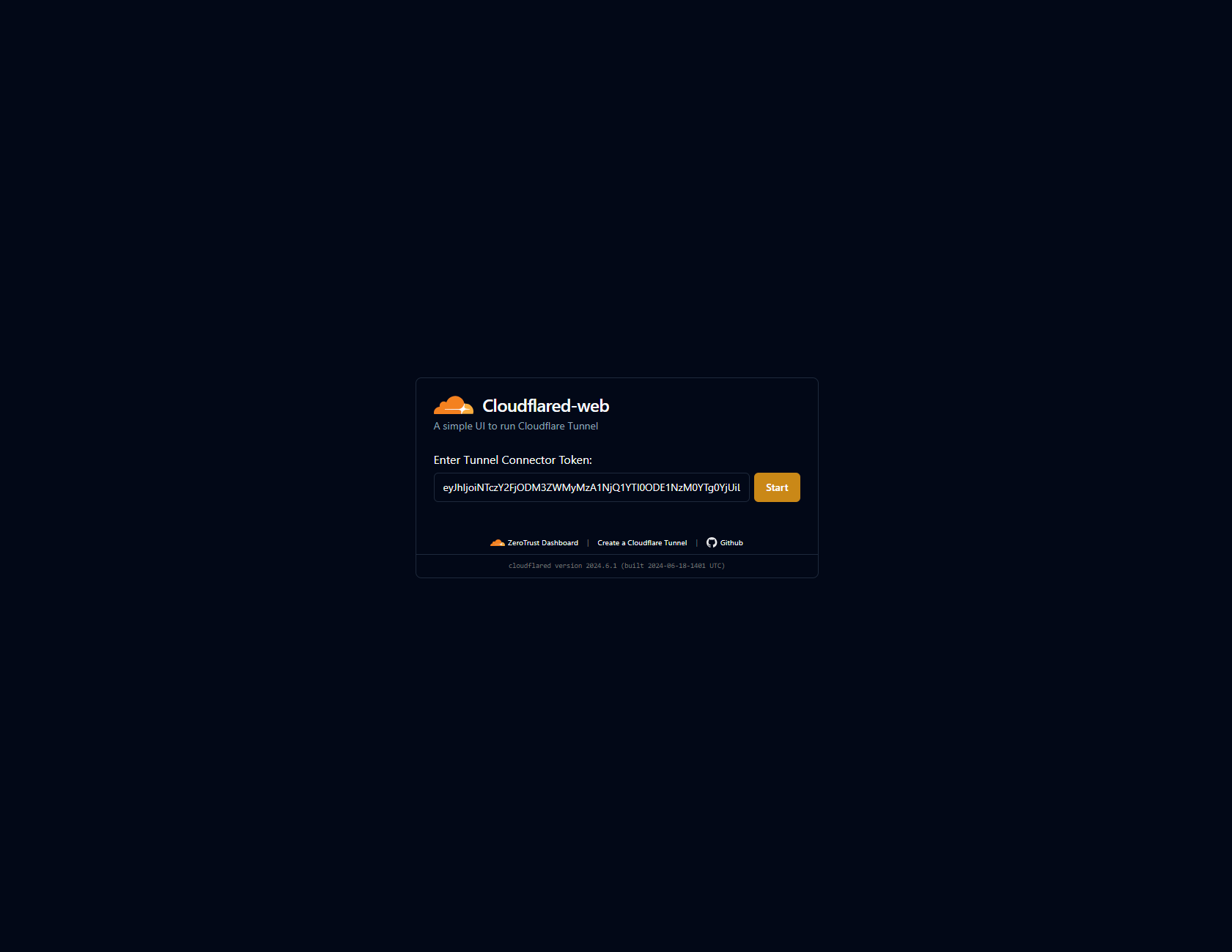
What is Cloudflared-web?
Cloudflared-web is a single Docker image that ships the cloudflared command-line client together with a small web interface, so you can control a remotely-managed Cloudflare tunnel without editing config files by hand. You paste your tunnel token into the Web UI, then start or stop the tunnel with a single click, and the image keeps running unattended. The UI listens on port 14333 by default and can be protected with an optional password via basic auth, while tunnel behaviour such as protocol, region, edge IP version, retries and a metrics server is tuned with environment variables modelled on Cloudflare's tunnel-run parameters. A /config volume persists the token and start status across image updates, and the image is published on Docker Hub with a ghcr.io mirror for amd64, arm64 and arm v7. For networking to work, the docs stress running the container in host network mode (or with explicit Docker networks), which makes it a natural fit for home-server setups.
Should you self-host Cloudflared-web?
Cloudflared-web scores 47/100 on selfhost.directory (how scoring works) and ranks #20 of 31 in Networking. It has 474 GitHub stars.
There was no stable release in the past 12 months, so check the repository's recent activity before you rely on it.
Setup is easy: most people get it running in one sitting. An official Docker image is available. It is GPL-2.0-licensed and written mostly in Vue.
Its closest alternative on selfhost.directory is headscale (82/100, 45 140 stars). It scores higher overall, so compare the two before you pick. See Cloudflared-web vs headscale side by side.
Features
- Configurable connection retries
- Configurable UI host and port
- Docker networks support
- Graceful shutdown with grace period
- Language translations
- One-click tunnel start/stop
- Optional basic auth for the UI
- Persistent /config volume
- Run-and-forget operation
- Tunnel metrics endpointDisabled by default (METRICS_ENABLE false).
- Tunnel run parameter tuning
- Web UI tunnel management
Cloudflared-web README
More in Reverse Proxy
 cosmos-server☁️ The Most Secure and Easy Selfhosted Home Server. Take control of your data and privacy without sacrificing security and stability (Authentication, anti-DDOS, anti-bot)
 D-NETSelf-hosted network tool automating DDNS, dynamic CDN, port forwarding, reverse proxy, and ACME SSL certificates via web UI.
 docker-flow-proxyDocker Flow Proxy is a self-hosted, open-source reverse proxy built on HAProxy that automatically reconfigures when services are deployed or scaled in Docker Swarm.
 docker-traefik-cloudflare-companionSelf-hosted Docker companion that automatically creates and updates Cloudflare CNAME records for containers managed by Traefik reverse proxy.
 DockFlareOpen-source, self-hosted control plane turning Docker labels into Cloudflare Tunnel routes, DNS entries and Zero Trust policies, with an optional sovereign email suite.
 dockserverDockServer is a self-hosted, open-source Docker management system that automates Traefik, Authelia, and 100+ apps via a menu-driven CLI on Ubuntu with Cloudflare.
 DockTailOpen-source, self-hosted Go agent that watches Docker labels and publishes containers as native Tailscale Services, with HTTPS, TCP, PROXY protocol and Funnel support.
 FerronOpen-source, self-hosted Rust web server for static sites, PHP and reverse-proxied apps, with automatic TLS, Prometheus/OTLP metrics, and trace IDs in every log line.
 fn-knockSelf-hosted gateway that combines reverse proxy, authentication, WAF, SSL certificates, DDNS, and tunneling for home servers and NAS devices.
 frpfrp is a self-hosted, open-source fast reverse proxy that exposes local servers behind NAT or firewalls to the internet via TCP, UDP, HTTP, and HTTPS with P2P support.
 fxtun.devfxTunnel is an open-source Go reverse tunnel for HTTP, TCP, UDP with custom subdomains, inspector, and desktop GUI. An ngrok alternative with servers in Russia.
 geoblockSelf-hosted forward auth that allows or denies requests by country, ASN, IP range, domain, and HTTP method. Works with Traefik, NGINX, Caddy.
0 comments