
Self-host docker-netbootxyz
0.7.6-nbxyz16Self-hosted PXE boot server with web UI and asset mirroring
docker compose up -d netbootxyz- Stars
- 384
- Ports
- 3000 (Web configuration interface), 69 (TFTP service (UDP)), 80 (NGINX server for hosting assets)
ghcr.io/netbootxyz/netbootxyz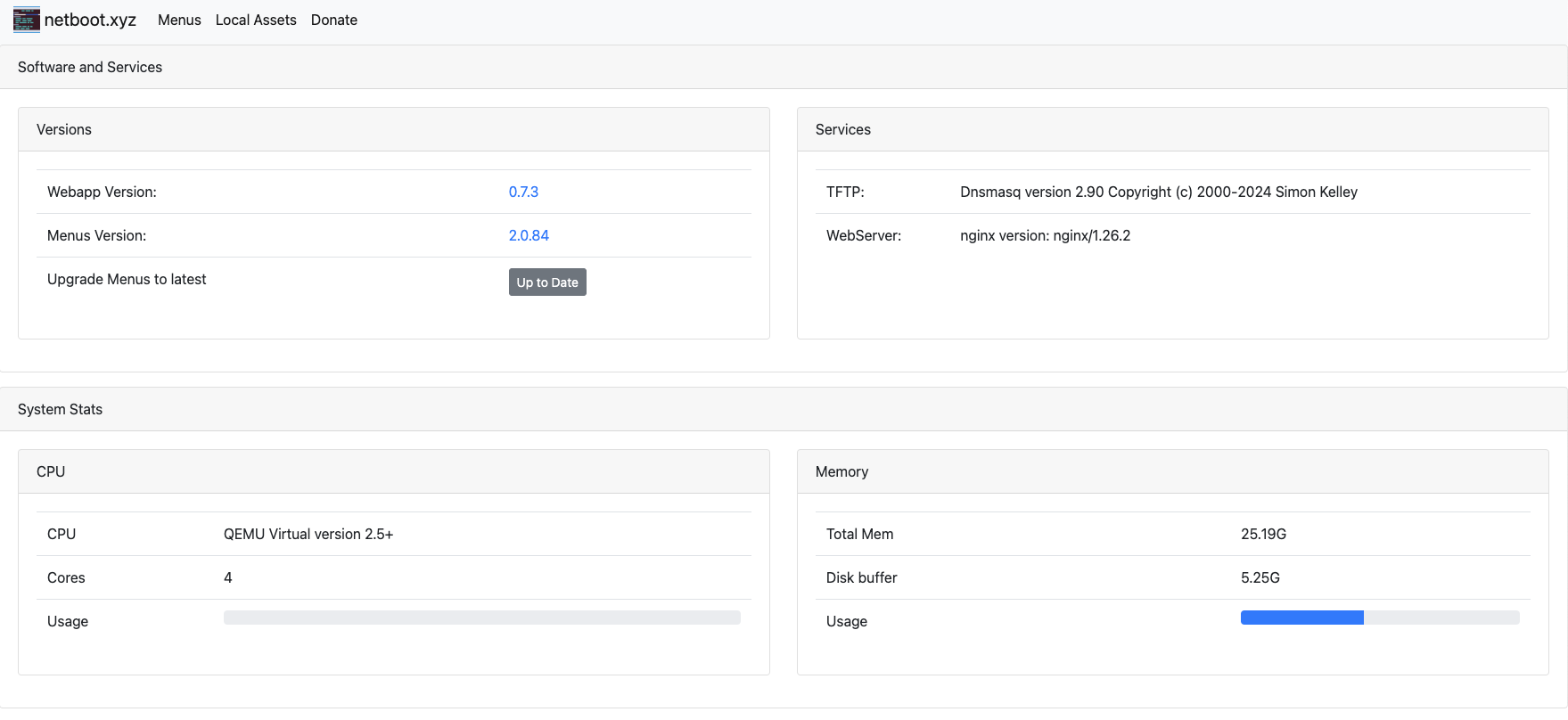
What is docker-netbootxyz?
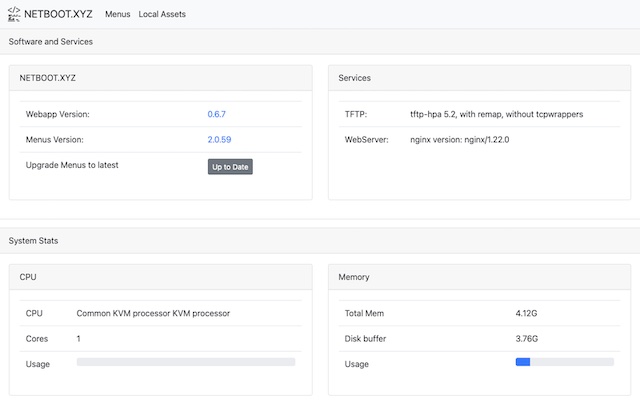
docker-netbootxyz packages netboot.xyz as a Docker container that runs a complete PXE boot environment. It includes a Node.js web application for editing iPXE menus on the fly, nginx for serving boot assets locally, dnsmasq for TFTP services, and syslog for TFTP activity logs. The container requires an external DHCP server configured to point clients to the container's TFTP service. Users can mirror OS installer images locally for faster boot times and create custom iPXE menus through the web interface. The image supports both x86_64 and ARM architectures and is configured via environment variables for ports, user/group IDs, and menu versions.
docker-netbootxyz alternatives
 BootimusBootimus is a self-hosted, open-source PXE/HTTP boot server in Go supporting 50+ distros, Windows unattended installs, proxyDHCP, and a web admin UI with JWT/LDAP/OIDC.CompareBootimus with docker-netbootxyz
 yantrYantr is a self-hosted homelab app store running as a rootless Podman container alongside your Linux OS — no appliance, no root daemon, ~140 MB RAM at idle.Compareyantr with docker-netbootxyz
 NextermOpen-source, self-hosted server management console: SSH, VNC and RDP sessions, an SFTP file manager, Docker deployments, monitoring and team organizations.CompareNexterm with docker-netbootxyz
 docker-webtopOpen-source, self-hosted Docker images running full Linux desktops (Alpine, Ubuntu, Fedora, Arch, Debian) in your browser via Selkies.Comparedocker-webtop with docker-netbootxyz
 NextCloudPiA self-hosted, open-source Nextcloud package delivered as SD images, VM and LXC images, or a one-line Debian installer, with a web admin panel.CompareNextCloudPi with docker-netbootxyz
 webtopUbuntu, Alpine, Arch, and Fedora based Webtop images, Linux in a web browser supporting popular desktop environments.Comparewebtop with docker-netbootxyz
 hytale-server-dockerSelf-hosted Docker container for Hytale dedicated server with auto-updates, Java 25, QUIC/UDP, and ARM64 support.Comparehytale-server-docker with docker-netbootxyz
 dockgeA self-hosted, open-source web UI for Docker Compose stacks: create, edit and deploy compose.yaml files, with a live web terminal and multi-host agents.Comparedockge with docker-netbootxyz
Should you self-host docker-netbootxyz?
docker-netbootxyz scores 56/100 on selfhost.directory (how scoring works) and ranks #10 of 31 in Networking. It has 384 GitHub stars.
It shipped 3 stable releases in the past year. The latest, 0.7.6-nbxyz16, came out on 15 March 2026.
Setup is advanced: plan for several services and some ongoing maintenance. An official Docker image is available. It is Apache-2.0-licensed and written mostly in Shell.
Its closest alternative on selfhost.directory is headscale (82/100, 45 185 stars). It scores higher overall, so compare the two before you pick. See docker-netbootxyz vs headscale side by side.
Features
- Configurable menu versions
- Custom iPXE menus
- Local asset mirroring
- NGINX asset hosting
- TFTP server
- UEFI Secure Boot support
- User/group ID mapping
- Volume persistence
- Web-based menu editor
docker-netbootxyz README

The netboot.xyz docker image allows you to easily set up a local instance of netboot.xyz. The container is a small helper application written in node.js. It provides a simple web interface for editing menus on the fly, retrieving the latest menu release of netboot.xyz, and enables mirroring the downloadable assets from Github to your location machine for faster booting of assets.
FAQ
Will my favorite distribution work with netboot.xyz?
Most distributions work if they provide an installer kernel (vmlinuz), initramfs, and rootfs hosted on a mirror. The project maintains a CI/CD system to keep OS versions up to date.
What is PXE Booting?
PXE (Pre-Boot eXecution Environment) allows clients to boot from a server over the network, enabling automation before the system boots from its hard drive.
How does netboot.xyz work?
netboot.xyz uses iPXE to call a webserver hosting iPXE source files containing menus and logic for various Linux installers. When you select an OS, it retrieves images from project directories or trusted mirrors.
What is netboot.xyz?
netboot.xyz is a tool that allows you to boot your favorite Operating System's installer or various utilities over the network with minimal overhead from a single menu system.
More in Networking
 DockTailOpen-source, self-hosted Go agent that watches Docker labels and publishes containers as native Tailscale Services, with HTTPS, TCP, PROXY protocol and Funnel support.
 EZ-WifiBroadcastOpen-source, self-hosted FPV video link that streams low-latency 1080p video, MAVLink telemetry and RC control between a drone camera and its ground station.
 FulcrumFulcrum is a self-hosted, open-source SPV server implementing the Electrum protocol for Bitcoin Cash, Bitcoin, and Litecoin. Written in C++20.
 fxtun.devfxTunnel is an open-source Go reverse tunnel for HTTP, TCP, UDP with custom subdomains, inspector, and desktop GUI. An ngrok alternative with servers in Russia.
 gateway-gogateway-go is a self-hosted, open-source LAN gateway that pairs with OpenIoTHub client via QR code to expose local ports over NAT traversal and P2P tunnels.
- GNUnetGNUnet is a framework for secure, decentralized, and privacy-preserving peer-to-peer networking. It aims to replace the insecure Internet protocol stack with a robust, censorship-resistant network.
 gravitlSelf-hosted, open-source WireGuard automation: mesh VPNs, remote access gateways and site-to-site networks managed from a web UI with ACLs and DNS.
 HAProxyHAProxy is a free, very fast and reliable reverse-proxy offering high availability, load balancing, and proxying for TCP and HTTP-based applications.
 headscaleSelf-hosted, open-source Tailscale control server for personal and small org tailnets with WireGuard VPN, MagicDNS, and ACLs.
 i6.sharkSelf-hosted IPv6 proxy generating random /48 subnet addresses per request to defeat IP rate limits. HMAC-SHA256 auth, runs as Go binary on Linux.
 iodineOfficial git repo for iodine dns tunnel
 kuboKubo is the original open-source Go implementation of IPFS: a self-hosted p2p daemon for content-addressed data, with a CLI, WebUI, HTTP gateway and RPC API.
0 comments