
Self-host BookHeaven.Server
v1.0.1Ebook library manager with OPDS and KOReader sync
- Stars
- 190
- Ports
- 8080 (web ui), 27007 (auto discovery (UDP))
ghcr.io/bookheaven/bookheaven-server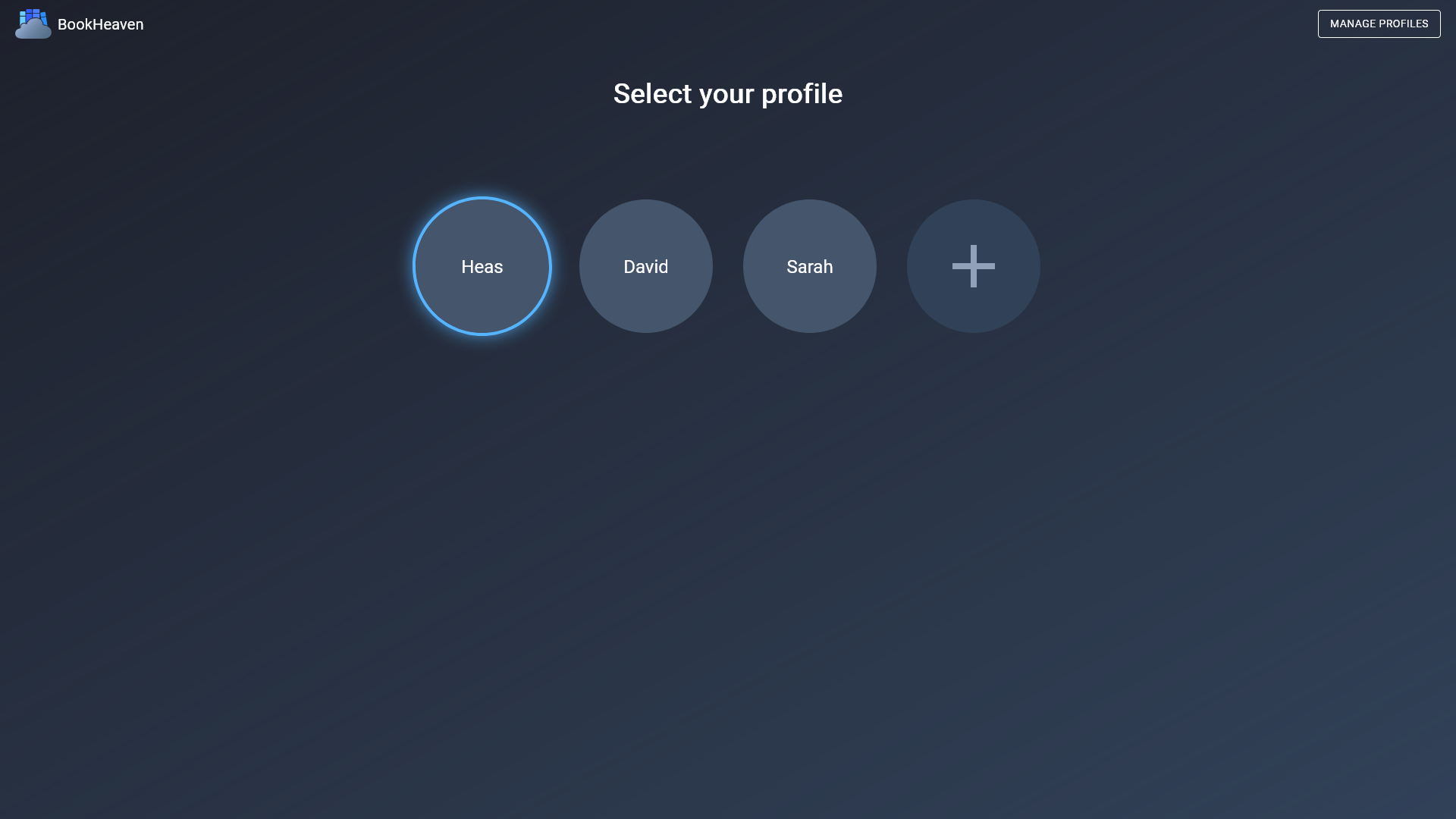
What is BookHeaven.Server?
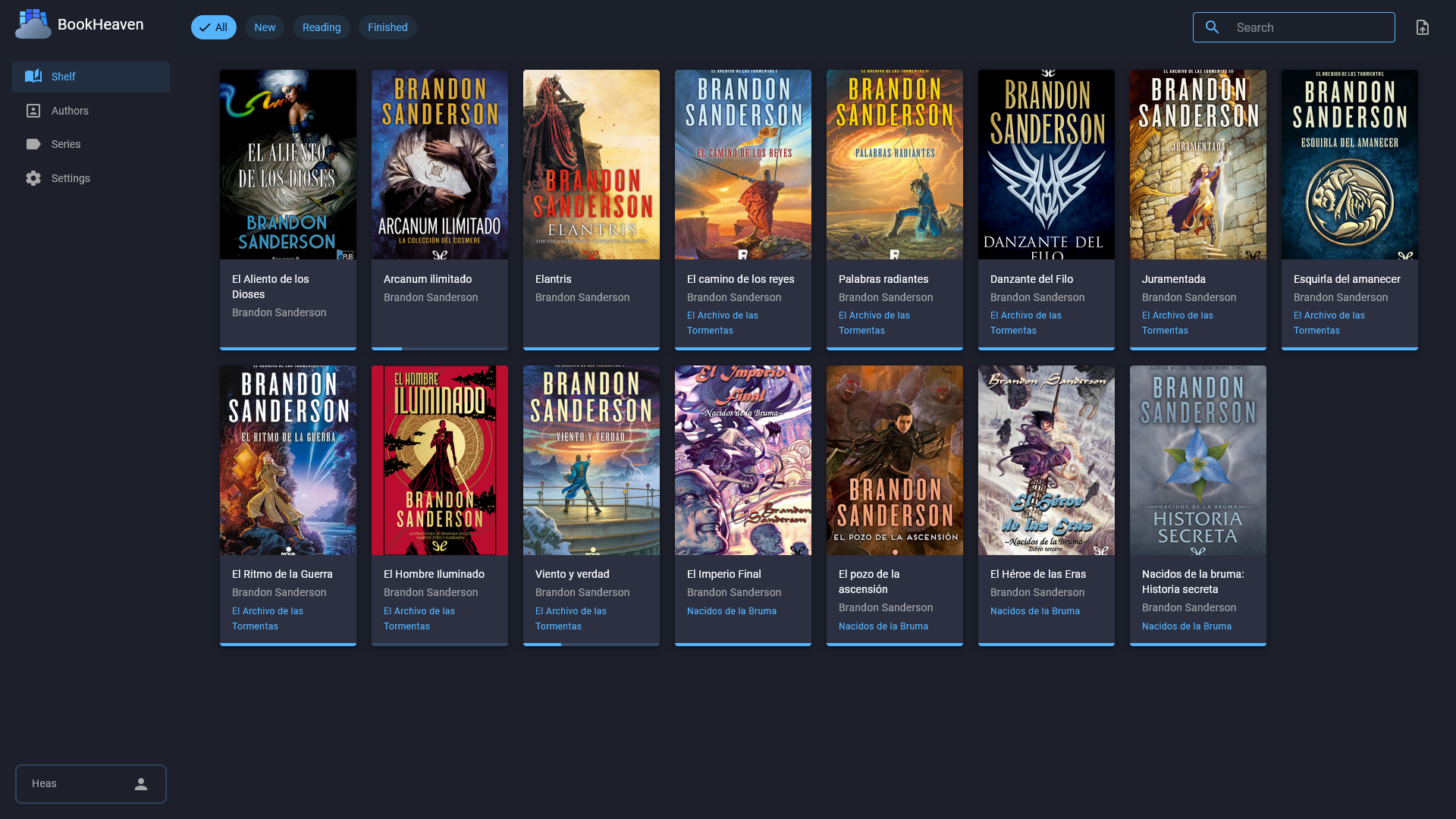
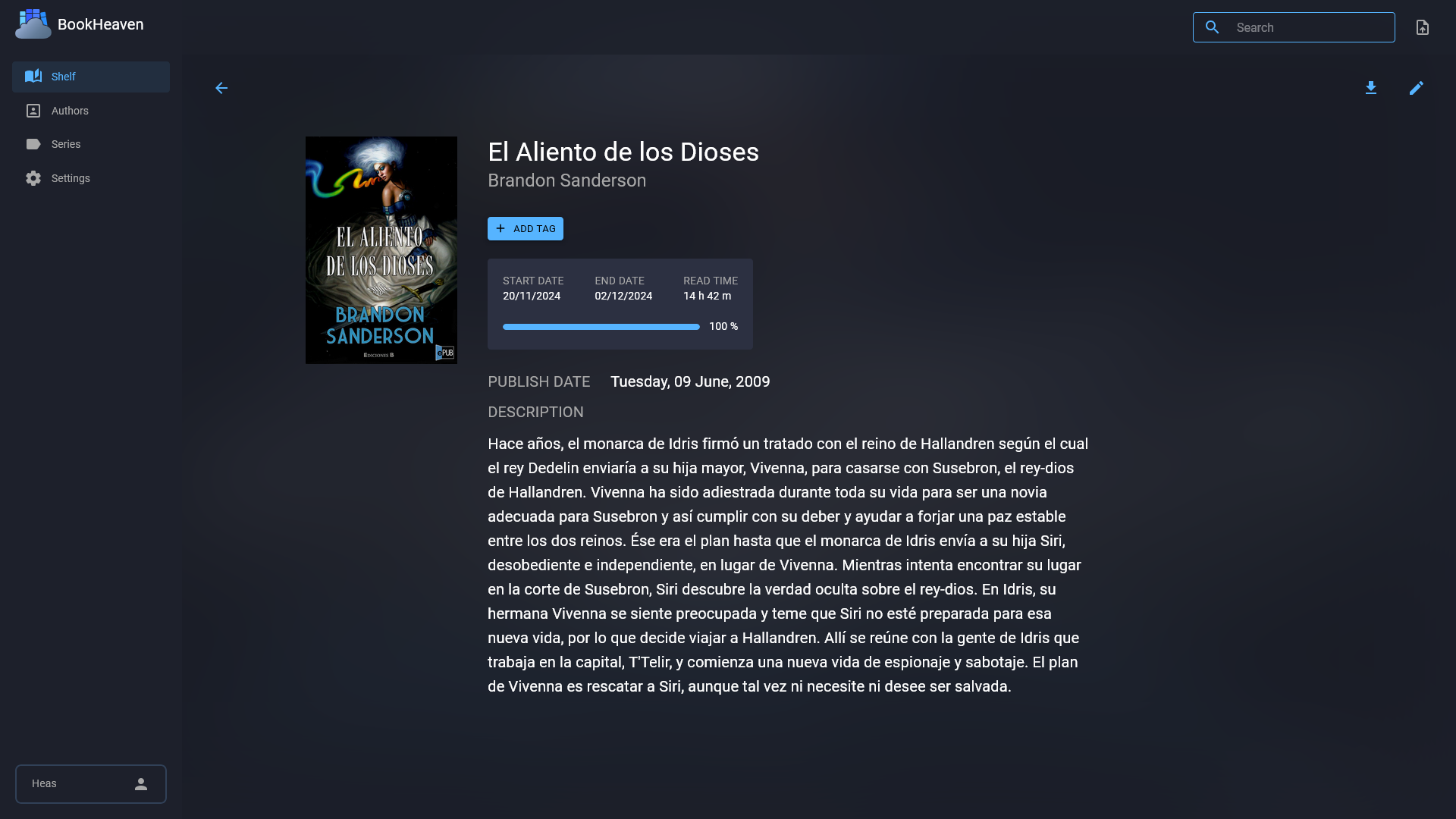
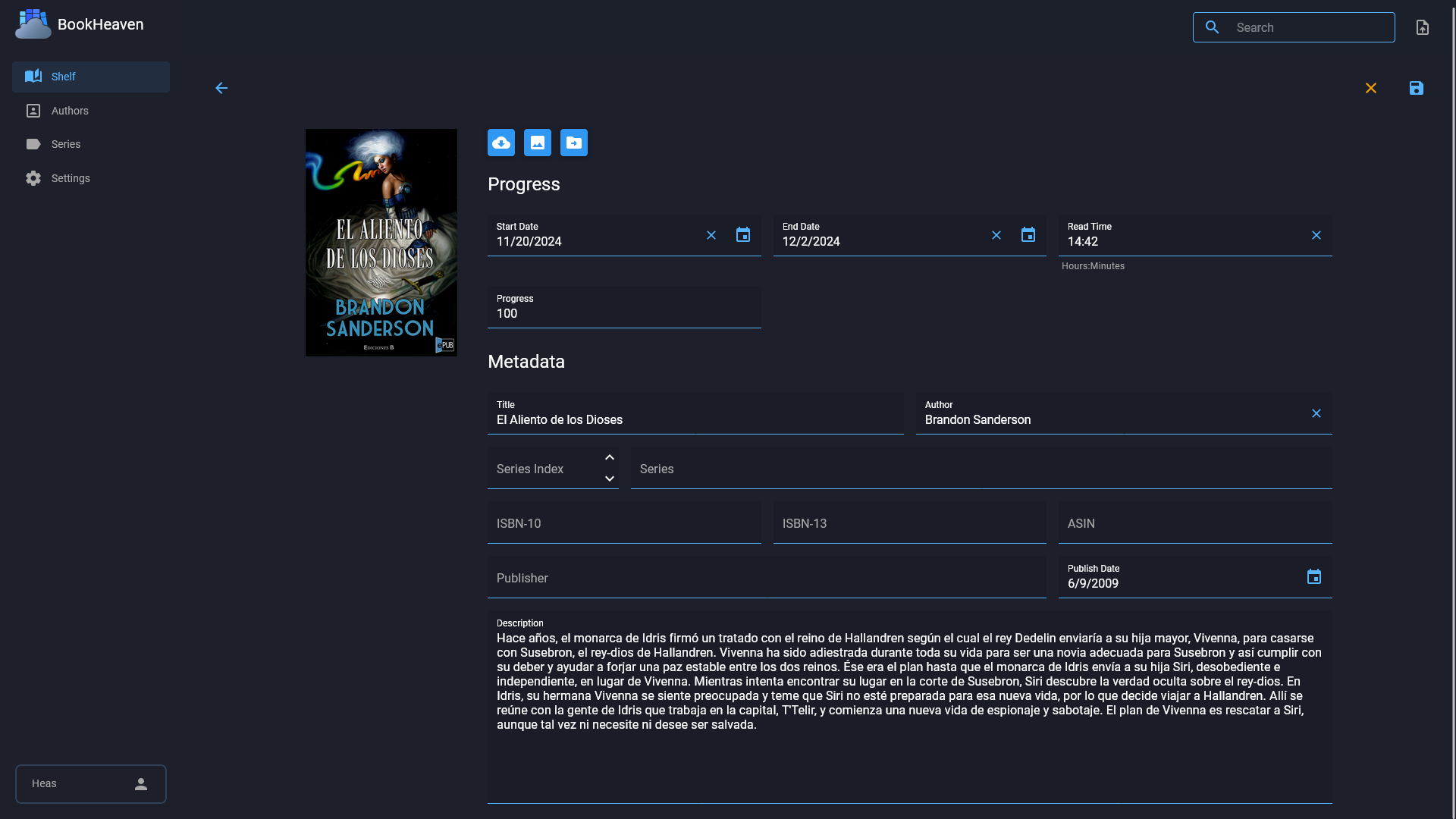
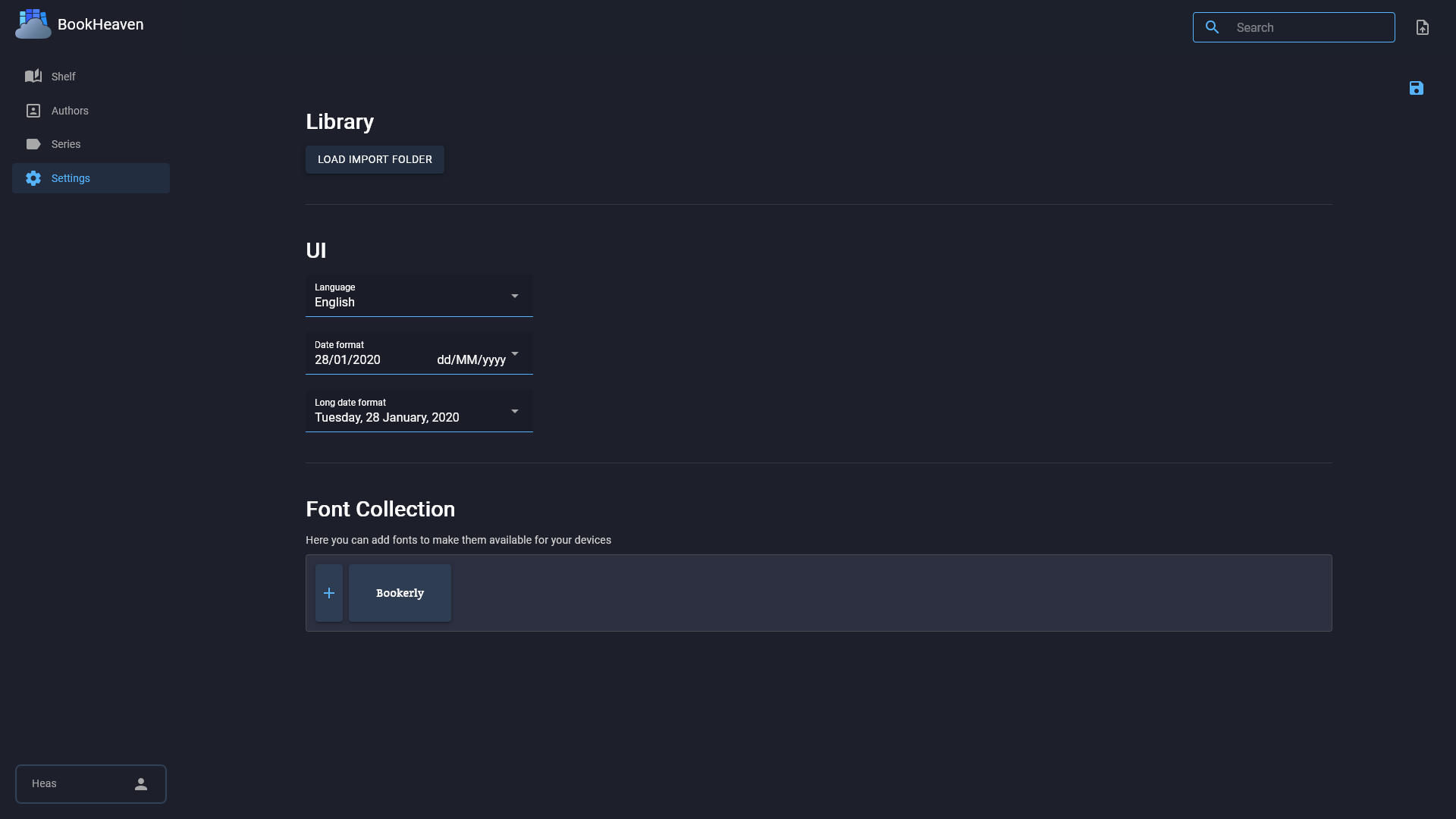
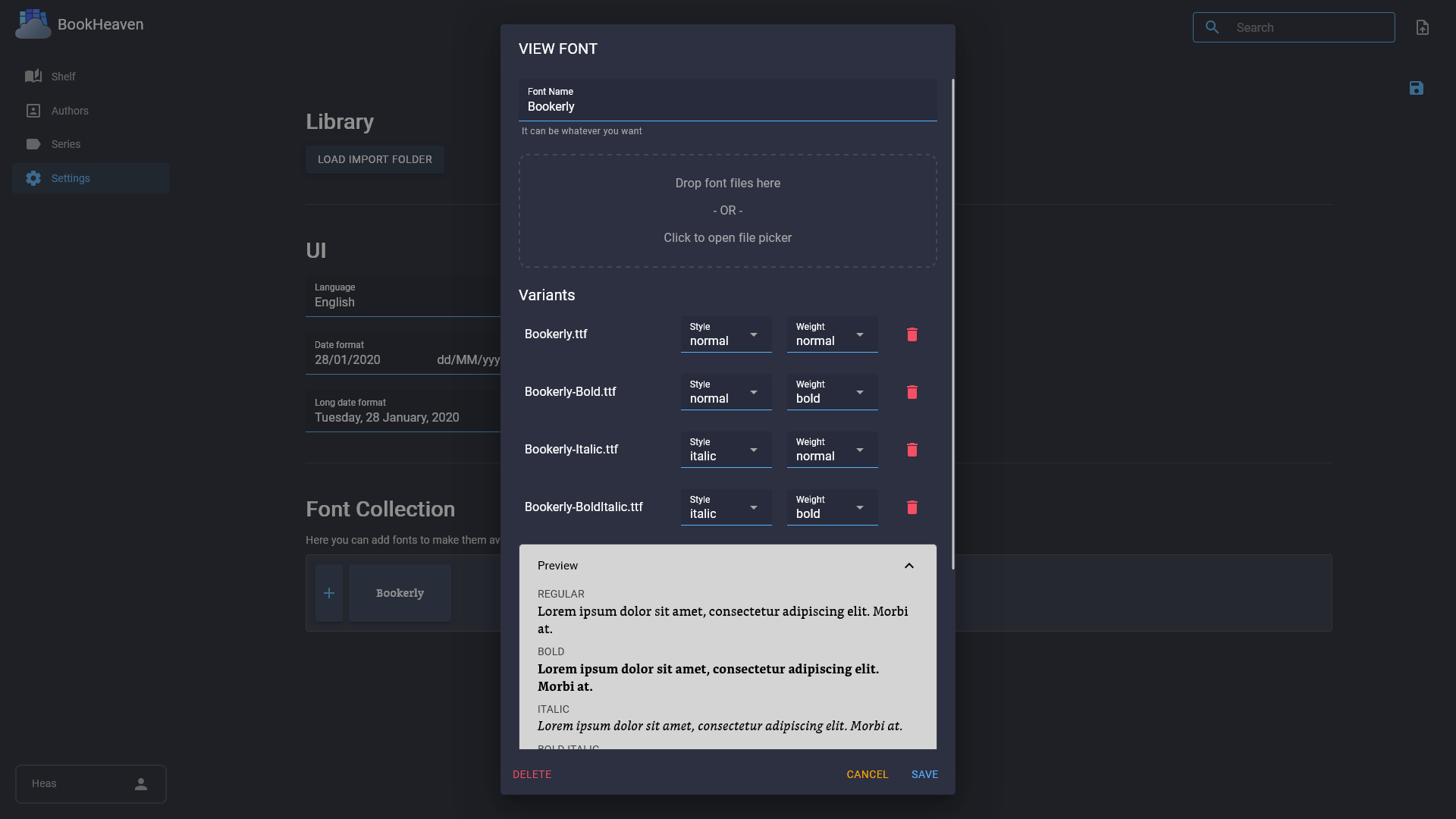
BookHeaven Server is a self-hosted web application for managing your ebook library. It lets you organize books into authors, series, collections, and tags, with metadata read from and written back to the ebook files. Features include an OPDS catalog at /opds/v1, KOReader sync compatibility, reading progress tracking with timestamps and percentages, font management for devices, and multiple user profiles to keep reading progress separate. It runs via Docker, Docker Compose, or Podman with an embedded SQLite database and requires a persistent data volume. The project is open-source under GPL-3.0 and includes a companion Android reader app.
Should you self-host BookHeaven.Server?
BookHeaven.Server scores 44/100 on selfhost.directory (how scoring works) and ranks #11 of 19 in Ebook Management. It has 190 GitHub stars.
It shipped 15 stable releases in the past year. The latest, v1.0.1, came out on 27 October 2026. New versions land roughly every 8 days.
Setup is easy: most people get it running in one sitting. An official Docker image is available. It is GPL-3.0-licensed and written mostly in HTML.
Its closest alternative on selfhost.directory is Calibre (83/100, 26 267 stars). It scores higher overall, so compare the two before you pick. See BookHeaven.Server vs Calibre side by side.
Features
- Auto discovery
- Ebook library management
- Font management
- Import folder
- KOReader Sync
- Metadata Fetching
- Metadata handling
- Multi-language UISpanish features might release without translation for a while
- Multiple Profiles
- OPDS Catalog
- Progress Tracking
- REST API
BookHeaven.Server README
More in Ebook Management
 bookshelfSelf-hosted, open-source ebook and audiobook manager that monitors RSS feeds, grabs new releases, and organizes them using Goodreads or Hardcover metadata.
 BookshelfSelf-hosted ebook library for EPUBs/PDFs with OPDS catalog for e-readers, browser readers, and multi-reader profiles. Runs on Cloudflare R2 or local filesystem.
 Calibrecalibre is a free, open-source e-book manager for organizing, converting, and reading e-books. Supports all major formats with a built-in Content server for web access.
 Calibre Web AutomatedSelf-hosted ebook library with automated ingest, conversion, metadata, and KOReader sync. Combines Calibre-Web UI with Calibre power.
 ChaptarrSelf-hosted audiobook and eBook manager forked from Readarr with narrator-aware metadata, dual libraries, and *arr integrations.
 ComiGoSelf-hosted, open-source comic/manga reader supporting CBZ, CBR, EPUB, PDF with web UI, PWA offline reading, progress sync, and Docker deployment.
 dir2opdsA lightweight OPDS 1.2 ebook server you host yourself that turns a folder into a digital library. Serves EPUB, PDF, MOBI, AZW3, and FB2 to OPDS readers or a web browser.
 eloranEloran is a self-hosted, open-source comics and ebook web library in Rust with folder-based library view, reading progress tracking, bookmarks, and multi-user support.
 GrimoireA self-hosted web app for organizing and reading your tabletop RPG PDF collection with full-text search, maps, tokens, audio, and campaign management.
 InkWeaverInkWeaver is a self-hosted manga download manager with desktop GUI and CLI. Organizes downloads with metadata, cover art, and export formats (CBZ, PDF).
 KOllectorSelf-hosted Flask app that aggregates KOReader highlights from multiple devices via Syncthing, enriches metadata via Open Library, and exports to blog posts.
 KomgaKomga is a self-hosted, open-source media server for comics, manga, and eBooks with responsive web UI, REST API, OPDS, Kobo/KOReader sync, and multi-user management.
0 comments