
Self-host BeeCount Cloud
1.9.0Self-hosted sync cloud for personal accounting app
docker compose up -d- Stars
- 191
- Port
- 8080 (HTTP API and Web console)
sunxiao0721/beecount-cloud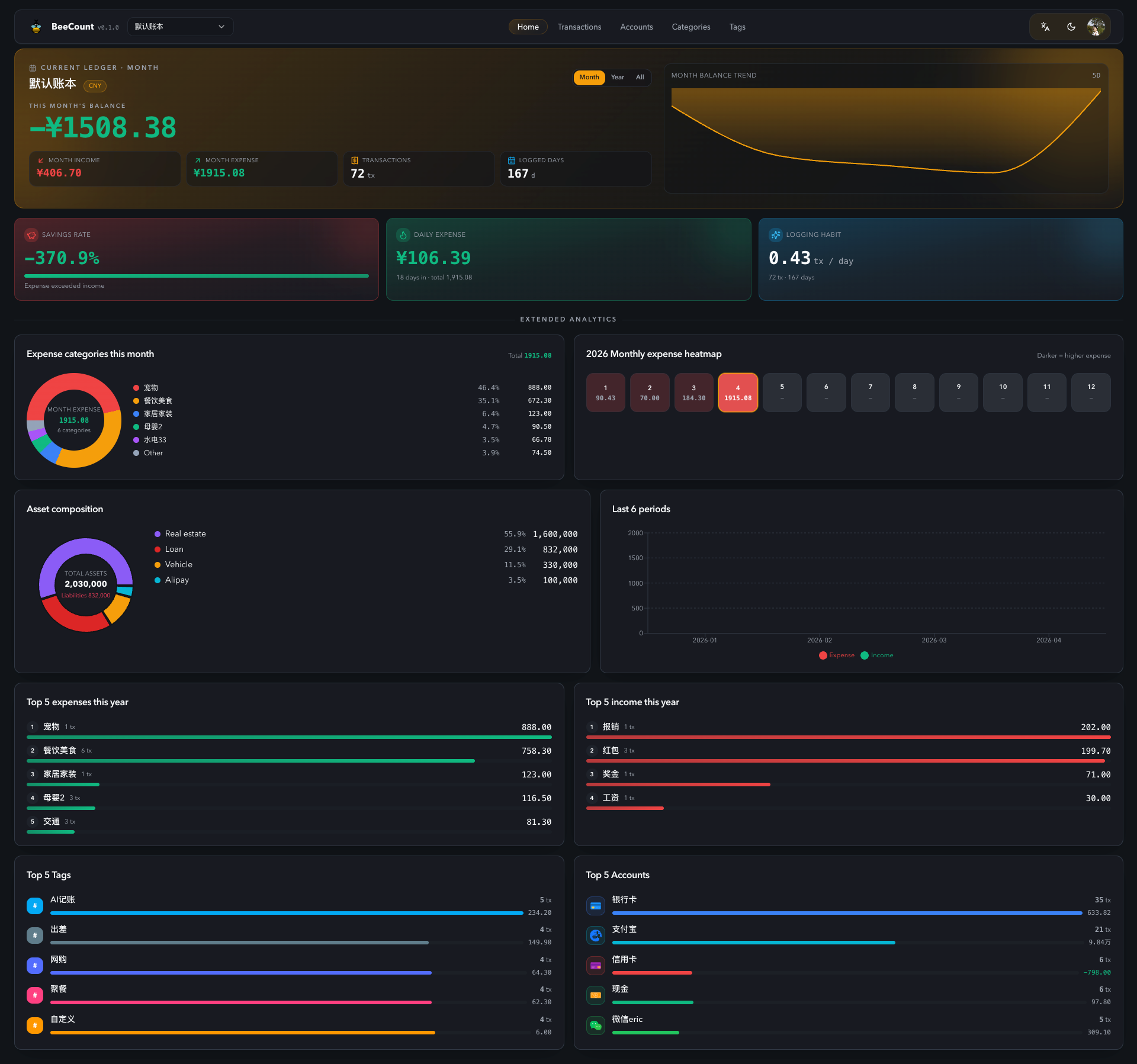
What is BeeCount Cloud?
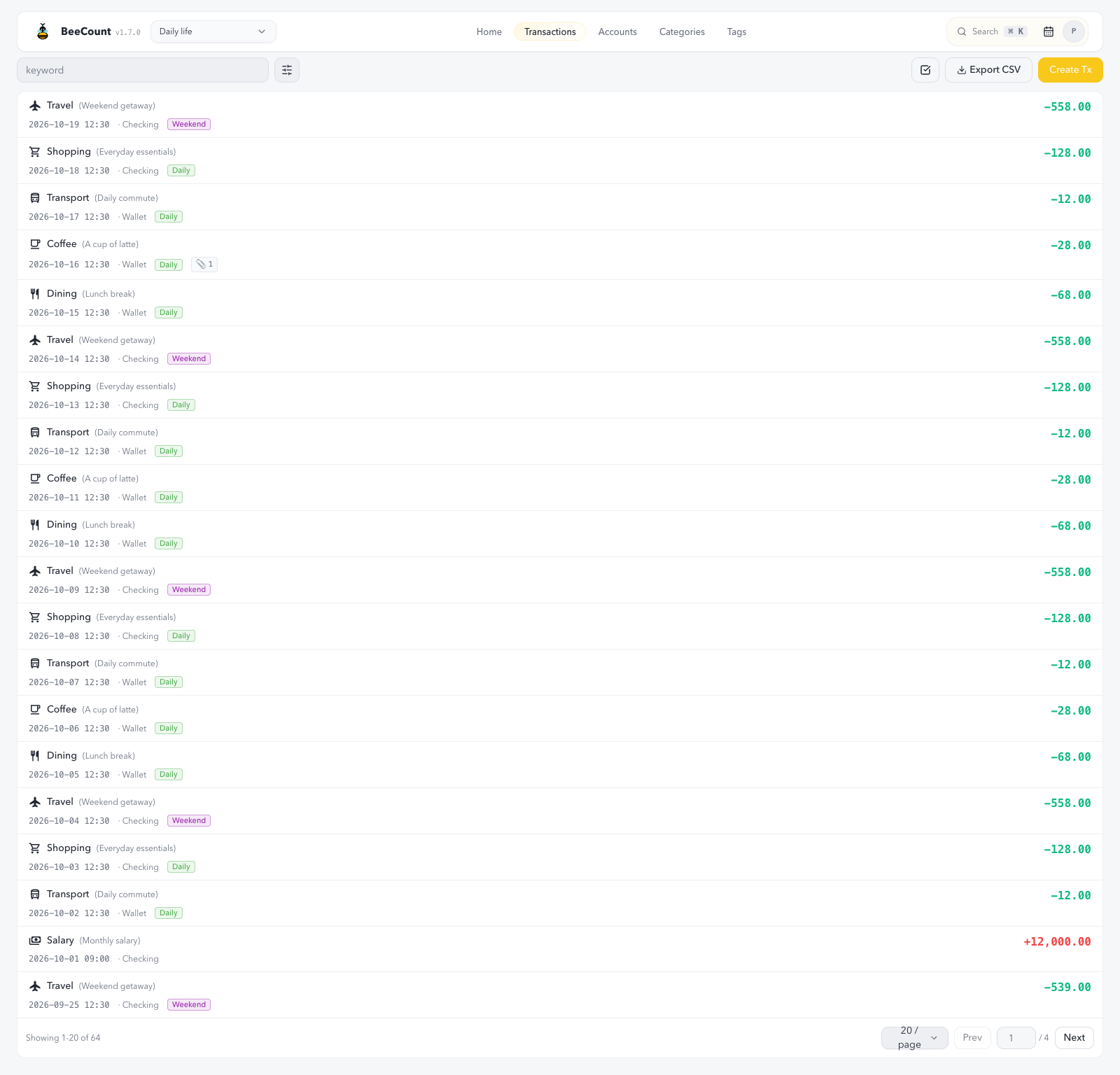
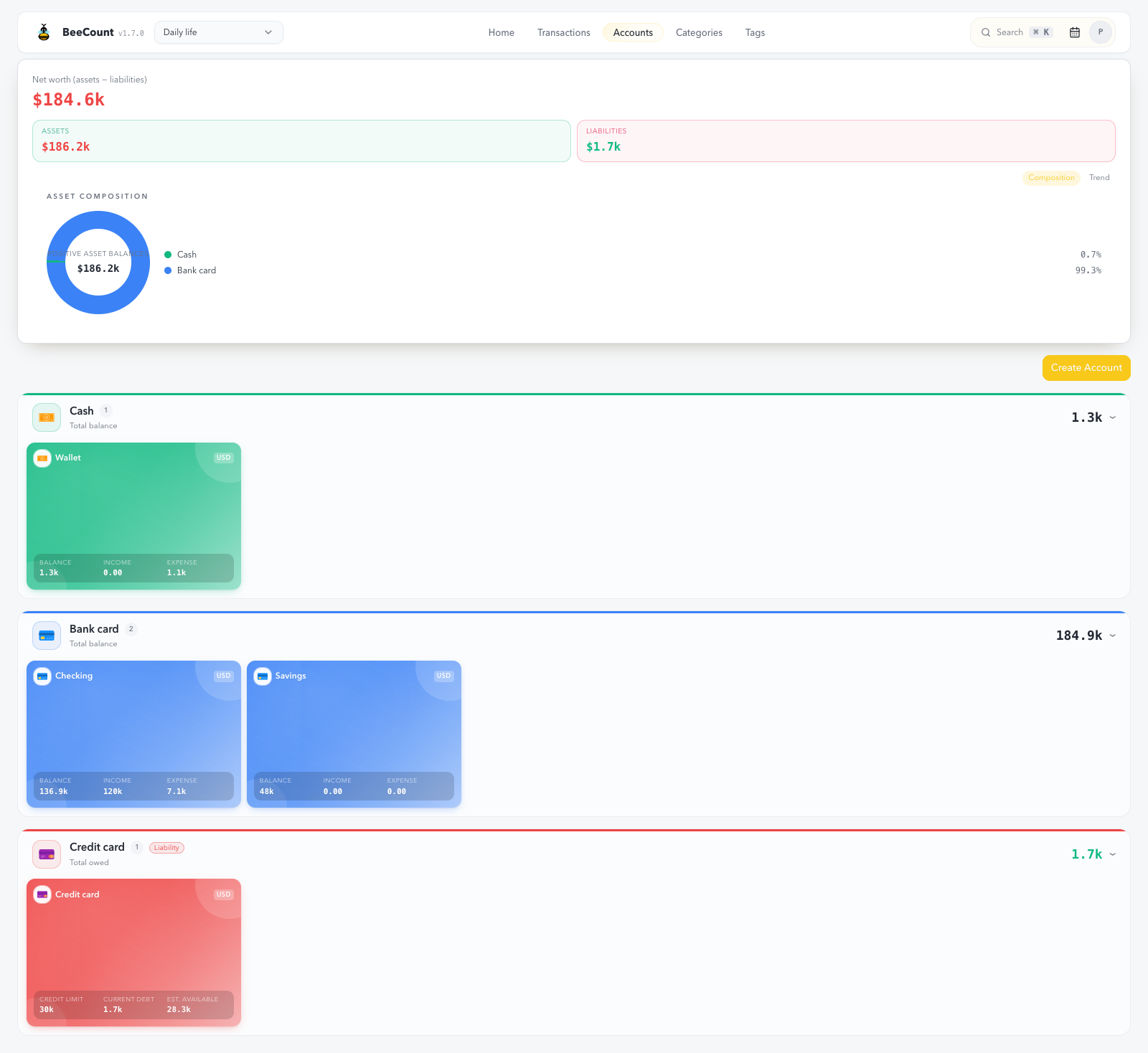
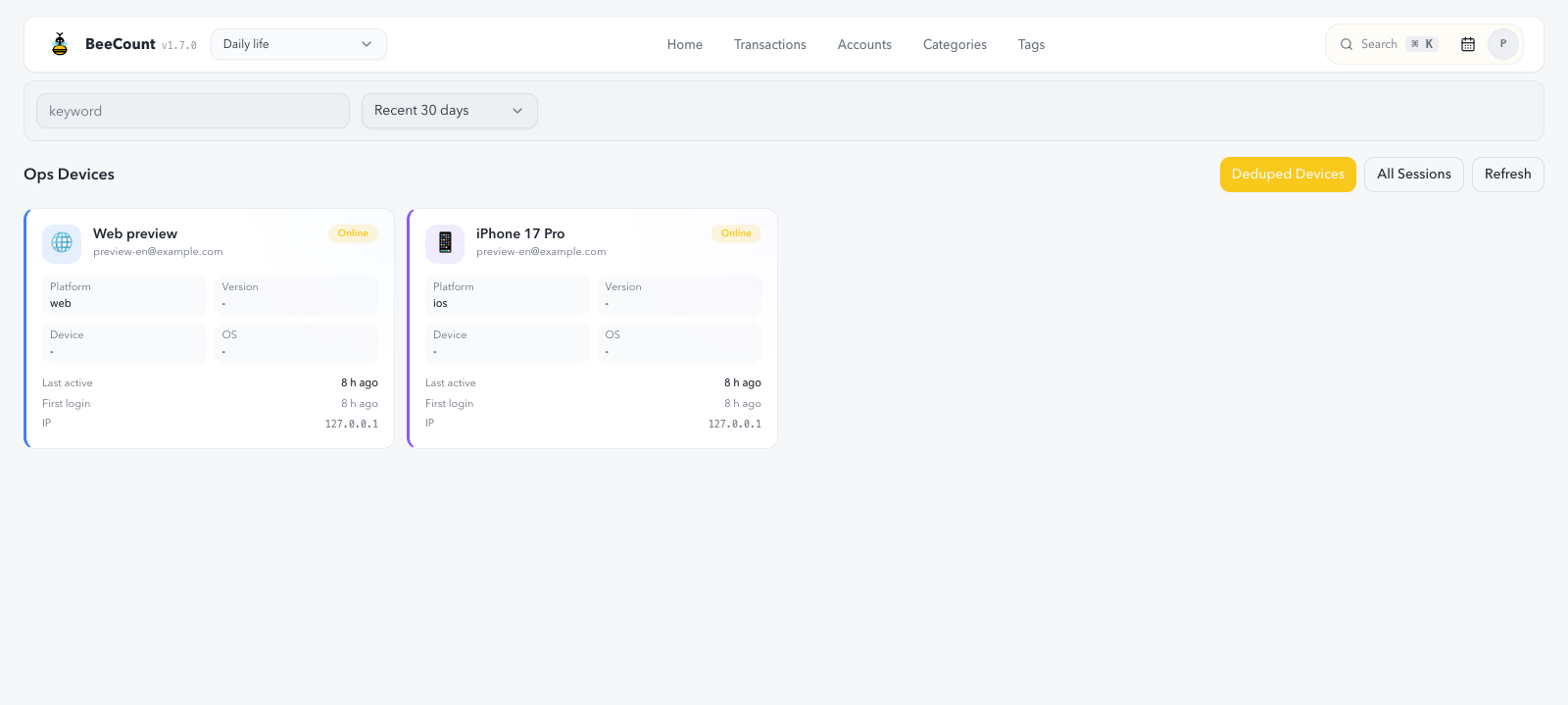
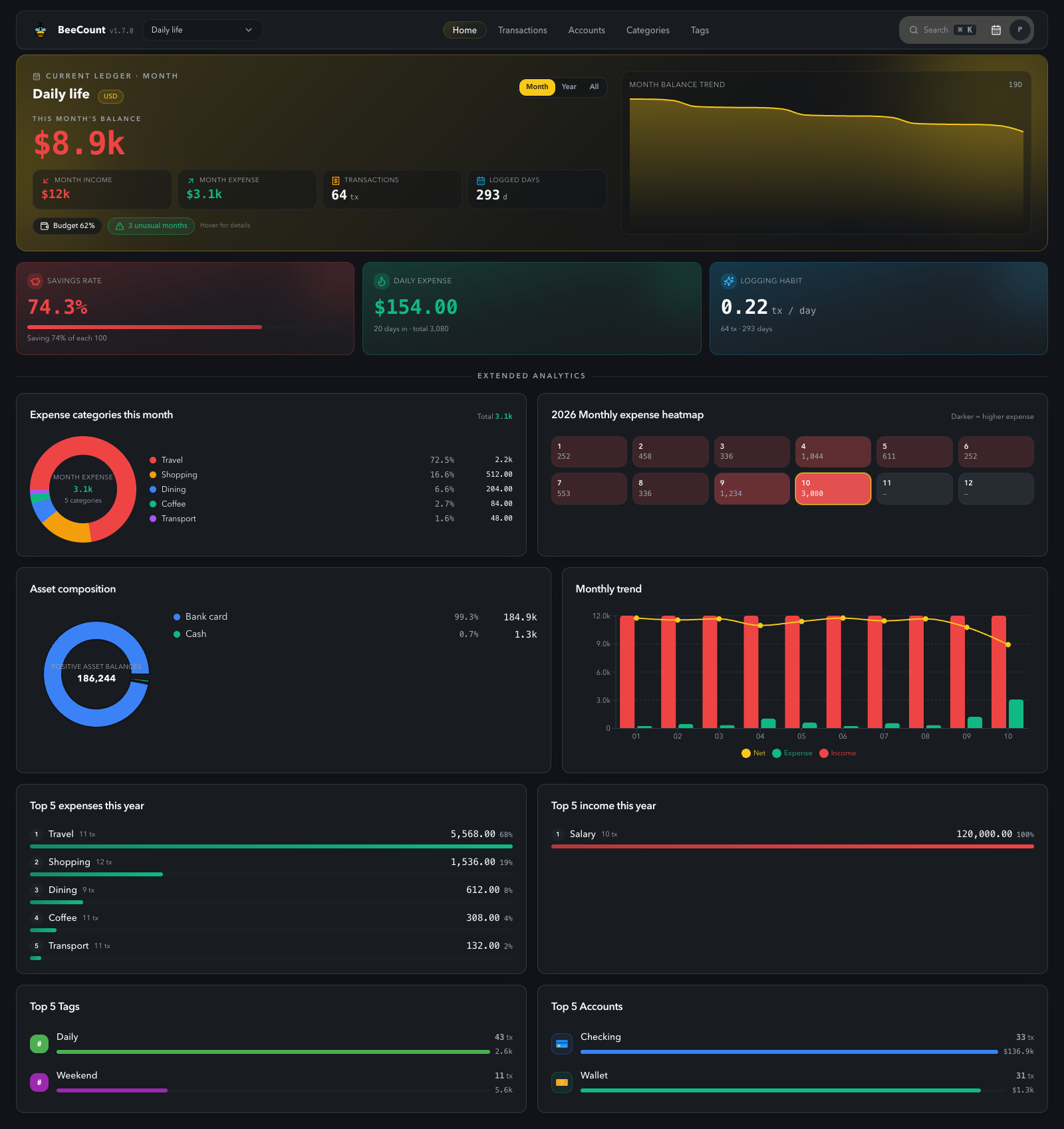
BeeCount Cloud is a self-hosted synchronization server for the BeeCount personal finance app (iOS, Android, Web). It runs as a single Docker container with a SQLite database and provides real-time WebSocket sync across devices within seconds. Features include multi-user shared ledgers with owner/editor roles, AI-assisted bookkeeping via OCR and voice, multi-remote AES-256 encrypted backups to S3/R2/WebDAV/Google Drive/OneDrive, a built-in MCP server for LLM-driven ledger queries, and a responsive web console with PWA support, dark mode, and an admin panel. The project uses a Business Source License (BSL): free for personal self-hosting, education, and open-source contributions; commercial use requires a paid license.
Should you self-host BeeCount Cloud?
BeeCount Cloud scores 46/100 on selfhost.directory (how scoring works) and ranks #34 of 62 in Personal Finance. It has 191 GitHub stars.
It shipped 10 stable releases in the past year. The latest, 1.9.0, came out on 25 October 2026. New versions land roughly every 5 days.
Setup is moderate: expect some configuration beyond a single command. An official Docker image is available. It is Other-licensed and written mostly in Python.
Its closest alternative on selfhost.directory is Econumo (50/100, 118 stars). It scores higher overall, so compare the two before you pick. See BeeCount Cloud vs Econumo side by side.
Features
- Admin panel with live logs
- AI bookkeeping (OCR/voice)
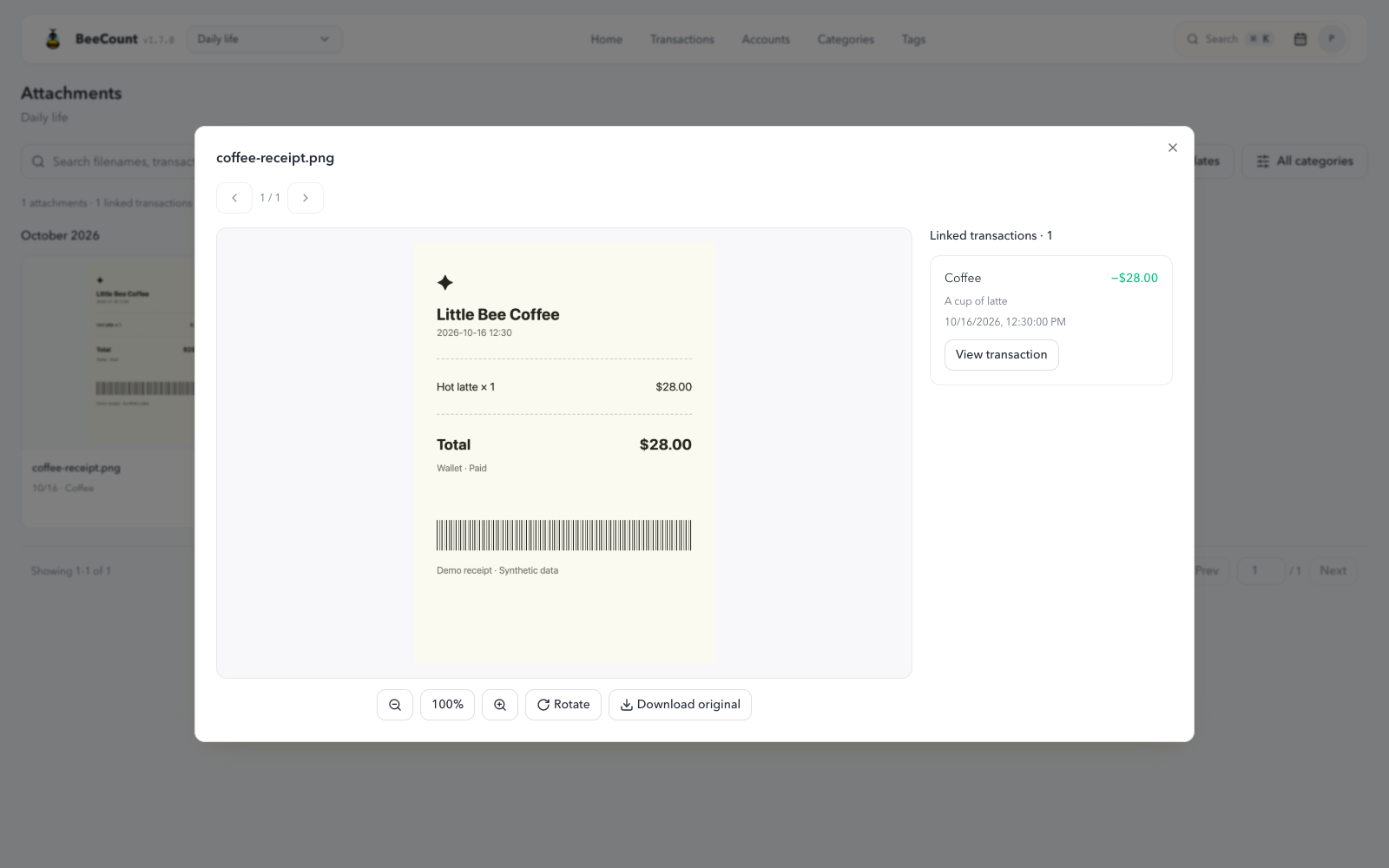
- Attachment support
- Automatic database migrations
- Built-In MCP Server
- CSV import/export
- Multi-currency ledgers
- Multi-remote encrypted backup
- Offline-first sync
- Prometheus Metrics
- Real-time multi-device sync
- Recurring Transactions
- Rich analytics dashboard
- Shared ledgers (multi-user)
BeeCount Cloud README
FAQ
Is it free?
Yes, completely free. No ads, no subscriptions, no hidden fees.
Is there an Android version?
Yes, you can download the APK from GitHub Releases.
Can I use multiple cloud sync services at once?
Currently only one cloud sync method can be selected at a time.
What if sync isn't working?
Check network connection, verify cloud service configuration, try manually triggering sync, and check sync logs for issues.
Can multiple people share a ledger?
Yes, after self-hosting BeeCount Cloud, the Owner can generate an invite code from the App or Web; family/friends enter it to join the same ledger with real-time sync and Owner/Editor roles.
Can I record investment returns?
You can create an Investment category and Investment Account to record, but automatic ROI calculation is not yet supported.
Does it support multiple currencies?
Yes, multiple currencies are supported. You can select the currency when creating a ledger, but each ledger can only use one currency.
Where is my data stored?
Data is stored locally on your device by default. When cloud sync is enabled, it syncs to your chosen cloud service. BeeCount does not collect any data.
How do I migrate data to a new phone?
Use iCloud sync for iOS to iOS, Supabase/WebDAV/S3 sync for Android to Android or cross-platform, or export/import CSV.
How do I backup my data?
Use cloud sync (iCloud/Supabase/WebDAV/S3), export CSV, or export config.
More in File Sync
 CloudreveSelf-hosted, open-source cloud drive with multi-storage backends, WebDAV, share links, online preview and office editing, plus admin tools for multi-user sites.
 CloudSyncOpen-source self-hosted file sync with desktop client that watches a folder and uploads changes to your own server, like Google Drive's desktop client.
 CondensationAn open-source distributed data system for app builders: conflict-free sync, end-to-end encryption and self-hosted store servers on a file system or MySQL.
 CondensationDBAn open-source distributed data system: build apps with its client libraries and run a self-hosted store server, with semilattice merging and end-to-end encryption.
 docker-webdavSelf-hosted Docker image running an Apache WebDAV server with Basic/Digest auth, multi-user password files and optional SSL.
 ephemeraSelf-hosted file sharing for NAS and routers that synchronizes text, pictures, and documents between devices with live updates.
 EpicenterOpen-source, local-first app suite — notes, voice transcription, and a CRDT sync server you run self-hosted on Bun or Cloudflare Workers.
 Filen WebDAVSelf-hosted WebDAV server for Filen's encrypted cloud with standalone, proxy, and cluster modes and basic/digest auth.
 firefox-syncDocker Compose setup to self-host Firefox Sync using Mozilla's syncstorage-rs with MariaDB or PostgreSQL, syncing bookmarks and passwords to your own server.
 focus-compass-sync-serverSelf-hosted Node.js sync server for Focus Compass using Hocuspocus/Yjs with SQLite, bearer tokens, admin UI, backups, and optional MCP for AI clients.
 HoardSelf-hosted, open-source game save backup/sync with full version history and SHA-256 verification. Auto-detects 20,000+ games. Runs on Windows, macOS, Linux, Steam Deck.
 icloudOpen-source, self-hosted Docker iCloud client that keeps a local copy of iCloud Drive and Photos, with scheduled sync, 2FA re-auth and an optional web dashboard.
0 comments