
Self-host cloudseeder
v1.1.2One-click desktop app to deploy self-hosted appliances
- Stars
- 199
- Requires
- IPv6.rs account, Podman


What is cloudseeder?
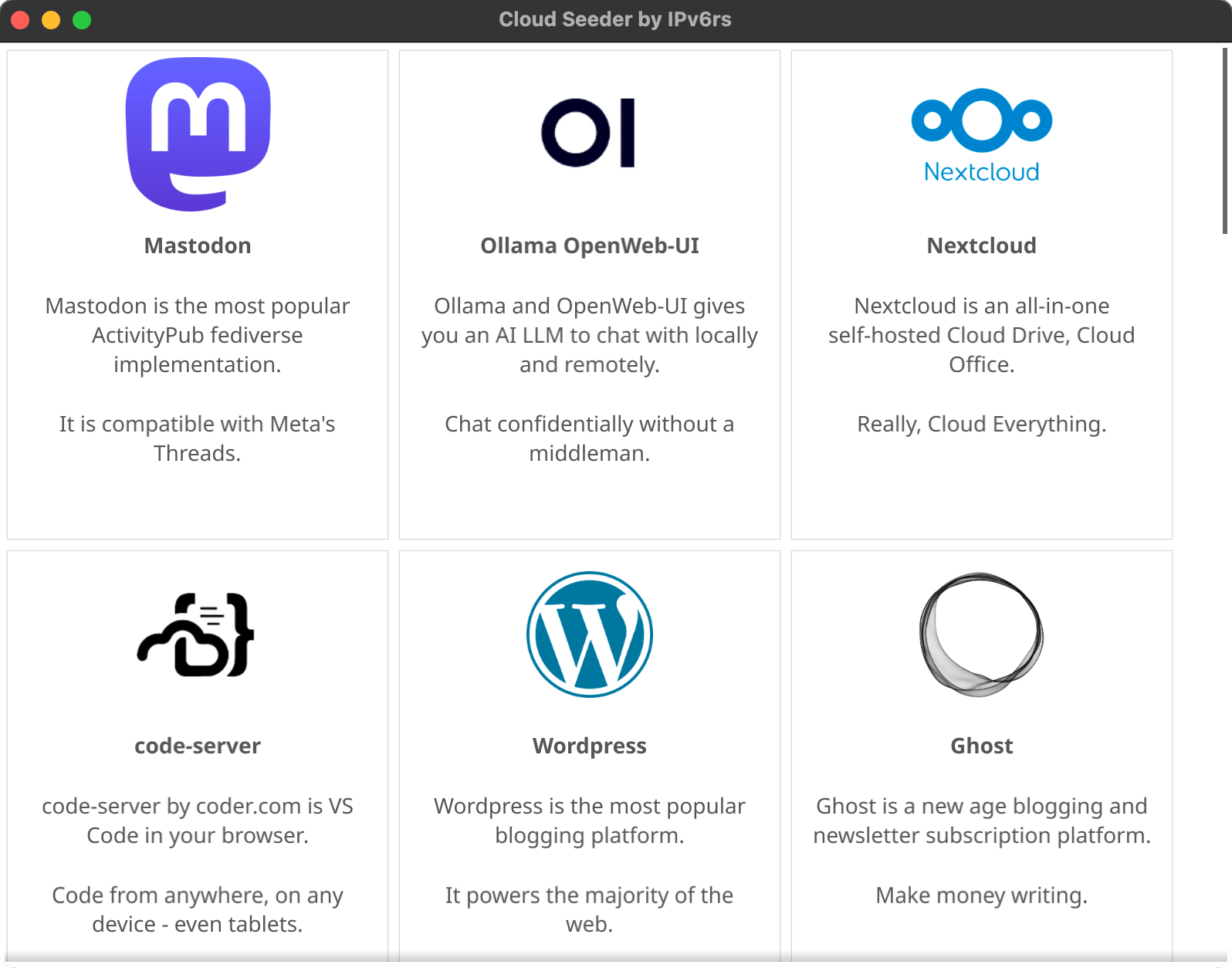
Cloud Seeder by IPv6rs is a cross-platform desktop application written in Go with a Fyne GUI that simplifies self-hosting by deploying pre-configured server appliances as Podman containers. Users download the native installer for their OS (Windows, macOS, Linux), create an IPv6.rs account for external static IPs, enter their domain and credentials, and launch appliances like Mastodon, Nextcloud, Jellyfin, Ghost, Gitea, and 30+ others with one click. The app handles automated updates, runs containers on Ubuntu 24.04 LTS base with security hardening (sshd disabled, syslog disabled, minimal capabilities), and requires Podman pre-installed. It is licensed under the custom COOLER license which restricts commercial use by enterprises with >$1M revenue.
Should you self-host cloudseeder?
cloudseeder scores 42/100 on selfhost.directory (how scoring works) and ranks #13 of 20 in Application Management. It has 199 GitHub stars.
There was no stable release in the past 12 months, so check the repository's recent activity before you rely on it.
Setup is moderate: expect some configuration beyond a single command. It is Other-licensed and written mostly in Shell.
Its closest alternative on selfhost.directory is hot-updater (62/100, 1 797 stars). It scores higher overall, so compare the two before you pick. See cloudseeder vs hot-updater side by side.
Features
- Automated Updates
- Cross-platform Desktop App
- External static IP via IPv6.rs
- Fat container appliances
- One-click appliance deployment
- Security hardening
cloudseeder README
FAQ
How do we donate?
Donate to the respective appliance projects. For external IPs, consider IPv6.rs service.
When will more appliances come?
The team is always working on more appliances and they should arrive soon.
Can I install other stuff on my appliance?
Not recommended as updates may conflict. Better to launch another container or request a new appliance package.
How do I get the syslog?
Use journalctl commands: `journalctl`, `journalctl -e` for end of file, or `journalctl -f` to follow.
Why a fat container? Why not VM?
Initially built as a VM launcher using Multipass, but pivoted to containers after researching CVEs. Containers don't require reserving RAM/CPU per appliance, allowing more appliances to run simultaneously.
Why did you use Go and not Electron?
Go was chosen for cross-platform ability and small binary size versus Node.js. The project also built Configurator and Tray as separate reusable modules.
Why Open Source?
All supported appliances are open source, and the project believes transparency about what is being installed shows commitment to users.
More in Self-hosting
 Companion SpaceSelf-hosted, open-source anime-style AI companion for learning with VRM 3D avatars, RAG-based document Q&A, and real-time voice chat.
 cosmos-server☁️ The Most Secure and Easy Selfhosted Home Server. Take control of your data and privacy without sacrificing security and stability (Authentication, anti-DDOS, anti-bot)
 DasherrDasherr is a self-hosted, open-source dashboard for organizing homelab services with a responsive UI, themes, Glances widgets, and a JSON config with built-in editor.
 DatabagSelf-hosted federated messenger with E2E encryption, WebRTC calls, topic threads, and mobile apps. Runs on Raspberry Pi Zero.
 DewarrSelf-hosted audiobook discovery linking Goodreads/Hardcover to Audiobookshelf/Grimmory with automated downloads from MyAnonamouse, Prowlarr, AudiobookBay via qBittorrent
 DietPiLightweight justice for your single-board computer!
 docker-headscaleContainerized Headscale server for self-hosted Tailscale mesh VPN. Auto-generates config and auth keys, includes management script, enables MagicDNS hostname resolution.
 DynacatA self-hosted dashboard forked from Glance that aggregates RSS, weather, markets, and system stats with dynamic updates, OIDC auth, and a UI editor.
 EonvelopeOpen-source self-hosted email archive supporting IMAP, POP, Exchange, and JMAP with integrations for Paperless-ngx, Immich, Nextcloud, and Searxng.
 ferosSelf-hosted voice agent infrastructure with sub-second latency Rust runtime, AI-driven agent builder, and Python control plane for production voice AI.
 Ferrite Telegram ServerFerrite is an open-source, self-hosted MTProto server in C#/.NET that runs official Telegram clients against your own infrastructure with messaging, calls, and media.
 forsaken-mailForsaken-Mail is a self-hosted, open-source disposable email service for receiving mail at temporary addresses on your own domain with a web UI and built-in SMTP server.
0 comments