
Self-host airstation
1.4.1Self-hosted internet radio station
docker compose up -d- Stars
- 350
- Port
- 7331 (HTTP server for control panel and radio player)
- Requires
- Ffmpeg
cheatsnake/airstation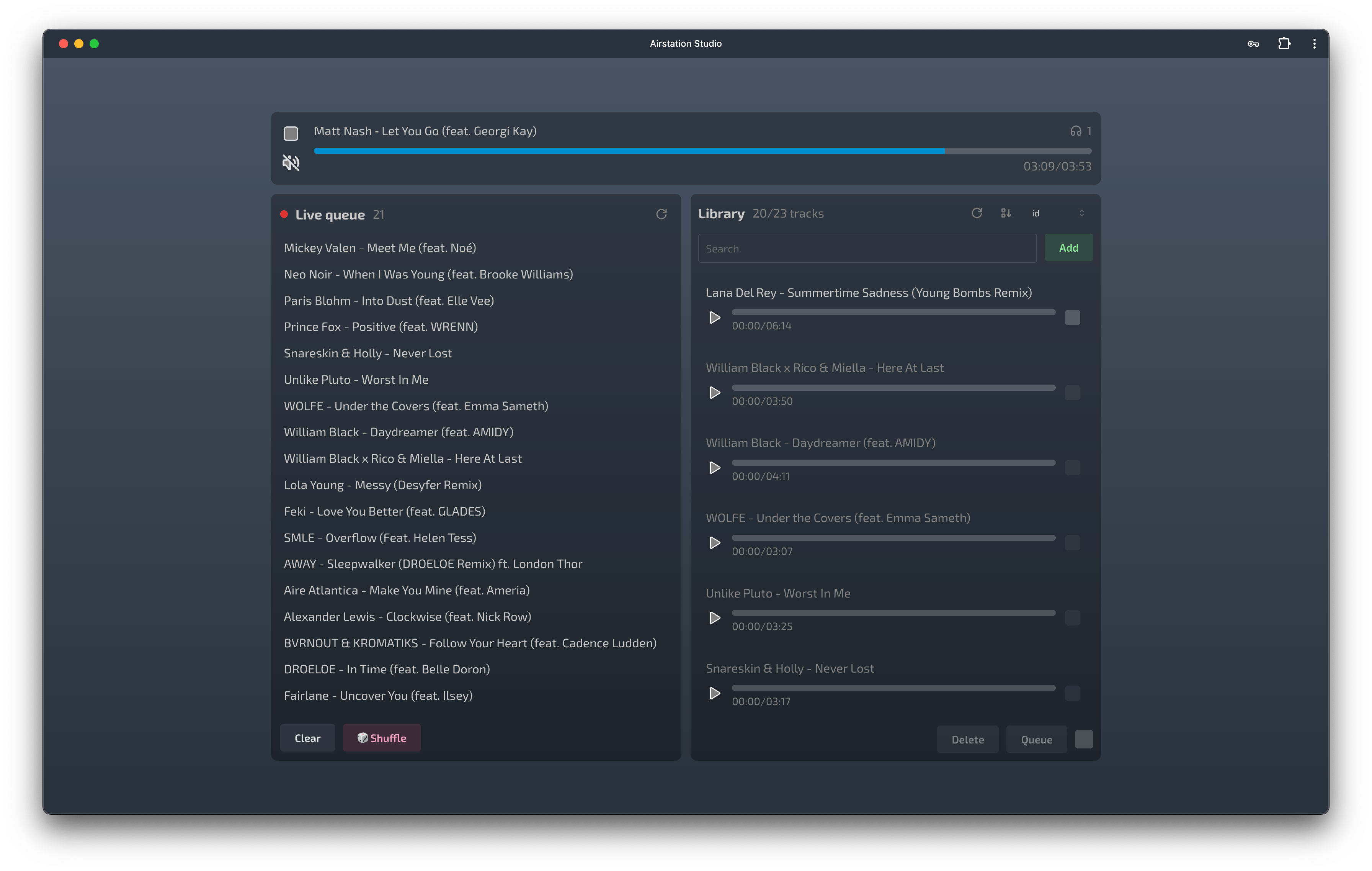
What is airstation?
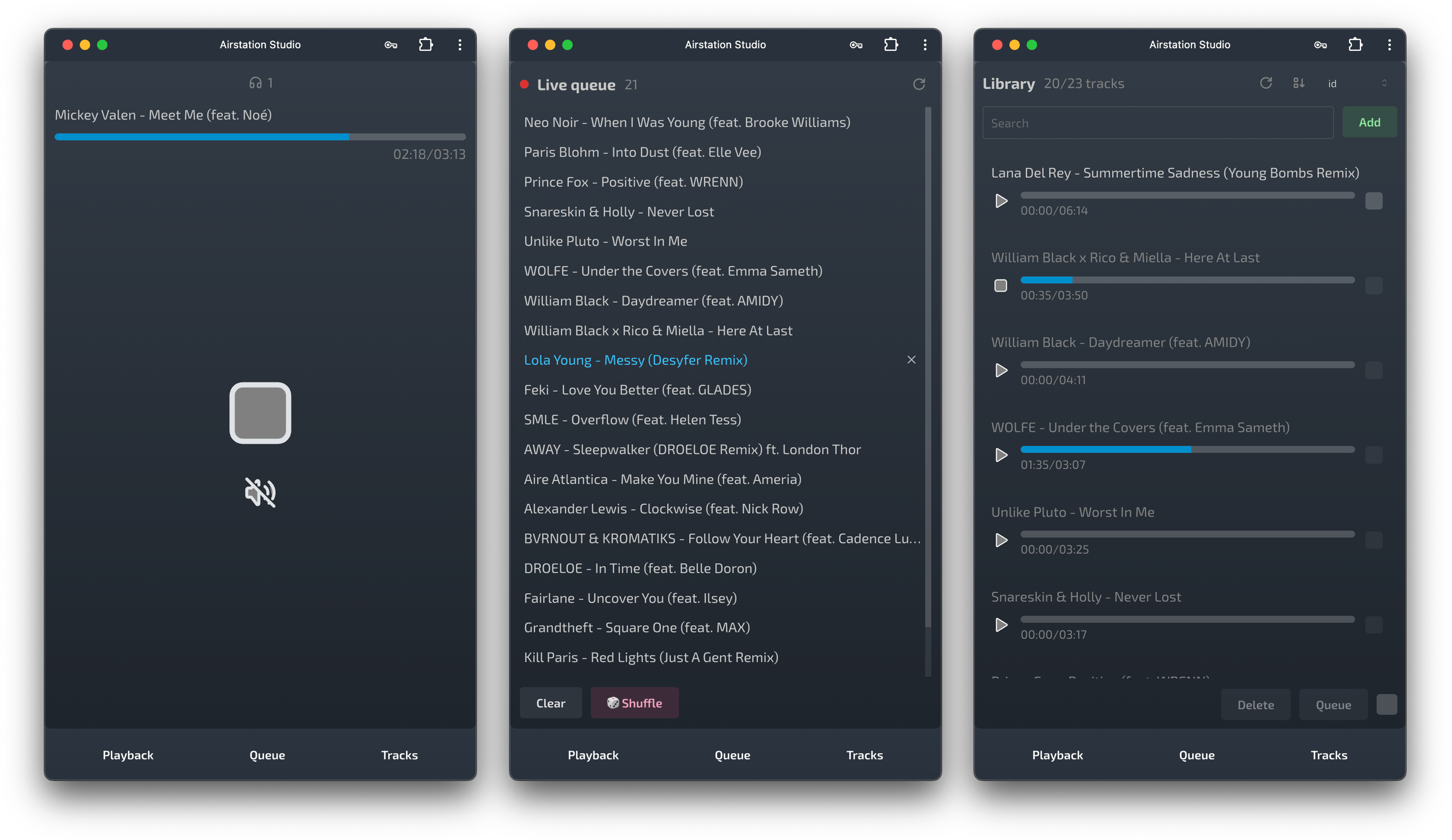
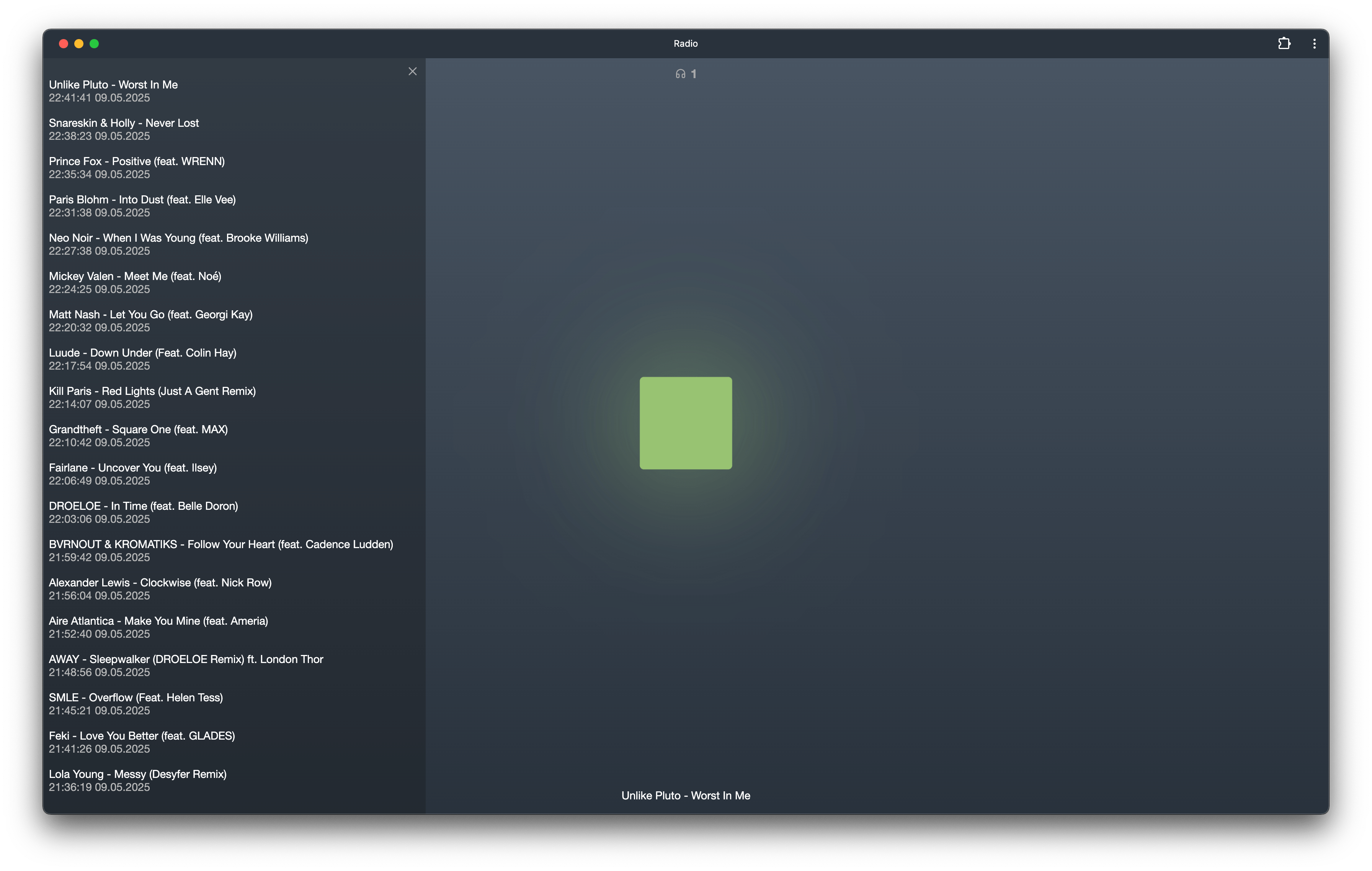
Airstation is a self-hosted web application for running your own internet radio station. It provides a control panel (studio) for uploading tracks, managing playback queues, creating playlists, and customizing the player page, plus a minimalistic web player for listeners. The backend stores track metadata and playback history in SQLite, processes audio with FFmpeg into a unified format, and streams via HLS (HTTP Live Streaming) for synchronized playback across all listeners. It runs as a single Docker container with no external database required. Features include track upload/delete/search/sort, queue management with cyclic and shuffle modes, playback history, listener counter, playlists, and player page theming. The project is MIT-licensed and actively developed.
Should you self-host airstation?
airstation scores 46/100 on selfhost.directory (how scoring works) and ranks #28 of 59 in Music Streaming. It has 350 GitHub stars.
It shipped 4 stable releases in the past year. The latest, 1.4.1, came out on 4 April 2026. New versions land roughly every 8 days.
Setup is easy: most people get it running in one sitting. An official Docker image is available. It is MIT-licensed and written mostly in Go.
Its closest alternative on selfhost.directory is koel (75/100, 17 320 stars). It scores higher overall, so compare the two before you pick. See airstation vs koel side by side.
Features
- HLS Streaming
- Listener Counter
- Playback control
- Playback History
- Playback queue management
- Player page customization
- Playlists
- SQLite Storage
- Track library management
airstation README
More in Music Streaming
 AirwaveAirwave is a self-hosted, open-source shared radio creating a synchronized MP3 stream from YouTube, SoundCloud, Mixcloud, Spotify, and local files for browsers and Sonos.
 ampdSelf-hosted web client for MPD with themes, cover art, scrobbling, and keyboard shortcuts built in today.
 asknavidromeAskNavidrome is an open-source Alexa skill that streams your music from a Subsonic server like Navidrome to Amazon Echo devices, without subscription fees or ads.
 auddly-serverAuddly is an open-source, self-hosted music streaming server with a REST API for your personal library, playlists, Last.fm scrobbling, and Spotify artist images.
 AudioMuse-AIOpen-source, self-hosted sonic-analysis tool that builds playlists, a 2D music map and semantic search for Navidrome, Jellyfin, Emby, Plex, LMS and Lyrion libraries.
 aurralOpen-source self-hosted music discovery with personalized recommendations, rotating playlist flows, and library management. Works standalone or with Lidarr.
 Black CandySelf-hosted, open-source music streaming server you run in a single Docker container, with SQLite by default, optional PostgreSQL, and native iOS and Android apps.
 cicadaCicada is a self-hosted, open-source multi-user music streaming service with PWA, 2FA, lyrics, and music sharing. Runs as a single binary or via Docker.
 cloudtunesOpen-source, self-hosted web music player that unifies your Dropbox files and YouTube videos, with playlists, Last.fm scrobbling and MusicBrainz metadata.
 DeaftoneLightweight Rust music server for self-hosted streaming. Simple API, FLAC/MP3/Ogg support, SQLite storage. Alternative to Subsonic.
 euterpeEuterpe is an open-source, self-hosted music streaming server for your personal library. Runs as a single binary with web UI, REST API, and native mobile apps.
 feishinOpen-source desktop and web music player for Jellyfin, Navidrome and OpenSubsonic servers; the self-hosted Docker image serves the web client on port 9180.
0 comments