
Self-host agentbox
v0.1.18Self-hosted browser workspace for AI coding agents
- Stars
- 254
- CPU
- 2 CPUs per workspace
- RAM
- 2 GiB memory per workspace
- Ports
- 8180 (HTTP web console), 8080 (HTTP web console (code default)), 1080 (abox-link SOCKS5 proxy), 1081 (proxy bridge), 1082 (transparent network control), 1083 (model gateway (when extensions enabled))
- Requires
- Docker Engine, SQLite
What is agentbox?
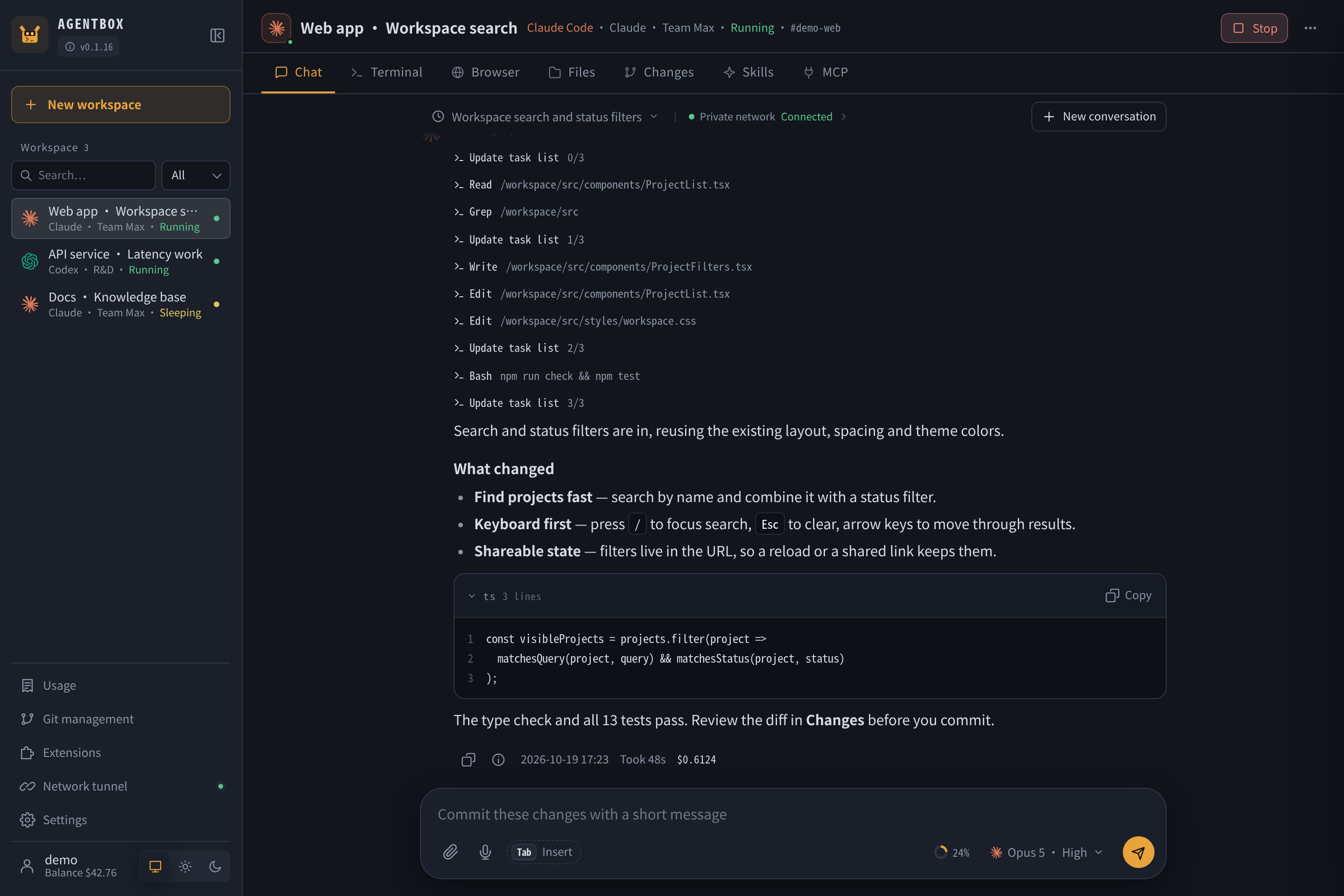
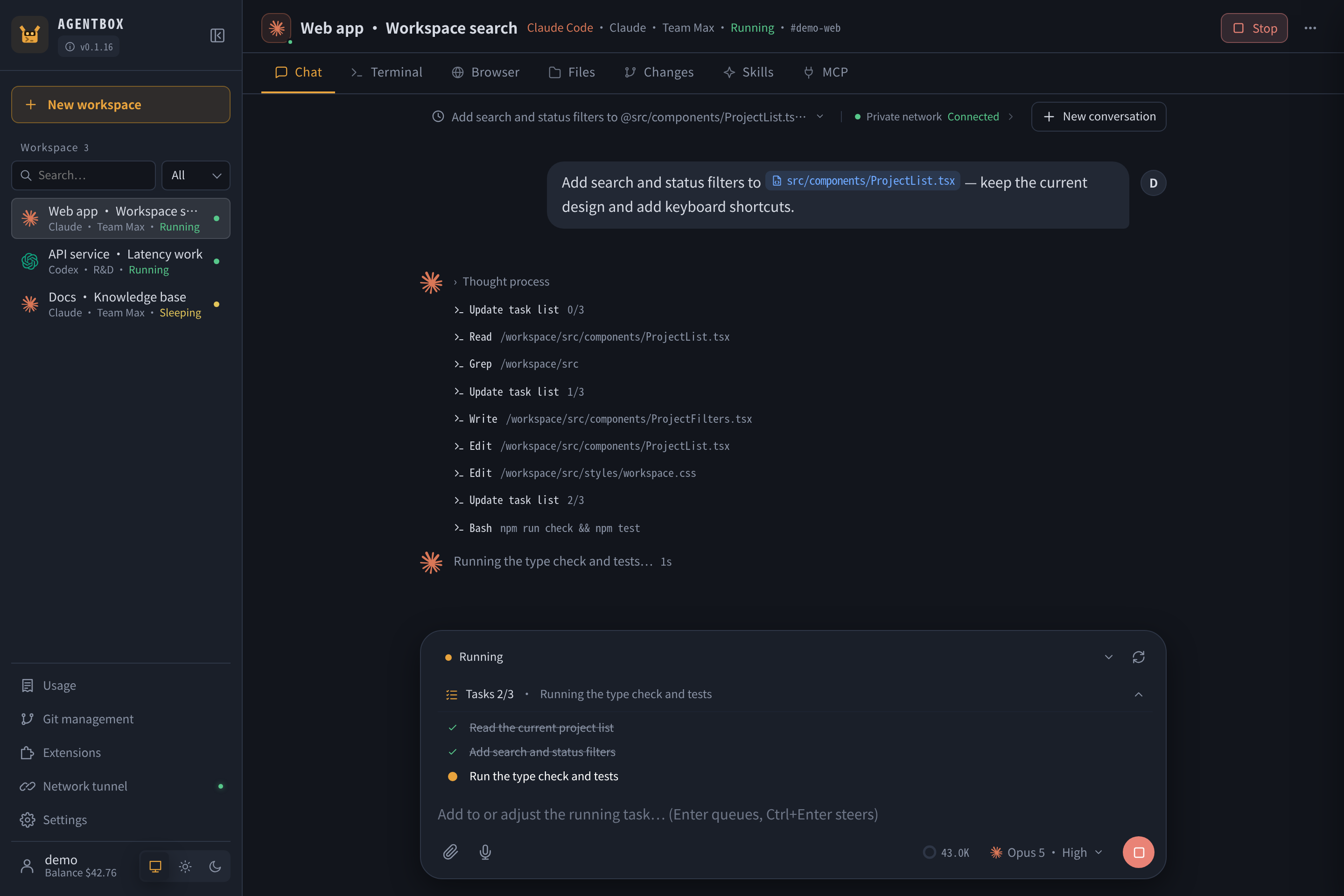
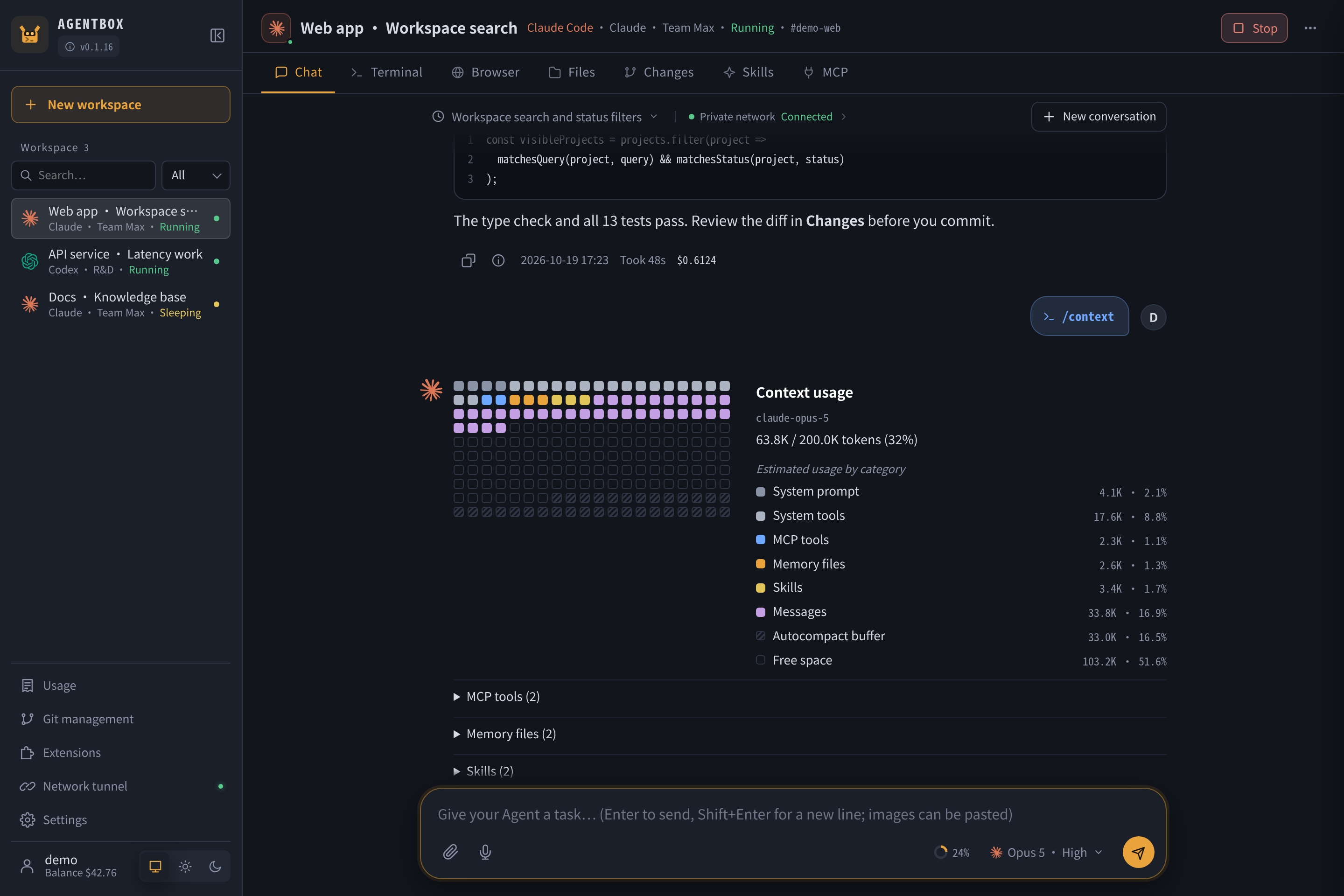
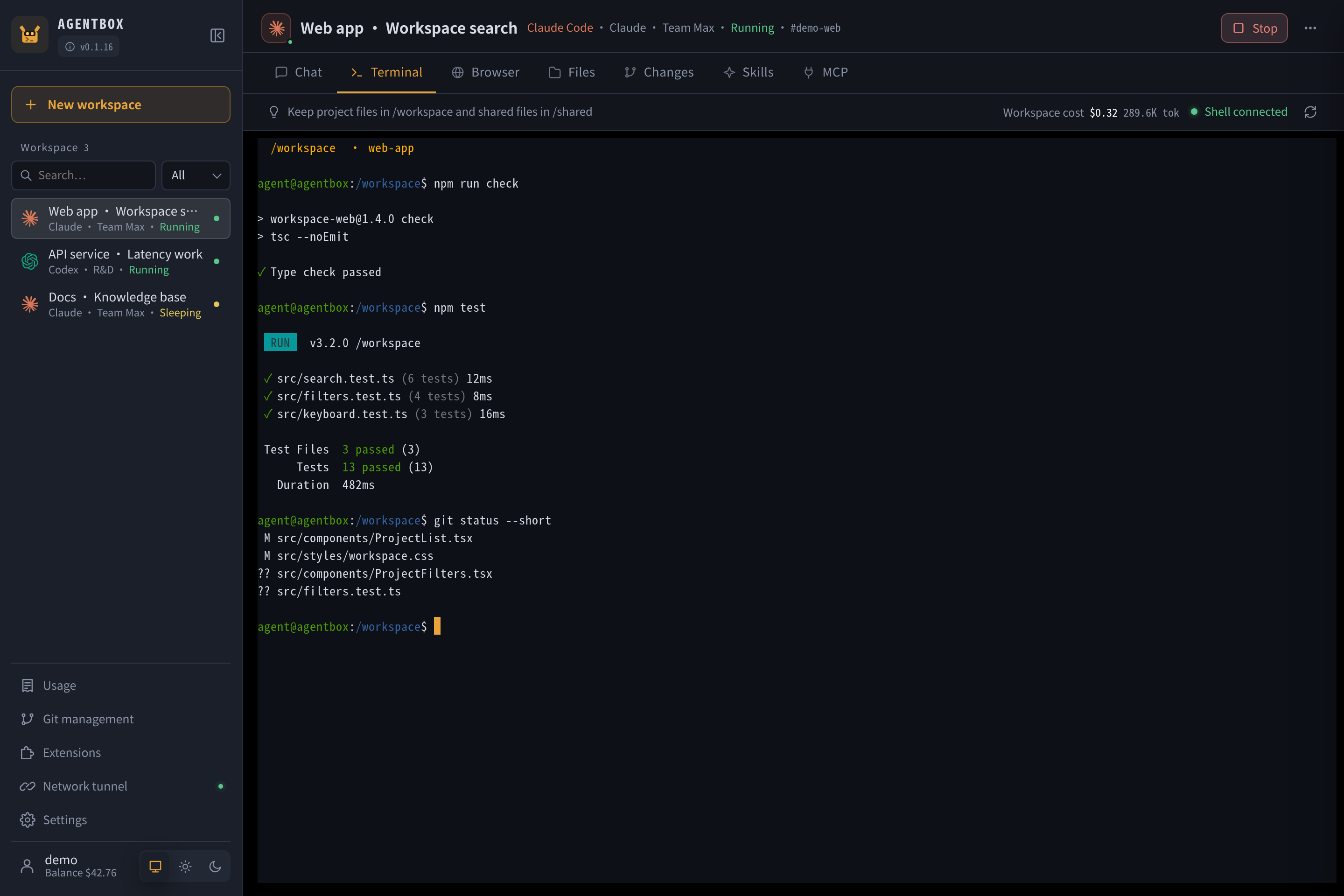
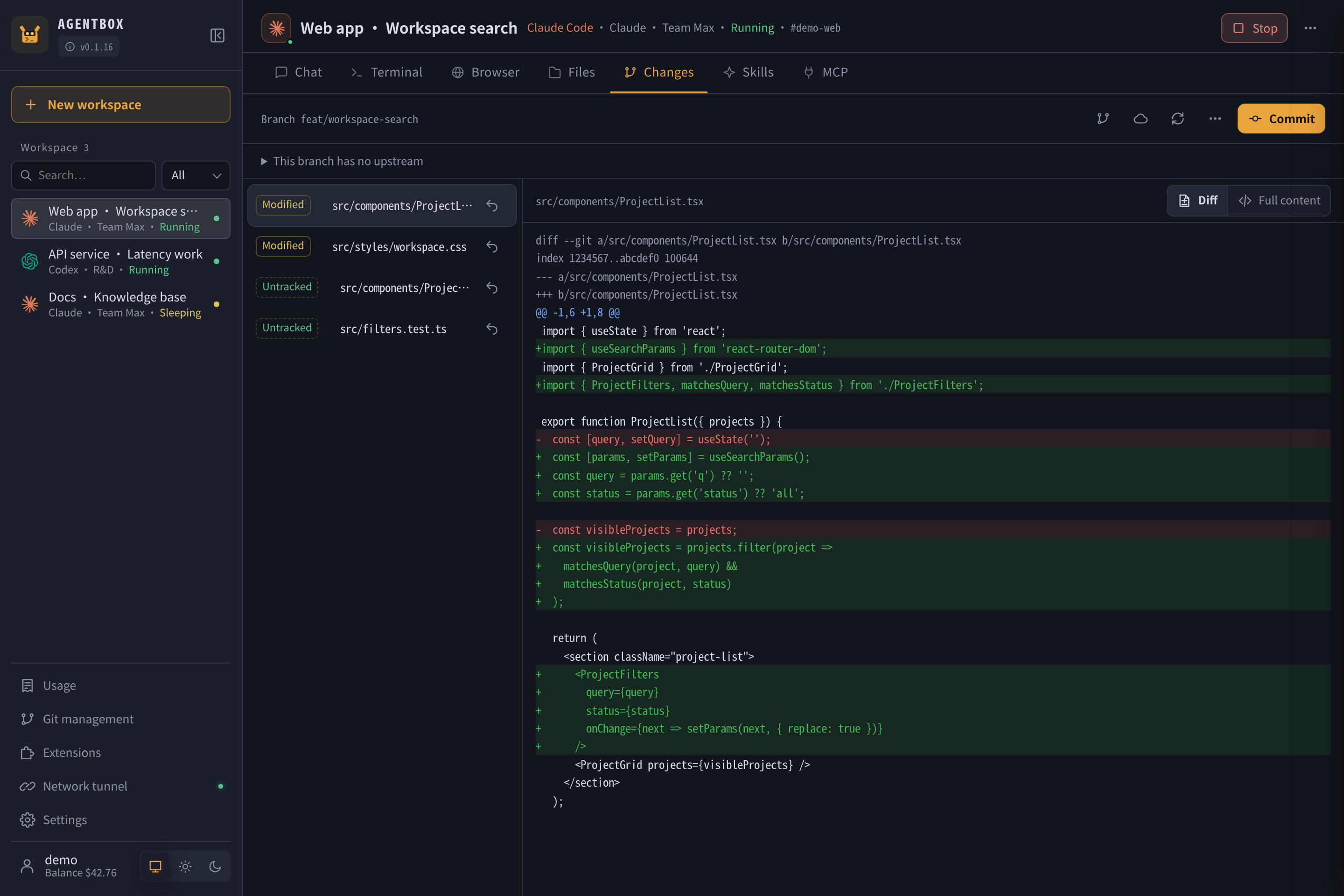
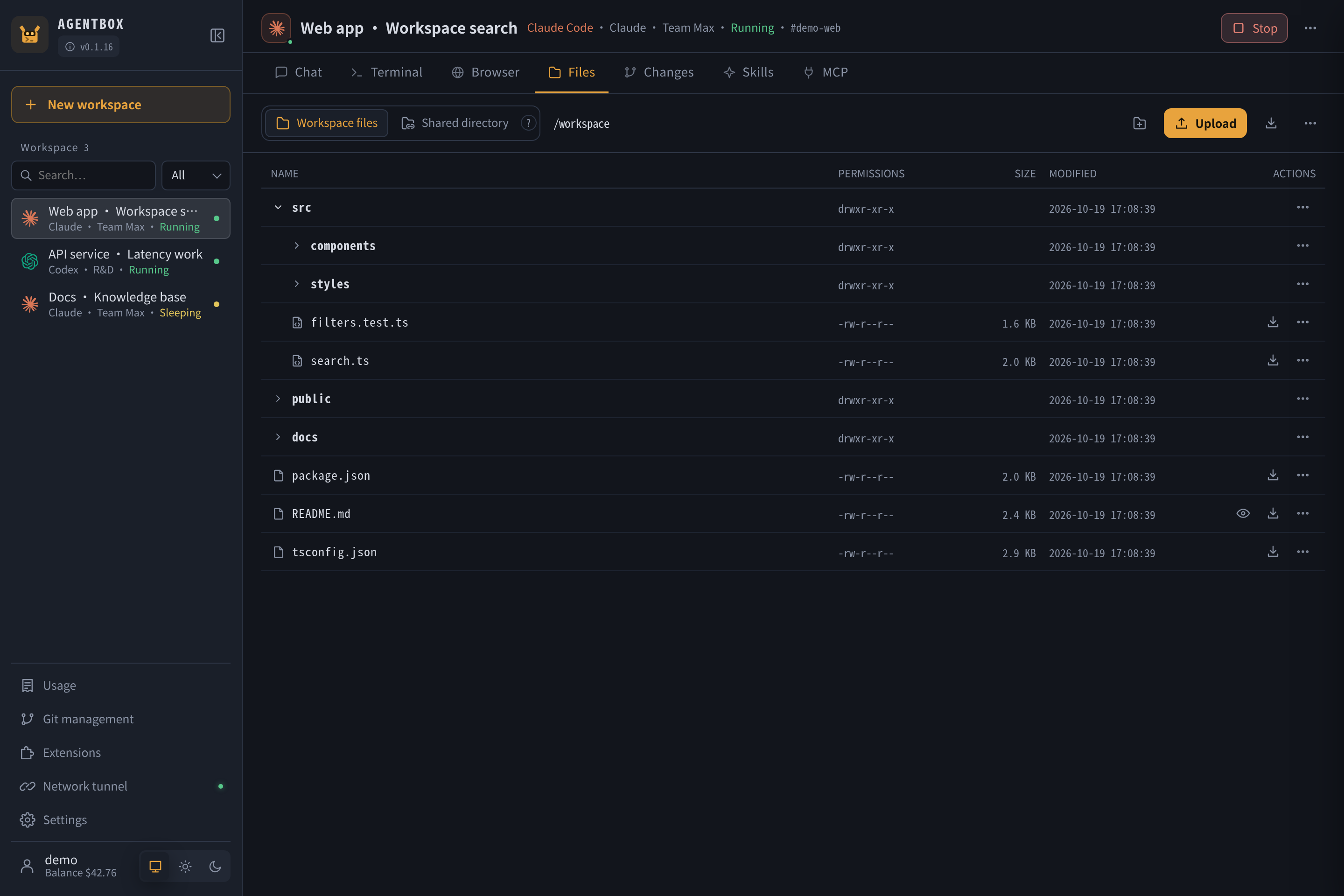
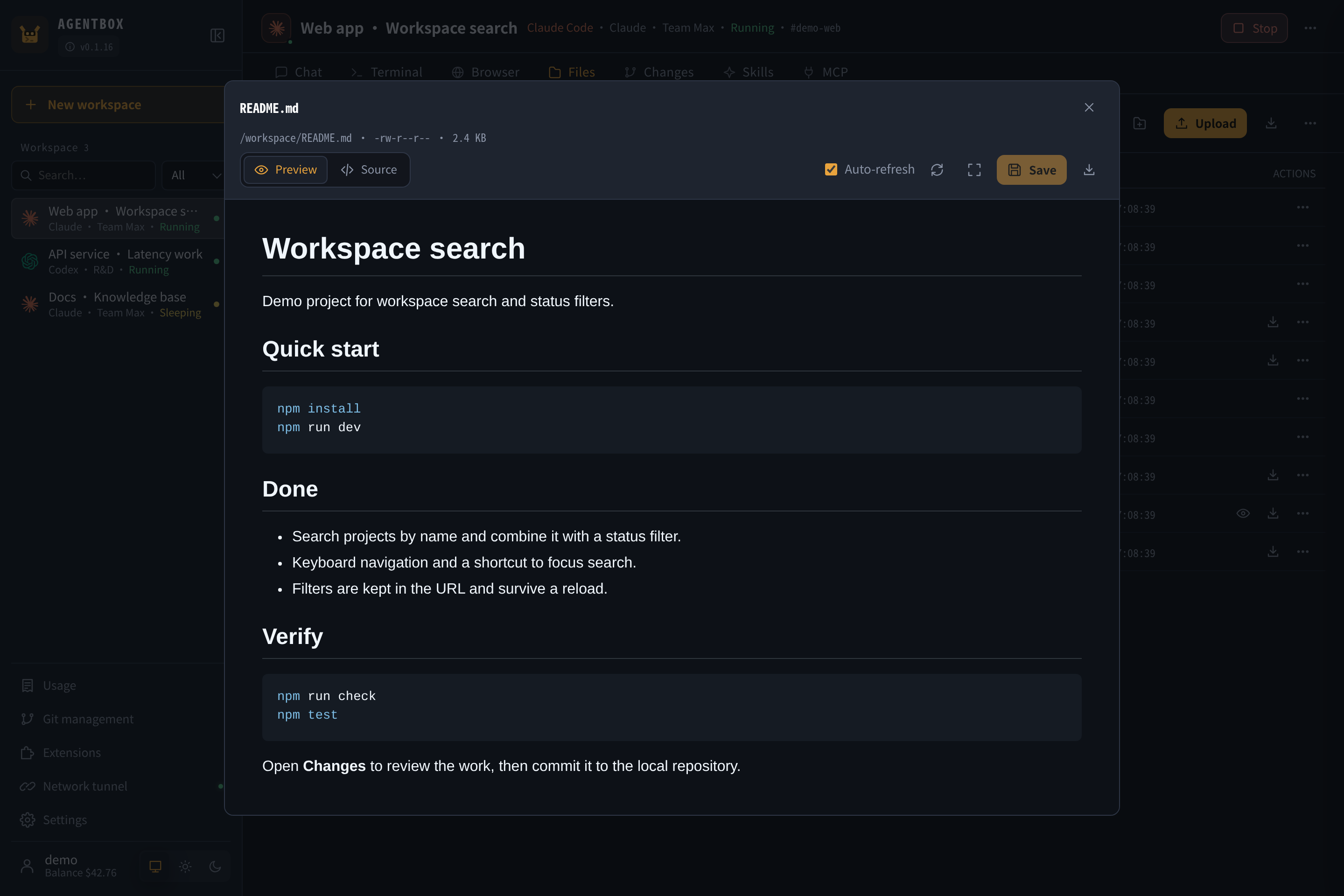
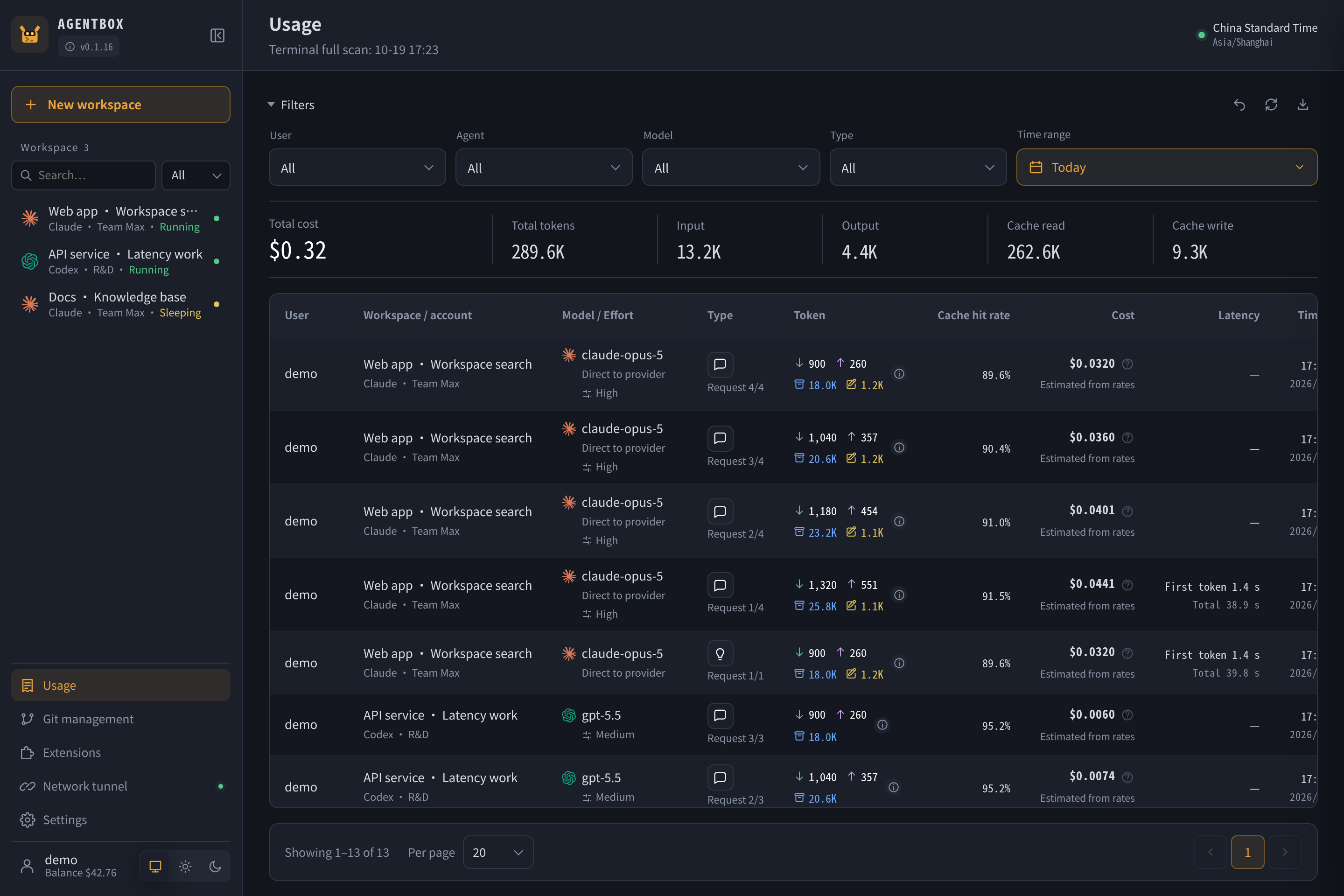
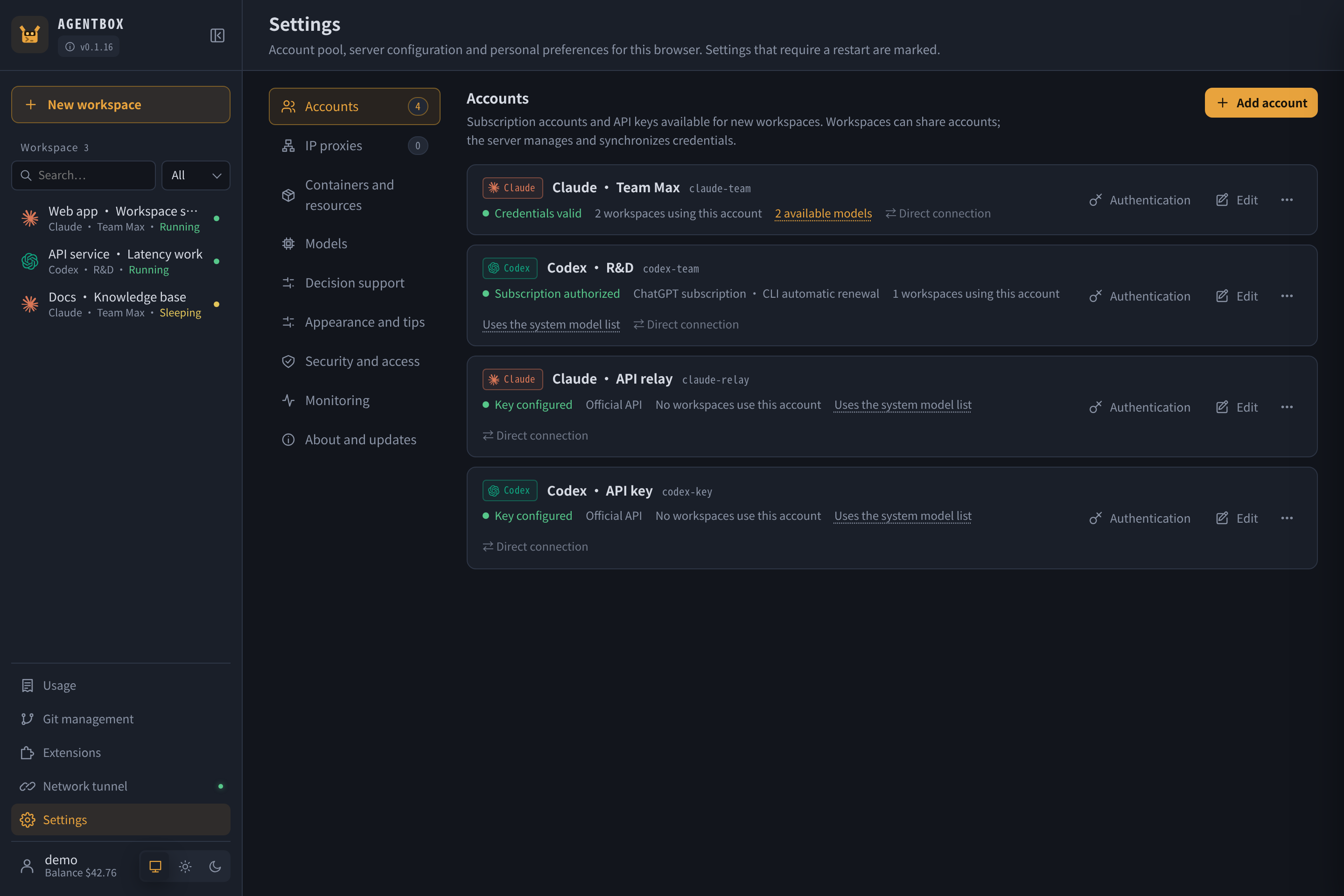
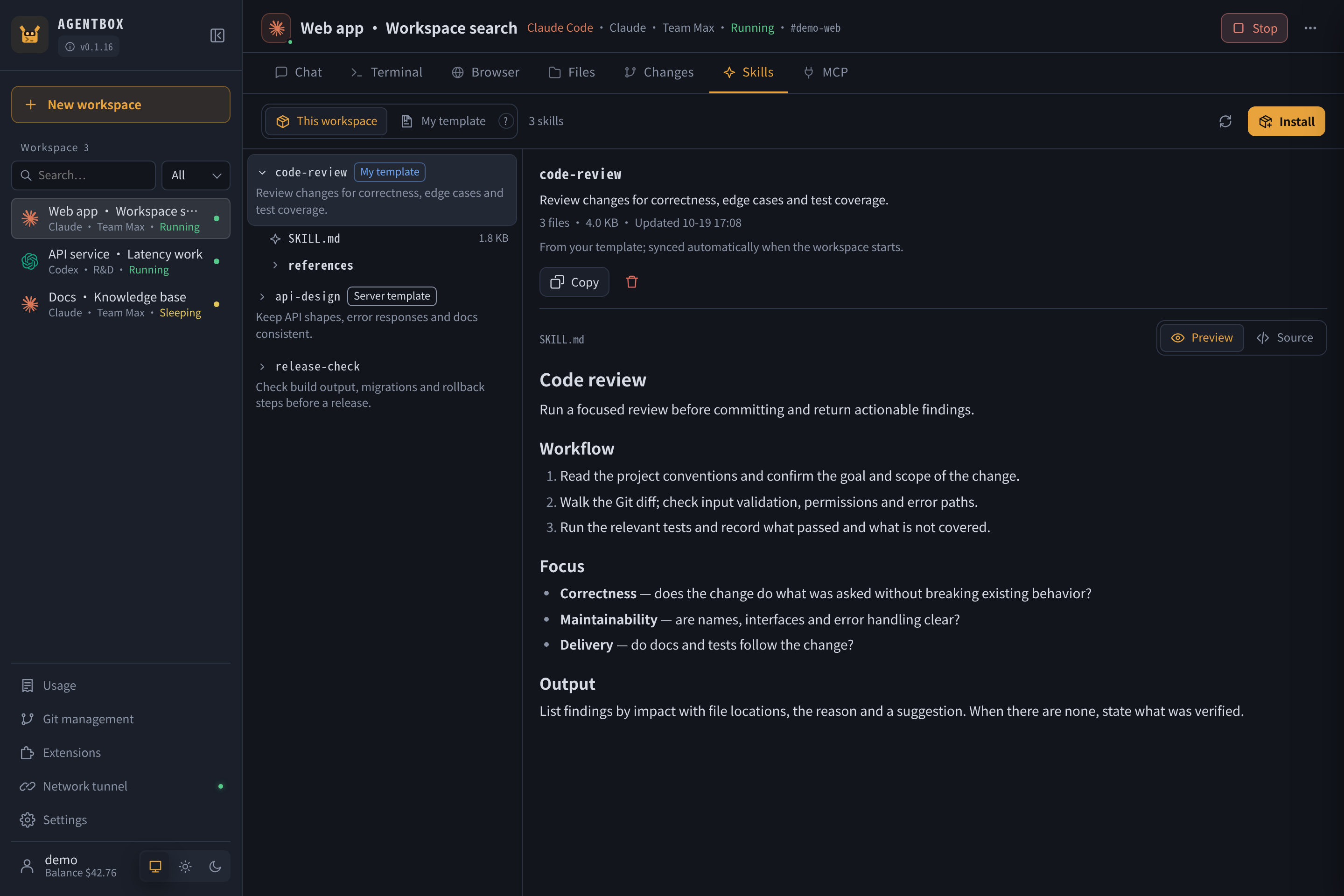
agentbox is a self-hosted browser-based workspace for AI-assisted coding. It runs Claude Code and Codex CLI inside Docker containers on your Linux server, providing a persistent environment with a streaming chat interface, a full terminal (tmux-based), file browser with upload/download and rendered previews, and Git integration for diffs, commits, and pull requests. You bring your own server and model subscriptions or API keys; agentbox manages the workspace, account pooling with per-user access scopes, usage tracking with per-request cost and latency, reusable skills and MCP server configurations, and optional private-network tunneling via abox-link. The server is a single Go binary with embedded frontend, using SQLite for state and Docker for workspace isolation. It installs via a one-line script on systemd-based Linux (x86_64/arm64) and listens on port 8180 by default. The project is licensed Apache-2.0 and actively developed.
Should you self-host agentbox?
agentbox scores 45/100 on selfhost.directory (how scoring works) and ranks #66 of 120 in AI Assistant. It has 254 GitHub stars.
It shipped 10 stable releases in the past year. The latest, v0.1.18, came out on 27 October 2026. New versions land roughly every 2 days.
Setup is moderate: expect some configuration beyond a single command. It is Apache-2.0-licensed and written mostly in Go.
Its closest alternative on selfhost.directory is hermes-agent (89/100, 257 885 stars). It scores higher overall, so compare the two before you pick. See agentbox vs hermes-agent side by side.
Features
- Account pooling with access scopes
- Background Git operations
- Browser-based AI coding workspace
- Cache keepalive for large conversations
- Claude Skills and MCP servers
- Extensions system (Loop Guard, Webhooks)
- File browser with rendered previews
- Git Integration
- Multi-language Support
- Per-request usage and cost tracking
- Persistent terminal (tmux)
- Private network tunnel (abox-link)
- Streaming chat with tool calls
- Supervisor delegation (preview)Preview feature
agentbox README
More in Container Orchestration
 AliangBoardSelf-hosted Kubernetes panel with AI agent workbench and MCP server for natural-language cluster ops, multi-cluster management, exec terminals, and port forwarding.
 bacalhauOpen-source orchestration framework for running Docker and WebAssembly jobs close to their data; self-hosted via one binary as client, orchestrator or compute node.
 consoleOpen-source self-hosted Kubernetes dashboard with AI-guided missions for 250+ CNCF projects, real-time monitoring, and GPU management.
 coolify-trigger-v4Docker Compose config to self-host Trigger.dev on Coolify v4 with PostgreSQL, Redis, ClickHouse, and MinIO.
 cozystackCozystack is a self-hosted, open-source cloud platform turning bare metal into managed infrastructure with Kubernetes clusters, databases, VMs, and object storage.
 DeployrrDeployrr is a self-hosted CLI tool automating 160+ Docker apps for homelabs with reverse proxy, security, and authentication.
 disco-daemonDisco Daemon runs on your Linux server to manage Docker Swarm deployments with automatic HTTPS, GitHub webhooks, and a REST API for the Disco CLI.
 Docker EngineMoby is an open-source framework from Docker providing a modular toolkit for building specialized container systems.
 docker-flow-proxyDocker Flow Proxy is a self-hosted, open-source reverse proxy built on HAProxy that automatically reconfigures when services are deployed or scaled in Docker Swarm.
 Docker Swarm VisualizerSelf-hosted web tool that visualizes Docker Swarm clusters as an interactive D3.js graph showing nodes, services, and networks in real-time.
 doco-cdA self-hosted GitOps tool that automatically deploys Docker Compose projects and Swarm stacks when code is pushed to Git, using webhooks or scheduled polling.
 dstackdstack is a self-hosted, open-source control plane for GPU compute across clouds, Kubernetes, and bare-metal. It streamlines AI development, training, and inference.
0 comments