
Self-host console
v0.3.42AI-powered multi-cluster Kubernetes dashboard with missions
- Stars
- 152
- Port
- 8080 (Console backend listening port)
What is console?
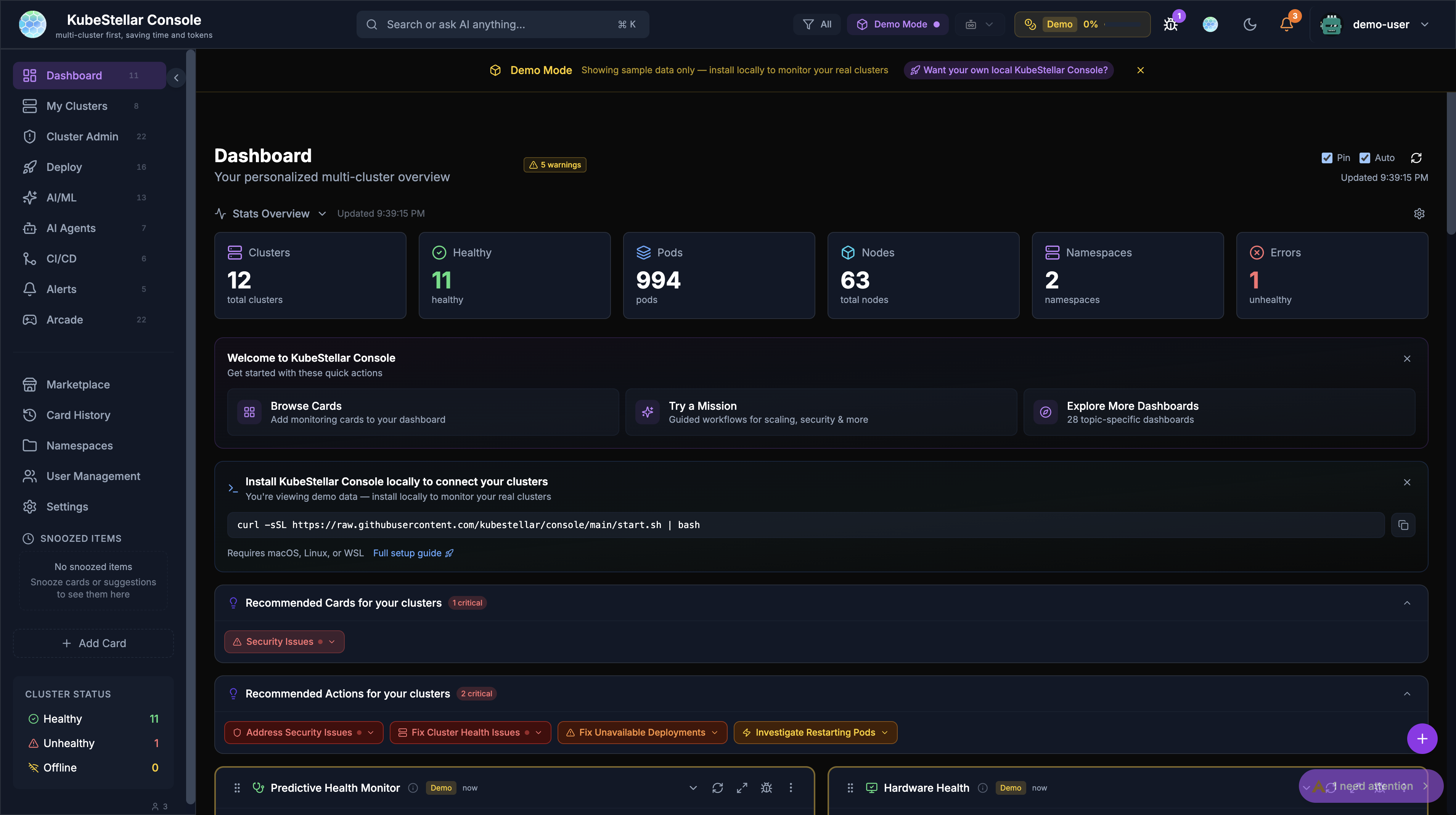
KubeStellar Console is an AI-powered dashboard for engineers who run multiple Kubernetes clusters. It gives a single web interface to watch clusters, roll out workloads, handle GPU resources, and run guided install missions for more than 250 CNCF projects. A local kc-agent daemon connects the browser to your kubeconfig and to AI providers. The tool supports GitHub OAuth sign-in, works with ArgoCD for deployment tracking, consumes Prometheus alerts, and plugs into many LLM backends. You can run it locally with a one-line curl|bash script that fetches pre-built binaries, or install it in a cluster through Helm. Settings and mission data live in an embedded SQLite file. A marketplace supplies community-built dashboard cards and themes, and an experimental Stellar runtime adds persistent AI operations with memory and event-driven triggers.
Should you self-host console?
console scores 47/100 on selfhost.directory (how scoring works) and ranks #7 of 11 in Container Orchestration. It has 152 GitHub stars.
It shipped 3 stable releases in the past year. The latest, v0.3.32, came out on 28 June 2026. New versions land roughly every 10 days.
Setup is moderate: expect some configuration beyond a single command. It is Apache-2.0-licensed and written mostly in Typescript.
Its closest alternative on selfhost.directory is Docker Engine (80/100, 72 220 stars). It scores higher overall, so compare the two before you pick. See console vs Docker Engine side by side.
Features
- AI-Powered OperationsRequires self-hosted deployment and configured AI providers
- ArgoCD integration
- GitHub OAuth authentication
- GPU monitoring and alertingRequires NVIDIA GPU Operator in cluster
- Guided install missions
- Marketplace extensions
- Multi-cluster Kubernetes dashboard
- Real-time event streaming
- Stellar persistent AI runtime (Alpha)Alpha/experimental - architecture and APIs subject to change
console README
More in Container Orchestration
 coolify-trigger-v4Docker Compose config to self-host Trigger.dev on Coolify v4 with PostgreSQL, Redis, ClickHouse, and MinIO.
 cozystackCozystack is a self-hosted, open-source cloud platform turning bare metal into managed infrastructure with Kubernetes clusters, databases, VMs, and object storage.
 DeployrrDeployrr is a self-hosted CLI tool automating 160+ Docker apps for homelabs with reverse proxy, security, and authentication.
 disco-daemonDisco Daemon runs on your Linux server to manage Docker Swarm deployments with automatic HTTPS, GitHub webhooks, and a REST API for the Disco CLI.
 Docker EngineMoby is an open-source framework from Docker providing a modular toolkit for building specialized container systems.
 docker-flow-proxyDocker Flow Proxy is a self-hosted, open-source reverse proxy built on HAProxy that automatically reconfigures when services are deployed or scaled in Docker Swarm.
 Docker Swarm VisualizerSelf-hosted web tool that visualizes Docker Swarm clusters as an interactive D3.js graph showing nodes, services, and networks in real-time.
 doco-cdA self-hosted GitOps tool that automatically deploys Docker Compose projects and Swarm stacks when code is pushed to Git, using webhooks or scheduled polling.
 dstackdstack is a self-hosted, open-source control plane for GPU compute across clouds, Kubernetes, and bare-metal. It streamlines AI development, training, and inference.
 exoframeExoframe is an open-source, self-hosted tool for one-command Docker deployments with SSH auth, automated HTTPS, and Traefik reverse proxy.
 garmGARM is an open-source, self-hosted tool that automatically provisions and scales ephemeral GitHub Actions and Gitea runners across multiple clouds.
 genieacs-containerDocker image and Helm chart packaging GenieACS TR-069 ACS with MongoDB for self-hosted router and CPE device management.
0 comments