
Self-host YT Navigator
AI-powered YouTube channel search and chat tool
- Stars
- 606
- Requires
- pgvector, PostgreSQL
What is YT Navigator?
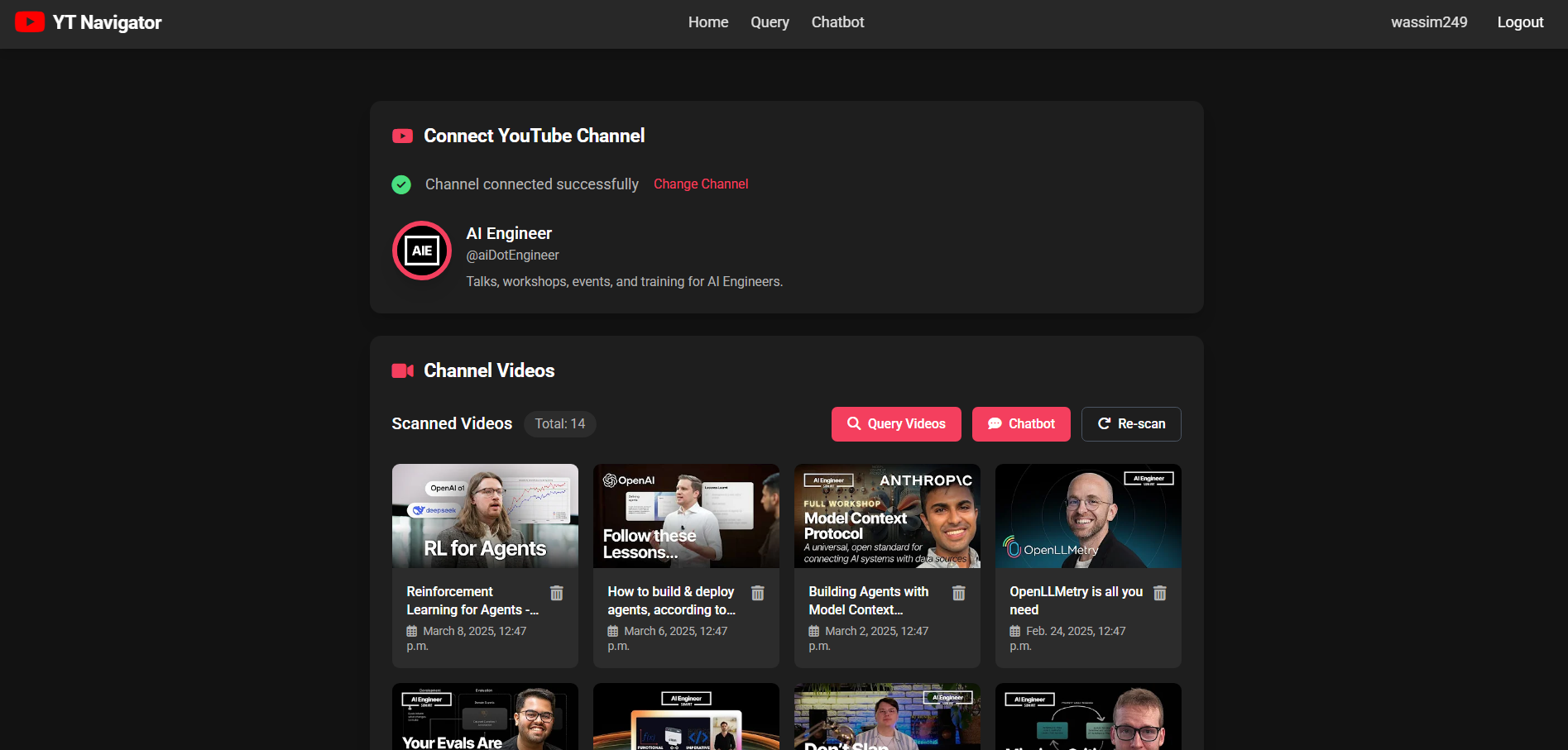
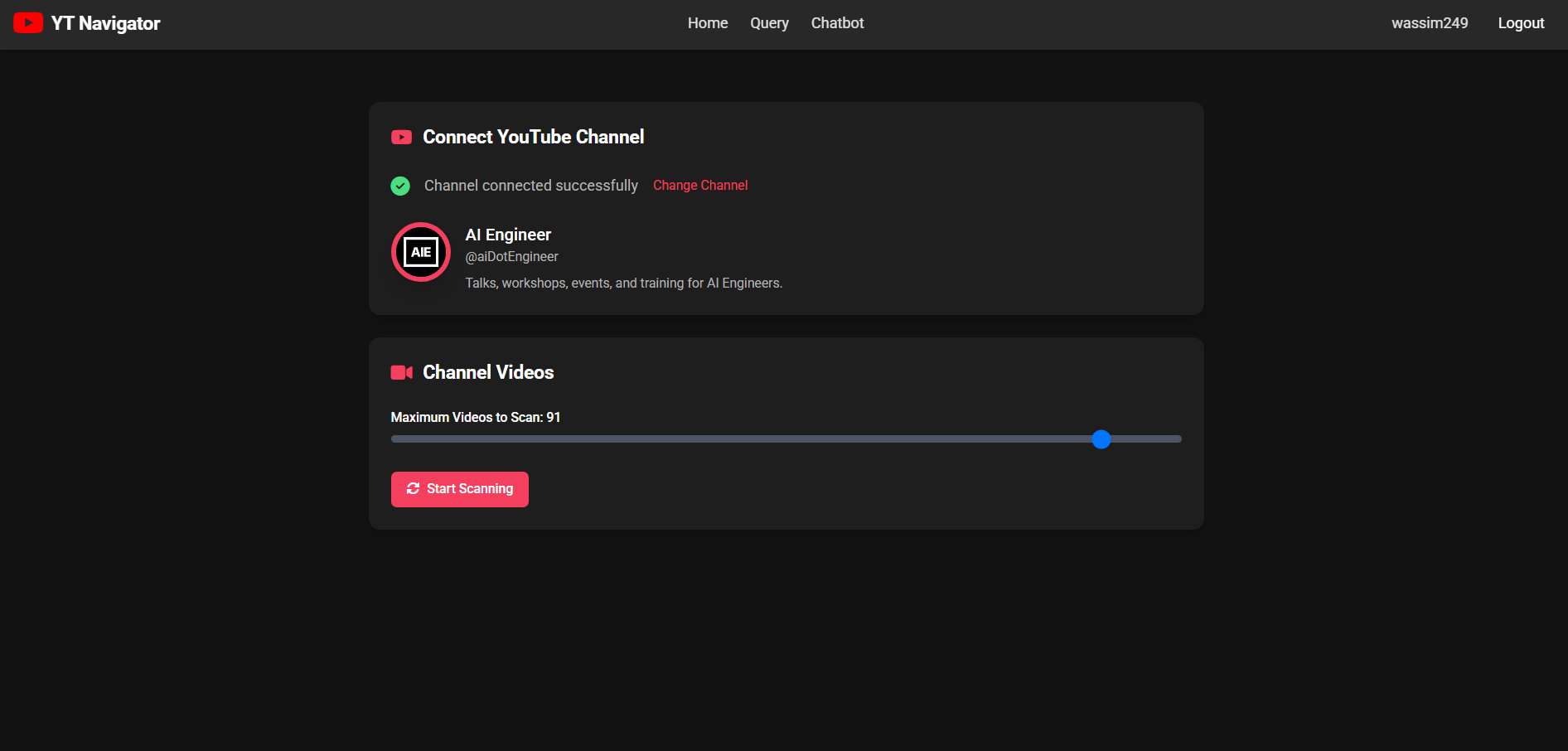
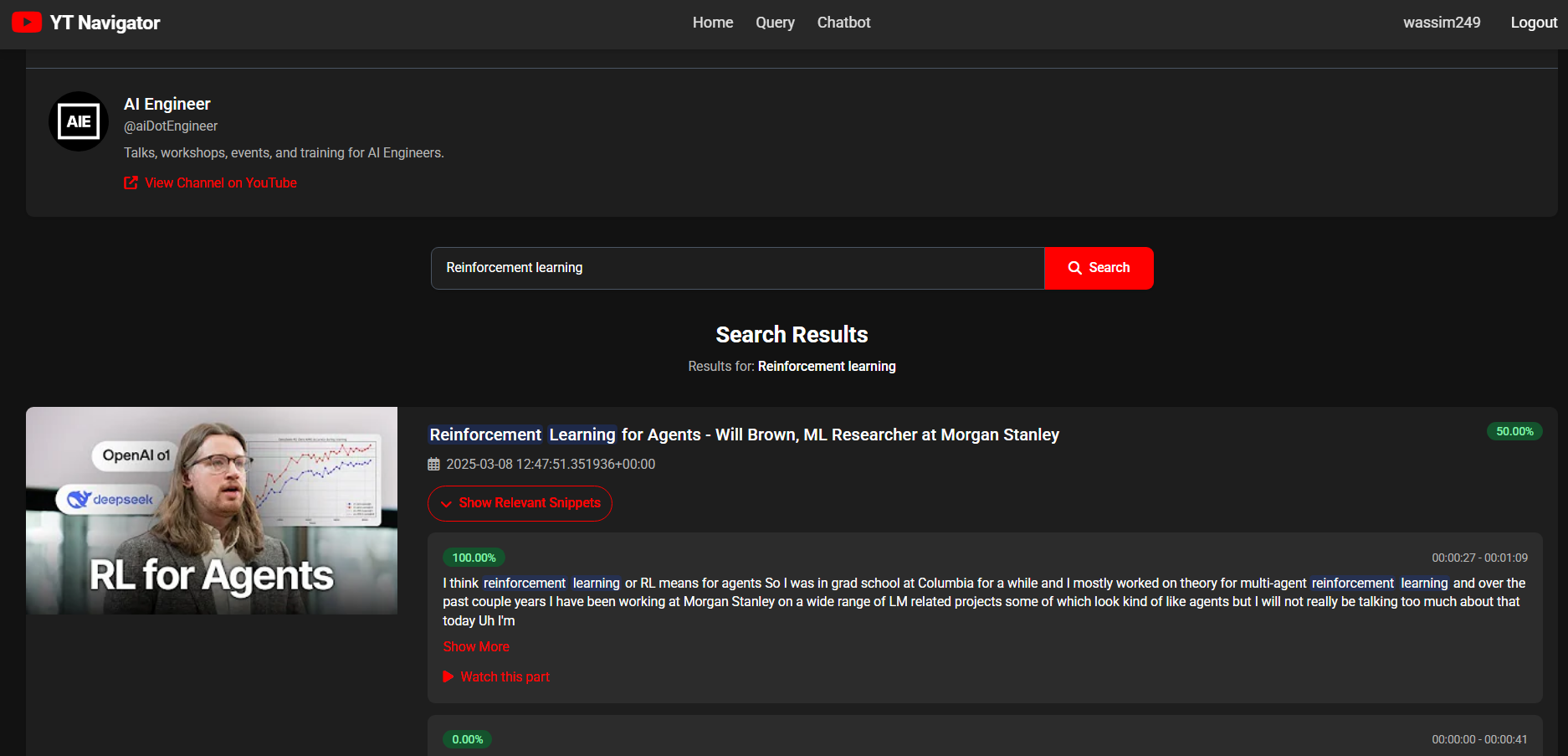
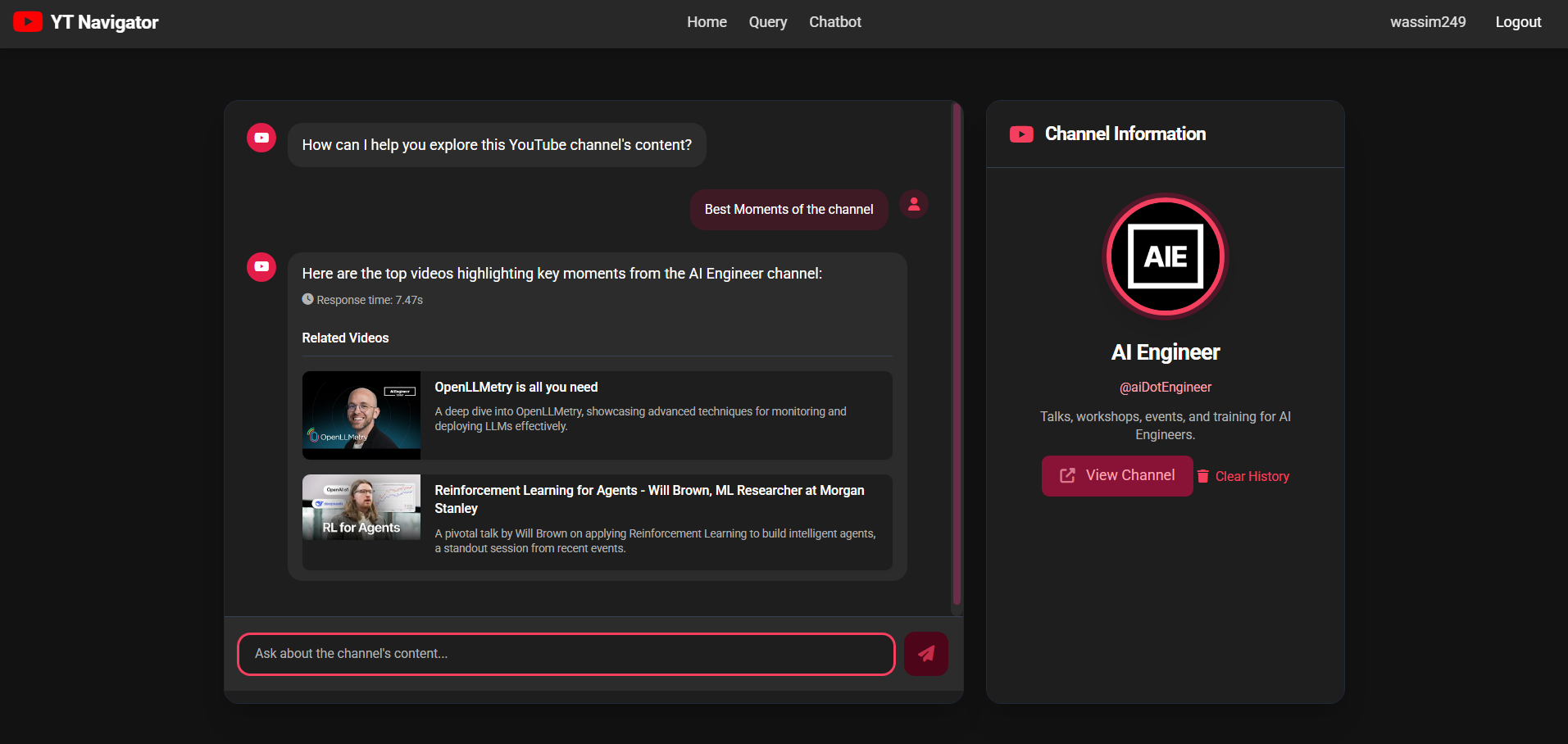
YT Navigator helps users navigate YouTube channel content without watching hours of videos. It allows searching channels with natural language queries, chatting about video transcripts, and finding specific segments with precise timestamps. The system extracts video metadata to PostgreSQL and transcripts to PGVector, combining semantic and keyword search with reranking. Users register, connect a YouTube channel, scan up to 100 videos, then search or chat with the content. Installation requires either setting up a Python virtual environment with PostgreSQL, or using Docker Compose with the Groq API for AI models.
Should you self-host YT Navigator?
YT Navigator scores 44/100 on selfhost.directory (how scoring works) and ranks #71 of 110 in Chat. It has 606 GitHub stars.
There was no stable release in the past 12 months, so check the repository's recent activity before you rely on it.
Setup is advanced: plan for several services and some ongoing maintenance. It is MIT-licensed and written mostly in Python.
Its closest alternative on selfhost.directory is Zulip (82/100, 26 133 stars). It scores higher overall, so compare the two before you pick. See YT Navigator vs Zulip side by side.
Features
- Semantic Search
- Video segment identification
YT Navigator README
More in Chat
 ZNCSelf-hosted, open-source IRC bouncer that stays connected while clients drop, with playback buffers, multi-user and multi-network support, modules and a web admin.
 ZulipSelf-hosted, open-source team chat where every message lives in a named topic thread, with web, desktop, mobile and terminal apps, SSO options and a REST API.
 zusamZusam is a self-hosted, open-source platform for private group forums with media sharing, link previews, and a responsive mobile-friendly interface.
 AChatSelf-hosted, local-first AI chat platform for teams: shared conversations, roles, billing, moderation and plugins, on Node.js with PostgreSQL and Redis.
 AddarrAddarr is a self-hosted Telegram bot to add series to Sonarr and movies to Radarr, plus control Transmission and Sabnzbd download speeds via inline keyboard.
 agent-second-brainSelf-hosted voice-first assistant capturing Telegram notes into an Obsidian vault via a persistent Claude Code session — runs on your VPS for ~$25/month.
 aiquilaSelf-hosted AI for Nextcloud with an MCP server, native app, and five provider choices including local models.
 Antigravity-DeckSelf-hosted web dashboard for Antigravity AI IDE — manage conversations, workspaces, cascades with full history, live control, and Cloudflare Tunnel remote access.
 apexApex is a self-hosted AI platform routing conversations across multiple models with persistent memory, extensible skills, and mTLS auth — all in a single Python file.
 apimeSelf-hosted, open-source WhatsApp REST API gateway in Go with multi-instance dashboard, webhooks, and Node.js SDK.
 BackspaceSelf-hosted Discord alternative with spaces, roles, voice/video, 4K screen sharing, and server federation. Deploys via interactive Docker installer.
 botdarrA self-hosted chat bot that connects Discord, Slack, Telegram, and Matrix to Radarr, Sonarr, and Lidarr for media management without a UI.
0 comments