selfhost.directory

The index of self-hostable projects — ranked, categorized and served with live updates.
Own your data and stop giving it to big tech.

GitHub
botdarr logo

Self-host botdarr

5.6.23

Multi-platform chat bot for Radarr, Sonarr, and Lidarr

ReleaseOpen SourceGPL-3.0
Updated10 hours ago
LanguageJava
Setup difficultyModerate
Stars
206
Docker
shayaantx/botdarr
Install with Docker
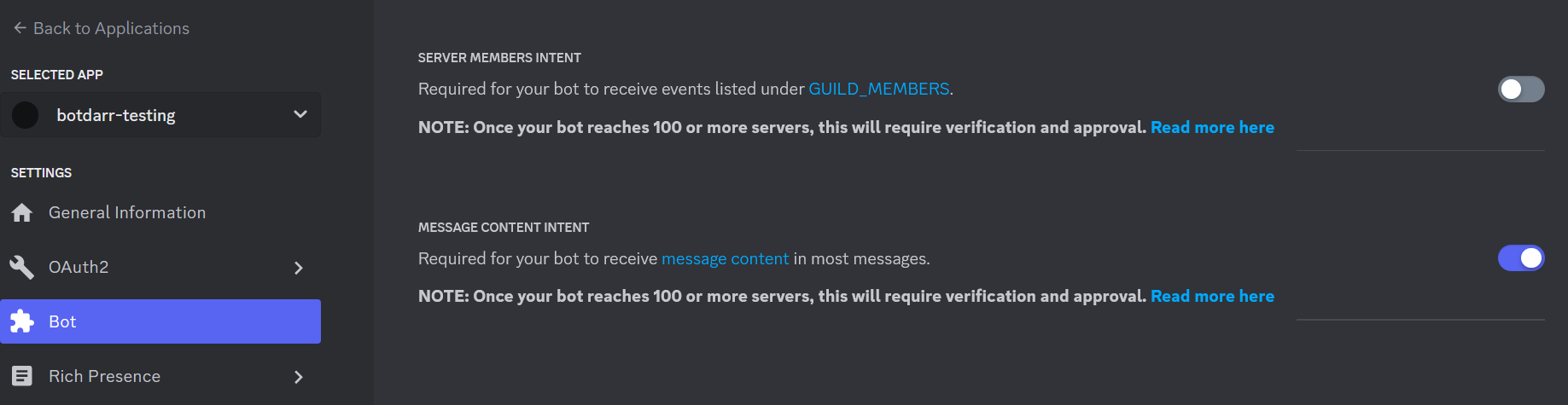
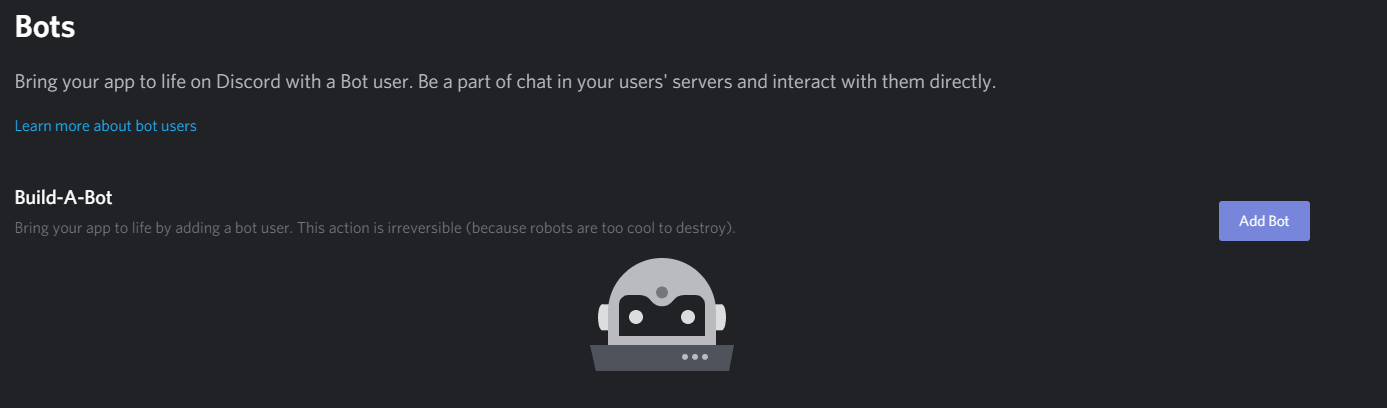
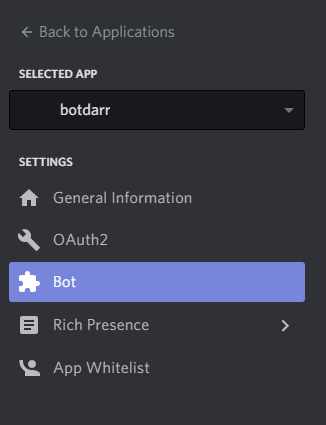
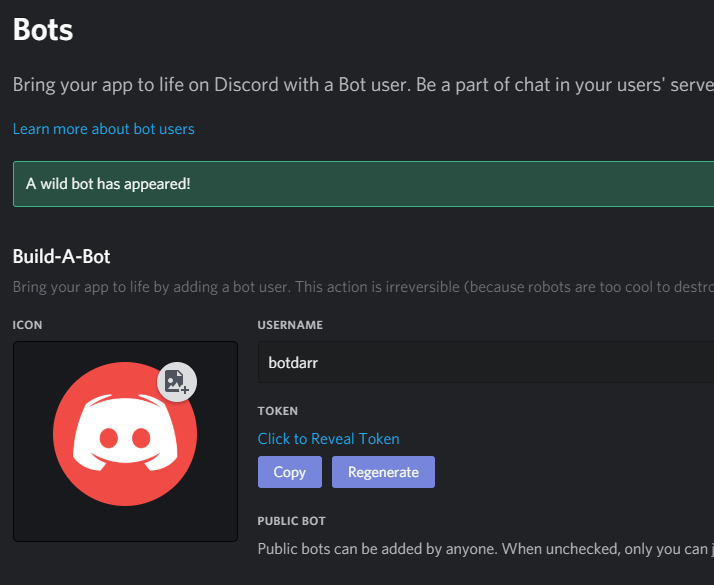
botdarr screenshot 1botdarr screenshot 2botdarr screenshot 3botdarr screenshot 4

What is botdarr?

botdarr is a self-hosted chat bot that bridges multiple chat platforms (Discord, Slack, Telegram, Matrix) with *arr applications (Radarr, Sonarr, Lidarr). Users can search for and add movies, TV shows, and music through chat commands. It runs as a Java application (JAR) or Docker container, requiring Java 8+. Configuration is done via environment variables or a properties file. The bot supports features like adding media by search/TMDB/TVDB IDs, showing downloads, configurable limits, blacklisting, and status checking.

Should you self-host botdarr?

botdarr scores 44/100 on selfhost.directory (how scoring works) and ranks #71 of 110 in Chat. It has 206 GitHub stars.

It shipped 7 stable releases in the past year. The latest, 5.6.23, came out on 17 August 2026.

Setup is moderate: expect some configuration beyond a single command. An official Docker image is available. It is GPL-3.0-licensed and written mostly in Java.

Its closest alternative on selfhost.directory is Zulip (82/100, 26 131 stars). It scores higher overall, so compare the two before you pick. See botdarr vs Zulip side by side.

Features

  • Configurable search results
  • Content blacklisting
  • Custom Command Prefix
  • Discord slash commands
  • Download status monitoring
  • Multi-platform chat support
  • Reaction-based selection
  • Request auditing
  • Request limits per user
  • Service status checking
  • URL base configuration

botdarr README

How to install botdarr

Install botdarr with Docker

Docker
Environment variables
DISCORD_TOKEN, DISCORD_CHANNELS, RADARR_URL, RADARR_TOKEN, RADARR_DEFAULT_PROFILE, RADARR_PATH, etc.

for latest

docker run -d --name botdarr -e DISCORD_TOKEN="blahblah" -e DISCORD_CHANNELS="channel1" -v <BOTDARR_HOME>/database:/home/botdarr/database -v <BOTDARR_HOME>/logs:/home/botdarr/logs shayaantx/botdarr:latest &

Requires at least one chat client and one media API configured via environment variables

How to configure botdarr

  • COMMAND_PREFIX!The command prefix (default is !). Any prefix is allowed (but I haven't tested every single prefix in every client)

    The command prefix (default is !). Any prefix is allowed (but I haven't tested every single prefix in every client)

  • DISCORD_CHANNELSThe actual discord channel(s) names the bot has access to. If multiple channel names specified, separate via a comma

    The actual discord channel(s) names the bot has access to. If multiple channel names specified, separate via a comma

  • DISCORD_TOKENThe discord bot token (don't share)

    The discord bot token (don't share)

  • EXISTING_ITEM_PATHS_BLACKLISTIf you want content to NOT appear in searches against your library, you can list blacklisted paths here in comma delimited form, and they will be ignored when building up responses

    If you want content to NOT appear in searches against your library, you can list blacklisted paths here in comma delimited form, and they will be ignored when building up responses

  • LIDARR_DEFAULT_METADATA_PROFILEThe lidarr default metadata profile (should be already configured in lidarr)

    The lidarr default metadata profile (should be already configured in lidarr)

  • LIDARR_DEFAULT_QUALITY_PROFILEThe lidarr default quality profile (should be already configured in lidarr)

    The lidarr default quality profile (should be already configured in lidarr)

  • LIDARR_PATHWhere your lidarr artists/music should go (if you add/update them)

    Where your lidarr artists/music should go (if you add/update them)

  • LIDARR_TOKENThe lidarr api key (get this from Lidarr->Settings->General)

    The lidarr api key (get this from Lidarr->Settings->General)

  • LIDARR_URLThe url of your lidarr instance

    The url of your lidarr instance

  • LIDARR_URL_BASEOnly populate this if you use a custom lidarr url base (which is configurable in Lidarr->Settings->General->URL Base) don't include prefix/suffix slashes

    Only populate this if you use a custom lidarr url base (which is configurable in Lidarr->Settings->General->URL Base) don't include prefix/suffix slashes

  • LOG_LEVELinfoThe log4j log level

    The log4j log level

  • MATRIX_HOME_SERVER_URLThe url of your homeserver

    The url of your homeserver

  • MATRIX_PASSWORDThe matrix bot password

    The matrix bot password

  • MATRIX_ROOMThe comma delimited list of matrix rooms you want to send/receive messages from

    The comma delimited list of matrix rooms you want to send/receive messages from

  • MATRIX_USERNAMEThe matrix bot username

    The matrix bot username

  • MAX_ARTIST_REQUESTS_PER_USERThe max number of artist requests per user per month, day, or week

    The max number of artist requests per user per month, day, or week

  • MAX_DOWNLOADS_TO_SHOW20The max number of downloads to show. If you set this to any value less than or equal to 0, no downloads will show

    The max number of downloads to show. If you set this to any value less than or equal to 0, no downloads will show

  • MAX_MOVIE_REQUESTS_PER_USERThe max number of movie requests per user per month, day, or week

    The max number of movie requests per user per month, day, or week

  • MAX_REQUESTS_THRESHOLDThe threshold type for max requests. i.e., WEEK, MONTH, DAY (WEEK is from monday to sunday)

    The threshold type for max requests. i.e., WEEK, MONTH, DAY (WEEK is from monday to sunday)

  • MAX_RESULTS_TO_SHOW20The max number of results to show per search command. If you set this to any value less than 0, the bot won't startup

    The max number of results to show per search command. If you set this to any value less than 0, the bot won't startup

  • MAX_SHOW_REQUESTS_PER_USERThe max number of show requests per user per month, day, or week

    The max number of show requests per user per month, day, or week

  • NOTIFICATION_INTERVAL20The number of minutes between each notification. If you set this to any value less than 0, the bot won't startup

    The number of minutes between each notification. If you set this to any value less than 0, the bot won't startup

  • RADARR_DEFAULT_AVAILABILITYAnnouncedhttps://wiki.servarr.com/radarr/faq#what-is-minimum-availability

    https://wiki.servarr.com/radarr/faq#what-is-minimum-availability

  • RADARR_DEFAULT_PROFILEThe radarr quality profile (should be already configured in radarr)

    The radarr quality profile (should be already configured in radarr)

  • RADARR_PATHWhere your radarr movies should go (if you add/update them)

    Where your radarr movies should go (if you add/update them)

  • RADARR_TOKENThe radarr api key (get this from Radarr->Settings->General)

    The radarr api key (get this from Radarr->Settings->General)

  • RADARR_URLThe url of your radarr instance

    The url of your radarr instance

  • RADARR_URL_BASEOnly populate this if you use a custom radarr url base (which is configurable in Radarr->Settings->General->URL Base) don't include prefix/suffix slashes

    Only populate this if you use a custom radarr url base (which is configurable in Radarr->Settings->General->URL Base) don't include prefix/suffix slashes

  • SLACK_APP_TOKENThe slack app authentication token

    The slack app authentication token

  • SLACK_BOT_TOKENThe slack bot oauth authentication token (don't share)

    The slack bot oauth authentication token (don't share)

  • SLACK_CHANNELSThe actual slack channel(s) you want to post slack messages to

    The actual slack channel(s) you want to post slack messages to

  • SONARR_DEFAULT_PROFILEThe sonarr quality profile (should be already configured in sonarr)

    The sonarr quality profile (should be already configured in sonarr)

  • SONARR_PATHWhere your sonarr shows should go (if you add/update them)

    Where your sonarr shows should go (if you add/update them)

  • SONARR_TOKENThe sonarr api key (get this from Sonarr->Settings->General)

    The sonarr api key (get this from Sonarr->Settings->General)

  • SONARR_URLThe url of your sonarr instance

    The url of your sonarr instance

  • SONARR_URL_BASEOnly populate this if you use a custom sonarr url base (which is configurable in Sonarr->Settings->General->URL Base) don't include prefix/suffix slashes

    Only populate this if you use a custom sonarr url base (which is configurable in Sonarr->Settings->General->URL Base) don't include prefix/suffix slashes

  • SONARR_V4falseWhether you are using sonarr v4 or not (true/false)

    Whether you are using sonarr v4 or not (true/false)

  • STATUS_ENDPOINTSEndpoints that can be used to return statuses via !status command. The endpoints are separated by a comma and each endpoint is in the following format - name:hostname:port

    Endpoints that can be used to return statuses via !status command. The endpoints are separated by a comma and each endpoint is in the following format - name:hostname:port

  • TELEGRAM_PRIVATE_CHANNELSYour actual telegram channels your bot can respond in. This should be a list containing the name and id of the channel, i.e., CHANNEL_NAME:CHANNEL_ID to get the channel id, right click any post in private channel and copy post link you should see something like this, https://t.me/c/1408146664/63 the id is between c/<id>/<postId> example: plex-channel1:id1,plex-channel2:id2

    Your actual telegram channels your bot can respond in. This should be a list containing the name and id of the channel, i.e., CHANNEL_NAME:CHANNEL_ID to get the channel id, right click any post in private channel and copy post link you should see something like this, https://t.me/c/1408146664/63 the id is between c/<id>/<postId> example: plex-channel1:id1,plex-channel2:id2

  • TELEGRAM_PRIVATE_GROUPSYour actual telegram groups your bot can respond in. This should be a list containing the name and id of the group, i.e., GROUP_NAME:GROUP_ID to get the channel id, right click any post in private group and copy post link (you need to enable message history for this) you should see something like this, https://t.me/c/1408146664/63 the id is between c/<id>/<postId> example: plex-group1:id1,plex-gro

    Your actual telegram groups your bot can respond in. This should be a list containing the name and id of the group, i.e., GROUP_NAME:GROUP_ID to get the channel id, right click any post in private group and copy post link (you need to enable message history for this) you should see something like this, https://t.me/c/1408146664/63 the id is between c/<id>/<postId> example: plex-group1:id1,plex-gro

  • TELEGRAM_TOKENThe telegram bot token (don't share)

    The telegram bot token (don't share)

  • TIMEOUT5000The connection/read timeout value (in milliseconds) for all outbound requests

    The connection/read timeout value (in milliseconds) for all outbound requests

botdarr releases & version history

More in Chat

Rate this project

Click to rate — no account needed.

0 comments

Posting as guest
Loading comments…